
Turn recordings into transcripts and summaries in minutes
Upload audio or video for multilingual transcription, AI notes, and action items
2026 Comparison of 2 Post-Meeting Automation Tools: Tinrec vs. Notta for Actionable Follow-Ups
After a meeting ends, do you want a transcript, or meeting materials you can send directly to your manager and use to assign tasks? This is the first decision point when choosing a post-meeting automation tool. Rather than comparing who offers more transcription minutes, ask yourself four questions: How is the meeting captured? What is produced afterward? Can you ask follow-up questions about the content? Where does team data ultimately reside? These four questions determine whether you're buying "audio-to-text" or true "post-meeting automation."
Why are people looking for Notta alternatives?
Notta is many people's first transcription tool, offering multi-platform transcription, meeting notes, document import, translation, and team plans. According to its official pricing page, Notta's free plan includes 120 minutes per month with a maximum of 3 minutes per recording; Pro annual billing is approximately USD 8.17/month for 1,800 minutes per month; Business annual billing is approximately USD 16.67/seat/month with unlimited transcription, role permissions, and usage reports. For document transcription, subtitles, and translation, these plans already address many needs.
But when meetings shift from "occasional recording" to "multiple daily, cross-departmental, with follow-up action tracking," user pain points change: Must online meetings always have a bot join? After transcription, can you directly ask "What was the conclusion?" Can action items be organized into a table? Can team data be centrally stored rather than scattered across personal accounts? If these concerns resonate, Tinrec is worth exploring.
Tinrec vs. Notta: What are the core experience differences?
1. Meeting capture: Bot-free desktop recording, one less participant
The capture method directly affects how much post-meeting cleanup you need. Tinrec's desktop app captures computer system audio to handle online meetings on Zoom, Google Meet, Microsoft Teams, Webex, and others without requiring an additional bot to join as a participant. Users actively open Tinrec to start recording, and a transcript is available as soon as the meeting ends. Notta's meeting capture includes meeting bots, desktop apps, or uploads. If you don't want an extra bot participant in your meetings, Tinrec's desktop capture is closer to the starting point of "post-meeting automation."
2. Post-meeting output: From transcript to actionable meeting materials
With only a transcript, you still need manual organization afterward. Tinrec automatically generates summaries, chapters, key points, and action items, and supports AI Q&A, real-time translation, multi-format export, and Agent post-processing to generate reports, tables, and documents. Notta's strengths lie in transcription, subtitles, translation, and summaries. Both turn audio into text, but if you want materials you can use to assign tasks right after a meeting, Tinrec covers the post-meeting workflow more completely.
3. Chinese meetings and technical terms: Turning team vocabulary into an advantage
Chinese meetings often mix English product names, project codes, and department jargon, and participants may speak over each other—all of which affect transcription quality. Tinrec supports Chinese, Traditional Chinese, mixed Chinese-English, and multilingual meetings, with real-time translation and bilingual viewing; team plans also allow maintaining team hotwords. Actual performance is still affected by recording quality, accents, noise, overlapping speech, and technical terms, so fixed accuracy rates should not be promised. If your meetings are primarily in Chinese and often include mixed Chinese-English terminology, Tinrec is worth adding to your testing list.
4. Team data retention and governance: Meeting data belongs to the team, not individuals
When meeting data needs to be used by an entire department, the focus shifts from transcription to data ownership and permissions. Tinrec's team plan provides independent team spaces, member roles, seat management, sharing permissions, usage analytics, audit logs, audio recycle bin, and team hotwords. Members without seats can still view, play, and read team materials; only after obtaining a seat can they record, upload, edit, and export. Notta Business offers role permissions and usage reports. If you need to manage multiple seats, view usage, and retain team meeting assets, Tinrec offers finer-grained governance.
5. Pricing and plan flexibility: Choose by task, not just monthly fee
Notta's free plan offers 120 minutes per month with 3 minutes per recording, suitable for light testing; Pro offers 1,800 minutes per month for regular use; Business is geared toward team management. Tinrec's personal plans include a free plan, weekly pass, Pro monthly, and Pro annual, corresponding to light experience, short-term sprints, regular use, and long-term data retention. The team plan is USD 29.80/paid seat/month or USD 199/paid seat/year (approximately USD 16.58/month), with each paid seat providing 2,000 minutes of team shared import quota per month; under an active team plan and active seats, real-time recording is currently not deducted by minutes. Prices, currencies, and promotions are subject to the official purchase page.
Stop organizing recordings by hand
Upload audio or video and automatically get a transcript, summary, and action items
Tinrec's core features at a glance
Bot-free online meeting recording: Open Tinrec desktop to capture computer system audio directly without inviting a bot into Zoom, Meet, Teams, or Webex. Ideal for teams that don't want to disrupt meeting flow and want a transcript immediately after.
Real-time speech-to-text and translation: Transcribe while recording, capturing meeting content in real time; for cross-language meetings, view original text, translation, or bilingual content. Works for offline interviews, in-person meetings, and ad-hoc discussions.
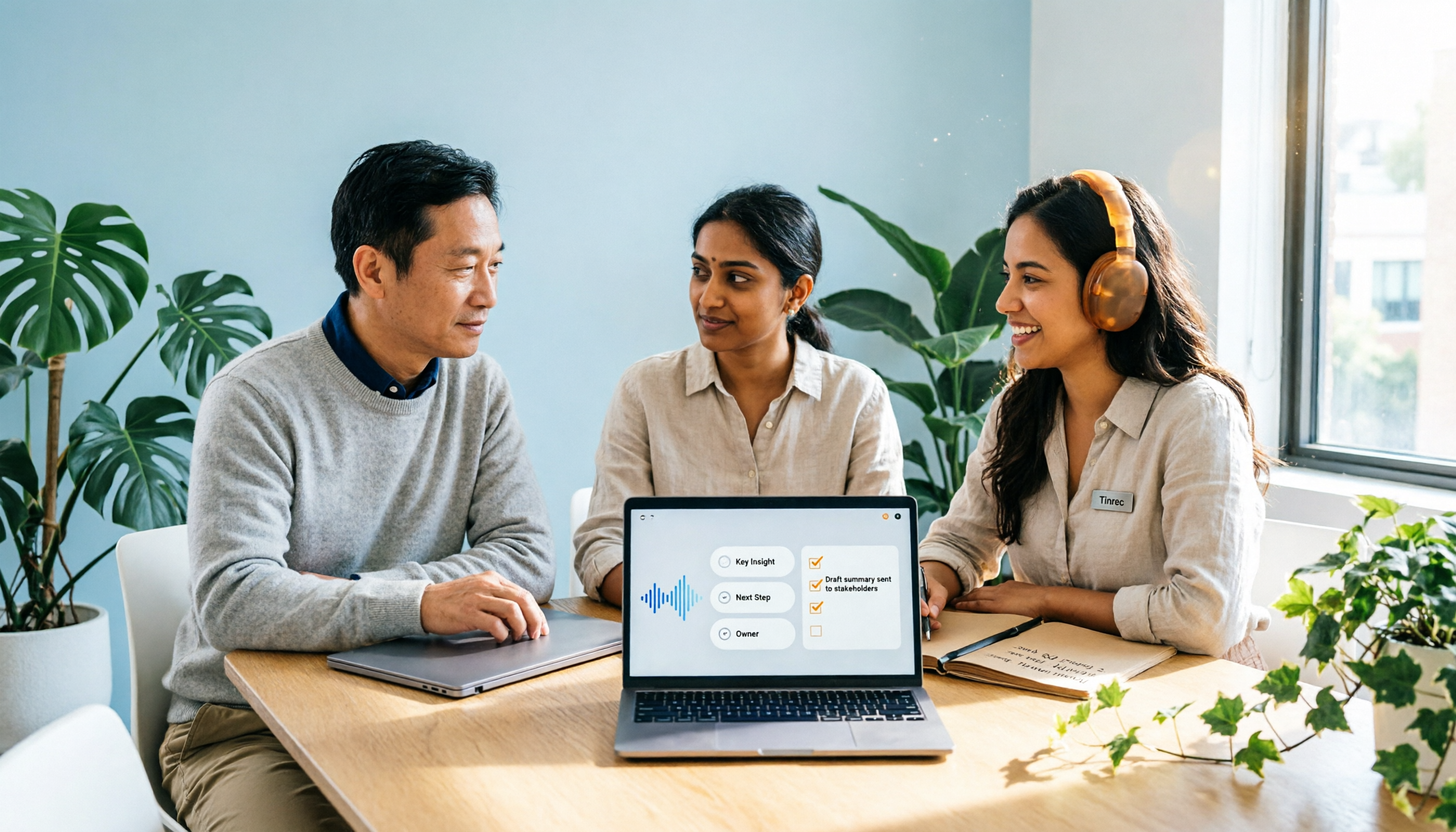
AI summaries, chapters, and action item extraction: Long meetings are automatically divided into chapters to quickly grasp structure and key points, and action items are organized from the discussion. No more scrolling through transcripts to find "who said what."
AI Q&A and Agent post-processing: Ask follow-up questions about a single meeting or historical meetings, such as "What was the conclusion of this meeting?" or "Who is responsible for what?" Also generate reports, tables, and documents based on meeting content—ideal for post-meeting deliverables and reviews.
Team spaces and governance: Centrally store transcripts, summaries, action items, and meeting materials in team spaces. Admins can manage roles, seats, sharing permissions, usage, and audits, and hand over team resources when members change.
Real-world use cases
Cross-departmental project meetings: These are the hardest to document because each department has its own terminology and action item ownership is often unclear. Use a fixed template to have AI output a meeting overview, department-specific summaries, cross-departmental conflicts, and an action item table, then use Tinrec's summary and action item features to retain results. After the meeting, use AI Q&A to ask "Who approves the budget?" or "Who reports back on the venue?"—much faster than searching the transcript.
Customer interviews and sales follow-up: Customer needs, objections, and commitments are often scattered throughout the conversation. After recording and transcribing with Tinrec, extract customer needs and follow-up actions, then export to documents or team spaces so sales and customer success teams can continue using them.
Online meetings: Rather than waiting for platform-native transcription, use Tinrec desktop to uniformly handle meeting audio from Zoom, Meet, Teams, and Webex. After the meeting, transcripts, summaries, and action items are already in one place—no cross-platform copy-pasting.
Personal knowledge management: Courses, ideas, and historical recordings can also be imported into Tinrec to become searchable, queryable data. When you need to find the context of a decision three months later, just search or ask—no need to re-listen to recordings.
What to look for when choosing a post-meeting automation tool
Does meeting capture require a bot to join? First confirm whether the tool sends a bot to participate or captures computer system audio. If you often have impromptu meetings and don't want an extra participant, desktop capture is smoother.
Are post-meeting outputs only transcripts? Transcripts are raw material, not finished products. Look for whether the tool can generate summaries, chapters, action items, Q&A, and reports—this determines how much time you'll spend after meetings.
Chinese and technical term support: Confirm support for Traditional Chinese, mixed Chinese-English, real-time translation, and team hotwords. Accents, noise, and overlapping speech affect performance, so test with your own recordings.
Team permissions and data ownership: Distinguish roles, seats, and member relationships. Members without seats typically can only view; editing and exporting require a seat. When members leave, team data should be transferable and not taken by individuals.
Workflow integration and compliance: Confirm whether export formats connect to your existing documents, knowledge base, or project tools; recording and transcription should comply with local laws, and participant consent should be obtained when necessary.
Conclusion: Is Tinrec worth a try?
If you're looking for a tool that moves meetings from "recorded" to "ready for action immediately after," Tinrec's differentiators are clear: bot-free desktop recording of online meetings, automatic post-meeting summaries and action items, AI follow-up questions about meeting content, and data retention in team spaces. It's especially suited for professionals with multiple daily meetings, teams handling Chinese meetings, and departments that want to automate post-meeting organization without data scattered across personal accounts.
Notta still has its place in document transcription, subtitles, and translation; but if you care more about post-meeting action organization, bot-free capture, and team governance, Tinrec is worth testing first. We recommend starting with Tinrec's free plan and running a real meeting recording through the full workflow: transcription, summary, action items, Q&A, export. That will tell you more than any review whether it fits your meeting rhythm.
References:
- Manager Today: How to do AI meeting notes? A complete guide from writing principles and tool selection to automation prompts
- Business Weekly: 6-step AI meeting notes organization: Use fixed templates to turn discussions into clear action items
- Mason AI Lab: AI meeting notes & document processing: Meeting summaries, official document writing, SOP automation
- Lark Taiwan: How to write meeting notes that people actually read? Format templates and automation practices
- vocus: Complete guide to AI meeting notes: Handle long meetings in three minutes, from transcript to key points
References
- How to do AI meeting notes? A complete guide from writing principles and tool selection to automation prompts | Manager Today
- Business Weekly - 6-step AI meeting notes organization: Use fixed templates to turn discussions into clear action items - Business Weekly
- AI meeting notes & document processing: Meeting summaries, official document writing, SOP automation | Mason AI Lab
- How to write meeting notes that people actually read? Format templates and automation practices | Lark Taiwan - iRent Information
- Complete guide to AI meeting notes: Handle long meetings in three minutes, from transcript to key points
Turn every recording into actionable outcomes
Get 60 free transcription minutes when you sign in. No credit card required.
Related Reading
You might also like

4 Meeting Minutes Automation Software Compared for 2026: From Transcripts to Summaries to Action Items
Starting from the most common pitfalls of meeting minutes automation, this comparison of Tinrec, Otter.ai, Notta, and Granola covers meeting capture, post-meeting output, Chinese language experience, and team governance to help mid-level managers choose a tool that truly reduces post-meeting cleanup time.

2026 AI Meeting SOP Tools Buying Guide: 2 Hands-On Tests and Recommendations
Starting from common pitfalls in building an AI meeting SOP, this guide explains how to turn meeting recordings, transcripts, summaries, action items, and team knowledge bases into a repeatable workflow. It compares Tinrec and Notta to help you choose the right tool.

7 AI Meeting Workflow Tools Tested and Compared for 2026: Which Free Version Is Actually Enough?
Still putting off meeting notes until after the meeting? This article starts with the most common misconception and breaks down a three-stage AI meeting workflow—before, during, and after the meeting. It also tests and compares 7 options: Tinrec, Otter, Fireflies, Notta, Granola, TurboScribe, and built-in platform transcription. Free quotas and paid prices are listed honestly to help you decide which fits your meeting style best.

2026 Comparison of 5 Meeting Notes Automation Tools: Tinrec vs. Notta — Which Should You Choose?
Starting from the pain point of still organizing meeting notes before leaving work on Friday, this comparison examines the differences between Tinrec and Notta in meeting capture, post-meeting organization, Chinese and multilingual support, team collaboration, and pricing, helping you decide which meeting notes automation tool is better suited for teams in Taiwan.

One-Click Meeting PPT Generators Compared: 2026 Test of 4 Tools — The Key Is Your Meeting Material
Still starting your meeting deck from scratch after the meeting ends? The problem usually isn't the layout tool—it's the meeting material you have on hand. This article starts with 'where does the material come from' and compares four approaches: Tinrec, GenApe, AI One-Click PPT, and ppt-master. It outlines 5 key buying factors and 4 common pitfalls to help you decide which part of your workflow to fix first.

2026 Comparison of 5 AI Meeting Workflow Tools: Which One Can Actually Help You Send Meeting Minutes Before You Leave Work?
The real challenge for AI meeting workflow tools isn't transcription—it's post-meeting organization, follow-up questions, deliverables, and team knowledge retention. Using Tinrec as the primary example, this article breaks down bot-free recording, real-time transcripts and translation, summaries with chapters and action items, AI Q&A, export options, and team governance, plus 5 key buying considerations and FAQs.

2026 Complete Guide to AI Office Automation: From Meeting Notes to Team Collaboration
A complete 2026 guide to AI office automation, starting from meeting note pain points, analyzing selection criteria, hands-on experience with Tinrec, differences between Otter, Notta, TurboScribe, and Fireflies, and pitfalls to avoid during implementation, helping you turn meeting content into actionable, collaborative team data.

2026 Comparison of 4 Meeting Follow-Up Automation Tools: Whose To-Dos Actually Get Tracked?
Meeting follow-up automation is more than just transcription. This article breaks down the three layers of transcription, organization, and follow-up, demonstrates the complete workflow from recording to to-dos, Q&A, export, and team knowledge retention using Tinrec, and outlines 5 key purchasing checkpoints and team pricing.

2026 Comparison of 5 AI Meeting Action Item Tools: Which One Actually Captures Owners and Deadlines?
After meetings, action items get scattered across group chats and recordings with no one following up? This article starts from the actual workflow of action item extraction, outlines 4 key points for choosing an AI meeting action item tool, and compares Tinrec, Otter.ai, Notta, Granola, and others on Chinese recognition, bot-free recording, to-do structure, and team tracking, with a pitfalls guide and selection advice.