

Turn recordings into transcripts and summaries in minutes
Upload audio or video for multilingual transcription, AI notes, and action items
Three back-to-back meetings on Monday morning, and the real hell begins after they end: notes are scattered across paper, LINE groups, and everyone's heads; no one organizes action items, client commitments get missed, and the next meeting repeats the same discussion.
Many companies think office automation requires buying a large system first, but most teams actually get stuck at "meeting content can't become actionable data." This article breaks down AI office automation into a step-by-step workflow you can implement, from selection criteria and hands-on tool usage to pitfalls to avoid.
Why does your office automation often get stuck "after the meeting"?
Office automation is not just digitizing paper approvals. It includes RPA for automatically moving data, workflow automation for notifications, AI agents for customer service and knowledge management, and automation of meeting notes.
But in practice, meetings are the most time-consuming and hardest-to-structure part of white-collar work. Companies with fewer than 30 people often start with email notifications, invoice filing, and customer message replies; those with 30 to 100 people hand cross-system data transfers to RPA.
The problem is that if meeting content isn't organized, RPA can't move it either. Rather than implementing complex processes first, it's better to first connect the path from "recording → transcript → summary → action items → export."
Before choosing an AI office automation tool, understand these 5 key points
1. Automation scope: Does it only convert audio to text, or can it generate summaries, chapters, action items, and reports? The latter is what office automation really means.
2. Meeting capture method: Meeting bot vs. desktop system audio. Bots need to be invited into meetings, which some clients may mind; desktop recording without a bot is less intrusive.
3. Output and export: Whether it can export to Notion, Google Docs, OneNote, Dropbox determines whether data can enter your workflow.
4. Team governance: Team spaces, roles, seats, usage, audit. This is where personal tools and team tools differ.
5. Chinese and multilingual support: Chinese-English mixing, real-time translation, team hotwords.
These dimensions are exactly what I checked first when actually using Tinrec.
Tinrec — My top choice after hands-on use
Tinrec is an AI meeting notes and collaboration tool for individuals and teams, available on web, desktop, and mobile.
What impressed me most: you don't need to pull a meeting bot into the meeting. The desktop version directly captures computer system audio, and works with Zoom, Google Meet, Microsoft Teams, and Webex, so participants won't see an extra bot. This is especially useful for external client meetings.
While recording, it can transcribe in real time and enable real-time translation, letting you view the original text, translation, or bilingual view. After the meeting, AI generates summaries, chapters, key points, and action items, and can also create mind maps.
Going further is AI Q&A: you can directly ask "Who mentioned the budget in the last meeting?" or "What concerns did the client have about the delivery date?" It answers based on the meeting content, so you don't have to Ctrl+F through the transcript yourself.
You can also use Agent post-processing to generate reports, tables, and documents from meeting content, and export to Notion, Google Docs, OneNote, Dropbox, and other tools for further processing.
The team version is a separate team space, not multiple people sharing one account. You can create multiple teams, invite members via link, set owners/admins/regular members, and assign or revoke seats. Team Audio, Folder, and TODO are centrally stored, and you can view usage trends, member rankings, audit logs, plus an audio recycle bin and team hotwords.
Stop organizing recordings by hand
Upload audio or video and automatically get a transcript, summary, and action items
Pricing: the team version is currently USD 29.80 per paid seat per month, or USD 199 per paid seat per year (about USD 16.58/month); each paid seat includes 2,000 minutes of team shared import quota per month. Eligible teams get a 7-day trial with 1 free seat and 300 minutes of shared import quota. Real-time recording is currently not deducted by minutes under an active plan and seat. Actual prices and benefits are subject to the official purchase page.
Limitations to note: Tinrec is not a bot that automatically joins all calendar meetings; you need to actively start recording with the desktop version. The team version currently shares at the team level, not file-level permissions; members without a seat can only view, play, and read, not upload or edit. Transcription accuracy is affected by audio quality, accents, noise, and overlapping speech; for important content, verify against the recording.
Who it's for: people who often hold Chinese meetings, don't want to disturb clients, need summaries and action items after meetings, and want team data to be retained.
Besides Tinrec, what other options are there?
Otter.ai: A mature choice for English meetings. Free version offers 300 minutes per month; Pro annual billing is about USD 8.49 per user per month, including 1,200 minutes of in-app recording and 10 file imports per month. If you mainly hold English meetings, consider it; but Chinese experience and team data retention are not its strong suit.
Notta: A multilingual transcription tool with high overlap with Tinrec. Free version offers 120 minutes per month, max 3 minutes per session; Pro annual billing is about USD 8.17 per month, 1,800 minutes per month; Business annual billing is about USD 16.67 per seat per month. Tinrec's differentiators are bot-free online meeting recording, AI Q&A, and Agent post-processing.
TurboScribe: A cost-effective file transcription tool. Free version offers 3 files per day, 30 minutes per file; Unlimited annual billing is USD 120, max 10 hours or 5 GB per file, and can upload 50 files at once. Suitable for batch processing large long audio files, but not focused on real-time meetings and team collaboration.
Fireflies.ai: Mature meeting automation and integrations. Annual billing: Pro USD 10 per seat per month, Business USD 19, Enterprise USD 39. Its "unlimited" is still subject to storage, upload speed, and AI Credit rules. Suitable for teams that already have English meeting automation needs and value integrations; Tinrec is better suited for Chinese meetings and bot-free recording.
Pitfall guide: The 5 most common mistakes when implementing AI office automation
Pitfall 1: Only looking at transcription minutes. Minutes are just the entry ticket; what really saves time is summaries, action items, Q&A, and exports.
Pitfall 2: Assuming meeting bots are万能 (all-powerful). Bots need to be invited into meetings, which external clients may mind; some platforms don't allow it either. Desktop system audio capture is another path.
Pitfall 3: Treating team sharing as file-level permissions. Most team tools share at the team level, managing usage eligibility through roles and seats, not setting independent ACLs for each file.
Pitfall 4: Only buying tools without changing processes. Without unified naming, archiving, and action item tracking, automation will only accelerate the chaos.
Pitfall 5: Ignoring recording consent. Before recording, comply with local regulations and obtain participant consent when necessary.
Conclusion: Where should your office automation start?
If what you want is "meeting content automation," in most scenarios I would recommend Tinrec first:
- Chinese meetings, Chinese-English mixed → Tinrec (Chinese experience, real-time translation, team hotwords)
- Online meetings without adding a bot → Tinrec (desktop system audio capture)
- Need summaries, action items, follow-up questions after meetings → Tinrec (AI summaries, AI Q&A, Agent post-processing)
- Team meeting data needs to be retained and handed over → Tinrec team version (spaces, roles, seats, usage, audit)
- Mainly English meetings → Otter.ai (free 300 minutes/month, mature English ecosystem)
- Batch transcription of large long audio files → TurboScribe (long files, batch upload)
- Cross-system data movement automation → RPA tools like UiPath, Automation Anywhere, Power Automate Desktop; this is another level of process automation.
Office automation isn't about buying all the tools at once; it's about automating the most painful part of the process first. Rather than letting meeting notes continue to scatter, start with one meeting and connect recording, transcript, summary, action items, and team archiving.
I suggest starting with the Tinrec free version or the 7-day team trial to evaluate whether it fits your meeting style and team workflow, then decide whether to upgrade.
References
Turn every recording into actionable outcomes
Get 60 free transcription minutes when you sign in. No credit card required.
Related Reading
You might also like

4 Meeting Minutes Automation Software Compared for 2026: From Transcripts to Summaries to Action Items
Starting from the most common pitfalls of meeting minutes automation, this comparison of Tinrec, Otter.ai, Notta, and Granola covers meeting capture, post-meeting output, Chinese language experience, and team governance to help mid-level managers choose a tool that truly reduces post-meeting cleanup time.

2026 AI Meeting SOP Tools Buying Guide: 2 Hands-On Tests and Recommendations
Starting from common pitfalls in building an AI meeting SOP, this guide explains how to turn meeting recordings, transcripts, summaries, action items, and team knowledge bases into a repeatable workflow. It compares Tinrec and Notta to help you choose the right tool.

7 AI Meeting Workflow Tools Tested and Compared for 2026: Which Free Version Is Actually Enough?
Still putting off meeting notes until after the meeting? This article starts with the most common misconception and breaks down a three-stage AI meeting workflow—before, during, and after the meeting. It also tests and compares 7 options: Tinrec, Otter, Fireflies, Notta, Granola, TurboScribe, and built-in platform transcription. Free quotas and paid prices are listed honestly to help you decide which fits your meeting style best.

2026 Comparison of 5 Meeting Notes Automation Tools: Tinrec vs. Notta — Which Should You Choose?
Starting from the pain point of still organizing meeting notes before leaving work on Friday, this comparison examines the differences between Tinrec and Notta in meeting capture, post-meeting organization, Chinese and multilingual support, team collaboration, and pricing, helping you decide which meeting notes automation tool is better suited for teams in Taiwan.
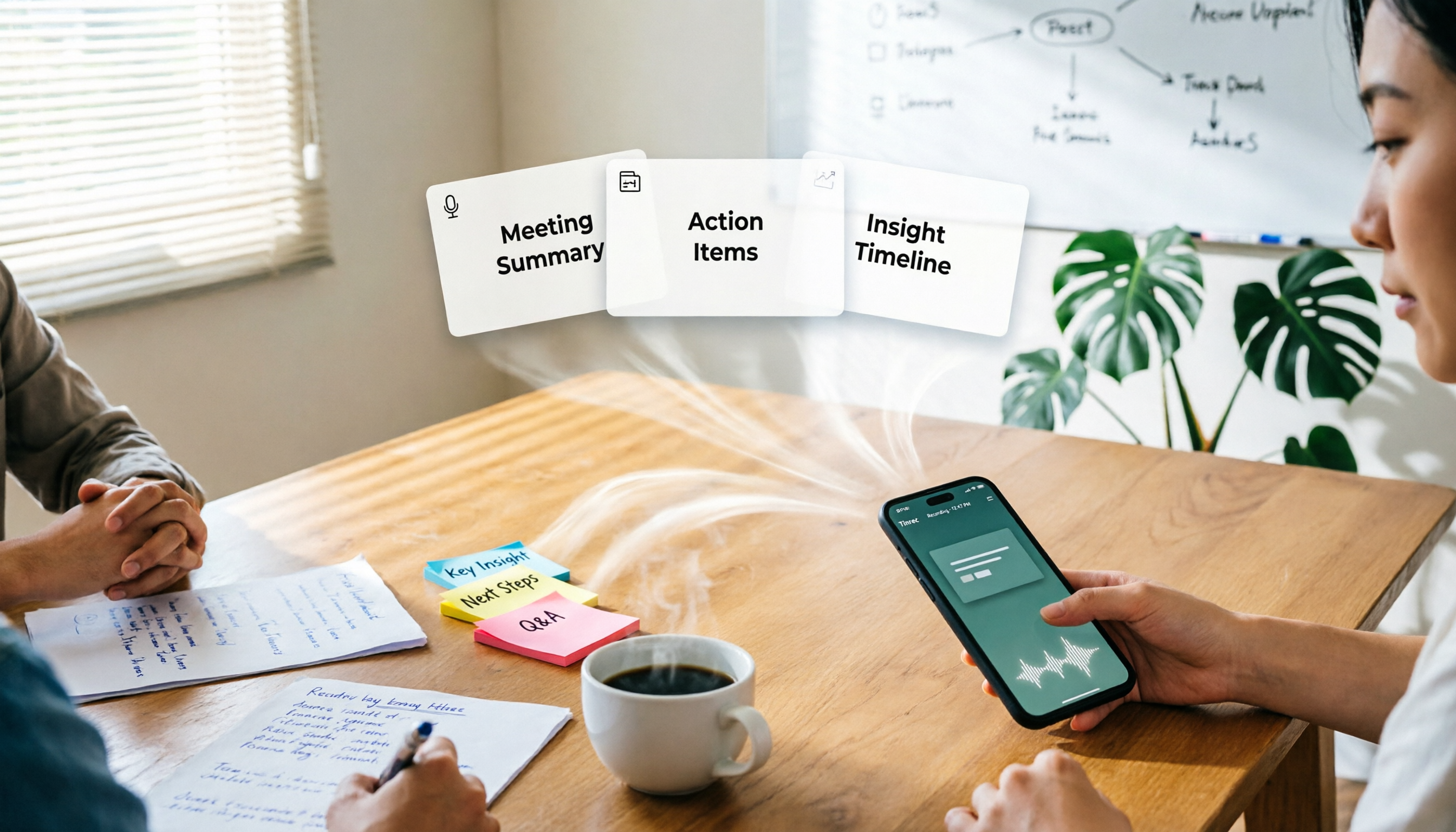
One-Click Meeting PPT Generators Compared: 2026 Test of 4 Tools — The Key Is Your Meeting Material
Still starting your meeting deck from scratch after the meeting ends? The problem usually isn't the layout tool—it's the meeting material you have on hand. This article starts with 'where does the material come from' and compares four approaches: Tinrec, GenApe, AI One-Click PPT, and ppt-master. It outlines 5 key buying factors and 4 common pitfalls to help you decide which part of your workflow to fix first.
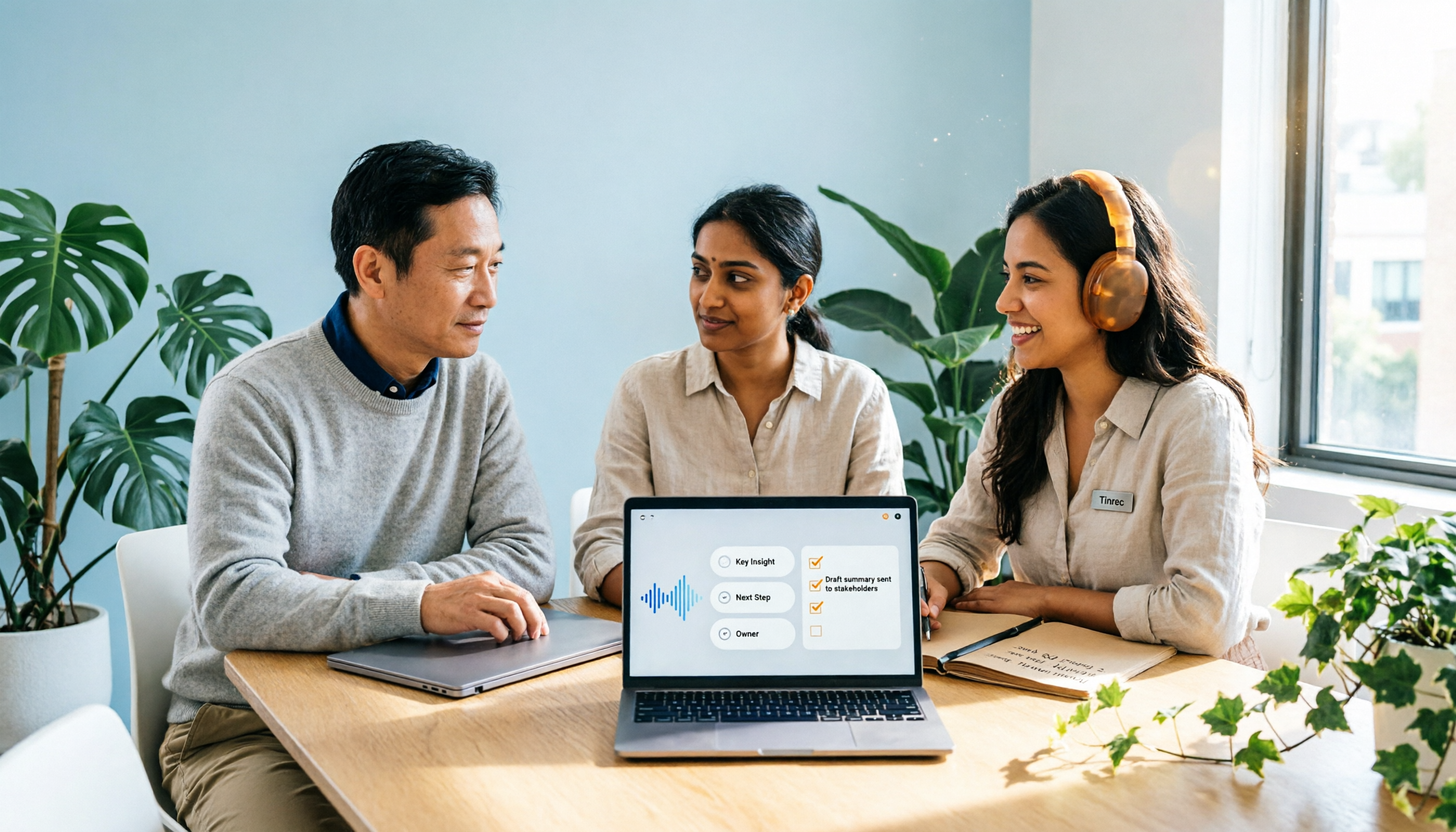
2026 Comparison of 2 Post-Meeting Automation Tools: Tinrec vs. Notta for Actionable Follow-Ups
The meeting ends, but the work begins. This article focuses on post-meeting automation and compares Tinrec and Notta across meeting capture, post-meeting summaries, action item extraction, AI Q&A, team knowledge retention, and pricing plans. It also outlines automation workflows for cross-departmental meetings and provides a buying checklist to help you decide which tool better suits professionals and teams with multiple daily meetings.

2026 Comparison of 5 AI Meeting Workflow Tools: Which One Can Actually Help You Send Meeting Minutes Before You Leave Work?
The real challenge for AI meeting workflow tools isn't transcription—it's post-meeting organization, follow-up questions, deliverables, and team knowledge retention. Using Tinrec as the primary example, this article breaks down bot-free recording, real-time transcripts and translation, summaries with chapters and action items, AI Q&A, export options, and team governance, plus 5 key buying considerations and FAQs.

2026 Comparison of 4 Meeting Follow-Up Automation Tools: Whose To-Dos Actually Get Tracked?
Meeting follow-up automation is more than just transcription. This article breaks down the three layers of transcription, organization, and follow-up, demonstrates the complete workflow from recording to to-dos, Q&A, export, and team knowledge retention using Tinrec, and outlines 5 key purchasing checkpoints and team pricing.

2026 Comparison of 5 AI Meeting Action Item Tools: Which One Actually Captures Owners and Deadlines?
After meetings, action items get scattered across group chats and recordings with no one following up? This article starts from the actual workflow of action item extraction, outlines 4 key points for choosing an AI meeting action item tool, and compares Tinrec, Otter.ai, Notta, Granola, and others on Chinese recognition, bot-free recording, to-do structure, and team tracking, with a pitfalls guide and selection advice.