

Turn recordings into transcripts and summaries in minutes
Upload audio or video for multilingual transcription, AI notes, and action items
Is Google Meet free? Ask yourself these three questions first
Bottom line: yes, it's free. As long as you have a personal Google account, you can start a Google Meet meeting without paying a cent.
But free has boundaries, and they're very specific:
- 1-on-1 calls: up to 24 hours.
- Group meetings with 3 or more people: 60 minutes per session.
- Participant limit: 100 people.
In other words, meetings with two or three people are no problem; but any group meeting with "three or more people" gets cut off when time runs out.
So to decide if you need to pay, just ask three things: How many people are in this meeting? How long will it run? What do you want to keep afterward?
The answers determine whether you should stick with the free version, buy Google Workspace, or use a post-meeting tool to fill the gaps in the free version.
Where is the line between free and paid Google Meet?
The free version is used directly with a personal Google account, with unlimited meetings and up to 100 participants.
There's only one limit: group meetings with three or more people end at 60 minutes.
Note that free group meetings show a notice at 50 minutes telling everyone the meeting is about to end. Those 10 minutes aren't for continuing the chat—they're for wrapping up, confirming decisions, and assigning next steps.
At 60 minutes, all participants are disconnected at once, with no grace period and no "just five more minutes."
Another often-overlooked difference is post-meeting output. The free version does not include recording, transcription, or Gemini in Meet—those are part of paid plans.
Paid plans go through Google Workspace subscriptions. According to third-party summaries, paid plans start at about $7 per user per month; actual prices and plan details change, so check Google's official page.
The benefit of paying is that group meeting limits extend to 24 hours and advanced features like recording and transcription are unlocked.
So if you only meet occasionally and don't need to keep records afterward, the free version is actually plenty. What really makes people want to pay is usually "I need to keep a record of the meeting."
Before deciding whether to upgrade, understand these 4 key points
1. Number of people: three is the dividing line
Two people can talk for 24 hours without being cut off. As soon as a third person joins, the timer starts. This rule is easy to miss because the meeting interface doesn't specifically remind you that "this is now a group meeting."
2. Length: 60 minutes is enough for most meetings, but not for workshops
Regular weekly meetings and client calls fit comfortably in 60 minutes. The real problems come with interviews, training, workshops, and cross-department reviews—these usually run 90 minutes or more, and being interrupted halfway means starting over.
3. Post-meeting output: this is the real dividing line
After the meeting, what do you have? If it's just "we talked about it," the free version is completely sufficient. If you need transcripts, summaries, action items, or searchable history, free Meet can't give you that.
4. You're buying a whole work system, not just Meet
Google Workspace is a full subscription, not a standalone "Meet upgrade pack." If you only want meeting transcripts but have to buy email and cloud storage too, the cost structure is different.
That's why many people end up choosing the combination of "free Meet + a post-meeting tool"—meetings go on as usual, and data is captured separately.
Tinrec — the post-meeting tool I recommend most after testing with free Meet
Tinrec is an AI meeting notes and collaboration tool for individuals and teams, available on desktop, web, iOS, and Android.
It solves exactly the third question above: meetings can be free, but content needs to be kept.
The key point: no meeting bot required.
Tinrec's desktop app captures your computer's system audio directly. You open Google Meet as usual on your computer, then start recording in Tinrec, and the transcript appears as you record.
This is especially practical for enterprise users—many companies block external bots from joining meetings, and the no-bot approach avoids that issue.
When the meeting ends, the summary and action items are ready.
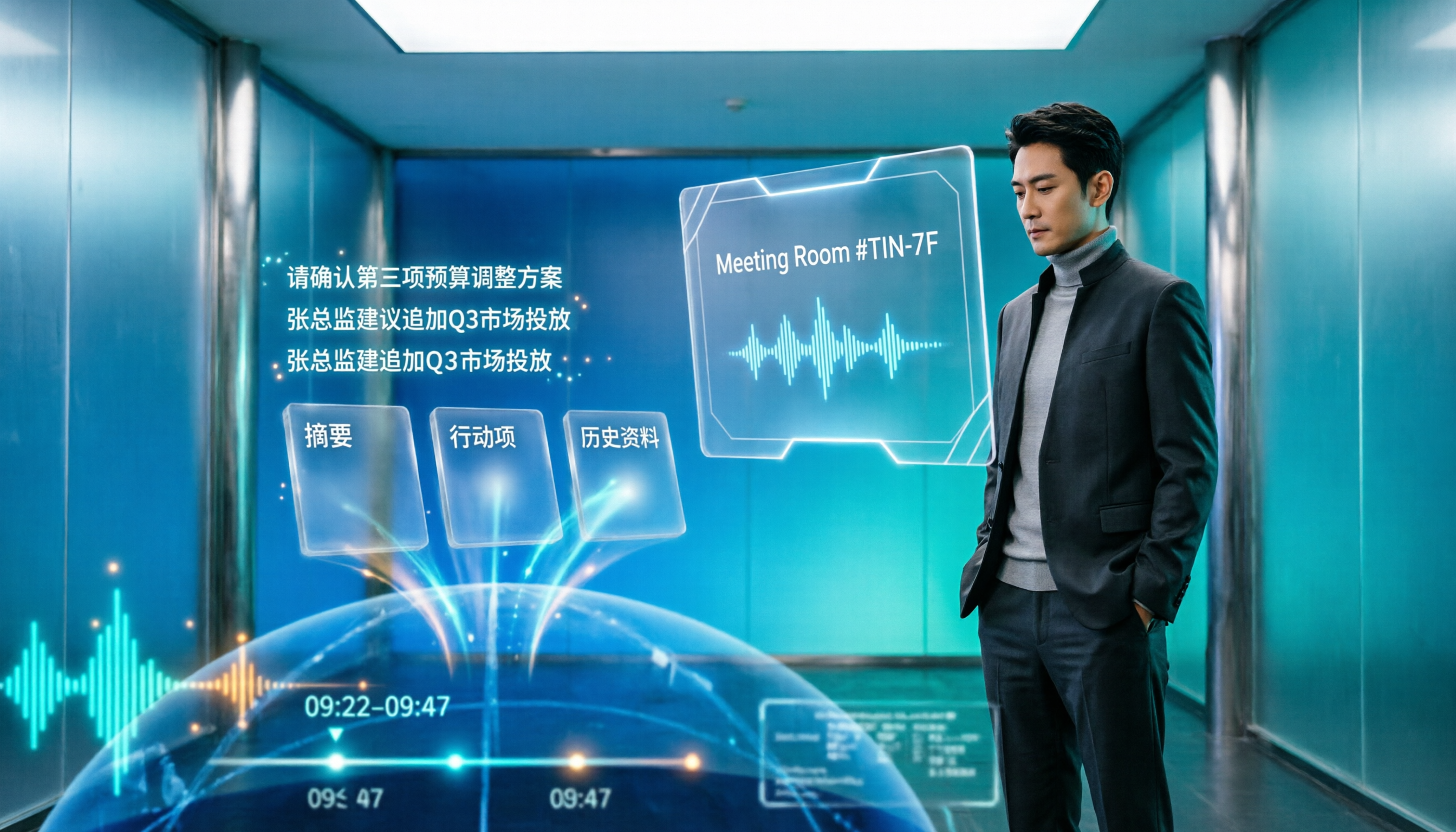
Tinrec automatically generates summaries, chapters, and key points, and extracts action items from the discussion. Who's responsible for what and when it's due—no need to re-listen to the recording.
The AI Q&A is handy. After recording, you can directly ask "Who mentioned the budget in the last meeting?" and it answers based on semantic understanding, rather than dumping a bunch of keyword search results.
Stop organizing recordings by hand
Upload audio or video and automatically get a transcript, summary, and action items
Cross-language meetings are covered too.
During recording, you can switch between original text, translation, or bilingual view, saving a lot of post-meeting translation time for meetings with mixed Chinese and English.
Post-meeting data can be exported.
Transcripts and organized results can be exported to common tools like Notion, Google Docs, OneNote, and Dropbox, and can further generate reports, tables, and meeting documents—directly becoming deliverable work products.
For team use, Tinrec's team plan offers a separate team space where meeting data belongs to the team, plus role and seat management, usage analytics, audit logs, audio recycle bin, and team hotwords. Annual billing is USD 199 per paid seat, about USD 16.58 per month; monthly billing is USD 29.80 per paid seat per month. Actual prices and benefits are subject to the official purchase page.
Limitations to note:
The free version provides a basic quota; heavy users need to pay. Recording requires you to start it manually—it's not a bot that automatically joins calendar meetings. Transcription quality is affected by recording environment, accents, people talking over each other, and technical terms; for important content, cross-check with the recording playback.
Also, remember to get participants' consent before recording and comply with local regulations.
Who it's for: People who frequently have group meetings cut off at 60 minutes, need post-meeting transcripts and action items, don't want to buy a whole Workspace subscription, or need meeting notes in Chinese or mixed Chinese-English.
Besides Tinrec, what other options are there?
Granola: Also a no-bot AI meeting notes tool that transcribes in real time via desktop system audio. Basic is free, Business is USD 14 per user per month. Its approach is "your handwritten notes + AI enhancement." Note that it doesn't support uploading pre-recorded audio files and doesn't save meeting audio; if you need to keep recordings and go back to verify original statements, Tinrec is more complete in this regard.
Otter.ai: A mature choice for English business meetings. Basic is free with 300 minutes per month; Pro annual billing is about USD 8.49 per user per month, including 1,200 minutes per month. If your meetings are almost entirely in English, it's worth considering. But Chinese and mixed Chinese-English transcription isn't its strong suit, and Tinrec's real-time translation, bilingual view, and post-meeting Agent report generation are areas it covers less.
Notta: Good multilingual transcription and translation. Free version has 120 minutes per month with a 3-minute limit per item; Pro annual billing is about USD 8.17 per month. Its strengths lean toward file transcription and subtitles. If your scenario is "daily Meet calls on your computer with real-time transcripts," Tinrec's desktop no-bot recording and team space will be a closer fit.
Pitfall guide: the 4 most common mistakes with free Google Meet
Pitfall 1: Assuming the free version can record and save.
Many people only discover after the meeting that there's no record button. The free version simply doesn't have recording or transcription—it's not a settings issue. To keep content, you need a paid plan or a third-party tool.
Pitfall 2: Assuming the 60 minutes will auto-extend.
It won't. The 50-minute notice is the only buffer; at 60 minutes everyone is disconnected on time. For important meetings, schedule 50 minutes or plan ahead how to continue after being cut off.
Pitfall 3: Buying a whole Workspace subscription just for transcripts.
If you only want meeting notes but have to subscribe to other office services too, the cost is higher than you'd think. First clarify whether you're missing a "meeting tool" or "post-meeting organization," then decide whether to upgrade.
Pitfall 4: Using the tool only as "audio-to-text."
Transcription is just the first step. What really saves time is the summary, action items, and Q&A afterward—asking "What was the conclusion of this meeting?" right after recording is much faster than manually scrolling through a 40-minute transcript. Using only transcription means using only a third of its value.
Conclusion: So how should you choose?
To answer the original question in one sentence: Google Meet calls are free, but the free scope is "unlimited time for fewer than three people, 60 minutes for three or more."
How to choose next depends on your scenario:
- Only occasional meetings with two or three people, no need to keep records afterward → Just use free Google Meet, no need to pay.
- Frequent group meetings, need transcripts and summaries → Tinrec, desktop no-bot recording, directly produces action items and Q&A afterward.
- Need Chinese / mixed Chinese-English meeting notes → Tinrec, supports real-time translation and bilingual view.
- Want to turn meeting data into team assets, need seat and usage management → Tinrec team plan.
- Meetings almost entirely in English, online meetings only → Otter.ai is an option to consider.
In practice, I'd suggest: don't rush to upgrade Workspace. Use free Meet for a meeting that typically runs overtime, and record it once with Tinrec's free version to see if the transcript and summary are enough for you.
If they're enough, it means what you were missing was never "paid meetings" but "organizing content after the meeting." That way you don't spend an extra cent, and the problem is solved.
References
- Google Meet Pricing in 2026: Plans and Costs Compared
- Google Meet Time Limit & How to Get Past It (2026) - Convo
- Google Meet Pricing: Free vs Paid Plans
- Google Meet Free Calls in 2026: 60-Minute Limit and 3 Practical Ways to Extend Your Meetings - Official Tinrec Blog
- Google Meet Time Limit: Free vs Paid (2026) | Smart Noter
Turn every recording into actionable outcomes
Get 60 free transcription minutes when you sign in. No credit card required.
Related Reading
You might also like

Google Meet Encryption in 2026: Cloud Encryption vs. E2EE — Which Is Right for You?
Does Google Meet encrypt calls? This article breaks down the difference between default cloud encryption and end-to-end encryption (E2EE), explains the differences between personal accounts and Workspace meetings, and compares Google Meet's built-in recording with Tinrec's post-meeting organization capabilities to help you choose the right meeting and recording approach.

Zoom vs Google Meet 2025: Which Meeting Platform Wins? Post-Meeting Notes Are Key
Zoom vs Google Meet in 2025: Compare free limits, Google ecosystem, cross-org meetings, large webinars, and post-meeting organization. Learn how Tinrec fills the last mile with meeting notes, AI summaries, action items, and team knowledge retention.

Google Meet Companion Mode vs Tinrec in 2026: 5-Dimension Comparison for Hybrid Meeting Notes and Post-Meeting Organization
What is Google Meet Companion Mode? This article breaks down the differences between Companion Mode and Tinrec across 5 dimensions, helping you understand how to combine 'second-screen interaction' during hybrid meetings with 'post-meeting AI organization,' plus purchasing advice and pitfalls to avoid.

Google Meet vs Zoom in 2026: Are They the Same? 5 Steps to Choose the Right Video Conferencing Tool
Google Meet and Zoom are not the same product, but their features overlap heavily—both are tools that quickly bring people into video meetings. This article uses 5 steps to compare free time limits, recording, calendar integration, in-meeting collaboration, and post-meeting organization, and explains how Tinrec fills the gap after Meet and Zoom meetings with transcripts, summaries, action items, and team knowledge retention.

4 iPad Meeting Note Tools Tested for 2026: Google Meet Works, but Post-Meeting Organization Is Key
Google Meet works fine on iPad—you can join meetings via the app, Calendar, Gmail, or Safari. The real challenge is organizing notes afterward. This article addresses common pain points for iPad users, explains how Google Meet differs on iPad, and shows how Tinrec turns meeting recordings into transcripts, summaries, and action items.

Apple Podcast Transcripts vs Tinrec in 2026: 5-Dimension Comparison — Which Is More Practical for Chinese Content?
Apple Podcast built-in transcripts are free and easy to use, but they only support English, French, Spanish, and German, and sharing is limited to 200 characters. This article compares Apple Podcast transcripts and Tinrec across five dimensions — language, input sources, reading experience, post-meeting organization, and team governance — to help you decide which one fits your actual workflow.

3 Google Meet Note-Taking Tools Tested for 2026: Who Captures the Meeting After You Share Your Screen?
Google Meet lets you share a tab, window, or entire screen, but audio, permissions, and simultaneous sharing limits often trip people up. This guide first explains the 4 key screen-sharing settings, then tests and compares Tinrec, Otter.ai, Granola, and Notta to see which tool truly preserves your meeting content.

4 Zoom & Google Meet Alternatives Tested for 2026: Which Free Tier and Post-Meeting Tools Are Enough?
Zoom free version cuts off at 40 minutes, Google Meet free version at 60 minutes—can switching video tools really solve the problem? This article approaches from the perspective of 'post-meeting organization,' testing and comparing four tools—Tinrec, Otter.ai, Granola, and Notta—on their free tiers, meeting recording methods, and post-meeting outputs, to help you decide whether to replace the calling tool or the entire meeting documentation workflow.
Google Meet Recording in 2026: Tinrec vs. Built-in Transcription — Which Is Enough?
A Google Meet link is a meeting room URL starting with meet.google.com and ending with a random code — clicking it gets you into the room, but it doesn't mean the meeting content is saved. This article addresses three common misconceptions and compares Google Meet's built-in recording and transcription with Tinrec's recording app in terms of recording, post-meeting organization, Chinese-language experience, historical data, and team knowledge retention, helping you decide which one to use.