
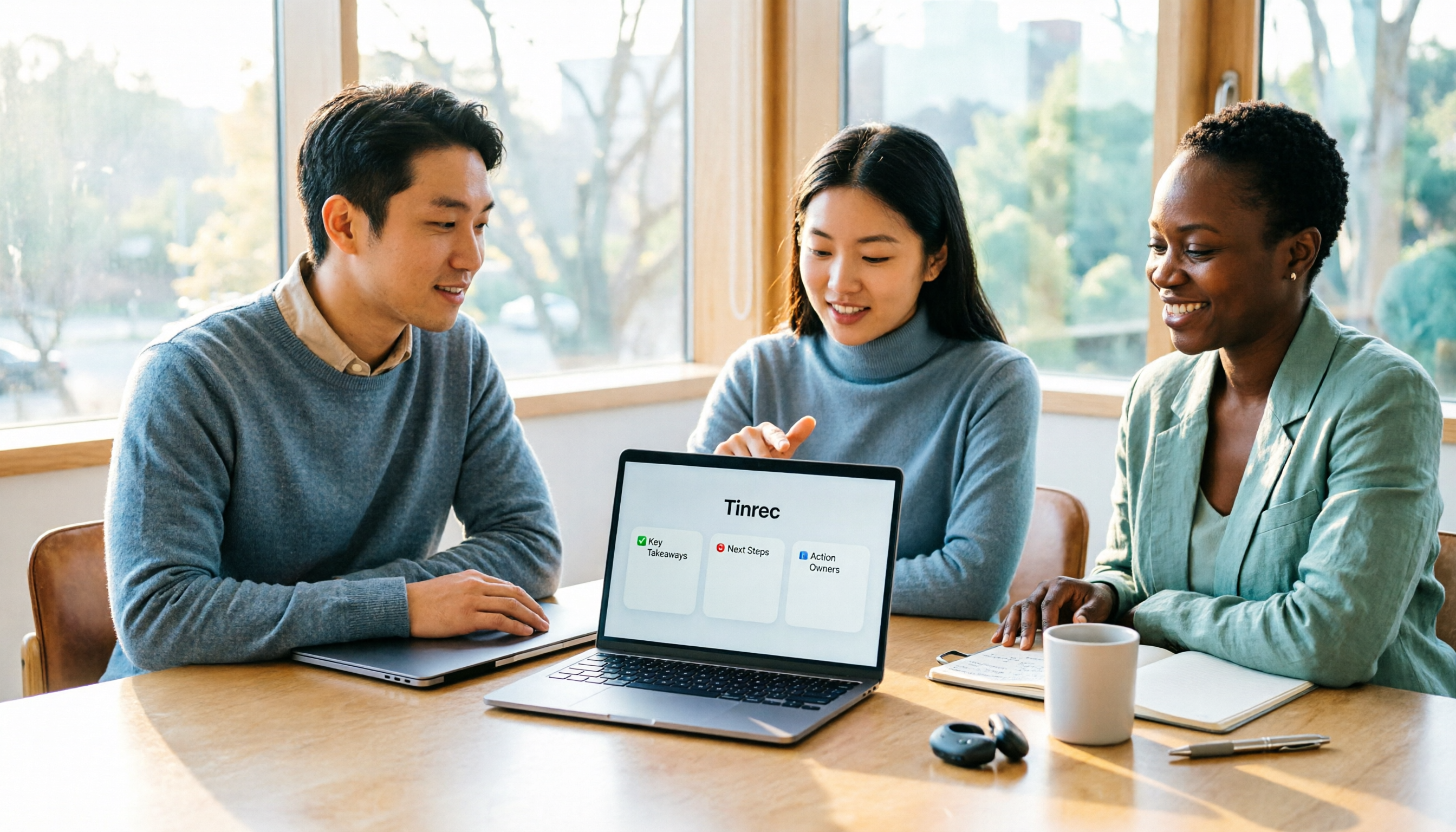
Turn recordings into transcripts and summaries in minutes
Upload audio or video for multilingual transcription, AI notes, and action items
Before Looking for Zoom or Google Meet Alternatives, Figure Out Which Part You Want to Replace
People usually start looking for alternatives because they get stuck in two places.
One is time: Zoom free version cuts off group meetings at 40 minutes, Google Meet free version at 60 minutes. This limit is annoying, but it's actually the easiest problem to solve.
The other is after the meeting. Once the meeting ends, transcripts, decisions, and action items are scattered in three places, and ultimately someone still has to organize them manually.
Most people think 'switch to a better video tool,' but the real pain is the second issue.
So this article aims to clarify the decision point first: switching video platforms solves the calling part; if you have to reorganize records after every meeting, what you actually need to change is 'the way meetings are preserved.'
Below is my summary after actually trying a round of tools.
Before Choosing an Alternative, Understand These 4 Key Points
1. Free Tiers Don't All Look at the Same 'Minutes'
Many people only compare total minutes for free plans, but what really trips you up is the 'per-meeting length limit.'
Zoom free version cuts off at 40 minutes, Meet at 60 minutes. Some transcription tools have stricter free versions—for example, Notta's free plan offers 120 minutes per month, but each session is capped at 3 minutes, meaning it's only for testing, not real meetings.
I personally look at three numbers first: per-meeting limit, monthly total, and whether real-time recording is counted separately. If you don't clarify these three, looking at more plan tables won't help.
2. After the Meeting, Do You Get a Transcript or Something Usable?
A transcript is just raw material.
A one-hour meeting transcript is roughly 8,000 to 10,000 words—it's hard to quickly find 'who said they'd deliver what and when.' So I check whether the tool processes the transcript further: summaries, chapters, action items, and whether it can export directly to work documents.
Google Meet with Workspace plans can generate meeting summaries, but summaries land in Google Docs—if your project management is elsewhere, someone still has to manually move them.
3. How Online Meetings Are Recorded—Bot or No Bot
This is an easily overlooked difference.
The meeting bot approach sends an account to join the meeting as a participant. The advantage is full automation; the downside is an extra member in the meeting, and some companies block external accounts from joining.
The no-bot approach captures system audio directly from your computer, so no extra person appears in the meeting room. For external meetings and client interviews, this difference is quite noticeable.
4. Who Ultimately Owns This Data
For personal use, it doesn't matter, but teams will encounter this.
When a colleague leaves, changes departments, or their account is deactivated, if meeting data is tied to a personal account, it usually disappears with them. This is why I pay special attention to 'team space' design when evaluating tools.
Tinrec—The One That Truly Preserves Meetings
Tinrec is an AI meeting recording and collaboration tool for individuals and teams, supporting real-time recording, bot-free recording of online meetings via desktop, transcription of audio/video files, and automatic generation of summaries, chapters, action items, and mind maps.
It doesn't compete with video tools; it fills the gap that video tools don't handle well.
Bot-Free Recording of Online Meetings
This is its most practical differentiator. Through the desktop version, it directly captures your computer's system audio, handling meetings played on Zoom, Google Meet, Microsoft Teams, and Webex without inviting any bot to join.
When discussing deals externally, an unknown account won't suddenly appear in the meeting room—this is something I personally care about.
Note that this is the user actively opening Tinrec to start recording, not automatically joining all calendar meetings—these are two different things.
What You Get After Recording Is More Than a Transcript
When the meeting ends, the transcript is already generated, along with an AI summary, chapter segmentation, and action items.
My most-used feature is action item extraction. In project meetings, 'who's responsible for this and when will it be delivered' often gets mixed into casual conversation, and digging through it afterward is painful.
Even better is AI Q&A. You can directly ask 'What was the conclusion about the budget in the last meeting?'—it doesn't give you keyword search results but answers directly. At this price point, this feature isn't common.
Stop organizing recordings by hand
Upload audio or video and automatically get a transcript, summary, and action items
Multilingual and Real-Time Translation
Chinese meetings and mixed Chinese-English discussions are scenarios where it performs relatively well. During recording, you can switch between original text, translation, or bilingual view, so cross-language meetings don't require translating again afterward.
Actual recognition still depends on recording quality, ambient noise, accents, and overlapping speakers—I won't sugarcoat this.
Team Edition Turns Data into Team Assets
If used by a department or project team, the Team Edition is an independent team space, not multiple people sharing a personal account.
Team data belongs to the team; members can share and view historical meetings; roles determine who can manage members and settings, and seats determine who can record, upload, edit, and export. When a member leaves or is removed, their resources need to be handed over to other active members—data doesn't follow the individual.
Admins can also view usage trends, member rankings, and query and export audit logs.
To be clear, the current Team Edition focuses on team-level sharing, not file-level granular permission control.
What Are the Limitations
First, it's not a video conferencing tool—it can't replace Zoom or Meet for calls, so clarify this first.
Second, the free version is a basic tier, suitable for trial; if you regularly need to organize several meetings per week, you'll need to consider a weekly pass or Pro plan.
Third, since it involves recording, be sure to comply with local regulations and obtain participant consent when required.
Who Is It For
If you have several meetings per week, spend time organizing records afterward, or your team often asks 'What was that decision last time?'—this tool is worth trying.
Besides Tinrec, What Other Options Are There?
Otter.ai: A mature choice for English business meetings, with a generous free tier of 300 minutes per month. But its core use case is English meetings; Chinese meeting experience isn't its strength, and it uses the meeting bot approach. If your meetings are almost all in English and your team is comfortable with an English interface, consider it; but if meetings are in Chinese or you don't want a bot joining, Tinrec is more suitable on both points.
Granola: Also bot-free, transcribing in real-time via desktop system audio, focusing on 'user notes + AI enhancement.' Note that it doesn't retain meeting audio files and doesn't support uploading pre-recorded audio. If you only need real-time meeting notes and don't need audio archives, it's lightweight; but if you want to keep recordings and import existing audio, that's something Tinrec has and it doesn't.
Notta: Overlaps significantly with Tinrec, offering multi-platform transcription, meeting notes, document import, and translation. Free version offers 120 minutes per month, but each session is capped at 3 minutes, making it more of a trial in practice. It uses a meeting bot plus desktop approach. If you need extensive document transcription and subtitles, its plans are worth comparing; but if you value bot-free recording and team data retention, evaluate further.
Pitfall Guide: The 4 Most Common Mistakes When Choosing Meeting Tools
Pitfall 1: Only looking at total monthly minutes, not per-meeting limits. Some plans say '120 minutes per month,' which sounds good, but each session only gives you 3 to 5 minutes—practically unusable for a real meeting. Always find the 'per-meeting limit' when reviewing plans.
Pitfall 2: Thinking switching video tools will improve post-meeting organization. It won't. Switching platforms only changes 40 minutes to 60 minutes; you still have to organize after the meeting. These two things require separate tool choices.
Pitfall 3: Ignoring legal and courtesy issues of recording. Recording involves local regulations, and some situations require participant consent. Choosing tools with clear recording indicators and informing participants at the start is much easier than remedying afterward.
Pitfall 4: Thinking a transcript means you're done organizing. An unstructured transcript has limited practical value. What really saves time is summaries, chapters, and action items—this is the layer I value most when evaluating tools.
Conclusion: Which One Should You Choose?
To sum up in one sentence: if your headache is the pile of data after meetings, what you need to change isn't the video platform but the way meetings are documented.
Recommendations by scenario:
- Want to solve free version time limits and need pure calling features → Choose Zoom or Google Meet based on your team ecosystem; this isn't the focus of this article
- Need Chinese meeting notes and bot-free recording of online meetings → Tinrec (desktop directly captures system audio)
- Want to use AI to ask key points directly after recording, need action items and summaries → Tinrec (AI Q&A and action item extraction)
- Need to use on phone, computer, and web → Tinrec (multi-platform and cross-platform)
- Team needs to share meeting data and manage members and seats → Tinrec Team Edition (spaces, roles, seats, usage, audit)
- Zero budget, only recording English meetings → Otter.ai (the only exception scenario where a competitor is recommended in this article)
I suggest starting with the free version, recording one of your own real meetings, and seeing if the transcript and summary quality meets expectations before deciding whether to upgrade. This is more accurate than reading ten reviews.
References
Turn every recording into actionable outcomes
Get 60 free transcription minutes when you sign in. No credit card required.
Related Reading
You might also like
Google Meet Encryption in 2026: Cloud Encryption vs. E2EE — Which Is Right for You?
Does Google Meet encrypt calls? This article breaks down the difference between default cloud encryption and end-to-end encryption (E2EE), explains the differences between personal accounts and Workspace meetings, and compares Google Meet's built-in recording with Tinrec's post-meeting organization capabilities to help you choose the right meeting and recording approach.

Zoom vs Google Meet 2025: Which Meeting Platform Wins? Post-Meeting Notes Are Key
Zoom vs Google Meet in 2025: Compare free limits, Google ecosystem, cross-org meetings, large webinars, and post-meeting organization. Learn how Tinrec fills the last mile with meeting notes, AI summaries, action items, and team knowledge retention.

Google Meet Companion Mode vs Tinrec in 2026: 5-Dimension Comparison for Hybrid Meeting Notes and Post-Meeting Organization
What is Google Meet Companion Mode? This article breaks down the differences between Companion Mode and Tinrec across 5 dimensions, helping you understand how to combine 'second-screen interaction' during hybrid meetings with 'post-meeting AI organization,' plus purchasing advice and pitfalls to avoid.

Google Meet vs Zoom in 2026: Are They the Same? 5 Steps to Choose the Right Video Conferencing Tool
Google Meet and Zoom are not the same product, but their features overlap heavily—both are tools that quickly bring people into video meetings. This article uses 5 steps to compare free time limits, recording, calendar integration, in-meeting collaboration, and post-meeting organization, and explains how Tinrec fills the gap after Meet and Zoom meetings with transcripts, summaries, action items, and team knowledge retention.

4 iPad Meeting Note Tools Tested for 2026: Google Meet Works, but Post-Meeting Organization Is Key
Google Meet works fine on iPad—you can join meetings via the app, Calendar, Gmail, or Safari. The real challenge is organizing notes afterward. This article addresses common pain points for iPad users, explains how Google Meet differs on iPad, and shows how Tinrec turns meeting recordings into transcripts, summaries, and action items.

Apple Podcast Transcripts vs Tinrec in 2026: 5-Dimension Comparison — Which Is More Practical for Chinese Content?
Apple Podcast built-in transcripts are free and easy to use, but they only support English, French, Spanish, and German, and sharing is limited to 200 characters. This article compares Apple Podcast transcripts and Tinrec across five dimensions — language, input sources, reading experience, post-meeting organization, and team governance — to help you decide which one fits your actual workflow.

3 Google Meet Note-Taking Tools Tested for 2026: Who Captures the Meeting After You Share Your Screen?
Google Meet lets you share a tab, window, or entire screen, but audio, permissions, and simultaneous sharing limits often trip people up. This guide first explains the 4 key screen-sharing settings, then tests and compares Tinrec, Otter.ai, Granola, and Notta to see which tool truly preserves your meeting content.

Google Meet Free Version 60-Minute Limit: 3 Meeting Notes Tools Tested for 2026
Google Meet calls are free, but group meetings with three or more people are capped at 60 minutes, and the free version lacks recording and transcription. This article helps you decide whether to upgrade to Workspace, then tests and compares three post-meeting tools, showing how Tinrec's desktop app records Meet without a bot and captures transcripts, summaries, and action items in one place.
Google Meet Recording in 2026: Tinrec vs. Built-in Transcription — Which Is Enough?
A Google Meet link is a meeting room URL starting with meet.google.com and ending with a random code — clicking it gets you into the room, but it doesn't mean the meeting content is saved. This article addresses three common misconceptions and compares Google Meet's built-in recording and transcription with Tinrec's recording app in terms of recording, post-meeting organization, Chinese-language experience, historical data, and team knowledge retention, helping you decide which one to use.