
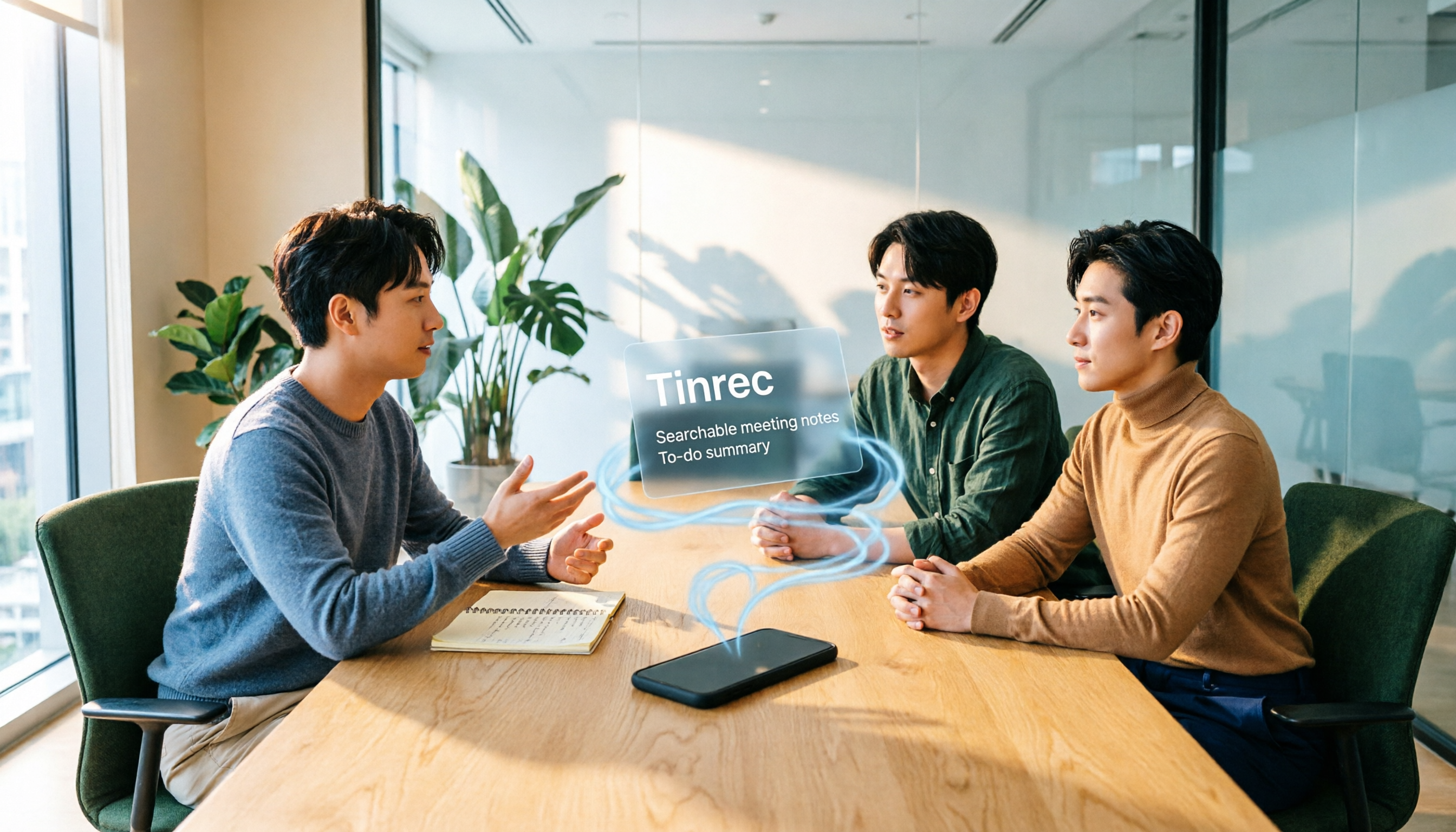
Turn recordings into transcripts and summaries in minutes
Upload audio or video for multilingual transcription, AI notes, and action items
What you really need to choose isn't "which app can turn recordings into text," but "after transcription, can this text be used directly?"
If you only occasionally transcribe a voice memo, iPhone's built-in feature is sufficient. According to source data, starting with iOS 18, iPhone 12 and later models can use transcription in Voice Memos and Notes, which is very convenient for light use.
But if you have meetings, interviews, or classes every week and also need summaries, action items, search, follow-up questions, and team sharing, the considerations are completely different. This article uses three key questions to help you choose the right iPhone transcription solution, and walks through a complete workflow with Tinrec.
Simply put, there are three types: iPhone built-in, general third-party transcription apps, and tools like Tinrec that extend transcription to meeting organization and team collaboration.
What Can iPhone Transcription Do for You?
Scenario 1: In class or lectures, find key points afterward Previously, after recording a two-hour class, you'd have to listen from start to finish just to find a certain segment the teacher said. With Tinrec, for example, you can transcribe while recording on your phone, and after the meeting, it automatically generates summaries and chapters. Instead of re-listening to the entire recording, you can first look at the chapters and then jump to segments for verification.
Scenario 2: After a meeting, get the transcript and action items directly The most time-consuming part of a meeting isn't recording, but post-meeting organization. Tinrec converts discussion content into a transcript, then organizes summaries, chapters, and action items. Who is responsible for what and what's next is easier to scan than a plain text file.
Scenario 3: After an interview, use AI Q&A to find quotes Interviews or client communications often contain many details that you may not remember entirely at the moment. Tinrec supports AI Q&A around meeting content. You can directly ask, "What budget constraints did the client mention?" or "What were the interviewee's concerns about pricing?" without searching through paragraphs yourself.
Scenario 4: Turn personal recordings into team data If meeting data stays only on someone's phone, it's easy to lose continuity when someone else takes over. Tinrec's team version provides a team space where meeting recordings, transcripts, summaries, and action items can be stored centrally, making handovers easier when members change.
What Are Tinrec's Core Capabilities?
Real-time recording and transcription Tinrec focuses on transcribing while recording, so meeting content can be immediately captured as text. For in-person meetings, interviews, and classes, this is more intuitive than recording and then uploading, and you can confirm during the process whether any important segments were missed.
Bot-free online meeting recording Tinrec's desktop version captures computer system audio to handle online meetings on Zoom, Google Meet, Microsoft Teams, Webex, etc., without inviting an additional meeting bot. Note that this is not "automatically joining all meetings," but rather the user actively opening Tinrec to start recording.
Audio and video file import If recordings already exist on your phone or computer, Tinrec also supports uploading audio and video files for transcription, suitable for organizing historical meetings, interview recordings, and existing teaching materials. For those who have accumulated a lot of recordings, this is more practical than re-recording.
AI summaries, chapters, action items, and mind maps Tinrec doesn't just provide transcripts; it also breaks long meetings into summaries, chapters, and key points, and extracts action items. When you need a quick review, look at the summary and chapters first, then go back to the transcript to verify the original words—much faster than reading the entire text from the beginning.
AI Q&A and real-time translation After transcription is complete, you can continue asking questions about single or multiple meeting materials, letting AI help you find key points. Cross-language meetings can also use real-time translation, viewing the original text, translation, or bilingual content as needed.
Export and post-meeting workflows Tinrec supports exporting results to common formats and third-party tools, and can also use Agent post-processing to generate reports, tables, and documents. Simply put, it extends "recording" to "work deliverables that can be directly handed off."
Team space and governance The team version provides independent team spaces, member invitations, role and seat management, usage analytics, audit logs, audio recycle bin, and team hotwords. It's important to distinguish: roles determine who can manage the team, seats determine whether members can record, upload, edit, and import/export; valid members without seats can still view, play, and read team data.
Practical Application Scenarios
Classes and lectures: structure first, then listen back For a 90-minute lecture, if only the audio file is kept, it's hard to quickly find key points afterward. After recording with Tinrec, first look at the AI summary and chapters, then use AI Q&A to pinpoint a concept, and finally listen back to the original recording to confirm tone and details.
Business meetings: don't add more people to the meeting room Online meetings often involve hesitation about "whether to add a recording bot." Tinrec's desktop version records system audio without needing a bot to join as a participant, making it suitable for client meetings where the participant list is sensitive.
Stop organizing recordings by hand
Upload audio or video and automatically get a transcript, summary, and action items
Client interviews: organize requirements, objections, and commitments After an interview, you can import the recording into Tinrec to generate a transcript, summary, and action items, then ask follow-up questions about keywords like "budget," "decision process," and "competitor comparison." When writing visit notes or replying to the client later, you can directly quote the organized content.
Team weekly meetings: keep meeting data If weekly meetings are recorded only with personal accounts, data can easily become scattered. Tinrec's team version centralizes meeting data in a team space, allowing administrators to view usage and audits, and when members leave, team resources can be handed over to other valid members.
6 Things to Consider When Choosing an iPhone Transcription Tool
1. First confirm your iPhone model and OS version If you plan to use iPhone's built-in feature, according to source data, transcription requires iPhone 12 or later and iOS 18.0 or later. Tinrec can be used on mobile, desktop, and web, offering more flexibility for cross-device organization than a single phone.
2. Can it help you organize after transcription? Tools that only provide transcripts still require you to read through and extract key points yourself. Tinrec's value lies after transcription: summaries, chapters, action items, mind maps, and AI Q&A are all designed to reduce secondary organization time.
3. Performance with Chinese and mixed Chinese-English Taiwanese users often encounter meetings with mixed Chinese and English. Tinrec can handle Chinese, Traditional Chinese, and multilingual content, and also supports real-time translation and team hotwords. Actual performance is affected by recording quality, noise, accents, overlapping speakers, and technical terminology; we do not recommend promising a fixed accuracy rate.
4. How to record online meetings Meeting bots join as participants, suitable for some automated workflows; bot-free recording eliminates the step of inviting a bot. Tinrec's desktop version is the latter, but requires you to actively start recording—it does not automatically join all meetings from your calendar.
5. Team permissions are not just about "can view" When purchasing for a team, consider roles, seats, and data ownership. Tinrec's team version focuses on team-level sharing; roles control governance, seats control usage; it is currently not a fine-grained file-level permission system. This design suits departmental sharing but is not suitable for scenarios requiring independent authorization for each file.
6. Consider price and quota together Tinrec's personal version offers a free version, weekly card, Pro monthly card, and Pro annual card, suitable for different usage frequencies. The team version currently costs USD 29.80 per paid seat per month, or USD 199 per paid seat per year (approximately USD 16.58 per month); each paid seat provides 2,000 minutes of team shared import quota per month. Under valid team plans and seats, real-time recording is currently not deducted by minutes. Prices and benefits are subject to the official purchase page.
Frequently Asked Questions
Q1: iPhone can already transcribe, do I still need to download an app? It depends on usage frequency. For occasional voice memos, the built-in feature is sufficient; if you have meetings, interviews, or classes every week and also need summaries, action items, AI Q&A, and team sharing, tools like Tinrec will save more post-processing time.
Q2: How do I use Tinrec on iPhone? You can record on the mobile app, or directly use the desktop version to record online meetings, then organize transcripts, summaries, and action items on the web or desktop. For iPhone users, the key is that the recording entry point is on the phone, and subsequent organization can be done on a larger screen.
Q3: Is the free version enough? If you just want a light experience, you can start with the free version's basic quota and try the recording, import, summary, and transcription workflow. For short-term intensive meetings or interviews, consider the weekly card; for steady weekly use, the Pro monthly or annual card is more suitable.
Q4: What's the difference between the team version and personal version? Personal version data is managed by the individual account; the team version is an independent team space where meeting data belongs to the team, and adds members, roles, seats, sharing benefits, usage analytics, audit logs, and audio recycle bin. The first eligible team trial is 7 days, 1 free seat, and 300 minutes of team shared import quota.
Q5: Can team members without seats see data? They can view, play, and read team data, but cannot upload, edit, import/export, or perform other resource usage operations. This is an important distinction for the team version: membership, roles, and seats are three separate things and should not be conflated.
Q6: Can deleted recordings be recovered? After team audio enters the recycle bin, it can be recovered before permanent cleanup begins; the recycle bin retention period is currently 30 days. Note that TODOs are currently not within the scope of the team recycle bin.
Q7: Can transcription accuracy be guaranteed? We do not recommend promising a fixed accuracy rate. Transcription performance is affected by recording quality, ambient noise, accents, overlapping speakers, and technical terminology. A more prudent statement is: Tinrec can reduce manual recording and organization costs, but for important content, it is still recommended to cross-check with transcript timestamps and recording playback. Also, please comply with local regulations before recording and transcribing, and obtain participant consent when necessary.
Conclusion
iPhone transcription is no longer difficult; the challenge is whether the data can be searched, understood, and acted upon after transcription. Built-in features are suitable for light recording; if you need meeting summaries, action items, AI Q&A, translation, export, and team archiving, Tinrec is a more complete choice.
I recommend starting with the free version once, taking a recording you recently need to organize, and seeing whether summaries and action items can save you time. For teams, first confirm roles, seats, and data ownership, then decide whether to centralize meeting assets.
References: BusinessNext "iPhone Notes and Voice Memos Apps Also Have Transcription Features! Turn Class, Meeting, and Speech Content into Text in Seconds: Simple 4-Step Tutorial"; Mr. Mad "iPhone Voice Memos to Text Tutorial: Transcripts Without Third-Party Apps, Built-in Can Do It Too."
References
- iPhone Notes and Voice Memos Apps Also Have Transcription Features! Turn Class, Meeting, and Speech Content into Text in Seconds: Simple 4-Step Tutorial | BusinessNext
- iPhone Voice Memos to Text Tutorial: Transcripts Without Third-Party Apps, Built-in Can Do It Too - Mr. Mad
- Free iPhone Audio-to-Text App "Aiko": No Shortcuts Needed for Recording Transcription Tutorial - Mr. Mad
- Transcribe AI Lifetime Version Limited Free! AI Speech-to-Text and Note Translation All Included - Mr. Mad
- [iPhone Voice Memos to Text] Complete Tutorial of 3 Major Methods! iOS Built-in, App, Voice Recorder—Which Is Best?
Turn every recording into actionable outcomes
Get 60 free transcription minutes when you sign in. No credit card required.
Related Reading
You might also like

Tinrec vs Otter.ai 2026: 5-Dimension Comparison — Which Is Better for Chinese Meetings?
When searching for 'audio to text Chinese,' the most common mistake is only checking whether a tool supports Chinese, while ignoring that after transcription you still have to re-listen and re-type. This article compares Tinrec and Otter.ai across 5 dimensions — Chinese and mixed Chinese-English transcription, bot-free meeting capture, post-meeting organization and delivery, team governance, and pricing/quotas — to directly tell you which one to choose for Chinese meetings.

How to Transcribe Audio with ChatGPT in 2026: A 5-Step Guide
ChatGPT can turn audio into text, but the real question is whether the transcript is usable right away. This guide breaks down the full workflow—from recording and transcription to proofreading and final output—in 5 steps, with copy-paste prompt templates and advice on when to switch to a more team-friendly approach.

2026 AI Transcription App Buying Guide: 4 Tested Picks & Tips
Everyone recommends transcription apps, but most people get stuck after the transcript is generated—they still have to organize it themselves. This guide breaks down 4 key buying factors: how to evaluate free tiers, whether AI summaries and Q&A are worth it, how to record online meetings, and who owns team data. It also tests and compares Tinrec, Otter.ai, Notta, and PLAUD recording hardware, with a pitfalls guide and scenario-based recommendations.
7 Free AI Transcription Tools in 2026: A Complete Guide
Searching for "free audio-to-text AI" often leads to tools with only a few minutes of free usage or file size limits of a few dozen MB—not enough to properly test a tool. This guide reviews the free plans and paid thresholds of 7 audio-to-text AI tools, from completely free to free-tier options, explaining how quotas are calculated and what you get after transcription, so you can decide if a tool meets your needs before spending money.

Which AI Transcription Tool Is Best? 2026 Hands-On Test of 6 Tools: This One Makes Chinese Meeting Notes Easiest
2026 hands-on comparison of AI audio-to-text tools: from Chinese recognition, how to record online meetings, what you can do after transcription, to team sharing and quota calculations, we break down the use cases for 6 tools and explain Tinrec's real-world performance in bot-free recording, AI Q&A, and team knowledge retention.

2026 Complete Guide to Apple Audio Transcription: From iPhone Transcripts to Tinrec Meeting Organization
iPhone's built-in Voice Memos can now generate transcripts, but it only does 'turning speech into text.' This guide starts from real-world use cases, explains the functional boundaries, device and version limitations of Apple's audio transcription, and how Tinrec picks up where it leaves off to turn a recording into summaries, to-dos, queryable, and exportable work data. It also covers 5 key points for choosing an audio transcription tool and answers common questions.

4 Best AI Transcription Tools Worth Trying in 2026: Never Take Meeting Notes by Hand Again
Starting from the real pain points of a mid-level manager juggling 15 meetings a week, this hands-on review covers four AI transcription tools, explaining key selection criteria, each tool's limitations, and ideal use cases to help you find the one that truly saves time on post-meeting cleanup.
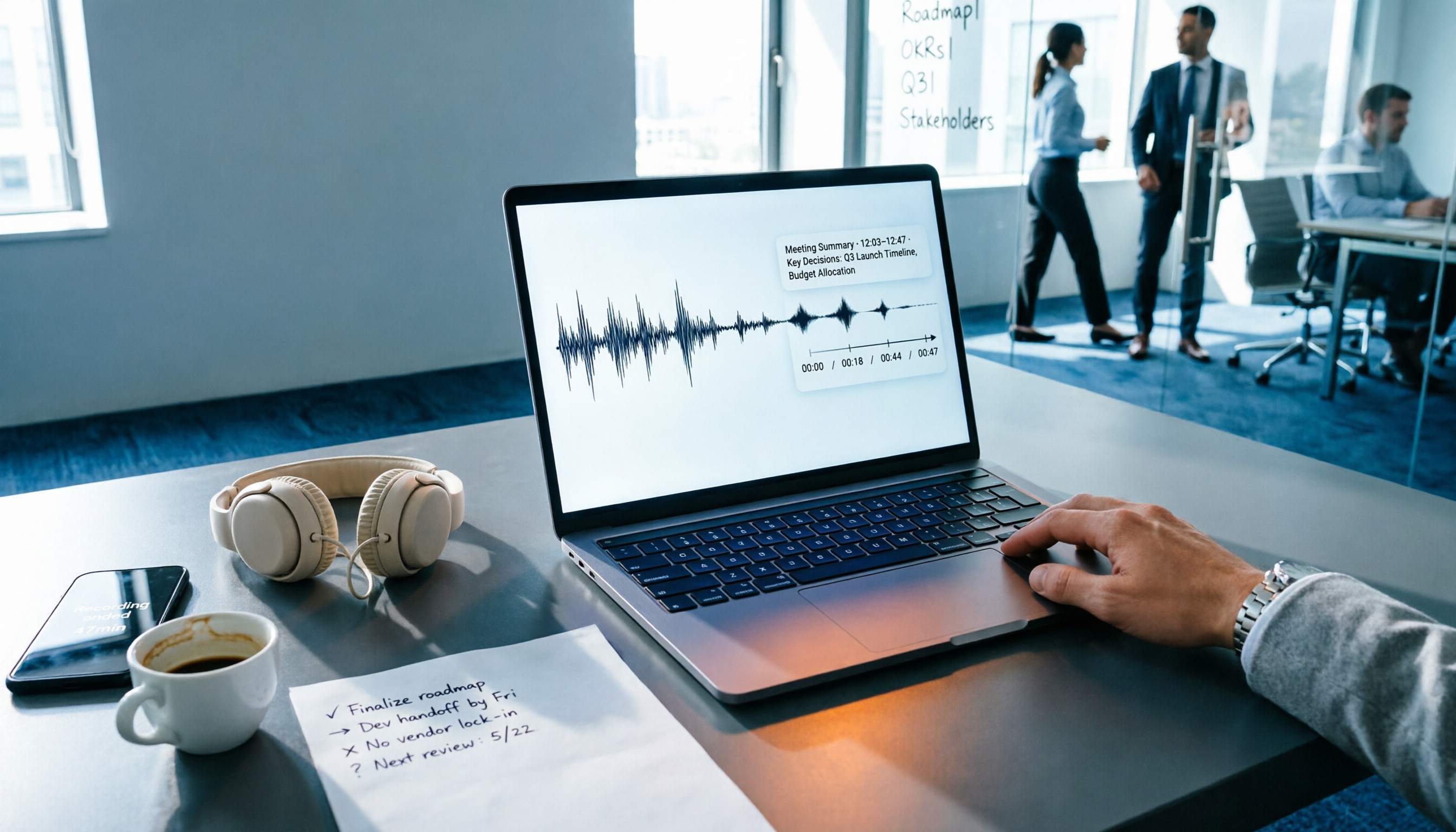
4 Audio-to-Text Tools Tested: Which One Actually Saves Time After Meetings?
There are countless audio-to-text tools, but the real differentiator isn't transcription speed—it's how much time you still spend wrapping up after the meeting ends. This article breaks down 4 key buying criteria from a procurement perspective, tests the post-meeting output of 4 tools, and outlines the 3 most common pitfalls to help you choose right the first time.

Best iPhone Transcription Apps in 2026: 6 Tested, This One Excels for Chinese Meetings
When looking for an iPhone transcription app, most people struggle not with whether tools exist, but with which one fits their use case. This guide covers 6 practical options—from iOS built-in free features and file transcription tools to AI recording hardware and team-collaborative AI meeting note platforms—and honestly lists free quotas and paid pricing to help you decide which one to choose.