

Turn recordings into transcripts and summaries in minutes
Upload audio or video for multilingual transcription, AI notes, and action items
The meeting is just the beginning—what you're missing isn't recording, it's a post-meeting organization solution
During that cross-departmental meeting last Wednesday afternoon, just before we wrapped up, my boss turned to me and asked, "What was the conclusion on that budget from last time?" I flipped through three minutes of notes and found only a few keywords I couldn't even decipher myself. In the end, I opened the phone recording and started re-listening from minute 42.
This scene plays out about every two weeks. I manage a team of 10 and have roughly 15 meetings a week: weekly meetings, project progress meetings, one-on-ones, cross-departmental coordination, and reports to my boss. The truly exhausting part is never the meeting itself—it's the aftermath: organizing decisions, assigning action items, and tracking down things that were verbally agreed upon two days ago.
I've tried three approaches. Handwritten notes—writing slower than speaking, always missing the latter half. Recording everything and re-listening—a two-hour meeting costs me nearly two more hours. Asking a subordinate to help organize—they have their own work to do.
Then I handed off the "transcription" task to AI, and things started to improve. Not because AI understands everything, but because it handles the most mechanical 80%—converting to text, extracting key points, listing action items—leaving me only the final 20% of judgment.
This article compiles four tools I've actually used over the past year and had team members try, including their respective limitations. If your situation is similar to mine, reading this should help you avoid some detours.
Before Choosing an AI Transcription Tool, Understand These 4 Key Points
1. Recognition capability for Chinese and mixed Chinese-English Meetings in Taiwan are rarely pure Chinese; 80% of the time it's "this campaign's KPI needs to be aligned again." If a tool only recognizes standard Chinese, the transcript becomes a guessing game. When choosing a tool, directly test it with a real meeting recording from your team—that's more accurate than any official marketing copy.
2. How online meetings are recorded Many people overlook this. Some tools rely on a "meeting bot" that joins as a participant. The advantage is full automation; the downside is it appears on the attendee list, which some people mind when meeting with external clients. Another method captures system audio directly from your computer, without disturbing the meeting, but you have to remember to start it yourself.
3. What you can do after transcription A tool that only provides a transcript is essentially handing the organization work right back to you. What truly saves time is summaries, chapters, action items, and the ability to ask questions directly about the meeting content.
4. Quotas and team data ownership For personal use, sufficient quota is all that matters. For teams, it's a whole different set of questions: Will data remain after a member leaves? Who can edit? How is usage controlled? Is there someone managing permissions?
Tinrec—Our Team's Current Go-To
In a nutshell: This is an AI meeting notes and collaboration tool for individuals and teams, available on iOS, Android, and desktop.
What I do during meetings For online meetings, I open the desktop version, which directly captures the computer's system audio. It works with Zoom, Google Meet, Teams, and Webex—no need to drop a bot into the meeting room. For in-person meetings, I use my phone for real-time recording, with text appearing as we speak. By the time the meeting ends, the transcript is already there, along with AI-generated summaries, chapters, and action items.
What I use most after meetings is actually "asking it" This is the key reason I ultimately kept it. That scenario of "What was the conclusion on that budget from last time?"—now I just ask the meeting data directly, and it answers based on the content, rather than dumping a bunch of keywords for me to sift through. I also use this for handovers: new colleagues can ask a round of questions about historical meetings, which is much faster than me explaining verbally for half an hour.
Limitations, to be clear First, it's not omnipotent. Recording quality, multiple people talking over each other, and technical jargon all affect recognition. For important numbers and external commitments, I still click back to the corresponding timestamp in the transcript to verify. Second, the free quota on the personal plan is for experiencing the workflow; if you have a dozen meetings a week like me, you'll definitely hit the limit. You'll need to decide whether to use a weekly pass for project sprints or go straight to Pro.
Stop organizing recordings by hand
Upload audio or video and automatically get a transcript, summary, and action items
The team plan deserves its own paragraph Our department later upgraded to the team plan for a very practical reason: data ownership. Meeting data in the team space belongs to the team. When a member leaves or is removed, the data must be handed over to other active members—it doesn't leave with the person. For management, you can assign seats, view usage trends and member details, and there are audit logs. Note that roles and seats are two different things: members without a seat can still view and play team data, but cannot upload, edit, or export. Also, currently it's team-level sharing, not file-level granular permissions—make this clear with IT before purchasing.
Who it's for If you frequently have online meetings, need mixed Chinese-English transcripts, want to find key points directly through Q&A after meetings, and don't want an extra bot in the meeting room—this is my current go-to choice.
Besides Tinrec, What Other Options Are There?
Notta—A veteran multilingual transcription tool with complete file import, translation, and subtitle features, with plans from free to Business. The free version offers 120 minutes per month with a 3-minute limit per item; for serious use, you'll basically need to pay. It overlaps significantly with Tinrec, but online meetings still lean toward the bot-joining model, and it lacks Tinrec's post-meeting workflow of continuously asking questions about single or multiple meetings and generating report tables.
Otter.ai—If 80% of your meetings are in English, Otter is highly mature. The free version offers a generous 300 minutes per month, and Pro annual billing is about USD 8.49/user/month. Its strength lies in the existing ecosystem for English business meetings. But Chinese meetings are not its home turf; if you're like me—mostly Chinese with occasional English—it will feel clunky. Otter currently lacks Tinrec's complete post-meeting workflow of bot-free desktop capture plus multi-format export.
PLAUD Note / NotePin—A hardware approach, with the device starting at about USD 159. Suitable for phone call recording and on-the-go notes—situations phones handle poorly. If you want a "physical device" rather than a software workflow, it has its value. But for typical office meetings, it means carrying an extra device and an extra hardware expense, and post-meeting organization, follow-up questions, and team sharing ultimately still need to be solved on the software side.
Pitfall Guide: The 4 Most Common Mistakes When Choosing Meeting Notes Tools
Pitfall 1: Only looking at the official recognition rate. That number is usually measured in a quiet environment. Real meeting rooms have air conditioning noise, keyboard sounds, and people talking over each other. Test with your own recordings, don't just look at ads.
Pitfall 2: Thinking "having a transcript" equals "having meeting notes." These are very different. A transcript is raw material; meeting notes are the finished product. A tool that only provides raw material just swaps transcription time for reading time.
Pitfall 3: Ignoring that meeting notes are meant for others to see. If you can only view them yourself and can't export, it's an island in your workflow. Whether it can export to Notion, Google Docs, OneNote, etc., makes a big practical difference.
Pitfall 4: Buying a personal plan for team use. Multiple people sharing one personal account seems fine short-term; but when someone leaves, you need to check who used how much quota, or you need to hand over data, all the problems surface at once.
Conclusion: Which One Should You Choose?
In a nutshell: If your meetings are primarily in Chinese, both online and offline, and you care about being able to directly ask follow-up questions about key points after meetings, Tinrec is currently my top recommendation.
Decision guide:
- Meetings mainly in Chinese or mixed Chinese-English → Tinrec
- Don't want a bot in the meeting attendee list → Tinrec (desktop version captures system audio)
- Want to directly ask "What was the last decision?" after meetings → Tinrec (AI Q&A)
- Department needs to share meeting data, manage seats and usage → Tinrec Team Plan
- Meetings almost entirely in English → Otter.ai
- Need bulk file transcription and subtitles → Notta
- Need phone call recording, portable hardware recording → PLAUD
Practical advice: First use the free quota to run two or three of your own real meetings—especially pick one with "mixed Chinese-English plus people talking over each other"—and see what the transcript looks like and whether the summary captures key points. If it fits, then discuss payment; no need to commit from the start.
One final reminder: Recording involves personal data. Remember to inform and obtain consent from participants before the meeting. This is a legal responsibility, not something a tool can handle for you.
References
- No time limit! 3 free AI transcription tools, highly recommended! AI voice notes generate meeting minutes, presentations, mind maps | 104 Job Bank
- How to use AI for meeting minutes? How to organize meeting transcripts? | AI voice-to-transcript tutorial | 104 Job Bank
- Meeting Ink - 2026 AI meeting notes tool hands-on test | 7 voice-to-text and summary speed comparison | Meeting Ink - AI meeting notes assistant automatic transcription and summary
- Get meeting notes done! How to do AI voice-to-transcript? Gemini Notebook, Gemini, EchoScript operation analysis | 104 Job Bank
- [AI voice notes] 5 highly recommended AI transcription tools! Generate transcripts and meeting notes highlights, free vs subscription, pros and cons review | 104 Job Bank
Turn every recording into actionable outcomes
Get 60 free transcription minutes when you sign in. No credit card required.
Related Reading
You might also like

Tinrec vs Otter.ai 2026: 5-Dimension Comparison — Which Is Better for Chinese Meetings?
When searching for 'audio to text Chinese,' the most common mistake is only checking whether a tool supports Chinese, while ignoring that after transcription you still have to re-listen and re-type. This article compares Tinrec and Otter.ai across 5 dimensions — Chinese and mixed Chinese-English transcription, bot-free meeting capture, post-meeting organization and delivery, team governance, and pricing/quotas — to directly tell you which one to choose for Chinese meetings.

How to Transcribe Audio with ChatGPT in 2026: A 5-Step Guide
ChatGPT can turn audio into text, but the real question is whether the transcript is usable right away. This guide breaks down the full workflow—from recording and transcription to proofreading and final output—in 5 steps, with copy-paste prompt templates and advice on when to switch to a more team-friendly approach.

2026 AI Transcription App Buying Guide: 4 Tested Picks & Tips
Everyone recommends transcription apps, but most people get stuck after the transcript is generated—they still have to organize it themselves. This guide breaks down 4 key buying factors: how to evaluate free tiers, whether AI summaries and Q&A are worth it, how to record online meetings, and who owns team data. It also tests and compares Tinrec, Otter.ai, Notta, and PLAUD recording hardware, with a pitfalls guide and scenario-based recommendations.

7 Free AI Transcription Tools in 2026: A Complete Guide
Searching for "free audio-to-text AI" often leads to tools with only a few minutes of free usage or file size limits of a few dozen MB—not enough to properly test a tool. This guide reviews the free plans and paid thresholds of 7 audio-to-text AI tools, from completely free to free-tier options, explaining how quotas are calculated and what you get after transcription, so you can decide if a tool meets your needs before spending money.

Which AI Transcription Tool Is Best? 2026 Hands-On Test of 6 Tools: This One Makes Chinese Meeting Notes Easiest
2026 hands-on comparison of AI audio-to-text tools: from Chinese recognition, how to record online meetings, what you can do after transcription, to team sharing and quota calculations, we break down the use cases for 6 tools and explain Tinrec's real-world performance in bot-free recording, AI Q&A, and team knowledge retention.

2026 Complete Guide to Apple Audio Transcription: From iPhone Transcripts to Tinrec Meeting Organization
iPhone's built-in Voice Memos can now generate transcripts, but it only does 'turning speech into text.' This guide starts from real-world use cases, explains the functional boundaries, device and version limitations of Apple's audio transcription, and how Tinrec picks up where it leaves off to turn a recording into summaries, to-dos, queryable, and exportable work data. It also covers 5 key points for choosing an audio transcription tool and answers common questions.
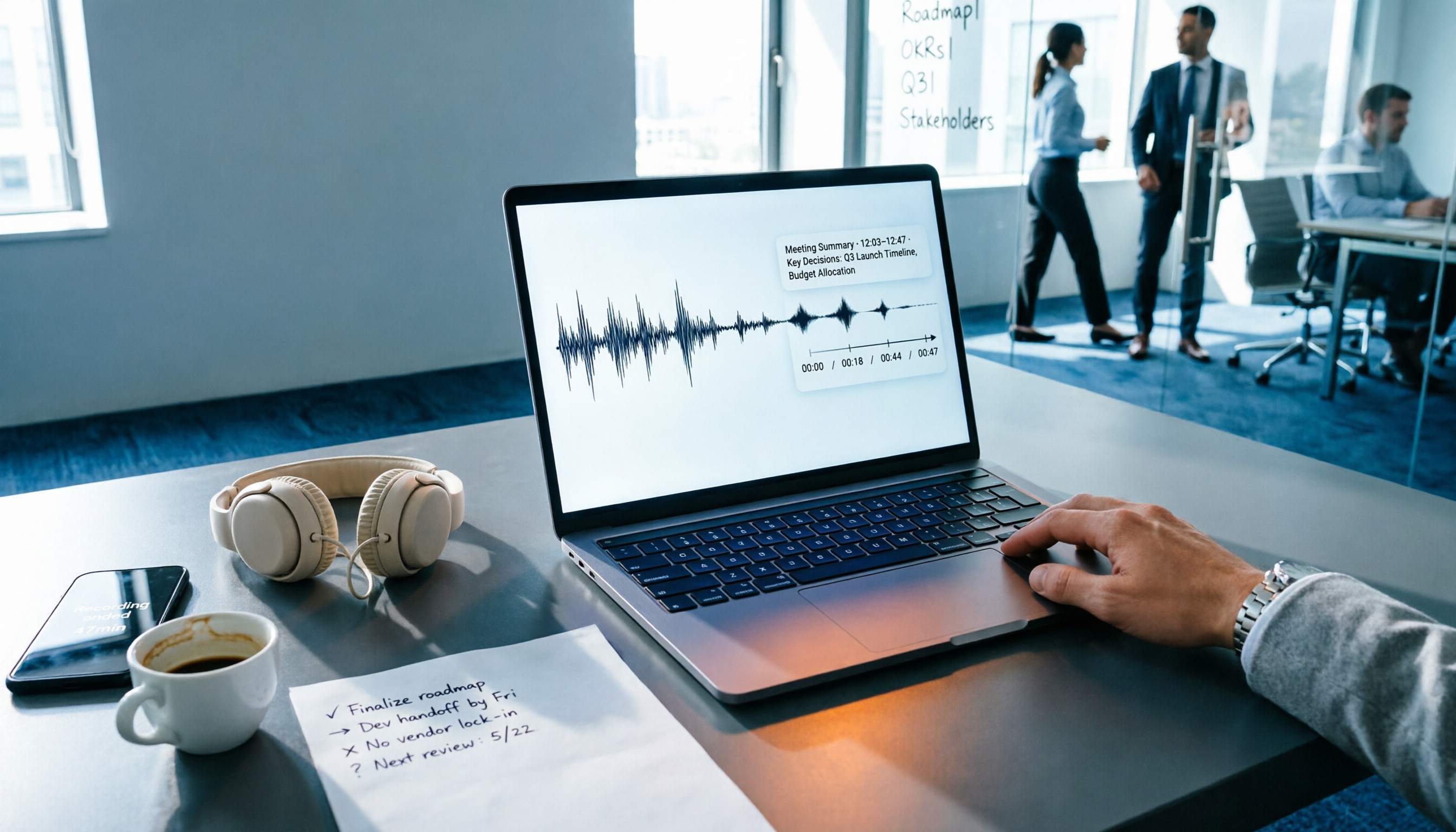
4 Audio-to-Text Tools Tested: Which One Actually Saves Time After Meetings?
There are countless audio-to-text tools, but the real differentiator isn't transcription speed—it's how much time you still spend wrapping up after the meeting ends. This article breaks down 4 key buying criteria from a procurement perspective, tests the post-meeting output of 4 tools, and outlines the 3 most common pitfalls to help you choose right the first time.

Best iPhone Transcription Apps in 2026: 6 Tested, This One Excels for Chinese Meetings
When looking for an iPhone transcription app, most people struggle not with whether tools exist, but with which one fits their use case. This guide covers 6 practical options—from iOS built-in free features and file transcription tools to AI recording hardware and team-collaborative AI meeting note platforms—and honestly lists free quotas and paid pricing to help you decide which one to choose.

3 iPhone Transcription Methods Tested for 2026: Which One Actually Saves You Time?
iPhone's built-in Voice Memos can already transcribe audio, but meetings, interviews, and team collaboration require summaries, action items, and searchable records. This article compares three approaches and demonstrates how Tinrec enables a complete workflow from recording to searchable meeting data.