
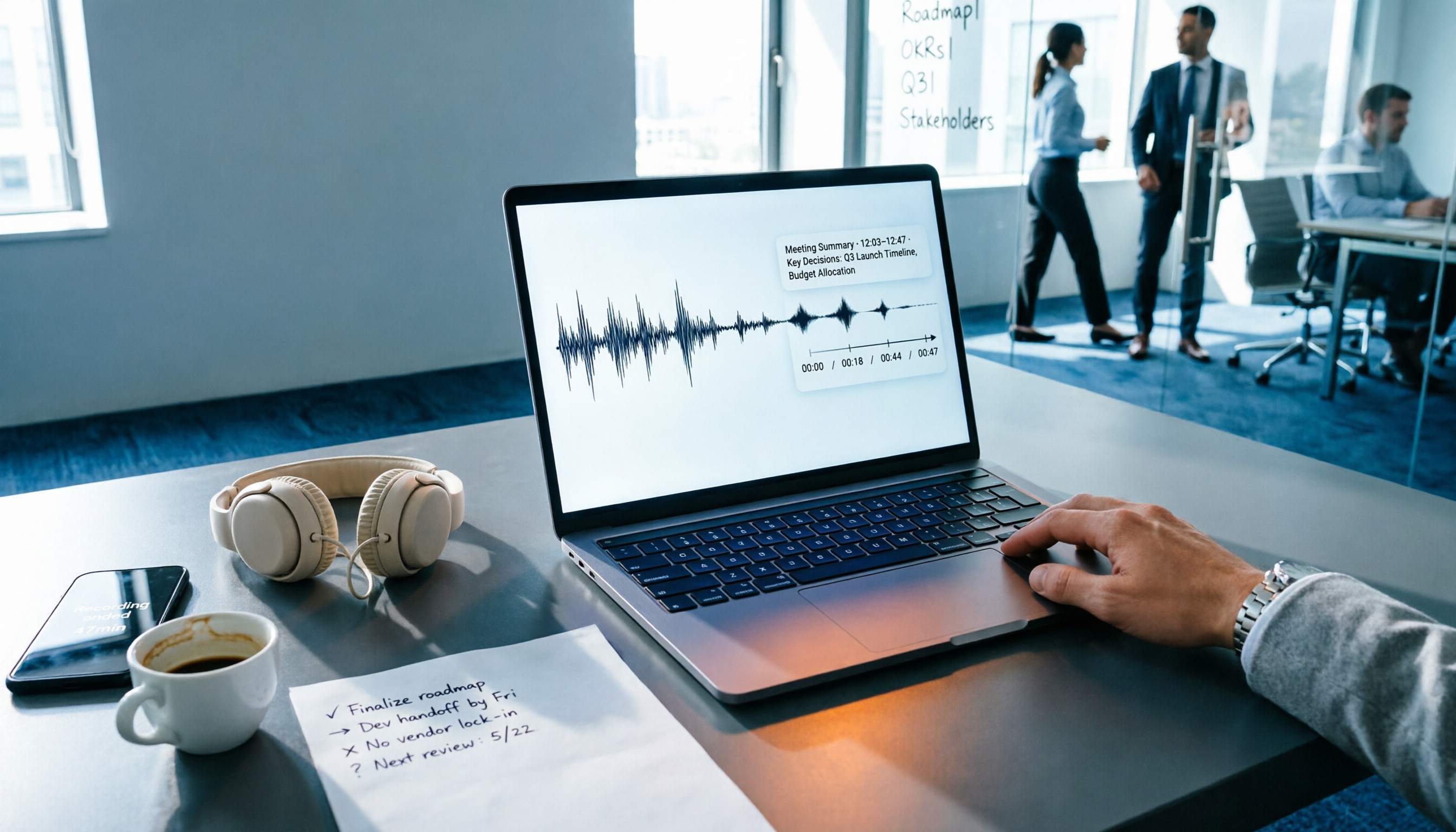
Turn recordings into transcripts and summaries in minutes
Upload audio or video for multilingual transcription, AI notes, and action items
The meeting's over, everyone's gone, and your work is just beginning
The conference room empties in three minutes, leaving you alone with a 1-hour-47-minute recording on your phone. You need to submit meeting minutes by tomorrow morning, but you're not even sure whether to start listening at minute 38 or minute 62.
Another scenario is even more common: after an online meeting, the host says, "Could you take the minutes?" But the meeting had Chinese, English slides, and two colleagues talking over each other. You type as you listen, only to realize you missed the key points.
Then there's the team pain point. Meeting recordings are scattered across personal phones and cloud drives. When a colleague leaves, changes departments, or gets a new phone, the recordings of those decision discussions disappear. When you need to look back and ask "Why did we choose option A?" nobody can find it.
This article isn't here to tell you "audio-to-text is convenient." It aims to answer a more specific question: With the same budget, which tool lets you do less wasted work after meetings?
Before Choosing an Audio-to-Text Tool, Understand These 4 Key Points
1. After the transcript is generated, what's left?
Most people only compare "price per hour" when shopping around, but the real cost is after the meeting. A 90-minute meeting transcript is about 15,000 words. If the tool only gives you plain text, you still have to read through it, extract key points, and organize action items yourself. So the first question to ask is: Does it automatically generate summaries, chapters, and action items? Can you ask follow-up questions about the content? These are the real time-savers.
2. How is the meeting "recorded"?
Few people compare this, but it matters a lot. A common approach is to send a meeting bot to join as a participant. The advantage is full automation; the downside is an unfamiliar account appears on the attendee list—something you'd never dare do in some client meetings. Another approach is to capture system audio directly from your computer, without taking up a participant slot. If you often meet with external clients, this is worth confirming first.
3. Real-world performance with Chinese and mixed Chinese-English
Don't just look at the officially claimed accuracy rate—that's usually tested in a quiet environment. Real meetings have air conditioning noise, keyboard clicks, multiple people talking over each other, and phrases like "Let's align on this spec next week." What to look for: Does it support mixed Chinese-English? Does it have a custom vocabulary feature for company-specific terms? Can you go back and correct against the recording?
4. Is this a tool for you alone, or a database for the team?
If you're just organizing interviews for yourself, a personal plan is enough. But as soon as multiple people are involved, you need to ask: Who owns the data? Will the data still be there after a member leaves? Can you see who used how much quota? These governance capabilities are usually only available in team plans, and they determine whether "meeting records disappear along with the person."
Tinrec: Our Testing Found It Saves the Most Post-Meeting Time
One-sentence positioning: Tinrec is an AI meeting notes and collaboration tool for individuals and teams. It supports live recording, online meetings, and audio/video file import, and after transcription automatically generates summaries, chapters, action items, and a queryable meeting database. Available on iOS, Android, desktop, and web.
The transcript is already growing before the meeting ends
Tinrec's desktop version captures your computer's system audio directly. For online meetings on Zoom, Google Meet, Microsoft Teams, or Webex, you don't need to send an extra bot to join. For those who frequently meet with external clients, this is more practical than any number on a spec sheet—the attendee list stays clean, and the recording is still complete. For in-person meetings, you can use live recording to transcribe as you record, so you don't have to listen again afterward.
Those 40 minutes after the meeting are where it pulls ahead
Most tools call it a day the moment the meeting ends. Tinrec starts working after the meeting: it automatically generates summaries and chapters, breaking long discussions into scannable sections; automatically extracts action items, listing who's responsible for what and when it's due; and when you need more detail, you can ask questions directly about this meeting (or across multiple meetings)—for example, "Which option did we finally decide on in last month's meeting?" It gives a semantic answer rather than dumping a bunch of keyword search results for you to sift through.
The organized content can be exported to Notion, Google Docs, OneNote, or Dropbox for further processing, or used to generate reports, tables, and meeting minutes directly. How smoothly this workflow connects determines how much time the whole tool actually saves you.
Team scenarios: Data shouldn't leave with the person
Tinrec's team plan isn't "multiple people sharing one account"—it's a separate team workspace. Meeting audio, transcripts, and action items are stored centrally in the team, and new members can view historical data right after joining. Admins can manage member roles, assign or revoke seats, view team usage trends and member details, and query and export important operation logs. What's easily overlooked is the handover mechanism: when a member leaves or is removed, their team resources can be handed over to other active members instead of disappearing with the account.
Stop organizing recordings by hand
Upload audio or video and automatically get a transcript, summary, and action items
One commonly misunderstood point needs clarification: the team plan's sharing is currently team-level. Active members can view, play, and read data even without a seat, but actual recording, uploading, editing, and exporting require a seat. It's also not a file-level granular permission system. Understand this before purchasing to avoid false expectations.
Honest disclosure of testing conditions
Our test material was a recording of a project discussion with mixed Chinese and English, including rapid turn-taking among multiple speakers and background air conditioning noise. We compared the transcript against the original audio. Conclusion: Under clear audio and normal speaking speed, the transcription can be used directly as a working draft; but in sections with overlapping speakers and dense proper nouns, manual correction against the original audio is still needed. Anyone who guarantees "no proofreading needed"—keep a healthy dose of skepticism.
Pros
- Complete post-meeting output: Summaries, chapters, action items, Q&A, and export all in one place—saving organization time, not just typing time.
- Meeting recording doesn't take a participant slot: The desktop version captures system audio, so you don't need to add an extra account to external meetings.
- Clear team governance: Roles, seats, usage, operation logs, and data handover are all designed for—suitable for departments that want to turn meetings into assets.
Limitations (stated upfront)
- File and web link imports consume the team's shared import minutes, which are calculated separately from live recording; those who process large volumes of historical files should watch their quota.
- The free version is for trial purposes; once the quota is used up, you need to upgrade. If your usage is concentrated in a few weeks, a short-term plan is more practical than annual billing.
Who it's for
People who frequently hold mixed Chinese-English meetings, want usable minutes right after the meeting, and don't want to add an extra bot account to the meeting. If you're a department head who needs to turn meeting data into a shared team asset and track who used how much quota, the team plan will better fit your needs than the personal plan.
Besides Tinrec, What Other Options Are There?
Notta
Supports multi-platform transcription, file import, and translation, with plans ranging from free to Business—another common option besides Tinrec. It can also handle meetings and files, but if you care about "not sending a bot into the meeting," you'll need to specifically confirm the recording method. Also, team governance capabilities like seat allocation, usage analysis, and operation logs are more complete in Tinrec's team plan. Comparing by minutes alone won't reveal the real differences here.
Granola
Takes the "AI helps you take notes" approach, also capturing system audio without a bot. Business plan is USD 14/user/month. The difference is it doesn't support uploading existing pre-recorded audio files and doesn't save the meeting audio itself. If all your meetings are live and you don't mind not having the original recording to replay, it's lightweight; but if you need to organize historical recordings or want to correct transcripts against the original audio afterward, Tinrec's recording retention and file import will be more suitable.
Otter.ai
A mature choice for English meetings. Free plan offers 300 minutes/month; Pro annual billing works out to about USD 8.49/user/month. It has a solid reputation and integrations in English business scenarios. Its strength is English; Chinese and mixed Chinese-English processing is not its home turf. Plus, details designed for Chinese meetings—like team custom vocabulary and bilingual comparison—are areas where Tinrec clearly puts more emphasis. Those who mainly record English content can prioritize it—no problem there.
Pitfall Guide: The 3 Most Common Mistakes When Choosing an Audio-to-Text Tool
**Pitfall 1: Treating "free" as a primary filter.** Many tools' free versions are "trials" rather than "usable"—the monthly quota only covers a few short recordings, or there's a limit on single-session length, so a two-hour meeting hits the wall immediately. A more practical approach: test with a real meeting recording to see if the quota supports your actual monthly usage, rather than just looking at the word "free."
**Pitfall 2: Only comparing transcription minutes, ignoring post-meeting processing.** For the same 1,200 minutes per month, one gives you plain transcripts, another gives you transcripts plus summaries plus action items plus queryable Q&A. The latter may save you more time than the cost. When evaluating, try calculating in reverse: How many minutes does it take you to organize one meeting's minutes? Multiply that by your monthly meeting count, then look back at the plan's value.
**Pitfall 3: Ignoring team data ownership and handover.** Personal plans are cheap, but meeting data is tied to individual accounts—when the person leaves, the chain breaks. When you have team needs, the question isn't "Can multiple people use it?" but "How is data handled after a member leaves, who has permission to view it, and who manages usage?"
Conclusion: Which One Should You Choose?
- Need mixed Chinese-English meeting records, and want to organize them into minutes and action items afterward → Tinrec. This workflow is its core design, and it's the most time-saving part in our testing.
- Don't want to add an extra bot account to client meetings → Tinrec desktop version captures system audio, so the attendee list won't show an unfamiliar participant.
- Need to use across phone and computer → Tinrec, available on iOS, Android, desktop, and web.
- Meeting data needs to become a team asset, and you need to manage members and usage → Tinrec team plan. First-time eligible teams can try 7 days, 1 free seat, 300 shared import minutes; paid plans are USD 29.80/seat/month or USD 199/year (about USD 16.58/month), with 2,000 team shared import minutes per seat per month. Actual prices and benefits are subject to the official purchase page.
- Almost exclusively record English meetings → Otter.ai, the only option in this article we consider more cost-effective in specific scenarios.
- Only occasionally transcribe one or two recordings → Start with a free version or short-term plan to run through a real workflow, and only discuss upgrading once you're sure it fits—no need to pay annual fees upfront.
References
- Tested: 4 Best Online Speech-to-Text Tools, Free Instant Transcription
- Want Free Audio Transcription? 5 Must-Try Transcription Tools
- [AI Voice Notes] Top 5 AI Transcription Tools! Generate Transcripts and Meeting Notes, Free vs Subscription, Pros and Cons | 104 Career Power
- No Time Limit! 3 Free AI Transcription Tools, Highly Recommended! AI Voice Notes for Meeting Records, Presentations, Mind Maps | 104 Career Power
- Expert-Reviewed Top 10 Audio-to-Text Ranking | mybest
Turn every recording into actionable outcomes
Get 60 free transcription minutes when you sign in. No credit card required.
Related Reading
You might also like

Tinrec vs Otter.ai 2026: 5-Dimension Comparison — Which Is Better for Chinese Meetings?
When searching for 'audio to text Chinese,' the most common mistake is only checking whether a tool supports Chinese, while ignoring that after transcription you still have to re-listen and re-type. This article compares Tinrec and Otter.ai across 5 dimensions — Chinese and mixed Chinese-English transcription, bot-free meeting capture, post-meeting organization and delivery, team governance, and pricing/quotas — to directly tell you which one to choose for Chinese meetings.

How to Transcribe Audio with ChatGPT in 2026: A 5-Step Guide
ChatGPT can turn audio into text, but the real question is whether the transcript is usable right away. This guide breaks down the full workflow—from recording and transcription to proofreading and final output—in 5 steps, with copy-paste prompt templates and advice on when to switch to a more team-friendly approach.

2026 AI Transcription App Buying Guide: 4 Tested Picks & Tips
Everyone recommends transcription apps, but most people get stuck after the transcript is generated—they still have to organize it themselves. This guide breaks down 4 key buying factors: how to evaluate free tiers, whether AI summaries and Q&A are worth it, how to record online meetings, and who owns team data. It also tests and compares Tinrec, Otter.ai, Notta, and PLAUD recording hardware, with a pitfalls guide and scenario-based recommendations.
7 Free AI Transcription Tools in 2026: A Complete Guide
Searching for "free audio-to-text AI" often leads to tools with only a few minutes of free usage or file size limits of a few dozen MB—not enough to properly test a tool. This guide reviews the free plans and paid thresholds of 7 audio-to-text AI tools, from completely free to free-tier options, explaining how quotas are calculated and what you get after transcription, so you can decide if a tool meets your needs before spending money.

Which AI Transcription Tool Is Best? 2026 Hands-On Test of 6 Tools: This One Makes Chinese Meeting Notes Easiest
2026 hands-on comparison of AI audio-to-text tools: from Chinese recognition, how to record online meetings, what you can do after transcription, to team sharing and quota calculations, we break down the use cases for 6 tools and explain Tinrec's real-world performance in bot-free recording, AI Q&A, and team knowledge retention.

2026 Complete Guide to Apple Audio Transcription: From iPhone Transcripts to Tinrec Meeting Organization
iPhone's built-in Voice Memos can now generate transcripts, but it only does 'turning speech into text.' This guide starts from real-world use cases, explains the functional boundaries, device and version limitations of Apple's audio transcription, and how Tinrec picks up where it leaves off to turn a recording into summaries, to-dos, queryable, and exportable work data. It also covers 5 key points for choosing an audio transcription tool and answers common questions.

4 Best AI Transcription Tools Worth Trying in 2026: Never Take Meeting Notes by Hand Again
Starting from the real pain points of a mid-level manager juggling 15 meetings a week, this hands-on review covers four AI transcription tools, explaining key selection criteria, each tool's limitations, and ideal use cases to help you find the one that truly saves time on post-meeting cleanup.

Best iPhone Transcription Apps in 2026: 6 Tested, This One Excels for Chinese Meetings
When looking for an iPhone transcription app, most people struggle not with whether tools exist, but with which one fits their use case. This guide covers 6 practical options—from iOS built-in free features and file transcription tools to AI recording hardware and team-collaborative AI meeting note platforms—and honestly lists free quotas and paid pricing to help you decide which one to choose.
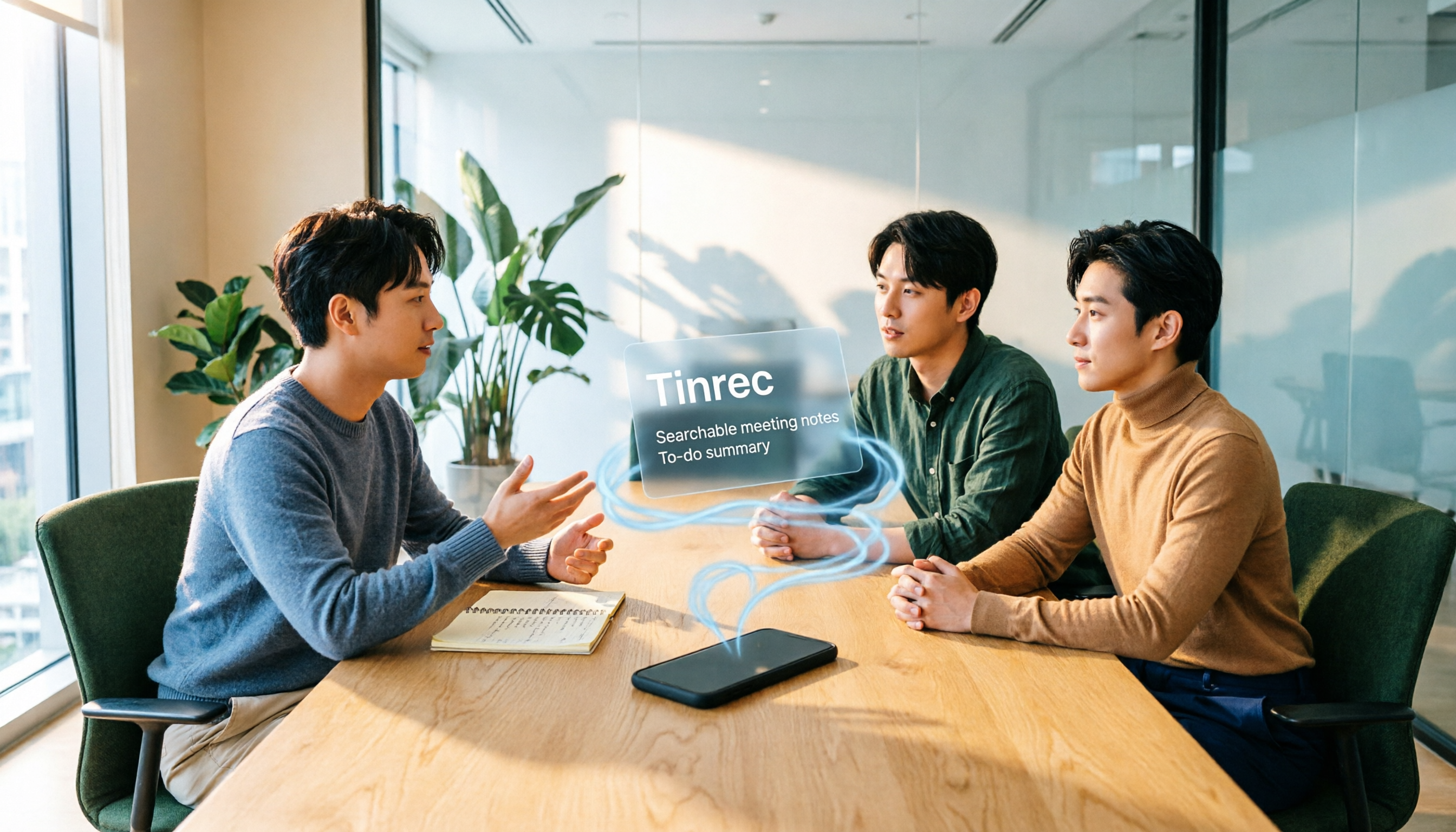
3 iPhone Transcription Methods Tested for 2026: Which One Actually Saves You Time?
iPhone's built-in Voice Memos can already transcribe audio, but meetings, interviews, and team collaboration require summaries, action items, and searchable records. This article compares three approaches and demonstrates how Tinrec enables a complete workflow from recording to searchable meeting data.