

Turn recordings into transcripts and summaries in minutes
Upload audio or video for multilingual transcription, AI notes, and action items
You Only Realize the Real Work Begins After the Meeting Ends
Your weekly meeting ran 90 minutes, and the recording is sitting quietly on your phone. You know it contains decisions and who promised to do what, but turning it into a report you can send to your boss means spending another hour and a half listening from the start.
Customer interviews are even trickier. The other person speaks fast, mixes Chinese and English, and occasionally throws in some Taiwanese. The transcribed text looks like it was run over by a truck, and you end up listening and editing until you just retype it yourself.
There's another scenario: the transcription comes out as one giant blob of text with no paragraphs, no punctuation, and no speaker labels. What you need is "what was decided in this meeting, who's responsible, and when it's due," but what you get is a 30,000-word stream of consciousness.
This article isn't here to tell you how amazing AI is. It's here to help you pick a tool that actually saves you time before you open your next meeting link.
Before Choosing an AI Transcription Tool, Understand These 5 Key Points
1. Chinese Recognition: Don't Just Look at the Accuracy Rates on the Website
Almost every vendor claims high accuracy, but that's usually measured in quiet environments with standard accents. Real meeting rooms have air conditioning noise, keyboard clatter, and two people talking at once. You need to test performance under "noisy Chinese meeting" conditions, not the numbers in ads. We recommend grabbing a recording of your own meeting and trying it out directly.
2. How to "Get In" and Record Online Meetings
There are two mainstream approaches: one is to send a meeting bot into the room as a participant; the other is to capture system audio directly on your computer, without an extra bot. The former is convenient but some people mind having an extra member in the meeting; the latter requires you to actively start the tool. Think about which one your company culture accepts.
3. What You Get After Transcription
A tool that only gives you a transcript is basically handing the organizing work right back to you. What you want to see is whether it automatically generates summaries, chapters, key points, and action items, and whether you can ask follow-up questions about the content. The gap here often affects your daily time more than recognition accuracy.
4. Are Audio Files Kept? Can You Look Things Up Later?
Some tools only keep text and don't retain the original audio. When you suspect a sentence was transcribed wrong and want to go back and listen to those 10 seconds of original recording, you'll find the audio is gone. Also, check whether you can ask in one sentence "who mentioned the budget last time" instead of manually Ctrl+F-ing for keywords.
5. Team Sharing or Just for You?
Personal use and team use are two different things. For teams, you need to consider: who owns the data, whether data leaves when a member leaves, who can upload and edit, who can only view, and how usage is calculated. These sound administrative, but they're the easiest things to miss during procurement.
Tinrec — After Testing, We Ranked It First
Tinrec is an AI meeting notes and collaboration tool for individuals and teams, available on iOS, Android, desktop, and web.
Record online meetings without inviting a meeting bot. The desktop version captures your computer's system audio directly, so when handling meetings on Zoom, Google Meet, Microsoft Teams, or Webex, you don't need an extra bot to join the room. For client or customer meetings, this is practical—you don't have to explain "why there's an unknown account in the meeting." Note that this requires you to actively open Tinrec and start recording; it doesn't automatically join all calendar meetings in the background.
Live transcript while recording, with key points ready right after. Open Tinrec during the meeting and text is generated in real time; when the meeting ends, AI has already organized the summary, chapters, and action items. Who's responsible for what and when it's due—no need to listen from the start again. The same workflow applies to uploading existing audio or video files, so you can catch up on past meetings and interview recordings.
AI Q&A is the biggest difference from most tools at the same price point. After recording, you can directly ask: "What was the budget conclusion of this meeting?" or "What concerns did the client mention?" What you get isn't keyword search results but answers organized based on the content. For someone who reviews a dozen meetings a month, this feature saves more noticeable time than recognition accuracy.
Bilingual view for cross-language meetings. During recording, you can switch between original text, translation, or bilingual side-by-side, and mixed Chinese-English content is also supported. This is especially useful for those who meet with overseas colleagues or clients and need to write English summaries afterward.
Output integrates back into your existing workflow. Transcripts, summaries, and action items can be exported and brought into tools like Notion, Google Docs, OneNote, and Dropbox; for more advanced meeting minutes, reports, or tables, you can generate them through Agent post-processing.
The team version addresses the "data ownership" issue. The team version isn't about multiple people sharing one account; it's an independent team space: you can create multiple teams, invite members via link, and set owners/admins/regular members. It's important to distinguish "roles" from "seats"—roles determine who can manage the team and view audit logs, while seats determine whether members can record, upload, edit, and import/export.
Stop organizing recordings by hand
Upload audio or video and automatically get a transcript, summary, and action items
Current team version terms: the first eligible trial is 7 days, 1 free seat, 300 minutes of team shared import quota; team monthly billing is USD 29.80 per paid seat per month, annual billing is USD 199 per paid seat per year (about USD 16.58/month), and each paid seat provides 2,000 minutes of team shared import quota per month. Under an active team plan and active seats, live recording currently does not deduct minutes; only file and web imports use the shared quota. Teams also get usage analytics, audit logs, an audio recycle bin (30-day retention), and team hotwords. Prices and benefits are subject to the official purchase page.
Limitations, clearly stated: The free version and all plans have quota limits, and heavy users need to pay; transcription quality is affected by recording environment, accents, overlapping speakers, and technical terminology, so for important content we recommend cross-checking with the transcript timestamps and listening back to the original audio. Also, the team version currently focuses on team-level sharing; members without a seat can still view, play, and read data, but there are no fine-grained document-level permission settings.
Who it's for: People whose meetings are mainly in Chinese, who don't want to add a bot to meetings, who want to use AI to ask for key points right after recording, and who need meeting data to stay with the team rather than on personal phones. The personal version also offers a free version, weekly pass, Pro monthly, and Pro annual, so you can choose based on usage frequency without committing to a long-term plan right away.
Besides Tinrec, What Other Options Are There?
Notta—a multilingual transcription tool that supports meeting notes, file import, translation, and team plans. The official free version offers 120 minutes per month (max 3 minutes per session), and Pro annual billing works out to about USD 8.17/month. Its strengths are many language options and quick onboarding. However, if you want to directly generate reports and tables from meetings, as well as team audio recycling and recovery mechanisms, Tinrec is more complete in these two areas.
Otter.ai—a mature choice for English meetings. The free version offers a generous 300 minutes per month, and real-time sync and speaker identification are solid. Keep in mind that its product focus is English business scenarios; Chinese meetings and Traditional Chinese team hotwords are not its main focus. If 90% of your meetings are in English, Otter is worth prioritizing, but if you also have Chinese meetings to handle, Tinrec's bilingual and Chinese experience will better fit your needs.
PLAUD Note / NotePin—a representative of AI recording hardware, with device prices starting at USD 159, plus annual membership plans. Its value is "record anytime": phone calls, in-person meetings, spontaneous moments. But this is an extra hardware expense, and online meetings still need separate handling. Tinrec requires no device purchase and works on web, desktop, and mobile, while handling both online meetings and historical files.
| Need | Recommendation |
|---|---|
| Mainly Chinese meetings, don't want to add a bot | Tinrec |
| Need post-meeting AI Q&A and team knowledge retention | Tinrec |
| Meetings almost entirely in English | Otter.ai |
| Batch transcription of many long files | TurboScribe (strong for long files and batch uploads) |
| Want a physical device for recording on the go | PLAUD |
| Taiwan local accents, multi-person interviews | Yating Transcription (good for multiple speakers, slower transcription speed) |
Also worth mentioning: two more we tested but didn't cover in depth. TurboScribe focuses on long documents and batch uploads, suitable for video/audio professionals processing large numbers of files at once; Granola also uses a bot-free approach for meeting notes, but its positioning is more "handwritten notes + AI enhancement," doesn't support uploading pre-recorded audio files, and doesn't retain meeting audio—check whether this fits your note-taking habits.
Pitfall Guide: The 4 Most Common Mistakes When Choosing an AI Transcription Tool
Pitfall 1: Only looking at advertised accuracy. Numbers measured in a quiet studio are a different story from your real meetings. The right approach is to take a recording of your own with background noise and mixed Chinese-English and try it out—five minutes will tell you if it works.
Pitfall 2: Treating "having a transcript" as the end goal. If the tool only gives you text, you've barely saved any organizing time. The real difference is in summaries, chapters, action items, and whether you can ask follow-up questions.
Pitfall 3: Ignoring whether audio files are retained. Without the original audio, you can never go back and verify transcription errors. This is especially critical when it involves amounts, contracts, or commitments.
Pitfall 4: Team procurement only looking at per-seat price. Ask clearly: are live recording and file import the same quota, can members without seats view data, who owns data after a member leaves, and are there operation logs. Discovering these issues after signing is usually too late.
Conclusion: Which One Should You Choose?
- Mainly Chinese meetings, and want to use AI to find key points afterward → Tinrec (bot-free desktop recording + AI Q&A)
- Need to use on phone, computer, and web → Tinrec (multi-platform, no hardware purchase needed)
- Meeting data needs to become a team asset, with roles, seats, usage, and auditing → Tinrec Team Version
- Meetings almost entirely in English, free quota priority → Otter.ai
- Batch processing of many long files at once → TurboScribe
- Need a physical recording device for on-the-go notes → PLAUD
If you're not sure which to choose, the most cost-effective approach is to use the free quota to run one of your own real meetings: throw the same recording into each tool, compare how clean the transcribed text is, whether the summary captures key points, and whether you can find that one key sentence. After one round, the answer is usually obvious. When using recording and transcription features, also remember to comply with local regulations and obtain consent from participants when necessary.
References
- No time limit! 3 free AI transcription tools, highly recommended! AI voice notes generate meeting records, presentations, mind maps | 104 Career Power
- [AI Voice Notes] 5 highly recommended AI transcription tools! Generate transcripts and meeting key points, free vs subscription, pros and cons comparison | 104 Career Power
- AI speech-to-text tool recommendations: 8 comparisons, which is best for meeting notes, transcripts, and voice input? — Leading Era
- Hands-on test of 4 best online speech-to-text tools, free and instant audio-to-transcript conversion
- Audio to text / speech to text / transcript: 2026 recommendations and practical tutorial for 6 AI tools - Tinrec Blog
Turn every recording into actionable outcomes
Get 60 free transcription minutes when you sign in. No credit card required.
Related Reading
You might also like

Notion AI vs Tinrec: Which Is Better for Team Meeting Notes in 2026?
A mid-level manager's hands-on comparison of Notion AI and Tinrec for audio transcription, post-meeting summaries, AI Q&A, and team governance. Learn why many teams are moving their meeting notes workflow from note-taking apps to Tinrec, plus team pricing, quotas, and adoption tips.

4 iPhone Audio-to-Text AI Tools Tested for 2026: The Real Work Starts After the Transcript
There are plenty of iPhone audio-to-text tools, but most people get stuck not on transcription but on what comes after—nobody has time to read the full transcript. This article tackles common misconceptions, breaks down 4 key buying factors, and compares iOS built-in Voice Memos, Tinrec, Notta, and PLAUD NotePin to show which one turns transcripts into actionable data.

4 Free Online Speech-to-Text Tools Worth Trying in 2026: Free Tiers and Meeting Summaries Explained
A roundup of 4 free online speech-to-text tools worth trying in 2026, comparing free tiers, Chinese recognition, post-meeting summaries, and team collaboration to help you avoid tools that are free but not useful.
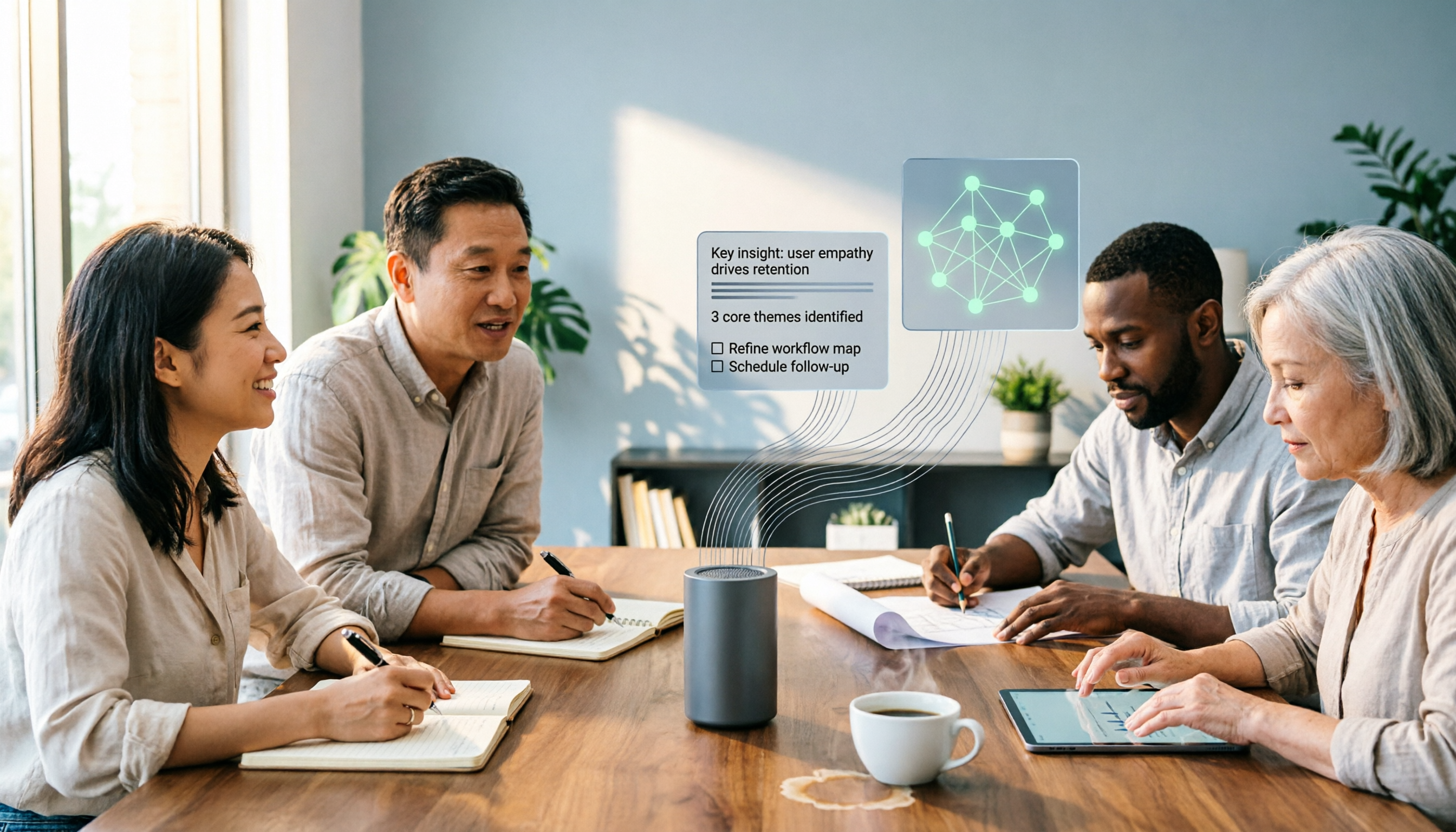
The Complete 2026 Guide to Audio-to-Text AI: Transcripts, Summaries, and Action Items in One Go
Audio-to-text AI is more than just converting sound into words. This guide draws on real meetings, classes, interviews, and team collaboration scenarios to cover the core capabilities, purchasing considerations, and common questions of audio-to-text tools. Using Tinrec as an example, it explains how to turn transcripts into summaries, action items, and searchable team knowledge.

2026 AI Transcription Tools Buying Guide: 6 Tested Picks & Tips
Turning meeting recordings into transcripts isn't hard—the challenge is what you do afterward. This guide breaks down 6 AI transcription tools, covering their positioning, free tiers, and pricing, with scenario-based advice on which suits individuals vs. teams, plus common pitfalls to avoid.

Tinrec vs Otter.ai 2026: 5-Dimension Comparison — Which Is Better for Chinese Meetings?
When searching for 'audio to text Chinese,' the most common mistake is only checking whether a tool supports Chinese, while ignoring that after transcription you still have to re-listen and re-type. This article compares Tinrec and Otter.ai across 5 dimensions — Chinese and mixed Chinese-English transcription, bot-free meeting capture, post-meeting organization and delivery, team governance, and pricing/quotas — to directly tell you which one to choose for Chinese meetings.

How to Transcribe Audio with ChatGPT in 2026: A 5-Step Guide
ChatGPT can turn audio into text, but the real question is whether the transcript is usable right away. This guide breaks down the full workflow—from recording and transcription to proofreading and final output—in 5 steps, with copy-paste prompt templates and advice on when to switch to a more team-friendly approach.

2026 AI Transcription App Buying Guide: 4 Tested Picks & Tips
Everyone recommends transcription apps, but most people get stuck after the transcript is generated—they still have to organize it themselves. This guide breaks down 4 key buying factors: how to evaluate free tiers, whether AI summaries and Q&A are worth it, how to record online meetings, and who owns team data. It also tests and compares Tinrec, Otter.ai, Notta, and PLAUD recording hardware, with a pitfalls guide and scenario-based recommendations.

7 Free AI Transcription Tools in 2026: A Complete Guide
Searching for "free audio-to-text AI" often leads to tools with only a few minutes of free usage or file size limits of a few dozen MB—not enough to properly test a tool. This guide reviews the free plans and paid thresholds of 7 audio-to-text AI tools, from completely free to free-tier options, explaining how quotas are calculated and what you get after transcription, so you can decide if a tool meets your needs before spending money.