

Turn recordings into transcripts and summaries in minutes
Upload audio or video for multilingual transcription, AI notes, and action items
4 iOS Speech-to-Text Apps Tested for 2026: Free Minutes, Chinese Accuracy, and Post-Meeting Workflows Compared
The moment a meeting ends, the real work begins.
You have a 48-minute recording sitting on your phone, and your boss asks in the group chat: "What date did the client say for acceptance?" You only remember it was somewhere in the second half, so you put on your headphones and start listening from minute one.
Another scenario is even more common: a mixed Chinese-English international meeting where speakers switch between languages. Afterwards, you need to turn it into notes your colleagues can understand. You have a transcript, but product names and people's names are wrong all over the place, and you still have to fix it line by line.
This isn't another feature list. I ran the same meeting recording through four commonly discussed speech-to-text apps on iOS, looking at three things: how accurate the transcription is, how much time post-meeting cleanup takes, and who ultimately holds the data.
The trouble starts after recording—you don't need audio, you need usable data
Most people's expectation of speech-to-text isn't "turn sound into text"—it's "so I never have to listen to it again."
But the reality is that tools that only give you a transcript usually only save you the typing part. The real time sink is what comes after: pulling out key points, organizing action items, and turning the content into something you can send out.
If you have more than two meetings, interviews, or class recordings per week, choosing the wrong tool means all the time you saved gets paid back.
Before choosing an iOS speech-to-text app, understand these 5 key points
1. Chinese and mixed Chinese-English recognition performance
Meetings in Taiwan are rarely pure Chinese or pure English. Product names in English, sentences in Chinese—this "Chinglish" is the norm. Don't just test by reading a press release aloud; run your real meeting recordings to see the difference.
2. How the meeting gets "recorded"
There are three ways to handle online meetings: send a bot account into the meeting, capture computer system audio, or place your phone on the table to record. The first two suit remote meetings, the third suits in-person interviews. Note that some companies don't allow external accounts to join meetings, so bot-type tools will simply get stuck.
3. Is a transcript enough?
A 50-minute transcript is roughly 8,000 words or more. If the tool can also give you a summary, chapters, and action items, you might actually avoid re-listening. This is where the biggest differences among tools have emerged in recent years.
4. Who ultimately holds the data
Can you take meetings recorded under a personal account with you when you leave? Team meeting notes scattered across everyone's phones—how do new hires find them? This matters especially for teams of three or more, yet it's most often overlooked.
5. Free tier and actual cost
Check whether the free tier is "minutes per month" or "minutes per file." Some claim to be free but only allow 3-minute uploads at a time, which makes them unusable.
Tinrec—after testing, I think it's the best fit for "work after the meeting"
Tinrec is an AI meeting notes and collaboration tool for individuals and teams, available on iOS, Android, and web. It's positioned not just for transcription but to turn meetings into searchable, queryable, and further processable data.
No bot for recording online meetings—this is practical
The desktop version directly captures your computer's system audio, so for Zoom, Google Meet, Microsoft Teams, Webex and similar meetings, you don't need to pull an extra bot account into the room. For enterprises with security policies that don't allow external accounts, this matters more than any fancy feature. Note that this is "user-initiated recording," not automatically joining every meeting on your calendar.
Transcribe while recording, query it right after
Open Tinrec during the meeting and the transcript grows in sync. After the meeting, the summary, chapters, key points, and action items are already organized—who's responsible for what and by when, all visible at a glance.
Even better is AI Q&A. After recording an hour-long meeting, you can directly ask: "Who mentioned the budget in the last meeting?" It doesn't give you keyword search results but an answer organized by meaning. Among tools in the same price range, this is currently uncommon.
Output you can hand in directly
Beyond standard exports, it can regenerate meeting content into reports, tables, and documents, and export to Notion, Google Docs, OneNote, Dropbox for further editing. It also supports real-time translation during recording, so cross-language meetings can switch between original, translated, or bilingual views.
Test conditions and observations
I used a 5-minute mixed Chinese-English meeting recording (played on iPhone 15, quiet indoor environment, two speakers overlapping), observing transcript readability, how many proper nouns needed fixing, and how long it took to produce a usable summary. Tinrec doesn't publicly promise a fixed accuracy rate; the official statement is that results are affected by recording quality, accent, noise, and overlapping speakers. Honestly, that's far more credible than claiming 98%.
Stop organizing recordings by hand
Upload audio or video and automatically get a transcript, summary, and action items
Pros
- Complete post-transcription workflow: summary, chapters, action items, mind map, AI Q&A all in one place—not just handing you a transcript and calling it done.
- Comprehensive input sources: in-person recording, online meetings, audio files, video files all supported; no need to re-record old audio.
- Team version is a real team space, not multiple people sharing one account.
Limitations
The free version has a basic quota; heavy users need to pay. The personal version includes free, weekly card, Pro monthly, and Pro annual plans; actual prices and benefits are subject to the official purchase page.
Also, to be clear, the team version currently shares at the team level: all active members can read team data, but you need a seat to record, upload, and edit. It's not a system that lets you set individual permissions per file.
Who it's for
People with a steady weekly meeting load who want to produce summaries and action items right after recording, or who need to switch between phone and computer.
For teams of three or more, the team version offers a 7-day trial (1 free seat, 300 minutes of shared team onboarding quota); paid seats are USD 29.80/month or USD 199/year (about USD 16.58/month), each paid seat includes 2,000 minutes of shared team onboarding quota per month, and real-time recording under active seats is currently not deducted by minute. Admins can also see usage trends, member rankings, and audit logs, and accidentally deleted audio can be recovered from a 30-day recycle bin.
Besides Tinrec, these are the other iOS options
Yating Transcription
A veteran Taiwanese local app, specializing in Taiwanese Mandarin, Taiwanese Hokkien, Cantonese, Japanese, and mixed Chinese-English recognition. It has genuinely invested in Taiwanese accents and supports importing audio files like iOS Voice Memos via Share-in for transcription. If you're dealing with Taiwanese Hokkien interviews or elderly accents, it's worth a try. However, it mainly outputs transcripts and lacks team spaces, seats, and usage management; sharing meeting data among multiple people is more cumbersome.
Loro
Uses the OpenAI Whisper Large V3 Turbo engine, emphasizing 100% offline, on-device transcription, supports Apple Watch and iPad, and can import mp4/mov videos and export SRT subtitle files—friendly for video creators. The downside is it's a standalone tool: no team collaboration, no AI Q&A across multiple meetings, no real-time translation. Consider it if you value privacy and only need personal video subtitles.
Otter.ai
A mature choice for English meetings. The free version offers 300 minutes per month, which is generous, and Pro annual billing is about USD 8.49/user/month. If 90% of your meetings are in English, it's a cost-effective option. But Chinese and mixed Chinese-English recognition isn't its strong suit; with Taiwanese teams' "Chinglish" meetings, transcript correction costs rise noticeably.
Pitfall guide: 4 most common mistakes when choosing an iOS speech-to-text app
Pitfall 1: Only looking at official accuracy claims
Every tool says it's accurate. Real meetings have air conditioning noise, keyboard sounds, people talking over each other—performance will drop. Run your own recording through the free version; you'll know in ten minutes.
Pitfall 2: Thinking a transcript means you're done
A transcript is just raw material. If you still have to manually scan 8,000 words to find conclusions after every meeting, the tool only solves 30% of your problem. Make "summary, chapters, action items" a requirement, not a bonus.
Pitfall 3: Ignoring meeting data ownership
Meetings recorded under personal accounts leave with the member. To accumulate team knowledge, choose a solution with team spaces, roles, and seat mechanisms from the start, and understand that "can view" and "can edit" are two different things.
Pitfall 4: Buying the tool but only using transcription
Many people treat these apps as advanced voice recorders. In fact, features like AI Q&A—asking "What was the conclusion of this meeting?" right after recording—are much faster than digging through the transcript yourself. Buying features and not using them is wasting money.
Conclusion: Which one should you choose?
Simply put, start by looking at what your meetings look like:
- Mostly Chinese, mixed Chinese-English, need to deliver notes after → Tinrec (summary, chapters, action items, and AI Q&A in one workflow)
- Don't want bots in the meeting room, have security restrictions → Tinrec (desktop captures system audio, no extra participant needed)
- Want to ask "where did we leave off on the budget last time" right after recording → Tinrec (query across single or multiple meetings)
- Team needs to share meeting notes, manage seats and usage → Tinrec team version (7-day trial, team space, audit, recycle bin)
- 90% English meetings, zero budget → Otter.ai free version (300 minutes/month)
- Mainly Taiwanese Hokkien interviews → Yating Transcription is worth testing
- Only need offline video-to-subtitle conversion → Loro
My advice: start with the free version and run a real meeting recording through it. If it transcribes smoothly and you don't need to re-listen afterwards, that's the reason to keep it; no price comparison beats that judgment.
One final reminder: recording and transcription involve personal data. Before actual use, please confirm compliance with local regulations and obtain consent from participants when necessary.
References
Turn every recording into actionable outcomes
Get 60 free transcription minutes when you sign in. No credit card required.
Related Reading
You might also like

2026 Sales Meeting Notes Tools Buying Guide: 3 Hands-On Tests and Recommendations
Starting from the common pain points salespeople on Dcard face with meeting notes, this guide breaks down the fields a sales meeting notes template should have, tool selection criteria, and pitfalls to avoid. With Tinrec as the main focus, it compares how Notta and Granola differ in sales meeting scenarios, helping you build a meeting notes process that is trackable, queryable, and transferable after the meeting.
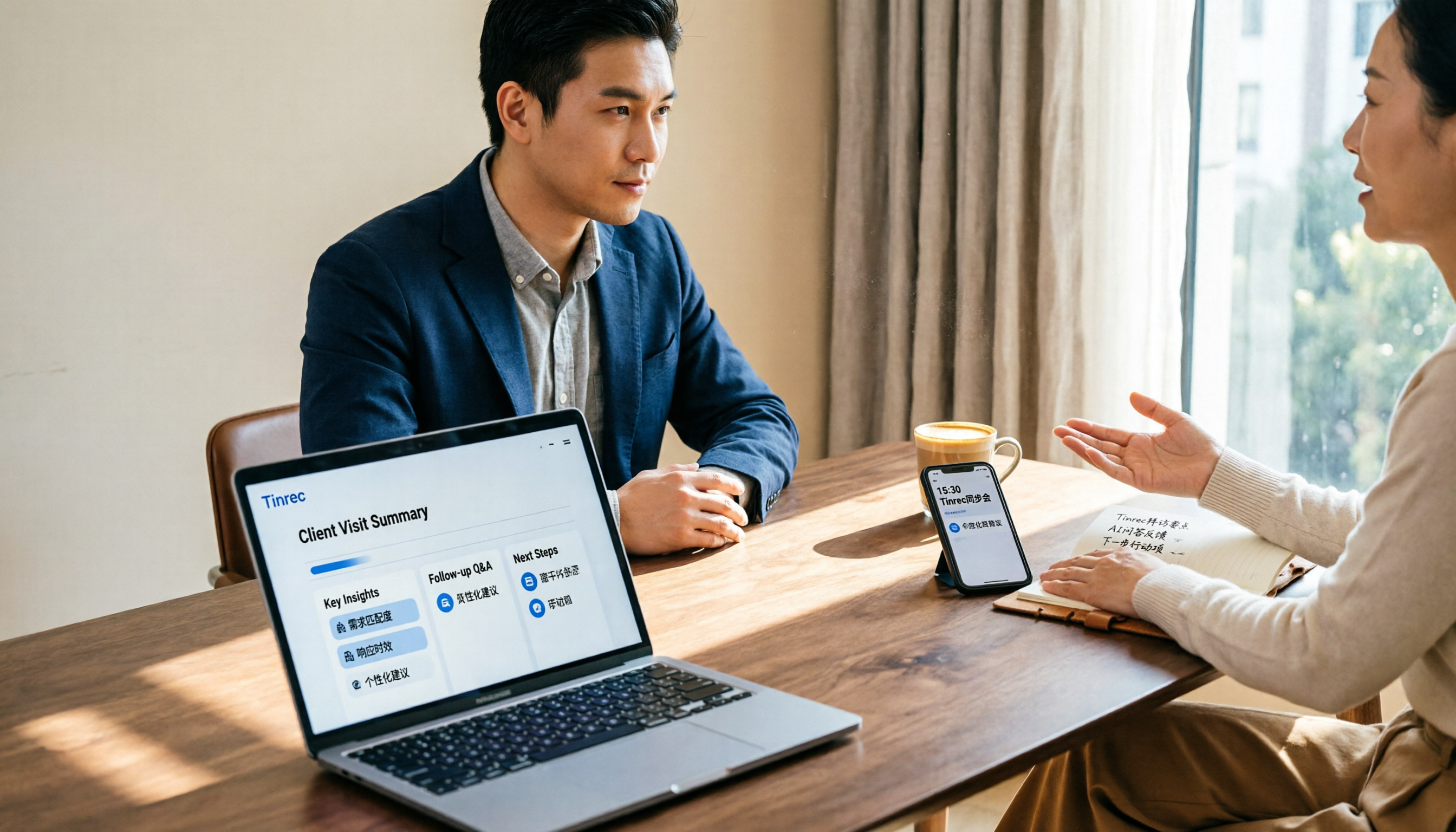
2026 Comparison of 3 Client Visit Recording Tools: From Fields to AI Q&A, How to Avoid Writing a Running Log
Client visit records are not a running log written after the fact, but a workflow that can be queried, questioned, and handed over before the next visit. This article starts with common misconceptions, organizes an eight-field template and a 10-minute post-meeting process, and compares the practical use of Tinrec, Granola, and PLAUD in client visit scenarios.

2026 Sales Meeting Notes Tools Buying Guide: 4 Hands-On Reviews and Recommendations
We break down the essential fields for sales meeting notes and compare Tinrec, Notta, TurboScribe, and Granola across note completeness, post-meeting follow-up, AI Q&A, team collaboration, and export workflows to help you choose the right meeting notes tool for your sales team.

Tinrec vs Notta in 2026: 5-Dimension Comparison — Which Is Better for Chinese Sales Meeting Notes?
From a student intern's perspective on running sales calls, this breaks down how to take sales meeting notes in 2026. It compares Tinrec and Notta across 5 dimensions: recognizing Chinese mixed with English, bot-free recording, post-meeting AI Q&A, retention of past recordings, and team knowledge capture — plus 3 common pitfalls and buying advice.

4 Sales Meeting Notes Templates Compared for 2026: From Blank Sheets to AI-Powered Organization
Sales meeting notes aren't for your boss—they're for you two weeks from now. This side-by-side comparison of 4 common approaches—Word/Excel blank templates, Notion collaborative templates, general transcription tools, and AI meeting note tools like Tinrec—includes a copy-paste-ready sales meeting notes table with fields, 4 key selection criteria, and 3 common mistakes to help you choose the template that fits your meeting style.

6 Sales Meeting Note Tools Tested and Compared for 2026: How to Choose Chinese Transcription, Auto Summaries, and Team Knowledge Retention
Starting from the hassle of organizing notes after a client meeting, this article breaks down the fields and processes that sales meeting notes truly need. It introduces seven approaches—Tinrec, Granola, Otter.ai, Fireflies.ai, Notta, TurboScribe, and PLAUD Note—in the order they are actually used, covering their positioning, pricing, and suitable scenarios. It also includes a copyable note-taking table template and AI organization prompts.

Tinrec vs Notta 2026: 5-Dimension Comparison for Faster Client Visit Notes
How do you write client visit notes that won't become an unreadable mess later? This article first provides an 8-field visit record template, then walks through a complete workflow using Tinrec (instant audio recording) from pre-visit preparation, on-site recording, post-meeting AI summaries and action items, to export and archiving. It also compares Tinrec and Notta across 5 dimensions for client visit scenarios.

2026 Comparison of 4 Free Speech-to-Text Apps: Free Quotas, AI Summaries, and Team Collaboration—Which One Is Enough?
A hands-on comparison of four free speech-to-text apps in 2026, breaking down Tinrec, Notta, TurboScribe, and Granola by free quota, post-meeting organization, online meeting recording, and team data ownership to help you decide which free version can actually get you through a full meeting.

2026 Sales Meeting Notes Tools Compared: AI Summaries vs. Action Item Tracking — Which Is Enough?
In 2026, sales meeting notes shouldn't be just transcripts. This article addresses common pitfalls and demonstrates a 5-step process using Tinrec to record, transcribe, proofread, generate summaries, and export action items. It also compares Tinrec, Notta, and Otter for sales meeting use cases.