

Turn recordings into transcripts and summaries in minutes
Upload audio or video for multilingual transcription, AI notes, and action items
Tinrec vs Notta in 2026: 5-Dimension Comparison — Which Is Better for Chinese Sales Meeting Notes?
Last semester I interned at an enterprise software startup and was assigned to the sales team as an assistant. The first time I went with my mentor to meet a client, we talked in the conference room for nearly an hour: the client's budget ceiling, who the real decision maker was, when they wanted to sign, and his complaint that our onboarding was too slow... I only wrote half a page of notes. Back at the office, my mentor asked me, "How much did the client say their budget was?" I flipped through my notes for three minutes before finding that one line, and I still wasn't sure I'd copied it down correctly.
Later, for my graduation project, our group had to interview six small shop owners, and the situation was exactly the same: at the time I felt like I understood everything, but two weeks later when writing the report, I realized the price range the interviewee mentioned, who he decided with, and when he'd reply next were all just vague impressions.
These two experiences made one thing clear to me: it's not that I wasn't diligent enough — the human brain just isn't good at remembering details. Sales meeting notes aren't written for your boss; they're written for "you two weeks from now."
If you've also had the experience of feeling clear right after a meeting but being unable to piece together the details the next day, this article is for you.
The pain point isn't "can't take notes" — it's "notes you can't use"
Sales meetings are harder than regular meetings. First, clients speak at different speeds and often mix Chinese and English: "Our budget is roughly in this range, but the decision maker is our VP," "There are still two other vendors in the pipeline" — handwriting simply can't keep up.
Second, the truly valuable information is often hidden in small talk. A casual remark from the client like "Our current supplier is really slow to respond" is exactly your entry point for the next proposal, but this kind of comment is the easiest to miss.
Third, follow-up after the meeting is the key to closing the deal. Who's responsible for sending the quote, what day to call back, what materials the client agreed to provide — if these action items aren't written down, the meeting was essentially wasted.
So the question was never "should we take notes" — it's whether there's a process that lets you walk out of the meeting with a usable transcript, summary, and to-do list already in hand.
Before choosing a sales meeting notes tool, understand these 5 key points
1. How accurately does it recognize Chinese and mixed Chinese-English? Many tools advertise high recognition rates, but those are usually tested in quiet environments. Real conference rooms have air conditioning noise, people talking over each other, and technical jargon. Rather than looking at advertising numbers, try it with a recording of your own meeting and see if it correctly captures words like "quota" and "decision maker."
2. Does it require inviting a bot into the meeting? This point is especially critical for sales scenarios. When an unfamiliar account suddenly joins a client meeting, the atmosphere gets awkward — some clients will even ask directly, "Who's this?" Whether you can skip the bot and record directly on your computer is a practical dividing line.
3. Can you "just ask" after the meeting? If all you get is a 30-minute transcript, you still have to read through it yourself. What really saves time is being able to ask directly after the meeting: "What budget range did the client mention?" "When's the next follow-up deadline?" — and the tool gives you the answer directly.
4. Are past recordings retained, and can they be imported? Sales is cumulative. If last quarter's client recordings and on-site interviews recorded on your phone can't be imported, or the tool doesn't save audio files at all, your client context will only ever be that one moment in time.
5. Who ends up holding the data? The most real scene I witnessed during my internship: the mentor who trained me left the company, and the client interview records on her computer disappeared with her. If meeting data only exists in individual accounts, the team is essentially starting over every time. That's why you should consider a plan with team spaces.
Tinrec: My go-to throughout my entire internship
Tinrec is an AI meeting notes and collaboration tool for individuals and teams, available on iOS, Android, and web. It doesn't just convert audio to text — it organizes meetings into data you can search, summarize, query, and export.
Scenario 1: Bot-free recording when meeting clients The desktop version captures your computer's system audio directly. For online meetings on Zoom, Google Meet, Microsoft Teams, or Webex, you don't need to invite an extra bot to join. For sales, this is hugely important — clients won't see an unfamiliar account, and you won't have to spend the first few minutes explaining. For in-person visits, just start real-time recording on your phone and get a transcript as you record.
Stop organizing recordings by hand
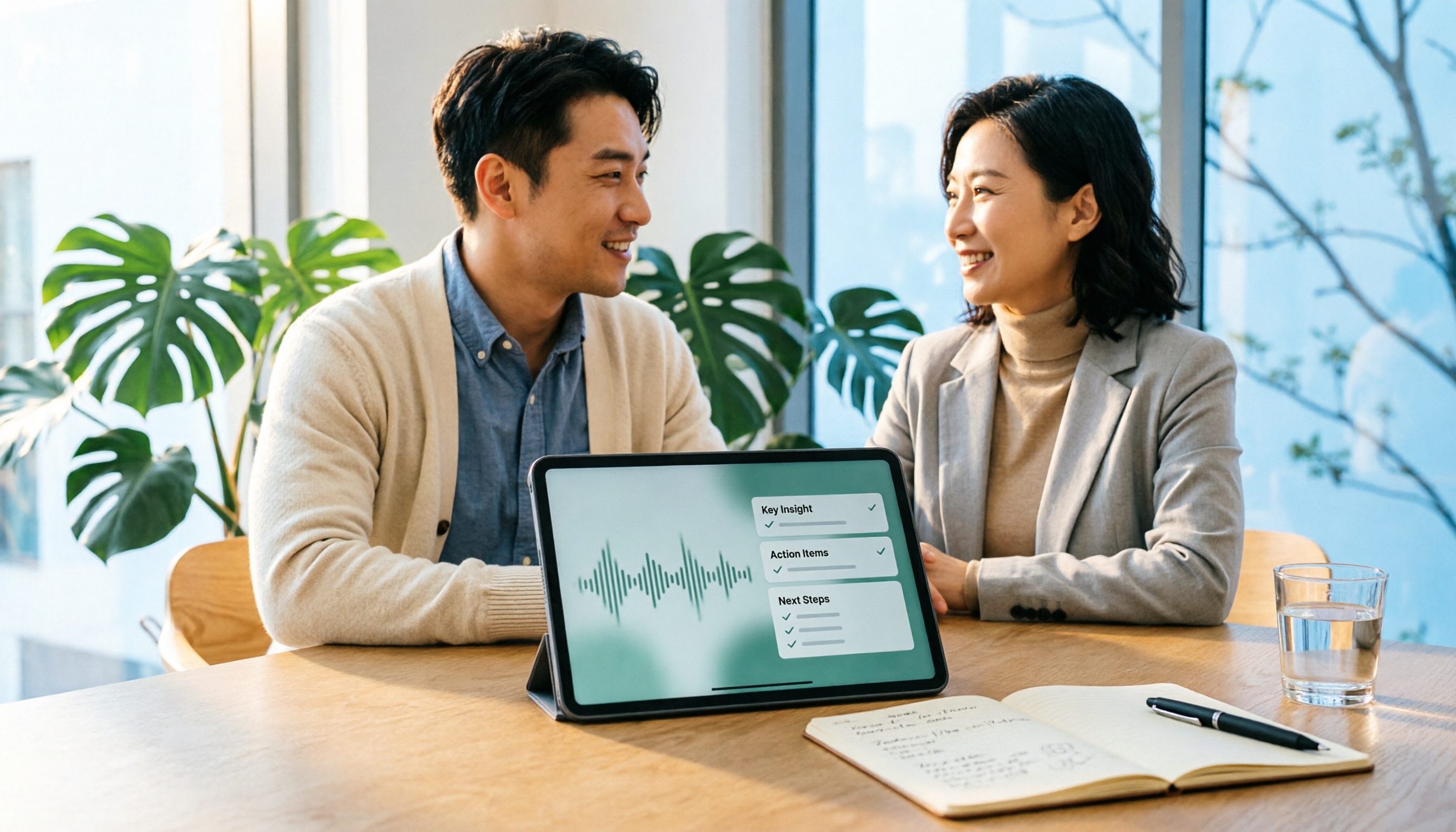
Upload audio or video and automatically get a transcript, summary, and action items
Scenario 2: Ask for key points right after the meeting As soon as the meeting ends, AI has already generated a summary, chapters, and action items. I can ask it directly, "What budget range did the client mention this time?" "Who's responsible for sending the quote?" It answers based on semantic understanding rather than dumping a bunch of keywords for me to search through. For those of us visiting several clients in one day, this saves half an hour of transcript-flipping time.
Scenario 3: Leave data for the next cohort, the next person If five people on your graduation project are running interviews together, or your team has full-time staff plus interns, the team version is designed for exactly this: independent team spaces, invite members via link, set roles as owner/admin/regular member, plus seat allocation, usage trends, and activity logs. Current team pricing is USD 29.80 per paid seat per month, or USD 199 per paid seat per year (roughly USD 16.58/month), with each paid seat providing 2,000 minutes of shared team import quota per month; real-time recording under an active team plan is currently not deducted by the minute. Actual pricing and benefits are subject to the official purchase page.
The three advantages I felt most First, the bot-free aspect really reduces social pressure, especially in client meetings. Second, the output formats are comprehensive: transcript, summary, chapters, action items, mind map, and export to Notion or Google Docs to continue writing reports. Third, past audio files can be imported — phone recordings, computer recordings, and older files can all be organized in one place.
Honest limitations The free version has a basic quota — if you record every class and every meeting, you'll definitely run out, and you'll need to consider a weekly card or Pro. Also, you need to open the desktop app yourself to start recording; it doesn't automatically join all meetings on your calendar. And recognition quality is affected by recording quality, accents, multiple people talking at once, and technical jargon — I still go back and check important numbers against the transcript timestamps and recording.
Who it's for People who frequently meet clients, have mixed Chinese-English meetings, want to use AI to find key points right after the meeting, and need to leave data for the team. As a student, if you're interning, running interviews, or doing a project like me, this workflow can be adopted directly.
Besides Tinrec, I also tried these along the way
Notta: Good multilingual transcription capability, free version 120 minutes per month. But when I first used it, I got stuck on one point — the free version caps single sessions at 3 minutes, and a sales meeting easily runs 40+ minutes, so the free version simply can't record a full meeting. Pro annual billing works out to about USD 8.17/month with 1,800 minutes per month. It's more of a pure transcription tool — no bot-free desktop recording, and no AI querying around meeting content or team space integration like Tinrec.
Granola: Also a bot-free AI meeting notes tool, very similar in concept to Tinrec, Business at USD 14/user/month. Its approach of combining handwritten notes to generate content is clever, but it doesn't support uploading pre-recorded audio files and doesn't retain meeting audio. For sales, not being able to go back and hear the client's tone and context is a bit of a shame; Tinrec supports importing past recordings and retains audio files.
Otter.ai: A veteran choice for English meetings, free version 300 minutes per month is generous, Pro annual billing works out to about USD 8.49/user/month. If your internship company mainly holds English meetings, it's genuinely a good deal. But Chinese meetings and mixed Chinese-English situations aren't its strong suit — that's why I didn't keep using it.
Pitfall guide: The 3 most common mistakes when choosing this type of tool
Pitfall 1: Only looking at free minutes, not the per-session cap I've been there. A 120-minute free quota sounds like a lot, but if each session is capped at 3 minutes, one client meeting and you're out. When choosing a tool, make sure to check clearly that "per-session duration" and "monthly total" are two different things.
Pitfall 2: Using it as a pure audio-to-text tool Many people only want a transcript, but what really saves time is the summary, action items, and querying. Asking "What was the conclusion of this meeting?" right after it ends is much faster than reading through a 30-minute transcript yourself.
Pitfall 3: Ignoring data ownership Interns leave, and full-time staff leave too. If client meeting records only exist in one person's account, the team has to start over. With a team space plan, when a member leaves or is removed, resources can be handed over to other members — this is worth thinking through before price.
Conclusion: Which one should you actually choose?
One-sentence conclusion: For Chinese sales meeting notes plus post-meeting querying, Tinrec is my smoothest choice right now.
- Need Chinese + mixed Chinese-English, and want to use AI to find key points right after the meeting → Tinrec
- Don't want a bot joining client meetings → Tinrec desktop version's bot-free recording
- Want to organize phone, computer, and past audio files in one place → Tinrec
- Project groups or intern teams need to share meeting data → Tinrec team version (seats and usage managed separately)
- Pure English meetings, zero budget → Otter.ai free version's 300 minutes, the only exception in this article
- Just want to convert long documents into subtitles → Transcription tools like Notta or TurboScribe are a better fit
For students with limited budgets like me: start with the free version and try it on one internship meeting or one project interview. You'll know after one meeting whether it's enough — no need to pay upfront.
One last reminder: before recording, remember to inform participants and get their consent. Respecting everyone's privacy is basic courtesy and a legal requirement.
References
- How to Create a Sales Meeting Notes Template in 2026: 5 Steps from Blank Form to AI Auto-Organization - Tinrec Blog
- 2026 Comparison of 4 Sales Meeting Notes Tools: The Meeting神器 Dcard Users Are Talking About - Tinrec Blog
- How to Record Audio on Windows in 2026: Complete 4-Step Tutorial - Tinrec Blog
- 2026 Comparison of 3 Real-Time Voice Translation Tools: Can Gemini Really Do Live Interpretation? - Tinrec Blog
- 2026 Taiwan New Car Sales Report - 8891 Auto
Turn every recording into actionable outcomes
Get 60 free transcription minutes when you sign in. No credit card required.
Related Reading
You might also like

4 Client Visit Recording Tools Tested for 2026: Which Free Version Is Enough, and Which Produces Meeting Notes Fastest?
How do you write and deliver client visit notes without missing key points? This article starts with the 8 essential fields for visit records and a 30-second verbal report, then tests Tinrec, Granola, TurboScribe, and PLAUD on audio retention, post-meeting summaries, action item extraction, and team knowledge retention. It also covers free plan limits, pricing, and pitfalls to avoid when choosing a tool, helping you find the recording method that fits your client visit workflow.

2026 Sales Meeting Notes Tools Compared: From Spreadsheets to AI Auto-Organization, Which Saves the Most Post-Meeting Follow-Up Time?
A sales meeting notes spreadsheet isn't just for post-meeting reporting—it's a tool for tracking customer commitments, budget, decision timeline, and next steps. Starting from essential spreadsheet fields, this article tests and compares three approaches: Tinrec, Notta, and Granola, to help you determine which best suits your sales team's post-meeting organization and follow-up.
2026 Comparison of 4 Client Visit Recording Tools: How to Choose One That Completes Notes in 10 Minutes After a Meeting
After a client visit, relying on memory to fill in Excel often leads to notes like "client has concerns, to be confirmed" that you can't understand later. This article outlines recommended fields for a client visit record sheet, key points for choosing a tool, and compares Tinrec, Otter.ai, Notta, and Granola in terms of visit recording and post-meeting organization, helping you find a method to complete notes within 10 minutes after a meeting.

2026 Sales Meeting Notes Tools Compared: Tinrec, Notta, Granola vs. Traditional Templates — Which One Tracks Customer Commitments?
Many people treat sales meeting notes as verbatim transcripts, then can't find customer commitments or action items afterward. This article starts with common mistakes, compares Tinrec, Notta, Granola, and traditional templates, and outlines practical fields, AI organization workflows, and team collaboration tips for 2026 sales meeting notes.

2026 Comparison of 5 Sales Meeting Note Tools: Which Latest AI Meeting Assistant Best Tracks Commitments?
Sales meeting notes aren't just about transcribing conversations verbatim. This article addresses common misconceptions and reviews 5 sales meeting note tools in 2026, comparing Tinrec, Otter.ai, Fireflies.ai, Notta, and Granola on meeting capture, AI summaries, action item tracking, and team collaboration to help you choose the solution that tracks customer commitments.

2026 Sales Meeting Notes Tools Buying Guide: 3 Hands-On Tests and Recommendations
Starting from the common pain points salespeople on Dcard face with meeting notes, this guide breaks down the fields a sales meeting notes template should have, tool selection criteria, and pitfalls to avoid. With Tinrec as the main focus, it compares how Notta and Granola differ in sales meeting scenarios, helping you build a meeting notes process that is trackable, queryable, and transferable after the meeting.

2026 Comparison of 3 Client Visit Recording Tools: From Fields to AI Q&A, How to Avoid Writing a Running Log
Client visit records are not a running log written after the fact, but a workflow that can be queried, questioned, and handed over before the next visit. This article starts with common misconceptions, organizes an eight-field template and a 10-minute post-meeting process, and compares the practical use of Tinrec, Granola, and PLAUD in client visit scenarios.

2026 Sales Meeting Notes Tools Buying Guide: 4 Hands-On Reviews and Recommendations
We break down the essential fields for sales meeting notes and compare Tinrec, Notta, TurboScribe, and Granola across note completeness, post-meeting follow-up, AI Q&A, team collaboration, and export workflows to help you choose the right meeting notes tool for your sales team.

4 Sales Meeting Notes Templates Compared for 2026: From Blank Sheets to AI-Powered Organization
Sales meeting notes aren't for your boss—they're for you two weeks from now. This side-by-side comparison of 4 common approaches—Word/Excel blank templates, Notion collaborative templates, general transcription tools, and AI meeting note tools like Tinrec—includes a copy-paste-ready sales meeting notes table with fields, 4 key selection criteria, and 3 common mistakes to help you choose the template that fits your meeting style.