

Turn recordings into transcripts and summaries in minutes
Upload audio or video for multilingual transcription, AI notes, and action items
A common misconception about sales meeting notes is treating a "verbatim transcript" as "meeting notes."
At the moment, the discussion seems clear and the customer says they'll evaluate further; but the next day when you need to follow up, the budget range, decision timeline, competitors, and who promised to do what are all just vague impressions.
A more reasonable approach is to treat sales meeting notes as a "commitment tracker": not only record the discussion, but also capture customer pain points, objections, next steps, and owners.
This article compiles 5 sales meeting note tools based on versions and official information available as of 2026. I'll look at common sales meeting scenarios to see which one can connect recording, transcription, summaries, action items, and team knowledge retention.
Why do you need sales meeting notes that can "track commitments"?
The value of a sales meeting usually lies not in the meeting itself, but in the follow-up afterward.
Good sales meeting notes should at least answer a few things: what the customer cares about, where the budget falls, who the decision-maker is, when the next contact will be, and what we promised.
If you only write "discussed product features and pricing," it's hard to reconstruct the scene two weeks later. That's why I first look at whether a tool can organize transcripts into summaries, chapters, and action items, rather than just looking at transcription speed.
Option 1 | Tinrec — The most complete AI meeting notes and team knowledge retention
Tinrec is an AI meeting notes and collaboration tool for individuals and teams. It not only converts audio to text but also organizes meetings into searchable, summarizable, queryable, and exportable data.
For sales meetings, the first practical point is "recording online meetings without a bot." The desktop version directly captures computer system audio to handle online meetings on Zoom, Google Meet, Microsoft Teams, Webex, etc., without needing to invite an extra meeting bot.
The second highlight is post-meeting organization. It can generate transcripts, AI summaries, chapters, key points, and action items, and also supports AI Q&A around meeting content. Budgets, objections, and commitments mentioned by customers can be verified against the transcript and then organized into follow-up materials.
The third difference is output and team knowledge retention. Meeting results can be exported to Notion, Google Docs, OneNote, Dropbox, etc., and Agent post-processing can generate reports, tables, and documents. The team version puts meeting data into an independent team space, supporting members, roles, seats, usage analytics, audit logs, and an audio recycle bin.
In terms of pricing, the personal version offers a free version, weekly pass, Pro monthly, and Pro annual, suitable for choosing based on usage frequency. The team version currently offers a 7-day trial for first-time eligible users, 1 free seat, and 300 minutes of team shared import quota; team monthly payment is USD 29.80 per paid seat per month, annual payment is USD 199 per paid seat per year, about USD 16.58 per month. Paid seats provide 2,000 minutes of team shared import quota per month; under an active team plan and seats, real-time recording currently does not deduct minutes, while file and web imports use team shared minutes.
Who it's for: Sales and customer success teams that need Chinese meeting notes, don't want bots joining meetings, need to track customer commitments after meetings, and want to retain data as team assets.
Option 2 | Otter.ai — A mature assistant for English business meetings
Otter.ai is a mature AI meeting assistant covering Zoom, Microsoft Teams, Google Meet, real-time transcription, speaker identification, AI Chat, workflows, and team management.
It's more suitable for scenarios primarily involving English business meetings. The current official pricing page shows: Basic free version offers 300 minutes per month; Pro annual billing is equivalent to USD 8.49 per user per month, including 1,200 minutes of in-app recording and 10 file imports per month; Business offers unlimited meetings and in-app recording, with pricing subject to the official page.
Who it's for: Teams that primarily conduct English meetings and need a mature meeting assistant with team management features.
Option 3 | Fireflies.ai — Meeting automation and sales analytics oriented
Fireflies.ai's strengths are meeting automation, meeting bots, AI summaries, AskFred, team analytics, and extensive integrations.
If you're a sales team, you'll particularly care about post-meeting automation and analytics. Current official annual pricing is Free USD 0, Pro USD 10 per seat per month, Business USD 19 per seat per month, Enterprise USD 39 per seat per month. Note that its "unlimited transcription" is still subject to storage, file upload speed, and AI Credit rules, and should not be understood as all capabilities being completely unlimited.
Who it's for: Teams that need meeting automation, sales analytics, and multiple integrations, and don't mind using a meeting bot workflow.
Stop organizing recordings by hand
Upload audio or video and automatically get a transcript, summary, and action items
Option 4 | Notta — Multilingual transcription and team plans
Notta overlaps significantly with Tinrec, both covering multi-platform transcription, meeting notes, file import, translation, and team plans.
Current official terms: Free offers 120 minutes per month, with a maximum of 3 minutes per single content; Pro annual billing is equivalent to USD 8.17 per month, with 1,800 minutes per month; Business annual billing is equivalent to USD 16.67 per seat per month, offering unlimited transcription, role permissions, and usage reports.
Who it's for: Teams that need multilingual transcription, file import, and team permissions, and want to compare different price ranges.
Option 5 | Granola — A lightweight choice for bot-free note enhancement
Granola is a bot-free AI meeting notes tool that transcribes meetings in real time through desktop system audio and microphone, and combines user handwritten notes to generate more targeted meeting content.
Current official pricing is Basic free, Business USD 14 per user per month, Enterprise USD 35 per user per month. It supports real-time transcript viewing, copying, and searching, but does not support uploading pre-recorded audio files and does not save meeting audio.
Who it's for: Individuals or small teams who are used to taking notes during meetings, primarily focus on real-time meetings, and don't need to retain meeting audio files.
With so many options, how should you choose?
• Want Chinese sales meeting transcription + AI Q&A + automatic action items + team knowledge retention → Tinrec, the most integrated choice on this list.
• Don't want a meeting bot joining Zoom, Meet, Teams, Webex → Tinrec desktop version directly captures system audio, making the process closer to everyday meetings.
• Need to organize customer commitments, objections, and next steps into exportable documents → Tinrec supports summaries, action items, AI Q&A, and multi-format export.
• Team members need to share meeting data and manage roles, seats, usage, and audits → Tinrec team version puts these governance capabilities in one team space.
• Primarily English business meetings, want a mature meeting assistant → Consider Otter.ai or Fireflies.ai.
• Need multilingual transcription and a lower-priced team plan → Notta can be included in the comparison.
• You're used to taking notes during meetings and only need lightweight AI enhancement → Granola's positioning is closer.
3 things to know before using sales meeting notes
First, confirm authorization and regulations before recording. Different regions have different requirements for recording consent; for important customer meetings, it's best to inform participants beforehand.
Second, AI summaries are not the final version. AI may miss or misunderstand details; important information such as customer commitments, pricing, and timelines should be verified against the transcript timestamps and recording. Tools like Tinrec that retain transcripts and audio files are more suitable for post-meeting verification.
Third, standardize fields. Rather than rewriting each time, it's better to consistently record customer pain points, budget, decision-maker, decision timeline, competitors, objections, our commitments, next steps, owners, and deadlines.
Additionally, for team versions, distinguish between "roles" and "seats." Roles determine who can manage the team and members; seats determine whether members can record, upload, edit, import, and export. Members who are active but have no seat can still view, play, and read team data, but cannot perform resource usage operations.
Conclusion
The latest focus of sales meeting notes is not faster transcription, but turning customer commitments into trackable actions.
If you need Chinese meetings, bot-free recording of online meetings, post-meeting AI Q&A, and team knowledge retention, Tinrec is the most worthwhile option to try first on this list.
Other tools have their own positioning: Otter.ai and Fireflies.ai lean toward English business meetings and automation, Notta is a multilingual team solution, and Granola is suitable for lightweight real-time notes. Before choosing a tool, first consider what you need to track after the meeting, then decide whether to put recording, transcripts, and action items into the same workflow.
FAQ
Do sales meeting notes require recording?
Not necessarily, but recording can greatly reduce the cost of recalling after the meeting. The key is to confirm authorization and local regulations before recording, and let participants know the purpose.
Is Tinrec's free version sufficient?
The free version provides basic quota, suitable for occasional recording organization, file import, and summary experience. If you have regular meetings every week, it's more practical to evaluate Pro or the team version.
Can Tinrec record Zoom, Google Meet, Microsoft Teams?
Yes, through the desktop version capturing computer system audio to handle these online meetings, without needing a meeting bot to join. You need to actively open Tinrec to start recording, not automatically join all calendar meetings.
Can AI summaries completely replace manual notes?
Not recommended. AI can reduce manual organization time, but important commitments, pricing, and timelines should still be verified against transcripts and recordings to avoid misunderstandings.
Can team members without a seat still see meeting data?
Active members without a seat can still view, play, and read team data; but to record, upload, edit, import, and export, an active seat is required.
Will meeting data disappear after team members leave?
Team resources belong to the team and will not directly become personal possessions. When a member leaves, is removed, or loses their seat, their responsible team resources need to be handed over to other active members.
References
- How to create a sales meeting notes template in 2026? 5 steps from blank form to AI automatic organization - Tinrec Blog
- Meeting notes format template [ready to copy] 4 key points + writing examples, fill it out and submit
- Meeting minutes tips with examples | Indeed.com Hong Kong
- AI meeting notes generator
- Meeting notes template and format | 3 examples in Chinese and English (corporate, school, organization) ready to copy | Subanana
Turn every recording into actionable outcomes
Get 60 free transcription minutes when you sign in. No credit card required.
Related Reading
You might also like

Tinrec vs Notta in 2026: 5-Dimension Comparison — Which Is Worth Buying for Chinese Meeting Notes?
How do you choose a speech-to-text AI tool? This article compares Tinrec and Notta across 5 dimensions — meeting capture method, post-meeting output, Chinese-language experience, audio retention, and team governance — then adds the use cases for Otter.ai and Granola to help you pick the right tool within your budget.

2026 Speech-to-Text AI Free Versions Compared: Tinrec vs. Notta — Which Is More Useful?
Many people search for 'speech-to-text AI free' and base their first judgment on whether the official website says 'free' — but that's actually the easiest trap to fall into. This article compares Tinrec and Notta across 6 dimensions: free quota calculation, online meeting recording methods, post-meeting organization, Chinese language experience, audio file retention, and team governance, to help you determine which one truly fits your use case.
2026 Voice-to-Text App Guide: Dcard Favorites Compared + AI Meeting Notes Tested
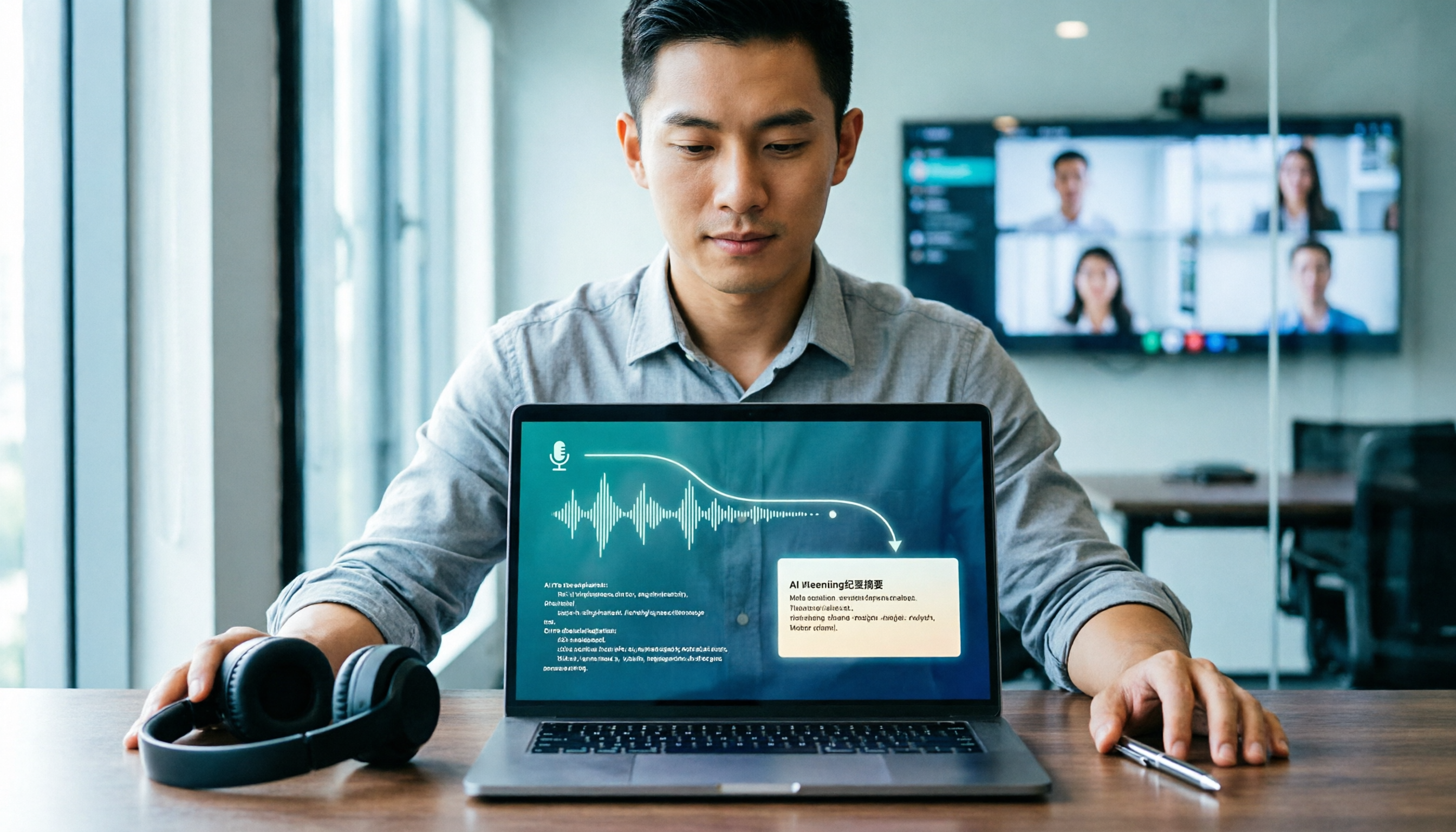
Recorded a 100-minute meeting and spent 3 hours organizing it? Starting from common Dcard discussions, this article breaks down 4 key factors for choosing a voice-to-text app, tests Tinrec's bot-free online meeting recording, AI Q&A, and post-meeting workflow, compares Notta, Yating Transcription, and Otter.ai for different scenarios, and lists the 4 most common beginner mistakes.

2026 LINE Voice-to-Text Guide: 2 Methods Tested and Recommended
Converting LINE voice messages to text often gets stuck at extracting the audio file and dealing with inconsistent transcript versions. This article compares LINE's built-in process with Tinrec, analyzing file extraction, Chinese transcription, post-meeting organization, export, and team collaboration to help you choose the right solution.

2026 Sales Meeting Notes Tools Compared: Which One Best Fills Your Excel?
How to create sales meeting notes in Excel in 2026? Starting from the post-meeting pain points of mid-level managers, this article tests Tinrec, Otter.ai, Granola, and TurboScribe, and outlines the five types of information a sales meeting notes Excel should contain, tool selection criteria, pitfalls to avoid, and selection recommendations, helping you quickly fill customer commitments and to-dos into the spreadsheet after meetings.

4 Client Visit Recording Tools Tested for 2026: Which Free Version Is Enough, and Which Produces Meeting Notes Fastest?
How do you write and deliver client visit notes without missing key points? This article starts with the 8 essential fields for visit records and a 30-second verbal report, then tests Tinrec, Granola, TurboScribe, and PLAUD on audio retention, post-meeting summaries, action item extraction, and team knowledge retention. It also covers free plan limits, pricing, and pitfalls to avoid when choosing a tool, helping you find the recording method that fits your client visit workflow.

2026 Sales Meeting Notes Tools Compared: From Spreadsheets to AI Auto-Organization, Which Saves the Most Post-Meeting Follow-Up Time?
A sales meeting notes spreadsheet isn't just for post-meeting reporting—it's a tool for tracking customer commitments, budget, decision timeline, and next steps. Starting from essential spreadsheet fields, this article tests and compares three approaches: Tinrec, Notta, and Granola, to help you determine which best suits your sales team's post-meeting organization and follow-up.
2026 Comparison of 4 Client Visit Recording Tools: How to Choose One That Completes Notes in 10 Minutes After a Meeting
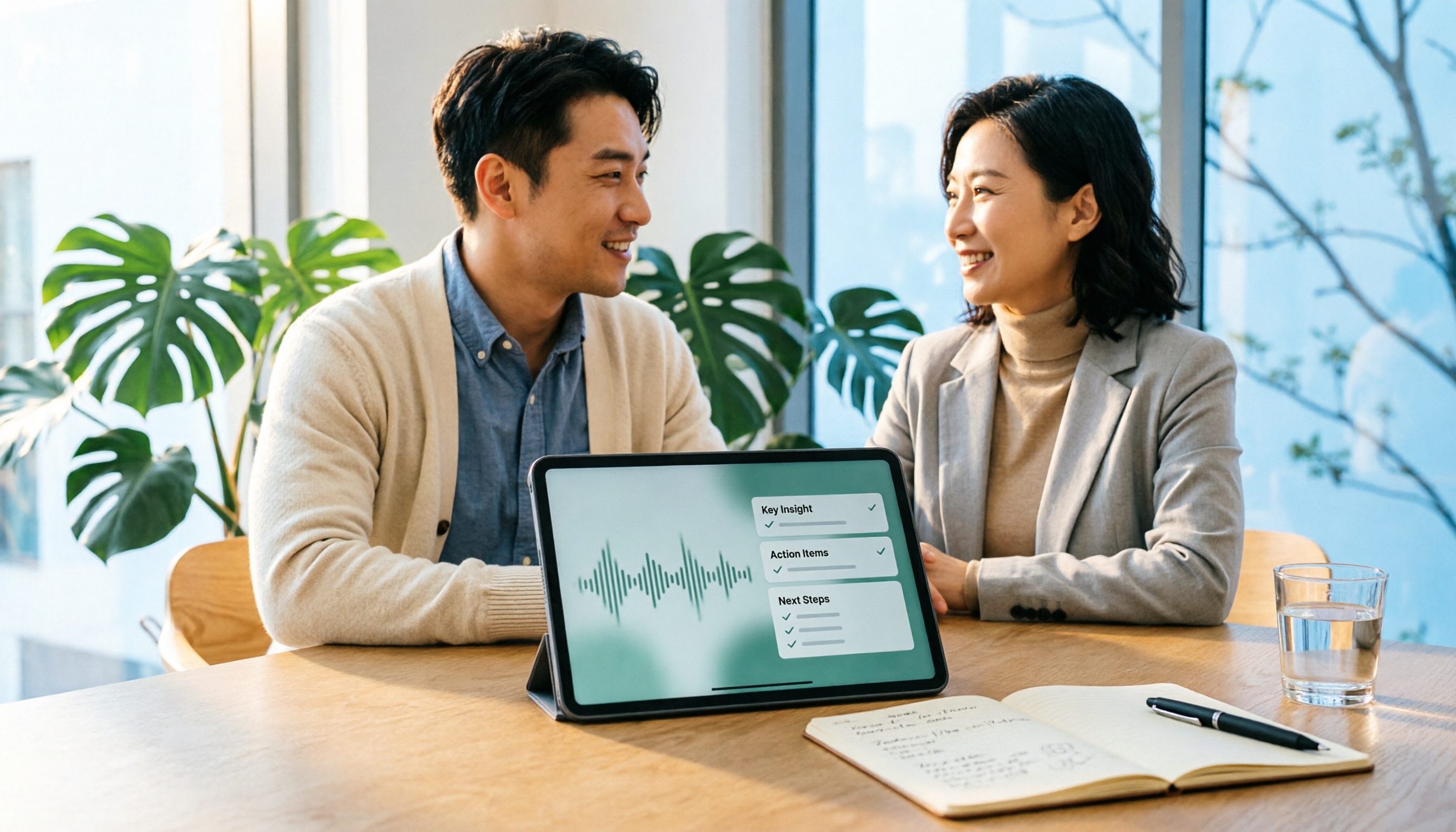
After a client visit, relying on memory to fill in Excel often leads to notes like "client has concerns, to be confirmed" that you can't understand later. This article outlines recommended fields for a client visit record sheet, key points for choosing a tool, and compares Tinrec, Otter.ai, Notta, and Granola in terms of visit recording and post-meeting organization, helping you find a method to complete notes within 10 minutes after a meeting.

2026 Sales Meeting Notes Tools Compared: Tinrec, Notta, Granola vs. Traditional Templates — Which One Tracks Customer Commitments?
Many people treat sales meeting notes as verbatim transcripts, then can't find customer commitments or action items afterward. This article starts with common mistakes, compares Tinrec, Notta, Granola, and traditional templates, and outlines practical fields, AI organization workflows, and team collaboration tips for 2026 sales meeting notes.