

Turn recordings into transcripts and summaries in minutes
Upload audio or video for multilingual transcription, AI notes, and action items
Many people think sales meeting notes mean writing down every word the customer says. The fuller the form, the more diligent it seems.
But the real problem usually shows up after the meeting: the budget range the customer mentioned, the decision timeline, competitors, who promised to send what — if these aren't captured as separate fields, they're hard to track down two weeks later.
I divide sales meeting notes into three purposes: recording facts, tracking commitments, and driving next steps. Most people only do the first, so the form looks complete but can't be used for action.
Why do most sales meeting notes end up as a running log?
The first common mistake is equating "meeting notes" with "verbatim transcript." Transcripts have their value, but what salespeople really need are decisions, objections, commitments, and next steps — not every bit of small talk.
The second mistake is designing fields that look like a generic "meeting minutes template." Time, location, chair, note-taker are all filled in completely, but there's no "what the customer committed to," "who on our side is responsible," or "when to follow up" — the fields you actually use after the meeting.
The third mistake is filling in the form from memory after the meeting. In the moment, people think they'll remember, but by the next day when it's time to follow up, only a rough sense remains. Rather than testing your memory, let recording and AI capture the content for you first.
If you've run into similar situations, consider putting "audio-to-text + AI summary + action item extraction" into your sales meeting workflow. Tinrec is this kind of tool — the point isn't adding another app, but giving your sales meeting notes a reliable data source.
Tinrec vs. traditional blank templates: What's the core difference in experience?
The advantage of a traditional blank template is flexibility; the downside is starting from scratch every time. With frequent meetings, salespeople easily fill in only basic information, and the truly important customer commitments get buried in the notes column.
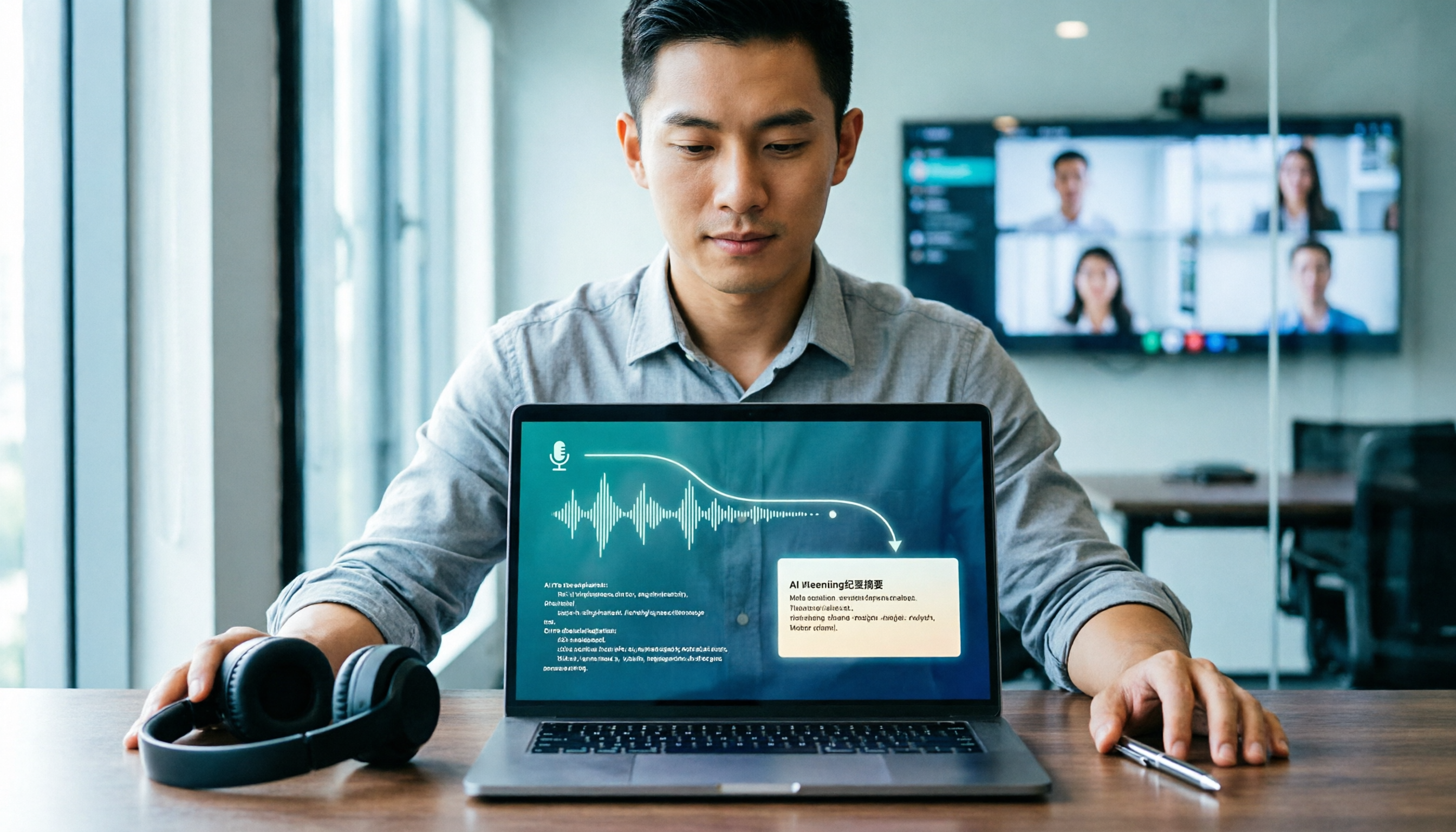
Tinrec's approach is to record first, transcribe in real time, and automatically generate a summary, chapters, and action items when the meeting ends. You don't have to listen to the recording while filling in the form — instead, paste the AI-organized content into your sales meeting notes, or ask questions directly about the meeting content.
On the "customer commitments" dimension, traditional templates rely on people to actively capture them, while Tinrec can extract action items from the transcript. The two aren't a complete replacement — rather, they shift note-taking from "recalling afterward" to "capturing in the moment."
I also looked at Notta and Granola under the same criteria. Notta's multilingual transcription and document handling are mature, while Granola emphasizes bot-free meeting notes and note enhancement. If your needs are Chinese-language meetings, retaining recordings, post-meeting Q&A, and team knowledge retention, Tinrec's combination is closer to the sales scenario.
Tinrec's core features at a glance
Real-time audio-to-text: Open Tinrec to record, and text appears in sync. For in-person visits, phone calls, or ad-hoc meetings, you can capture a transcript as you talk, with no need to re-listen to the whole recording afterward.
Bot-free online meeting recording: The desktop version captures computer system audio to handle online meetings on Zoom, Google Meet, Microsoft Teams, Webex, and others, without an extra bot joining the meeting. For salespeople, this avoids customers seeing an unfamiliar participant and removes a setup step.
AI summary, chapters, and action items: The longer the meeting, the more structure you need. Tinrec organizes content into a summary, chapters, and action items, so you can quickly see customer needs, objections, and next steps instead of hunting through the transcript.
AI Q&A: This is a feature I find very practical. After recording a meeting, you can directly ask "What budget range did the customer mention?" "Who's responsible for sending the quote?" "What needs to be prepared before the next meeting?" Tinrec answers based on the meeting content, saving the time of manually scrolling through the transcript.
Team workspace and governance: The team edition isn't multiple people sharing one personal account — it's an independent team workspace. Meeting data belongs to the team, and admins can manage members, roles, seats, usage, and audit logs; when members change, team data isn't carried away by individuals.
Export and Agent post-processing: Organized content can be exported to Notion, Google Docs, OneNote, Dropbox, and other tools, and can also generate reports, tables, and meeting minutes. For salespeople who need to write CRM notes or weekly reports, this saves a lot of repetitive typing.
Tinrec's plans and pricing
The personal edition includes a free version, weekly pass, Pro monthly, and Pro annual. For occasional recording organization, start with the free version; for short-term intensive meetings or interviews, consider the weekly pass; for steady weekly use, Pro is a better fit; for long-term recording retention, look at the annual plan.
The team edition's first eligible trial is 7 days, 1 free seat, and 300 minutes of team shared import quota. Team monthly is USD 29.80 per paid seat per month, and annual is USD 199 per paid seat per year, roughly USD 16.58 per month. Each paid seat provides 2,000 minutes of team shared import quota per month; under an active team plan and active seats, real-time recording currently isn't deducted by the minute, while document and web imports consume team shared import minutes. Actual pricing and benefits are subject to the official purchase page.
Recommended fields for 2026 sales meeting notes
Rather than downloading a template that looks complete, first confirm what questions your form needs to answer. Here are the fields I'd keep:
Stop organizing recordings by hand
Upload audio or video and automatically get a transcript, summary, and action items
| Category | Recommended fields | Purpose |
|---|---|---|
| Basic info | Customer name, meeting date, participants, meeting purpose | Future search and archiving |
| Customer status | Needs, budget range, decision process, decision timeline, competitors | Assess opportunity maturity |
| Commitments and objections | Customer commitments, our commitments, unresolved objections | Avoid missed follow-ups |
| Next steps | Action items, owner, due date, priority | Give the meeting a conclusion |
| Attachments | Recording link, transcript, AI summary, related documents | Cross-check original content |
If your team often hands off customers, consider adding a "customer decision chain" column. Who's the user, who owns the budget, and who gives final sign-off — writing these three roles separately is far more useful than just writing "contact."
Real-world use cases
Customer needs interviews: Open Tinrec's real-time recording during a customer visit, and get the transcript and summary right after. Rather than writing needs from memory, organize the budget, timeline, and pain points the customer mentioned into the form, and reference them directly in your next proposal.
Sales weekly meetings and pipeline reviews: Team meetings easily turn into running logs. Record the discussion with Tinrec, extract action items afterward, and each person's responsible customers and next steps become much clearer. The team edition also centralizes meeting data, so new members can review historical context.
Customer commitment tracking: The biggest fear in sales meetings is "the customer said they'd consider it" with no follow-up. Rather than just writing "to follow up," list customer commitments, our commitments, and due dates separately. Tinrec's AI Q&A helps you quickly find what was said at the time.
Team handoffs: When a salesperson leaves or transfers, customer data is most at risk of gaps. The team edition keeps meeting recordings, transcripts, summaries, and action items in the team workspace; when a member exits, resources can be handed over to other active members and won't disappear because a personal account is deactivated.
What to look for when choosing a sales meeting notes tool
Chinese accuracy and mixed Chinese-English: Sales meetings often mix in product names, English abbreviations, and industry jargon. When choosing a tool, check whether Chinese transcription sounds natural and whether it supports team hotwords. Tinrec supports Chinese, Traditional Chinese, and multilingual scenarios, and team hotwords can maintain commonly used terms.
Whether recordings and transcripts are retained: A summary alone isn't enough — important content still needs to be cross-checked. Tinrec retains recordings and transcripts; deleted team audio goes to the recycle bin and is currently retained for 30 days, recoverable before permanent deletion.
Whether action items are automatically extracted after the meeting: The most important thing about sales meeting notes isn't "what was written" but "what happens next." Tinrec organizes action items from the discussion, and you can keep asking follow-up questions via AI Q&A.
Team collaboration and permissions: If only one person uses it, the personal edition is enough. If multiple people need to share meeting data, look at team workspace, roles, and seats. The Tinrec team edition distinguishes member roles and seats; members without seats can still view, play, and read team data, but can't upload, edit, or export.
Export and workflow: Meeting notes usually end up in a CRM, Notion, or Google Docs. Tinrec supports multiple export formats, reducing repetitive pasting.
Summary: Is Tinrec worth a try?
If you just want a blank template, there are plenty online — downloading one to use is fine. But if you find the problem isn't "no template" but "no time to organize after the meeting," "customer commitments keep getting missed," or "team data doesn't stick around," what you actually need to fix is the meeting data processing workflow.
Tinrec's value is putting recording, transcript, summary, action items, Q&A, and team workspace into one workflow. It doesn't guarantee 100% accuracy — for important content, cross-check against transcript timestamps and recording playback; but with clear audio and common meeting scenarios, it can noticeably reduce manual organization time.
If you frequently handle Chinese-language sales meetings and need to retain recordings, ask follow-up questions after meetings, and share with your team, Tinrec is worth trying starting with the free version. Record your next customer meeting, then see whether you can complete your sales meeting notes within ten minutes — that's more direct than reading any template.
FAQ
Do sales meeting notes have to use AI?
Not necessarily. If meetings are infrequent and short, manual note-taking works. But with frequent meetings, manual organization easily misses commitments and action items — that's when AI transcription and summarization save time.
Is Tinrec's free version enough?
The free version provides a basic quota, suitable for occasional meeting organization or testing the workflow first. If you have multiple customer meetings every week, you may need to evaluate the weekly pass or Pro plan.
How do I choose between Tinrec and Notta?
Notta is mature in multilingual transcription and document handling; Tinrec emphasizes bot-free online meeting recording, Chinese-language meeting experience, AI Q&A, and team knowledge retention. Choose based on the meeting types you handle most often.
Can Tinrec record Zoom, Google Meet, and Microsoft Teams?
Yes, through the desktop version capturing computer system audio to handle these online meetings, without an extra bot joining. You need to actively open Tinrec to start recording.
What's the difference between the team edition and personal edition?
Personal edition data is managed by the individual account. The team edition provides an independent team workspace where meeting data belongs to the team, plus capabilities for members, roles, seats, shared benefits, usage analytics, audit logs, and recycle bin.
Can team members without seats see data?
Active members can view, play, and read team data even without a seat; only after being granted a seat can they record, upload, edit, import/export, and perform other resource usage operations.
Sources: 秒聽錄音 Blog "How to Create Sales Meeting Notes in 2026: 5 Steps from Blank Template to AI Auto-Organization," "2026 Comparison of 4 Sales Meeting Notes Tools: How to Choose the Meeting Tool Dcard Users Are Talking About?"; Tinrec product introduction.
References
- How to Create Sales Meeting Notes in 2026: 5 Steps from Blank Template to AI Auto-Organization - 秒聽錄音Blog
- 2026 Comparison of 4 Sales Meeting Notes Tools: How to Choose the Meeting Tool Dcard Users Are Talking About? - 秒聽錄音Blog
- 2026 Taiwan New Car Sales Report - 8891 Auto
- 2026 Marketing Calendar - Omnichat Blog
- April 2026 Taiwan Auto Market Sales Report | Sales Show Unusual Fluctuations
Turn every recording into actionable outcomes
Get 60 free transcription minutes when you sign in. No credit card required.
Related Reading
You might also like

Tinrec vs Notta in 2026: 5-Dimension Comparison — Which Is Worth Buying for Chinese Meeting Notes?
How do you choose a speech-to-text AI tool? This article compares Tinrec and Notta across 5 dimensions — meeting capture method, post-meeting output, Chinese-language experience, audio retention, and team governance — then adds the use cases for Otter.ai and Granola to help you pick the right tool within your budget.

2026 Speech-to-Text AI Free Versions Compared: Tinrec vs. Notta — Which Is More Useful?
Many people search for 'speech-to-text AI free' and base their first judgment on whether the official website says 'free' — but that's actually the easiest trap to fall into. This article compares Tinrec and Notta across 6 dimensions: free quota calculation, online meeting recording methods, post-meeting organization, Chinese language experience, audio file retention, and team governance, to help you determine which one truly fits your use case.
2026 Voice-to-Text App Guide: Dcard Favorites Compared + AI Meeting Notes Tested
Recorded a 100-minute meeting and spent 3 hours organizing it? Starting from common Dcard discussions, this article breaks down 4 key factors for choosing a voice-to-text app, tests Tinrec's bot-free online meeting recording, AI Q&A, and post-meeting workflow, compares Notta, Yating Transcription, and Otter.ai for different scenarios, and lists the 4 most common beginner mistakes.

2026 LINE Voice-to-Text Guide: 2 Methods Tested and Recommended
Converting LINE voice messages to text often gets stuck at extracting the audio file and dealing with inconsistent transcript versions. This article compares LINE's built-in process with Tinrec, analyzing file extraction, Chinese transcription, post-meeting organization, export, and team collaboration to help you choose the right solution.

2026 Sales Meeting Notes Tools Compared: Which One Best Fills Your Excel?
How to create sales meeting notes in Excel in 2026? Starting from the post-meeting pain points of mid-level managers, this article tests Tinrec, Otter.ai, Granola, and TurboScribe, and outlines the five types of information a sales meeting notes Excel should contain, tool selection criteria, pitfalls to avoid, and selection recommendations, helping you quickly fill customer commitments and to-dos into the spreadsheet after meetings.

4 Client Visit Recording Tools Tested for 2026: Which Free Version Is Enough, and Which Produces Meeting Notes Fastest?
How do you write and deliver client visit notes without missing key points? This article starts with the 8 essential fields for visit records and a 30-second verbal report, then tests Tinrec, Granola, TurboScribe, and PLAUD on audio retention, post-meeting summaries, action item extraction, and team knowledge retention. It also covers free plan limits, pricing, and pitfalls to avoid when choosing a tool, helping you find the recording method that fits your client visit workflow.

2026 Sales Meeting Notes Tools Compared: From Spreadsheets to AI Auto-Organization, Which Saves the Most Post-Meeting Follow-Up Time?
A sales meeting notes spreadsheet isn't just for post-meeting reporting—it's a tool for tracking customer commitments, budget, decision timeline, and next steps. Starting from essential spreadsheet fields, this article tests and compares three approaches: Tinrec, Notta, and Granola, to help you determine which best suits your sales team's post-meeting organization and follow-up.

2026 Comparison of 4 Client Visit Recording Tools: How to Choose One That Completes Notes in 10 Minutes After a Meeting
After a client visit, relying on memory to fill in Excel often leads to notes like "client has concerns, to be confirmed" that you can't understand later. This article outlines recommended fields for a client visit record sheet, key points for choosing a tool, and compares Tinrec, Otter.ai, Notta, and Granola in terms of visit recording and post-meeting organization, helping you find a method to complete notes within 10 minutes after a meeting.

2026 Comparison of 5 Sales Meeting Note Tools: Which Latest AI Meeting Assistant Best Tracks Commitments?
Sales meeting notes aren't just about transcribing conversations verbatim. This article addresses common misconceptions and reviews 5 sales meeting note tools in 2026, comparing Tinrec, Otter.ai, Fireflies.ai, Notta, and Granola on meeting capture, AI summaries, action item tracking, and team collaboration to help you choose the solution that tracks customer commitments.