

Turn recordings into transcripts and summaries in minutes
Upload audio or video for multilingual transcription, AI notes, and action items
5 Transcription Platforms Compared in 2026: Yating Pricing, Free Tiers, and Alternatives
If you're searching for "Yating transcription platform pricing," what you really need to decide is usually: should I buy a 1-hour, 3-hour, or 10-hour package first, or go straight for a platform that offers free minutes and can also handle post-meeting organization? This article breaks down Yating's pricing logic first, then compares the costs and use cases of five common transcription platforms—so you can choose tools based on your workflow, not just the per-minute rate.
Why do you need a transcription platform?
Meetings, interviews, lectures, podcast recordings—anything over 30 minutes becomes time-consuming to type out manually. A transcription platform can turn recordings into text, saving you from constantly pausing, replaying, and typing.
But today's tools don't just compete on speed. They also compete on punctuation, paragraphing, speaker identification, file export, and even generating summaries and action items. This article covers Yating's pricing and compares it with Tinrec, Otter.ai, Notta, and TurboScribe, so you can pick based on budget and usage frequency.
Tinrec (Miao Ting Recording) — A Complete AI Meeting Notes and Team Collaboration Solution
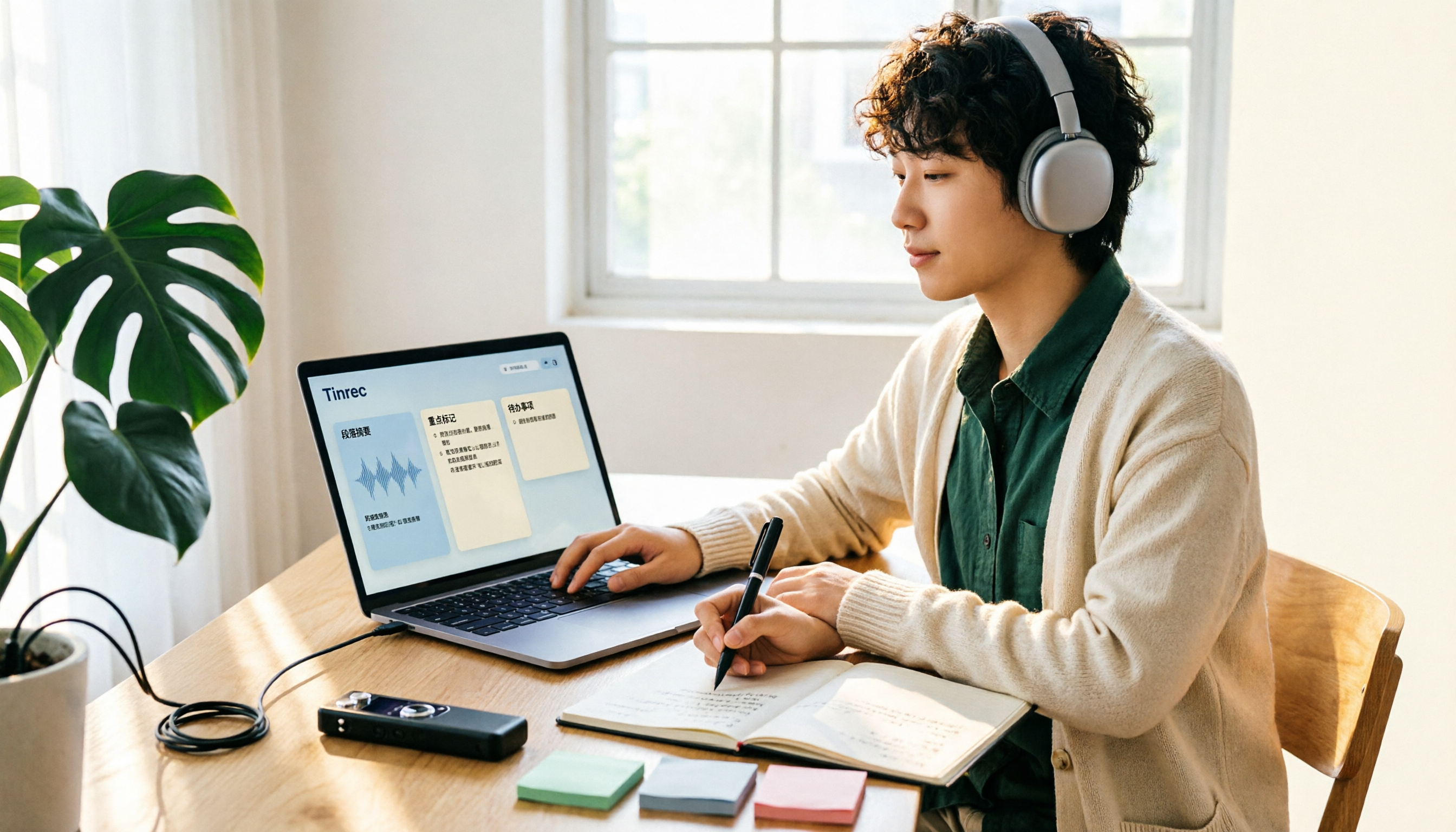
Tinrec is an AI meeting notes and collaboration tool for individuals and teams. It doesn't just convert audio to text—it turns meeting recordings into searchable, summarizable, queryable, and exportable data.
- Live recording and file transcription: Record and transcribe in real time for in-person meetings, or upload existing audio or video files for processing.
- Bot-free online meeting recording: The desktop version captures system audio directly, handling meeting audio from Zoom, Google Meet, Microsoft Teams, Webex, and other platforms played on your computer—no need to invite an extra bot to join.
- Post-meeting organization and AI Q&A: Automatically generates summaries, chapters, key points, and action items. Supports mind maps, real-time translation, AI Q&A, and post-processing with an Agent to generate reports, tables, and documents.
- Team workspace: Centralizes meeting data, manages members, roles, seats, usage, audit logs, audio recycle bin, and team hotwords.
On pricing: Tinrec's personal plan has a free version to try first. For short-term intensive use, check the weekly card; for steady use, the Pro monthly card; for long-term data accumulation, the Pro annual card. The team plan also offers a 7-day trial for first-time eligible users, including 1 free seat and 300 minutes of team shared import quota. Team monthly billing is USD 29.80 per paid seat per month; annual billing is USD 199 per paid seat per year, equivalent to about USD 16.58 per month, with each seat providing 2,000 minutes of team shared import quota per month. Under an active team plan, live recording currently does not deduct minutes; document and web imports use the team shared quota. Actual prices and benefits are subject to the official purchase page.
Who it's for: People who need Chinese meeting transcription, post-meeting summaries and action items, AI Q&A, and team-shared meeting data.
Yating Transcription — A Time-Based Platform Focused on Taiwanese Accents
Yating Transcription is an AI speech-to-text service developed by a Taiwanese team, specializing in Taiwanese accents, Taiwanese Hokkien, and mixed Chinese-English recognition. It offers both live recording and audio file upload modes. After transcription, it automatically adds punctuation, paragraphing, and speaker identification, and can export to Word, TXT, PDF, SRT, and other formats.
On pricing: Yating's platform fees are primarily sold by duration, with common packages of 1 hour, 3 hours, and 10 hours that can be stacked. For larger volumes, you can contact sales. After registration, there are free minutes to try—search results often mention 120 minutes—but actual free quotas, feature scope, and prices may change, so check the official page before purchasing. Note that one account cannot be used on multiple devices simultaneously.
Who it's for: People who occasionally transcribe Taiwanese-accented Mandarin meetings, interviews, or lecture recordings, want to start with free minutes or a small time package, and don't need a team collaboration workspace.
Otter.ai — The Representative English Meeting Assistant
Otter.ai is a mature AI meeting assistant covering online meetings, live transcription, speaker identification, AI Chat, and team management. For users whose meetings are primarily in English, its meeting assistant mindset is strong.
Current official pricing: Basic is free with 300 minutes per month; Pro annual billing is equivalent to USD 8.49 per user per month, including 1,200 minutes of in-app recording and 10 file imports per month; Business offers more meetings, imports, and management capabilities. Prices may be affected by promotions; check the official page.
Who it's for: People whose meetings are mainly in English and who need a mature meeting assistant, summaries, and team management.
Stop organizing recordings by hand
Upload audio or video and automatically get a transcript, summary, and action items
Notta — Multilingual Transcription and Team Plans
Notta covers multi-platform transcription, meeting notes, file import, translation, and team plans. It's commonly used by people who need multilingual and subtitle workflows.
Current official figures: Free is 120 minutes per month, with a maximum of 3 minutes per item; Pro annual billing is equivalent to USD 8.17 per month, with 1,800 minutes per month; Business annual billing is equivalent to USD 16.67 per seat per month, offering unlimited transcription, role permissions, and usage reports. Actual plans are subject to the official page.
Who it's for: People who need multilingual transcription, subtitles, translation, and team permission management.
TurboScribe — High-Value File Transcription
TurboScribe is closer to a high-value file transcription tool, focusing on long files, batch uploads, subtitles, and translation. If you have many pre-recorded audio files to process at once, this type of tool is very intuitive.
Current official figures: Free is 3 files per day, with a maximum of 30 minutes per file; Unlimited annual billing is USD 120, equivalent to USD 10 per month; paid versions support files up to 10 hours or 5 GB, and up to 50 files per upload. Actual plans are subject to the official page.
Who it's for: People who need long audio files, batch file transcription, subtitles, and translation.
With so many options, how should you choose?
- Want to generate summaries, chapters, and action items directly after transcription, and continue asking questions about the meeting content → Tinrec
- Don't want to invite a meeting bot to Zoom, Google Meet, Microsoft Teams, or Webex → Tinrec desktop version
- Team needs to share meeting data and manage roles, seats, usage, and audits → Tinrec team plan
- Often switch between phone, computer, and tablet, and need to organize historical recordings → Tinrec
- Only need to occasionally transcribe Taiwanese-accented Mandarin recordings, with budget focused on free minutes → Yating Transcription
5 things to know before using a transcription platform
- Confirm the billing unit first: Yating primarily sells time packages, while Tinrec's team plan is billed by paid seats and team shared import quota. Before buying, consider whether you "occasionally transcribe a few segments" or "have regular weekly meetings."
- Free quotas are not unlimited: Most platforms have free minute or file limits, and long meetings can use them up quickly. Run your own real recording through the free version first, then decide whether to pay.
- Recording quality determines success: Microphone distance, ambient noise, overlapping speakers, and accents all affect transcription results. For important content, cross-check with timestamps and original audio playback.
- Team permissions should distinguish roles and seats: For example, in Tinrec, roles determine who can manage the team, while seats determine whether members can record, upload, edit, and export; members without seats can still view, play, and read team data.
- Get consent before recording: Recording meetings or interviews involves personal data and privacy. Follow local regulations and, when necessary, inform participants and obtain consent first.
Conclusion
Yating's strengths are Taiwanese accent support and flexible time-based pricing. If you only transcribe occasionally, starting with free minutes or a small time package makes sense. If you want to turn meeting recordings into summaries, action items, and queryable team data, an AI meeting notes platform like Tinrec is closer to the post-meeting workflow. Rather than just comparing per-minute prices, choose based on whether you'll go back to organize, query, and share.
FAQ
Is Yating Transcription free?
Search results often mention free minutes after registration—commonly cited as 120 minutes—but free quotas and feature scope may change. Check the official page.
How is Yating Transcription priced?
Yating's platform fees are primarily sold by duration, commonly 1 hour, 3 hours, and 10 hours, which can be stacked; for larger volumes, contact sales. It's not a typical monthly subscription—you buy as much as you use.
Is Yating Transcription suitable for long-term use?
If you have many meetings every week, compare the total cost of time packages versus subscription tools. Tinrec's personal plan offers a free version, weekly card, Pro monthly card, and annual card, while the team plan is billed by seats and shared quota—choose based on usage frequency.
What's the difference between Tinrec and Yating Transcription?
Yating focuses on Taiwanese accents and time-based purchases; Tinrec emphasizes bot-free online meeting recording, post-meeting summaries, action items, AI Q&A, multi-format export, and team workspace. If you only need to convert recordings to text, both are worth evaluating; if you need post-meeting queries and team knowledge retention, Tinrec's workflow is more complete.
Should you only look at per-minute pricing for transcription platforms?
Not recommended. Also consider export formats, whether summaries and AI Q&A are included, multi-person collaboration, how team seats are billed, and whether file imports consume shared quota. These all affect the actual cost of use.
How should teams evaluate transcription platform costs?
First distinguish "roles" and "seats." Roles govern management permissions; seats govern whether members can record, upload, edit, and export. For example, in Tinrec's team plan, paid seats provide monthly team shared import quota, and live recording currently does not deduct minutes under an active plan—actual terms are subject to the purchase page.
References: Is Yating Transcription free? How is Yating priced, and is buying hours worth it?; Yating Transcription: Online speech-to-text service, pricing overview; Complete guide to Yating Transcription: free version, pricing, and alternatives; 2026 Yating free plan summary: 3 ways to use it; What is Yating Transcription in 2026? 4 steps to understand features, pricing, and Tinrec comparison.
References
- Is Yating Transcription free? How is Yating priced, and is buying hours worth it?
- Yating Transcription: Online speech-to-text service, pricing overview! | All-round AI Tools Introduction – Future Business
- Complete guide to Yating Transcription: free version, pricing, and alternatives
- 2026 Yating free plan summary: 3 ways to use it - Miao Ting Recording Blog
- What is Yating Transcription in 2026? 4 steps to understand features, pricing, and Tinrec comparison - Miao Ting Recording Blog
Turn every recording into actionable outcomes
Get 60 free transcription minutes when you sign in. No credit card required.
Related Reading
You might also like

2026 Comparison of 2 Transcription Apps: Yating vs Tinrec — Which Is Better for Meeting Notes?
Looking for the Yating transcription app download and not sure if it's enough? This article compares Yating and Tinrec across 5 dimensions: download and cross-platform use, online meeting recording, post-meeting organization, team collaboration, and export workflows. It also covers how to get the app, web version, and Chrome extension, helping you decide which fits your meeting note habits.

2026 Comparison of 4 Transcription Platforms: Yating Pricing and Free Quota Explained
How exactly is Yating transcription priced? After the free 120 minutes from registration runs out, how much do you pay, can hours be stacked, and can one account be used on multiple devices simultaneously? This article clarifies everything at once. It also compares Tinrec, Otter.ai, and Notta in terms of billing methods and post-meeting organization capabilities, helping you determine which one best fits your meeting volume.

2026 Comparison of 3 Transcription Tools: My Workflow After the Yating Toolbar Disappeared
When the Yating transcription toolbar disappears, don't rush to switch tools. This article walks you through five checkpoints to determine if it's an interface update, screen level, or workflow issue, then compares the differences and use cases of three transcription workflows: Yating, Tinrec, and Otter.ai.
2026 Comparison of 3 Transcription Tools: My Workflow After the Yating Toolbar Disappeared
When the Yating transcription toolbar disappears, don't rush to switch tools. This article walks you through five checkpoints to determine if it's an interface update, screen level, or workflow issue, then compares the differences and use cases of three transcription workflows: Yating, Tinrec, and Otter.ai.

Which Transcription App Is Best? 2026 Hands-On Test of 3 Options and How to Get the Most Out of Yating's Free Quota
How much free quota does Yating Transcription offer? Real-time recording is free, and uploading audio files gets you trial hours, but one account can't be used on multiple devices simultaneously. This article hands-on tests 3 transcription tools, breaks down free quota traps, Cantonese recognition, and AI post-processing differences, and tells you which one is best for Hong Kong office workers.
Yating Transcription Free Version 2026: How to Check Quota + Post-Transcription Workflow
Is the free version of Yating Transcription enough? This article skips the spec sheet and first helps you distinguish between 'a single recording' and 'a complete workflow.' It then breaks down four aspects: free quota, audio retention, cross-device use, and post-meeting organization. It also compares Tinrec, Notta, Otter.ai, and TurboScribe for their suitable scenarios to help you decide whether to pay.

2026 Comparison of 3 Online Transcription Tools: Yating Transcription Online Pricing vs. Tinrec Meeting Organization
Yating Transcription Online focuses on Taiwanese accent recognition and free real-time recording, while Tinrec extends transcription into summaries, action items, and team Q&A. This article compares their features, pricing, and use cases to help you choose the right tool.

2026 Comparison of 3 Online Transcription Tools: Yating vs. Tinrec — Which Saves More Post-Meeting Time?
Many people search for "Yating online transcription" because they want to turn recordings into text without installing an app—just using a browser. This article compares three approaches: Yating's online service, built-in transcription in some meeting platforms, and Tinrec, based on real-world usage. It covers key selection factors such as real-time transcription, summaries and action items, AI Q&A, export options, and team collaboration.

Which Transcription App Is Best? 2026 Hands-On Test of 3 Apps: Yating Pricing and Free Quotas Explained
How is Yating transcription priced? How much can you actually use for free? This article starts with the most common misconception and compares Yating, Tinrec, and Notta with hands-on testing. It clearly explains hourly package pricing, free quotas, AI post-meeting summaries, and team collaboration differences, so you know the answers before spending money.