

Turn recordings into transcripts and summaries in minutes
Upload audio or video for multilingual transcription, AI notes, and action items
Still staying after meetings to type transcripts? The problem isn't that you're slow
After a two-hour meeting, spending another two hours organizing meeting notes—this is the daily routine for many office workers. What's more troublesome is meetings with Taiwanese accents: multiple people talking over each other, mixed Chinese and English, and jargon flying everywhere. Switch to another tool and the recognition results collapse again.
There's another scenario: you want to try the free version first to see how accurate it is, but halfway through recording you find the quota is used up, or you only discover at export that you need to pay.
If you're searching for "Yating transcription pricing," you're probably stuck at this point: wanting to know exactly how free it is, how paid pricing works, and whether it's worth it. Below, we'll first break down the cost structure clearly, then compare several platforms you'll actually use.
Before choosing a transcription platform, understand these 4 key points
1. Is the billing method subscription or pay-per-hour Subscription means a fixed monthly charge, and unused quota is forfeited; pay-per-hour means you pay for what you use. Neither is absolutely better or worse, but if your meeting volume fluctuates, buying hours is usually less wasteful.
2. How free quota is given and what happens when it runs out Some platforms give a batch of free minutes upon registration, and you must pay after using them up; others give a fresh batch every month. The difference is that "trial" and "long-term free use" are two completely different things.
3. What you get after the meeting Just a transcript, or does it include summaries, chapters, and action items? This directly determines how much manual work you still have to do after the meeting.
4. Device and sharing restrictions Can one account be used on both phone and computer simultaneously? Can a team share the same batch of meeting data? These are usually buried in the terms of service, yet they're the easiest places to stumble.
How is Yating transcription priced? Free quota, hour packages, and 3 limitations
Yating transcription is a service developed by a Taiwanese team, specializing in recognition of Taiwanese accents, Taiwanese Hokkien, and mixed Chinese-English speech. The official claim is that it can save about 80% of typing time. The cost structure isn't complicated, but there are a few things to clarify first.
The free part: 120 minutes upon registration. New users receive a batch of free minutes after signing up, and only then need to pay. Additionally, using the microphone for "real-time recording" directly in the app or web version to get text is usually considered basic use within the free scope—suitable for those who just want to capture key points on the spot and don't need to process audio files afterward.
The paid part: priced by duration, stackable. The current paid plans follow a "buy hours" logic, divided into 1 hour, 3 hours, and 10 hours, which can be purchased in stacks; for large-volume or commercial needs, you contact sales directly to negotiate longer hours. The advantage of this design is no need to subscribe in advance—pay as you go, with no monthly automatic deduction pressure. Actual unit prices and TWD amounts may change; check the official page announcements before ordering.
Limitation 1: One account cannot be used on multiple devices simultaneously. This has a significant impact on those accustomed to recording on their phone and organizing on their computer—you can't have your phone recording while your computer is open for editing at the same time.
Limitation 2: You have to estimate the cost of the hour-based system yourself. Buying hours seems easy, but if you have a fixed 3–5 meetings per week, the accumulated cost may not necessarily be lower than a subscription. It's recommended to first record your actual monthly recording hours, then look back at which plan makes sense.
Limitation 3: Output is mainly transcript-focused. Yating's strengths are recognition and punctuation: automatic punctuation, smart paragraphing, speaker identification, machine translation support, export to WORD, TXT, PDF, SRT and other formats, cloud storage and sharing, and recording Google video meetings via a Chrome extension. The official site also claims data stays in Taiwan and is not sold to third parties. However, post-recording summaries, action items, and follow-up questions are not currently its focus—what you get is a "readable, editable" transcript, and you still have to organize it yourself afterward.
The top choice after testing: Tinrec
If what you want is not just a transcript but "something usable right after the meeting," Tinrec is currently the smoothest system to use. It supports iOS, Android, and web versions, positioned as an AI meeting notes and collaboration tool rather than a simple audio-to-text converter.
No bot needed for online meetings. The Tinrec desktop version directly captures the computer's system audio, processing meeting audio played on platforms like Zoom, Google Meet, Microsoft Teams, and Webex, without inviting a meeting bot to join as a participant. For situations where you're pulled into a meeting last minute or don't want external accounts appearing on the list, this difference is practical. Note that this is not "automatically joining all meetings on your calendar," but rather you opening Tinrec yourself to initiate recording.
Stop organizing recordings by hand
Upload audio or video and automatically get a transcript, summary, and action items
Directly produces usable output after the meeting. After recording, AI generates summaries, chapters, and action items—who is responsible for what and when it's due, all listed out. When written materials are needed, it can further generate reports, tables, and meeting minutes, and export to Notion, Google Docs, OneNote, Dropbox, and other tools for further processing.
The biggest differentiator: AI conversational query. This is where it pulls ahead of most similar tools. After recording, you can directly ask it "Who mentioned the budget in the last meeting?" "What were the client's concerns about the delivery date?" It answers based on semantics rather than throwing a bunch of keyword search results for you to dig through yourself. After accumulating dozens of meetings, the value of this feature becomes increasingly obvious.
Pros: First, the meeting capture method doesn't disrupt the workflow—no need to change meeting links or add bots; second, the output is a complete workflow—transcript, summary, action items, Q&A, and export all in one place, no need to move files between multiple tools; third, handling Chinese and mixed Chinese-English meetings is its home turf, and it also supports real-time translation and bilingual viewing. The team version additionally offers hotword management to make product names and proper nouns more consistently recognized.
Limitations: The free version provides a basic quota, and heavy users need to pay; additionally, Tinrec is not suitable for hardcore "upload dozens of long files at once" batch transcription needs—that kind of work is better suited to dedicated file transcription tools.
Who it's for: If you frequently record Chinese meetings, want minutes and action items right after the meeting ends, and switch between phone and computer, Tinrec is currently the most hassle-free choice. If meeting data needs to be shared with colleagues, the team version offers independent team spaces, role and seat management, usage analytics, and audit logs. Annual payment is USD 199 per paid seat (approximately USD 16.58/month), with each paid seat including 2,000 minutes of team shared import quota per month; under an active plan and seat, real-time recording is currently not deducted by minute. Actual prices and benefits are subject to the official purchase page.
Besides Yating and Tinrec, what other options are there?
Yating transcription: A Taiwanese local veteran brand, with strengths in Taiwanese accent and Taiwanese Hokkien recognition, flexible billing, no subscription required, 120 minutes available upon registration, and data staying in Taiwan—which matters to some enterprises. But its output stops at the transcript, with no AI conversational query or action item extraction. After recording a one-hour interview, you still have to read through it yourself from the beginning. Suitable for those who only need an accurate transcript and will handle the rest themselves.
Otter.ai: A mature choice for English meetings, with a generous free version of 300 minutes per month and complete summary and team features. But its home turf is English business meetings; Chinese and mixed Chinese-English experiences are not its strength. If 90% of your meetings are in English, it will be more cost-effective than Tinrec—this is one of the few scenarios in this article where we recommend another platform.
Notta: Good performance in multilingual transcription and translation, with a free version of 120 minutes per month and a 3-minute limit per single content item; paid plans increase the quota and also offer team plans. Its positioning leans toward file transcription and translation; bot-free recording of online meetings and post-meeting AI follow-up questions remain more complete with Tinrec.
Pitfall guide: The 3 most common mistakes when choosing a transcription platform
Pitfall 1: Looking only at unit price, not your own usage. The unit price of the hour-based system looks attractive, but if you consistently use 20 hours per month, the accumulated cost may exceed a subscription; conversely, for occasional needs of only twice a month, buying a subscription is a waste. First figure out your true monthly usage, then compare plans—more practical than looking at advertising numbers.
Pitfall 2: Ignoring multi-device and sharing restrictions. Conditions like "one account cannot be used on multiple devices simultaneously" usually go unnoticed until you're recording on your phone in the meeting room and want to edit on your computer back at your desk—that's when you discover the block. For team sharing, ask clearly: who owns the data after a member leaves, who has edit permissions, and is the quota calculated separately per person or shared by the team.
Pitfall 3: Treating the transcript as the end goal. Many people think getting the transcript means the meeting notes are done, but that's just the raw material. The real time cost is "reading through a one-hour transcript and extracting conclusions and action items." If you only use the tool as a recorder, you're only using a third of its capabilities—like Tinrec's AI conversational query, directly asking "What was the conclusion of this meeting?" is much faster than manually flipping through a 30-minute transcript.
Conclusion: Which one should you actually choose?
One-sentence conclusion: Want cheap, just the transcript—choose Yating; want minutes and action items right after the meeting—choose Tinrec.
- Need Taiwanese accent and Taiwanese Hokkien recognition, and only need a transcript → Yating transcription, try 120 minutes free upon registration, low cost when usage is light
- Many meetings, need summaries and action items, don't want to manually organize after meetings → Tinrec (summaries, chapters, action items all in one)
- Want to directly use AI to query historical meeting content after recording → Tinrec (AI conversational query is a rare feature among similar tools)
- Need to use on phone, computer, and web, and don't want to be tied to a single device → Tinrec (multi-device sync)
- 90% of meetings are in English, zero budget → Otter.ai free version 300 minutes per month, more suitable for this scenario
If you're still undecided, the most practical approach is to run both with their free quotas first: take the same real meeting recording and put it into both, comparing transcript quality and the time spent on post-meeting organization. Rather than looking at specs, look at which one lets you finish half an hour earlier. Also remember to obtain participants' consent before recording in accordance with local regulations.
References
- Yating Transcription Complete Guide: Free Version, Pricing, and Alternatives at a Glance
- Is Yating Transcription Free? How Yating Transcription Pricing Works and Whether Buying Hours Is Worth It
- Yating Transcription: Online Speech-to-Text Service, Pricing Introduction at a Glance! | Comprehensive AI Tool Introduction – Future Commerce
- Is Yating Transcription Free? Complete Comparison of 2026 Audio-to-Text Tool Pricing and Performance - Tinrec Blog
- What Is Yating Transcription in 2026? Understanding Features, Pricing, and Tinrec Comparison in 4 Steps - Tinrec Blog
Turn every recording into actionable outcomes
Get 60 free transcription minutes when you sign in. No credit card required.
Related Reading
You might also like

5 Transcription Platforms Compared in 2026: Yating Pricing, Free Tiers, and Alternatives
A breakdown of Yating's pricing and free minutes, plus a side-by-side comparison of Tinrec, Otter.ai, Notta, and TurboScribe on cost and use cases—so you can decide whether to buy hours, subscribe, or start free.

2026 Comparison of 2 Transcription Apps: Yating vs Tinrec — Which Is Better for Meeting Notes?
Looking for the Yating transcription app download and not sure if it's enough? This article compares Yating and Tinrec across 5 dimensions: download and cross-platform use, online meeting recording, post-meeting organization, team collaboration, and export workflows. It also covers how to get the app, web version, and Chrome extension, helping you decide which fits your meeting note habits.

2026 Comparison of 3 Transcription Tools: My Workflow After the Yating Toolbar Disappeared
When the Yating transcription toolbar disappears, don't rush to switch tools. This article walks you through five checkpoints to determine if it's an interface update, screen level, or workflow issue, then compares the differences and use cases of three transcription workflows: Yating, Tinrec, and Otter.ai.
2026 Comparison of 3 Transcription Tools: My Workflow After the Yating Toolbar Disappeared
When the Yating transcription toolbar disappears, don't rush to switch tools. This article walks you through five checkpoints to determine if it's an interface update, screen level, or workflow issue, then compares the differences and use cases of three transcription workflows: Yating, Tinrec, and Otter.ai.
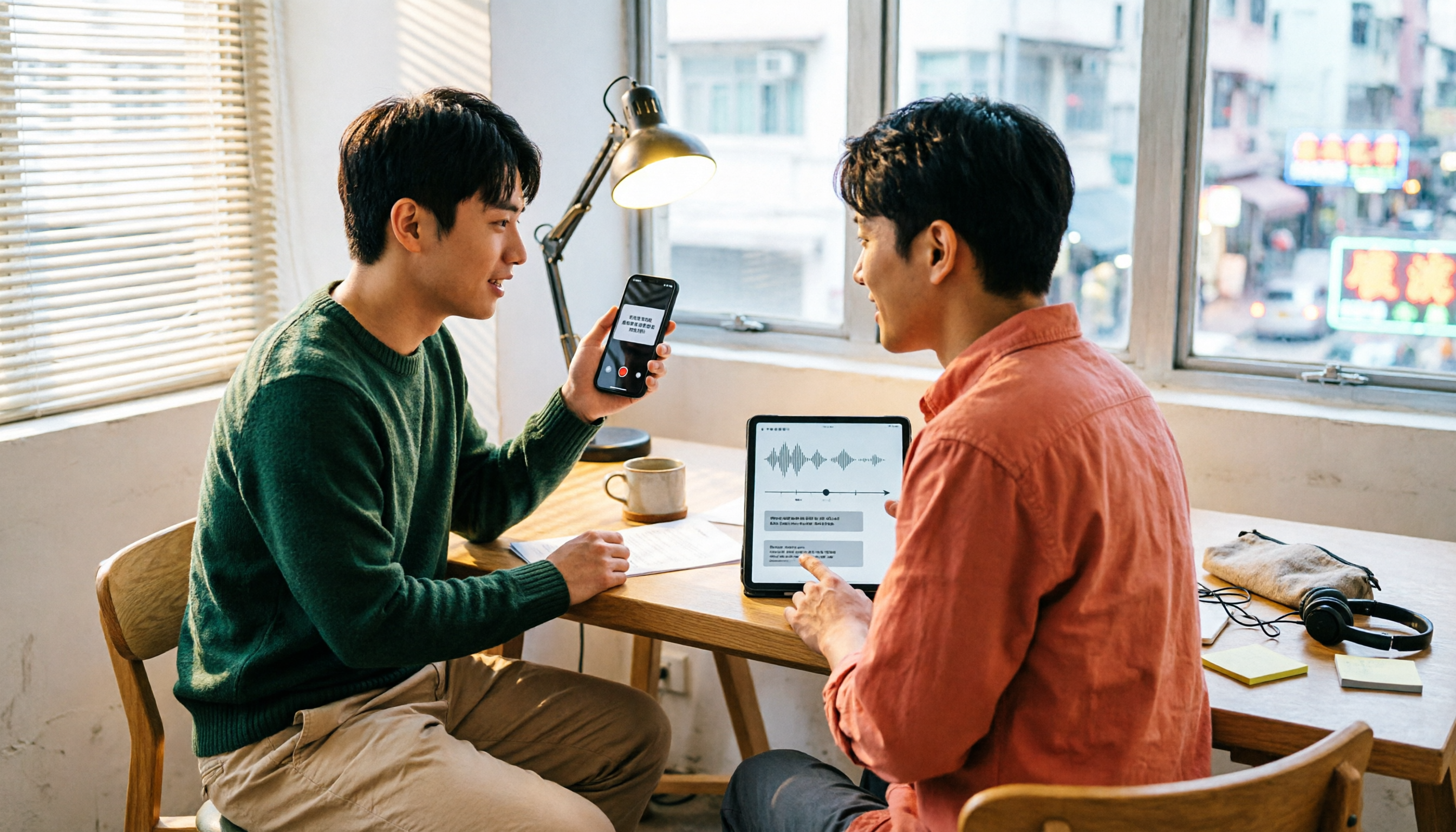
Which Transcription App Is Best? 2026 Hands-On Test of 3 Options and How to Get the Most Out of Yating's Free Quota
How much free quota does Yating Transcription offer? Real-time recording is free, and uploading audio files gets you trial hours, but one account can't be used on multiple devices simultaneously. This article hands-on tests 3 transcription tools, breaks down free quota traps, Cantonese recognition, and AI post-processing differences, and tells you which one is best for Hong Kong office workers.
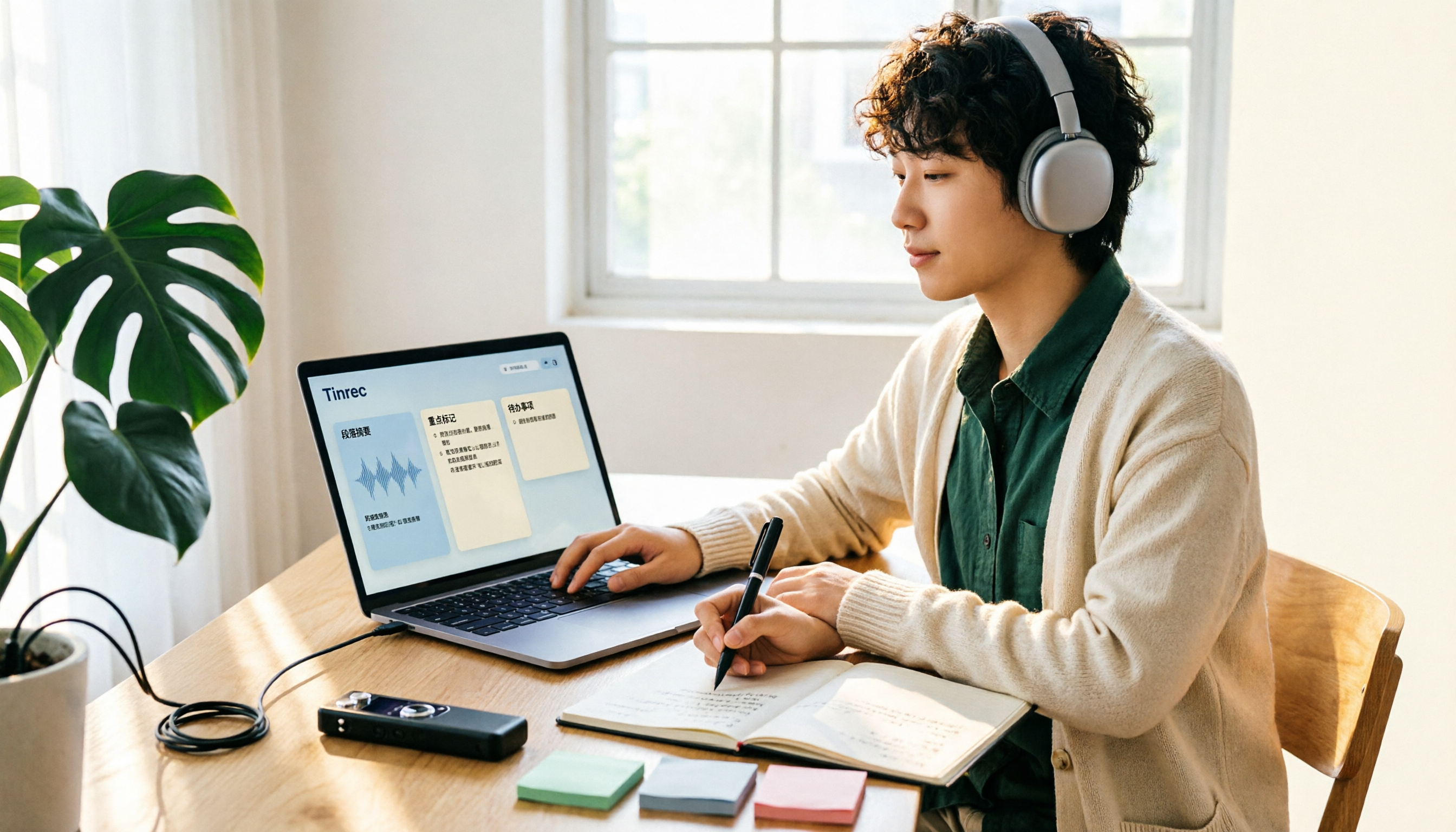
Yating Transcription Free Version 2026: How to Check Quota + Post-Transcription Workflow
Is the free version of Yating Transcription enough? This article skips the spec sheet and first helps you distinguish between 'a single recording' and 'a complete workflow.' It then breaks down four aspects: free quota, audio retention, cross-device use, and post-meeting organization. It also compares Tinrec, Notta, Otter.ai, and TurboScribe for their suitable scenarios to help you decide whether to pay.

2026 Comparison of 3 Online Transcription Tools: Yating Transcription Online Pricing vs. Tinrec Meeting Organization
Yating Transcription Online focuses on Taiwanese accent recognition and free real-time recording, while Tinrec extends transcription into summaries, action items, and team Q&A. This article compares their features, pricing, and use cases to help you choose the right tool.

2026 Comparison of 3 Online Transcription Tools: Yating vs. Tinrec — Which Saves More Post-Meeting Time?
Many people search for "Yating online transcription" because they want to turn recordings into text without installing an app—just using a browser. This article compares three approaches: Yating's online service, built-in transcription in some meeting platforms, and Tinrec, based on real-world usage. It covers key selection factors such as real-time transcription, summaries and action items, AI Q&A, export options, and team collaboration.

Which Transcription App Is Best? 2026 Hands-On Test of 3 Apps: Yating Pricing and Free Quotas Explained
How is Yating transcription priced? How much can you actually use for free? This article starts with the most common misconception and compares Yating, Tinrec, and Notta with hands-on testing. It clearly explains hourly package pricing, free quotas, AI post-meeting summaries, and team collaboration differences, so you know the answers before spending money.