
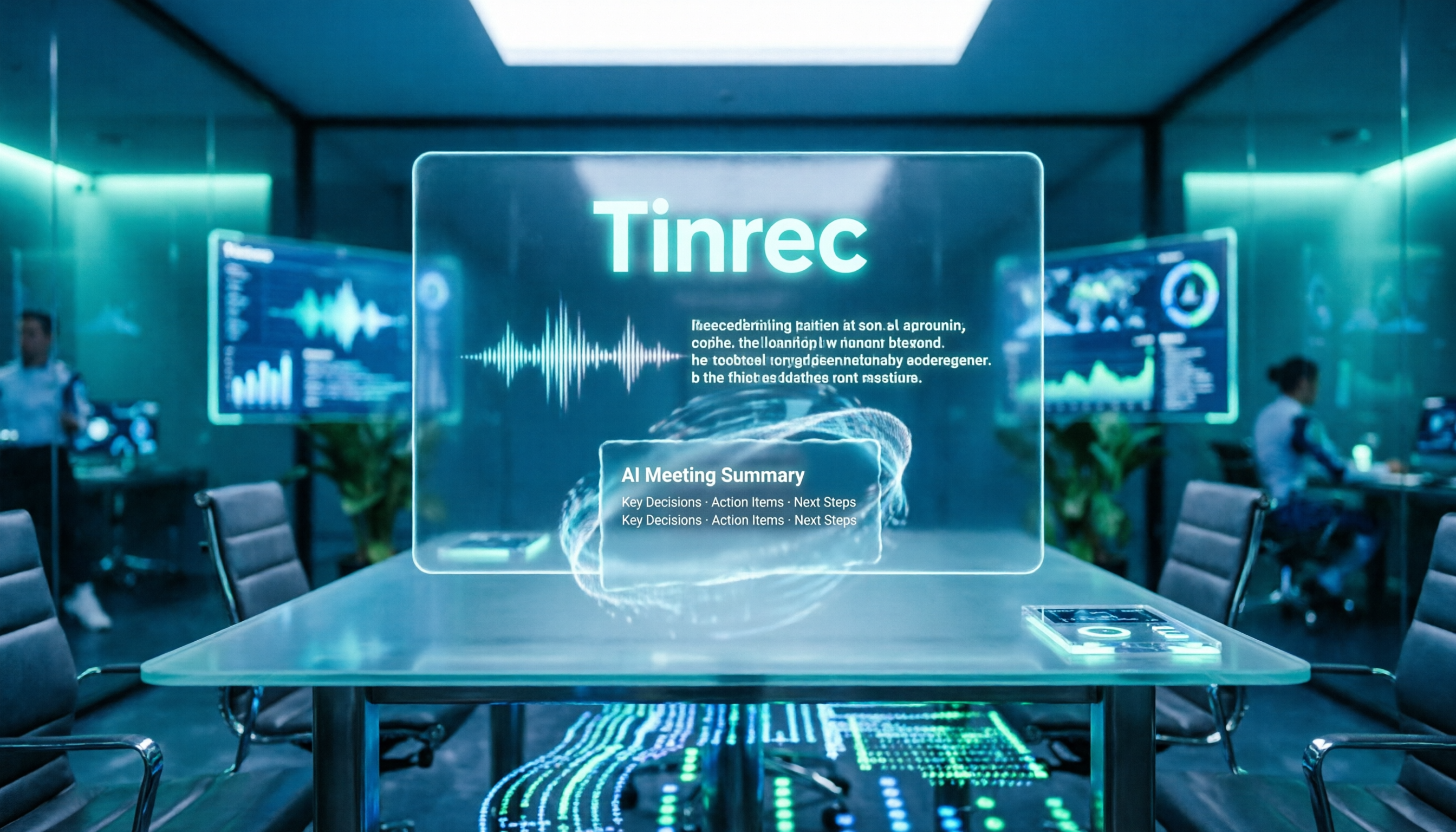
Turn recordings into transcripts and summaries in minutes
Upload audio or video for multilingual transcription, AI notes, and action items
Before Searching for "Yating Transcription Latest News," Avoid These Two Misconceptions
Many people search for "Yating transcription latest news," but what they really want to know is not the version number—it's whether it's still worth using now.
This is the first misconception: treating "latest news" as "latest review." Public reports about Yating are mostly application cases, not product reviews. After reading them, you still won't know if it suits your current meeting workflow.
The second misconception is even more common: assuming a transcription tool only needs to "transcribe accurately."
The real time sink is never the transcription itself, but what comes after. A two-hour meeting might produce a 20,000-word transcript, and you have to find who agreed to what, what the conclusions were, and who needs to deliver what next week. If the tool only turns audio into text, you still have to do that work yourself.
So this article won't just summarize news. I'll separate "news" from "what you should actually compare," and then explain which workflow I currently use for meeting notes.
Before Choosing a Transcription Tool, Understand These 4 Key Points
1. Are you recording a "meeting" or a "file"?
These are completely different. Online meetings require "transcribe while meeting," ideally with automatic conclusion capture; pre-recorded audio files require "drop it in, get it out fast." Many tools excel at the latter but struggle with the former. First, figure out which type you spend 80% of your time on.
2. After transcription, will only you use it?
Personal use and team use are two different products. For personal use, you just need the file in your hands; for team use, you need to ask: will data still exist after a member leaves, who has edit permissions, how is usage calculated? This point is completely ignored in most reviews, yet it's where things most easily go wrong.
3. Does it recognize Chinese, mixed Chinese-English, and proper nouns?
Meetings in Taiwan are rarely pure Chinese. A sentence mixing three English product names and two abbreviations is the norm. Recognition quality in such scenarios is more worth testing yourself than official accuracy claims.
4. How are quotas calculated, and what happens if you exceed them?
Free plan quotas, per-file length limits, and whether exceeding limits cuts you off or requires an upgrade—check these first. Rather than comparing who offers more free minutes, compare whether your usage frequency will hit the wall in three days.
Tinrec — I Currently Entrust Meeting Notes to It
Tinrec is an AI meeting notes and collaboration tool for individuals and teams, supporting web, desktop, and mobile, and handling Chinese, Traditional Chinese, and multilingual meetings.
No need to invite a stranger account into meetings
Tinrec's desktop version directly captures your computer's system audio, so for online meetings like Zoom, Google Meet, Microsoft Teams, and Webex, you don't need to send a meeting bot to join. This is especially practical for client meetings—you don't have to explain "why there's an unknown account in the meeting room."
After transcription, it finishes the rest of the work for you
After the meeting, transcripts, AI summaries, chapters, key points, and action items are generated together. Who is responsible for what and when deadlines fall are listed right there, so you don't have to fish them out of 20,000 words. If you need more structure, it can generate mind maps or further create reports, tables, and documents.
You can keep asking it questions after recording
This is the biggest divergence from "pure transcription" tools. You can directly ask: "Who mentioned the budget in the last meeting?" "What were the client's concerns about pricing?" It will search the meeting content for answers instead of dumping a string of keywords for you to sift through. This feature only becomes truly valuable after historical meetings accumulate.
Three things I noticed most in use
First is handling Chinese and mixed Chinese-English—product names and abbreviations embedded in Chinese sentences usually yield readable results.
Second is export. Transcripts and minutes can be directly taken to Notion, Google Docs, OneNote, or Dropbox for continued use, without copy-paste reformatting.
Third, the team version clarifies "who owns meeting data." Teams have independent spaces, and data belongs to the team; members are divided into owner, admin, and regular member, with seats controlling who can record, upload, edit, and export. Members without seats can still view, play, and read data, just not edit. When a member leaves, their team resources must be handed over to other active members, not disappear with the person.
Stop organizing recordings by hand
Upload audio or video and automatically get a transcript, summary, and action items
Things to note
The free version provides basic quota, suitable for running a few meetings to confirm effectiveness; heavy use requires payment. Also, it won't automatically join every meeting on your calendar—you need to actively start recording. Accuracy shouldn't be treated as a fixed value—with multiple people talking over each other, air conditioning noise, or many proper nouns, it's advisable to cross-check important conclusions against transcript timestamps and recordings.
Plans and Pricing
Personal plans are chosen by task: for occasional recording organization, start with the free version; for short-term intensive meetings, consider the weekly card; for steady weekly use, choose the Pro monthly card; for long-term data accumulation, the annual card suits best.
The team version currently offers a 7-day, 1 free seat, 300-minute team shared onboarding quota; monthly USD 29.80 per paid seat per month, annual USD 199 per paid seat per year (equivalent to about USD 16.58 per month), with each paid seat providing 2,000 minutes of team shared onboarding quota per month. Under an active team plan, real-time recording is currently not deducted by minutes. Actual prices and benefits are subject to the official purchase page.
Who it's for
If you have weekly Chinese meetings, want summaries and action items right after, and need meetings to stay with the team rather than scattered across personal accounts—Tinrec is currently the smoothest option I've found.
Besides Tinrec, What Other Options Are There?
Yating Transcription
A local service by Taiwan AI Labs, supporting Android and iOS. Public reports mention it has some recognition ability for Taiwanese Mandarin and "Chinglish," and the National Theater and Concert Hall also uses it for real-time subtitles in pre-performance lectures. The web version Studio has an official explanation for "progress stuck at 99%": after text recognition, it still runs speaker segmentation and key summary. For an occasional Chinese transcript, it's handy. However, its public documentation lacks team governance descriptions like members, seats, usage, and auditing—exactly what Tinrec's team version addresses.
Notta
Excels at multilingual transcription and file processing. Free version offers 120 minutes per month, 3 minutes per session; Pro annual billing is about USD 8.17 per month, around 1,800 minutes per month; Business annual billing is about USD 16.67 per seat per month. Consider it for bulk file transcription and subtitle needs. The difference from Tinrec lies in capture method and post-meeting workflow: Tinrec's desktop version doesn't need a bot to join meetings, allows AI Q&A follow-ups after meetings, and uses Agent post-processing to generate reports and tables.
Otter.ai
A mature choice for English business meetings. Basic free offers 300 minutes per month; Pro annual billing is about USD 8.49 per user per month, including 1,200 minutes per month and 10 file imports. If 90% or more of your meetings are in English, it's sufficient. But Chinese meetings, mixed Chinese-English, and real-time bilingual translation are not its strong suit—Tinrec's experience is closer to Taiwanese teams in this regard.
Pitfall Guide: The 4 Most Common Mistakes When Choosing a Transcription Tool
Pitfall 1: Only looking at numbers like "90% accuracy"
That number usually comes from tests in quiet environments with clear audio and standard accents. Your meetings have air conditioning noise, people talking over each other, and mid-sentence corrections. Rather than trusting ads, take your worst recording and try it out—those five minutes are more useful than any review.
Pitfall 2: Using a personal account for team meetings
This is the most expensive mistake. Data tied to a personal account disappears when the person leaves. For team sharing, use a solution with independent spaces, roles, and seats—not a few people sharing one set of credentials.
Pitfall 3: Treating transcripts as meeting minutes
Transcripts are raw material, not finished product. Spoken fillers like "then, like, I think" are all kept; sending them directly to your manager will just get them rejected. What really saves time is the summary, chapters, and action items layer—factor that into your tool selection.
Pitfall 4: Ignoring recording consent and data retention
Confirm participants' informed consent before recording—this is not a formality. Also, ask clearly how long audio files are stored and whether deleted files can be recovered. Tinrec's team version has an audio recycle bin and clear cleanup process; such mechanisms are more often overlooked than "whether it's encrypted."
Conclusion: Which One Should You Choose?
In one sentence: most people searching for "Yating transcription latest news" actually need not news, but a workflow that keeps meeting content.
Route by scenario:
- Chinese meetings + post-meeting summaries and action items → Tinrec (bot-free recording, Q&A, and Agent post-processing)
- Casual phone recording, just need a transcript → Yating Transcription (handy local Chinese recognition)
- Bulk audio and subtitle batch processing → Notta (file transcription focused)
- Meetings almost entirely in English → Otter.ai (mature English meeting ecosystem)
- Need team spaces, seats, usage, and auditing → Tinrec Team Version
I suggest first running a recording of one of your real meetings through the free version to see if summaries capture key points and action items match people. If it works, then discuss upgrading; if not, switch. This order is more reliable than any ranking. And don't forget to get participants' consent before recording.
References
- Yating Transcription
- Yating Transcription
- Generative AI Guide, National Kaohsiung University of Science and Technology - Teaching Resource Repository
- Is Yating Transcription Free Version Enough? 2026 Speech-to-Text Tutorial and Content Extension Applications | Vinteen's Salon
- Yating Transcription Related News - Page 1 | Yating Transcription | ETtoday News Cloud
Turn every recording into actionable outcomes
Get 60 free transcription minutes when you sign in. No credit card required.
Related Reading
You might also like
2026 AI Recording Tools Comparison: How to Use Plaud & Which Saves the Most Time After Meetings
Learn how to use Plaud recording—from Bluetooth pairing and vibration feedback to plan limits and restrictions—plus a hands-on comparison of Tinrec, Plaud, and Otter.ai for post-meeting organization to help you decide which approach saves the most time.
Plaud Recording Free Plans in 2026: 3 AI Meeting Note Tools Compared
Understand what "Plaud recording" means: recording with Plaud hardware or the Plaud app. Starting from this search question, this article compares the free tiers, pricing, and use cases of Plaud, Otter.ai, Notta, and Tinrec, and explains practical considerations such as getting consent before recording, helping you decide whether to buy hardware or choose a meeting notes workflow.
2026 AI Recording Tools Comparison: How to Use Plaud & Which Saves the Most Time After Meetings
Learn how to use Plaud recording—from Bluetooth pairing and vibration feedback to plan limits and restrictions—plus a hands-on comparison of Tinrec, Plaud, and Otter.ai for post-meeting organization to help you decide which approach saves the most time.
Plaud Recording Free Plans in 2026: 3 AI Meeting Note Tools Compared
Understand what "Plaud recording" means: recording with Plaud hardware or the Plaud app. Starting from this search question, this article compares the free tiers, pricing, and use cases of Plaud, Otter.ai, Notta, and Tinrec, and explains practical considerations such as getting consent before recording, helping you decide whether to buy hardware or choose a meeting notes workflow.

3 Best Audio-to-Text Tools in 2026: Plaud Recording Guide & Meeting Notes Comparison
From how to press the record button on Plaud and how files get into the app, to how transcripts and meeting notes are organized, this article walks through the actual workflow and compares Tinrec, Plaud, and Notta on recording methods, post-meeting organization, quotas, and pricing to help you decide which approach fits you best.

2026 Comparison of 3 Plaud Recording Export Methods: App, Web, or Desktop — Which Is Fastest?
PLAUD recordings don't automatically save to your phone's gallery or cloud drive—you have to export them yourself. This guide breaks down the differences, format limitations, and common pitfalls of three export methods (mobile App, Plaud Web, Plaud Desktop), explains how to export transcripts, summaries, and mind maps, and offers alternatives if you don't want to carry extra hardware.

2026 Recording Tools Compared: How to Record with Plaud and Which Tool Saves the Most Time After Transcription?
First, we explain how to record with Plaud—covering the device button, app trigger, and phone call recording in three scenarios—then compare the post-recording organization workflow. After a hands-on test, you'll see that hardware solves the 'recording' part, while meeting minutes and action items still require another tool. The article also compares Tinrec, Notta, and Otter in terms of differences and pricing.

Plaud vs Tinrec: 2026 AI Recording Tool Comparison — How to Choose Between Plaud's Sync and Tinrec's Post-Meeting Organization
How does Plaud sync recordings? Many assume files upload automatically after recording, but transfer only triggers when the app connects via Bluetooth. This article starts with the sync process and compares Plaud and Tinrec across five dimensions—file import, post-meeting organization, team collaboration, and cost—to help you decide between a portable hardware device and a workflow-integrated meeting notes solution.

3 Ways to Export Plaud Recordings in 2026: Download, Transcribe, or Team Workflow — Which Is Easiest?
How do you export Plaud recordings? This guide breaks down three methods — Plaud App, desktop/Plaud Web, and Plaud MCP — with step-by-step instructions and use cases. It also compares organizing files yourself versus importing into Tinrec to generate transcripts, summaries, and action items, so you can pick the most time-saving approach.