
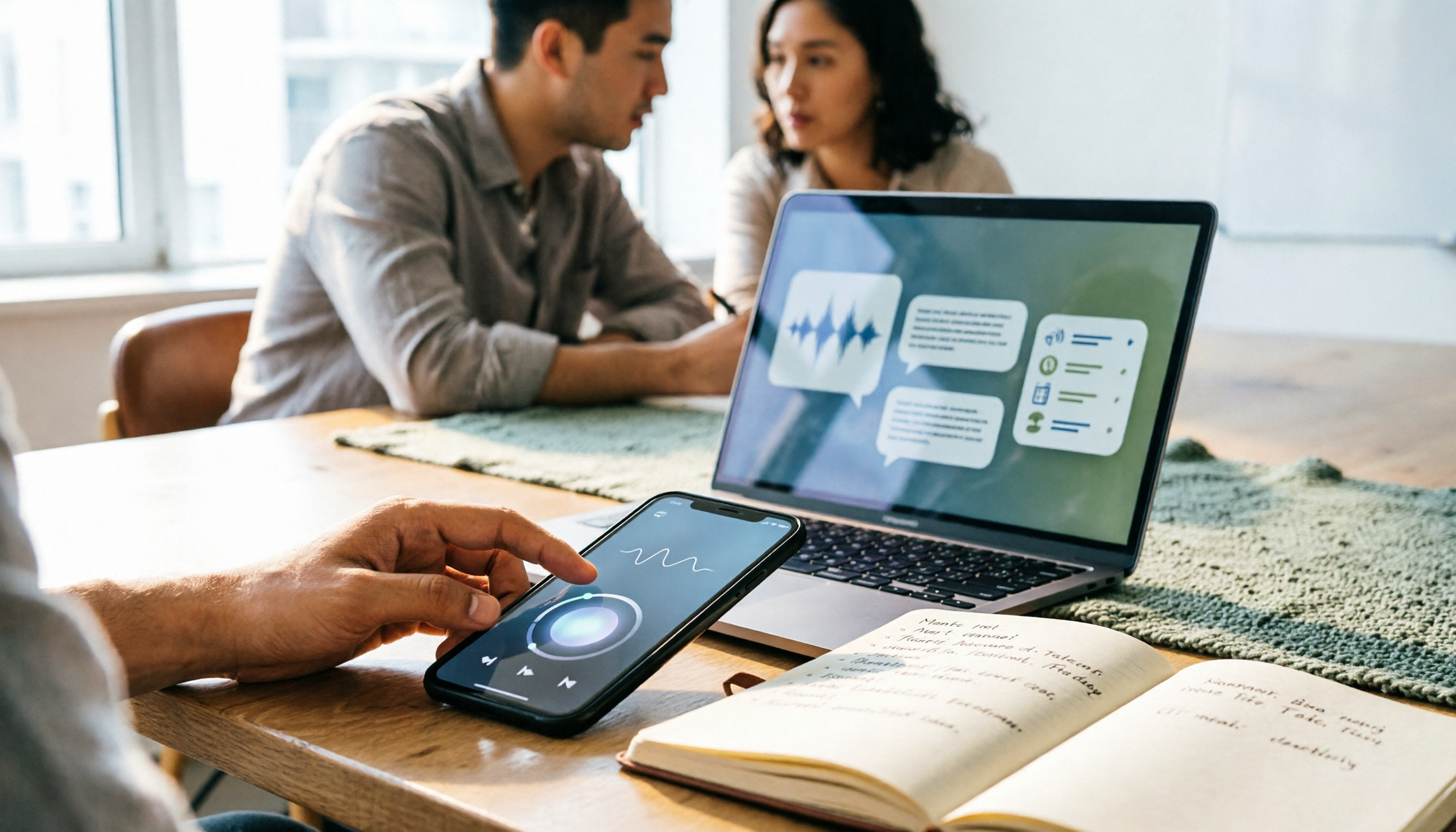
Turn recordings into transcripts and summaries in minutes
Upload audio or video for multilingual transcription, AI notes, and action items
3 Best Audio-to-Text Tools in 2026: Plaud Recording Guide & Meeting Notes Comparison
The Real Pain Starts After Recording — You Don't Need a Record Button, You Need Usable Notes
"The meeting ends, you press record, the device vibrates twice, and then what?"
Many people buy a recording device, but the real bottleneck isn't recording — it's what happens after: where's the file, how do you generate a transcript, which summary template should you pick.
Another common scenario: you leave your phone on the table recording for an hour, only to find during playback that the air conditioner is clearer than the speaker, and you end up retyping notes from memory.
If you already own a Plaud or are considering one, this article will clarify the steps, file flow, and how to choose among similar tools.
4 Key Points to Understand Before Choosing an Audio-to-Text Tool
1. Recording method determines whether you need an extra device
The value of a dedicated recording device is "record anytime, anywhere" — clip it on your clothes or hold it in your hand, great for in-person situations. But if 90% of your meetings are on the computer, consider something else: can the meeting audio be captured directly from the system instead of relying on speaker output and re-recording?
2. Do you want a transcript or actionable conclusions?
A transcript is just raw material. What really saves time is the summary, chapters, action items, and the ability to ask "who mentioned the budget in last week's meeting?" When choosing a tool, look at the post-meeting workflow, not just transcription.
3. Chinese and mixed Chinese-English recognition performance
Meetings in Taiwan are rarely pure Chinese; they often mix product names, English abbreviations, and department jargon. These are the most error-prone, so the ability to customize team hotwords and easily correct afterward matters more than spec sheet numbers.
4. Quotas and pricing
Free tiers usually have limits on single-session length or monthly minutes; team plans often charge per seat. Calculate how many hours you record per month before deciding whether to pay — more practical than committing to an annual plan upfront.
Tinrec — A Meeting Workflow Without an Extra Device
Tinrec is an AI meeting notes and collaboration tool for individuals and teams, supporting real-time recording, bot-free desktop recording of online meetings, audio/video file import, and real-time translation, and can organize results into summaries, chapters, action items, and Q&A.
Online meetings: no bot required
Tinrec's desktop version captures computer system audio directly, handling Zoom, Google Meet, Microsoft Teams, Webex, and similar meetings without an extra meeting bot joining as a participant. The difference is practical: no unfamiliar name appears on the attendee list, and no per-meeting invitation setup.
Post-meeting: from transcript to actionable list
After the meeting, Tinrec produces a transcript and automatically generates summaries, chapters, and action items. Who's responsible for what and when it's due are listed directly, so you don't have to scroll back through 40 minutes of conversation. When you need to report, you can further generate reports, tables, and documents.
Cross-meeting queries: the biggest difference from most transcription tools
After recording, you can ask questions directly about the meeting content, such as "What were the three risks mentioned in last quarter's review meeting?" It gives you organized answers, not keyword search results. Cross-meeting queries are also supported, so historical data can truly be reused.
Output and collaboration
Results can be exported to Notion, Google Docs, OneNote, Dropbox, and other tools for further processing. The team plan centralizes meeting data in a shared team space: members can view past meetings, admins can manage roles, seats, sharing permissions, usage, and audit logs, and data remains with the team when members leave.
Things to note
The free version offers a basic quota, suitable for trying the workflow; file and web link imports consume shared import minutes, not unlimited. The team plan is priced per paid seat: USD 29.80 per paid seat per month for monthly billing, or USD 199 per paid seat per year (about USD 16.58 per month) for annual billing, with each paid seat providing 2,000 minutes of team shared import quota per month; under an active plan and seat, real-time recording currently does not deduct minutes. Actual prices and benefits are subject to the official purchase page.
Also, to be upfront: Tinrec's team sharing is primarily at the team level, not granular document-level or member-level permissions. Organizations that require strict file isolation should confirm this first.
Who it's for
People who mainly meet on computers, need Chinese and mixed Chinese-English organization, want summaries and action items right after recording, and don't want to buy an extra device.
Stop organizing recordings by hand
Upload audio or video and automatically get a transcript, summary, and action items
How to Use Plaud Recording: Steps, Battery Life, and Caveats
Plaud is a combination of "recording hardware + AI organization." Hardware includes the card-style Note Pro and Note, as well as the NotePin and NotePin S that clip on clothes or wear on the wrist; software includes a mobile app, web version, and desktop version.
Method 1: Record with device buttons
Take phone recording as an example: long-press the record button for about 1 second until you feel one vibration, indicating recording has started; to stop, long-press again for about 1 second until you feel two vibrations, indicating recording has ended. Button definitions vary slightly by model; for first-time use, check the official user guide to avoid discovering mid-meeting that it didn't start.
Method 2: Trigger recording from the app
First connect the Plaud device to the app, then tap start in the app to trigger the connected device to record without reaching for the device. This is much handier when the device is clipped to your clothes or your phone is on the table and inconvenient to grab.
After recording: files return to the app automatically
When the meeting ends and you stop recording, the audio file automatically transfers to the Plaud app. Then use the "Transcribe" function in the app to select an AI model — usually Auto works — and a transcript is generated within minutes. Then pick a summary template, or use Ask Plaud for cross-file queries. Official materials mention support for 112 languages and tens of thousands of summary templates.
Battery life and hardware
Official pages state some models can record continuously for about 30 hours in enhanced mode and about 50 hours in long-lasting mode, with standby of about 60 days; Note Pro has 4 MEMS microphones, a recording distance of about 5 meters, and a 0.95-inch AMOLED small screen. Actual performance varies by environment and settings.
Pricing and limitations
The device itself is a one-time cost; official pages list NotePin at USD 159 and Note Pro at USD 189; membership plans: Starter at 300 minutes per month, Pro at USD 99.99 per year (1,200 minutes per month), Unlimited at USD 239.99 per year, subject to the official page.
Note: Plaud's strength is portable and in-person recording. If your main scenario is online meetings on a computer, Tinrec captures system audio directly without going through speaker output and re-recording, which is more convenient; and Tinrec's team space, seat management, and audit logs are areas that Plaud's personal-device and membership-minute-based approach covers less.
Finally, a reminder: before recording, proactively inform the other party and obtain consent — this is not just courtesy but also a legal requirement in Taiwan.
Besides Tinrec and Plaud, Who Is a Pure Transcription Tool Like Notta For?
Notta overlaps significantly with Tinrec, covering multi-platform transcription, meeting notes, file import, and team plans. Official info currently states the free version offers 120 minutes per month with a maximum of 3 minutes per session; Pro annual billing is about USD 8.17 per month with 1,800 minutes per month; Business annual billing is about USD 16.67 per seat per month. The limitation is that the free version's single-session length is short, making long meetings prone to interruption; Tinrec's bot-free desktop recording and team data retention are its differentiators in meeting collaboration scenarios. Prices are subject to Notta's official page.
Pitfall Guide: 4 Most Common Mistakes When Using Recording Tools
Pitfall 1: Looking only at hardware specs, not the post-meeting workflow.
50 hours of battery life sounds impressive, but if transcripts need manual organization and summary templates don't fit your meeting style, the time saved is limited. Before buying, think clearly: "Who will organize after recording?"
Pitfall 2: Forgetting to inform and obtain consent.
This is the most common and least excusable mistake. Proactively informing the other party and obtaining explicit consent before recording is a legal requirement and a sign of professionalism.
Pitfall 3: Treating "having a transcript" as "having notes."
Producing only a transcript means using only one-third of the tool's capability. Summaries, action items, and Q&A are what truly turn meetings into actionable items.
Pitfall 4: Using a personal account to handle team needs.
Who owns the data after a colleague leaves, who has permission to upload, who can only view — these questions have no answer in a personal account. Distinguish "roles" and "seats": roles determine governance permissions, seats determine whether one can record, upload, and edit; without a seat, one can still view and read team data.
Conclusion: Which One Should You Choose?
In one sentence: for those whose main need is meeting notes, Tinrec is the most hassle-free choice; for those who need portable, in-person recording, Plaud's hardware value is hard to replace with software.
- Mainly host Zoom, Meet, Teams on computers and want to turn meetings into summaries and action items → Tinrec (bot-free desktop recording, no extra device)
- Need cross-meeting queries like "who mentioned this last time" → Tinrec (ask questions directly about meeting content)
- Frequently interview on the go, teach in person, or need long battery life for portable recording → Plaud (hardware form factor and battery life are strengths)
- Team needs to share meeting data, manage seats and usage → Tinrec team plan (space, roles, seats, audit, recycle bin)
- Only need cheap, bulk file transcription → Notta or similar pure transcription tools are worth trying first
If you're still on the fence, try running your own real meeting workflow with Tinrec's free version: record a session, check the transcript, try asking it questions, then decide whether to pay. That's more accurate than reading spec sheets.
Recording and transcription involve personal data and privacy. Whichever tool you use, please use it within the bounds of local law and obtain participant consent when needed.
References
- Plaud User Guide | Complete Tutorial and Operation Guide
- Recording Operation Guide | Plaud Taiwan
- Plaud Tutorial: From Note Pro Recording, Choosing Templates to Ask Plaud Queries — How to Make Meeting Notes Efficiently | TheAI Academy
- How to Transcribe Mobile Meeting Audio? Use Plaud + AI Recording and Organization in One Go
- Recording via Plaud App – Help Center
Turn every recording into actionable outcomes
Get 60 free transcription minutes when you sign in. No credit card required.
Related Reading
You might also like
2026 AI Recording Tools Comparison: How to Use Plaud & Which Saves the Most Time After Meetings
Learn how to use Plaud recording—from Bluetooth pairing and vibration feedback to plan limits and restrictions—plus a hands-on comparison of Tinrec, Plaud, and Otter.ai for post-meeting organization to help you decide which approach saves the most time.
Plaud Recording Free Plans in 2026: 3 AI Meeting Note Tools Compared
Understand what "Plaud recording" means: recording with Plaud hardware or the Plaud app. Starting from this search question, this article compares the free tiers, pricing, and use cases of Plaud, Otter.ai, Notta, and Tinrec, and explains practical considerations such as getting consent before recording, helping you decide whether to buy hardware or choose a meeting notes workflow.
2026 AI Recording Tools Comparison: How to Use Plaud & Which Saves the Most Time After Meetings
Learn how to use Plaud recording—from Bluetooth pairing and vibration feedback to plan limits and restrictions—plus a hands-on comparison of Tinrec, Plaud, and Otter.ai for post-meeting organization to help you decide which approach saves the most time.
Plaud Recording Free Plans in 2026: 3 AI Meeting Note Tools Compared
Understand what "Plaud recording" means: recording with Plaud hardware or the Plaud app. Starting from this search question, this article compares the free tiers, pricing, and use cases of Plaud, Otter.ai, Notta, and Tinrec, and explains practical considerations such as getting consent before recording, helping you decide whether to buy hardware or choose a meeting notes workflow.
2026 Comparison of 3 Plaud Recording Export Methods: App, Web, or Desktop — Which Is Fastest?
PLAUD recordings don't automatically save to your phone's gallery or cloud drive—you have to export them yourself. This guide breaks down the differences, format limitations, and common pitfalls of three export methods (mobile App, Plaud Web, Plaud Desktop), explains how to export transcripts, summaries, and mind maps, and offers alternatives if you don't want to carry extra hardware.
4 Transcription Tools Tested for 2026: Yating Latest News and How to Choose an AI Meeting Recorder
Many people searching for "Yating transcription latest news" are really asking whether it's still worth using. This article first summarizes publicly available updates on Yating, then compares Yating, Notta, Otter.ai, and Tinrec across four key selection criteria, and lists four common pitfalls when choosing a tool.

2026 Recording Tools Compared: How to Record with Plaud and Which Tool Saves the Most Time After Transcription?
First, we explain how to record with Plaud—covering the device button, app trigger, and phone call recording in three scenarios—then compare the post-recording organization workflow. After a hands-on test, you'll see that hardware solves the 'recording' part, while meeting minutes and action items still require another tool. The article also compares Tinrec, Notta, and Otter in terms of differences and pricing.

Plaud vs Tinrec: 2026 AI Recording Tool Comparison — How to Choose Between Plaud's Sync and Tinrec's Post-Meeting Organization
How does Plaud sync recordings? Many assume files upload automatically after recording, but transfer only triggers when the app connects via Bluetooth. This article starts with the sync process and compares Plaud and Tinrec across five dimensions—file import, post-meeting organization, team collaboration, and cost—to help you decide between a portable hardware device and a workflow-integrated meeting notes solution.

3 Ways to Export Plaud Recordings in 2026: Download, Transcribe, or Team Workflow — Which Is Easiest?
How do you export Plaud recordings? This guide breaks down three methods — Plaud App, desktop/Plaud Web, and Plaud MCP — with step-by-step instructions and use cases. It also compares organizing files yourself versus importing into Tinrec to generate transcripts, summaries, and action items, so you can pick the most time-saving approach.