

Turn recordings into transcripts and summaries in minutes
Upload audio or video for multilingual transcription, AI notes, and action items
Many people think that installing an AI meeting notes tool will automatically make meetings easier.
But in reality, it's not like that: the transcript is generated, but you still have to read through it from the beginning, pick out the key points yourself, and figure out who is responsible for what. The tool only helps you turn 'listening' into 'reading', not 'thinking'.
This article addresses that gap. The difference among the 4 tools below is not whether they can convert speech to text, but how much they help you organize after the conversion.
The most time-consuming part after a meeting is not the meeting itself
'Who took notes in that meeting just now?' This is probably the most common awkward silence in the office.
The most common scenario: you're busy typing during the meeting, but only end up with a bunch of trivial notes, missing the actual decisions. After the meeting, no one is sure what was decided or who is responsible for what.
Another more tiring scenario: the entire recording is kept, but you have to spend about the same amount of time after the meeting to re-listen and extract key points. A 1-hour meeting takes another 1 hour to organize.
There's also a pain that strikes later. Two weeks later, when you need to find out 'who mentioned the budget last time?', you have to search through a 30-minute transcript from the beginning.
The root of these problems is usually not that you can't take notes, but that the tool only helps you 'record', not 'organize'. Choosing the right tool can significantly shorten the post-meeting phase.
When choosing a meeting summary tool, I look at these 5 things first
1. How the meeting is recorded
There are roughly two types on the market: one is a 'meeting bot' that joins the meeting as a participant; the other is a desktop version that directly captures the computer's system audio without adding an extra participant. If you often have meetings with external clients, the latter is usually less awkward.
2. Recognition performance for Chinese and mixed Chinese-English
Meetings in Taiwan are rarely pure Chinese or pure English; most are sentences like 'this campaign's budget needs to be confirmed again'. Rather than looking at the official accuracy rate, it's better to test with a recording of your own meeting—real recordings with air conditioning noise and people interrupting are the real test.
3. What you can do after transcription
This is the part most people overlook but that affects efficiency the most. A tool that only provides transcripts is essentially outsourcing typing; reading and understanding are still up to you. Tools that offer summaries, chapters, action item extraction, and even allow direct questions are the ones that truly help you organize.
4. Whether audio is retained and whether old files can be imported
Some tools only do real-time transcription and don't save audio, making it troublesome to verify a sentence later. Whether you can upload existing audio or video files determines whether you can organize past meetings and interview materials together.
5. Whether the free quota is enough for a trial run
No matter how good a tool is, you wouldn't dare buy it without trying it. First, see if the free version allows you to run through a complete meeting before deciding whether to proceed.
Tinrec — The tool that comes closest to 'organizing' after testing
Tinrec is an AI meeting notes and collaboration tool for individuals and teams, supporting web, desktop, and mobile. Its core value is turning meeting content into searchable, queryable, and reusable data.
What first impressed me was the meeting capture method. The desktop version directly captures the computer's system audio, so when handling online meetings like Zoom, Google Meet, Microsoft Teams, and Webex, there's no need to send a bot into the meeting room. For those who often meet with clients, there won't be a strange account suddenly appearing on the participant list—this is very practical.
After the meeting ends is where it truly stands out. The transcript automatically generates summaries, chapters, and action items; who is responsible for what and what the next steps are are organized into a list rather than scattered in the conversation. If you just want to grasp the key points first, looking at the summary and chapters is enough.
Even better is the AI Q&A. After recording, you can directly ask 'What was the conclusion of this meeting?' or 'Who mentioned the budget?' and it gives you an answer after understanding, not keyword search results. This feature is not common among similar tools.
Some practical details: during cross-language meetings, you can get real-time translation and view in original, translated, or bilingual mode; existing audio and video files can be directly uploaded for transcription; organized content can be exported to Notion, Google Docs, OneNote, Dropbox, etc. for further processing, and can also generate reports, tables, and meeting minutes.
Stop organizing recordings by hand
Upload audio or video and automatically get a transcript, summary, and action items
For team use, the team version centralizes meeting data in a team space, allowing members to view historical meetings, and administrators to manage roles, seats, usage, and audit logs. One thing to note that can be confusing: roles control 'who can manage the team', while seats control 'who can record, upload, and edit'. Members without a seat can still view, play, and read team data, but cannot edit. When a member leaves, team data does not disappear with the personal account; it needs to be transferred to other active members.
Reasons I think it's worth it:
- Can record online meetings without a meeting bot, so external meetings are not awkward.
- Summaries, chapters, action items, and AI Q&A after transcription are a complete set, not scattered features.
- Audio is retained, and existing files can be imported, so historical data can gradually accumulate into a database.
Things to note:
- The free version has a basic quota; if you need to organize long meetings every day, you'll still need to consider a paid plan.
- Transcription quality can be affected by recording quality, accents, and multiple people speaking at the same time; for important content, it's recommended to double-check the transcript and audio.
Who it's for: People who often have mixed Chinese-English meetings, want to get key points and action items directly after the meeting, and need to keep meeting data within the team. The team version is USD 29.80 per paid seat per month, or USD 199 per paid seat per year (about USD 16.58 per month). Eligible teams get a 7-day trial, 1 free seat, and 300 minutes of shared team import quota; paid seats also get 2,000 minutes of shared team import quota per month.
Besides Tinrec, these 3 are also worth considering
Notta
A multi-platform transcription tool with significant overlap with Tinrec, also offering meeting notes, file import, and translation. The free version offers 120 minutes per month, up to 3 minutes per item; Pro annual billing is about USD 8.17 per month with 1,800 minutes per month. Its transcription quality is stable, but the post-meeting workflow is relatively basic—features like directly asking questions about meeting content and organizing action items into lists are not its focus. If your main need is turning recordings into text, it's worth considering.
Granola
Also uses a bot-free desktop capture method, featuring AI enhancement combined with your handwritten notes, suitable for those who are used to taking notes while listening. Basic is free, Business is USD 14 per user per month. Note that it does not support uploading pre-recorded audio files and does not save meeting audio—if you want to verify a sentence later, you'll be stuck. Tinrec has an advantage in these two points: audio is retained and old files can be imported.
Otter.ai
A mature choice for English meetings. Basic is free with 300 minutes per month; Pro annual billing is about USD 8.49 per month. It integrates fully with Zoom, Meet, and Teams, and performs stably in English scenarios. However, if your meetings are mainly in Chinese or mixed Chinese-English, recognition performance may vary; it also lacks Tinrec's combination of 'desktop bot-free capture + Chinese team hotwords'. If your meetings are primarily in English, it's still cost-effective.
Pitfall Guide: 4 most common pitfalls when choosing a meeting organization tool
Pitfall 1: Only looking at the official accuracy rate. That number is usually measured in a quiet environment. Real meeting rooms have air conditioning noise, keyboard sounds, and people interrupting, so performance will drop noticeably. It's better to test the free version with your own meeting recording than to look at spec sheets.
Pitfall 2: Thinking a transcript means it's organized. A tool that only outputs transcripts is essentially outsourcing typing; reading and understanding are still up to you. When choosing a tool, look clearly at summaries, chapters, and action items—that's where time is truly saved.
Pitfall 3: Ignoring audio retention and file import. Some tools only do real-time transcription and don't save audio, so verifying a sentence later requires re-recording. Also, whether you can upload old audio and video files determines whether you can organize past meetings and interviews together.
Pitfall 4: The team still uses personal accounts to share data. Sharing one set of credentials among multiple people seems to save money, but in reality permissions are unclear, and data is lost when a member leaves. If meeting data is to be kept within the team, you should look for independent team spaces, roles, and seat design, rather than treating a personal account as a team.
Conclusion: Which one should you choose for your situation?
Often have mixed Chinese-English meetings and want summaries and action items directly after the meeting → Tinrec. Bot-free recording plus AI Q&A is a relatively rare combination.
Meeting data needs to stay in the team, with handover and usage management → Tinrec team version. The design of roles, seats, audit, and audio recycle bin is not available in the personal version.
Need to organize a large number of existing audio, video, and interview materials → Tinrec. Supports file import and retains audio, suitable for gradually building a database.
Mainly English meetings and the team already uses Otter → Otter.ai. This is one of the few cases in this article where maintaining the status quo is recommended; it is mature in English scenarios.
Just want to turn recordings into text, budget first → Try Notta free version. 120 minutes per month, 3 minutes per item, enough for short meetings.
No matter which one you choose in the end, it's recommended to first use the free quota to run a real meeting of your own. Rather than reading others' reviews, see if it can handle that key mixed Chinese-English sentence in your meeting.
References
- 2026 Latest 5 AI Meeting Assistant Tools Recommendation: Automatically Organize Key Points and Action Items - Tinrec Blog
- No need to write meeting notes after the meeting? 4 AI tools help you organize key points | CNA Business News Platform
- AI Meeting Notes Software Recommendation: 5 App Test Comparisons, Automatic Transcription Makes Meetings Easy!
- 8 Efficient AI Transcription and Summary Tools Recommendation, Use AI to Help You Take Meeting Notes!
- Still taking meeting notes by hand? These 3 AI tools save you time and effort (the third is free and organizes fastest)::I'm Chi
Turn every recording into actionable outcomes
Get 60 free transcription minutes when you sign in. No credit card required.
Related Reading
You might also like

2026 Video Summarizer Comparison: Free Tiers, Timestamps, and Chinese Support — Which Tool Is Right for You?
We compare Tinrec, WayinVideo, Monica, and Maestra across free tiers, timestamps, Chinese summarization, and team collaboration to help you choose the right video summarizer for meetings, courses, and YouTube content.
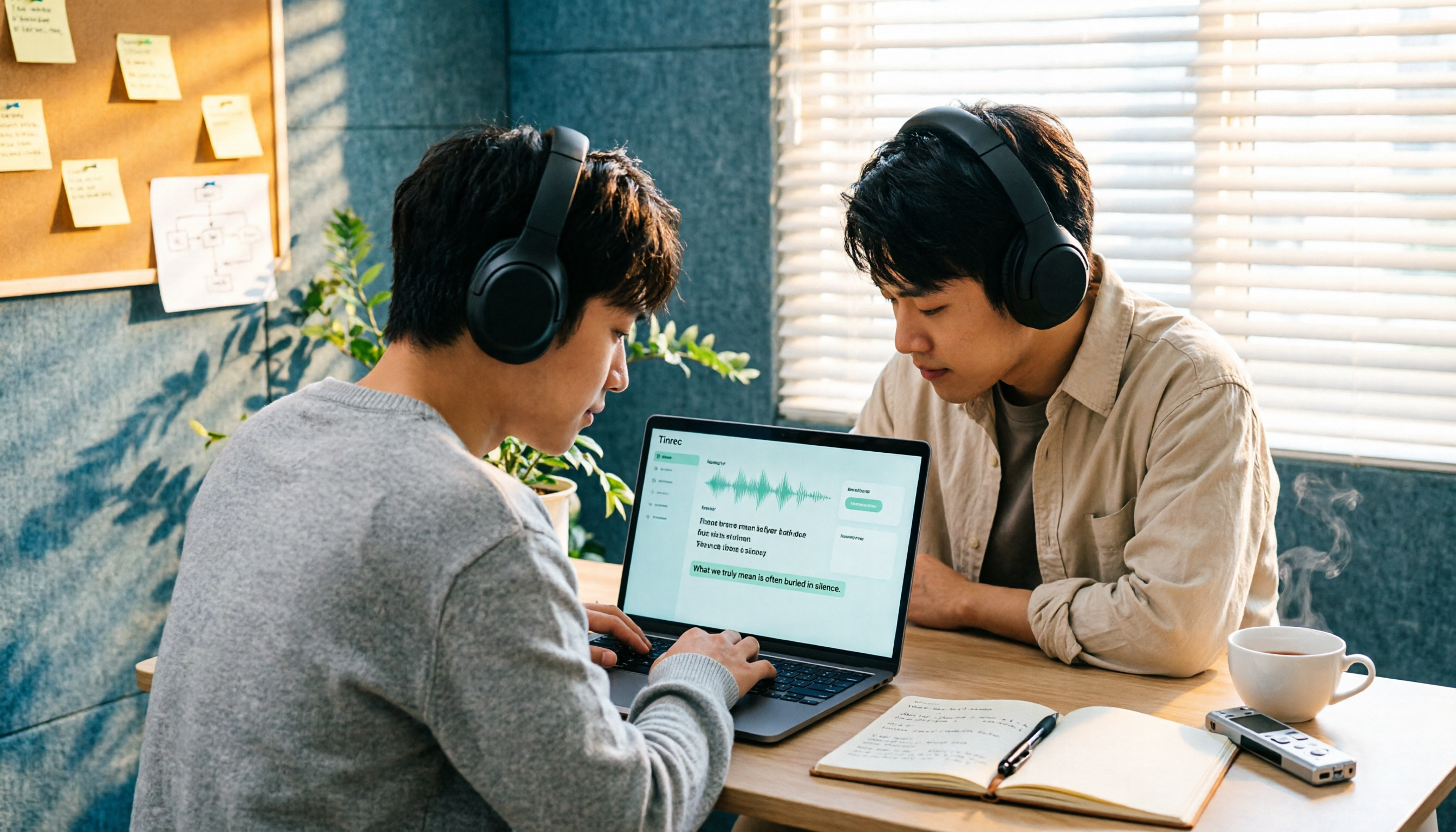
How to Import Audio Files and Generate Transcripts in 2026: A Complete 5-Step Tutorial
Importing audio files to generate transcripts isn't just about dropping a file into a tool. This article addresses three common pitfalls and demonstrates five steps using Tinrec, explaining how to use post-transcription summaries, chapters, action items, and Q&A, plus six purchasing checkpoints and FAQs.
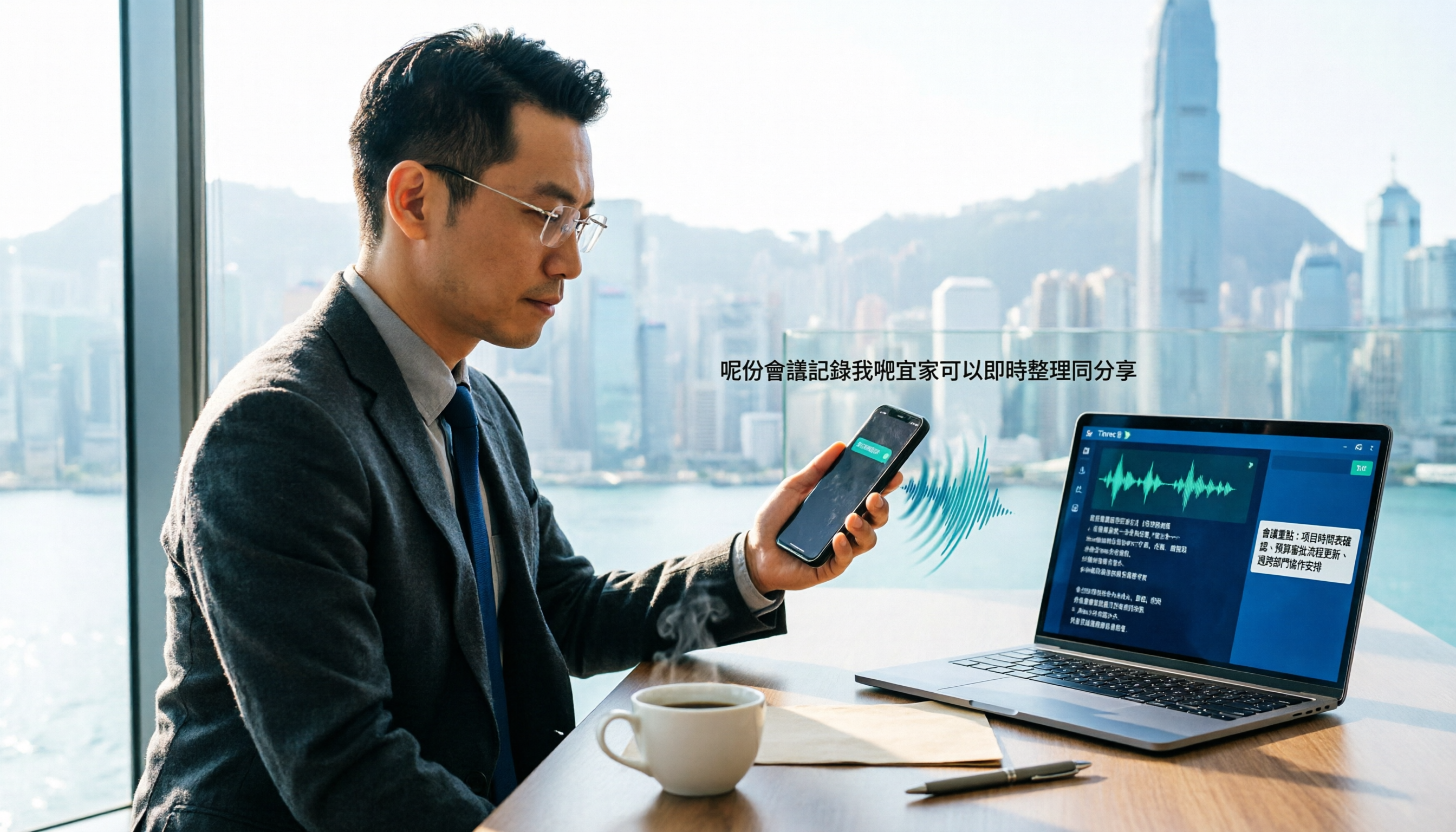
How to Transcribe WhatsApp Cantonese Voice Messages to Text in 2026: Official Setup Steps + Tinrec Workflow Tested
WhatsApp's official voice message transcription feature is rolling out gradually, but reports on Cantonese support vary. This guide breaks down the official setup steps and limitations, compares Tinrec, Otter.ai, Notta, and Granola in Cantonese transcription, post-meeting organization, and team collaboration, and includes 4 common pitfalls to help Hong Kong office workers choose the right tool—no more listening to 3-minute voice messages.

5 Best Speaker Summary Tools for 2026: How to Choose Automatic Speaker Diarization and Post-Meeting Organization
The real challenge in multi-person meetings isn't transcription—it's figuring out who said what and who committed to what. This article compiles 5 tools with speaker diarization and post-meeting summary capabilities based on official public information, comparing speaker identification, speaker summaries, audio retention, team collaboration, and pricing limits, with practical buying advice for Taiwan users and 5 FAQs.

2026 AI Meeting Summary Tools Compared: Transcription Alone Isn't Enough—The Ones You Can Question Save Time
Still staring at a 3,000-word transcript after a meeting? The problem isn't your typing speed—it's that your tool only does half the job. This article starts with the most common inefficient practices, breaks down 4 key factors for choosing an AI meeting summary tool, and compares Tinrec, Otter.ai, Granola, and Notta in real-world tests across Chinese meetings, bot-free recording, post-meeting Q&A, and team collaboration. It also lists the 4 most common pitfalls.

3 Free Speaker Diarization Tools in 2026: Free Tiers and Meeting Notes Use Cases Compared
Turning recordings into text doesn't mean you know who said what. This article starts with the common pitfall of transcripts becoming walls of text, explains what to look for in speaker diarization (automatic speaker identification) tools, compares the free tiers and use cases of Tinrec, Otter.ai, and Notta, and summarizes the most common mistakes in real-world use.

5 Best Audio-to-Transcript Tools in 2026: From Free Trials to Team Collaboration
A mid-level manager who runs over a dozen meetings a week tests automated audio-to-transcript workflows. This article compares five types of tools, covering real-time transcription, bot-free meeting recording, AI summaries, action item extraction, and team knowledge retention, plus buying tips and FAQs.

2026 AI Meeting Recorder Comparison: How to Choose from Transcription to Summaries for Team Meetings
For team leaders, the real challenge isn't recording meetings—it's the time spent organizing notes afterward. This guide starts from real management scenarios, explains the 5 key factors to consider when choosing an AI meeting recorder, then compares Tinrec, Otter.ai, Notta, and Penpower AI Recorder on their use cases, limitations, and pricing. It ends with actionable recommendations to help you choose the right tool.

How to Turn Recordings into To-Do Lists in 2026: 5 Steps with Tinrec from Audio to Action Items
Recorded a bunch of class and group discussions but still no one remembers what to do? This article breaks down the 5 steps to turn recordings into to-do lists from a student's tested perspective, compares Tinrec with regular transcription tools, and honestly discusses whether the free quota is enough and when to pay.