
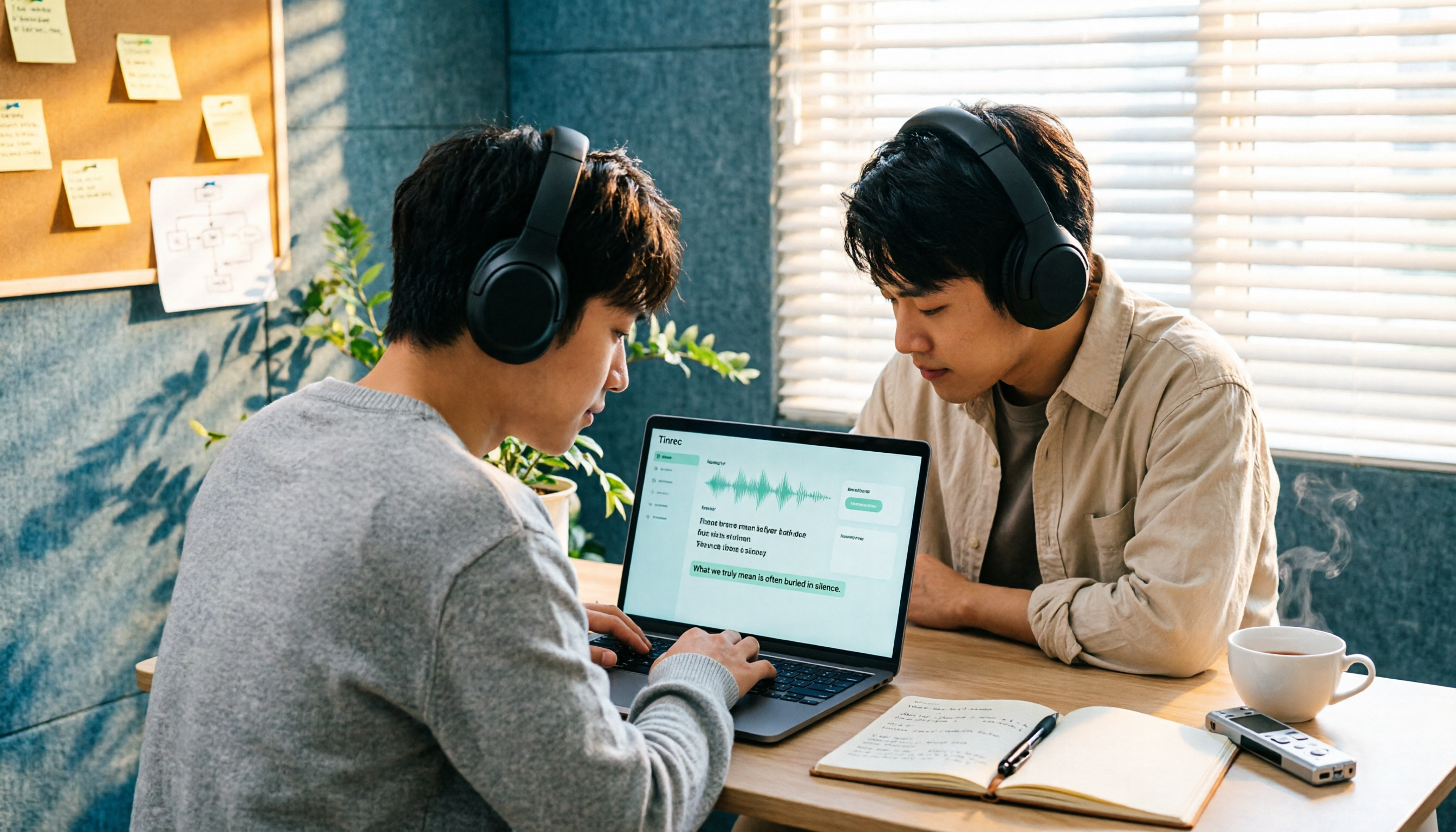
Turn recordings into transcripts and summaries in minutes
Upload audio or video for multilingual transcription, AI notes, and action items
The Real Challenge with Importing Audio Files for Transcription Isn't Whether It Can Transcribe
Many people imagine that importing an audio file to generate a transcript is as simple as dragging the recording into a tool, pressing start, waiting a few minutes, and then getting a meeting record ready to send to their boss.
But once you've actually done it, you know that's not the case. The three most common pitfalls are:
First, the output is a wall of text with no paragraph breaks and scattered punctuation. Just figuring out who said what requires listening to the recording again.
Second, you have the transcript, but you still need to extract the key points yourself. So you scroll back and forth through a 90-minute transcript, spending almost as much time as you would have typing it out manually.
Third, the tool claims high accuracy, but your meeting had a mix of English and Chinese, product code names, and three people speaking at once. As a result, names and technical terms are full of errors, and editing takes longer than expected.
The problem is never whether it can transcribe, but whether the output is directly usable. That's exactly the design philosophy behind Tinrec: importing audio is just the first step. It's followed by summaries, chapters, action items, AI Q&A, and export, turning a recording into actionable data.
5 Steps to Import Audio Files and Generate Transcripts (Using Tinrec as an Example)
Step 1: Import audio or video files into Tinrec. Whether it's a file recorded from an online meeting, an interview recorded on your phone, or an existing course video, they all come in through the same entry point. No extra plugins needed, and no need to convert files yourself.
Step 2: Specify language and viewing options. For Chinese meetings, mixed Chinese-English, or multilingual scenarios, first confirm the primary language. For cross-language content, you can view it in original, translated, or bilingual mode, making it easy to compare and confirm meaning.
Step 3: Review and edit the transcript. After transcription, check each paragraph. Correct typos, names, and technical terms directly in the transcript. For important sections, you can replay the corresponding audio timestamp to avoid misinterpretation based on text alone.
Step 4: Let AI take over the organization. Generate summaries, chapters, and key points, and extract action items from the discussion into a to-do list. This is where the real time savings happen—you can grasp conclusions and assignments without re-listening to the entire meeting.
Step 5: Export or integrate. If you need to deliver, export to a file or send to your existing workflow like Notion, Google Docs, OneNote, or Dropbox. For team use, save directly into the team space for future search, follow-up questions, and further processing.
What Can Importing Audio Files for Transcription Do for You?
Scenario 1: No more staying after meetings to write notes. A two-hour meeting used to take another hour to organize. Now, import the file into Tinrec, and the transcript, summary, and action items are generated together, clearly listing who is responsible for what and when it's due.
Scenario 2: Quickly turn interview content into usable material. For researchers, the pain isn't the interview itself but the transcription. After importing the audio, you get the transcript first, then use AI Q&A to ask questions like "How many times did the interviewee mention price concerns?"—much faster than manual searching.
Scenario 3: Keep structured notes from courses and lectures. Long audio files are daunting without chapters. Tinrec segments the content and highlights key points, so when reviewing later, you can jump back to the needed section just by looking at the chapters.
Scenario 4: Turn one-time recordings into reusable data. After exporting to a document or saving in the team space, the transcript no longer belongs only to those who were present but becomes a shared asset that the team can search and query later.
What Are the Core Capabilities of Importing Audio Files for Transcription?
Audio and video file transcription. Upload existing audio or video files, and Tinrec converts them into editable transcripts. For already-recorded meetings, historical interviews, and course recordings, this is the most direct entry point—no need to restart a meeting or re-record.
AI summaries and chapters. Transcription only turns sound into text; summaries and chapters turn text into information. Tinrec organizes meeting topics, discussion context, and key paragraphs, so you can grasp conclusions from long meetings by just looking at the structure.
Action item extraction. The most easily missed part of a meeting is "who needs to do what and by when." Tinrec extracts action items from the discussion, so you can track them directly against the list after the meeting without having to dig through the transcript for that sentence.
AI Q&A. After transcription, you can ask questions directly about the content, such as "What were the client's concerns about the delivery schedule?" or "What decisions were made in this meeting?" Tinrec supports follow-up questions within a single meeting or across multiple meetings, ideal for looking back at historical records.
Multi-format and third-party export, Agent post-processing. Transcripts and organized results can be exported to common formats and brought into Notion, Google Docs, OneNote, or Dropbox for further editing. When you need to produce reports, tables, or meeting minutes, you can generate them through Agent post-processing.
Team hotwords. Product code names, internal project names, and industry jargon have always been recognition pain points. Tinrec's team version allows you to maintain team-specific terminology, making these words more accurately represented in transcripts.
Stop organizing recordings by hand
Upload audio or video and automatically get a transcript, summary, and action items
Team space. In the team version, meeting data belongs to the team and is centrally stored in one space. New members can also view historical data, so it won't disappear entirely if someone leaves.
Practical Application Scenarios
Weekly stand-ups and project meetings. Import files recorded from Teams, Meet, or Zoom into Tinrec. First, check the chapters to confirm which topics were discussed, then check action items to confirm assignments, and finally paste the summary into the project document. The whole process takes about ten minutes, much faster than re-listening to the recording. If you don't want to invite a meeting bot, the desktop version can directly capture system audio to record online meetings.
User interviews and requirements interviews. Research scenarios often last an hour or more, and interviewees tend to jump around. Get the transcript first, then use AI Q&A to confirm "requirement priorities," "competitors mentioned," and "objections," which is more efficient than manual searching and helps maintain citation accuracy.
Training and course retention. After importing internal training recordings, the transcript can serve as a text version of the materials, and the summary as a review outline. This is especially useful for compliance training and product tutorials that need repeated reference—new hires don't have to watch the entire video, just search for key paragraphs.
Cross-language communication and cross-regional teams. When meeting with overseas colleagues or clients, the transcript can be viewed in original, translated, or bilingual mode. After the meeting, organize the key points into a Chinese record to reduce misunderstandings caused by language gaps.
6 Things to Consider When Choosing an Audio Import Transcription Tool
1. Don't just compare transcription minutes. Minutes only reflect "how much can be transcribed," not "whether the output is usable." Tinrec's difference lies in what comes after transcription: summaries, chapters, action items, Q&A, and export—these are the real time-consuming steps.
2. Actual performance with Chinese and mixed Chinese-English. Demo audio is usually clean, but real meetings have accents, noise, and overlapping speech. Tinrec covers Chinese, Traditional Chinese, and multilingual meeting scenarios, and offers team hotwords for technical terms. Actual results will still be affected by recording quality, accents, and environment—we recommend testing with your own recordings first.
3. Can the transcript be edited and linked back to the audio? A transcript that can't be edited is useless. Tinrec allows paragraph-by-paragraph editing and retains timestamps for reference. For important information, it's advisable to cross-check with the recording.
4. Is there post-processing after transcription? A tool that only provides a transcript is essentially handing the organization work right back to you. Tinrec generates summaries, chapters, and action items, and allows follow-up questions about the content, moving from "listening" to "understanding."
5. Can exports integrate with your existing workflow? If your team already uses Notion or Google Docs, don't choose a tool that only lets you view but not take away. Tinrec supports multi-format export and third-party tool export, reducing copy-paste time.
6. For team use, distinguish roles and seats. The team version is not "multiple people sharing one account." Tinrec's team version distinguishes roles (who can manage the team, members, and audit), seats (who can record, upload, edit, export), and member relationships. Members without a seat can still view, play, and read team data but cannot upload or edit. Additionally, file and web link imports consume the team's shared quota; real-time recording currently does not deduct minutes under an active team plan and active seat. Currently, the team version primarily shares at the team level, not with granular file-level permission control.
Frequently Asked Questions
Q1: Does importing audio files to generate transcripts require payment? You can start with the free version and use the basic quota to run a few recordings and see if the summaries and transcripts meet your needs. If you only need short-term intensive processing of meetings or interviews, there is a weekly card. For steady weekly needs, consider the Pro monthly or annual card. The team version offers a 7-day trial for first-time eligible users, 1 free seat, and 300 minutes of team shared import quota. Paid seats are USD 29.80/seat/month, or USD 199/seat/year (equivalent to about USD 16.58/month), with each paid seat providing 2,000 minutes of team shared import quota per month. Actual prices and benefits are subject to the official purchase page.
Q2: What languages are supported? Tinrec covers Chinese, Traditional Chinese, and multilingual meeting scenarios, and supports viewing cross-language content in original, translated, or bilingual mode. Mixed Chinese-English meetings can also be handled, but technical terms should be maintained with team hotwords.
Q3: How high is the recognition accuracy? We don't recommend summarizing with a single number. Actual performance is affected by recording quality, ambient noise, accents, overlapping speech, and technical terminology. A practical approach is to test with a real recording of your own before deciding on long-term use. For important content, we still recommend cross-checking with timestamps and the recording.
Q4: Can the generated transcript be exported? Yes. Tinrec supports multi-format export and can bring results to tools like Notion, Google Docs, OneNote, and Dropbox for further use. When you need reports, tables, or meeting minutes, you can generate them through Agent post-processing.
Q5: If a team member leaves, will meeting data disappear? It won't be taken away by the individual. Team resources belong to the team. When a member exits, is removed, or loses their seat, their responsible team resources need to be handed over to other active members. Accidentally deleted team audio can be restored from the recycle bin, which currently retains items for 30 days; action items are not covered by the recycle bin.
Q6: Are imported recording files saved? Tinrec retains audio for future timestamp reference and reorganization. For team scenarios, there is a recycle bin and permanent cleanup mechanism, and important team operations can be queried through audit logs. When using recording and transcription features, please comply with local regulations and obtain consent from participants when necessary.
Conclusion
The real value of importing audio files to generate transcripts isn't "turning sound into text," but "turning recordings into actionable data." If your process is import, transcribe, and then still re-listen to extract key points yourself, the tool only saves you half the work.
Tinrec connects the second half as well: editable transcripts, automatically generated summaries and chapters, action items listed directly, AI Q&A for follow-up questions, and finally export to your desired format or save in the team space. For personal use, start with the free version's basic quota, run two or three real meetings before deciding whether to upgrade. When you need multi-person sharing and management, then evaluate the team version's roles, seats, and shared quota design. Try it once with the recording you least want to re-listen to—the difference will be immediate.
References
- Online Speech-to-Text AI, Free MP3 or Audio File to Text Transcript - MyEdit
- Online AI Speech, Video, Audio File Auto Transcription - Free Trial - cSubtitle
- No Time Limit! 3 Free AI Transcript Tools, Highly Recommended! AI Voice Notes Generate Meeting Records, Presentations, Mind Maps | 104 Job Bank
- AI Transcript Generator: Online Free Audio File to Transcript - MyEdit
- How to Turn Meeting Recordings into Transcripts? Give it to ChatGPT Work, Even Whisper Installs Itself | BusinessNext
Turn every recording into actionable outcomes
Get 60 free transcription minutes when you sign in. No credit card required.
Related Reading
You might also like

2026 Video Summarizer Comparison: Free Tiers, Timestamps, and Chinese Support — Which Tool Is Right for You?
We compare Tinrec, WayinVideo, Monica, and Maestra across free tiers, timestamps, Chinese summarization, and team collaboration to help you choose the right video summarizer for meetings, courses, and YouTube content.

2026 Comparison of 4 Meeting Summary Tools: Which One Really Saves Post-Meeting Time?
Does the real work start after the meeting ends? This article focuses on 'meeting summary' and compares Tinrec, Notta, Granola, and Otter.ai in terms of meeting capture methods, post-meeting summaries and action items, AI Q&A, audio retention, and team collaboration. It also lists 4 common pitfalls when choosing a tool to help you decide which one truly saves post-meeting organization time.

How to Transcribe WhatsApp Cantonese Voice Messages to Text in 2026: Official Setup Steps + Tinrec Workflow Tested
WhatsApp's official voice message transcription feature is rolling out gradually, but reports on Cantonese support vary. This guide breaks down the official setup steps and limitations, compares Tinrec, Otter.ai, Notta, and Granola in Cantonese transcription, post-meeting organization, and team collaboration, and includes 4 common pitfalls to help Hong Kong office workers choose the right tool—no more listening to 3-minute voice messages.

5 Best Speaker Summary Tools for 2026: How to Choose Automatic Speaker Diarization and Post-Meeting Organization
The real challenge in multi-person meetings isn't transcription—it's figuring out who said what and who committed to what. This article compiles 5 tools with speaker diarization and post-meeting summary capabilities based on official public information, comparing speaker identification, speaker summaries, audio retention, team collaboration, and pricing limits, with practical buying advice for Taiwan users and 5 FAQs.

2026 AI Meeting Summary Tools Compared: Transcription Alone Isn't Enough—The Ones You Can Question Save Time
Still staring at a 3,000-word transcript after a meeting? The problem isn't your typing speed—it's that your tool only does half the job. This article starts with the most common inefficient practices, breaks down 4 key factors for choosing an AI meeting summary tool, and compares Tinrec, Otter.ai, Granola, and Notta in real-world tests across Chinese meetings, bot-free recording, post-meeting Q&A, and team collaboration. It also lists the 4 most common pitfalls.

3 Free Speaker Diarization Tools in 2026: Free Tiers and Meeting Notes Use Cases Compared
Turning recordings into text doesn't mean you know who said what. This article starts with the common pitfall of transcripts becoming walls of text, explains what to look for in speaker diarization (automatic speaker identification) tools, compares the free tiers and use cases of Tinrec, Otter.ai, and Notta, and summarizes the most common mistakes in real-world use.

5 Best Audio-to-Transcript Tools in 2026: From Free Trials to Team Collaboration
A mid-level manager who runs over a dozen meetings a week tests automated audio-to-transcript workflows. This article compares five types of tools, covering real-time transcription, bot-free meeting recording, AI summaries, action item extraction, and team knowledge retention, plus buying tips and FAQs.

2026 AI Meeting Recorder Comparison: How to Choose from Transcription to Summaries for Team Meetings
For team leaders, the real challenge isn't recording meetings—it's the time spent organizing notes afterward. This guide starts from real management scenarios, explains the 5 key factors to consider when choosing an AI meeting recorder, then compares Tinrec, Otter.ai, Notta, and Penpower AI Recorder on their use cases, limitations, and pricing. It ends with actionable recommendations to help you choose the right tool.

How to Turn Recordings into To-Do Lists in 2026: 5 Steps with Tinrec from Audio to Action Items
Recorded a bunch of class and group discussions but still no one remembers what to do? This article breaks down the 5 steps to turn recordings into to-do lists from a student's tested perspective, compares Tinrec with regular transcription tools, and honestly discusses whether the free quota is enough and when to pay.