

Turn recordings into transcripts and summaries in minutes
Upload audio or video for multilingual transcription, AI notes, and action items
2026 Video Summarizer Comparison: Free Tiers, Timestamps, and Chinese Support — Which Tool Is Right for You?
First, ask yourself: are you summarizing a public YouTube video, or your own meeting, interview, or course recording? These two needs lead to different tools. For public videos, you want to paste a link and get a summary, timestamps, and a mind map. For your own recordings, you care more about uploading files, transcripts, action items, exports, and whether your team can reuse the content. This article is not a lab benchmark; it uses verifiable public information and real workflow needs to help you narrow down your choices.
Don't Just Look at Summary Length — Start with Where Your Video Comes From
The first scenario is public videos. You see a long YouTube interview and want to know the main topics quickly. Here, pasting a link and getting a summary in seconds is key.
The second scenario is your own recordings. Courses, presentations, client interviews, or meeting recordings usually need more than a summary — you need to go back to the transcript, find timestamps, extract action items, and even hand it off to your team.
The third scenario is online meetings. You need to record a Zoom, Google Meet, or Teams meeting on your computer. The focus shifts to whether a meeting bot is required and how to store post-meeting data.
Clarifying these three sources first will help you avoid choosing the wrong tool more than just looking at how many languages it supports.
4 Key Points to Understand Before Choosing a Video Summarizer
1. Source support: links, files, or desktop recording?
A tool that only supports YouTube links may not handle your local videos; a tool that accepts file uploads may not be good at recording online meetings. Confirm where your videos come from first — this is the most common pitfall.
2. Timestamps and traceability
No matter how polished a summary is, if you can't go back to the original text to verify, you won't dare use it for important decisions or client commitments. Timestamps, transcripts, and quotes are key to trusting a summary.
3. Are post-meeting outputs sufficient?
A summary alone is fine for quick browsing; but if you need to use it for work, you'd better get chapters, highlights, action items, Q&A, and exportable documents. Meeting-oriented tools like Tinrec extend the summary to action items and team data.
4. Free tier and team usage
Check the free version's limits on single-file length, monthly minutes, and features. For team use, check whether it offers independent team spaces and how members, roles, seats, and usage are managed — not just multiple people sharing one personal account.
Tinrec — Turn Videos and Meetings into Searchable, Handover-Ready Data
Tinrec is an AI meeting notes and collaboration tool for individuals and teams. It supports live recording, bot-free desktop recording of online meetings, and uploading audio/video files for transcription. It doesn't just produce a summary; it organizes content into transcripts, AI summaries, chapters, highlights, action items, and mind maps. It also supports AI Q&A around meeting data, real-time translation, and export to common formats or workflows like Notion, Google Docs, OneNote, and Dropbox.
If your videos are interviews, courses, presentations, or meeting recordings, Tinrec's workflow is: transcribe first, then generate summaries and chapters, and finally keep action items and Q&A. This approach is better than a single summary for content that needs verification. In practice, you can ask it "What are the conclusions of this interview?" "Who mentioned the budget?" "What are the next steps?" without digging through the transcript yourself.
What's interesting is that the summary remains useful afterward. The team version centralizes meeting data in a team space, with management of members, roles, seats, usage, and audit logs. When a member leaves or loses a seat, team resources can be handed over and won't disappear with the personal account. This is very practical for departments or project teams that need to accumulate meeting assets.
Stop organizing recordings by hand
Upload audio or video and automatically get a transcript, summary, and action items
Pricing: Tinrec offers a free version, weekly pass, Pro monthly, and annual plans for individuals. For teams, the current offering is: first-time eligible teams get 7 days free, 1 free seat, and 300 shared import minutes. Monthly billing is USD 29.80 per paid seat per month; annual billing is USD 199 per paid seat per year (about USD 16.58/month), with 2,000 shared import minutes per paid seat per month. Under an active team plan and seats, live recording currently does not deduct minutes; only file and web imports consume shared import minutes. Actual prices and benefits are subject to the official purchase page.
Limitations to note: Tinrec is not primarily designed for "paste a public YouTube link and get a summary instantly." Web link import is a supplementary feature, better suited for some public videos. If you need to quickly summarize many public videos, the tools below are more suitable. Also, transcription and summary quality can be affected by audio quality, accents, background noise, overlapping speakers, and technical terms. For important content, verify against transcript timestamps and audio playback.
Who is it for? Those who need to organize Chinese meetings, interviews, and course recordings and value transcripts, action items, AI Q&A, and team data accumulation will find it more suitable than a simple video summarizer.
Besides Tinrec, What Other Video Summarizers Are There?
WayinVideo focuses on video summarization, featuring timestamps, topic grouping, and multilingual summaries. It can also handle interviews, screen recordings, and videos without subtitles. Its strength is public videos and a simple summarization experience; however, team spaces, seats, usage, and audit are not its focus. If you need to turn summaries into team data, Tinrec is more suitable.
Monica AI Video Summarizer focuses on YouTube video summaries and mind maps, using GPT-4o/Claude 3.5. Basic summaries are free; advanced features are paid. It's good for quickly understanding public YouTube content; but if you need to upload your own meeting recordings, extract action items, and put them into a team space, Tinrec's post-meeting workflow is more complete.
Maestra's AI YouTube Video Summarizer supports pasting links, transcription and summarization in over 125 languages, and can handle long videos. It works in mobile browsers. Its strength is YouTube links and multilingual subtitles; but bot-free desktop meeting recording, team seats, and audit are not its main features — that's where Tinrec differs.
Pitfall Guide: 3 Common Mistakes When Choosing a Video Summarizer
Pitfall 1: Only looking at free, not limits.
Many tools say they're free, but limits may be 3 minutes per file, 3 files per day, or only public links. Check your video length and source first, then decide if the free tier is enough.
Pitfall 2: Only looking at summaries, not verifiability.
If a summary lacks timestamps and transcripts, it's hard to verify "who said this" or "what was promised." For important meetings or interviews, choose a tool that lets you go back to the original timestamp.
Pitfall 3: Using a personal account as a team solution.
Sharing one account may seem cost-effective short-term, but it gets messy when members leave, permissions are unclear, or usage can't be split. Tinrec's team version separates roles and seats: members without a seat can still view, play, and read team data, but cannot upload, edit, or export. This is much clearer than sharing an account.
Conclusion: Which One Should You Choose?
Need to organize Chinese meetings, interviews, and course recordings → Tinrec, which puts transcripts, summaries, action items, and Q&A in one workflow.
Want to ask AI for key points and action items right after recording → Tinrec; instead of manually scanning the transcript, ask questions directly about the content.
Team needs to share meeting data, manage seats and usage → Tinrec team version; data belongs to the team and can be handed over when members change.
Cross-platform use (mobile, desktop, web) → Tinrec, suitable for recording on the go, desktop meetings, and post-meeting organization.
Only occasionally summarize public YouTube videos → Choose one of Monica, WayinVideo, or Maestra. For timestamps and topic grouping, see WayinVideo; for multilingual YouTube transcription, see Maestra; for mind maps, see Monica.
Overall, there is no single winner in video summarizers. The key is where your videos come from, whether summaries need to be verifiable, and whether the data ultimately needs to be handed to a team. Start with a free tier or team trial to confirm the workflow, then decide whether to upgrade — that's more reliable than buying the most expensive plan from the start.
This article is based on official pages of WayinVideo, Monica, Maestra, and Tinrec product information; prices and benefits are subject to each official page.
References
Turn every recording into actionable outcomes
Get 60 free transcription minutes when you sign in. No credit card required.
Related Reading
You might also like

2026 Comparison of 4 Meeting Summary Tools: Which One Really Saves Post-Meeting Time?
Does the real work start after the meeting ends? This article focuses on 'meeting summary' and compares Tinrec, Notta, Granola, and Otter.ai in terms of meeting capture methods, post-meeting summaries and action items, AI Q&A, audio retention, and team collaboration. It also lists 4 common pitfalls when choosing a tool to help you decide which one truly saves post-meeting organization time.
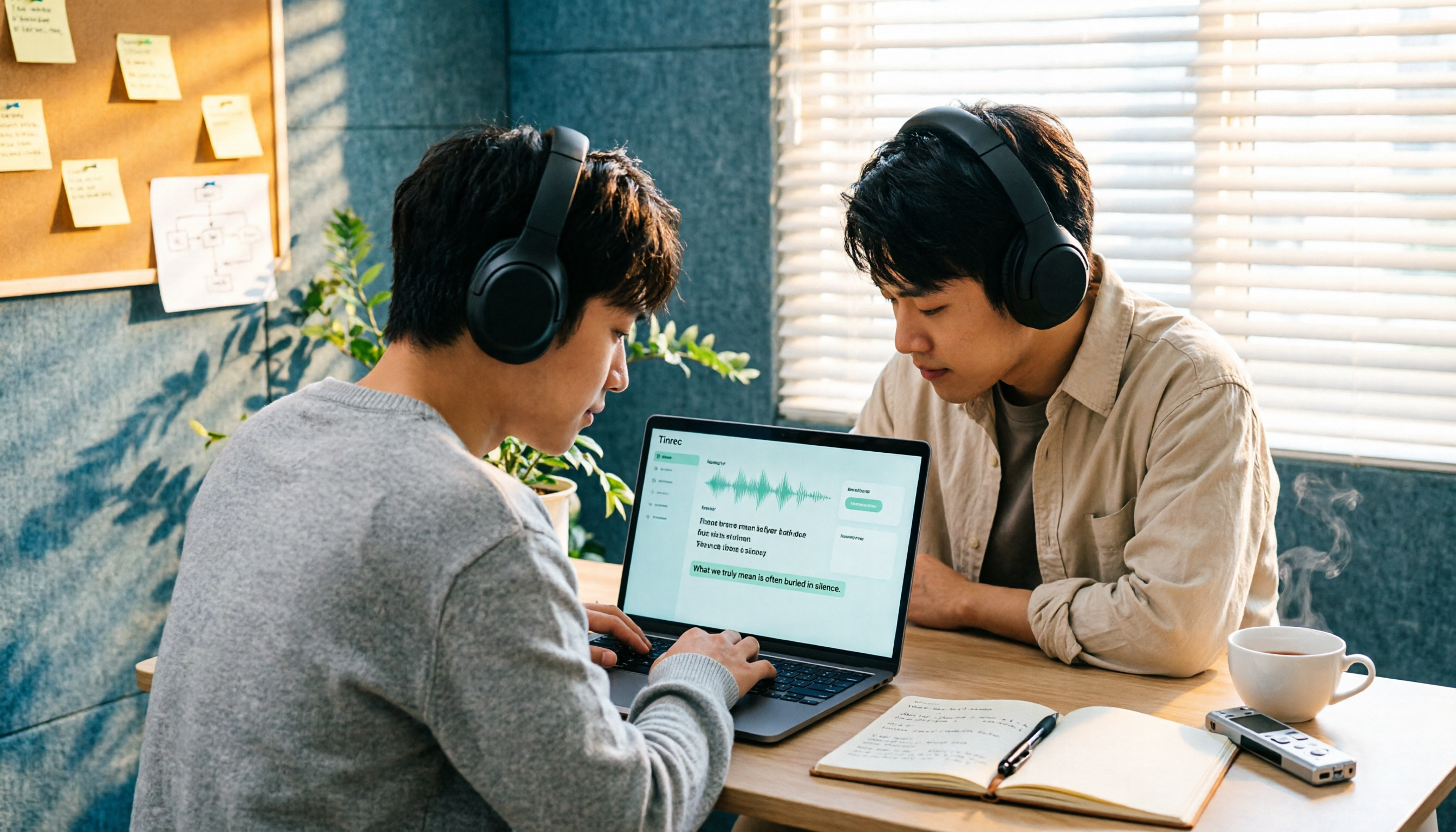
How to Import Audio Files and Generate Transcripts in 2026: A Complete 5-Step Tutorial
Importing audio files to generate transcripts isn't just about dropping a file into a tool. This article addresses three common pitfalls and demonstrates five steps using Tinrec, explaining how to use post-transcription summaries, chapters, action items, and Q&A, plus six purchasing checkpoints and FAQs.
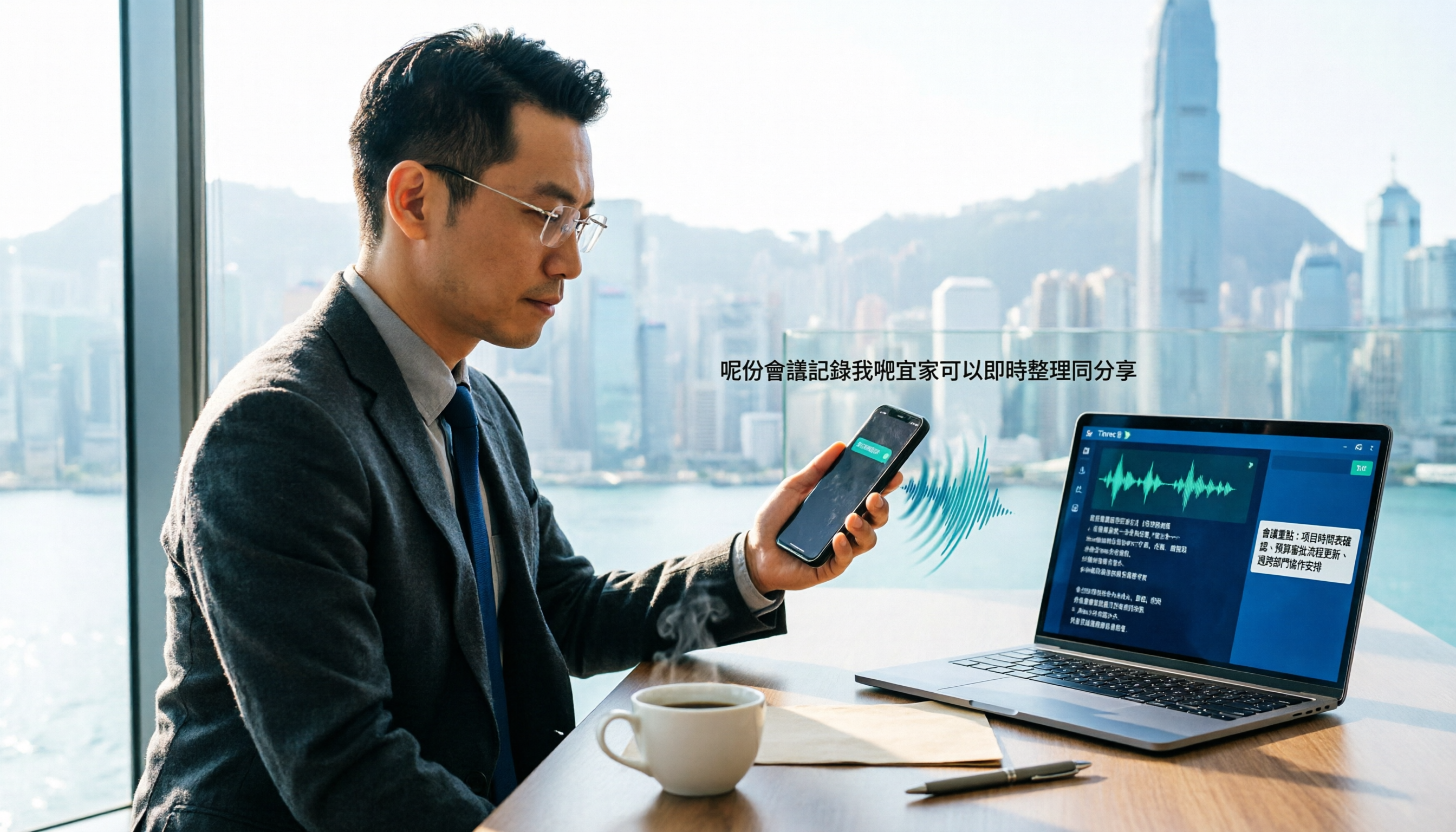
How to Transcribe WhatsApp Cantonese Voice Messages to Text in 2026: Official Setup Steps + Tinrec Workflow Tested
WhatsApp's official voice message transcription feature is rolling out gradually, but reports on Cantonese support vary. This guide breaks down the official setup steps and limitations, compares Tinrec, Otter.ai, Notta, and Granola in Cantonese transcription, post-meeting organization, and team collaboration, and includes 4 common pitfalls to help Hong Kong office workers choose the right tool—no more listening to 3-minute voice messages.

5 Best Speaker Summary Tools for 2026: How to Choose Automatic Speaker Diarization and Post-Meeting Organization
The real challenge in multi-person meetings isn't transcription—it's figuring out who said what and who committed to what. This article compiles 5 tools with speaker diarization and post-meeting summary capabilities based on official public information, comparing speaker identification, speaker summaries, audio retention, team collaboration, and pricing limits, with practical buying advice for Taiwan users and 5 FAQs.

2026 AI Meeting Summary Tools Compared: Transcription Alone Isn't Enough—The Ones You Can Question Save Time
Still staring at a 3,000-word transcript after a meeting? The problem isn't your typing speed—it's that your tool only does half the job. This article starts with the most common inefficient practices, breaks down 4 key factors for choosing an AI meeting summary tool, and compares Tinrec, Otter.ai, Granola, and Notta in real-world tests across Chinese meetings, bot-free recording, post-meeting Q&A, and team collaboration. It also lists the 4 most common pitfalls.

3 Free Speaker Diarization Tools in 2026: Free Tiers and Meeting Notes Use Cases Compared
Turning recordings into text doesn't mean you know who said what. This article starts with the common pitfall of transcripts becoming walls of text, explains what to look for in speaker diarization (automatic speaker identification) tools, compares the free tiers and use cases of Tinrec, Otter.ai, and Notta, and summarizes the most common mistakes in real-world use.

5 Best Audio-to-Transcript Tools in 2026: From Free Trials to Team Collaboration
A mid-level manager who runs over a dozen meetings a week tests automated audio-to-transcript workflows. This article compares five types of tools, covering real-time transcription, bot-free meeting recording, AI summaries, action item extraction, and team knowledge retention, plus buying tips and FAQs.

2026 AI Meeting Recorder Comparison: How to Choose from Transcription to Summaries for Team Meetings
For team leaders, the real challenge isn't recording meetings—it's the time spent organizing notes afterward. This guide starts from real management scenarios, explains the 5 key factors to consider when choosing an AI meeting recorder, then compares Tinrec, Otter.ai, Notta, and Penpower AI Recorder on their use cases, limitations, and pricing. It ends with actionable recommendations to help you choose the right tool.

How to Turn Recordings into To-Do Lists in 2026: 5 Steps with Tinrec from Audio to Action Items
Recorded a bunch of class and group discussions but still no one remembers what to do? This article breaks down the 5 steps to turn recordings into to-do lists from a student's tested perspective, compares Tinrec with regular transcription tools, and honestly discusses whether the free quota is enough and when to pay.