
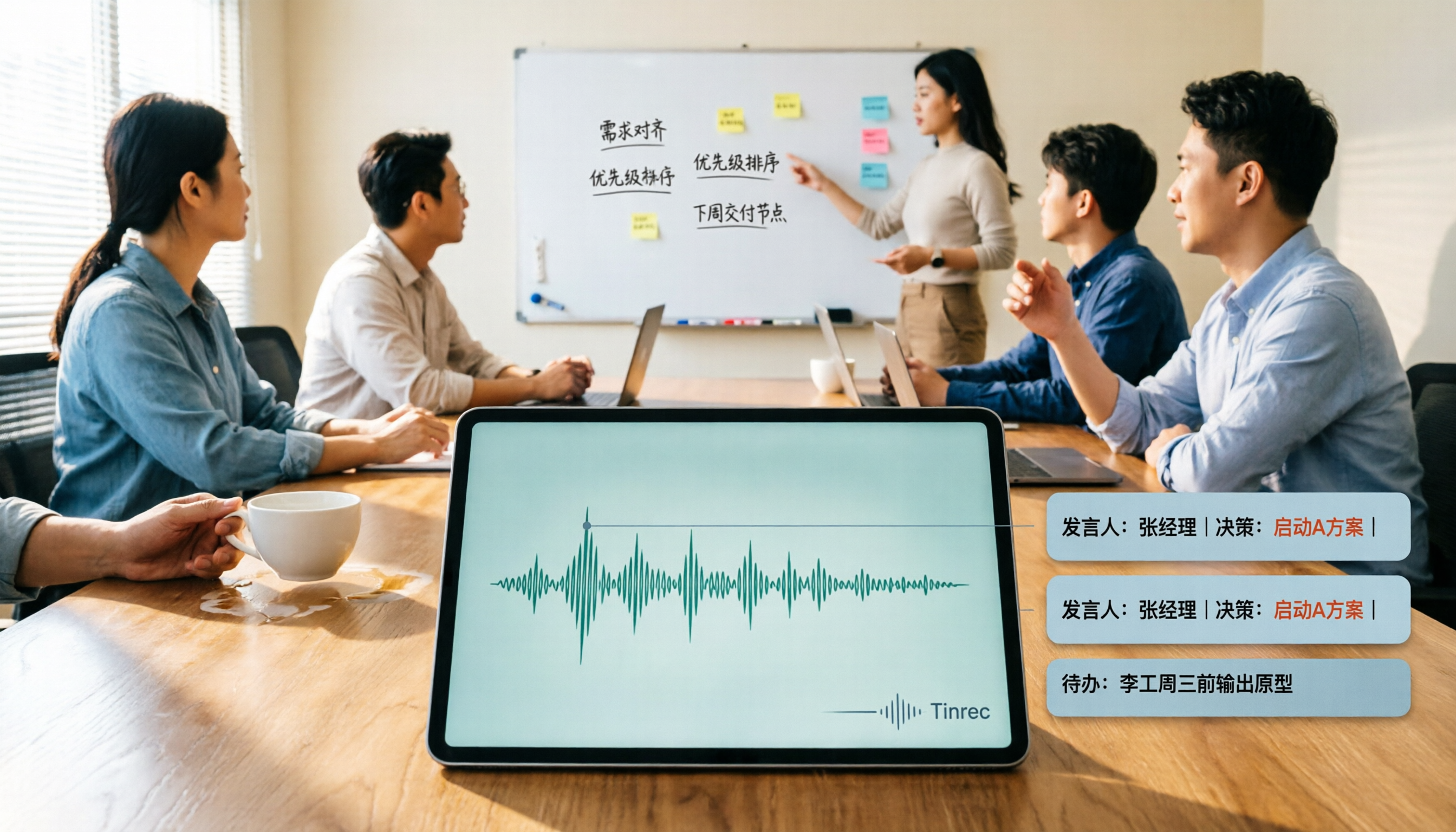
Turn recordings into transcripts and summaries in minutes
Upload audio or video for multilingual transcription, AI notes, and action items
2026 AI Meeting Summary Tools Tested: Which One's Chinese Meeting Summaries Are Actually Ready to Use?
Why did you buy a transcription tool but still can't finish your meeting notes?
Many people's first misconception about 'AI meeting summaries' is thinking it equals 'throwing a transcript at AI to condense into a few sentences.'
So the workflow becomes: record with a voice recorder or phone, upload to a transcription service to get a transcript, then copy the whole text into ChatGPT and ask it to summarize. Three tools, three file transfers, plus downloading, uploading, and fixing formats in between.
A two-hour meeting, and this workflow eats another hour.
Worse, the results are scattered everywhere: recording in one folder, transcript in another cloud, summary pasted in a chat box. Next time you want to check 'who said they'd change the budget last time,' you have to dig through everything one by one.
This article doesn't count checkboxes on a spec sheet; it looks at the same thing: from 'meeting ends' to 'notes ready to deliver,' how many steps are involved and where you get stuck.
Before choosing an AI meeting summary tool, understand these 5 key points
1. Where meetings happen determines whether you need a 'meeting bot'
Teams that mostly meet online often think first of bots that automatically join meetings. But the bot itself is a participant—an extra account on the list, and you have to explain who it is during client meetings. If your meetings are mainly in-person, hybrid, or client-side, whether you can directly record computer audio or capture the room matters more than anything.
2. Chinese and mixed Chinese-English is the real barrier
Meetings in Taiwan are rarely pure Chinese: product names, KPIs, and technical terms are all in English, mixed with people's names. A tool good at English isn't necessarily good at Chinese. Rather than checking how many languages the official spec claims, try it with a recording of your own meeting. This is also where people most often get burned.
3. After the summary, are there 'action items' and 'follow-up questions'?
A beautiful summary you can't use is as good as none. What you need to check: does it automatically extract action items, can you ask follow-up questions about a specific sentence, can you turn conclusions directly into reports or tables. Tools that only condense transcripts into a few lines mean you still have to rewrite everything after the meeting.
4. Are recordings kept, and can you take them with you?
Some tools keep only text and don't store audio, so you can't replay to verify if something goes wrong. Also confirm whether you can export to Notion, Google Docs, OneNote—places you already use—otherwise your data just sinks in a different place.
5. How free quotas work and how teams are managed
Free versions usually have minute limits, and some restrict single-session length. For team use, ask clearly: who owns the data after a member leaves, who can edit, how usage is tracked. These are the things most often missed during purchasing.
Tinrec — the one I recommend most after testing
Tinrec is an AI meeting notes and collaboration tool for individuals and teams, available on web, desktop, and mobile. Its strongest focus is the period after the meeting ends.
No bot needed for online meetings
The desktop version directly captures system audio, handling Zoom, Google Meet, Microsoft Teams, Webex, and other meetings without inviting an extra bot account. For those who often have client meetings, this is practical: a clean participant list, and no need to explain to the other side.
Handles in-person meetings and existing recordings too
Start live recording on phone or computer, with real-time transcription—suitable for in-person meetings, interviews, and on-site notes. Already-recorded audio and video files can also be uploaded for transcription, filling in historical meeting records. For cross-language meetings, real-time translation is available, viewable in original, translated, or bilingual side-by-side.
There's more to use after the summary
After the meeting, the system generates summaries, chapters, and key points, and extracts action items from the discussion. What really sets it apart is the AI Q&A: you can directly ask 'What were the conclusions of this meeting?' or 'What was the budget cap the client mentioned?' and it answers based on the content, rather than dumping keywords for you to search through. When you need to submit a report, you can generate documents, reports, or tables and export to Notion, Google Docs, OneNote, Dropbox, and other tools for further editing.
Three things I find especially handy
Stop organizing recordings by hand
Upload audio or video and automatically get a transcript, summary, and action items
- Transcripts keep timestamps, so important decisions can be replayed and verified—no stamping from memory.
- The team version has a hotwords feature; add your company's frequently used product names and abbreviations to reduce the chance of technical terms being mangled.
- Team spaces keep meeting data centralized; new members can see historical records without asking everything again.
Things to note
Tinrec does not promise a fixed recognition accuracy rate—audio quality, accents, people talking over each other, and technical jargon all affect results. For important content, verify by replaying the recording. Also, the team version separates 'roles' and 'seats': members without a seat can view, play, and read team data, but recording, uploading, and editing require a seat. If you conflate these two during purchasing, you'll easily miscalculate headcount.
The personal version offers a free plan, weekly pass, Pro monthly, and Pro annual—choose based on usage frequency. The team version is USD 29.80 per paid seat per month, or USD 199 per paid seat per year (about USD 16.58/month), with each paid seat including 2,000 minutes of team shared import quota per month. Eligible teams can try 7 days free with 1 free seat and 300 shared minutes. Actual prices and benefits are subject to the official purchase page.
Who it's for
Those who mainly hold Chinese meetings, often have hybrid online and in-person meetings, need to deliver notes and action items afterward, and want data to stay with the team rather than personal accounts.
Besides Tinrec, what other options are there?
Otter.ai is a mature English AI meeting assistant. Basic free plan offers 300 minutes per month; Pro annual works out to about USD 8.49 per user per month. The English meeting experience is solid, but Chinese and mixed Chinese-English is not its strong suit; it also lacks a complete team workflow for 'centralizing meeting data, then querying, then producing reports.' If 90% of your meetings are in English, it's more cost-effective than Tinrec.
Notta does multilingual transcription and meeting notes. Free plan offers 120 minutes per month, max 3 minutes per session; Pro annual works out to about USD 8.17 per month. It overlaps significantly with Tinrec, but meetings are mostly handled via bot joining or file upload; Tinrec's desktop version directly captures system audio, making the workflow for in-person and hybrid meetings more complete.
Granola is a bot-free AI meeting notes tool. Basic is free; Business is USD 14 per user per month. It takes the approach of 'you write notes, AI enhances them,' with a lightweight interface; but it doesn't support uploading existing recordings and doesn't save meeting audio. Those who need to keep recordings, organize historical files, and export in multiple formats will find it insufficient.
Pitfall guide: 4 most common mistakes when choosing an AI meeting summary tool
Pitfall 1: Only comparing the 'transcription' part
Treating an AI meeting tool as a transcription service means using only a third of its capability. Time is usually not spent on transcription but after the meeting: organizing conclusions, extracting action items, writing reports. When choosing a tool, look directly at what it gives you after the meeting.
Pitfall 2: Assuming meeting bots are universal
Bots must join the meeting to record; if the client doesn't allow external accounts to join, or the meeting is in a physical space, they simply fail. In such cases, you need a tool that can record system audio and also record in-person.
Pitfall 3: Ignoring Chinese and technical terms
For the same Chinese meeting, differences between tools often show up in names, product names, and abbreviations. When testing, be sure to use your own meeting recording—ideally one where people speak fastest and there's the most background noise—not just official sample audio.
Pitfall 4: Treating 'members' and 'seats' as the same thing
This is the most common miscalculation in team purchasing. Most team versions are 'everyone can view, but a seat is required to record, upload, and edit.' When calculating licenses, first confirm who actually needs to operate, so you don't overbuy.
One more prerequisite: before recording, inform participants and obtain consent; for international meetings, also pay attention to local regulations.
Conclusion: Which one should you choose?
Overall, in 2026 the difference among these tools is no longer 'how accurate the transcription is' but 'whether it's directly usable after the meeting.'
- Mainly Chinese meetings, hybrid online/offline, need to deliver notes and action items → Tinrec, with bot-free recording plus Q&A and export, the most complete workflow.
- Need data to stay with the team, members may change → Tinrec team version, with spaces, roles, seats, usage, and audit all managed.
- 90% English meetings, limited budget → Otter.ai's free quota is generous, worth trying first.
- Just want to turn existing recordings into text → tools like Notta that excel at file transcription are more suitable.
- Like to handwrite notes during meetings → Granola's note-enhancement approach is comfortable, but don't expect it to save audio for you.
I suggest first running a free version on the kind of meeting you most often have—with background noise, mixed Chinese-English, and people talking over each other. After one run, you'll know whether this tool can stay in your workflow.
References
- Meeting Ink - 2026 AI Meeting Notes Tools Tested | 7 Voice-to-Text and Summary Speed Comparison | Meeting Ink - AI Meeting Notes Assistant Automatic Transcription and Summary
- The Most Recommended AI Meeting Notes Tools of 2026, Time-Saving Must-Haves for Meetings!
- How to Choose AI Meeting Notes Tools? 2026 Automatic Transcription, Summary and Action Item Practice, Chinese Support Comparison and Privacy Notes | AI.com.tw
- 8 Efficient AI Transcription and Summary Tools Recommended, Let AI Do Your Meeting Notes!
- 2026 AI Meeting Summary Tools Tested: Which Free Version Is Most Sufficient? - Tinrec Blog
Turn every recording into actionable outcomes
Get 60 free transcription minutes when you sign in. No credit card required.
Related Reading
You might also like

2026 AI Meeting Notes Free Plans Compared: 5 Tools to Consider
A comparison of free plans and paid pricing for 5 AI meeting notes tools in 2026, covering recording methods, Chinese transcription, post-meeting summaries, and team collaboration to help you decide if a free version is enough and where to spend your budget.

5 Best Free AI Meeting Notes Tools in 2026: Free Tiers, Chinese Support, and Use Cases Compared
Is the free version enough? This article compares the free tiers, input methods, post-meeting organization capabilities, and limitations of Tinrec, Otter.ai, Notta, Granola, and PLAUD Note, based on data verified on August 18, 2026, and includes a comparison table and scenario-based recommendations.
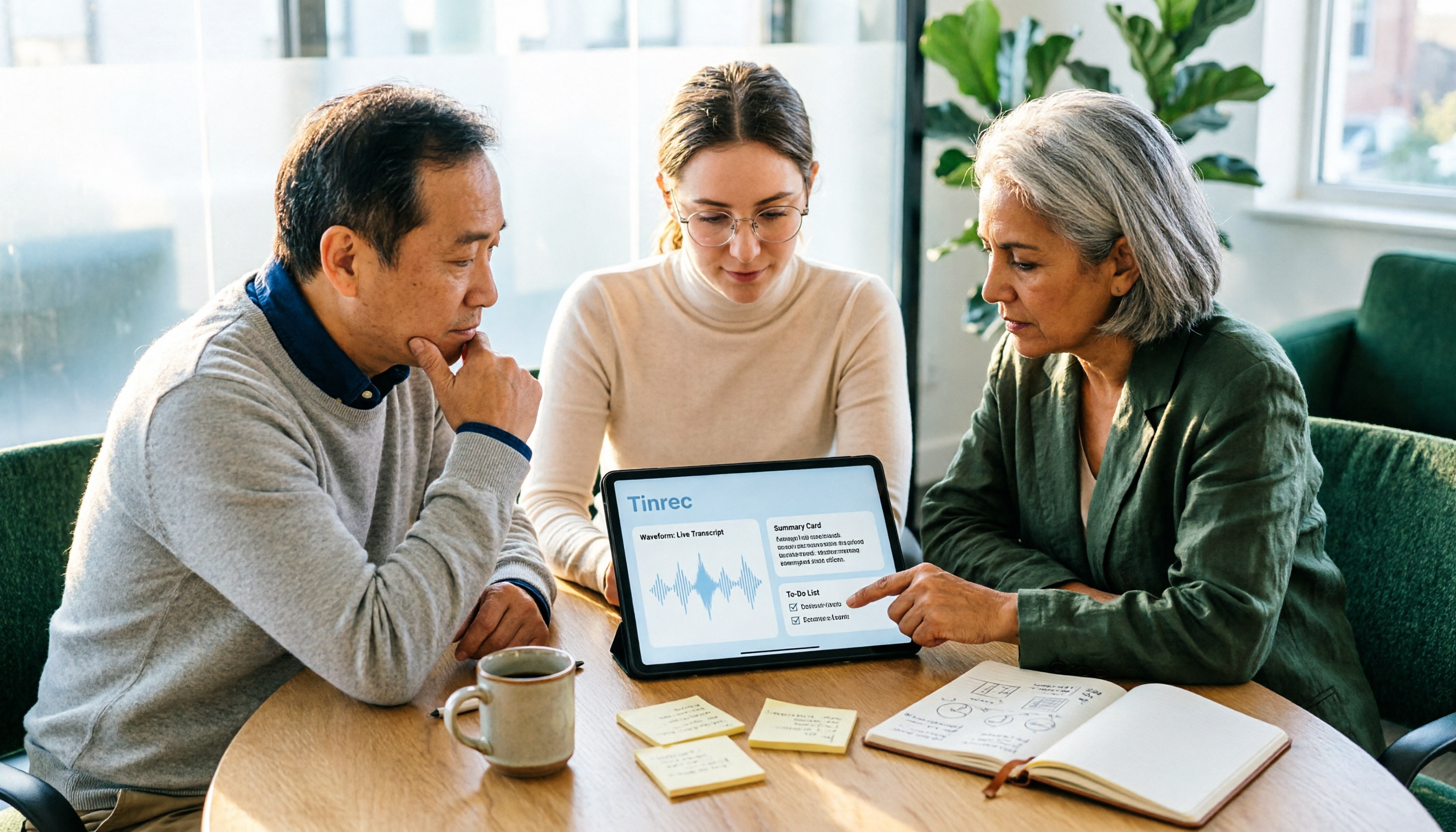
5 AI Meeting Note Tools Compared for 2026: How to Choose for Transcripts, Summaries, and Action Items
Still spending time organizing meeting notes after the meeting? This article compares five AI meeting note tools—Tinrec, Otter.ai, Notta, Granola, and PLAUD—covering mixed Chinese-English transcription, summary and action item extraction, bot-free online meeting recording, team knowledge retention, and actual pricing to help you find the right one for you.

2026 AI Meeting Notes Tools Compared: Free Tiers, Chinese Transcription, and Post-Meeting Organization
Many people choose AI meeting notes tools based on rankings and free minutes, only to find they still struggle with post-meeting organization. This article addresses common misconceptions and compares five common tool types on audio capture, Chinese support, post-meeting output, and team management. It uses Tinrec to demonstrate a complete workflow—bot-free recording, transcription, AI summaries, and action item extraction—to help you determine which type suits your meeting style.

2026 AI Meeting Recorder Comparison: Why Tinrec Is Better for Team Meetings
Most AI meeting recorders only turn speech into text, leaving you to sift through a 30-page transcript afterward. This article starts from real pain points and compares Tinrec's differences in bot-free recording, post-meeting Q&A, action item extraction, and team knowledge retention, helping you decide if it's worth trying.

2026 AI Meeting Recorder Comparison: Which Free Version Is Actually Enough?
We tested six AI meeting recorder tools, comparing free plans and paid limits—covering Chinese transcription, bot-free recording, post-meeting summaries, and team collaboration—to help you find the one that truly fits your needs.
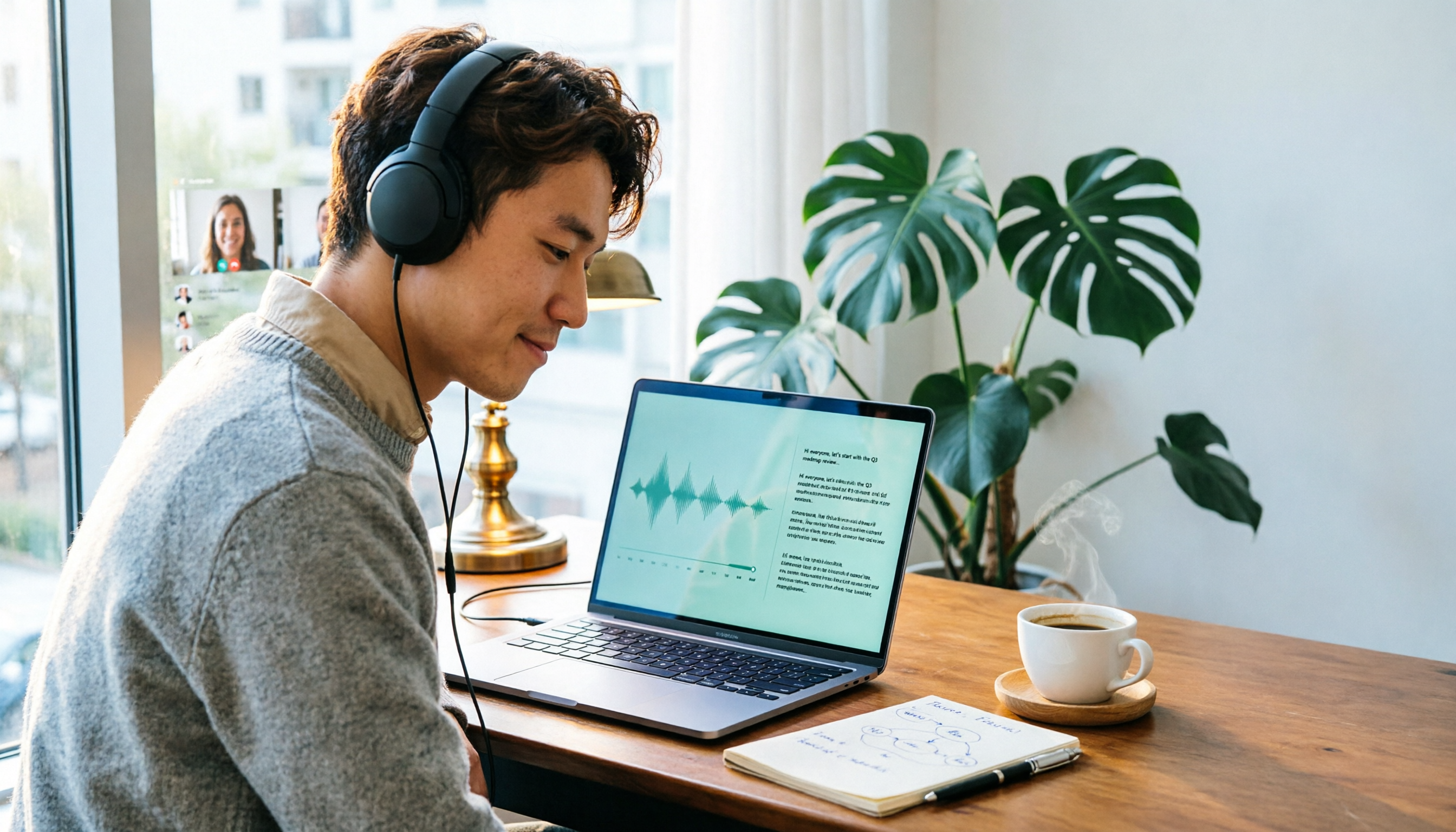
2026 Online Transcription Tools Buying Guide: 2 Hands-On Tests and Selection Advice
Starting from common misconceptions, this hands-on comparison of Tinrec and oTranscribe examines five dimensions: automatic transcription, meeting capture, post-meeting organization, export and workflow integration, and team collaboration, helping you decide which tool fits your meeting workflow.

2026 Comparison of 4 Meeting Notes Automation Tools: Which One Can Actually Deliver After the Meeting?
From transcripts and summaries to action items and team knowledge retention, this article compares Tinrec, Granola, TurboScribe, and Otter.ai in terms of features and workflow to help you decide how to choose a meeting notes automation tool.

5 Best AI Meeting Notes Tools in 2026: Tinrec vs. Notta vs. Otter — Which Writes Meeting Minutes Faster?
Meeting just ended but you still need an hour to retype notes? This practical guide breaks down a fast meeting-minutes workflow with templates, and compares Tinrec, Notta, Otter, Fireflies, and Granola on live transcription, AI summaries, action-item extraction, and team collaboration—so you can deliver trackable minutes the same day.