

Turn recordings into transcripts and summaries in minutes
Upload audio or video for multilingual transcription, AI notes, and action items
5 Best Free AI Meeting Notes Tools in 2026: Free Tiers, Chinese Support, and Use Cases Compared
The meeting just ended, and a "free quota exceeded" notification pops up. That's when it's hardest to decide: should you just upgrade with your credit card, or switch to a tool with a more generous free tier?
Before comparing, ask yourself three questions—the answers usually eliminate half the options:
- Do you just need a transcript, or do you also want post-meeting highlights, action items, and follow-up Q&A?
- Are your meetings mainly in Chinese or mixed Chinese-English, or mainly in English?
- Are you okay with a "meeting bot" joining the room, or do you prefer to record on your computer yourself?
This article summarizes the free tiers, input methods, and limitations of 5 common tools as verified on August 18, 2026. If you want to see the summary table first, skip to the "Free Feature Comparison Table" below.
What to Check Before Using Free Versions
- Distinguish "free trial" from "long-term free." Some tools offer a free plan with a fixed number of minutes per month, while others are time-limited trials. Mixing the two can lead to wrong conclusions.
- Quota units differ. Some limit total minutes per month, while others also restrict "single upload length." For example, if a single session can only handle a few minutes, it's useless for a one-hour meeting.
- Registration and device requirements. Pure online tools work with just a browser; tools requiring a desktop app usually need installation; hardware-based options require purchasing the device first.
- Free versions usually lack team features. Shared spaces, member permissions, usage analytics, and audit logs are mostly available only in paid plans.
- Confirm consent and regulations before recording. Recording and transcription involve others' voices; make sure you comply with local laws and obtain participants' consent when needed.
- Always manually verify AI summaries. AI-generated highlights and action items may miss details; cross-check important content with the transcript and recording.
1. Tinrec: Chinese Meetings and Bot-Free Recording
Free tier: The free version offers a basic quota to experience recording, import, transcription, and AI summaries. Actual minutes and feature scope are subject to the official plan description (verified on 2026-08-18).
Typical usage (desktop version): Open Tinrec desktop → start recording, capturing online meeting audio directly from system sound → generate transcript in real time → get summary, chapters, and action items after the meeting → use AI Q&A for follow-up questions → export to Notion, Google Docs, OneNote, etc. for further use.
The key here is "no need to invite a bot into the meeting room." For online meetings like Zoom, Google Meet, Microsoft Teams, and Webex, the desktop version directly captures the computer's audio output, so no extra participant appears in the meeting.
Who it's for: People who have many Chinese or mixed Chinese-English meetings, don't want a bot to join, and want to continue organizing and asking questions after transcription.
Limitations: No fixed accuracy rate is promised; actual performance depends on recording quality, noise, accents, overlapping speech, and technical terms. Team features are paid.
Team plan details: If meeting data needs to be shared, handed over, and searched by colleagues, the team plan provides independent team spaces, member and role management, seat allocation, usage analytics, audit logs, and an audio recycle bin. Current plan terms: first-time eligible users can try for 7 days with 1 free seat and 300 minutes of team shared import quota; team monthly billing is USD 29.80 per paid seat per month, annual billing is USD 199 per paid seat per year (about USD 16.58 per month), each paid seat provides 2,000 minutes of team shared import quota per month; under an active plan and active seat, real-time recording is currently not deducted by minutes. Prices and benefits are subject to the official purchase page.
2. Otter.ai: A Veteran Choice for English Online Meetings
Free tier: Basic plan is free with 300 transcription minutes per month (verified on 2026-08-18, subject to official pricing page).
Typical usage: Let Otter join Zoom, Microsoft Teams, or Google Meet as a meeting assistant, generating transcripts and summaries in real time during the meeting, and search and share on the platform afterward.
Who it's for: Users whose teams mainly meet in English, whose meetings are primarily online, and who need a mature meeting assistant workflow.
Limitations: The product is positioned for English business meetings; Chinese and mixed Chinese-English organization experience is relatively weaker. Upgrade required after free quota is used.
3. Notta: Multilingual Transcription and Translation
Free tier: Free plan offers 120 minutes per month, with a maximum of 3 minutes per single session; Pro annual billing is about USD 8.17 per month with 1,800 minutes per month; Business annual billing is about USD 16.67 per seat per month, offering unlimited transcription, role permissions, and usage reports (verified on 2026-08-18, subject to official pricing page).
Stop organizing recordings by hand
Upload audio or video and automatically get a transcript, summary, and action items
Typical usage: Real-time recording or upload audio/video files → transcribe and summarize → enable real-time translation when cross-language is needed → export to common formats for further use.
Who it's for: People who often handle multilingual materials, need translation and subtitles, or want to take text to other tools after the meeting.
Limitations: The 3-minute limit per session in the free version is a clear barrier for hour-long meetings; it's more suitable for short segments or initial testing.
4. Granola: No Bot Plus Your Own Notes
Free tier: Basic plan is free; Business is USD 14 per user per month, Enterprise is USD 35 per user per month (verified on 2026-08-18, subject to official pricing page).
Typical usage: Open Granola on your computer, transcribe in real time via system sound and microphone, and incorporate your rough handwritten notes to generate more targeted meeting content afterward.
Who it's for: People who habitually take their own notes during meetings, want AI to enhance their notes, and don't need to listen back to recordings.
Limitations: Supports viewing, copying, and searching real-time transcripts, but does not support uploading pre-recorded audio files and does not save meeting audio. Checking the tone or ambiguous parts of a sentence afterward can be difficult.
5. PLAUD Note/NotePin: For Those Who Prefer Physical Devices
Free tier: Requires purchasing a device first: NotePin is USD 159, Note Pro is USD 189; App Starter plan offers 300 minutes per month, Pro is USD 99.99 per year (1,200 minutes per month), Unlimited is USD 239.99 per year (verified on 2026-08-18, subject to official page).
Typical usage: Physical device records on the go (including phone calls and in-person conversations) → get transcription and summary via the app.
Who it's for: People who are often away from the computer, need to record anytime, and prefer the feel of hardware operation.
Limitations: In addition to subscription fees, there is a device cost; handling online meetings still requires returning to the software side, so the workflow is not entirely the same as pure software tools.
Free Feature Comparison Table
| Tool | Free Quota/Term | Main Input Methods | What the Free Version Can Do | Limitations to Note |
|---|---|---|---|---|
| Tinrec | Free version offers basic quota; actual minutes subject to official plan | Real-time recording, desktop online meetings, audio/video files, mobile | Transcription, AI summary, chapters, action items, AI Q&A, export | No fixed accuracy rate promised; team features require payment |
| Otter.ai | 300 minutes per month | Meeting assistant joins online meetings, file import | Transcript, summary, meeting search and sharing | Weaker for Chinese scenarios; upgrade required after quota |
| Notta | 120 minutes per month, max 3 minutes per session | Real-time recording, upload audio and video | Transcript, summary, translation, export | Strict single-session length limit |
| Granola | Basic free | Desktop system sound and microphone | Real-time transcript, meeting content combined with personal notes | No support for uploading pre-recorded files, no audio saving |
| PLAUD Note/NotePin | 300 minutes per month on app | Physical device recording | Transcription and summary | Requires purchasing device first |
Data verified on August 18, 2026. Plan contents and prices may change; refer to official pages for the latest information.
Which One Is Right for You?
- Many Chinese or mixed Chinese-English meetings, and don't want a bot to join: Start with Tinrec's free quota, focusing on the complete workflow of "record → transcript → summary and action items → follow-up questions."
- Team mainly meets in English: Otter.ai's meeting assistant workflow is mature; the free 300 minutes can cover a few meetings.
- Often handle multilingual materials and need translation: Notta stands out in language support, but test whether the 3-minute per-session limit will be a problem with your own short recordings.
- Always take your own notes in meetings: Granola's "notes + AI enhancement" mode is handy, but note that it doesn't keep audio files.
- Often away from the computer and need to record anytime: Hardware options like PLAUD are more suitable, but factor in the device cost.
- Meeting data needs to be shared and handed over to colleagues: This is a team need; look at team spaces, member and seat management—personal free quotas won't help.
Conclusion: Test with Your Own Recordings First
Whichever you choose, the most practical approach is to run a test with a real meeting recording you have: listen to the transcription accuracy, see if the summary is usable, and confirm whether the original audio file is still there. The free quota is usually enough to judge "whether it's enough"; if it works for you, then consider upgrading—no need to pay for an annual plan upfront.
Also remember two things: confirm legal compliance and obtain consent before recording; AI-generated highlights and action items should still be cross-checked with the transcript and recording—don't rely solely on summaries for important decisions.
Sources (verified on 2026-08-18): Otter.ai Pricing, Notta Pricing, Granola Pricing, Granola Transcription Help, PLAUD Device Page, PLAUD Plan Pricing, Tinrec Blog: AI Meeting Notes Tool Comparison.
References
- 2026 Comparison of 5 AI Meeting Notes Tools: Which Free Version Is Enough? - Tinrec Blog
- 2026 Comparison of 6 AI Meeting Notes Tools: Which Free Version Is Enough? - Tinrec Blog
- 2026 Comparison of 4 AI Meeting Notes Tools: Which Free Version Is Enough? - Tinrec Blog
- AI Meeting Note Taker: Use AI to Record Meeting Notes Online for Free - EaseMate AI
- No Time Limit! 3 Free AI Transcription Tools Recommended! AI Voice Notes Generate Meeting Records, Presentations, Mind Maps | 104 Career Power
Turn every recording into actionable outcomes
Get 60 free transcription minutes when you sign in. No credit card required.
Related Reading
You might also like

2026 AI Meeting Notes Free Plans Compared: 5 Tools to Consider
A comparison of free plans and paid pricing for 5 AI meeting notes tools in 2026, covering recording methods, Chinese transcription, post-meeting summaries, and team collaboration to help you decide if a free version is enough and where to spend your budget.
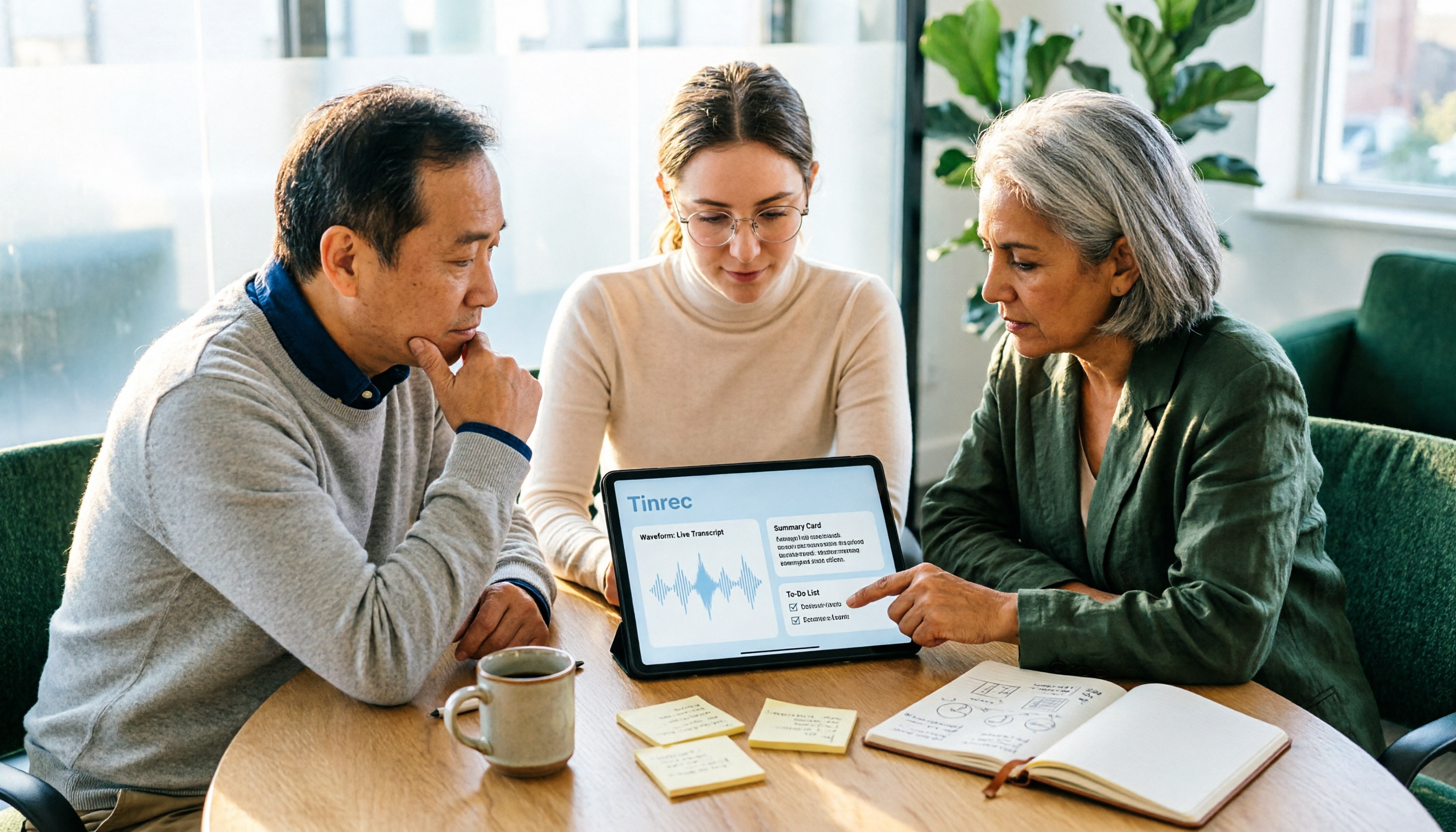
5 AI Meeting Note Tools Compared for 2026: How to Choose for Transcripts, Summaries, and Action Items
Still spending time organizing meeting notes after the meeting? This article compares five AI meeting note tools—Tinrec, Otter.ai, Notta, Granola, and PLAUD—covering mixed Chinese-English transcription, summary and action item extraction, bot-free online meeting recording, team knowledge retention, and actual pricing to help you find the right one for you.
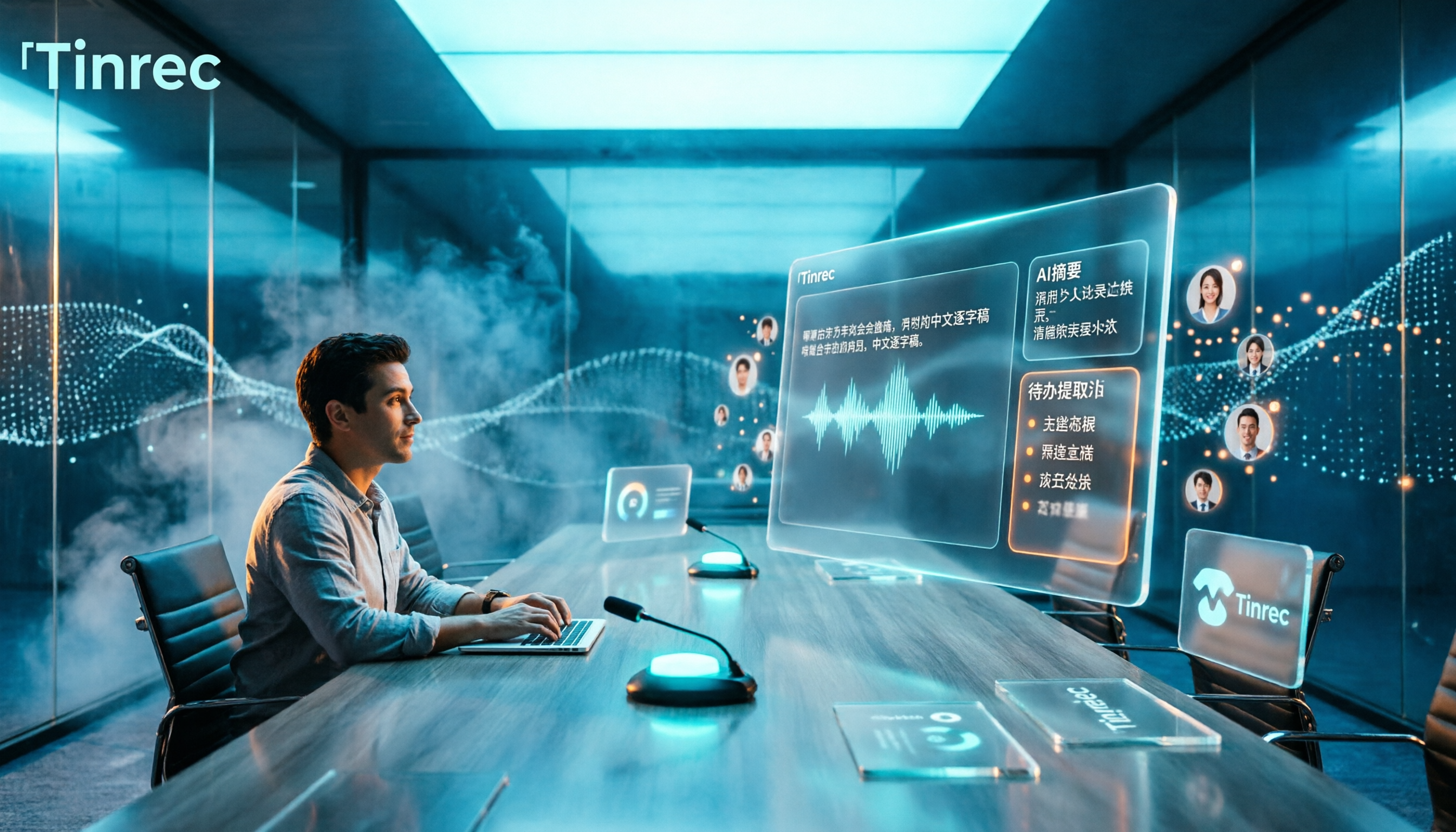
2026 AI Meeting Notes Tools Compared: Free Tiers, Chinese Transcription, and Post-Meeting Organization
Many people choose AI meeting notes tools based on rankings and free minutes, only to find they still struggle with post-meeting organization. This article addresses common misconceptions and compares five common tool types on audio capture, Chinese support, post-meeting output, and team management. It uses Tinrec to demonstrate a complete workflow—bot-free recording, transcription, AI summaries, and action item extraction—to help you determine which type suits your meeting style.

2026 AI Meeting Recorder Comparison: Why Tinrec Is Better for Team Meetings
Most AI meeting recorders only turn speech into text, leaving you to sift through a 30-page transcript afterward. This article starts from real pain points and compares Tinrec's differences in bot-free recording, post-meeting Q&A, action item extraction, and team knowledge retention, helping you decide if it's worth trying.

2026 AI Meeting Recorder Comparison: Which Free Version Is Actually Enough?
We tested six AI meeting recorder tools, comparing free plans and paid limits—covering Chinese transcription, bot-free recording, post-meeting summaries, and team collaboration—to help you find the one that truly fits your needs.
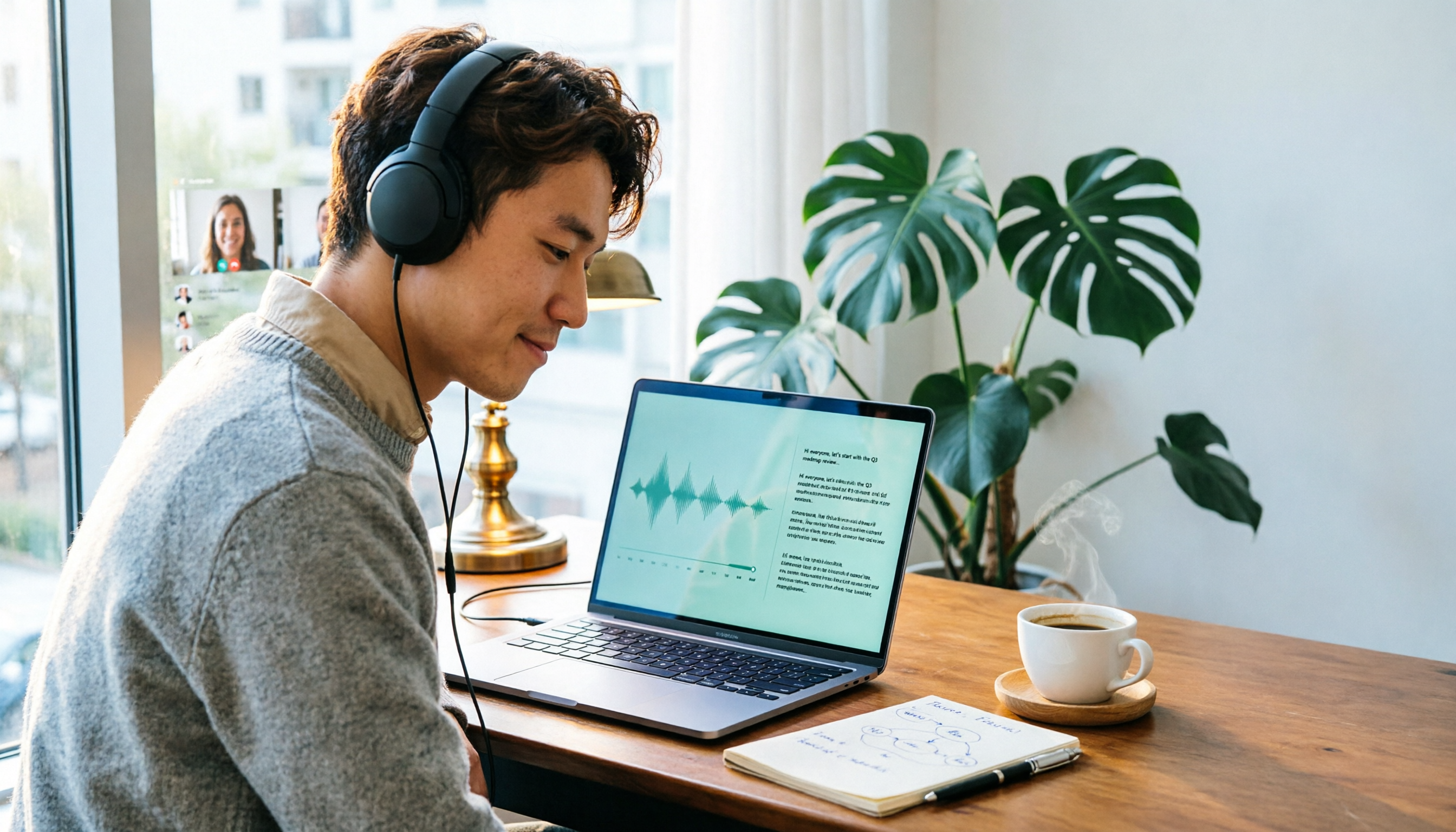
2026 Online Transcription Tools Buying Guide: 2 Hands-On Tests and Selection Advice
Starting from common misconceptions, this hands-on comparison of Tinrec and oTranscribe examines five dimensions: automatic transcription, meeting capture, post-meeting organization, export and workflow integration, and team collaboration, helping you decide which tool fits your meeting workflow.

2026 Comparison of 4 Meeting Notes Automation Tools: Which One Can Actually Deliver After the Meeting?
From transcripts and summaries to action items and team knowledge retention, this article compares Tinrec, Granola, TurboScribe, and Otter.ai in terms of features and workflow to help you decide how to choose a meeting notes automation tool.

5 Best AI Meeting Notes Tools in 2026: Tinrec vs. Notta vs. Otter — Which Writes Meeting Minutes Faster?
Meeting just ended but you still need an hour to retype notes? This practical guide breaks down a fast meeting-minutes workflow with templates, and compares Tinrec, Notta, Otter, Fireflies, and Granola on live transcription, AI summaries, action-item extraction, and team collaboration—so you can deliver trackable minutes the same day.

2026 Comparison of 3 Medical Meeting Documentation Tools: Which One Turns Morning Meeting Notes into Searchable Team Data?
The challenge of medical meeting documentation isn't recording—it's whether the records can be tracked and handed off afterward. This article starts from the practical pain points of morning meetings, case discussions, EBM discussions, and health insurance-related meeting records, outlines 4 key purchasing criteria, tests Tinrec, Otter.ai, Notta, and PLAUD to see who each suits, and lists the 4 most common pitfalls.