

Turn recordings into transcripts and summaries in minutes
Upload audio or video for multilingual transcription, AI notes, and action items
2026 AI Meeting Recorder Comparison: Which Free Version Is Actually Enough?
Many people searching for a "free AI meeting recorder" make the same first mistake: assuming free means "no cost and all features unlocked." After testing a few, you'll find that most free versions are "quota-based"—they give you a few dozen minutes of transcription, limit file length, and pop up upgrade prompts mid-meeting, which actually wastes more time.
The second common mistake is "install first, figure it out later." Running three or four tools at once, with transcripts scattered across platforms, means when you need to find the conclusion from a specific meeting, you still have to go back and dig through recordings.
A more sensible approach is to first clarify: are you an "occasional transcriber" or do you have "several meetings every week"? Then compare free quotas, Chinese language performance, and post-meeting organization capabilities. Below are six options still worth considering in 2026, with the line between free and paid clearly laid out.
Why Do You Need an AI Meeting Recorder?
For a 60-minute meeting, organizing the transcript and conclusions afterward typically takes another 40+ minutes. If you also need to tag action items and write meeting minutes to send to your manager, it takes even longer.
AI meeting recorders handle exactly this "post-meeting organization": converting speech to text, automatically extracting summaries and action items, so you don't have to type frantically during the meeting.
This article introduces six options in order, then discusses how to choose based on your meeting style.
Tinrec | Turning Meetings into Searchable, Collaborative Team Data
Tinrec is an AI meeting recording and collaboration tool for individuals and teams. It doesn't just convert speech to text—it organizes meeting recordings into searchable, summarizable, queryable, and exportable data.
Bot-free recording of online meetings is its most practical feature. The desktop version directly captures computer system audio, so when handling Zoom, Google Meet, Microsoft Teams, Webex, and other meetings, you don't need to add a meeting bot as a participant.
Post-transcription organization is where it truly stands out from ordinary recording apps. The system automatically generates summaries, chapters, and action items. When you need details, you can ask questions about a single meeting or across meetings—for example, "What was the budget cap the client mentioned last time?"
Cross-language meetings support real-time translation, with options to switch between original text, translated text, or bilingual view. Mixed Chinese-English discussions can also be organized.
Post-meeting outputs can be exported to Notion, Google Docs, OneNote, Dropbox, and can further generate reports, tables, and meeting minutes, directly connecting to follow-up work.
The team version is an independent team space where members share meeting data and import quotas. Admins can assign seats, view usage trends and operation audit logs, recover accidentally deleted audio from the recycle bin, and transfer resources when members leave—so nothing disappears with individual accounts.
For plans, the personal version offers a free tier, weekly pass, Pro monthly, and Pro annual, so you can choose based on usage frequency. The free version provides basic quota to experience recording, import, summaries, and transcription. The team version offers a 7-day trial for first-time eligible users, 1 free seat, and 300 minutes of shared import quota; monthly is USD 29.80 per paid seat per month, annual is USD 199 per paid seat per year (about USD 16.58/month), with each paid seat getting 2,000 minutes of team shared import quota per month. Real-time recording under active plans and seats is currently not deducted by the minute. Actual prices and benefits are subject to the official purchase page.
Who it's for: office workers and small-to-medium teams who need Chinese meeting organization, don't want to invite meeting bots, and want to turn meeting records into team assets.
Fireflies.ai | Strong Meeting Automation and Integration
Fireflies is a mature meeting automation tool, strong in meeting bots, AI summaries, and extensive third-party integrations. Summaries can be automatically pushed to Slack, making it suitable for workflows that share notes with the whole team.
The free version offers 800 minutes of audio storage and basic transcripts, supporting over 100 languages; video clips and advanced summaries (custom templates, detailed action items) are in paid plans. Paid Pro starts at USD 10 per seat per month (annual billing), with Business at USD 19 and Enterprise at USD 39.
Who it's for: teams already collaborating with Slack and other tools, who value searchable meeting archives.
Notta | A Veteran Option for Multilingual Transcription
Notta covers multi-platform transcription, meeting notes, file import, translation, and team plans. Its Chinese and multilingual performance is fairly stable.
The free version offers 120 minutes per month, with a maximum of 3 minutes per item—a tight quota. Pro annual billing works out to about USD 8.17/month with 1,800 minutes per month; Business annual is about USD 16.67 per seat per month, offering unlimited transcription, role permissions, and usage reports.
Who it's for: users who need multilingual transcription and are used to existing team permission structures.
Stop organizing recordings by hand
Upload audio or video and automatically get a transcript, summary, and action items
Granola | Bot-Free, Note-Centric Meeting AI
Granola also takes a bot-free approach, using desktop system audio and microphone for real-time transcription, then combining it with your handwritten notes to generate meeting content that better fits your needs.
Note that it does not support uploading pre-recorded audio files and does not save meeting audio files. Basic is free, Business is USD 14 per user per month, Enterprise USD 35 per user per month.
Who it's for: people who meet entirely on their computer and want to keep their own note-taking rhythm.
TurboScribe | Cost-Effective File Transcription Tool
TurboScribe is positioned closer to file transcription: long audio files, batch uploads, subtitles, and translation are its strengths. The paid version supports files up to 10 hours or 5 GB each, with up to 50 files per upload.
The free version allows 3 files per day, with a 30-minute limit per file; Unlimited annual is USD 120, about USD 10/month.
Who it's for: people with a pile of recording files to process at once, rather than real-time meeting notes.
PLAUD Note / NotePin | Hardware-Style Portable Recording Solution
PLAUD takes the AI recording hardware route, with selling points of portability, phone call recording, and long battery life—suitable for salespeople and researchers who are often on the go.
On the US official website, NotePin is currently USD 159 and Note Pro is USD 189; membership Starter is 300 minutes per month, Pro is USD 99.99/year (1,200 minutes per month), Unlimited is USD 239.99/year.
Who it's for: people who are often away from their computer and need a standalone device to record anytime.
With So Many Options, How Should You Choose?
- Want to ask questions after transcription, export, and generate reports → Tinrec, where this workflow is most complete.
- Need Chinese meetings, mixed Chinese-English, or bilingual transcripts → Tinrec, which supports real-time translation and bilingual view, plus team hotwords for adjusting technical terms.
- Don't want meeting bots joining Zoom, Meet, Teams → Tinrec desktop version directly captures system audio.
- Meeting data needs to be shared across the department, with seat and usage management → Tinrec team version has independent space, roles and seats, usage analytics, and audit logs.
- Need to continue using across phone, computer, and web → Tinrec offers multi-platform and web versions.
- Zero budget, only occasional transcription of one or two recordings → Granola free version or TurboScribe free quota is enough.
- Have dozens of hours of old recordings to batch process → TurboScribe's long-file and batch upload features are more suitable.
- Need to record in-person interviews on the go without opening a computer → Hardware devices like PLAUD are more convenient.
4 Things to Know Before Using Free AI Meeting Recorder Tools
1. Free quota limits are usually buried in the details. For example, Notta's free version only allows 3 minutes per item, and TurboScribe allows 3 files per day. Confirm your meeting length first, then choose a plan to avoid being cut off mid-recording.
2. A transcript is not the same as meeting minutes. An unorganized transcript has limited value for someone who didn't attend the meeting. When choosing a tool, look at whether it can generate summaries, chapters, and action items. Tools like Tinrec that organize results into readable content save a lot of time afterward.
3. Recording involves others—get consent first. Regardless of which tool you use, recording and transcription should comply with local regulations, and when necessary, inform participants at the start of the meeting.
4. Accuracy rates are not fixed numbers. Actual performance is affected by recording quality, ambient noise, accents, multiple people speaking at once, and technical terminology. For important conclusions, cross-check with transcript timestamps and recording playback—don't treat AI summaries as the only version.
Frequently Asked Questions
Q: Do completely free AI meeting recorder tools really exist?
Yes, but most are "quota-based free." Granola's Basic, Fireflies' free version, and TurboScribe's daily quota all fall into this category, suitable for light use; once it becomes a weekly need, you'll usually hit the limit.
Q: What can Tinrec's free version do?
The free version provides basic quota to experience recording, import, summaries, and transcription. If you only occasionally organize a meeting, start with the free version; for short-term intensive use, consider the weekly pass; for long-term data accumulation, the Pro annual is suitable.
Q: How do you record online meetings without a meeting bot?
With Tinrec, for example, you open the desktop version and actively initiate recording, directly capturing the meeting audio played by the computer. This does not mean it automatically joins all meetings on your calendar—you still need to start it manually.
Q: What's the difference between a team version and multiple people sharing one account?
A big difference. The team version is an independent space where meeting data belongs to the team. You can set owners, admins, and regular members, and assign seats. Members without seats can still view and play data, but recording, uploading, editing, and exporting require a seat.
Q: Can AI summaries completely replace manual meeting minutes?
Not recommended. AI can greatly reduce manual organization costs, but may miss tone shifts or implied commitments. For important decisions and action items, it's still advisable to cross-check with the transcript.
Conclusion
Whether a free plan works depends not on "whether it's free," but on "whether your usage frequency exceeds that line." For occasional transcription, purely free tools are enough; if you have meetings every week and need to deliver conclusions to the team, you need a tool that turns recordings into usable data.
Among the six tested this time, Tinrec is the most complete in the workflow of Chinese meetings, bot-free recording, and post-meeting organization, and the team version also considers seats, usage, and data handover. The other options each have their strengths—just pick the one closest to your meeting style.
References
- No time limit! 3 free AI transcript tools, highly recommended! AI voice notes generate meeting minutes, presentations, mind maps | 104 Career Power
- AI meeting minutes software recommendations: 5 major apps tested and compared, automatic transcription makes meetings super easy!
- 5 truly free AI meeting recorder tools! 2026 complete test of free speech-to-text versions—which transcript tool is best?
- AI Meeting Note Taker: Use AI to record meeting notes online for free - EaseMate AI
- 2026 5 AI meeting recorder recommendations: free plans and team versions at a glance - Tinrec Blog
Turn every recording into actionable outcomes
Get 60 free transcription minutes when you sign in. No credit card required.
Related Reading
You might also like
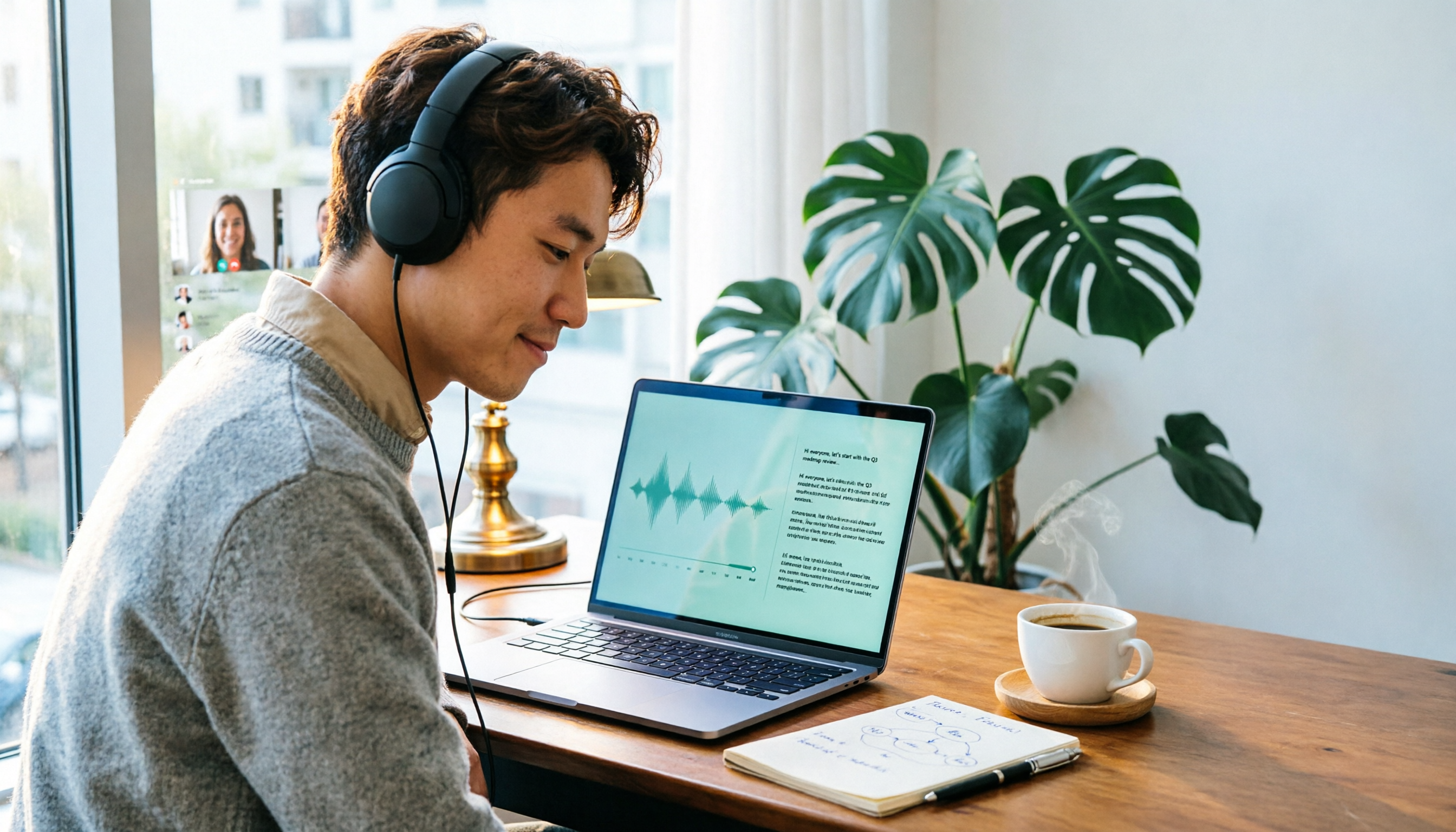
2026 Online Transcription Tools Buying Guide: 2 Hands-On Tests and Selection Advice
Starting from common misconceptions, this hands-on comparison of Tinrec and oTranscribe examines five dimensions: automatic transcription, meeting capture, post-meeting organization, export and workflow integration, and team collaboration, helping you decide which tool fits your meeting workflow.

2026 Comparison of 4 Meeting Notes Automation Tools: Which One Can Actually Deliver After the Meeting?
From transcripts and summaries to action items and team knowledge retention, this article compares Tinrec, Granola, TurboScribe, and Otter.ai in terms of features and workflow to help you decide how to choose a meeting notes automation tool.

5 Best AI Meeting Notes Tools in 2026: Tinrec vs. Notta vs. Otter — Which Writes Meeting Minutes Faster?
Meeting just ended but you still need an hour to retype notes? This practical guide breaks down a fast meeting-minutes workflow with templates, and compares Tinrec, Notta, Otter, Fireflies, and Granola on live transcription, AI summaries, action-item extraction, and team collaboration—so you can deliver trackable minutes the same day.

2026 Comparison of 3 Medical Meeting Documentation Tools: Which One Turns Morning Meeting Notes into Searchable Team Data?
The challenge of medical meeting documentation isn't recording—it's whether the records can be tracked and handed off afterward. This article starts from the practical pain points of morning meetings, case discussions, EBM discussions, and health insurance-related meeting records, outlines 4 key purchasing criteria, tests Tinrec, Otter.ai, Notta, and PLAUD to see who each suits, and lists the 4 most common pitfalls.

3 Free Automatic Transcription Tools in 2026: Free Tiers and Meeting Notes Comparison
Looking for a free automatic transcription tool? First decide whether you need free speech-to-text or a tool that turns transcripts into meeting notes. This article compares the free tiers, input sources, post-meeting outputs, and team capabilities of Tinrec, Otter.ai, and Notta based on publicly available plan information as of August 2026, and clearly notes limitations. This is not a timed hands-on test; plans are subject to official websites.

4 AI Transcription Tools Tested for 2026: Meeting Notes Aren't Just Transcripts—You Need to Ask Follow-Up Questions
Starting from the three most common mistakes in meeting notes, this hands-on comparison of Tinrec, Otter.ai, Notta, and Yating Transcription examines differences in bot-free recording, post-meeting follow-up questions, and team knowledge retention. It also covers 4 key purchasing factors and a guide to avoiding pitfalls, helping you choose the tool that truly saves time.

4 Free Transcription Tools to Try in 2026: Free Tiers and Meeting Notes Comparison
Transcription takes too long—not because you type slowly, but because you keep rewinding, proofreading, and organizing after meetings. This article compares Tinrec, Otter.ai, Granola, and TurboScribe from four angles: free tier limits, recording retention, post-meeting organization, and team collaboration, and summarizes common pitfalls and selection advice.
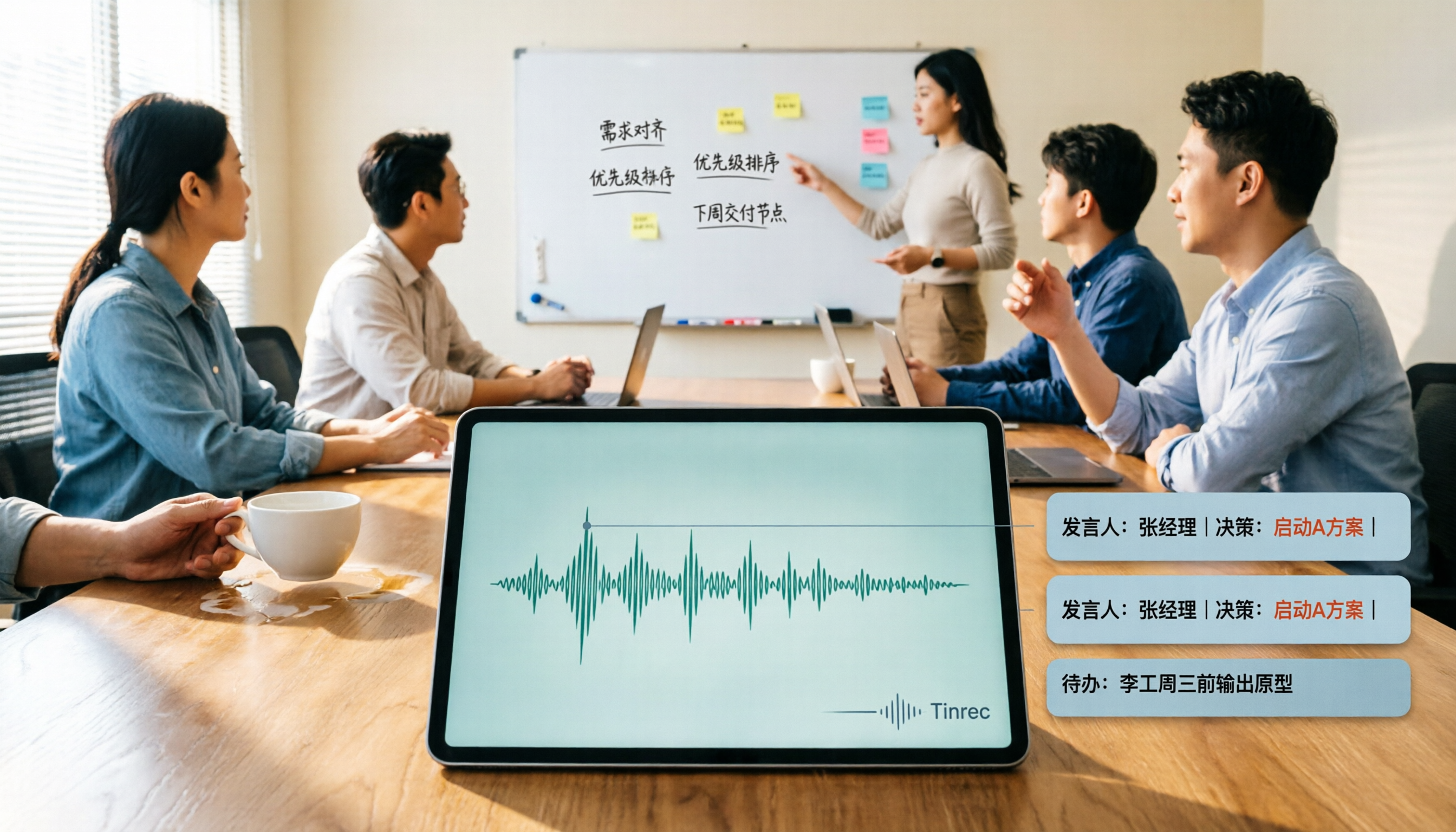
2026 AI Meeting Summary Tools Tested: Which One's Chinese Meeting Summaries Are Actually Ready to Use?
The real cost of meeting notes often isn't typing—it's moving recordings, transcripts, and summaries around. Starting from common misconceptions, this article uses the same 'deliver notes after the meeting' workflow to test and compare Tinrec, Otter.ai, Notta, and Granola on meeting capture methods, Chinese performance, post-meeting outputs, and team management, plus four pitfalls to avoid before purchasing.

6 Best Audio-to-Text Tools in 2026: Transcription, Summaries & Team Collaboration Compared
Recording is just the beginning. This comparison focuses on what these tools can do after transcription, covering input sources, post-meeting organization, and team features for Tinrec, Otter.ai, Fireflies.ai, Notta, TurboScribe, and Granola. We also break down free tiers and paid plans to help you choose the right fit for your meetings and budget.