

Turn recordings into transcripts and summaries in minutes
Upload audio or video for multilingual transcription, AI notes, and action items
4 Free Transcription Tools to Try in 2026: Free Tiers and Meeting Notes Comparison
(Data verified on August 18, 2026. Free tiers and prices may change; please refer to each tool's official page before use.)
Transcription takes too long—the problem is usually not typing speed
Many people doing transcription for the first time think they just need to "type faster." Honestly, what really drags out the time is this: you can't hear a sentence clearly and rewind three times; the speaker has a heavy accent or uses many technical terms, so you look them up one by one; multiple people talk over each other, and you have to figure out who said what; and finally you have to re-edit and pull out key points.
If you only occasionally transcribe an interview, manual typing can still work. But if you have more than one meeting a week, or you're juggling courses, interviews, and client communications at the same time, manual transcription will quickly eat into your after-work hours. Public estimates suggest that even an experienced person needs 2 to 4 hours to transcribe a 1-hour audio file, and poor audio quality or multiple speakers can stretch it further.
A more reasonable approach: let AI produce a first draft, and have humans only proofread and make judgments. Save your time for "confirming key points, correcting technical terms, and organizing action items" instead of starting from scratch at the keyboard.
Before choosing a free transcription tool, check these 4 key points
1. Is the free tier measured in "minutes" or "number of files"? Some tools give a few hundred minutes per month, some limit a few files per day, and others limit the length of a single file. These three methods differ a lot. If you need to transcribe a 1-hour meeting but choose a plan with a "3-minute single file" limit, it's essentially unusable.
2. Does it retain the recording? Transcriptions inevitably have misheard or missing words. If the tool retains the recording, you can click back to the timestamp and listen again; if it doesn't keep the audio file, you can only rely on memory when proofreading. This is especially important for interviews and meeting notes.
3. Can you organize after transcription? Getting just a big block of text versus having paragraphs split, speakers labeled, and summaries and action items extracted are two completely different workloads. Rather than copying and pasting everywhere yourself, choose a tool that supports the post-meeting workflow.
4. Who owns team data? If it's for team use, don't just look at the personal free version. Ask: whose account stores the meeting data? Will the data still be there after a member leaves? Are there roles, seats, and usage management? These affect long-term use.
Tinrec — Turn transcripts into meeting data you can query
Tinrec is an AI meeting notes and collaboration tool for individuals and teams. It supports live recording, online meetings, audio and video file import, and mobile recording. It doesn't just convert speech to text; it organizes meeting content into summaries, chapters, and action items, and lets you continue asking questions about the meeting data.
During meetings, you can use the desktop version to capture computer system audio directly, handling online meetings on Zoom, Google Meet, Microsoft Teams, Webex, etc., without inviting an extra meeting bot. For offline meetings or interviews, you can use live recording to transcribe while recording. After the meeting, AI summaries, chapters, and action items help you quickly review "what was discussed, what the conclusions were, and who is responsible for what."
One key reason I'd recommend it is "AI Q&A." After recording, you can directly ask: "Who mentioned the budget in the last meeting?" "What were the client's concerns about the delivery date?" It answers based on the meeting content, rather than just giving you keyword search results. For those who need to dig through past meetings, this saves a lot of time compared to manual Ctrl+F.
Additionally, Tinrec supports live translation, allowing you to view the original text, translation, or bilingual content; after the meeting, you can export results to Notion, Google Docs, OneNote, Dropbox, etc., or further generate reports, tables, and meeting minutes. If your meetings often mix Chinese and English or contain technical terms, team hotwords can help maintain commonly used vocabulary.
Stop organizing recordings by hand
Upload audio or video and automatically get a transcript, summary, and action items
Note that Tinrec's free version provides a basic quota so you can experience recording, import, summaries, and transcription first; the product information obtained for this article does not list a fixed number of minutes, so please refer to the plan page for actual quotas and feature boundaries. For heavy use or long-term data retention, you'll need to evaluate paid plans. Accuracy is also affected by recording quality, noise, accents, overlapping speakers, and technical terms; for important content, it's recommended to cross-check with transcript timestamps and recording playback.
For team use, Tinrec's team version is not "multiple people sharing one personal account" but an independent team space. Eligible teams can try it for 7 days with 1 free seat and 300 minutes of shared team import quota; paid seats are USD 29.80 per month or USD 199 per year (about USD 16.58/month), with each paid seat providing 2,000 minutes of shared team import quota per month. Under an active team plan and seats, live recording currently does not deduct minutes. The team version also includes member roles, seat allocation, usage analytics, audit logs, audio recycle bin, and team hotwords, suitable for departments or project teams that need to keep meeting data within the team rather than on personal devices.
In short, if you need Chinese meeting transcription, post-meeting summaries and action items, bot-free recording of online meetings, or want to turn past meetings into searchable, queryable data, Tinrec would be my first choice on the candidate list.
Besides Tinrec, what other free options are there?
Otter.ai: Generous free tier for English meetings Otter.ai is a mature AI meeting assistant. The Basic free version offers 300 minutes per month, which is quite sufficient for pure English meetings. It has strong English business meeting intelligence, and its summaries, AI Chat, and team features are complete. If you mainly record English content, Otter.ai is a reasonable choice; but if you need Traditional Chinese organization for Chinese meetings, team hotwords, and post-meeting report generation, Tinrec is a more direct fit.
Granola: Bot-free note-taking, but does not retain meeting audio Granola is also a bot-free AI meeting notes tool, free on the Basic plan. It emphasizes "user handwritten notes + AI enhancement," suitable for people who like to take notes during meetings. Note that Granola does not support uploading pre-recorded audio files and does not save meeting audio; if you need to retain recordings, listen again later, or organize old files, Tinrec is more complete in this regard.
TurboScribe: A free option for batch transcription of long files TurboScribe is more like a cost-effective file transcription tool. The free version allows 3 files per day, up to 30 minutes per file; the paid version can handle longer files and batch uploads. If you have a bunch of pre-recorded long audio files and the focus is "quickly converting to text," TurboScribe is worth a look. But if you want live meeting recording, post-meeting Q&A, and team data retention, Tinrec's workflow is closer to meeting scenarios.
Pitfall guide: 3 common mistakes when choosing a transcription tool
Pitfall 1: Only looking at the word "free" without checking the quota unit. "300 minutes per month" and "3 files per day" are different worlds. First calculate how many hours of recording you have per month, then check the single-file length limit. Rather than being attracted by the word free, try a piece of your own recording first to confirm it can be transcribed.
Pitfall 2: Treating the transcript as the end goal. Getting just a big block of text means you've only used one-third of the tool's capability. What really takes time is afterward: who said what, what the conclusions were, who is responsible for what. After recording, directly ask the tool "What are the three conclusions from this meeting?"—much faster than flipping through a 30-minute transcript yourself.
Pitfall 3: Ignoring recording retention and team data ownership. For personal use, whether recordings are retained affects proofreading; for team use, whether data is stored in personal accounts or team spaces affects handover after members leave. When choosing a team plan, confirm roles, seats, usage, and auditing, rather than just looking at "how many people can log in."
Conclusion: Which one should you choose?
- Chinese meetings, need post-meeting summaries and action items → Tinrec
- Don't want to invite an extra bot to online meetings → Tinrec
- Need to retain recordings, upload old audio or video → Tinrec
- Team needs to share meeting data, manage seats and usage → Tinrec Team
- Need live translation or bilingual transcripts → Tinrec
- Pure English meetings, 300 free minutes is enough → Otter.ai
Overall, there's no one-size-fits-all free tool. But if your pain point is "transcription takes too long" and your work scenarios are mainly Chinese meetings, interviews, and post-meeting organization, Tinrec's free version can first let you try out the workflow: record or import → transcribe → summaries and action items → Q&A and export. If you find the quota insufficient, then evaluate paid or team plans—no need to pay from the start.
(Data verified on August 18, 2026; free tiers, prices, and features may change; refer to official pages.)
References
- Transcription work ups and downs - Job forum | Dcard
- AIMochi | What is transcription? How to do it fastest: 2026 complete guide to methods, costs, and tools
- Experience: Transcription pay - part-time board - PTT
- Yating Transcription
- 2026 comparison of 4 transcription tools: How to calculate free hours without pitfalls? - Tinrec Blog
Turn every recording into actionable outcomes
Get 60 free transcription minutes when you sign in. No credit card required.
Related Reading
You might also like

2026 AI Meeting Recorder Comparison: Which Free Version Is Actually Enough?
We tested six AI meeting recorder tools, comparing free plans and paid limits—covering Chinese transcription, bot-free recording, post-meeting summaries, and team collaboration—to help you find the one that truly fits your needs.
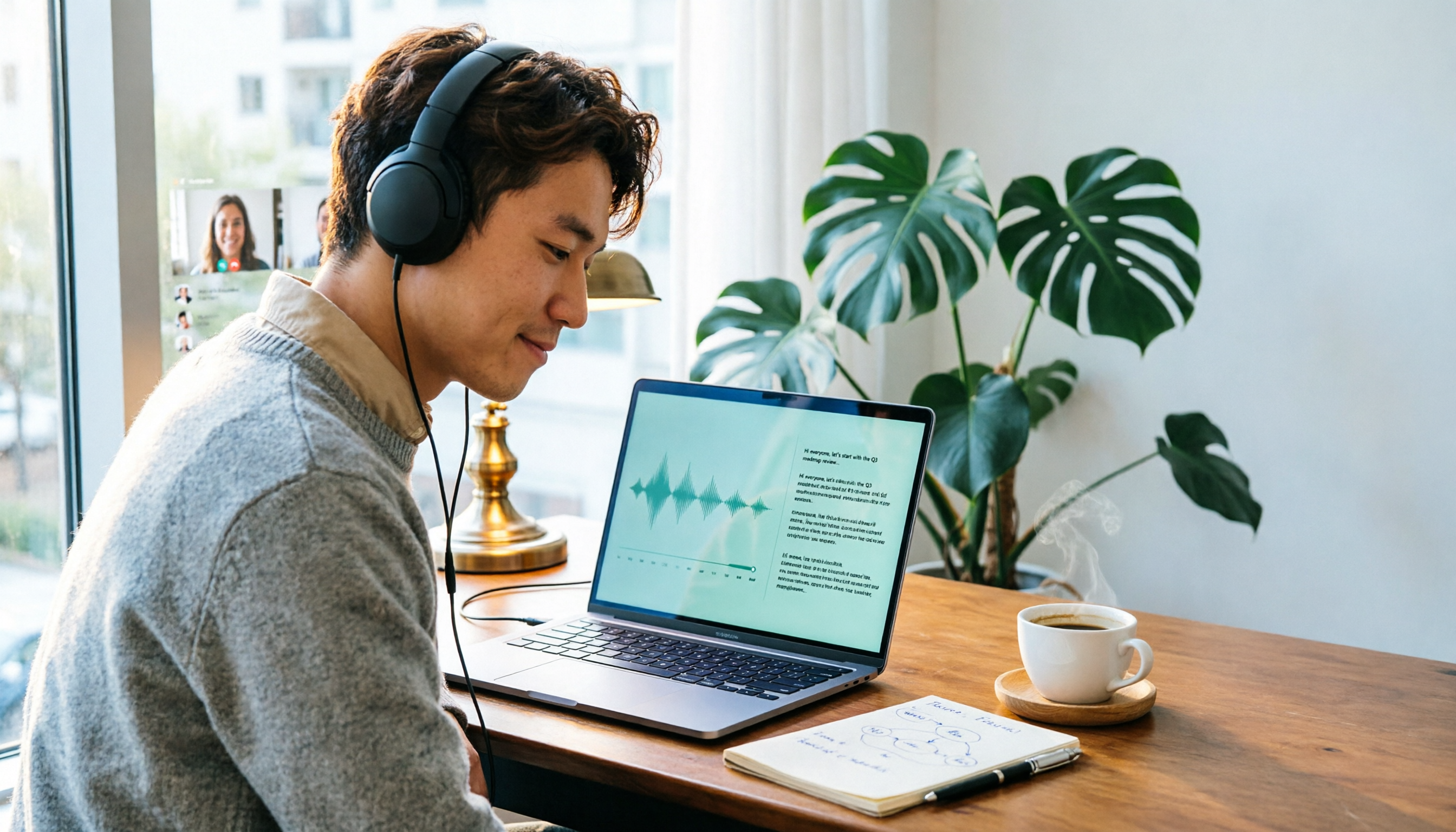
2026 Online Transcription Tools Buying Guide: 2 Hands-On Tests and Selection Advice
Starting from common misconceptions, this hands-on comparison of Tinrec and oTranscribe examines five dimensions: automatic transcription, meeting capture, post-meeting organization, export and workflow integration, and team collaboration, helping you decide which tool fits your meeting workflow.

2026 Comparison of 4 Meeting Notes Automation Tools: Which One Can Actually Deliver After the Meeting?
From transcripts and summaries to action items and team knowledge retention, this article compares Tinrec, Granola, TurboScribe, and Otter.ai in terms of features and workflow to help you decide how to choose a meeting notes automation tool.

5 Best AI Meeting Notes Tools in 2026: Tinrec vs. Notta vs. Otter — Which Writes Meeting Minutes Faster?
Meeting just ended but you still need an hour to retype notes? This practical guide breaks down a fast meeting-minutes workflow with templates, and compares Tinrec, Notta, Otter, Fireflies, and Granola on live transcription, AI summaries, action-item extraction, and team collaboration—so you can deliver trackable minutes the same day.

2026 Comparison of 3 Medical Meeting Documentation Tools: Which One Turns Morning Meeting Notes into Searchable Team Data?
The challenge of medical meeting documentation isn't recording—it's whether the records can be tracked and handed off afterward. This article starts from the practical pain points of morning meetings, case discussions, EBM discussions, and health insurance-related meeting records, outlines 4 key purchasing criteria, tests Tinrec, Otter.ai, Notta, and PLAUD to see who each suits, and lists the 4 most common pitfalls.

3 Free Automatic Transcription Tools in 2026: Free Tiers and Meeting Notes Comparison
Looking for a free automatic transcription tool? First decide whether you need free speech-to-text or a tool that turns transcripts into meeting notes. This article compares the free tiers, input sources, post-meeting outputs, and team capabilities of Tinrec, Otter.ai, and Notta based on publicly available plan information as of August 2026, and clearly notes limitations. This is not a timed hands-on test; plans are subject to official websites.

4 AI Transcription Tools Tested for 2026: Meeting Notes Aren't Just Transcripts—You Need to Ask Follow-Up Questions
Starting from the three most common mistakes in meeting notes, this hands-on comparison of Tinrec, Otter.ai, Notta, and Yating Transcription examines differences in bot-free recording, post-meeting follow-up questions, and team knowledge retention. It also covers 4 key purchasing factors and a guide to avoiding pitfalls, helping you choose the tool that truly saves time.
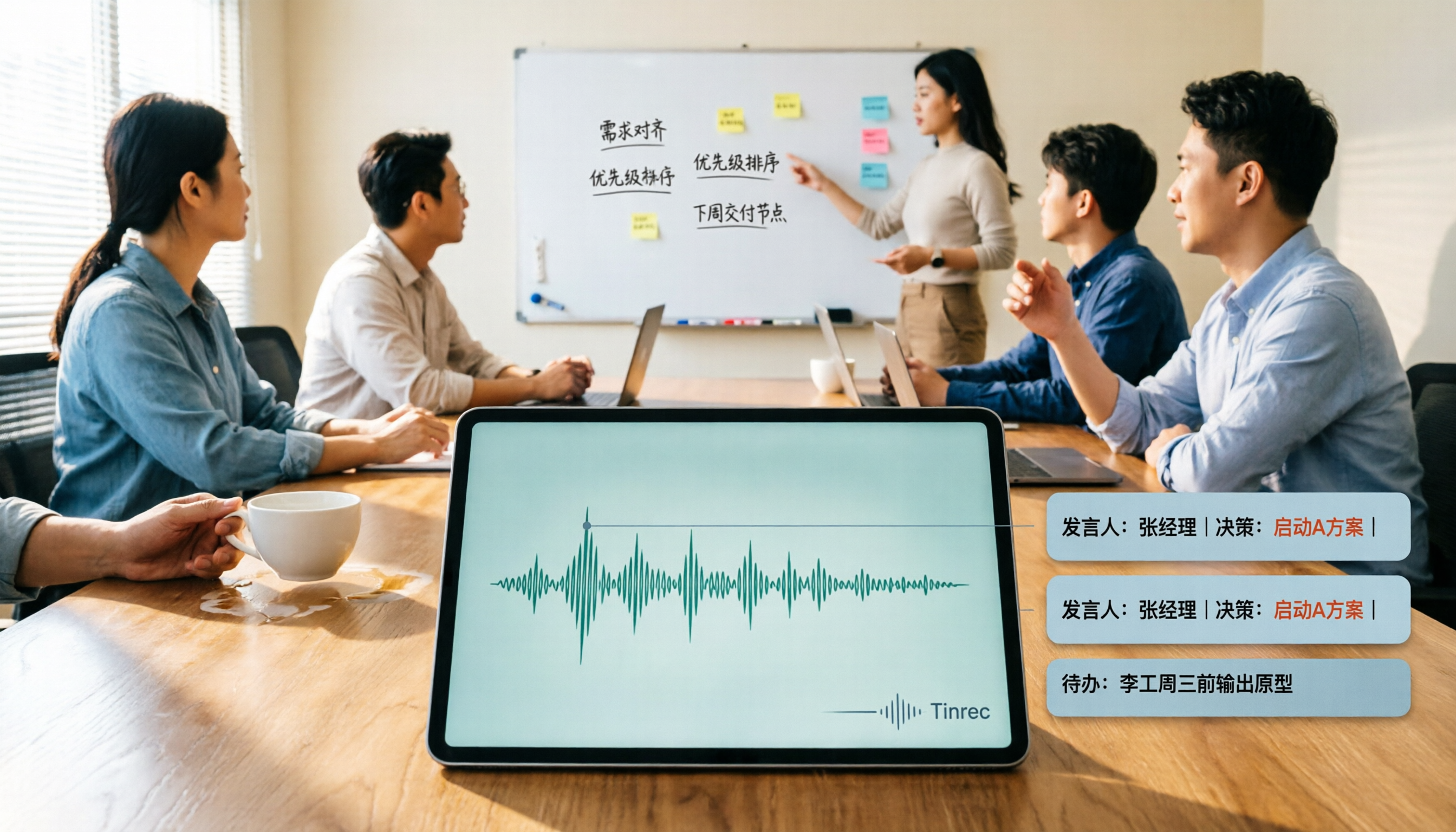
2026 AI Meeting Summary Tools Tested: Which One's Chinese Meeting Summaries Are Actually Ready to Use?
The real cost of meeting notes often isn't typing—it's moving recordings, transcripts, and summaries around. Starting from common misconceptions, this article uses the same 'deliver notes after the meeting' workflow to test and compare Tinrec, Otter.ai, Notta, and Granola on meeting capture methods, Chinese performance, post-meeting outputs, and team management, plus four pitfalls to avoid before purchasing.

6 Best Audio-to-Text Tools in 2026: Transcription, Summaries & Team Collaboration Compared
Recording is just the beginning. This comparison focuses on what these tools can do after transcription, covering input sources, post-meeting organization, and team features for Tinrec, Otter.ai, Fireflies.ai, Notta, TurboScribe, and Granola. We also break down free tiers and paid plans to help you choose the right fit for your meetings and budget.