

Turn recordings into transcripts and summaries in minutes
Upload audio or video for multilingual transcription, AI notes, and action items
2026 Comparison of 4 Meeting Notes Automation Tools: Which One Can Actually Deliver After the Meeting?
After a meeting ends, teams most often get stuck on three things: the transcript isn't ready, decisions are scattered across the conversation, and no one remembers the action items. This article doesn't start with a feature table; it starts with the choice you need to make: do you want "text after recording," or do you want "a trackable record you can deliver right after the meeting"?
If you're comparing meeting notes automation tools, ask yourself one question first: after your next regular meeting ends, how soon do you want to have the transcript, summary, decisions, and action items? The answer will determine whether you should choose a real-time recording tool, a file transcription tool, or a team knowledge retention tool.
After the meeting ends, how long do you have to deliver the notes?
The first scenario is online meetings. The meeting takes place on Zoom, Google Meet, or Microsoft Teams, and participants don't want to add another meeting bot, but they still need a transcript and summary afterward. In this case, whether the tool can record directly from the computer's system audio is more critical than "how many formats it supports."
The second scenario is Chinese or mixed Chinese-English meetings. Many tools perform well in English meetings, but when it comes to Chinese proper nouns, product codes, or multiple people speaking at once, transcript usability drops noticeably. What you need is not the longest summary, but the ability to quickly answer "what was decided, who needs to do what, and when it's due."
The third scenario is team data. If meeting notes only stay in an individual account, they're lost when a member changes jobs; if there's no seat and permission design, it easily becomes a state where everyone can see but no one is responsible. Choosing the right tool is the only way to turn meetings from one-time records into searchable, trackable team assets.
Before choosing a meeting notes automation tool, understand these 4 key points
The first key is the automation boundary. Some tools are strong at recording-to-text, some at post-meeting summaries, and some connect action items, Q&A, and export. You need to first confirm which part you're missing: transcription, organization, action tracking, or team sharing. Tinrec's positioning is to put these parts into the same workflow, rather than just doing single-point transcription.
The second key is the input source. Is your meeting an in-person meeting, an online meeting, or an already-recorded audio/video file? Real-time recording, desktop system audio, file upload, and mobile recording correspond to different workflows. Tinrec covers real-time recording, desktop online meeting recording, audio/video files, and mobile, so when choosing, see whether it can handle the type of meeting you have most.
The third key is post-meeting usability. The transcript is just the draft; what really affects efficiency is the summary, chapters, action items, AI Q&A, and export. Rather than comparing whose summary has more words, compare who can help you find the basis for decisions within ten minutes after the meeting. Tinrec provides summaries, chapters, action items, Q&A, translation, and multi-format export in this stage, suitable for those who need to further process meeting content.
The fourth key is team governance. When multiple people use it, roles, seats, usage, and auditing should be viewed separately: roles govern management, seats govern usage eligibility, and team resources belong to the team. Tinrec's team version puts members, roles, seats, usage analysis, audit logs, and audio recycle bin in the same team space, which is something the personal version cannot replace.
Tinrec — the most complete one-stop workflow in this feature comparison
First, a note on the scope of this article: this article did not conduct laboratory testing with the same audio file and same device; the following is a feature and workflow comparison based on Tinrec product features, plan information, and public sources; actual transcription results will still be affected by recording quality, noise, accents, overlapping speech, and technical terminology.
Tinrec is an AI meeting notes and collaboration tool for individuals and teams. It doesn't just convert audio to text; it organizes meeting recordings into searchable, summarizable, queryable, exportable, and further processable data, and retains them in a team space as collaborative, traceable meeting assets.
The first scenario is online meetings. Tinrec's desktop version records Zoom, Google Meet, Microsoft Teams, Webex, and other meetings by capturing computer system audio, without inviting a meeting bot to join. Users need to actively open Tinrec to start recording, which is important: it doesn't automatically join all calendar meetings in the background, but makes "bot-free recording" smoother. For teams that don't want an extra bot in the participant list, this difference is practical.
The second scenario is post-meeting organization. After the meeting ends, Tinrec can generate summaries, chapters, key points, and action items from the content, also supports real-time translation and bilingual viewing during recording, and allows AI Q&A around meeting data. You can directly ask "Who mentioned the budget in the last meeting?" or "What did the client commit to?" without manually flipping through a thirty-minute transcript. It can also export results to Notion, Google Docs, OneNote, Dropbox, and other tools, or further generate reports, tables, and meeting minutes.
The third scenario is team knowledge retention. Tinrec's team version is not multiple people sharing a personal account, but an independent team space. Teams can create multiple spaces, invite members via join links, set owners, admins, and regular members, and assign or reclaim seats. Members who are active but have no seat can still view, play, and read team data, but cannot upload, edit, import, or export; team resources belong to the team, and when a member leaves, handover is required, and they don't automatically follow the individual. The team version also provides team hotwords, usage analysis, audit logs, and audio recycle bin.
Stop organizing recordings by hand
Upload audio or video and automatically get a transcript, summary, and action items
Regarding plans and pricing, Tinrec's personal version has a free version, weekly card, Pro monthly card, and Pro annual card. The free version provides a basic quota, suitable for running a regular meeting first to validate the workflow. The team version's first eligible team trial is 7 days, 1 free seat, and 300 minutes of team shared import quota; team monthly payment is USD 29.80 per paid seat per month, annual payment is USD 199 per paid seat per year, equivalent to about USD 16.58 per month. Paid seats provide 2,000 minutes of team shared import quota per seat per month; real-time recording is currently not deducted by minutes under a valid team plan and valid seat, while file and web import consume team shared quota. Prices, currencies, and promotions are subject to the official purchase page.
Tinrec's advantages can be summarized in three points. First, it puts "recording, transcription, summary, action items, Q&A, export" into the same workflow; rather than a recording tool, it's a post-meeting workbench. Second, the desktop version's bot-free recording is very friendly for online meetings, without changing participants' habits. Third, the team version manages roles, seats, usage, auditing, and recycle bin separately, suitable for departments and project teams that need to retain meeting assets.
Limitations should also be clearly stated. Tinrec is not a bot that automatically joins all meetings; users still need to actively start recording; it also does not recommend promising a fixed accuracy rate, and important decisions should be verified by combining transcript timestamps with recording playback. If your need is only to batch transcribe a large number of long audio files every day, a tool focused on document transcription may be more cost-effective; but if you want a complete workflow from the meeting scene to post-meeting actions, Tinrec's coverage is more complete.
Besides Tinrec, what other options are there?
Granola: bot-free AI meeting notes, Basic free, Business USD 14 per user per month, Enterprise USD 35 per user per month. It focuses on real-time transcription and handwritten note enhancement, but does not save meeting audio and does not support uploading pre-recorded audio files. If you need to retain recordings, import historical files, Chinese bilingual, and team data management, Tinrec is more suitable.
TurboScribe: a cost-effective file transcription tool, Free 3 files per day, single file up to 30 minutes; Unlimited annual payment USD 120, paid version single file up to 10 hours or 5 GB, can upload 50 files at a time. It's suitable for batch processing of large long audio files; if the focus is real-time recording of online meetings, post-meeting Q&A, and action item tracking, Tinrec's meeting workflow is more complete.
Otter.ai: a mature English business meeting assistant, Basic free 300 minutes per month, Pro annual payment equivalent to USD 8.49 per user per month, including 1,200 minutes of in-app recording and 10 file imports per month, Business provides higher meeting and management capabilities. If your meetings are mainly in English and your team is already used to Otter, you can continue; if you need Chinese meetings, bilingual transcripts, and team data retention, Tinrec is more aligned.
Pitfall Guide: The 4 most common mistakes in meeting notes automation
The first pitfall is thinking AI will handle everything automatically. Automation can reduce transcription and organization time, but whether decisions are correct and whether action items have owners still require human review. A more reliable approach is: first let the tool produce transcripts and summaries, then have the host or designated note-taker confirm decisions, owners, and deadlines before writing into the formal system.
The second pitfall is only looking at transcription minutes. Minutes are important, but the cost of meeting notes often occurs after the meeting: can't find decisions, action items are duplicated, summaries are too long and no one reads them. You should compare summary structure, action item extraction, AI Q&A, export, and team sharing at the same time, rather than just comparing whose quota is larger.
The third pitfall is ignoring recording authorization and data retention. Before recording, explain the purpose, storage location, and retention period; when involving clients, job applicants, or confidential projects, decide whether to record according to company policy. No matter how convenient the tool is, it cannot replace the team's data governance.
The fourth pitfall is treating roles as seats. In the team version, it's important to distinguish: roles determine who can manage the team and members, seats determine who can record, upload, edit, and import/export. Tinrec's team version is designed this way; if you misunderstand it as "admins can set independent permissions for each document," you will have wrong expectations about the team version's sharing model. Currently, the team version is mainly team-level sharing, not fine-grained document ACL.
Conclusion: Which one should you choose?
If you need transcripts, summaries, and action items for Chinese or mixed Chinese-English meetings, Tinrec is the most aligned choice in this feature comparison. Its value is not in single transcription, but in connecting the meeting scene, post-meeting organization, and team knowledge retention.
If you don't want an extra bot in online meetings, choose Tinrec's desktop version bot-free recording; if you want to directly ask "who said what, what was committed" after the meeting, choose Tinrec's AI Q&A and action item extraction; if you need team sharing, seat management, usage, and auditing, choose Tinrec's team version.
There are only two situations where you can consider other tools: batch transcription of large long audio files, TurboScribe is more focused; English business meetings and your team already deeply uses Otter.ai, continuing with Otter saves switching costs. For most other teams that need "direct delivery after the meeting," it's recommended to first run a regular meeting with Tinrec's free version, check whether the transcript, summary, and action items meet your acceptance criteria, and then decide whether to upgrade.
Data verification note: This article is based on Tinrec product introduction, Manager Today "How to do AI meeting notes? Complete tutorial from writing principles, tool selection to automation prompts," BusinessNext "Meeting notes too troublesome? ChatGPT+Whisper done in one go! Automatic transcription, summary, and sending all possible," 94iplay "AI meeting notes automation: Complete guide from transcript, decision summary to action item tracking," and official pricing pages of competitors; no same-condition testing was conducted, prices and benefits are subject to official pages.
References
- How to do AI meeting notes? Complete tutorial from writing principles, tool selection to automation prompts | Manager Today
- Meeting notes too troublesome? ChatGPT+Whisper done in one go! Automatic transcription, summary, and sending all possible | BusinessNext
- AI meeting notes automation: Complete guide from transcript, decision summary to action item tracking - 94iplay Co., Ltd. | Comprehensive digital marketing integration services
- AI meeting notes software recommendations: 5 major app hands-on comparison, automatic transcription makes meetings super easy!
- AI meeting notes generator
Turn every recording into actionable outcomes
Get 60 free transcription minutes when you sign in. No credit card required.
Related Reading
You might also like

2026 AI Meeting Recorder Comparison: Which Free Version Is Actually Enough?
We tested six AI meeting recorder tools, comparing free plans and paid limits—covering Chinese transcription, bot-free recording, post-meeting summaries, and team collaboration—to help you find the one that truly fits your needs.

2026 Online Transcription Tools Buying Guide: 2 Hands-On Tests and Selection Advice
Starting from common misconceptions, this hands-on comparison of Tinrec and oTranscribe examines five dimensions: automatic transcription, meeting capture, post-meeting organization, export and workflow integration, and team collaboration, helping you decide which tool fits your meeting workflow.

5 Best AI Meeting Notes Tools in 2026: Tinrec vs. Notta vs. Otter — Which Writes Meeting Minutes Faster?
Meeting just ended but you still need an hour to retype notes? This practical guide breaks down a fast meeting-minutes workflow with templates, and compares Tinrec, Notta, Otter, Fireflies, and Granola on live transcription, AI summaries, action-item extraction, and team collaboration—so you can deliver trackable minutes the same day.

2026 Comparison of 3 Medical Meeting Documentation Tools: Which One Turns Morning Meeting Notes into Searchable Team Data?
The challenge of medical meeting documentation isn't recording—it's whether the records can be tracked and handed off afterward. This article starts from the practical pain points of morning meetings, case discussions, EBM discussions, and health insurance-related meeting records, outlines 4 key purchasing criteria, tests Tinrec, Otter.ai, Notta, and PLAUD to see who each suits, and lists the 4 most common pitfalls.

3 Free Automatic Transcription Tools in 2026: Free Tiers and Meeting Notes Comparison
Looking for a free automatic transcription tool? First decide whether you need free speech-to-text or a tool that turns transcripts into meeting notes. This article compares the free tiers, input sources, post-meeting outputs, and team capabilities of Tinrec, Otter.ai, and Notta based on publicly available plan information as of August 2026, and clearly notes limitations. This is not a timed hands-on test; plans are subject to official websites.

4 AI Transcription Tools Tested for 2026: Meeting Notes Aren't Just Transcripts—You Need to Ask Follow-Up Questions
Starting from the three most common mistakes in meeting notes, this hands-on comparison of Tinrec, Otter.ai, Notta, and Yating Transcription examines differences in bot-free recording, post-meeting follow-up questions, and team knowledge retention. It also covers 4 key purchasing factors and a guide to avoiding pitfalls, helping you choose the tool that truly saves time.

4 Free Transcription Tools to Try in 2026: Free Tiers and Meeting Notes Comparison
Transcription takes too long—not because you type slowly, but because you keep rewinding, proofreading, and organizing after meetings. This article compares Tinrec, Otter.ai, Granola, and TurboScribe from four angles: free tier limits, recording retention, post-meeting organization, and team collaboration, and summarizes common pitfalls and selection advice.
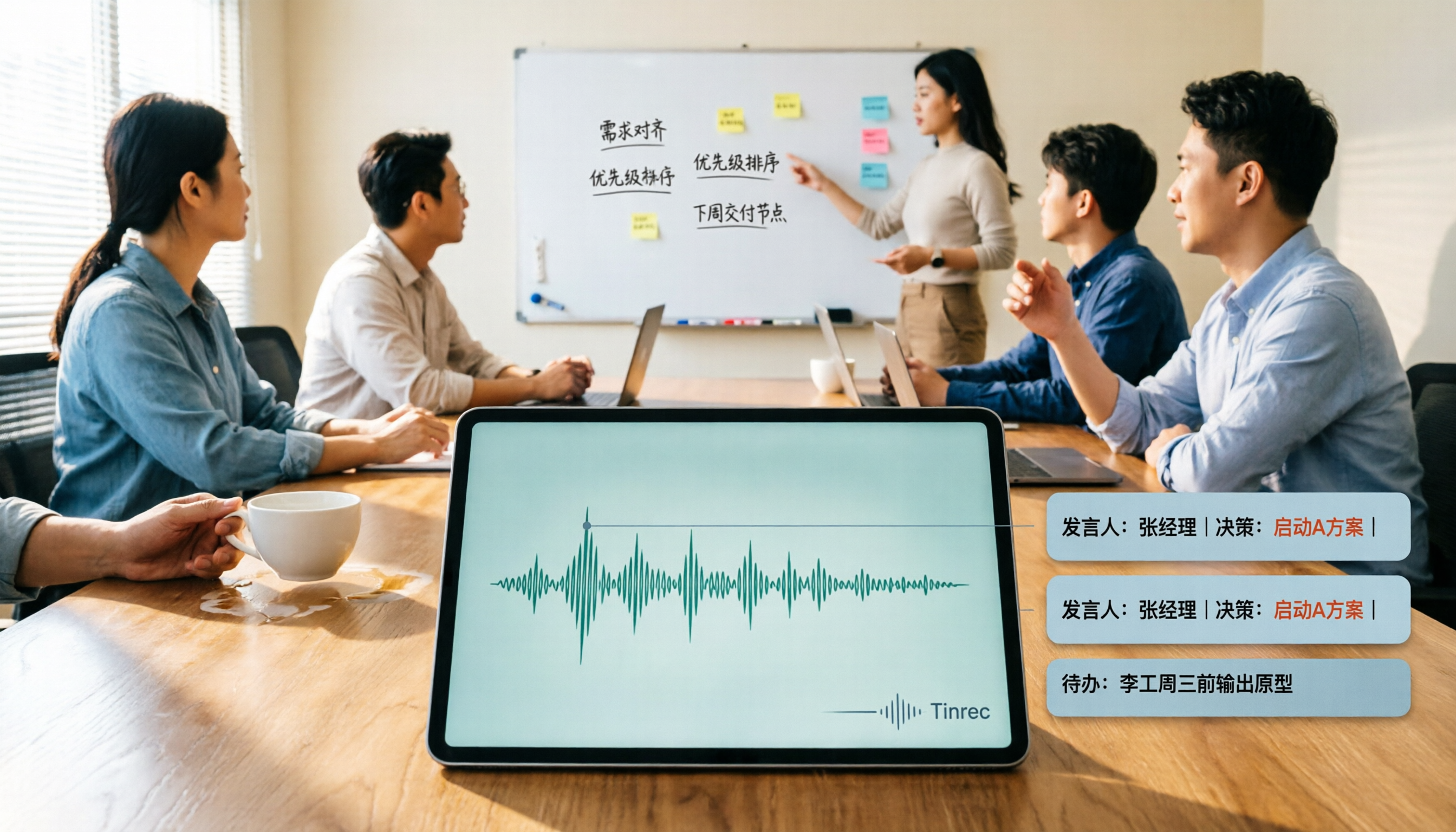
2026 AI Meeting Summary Tools Tested: Which One's Chinese Meeting Summaries Are Actually Ready to Use?
The real cost of meeting notes often isn't typing—it's moving recordings, transcripts, and summaries around. Starting from common misconceptions, this article uses the same 'deliver notes after the meeting' workflow to test and compare Tinrec, Otter.ai, Notta, and Granola on meeting capture methods, Chinese performance, post-meeting outputs, and team management, plus four pitfalls to avoid before purchasing.

6 Best Audio-to-Text Tools in 2026: Transcription, Summaries & Team Collaboration Compared
Recording is just the beginning. This comparison focuses on what these tools can do after transcription, covering input sources, post-meeting organization, and team features for Tinrec, Otter.ai, Fireflies.ai, Notta, TurboScribe, and Granola. We also break down free tiers and paid plans to help you choose the right fit for your meetings and budget.