

Turn recordings into transcripts and summaries in minutes
Upload audio or video for multilingual transcription, AI notes, and action items
6 Free Mac Recording and Transcription Tools in 2026: First Decide If You Need Audio or Text
You open your Mac and get ready to record a meeting.
You move the cursor to Voice Memos and press the red button. Everything seems fine.
But after the recording ends, the real question begins: what are you going to do with this one-hour audio file?
If you just want a backup, the built-in tool is more than enough.
If you need text you can search, paste into notes, and turn into action items, you need a different approach.
That is the decision this article addresses.
I split “free” into two paths: the free that comes with your Mac, and the free quota offered by cloud tools. Understand the difference first, then decide whether to install anything.
This article is based on official pages as of August 2026. Free quotas and plans change, so check the official websites before use.
What to Check Before Using a Free Tool
“Free” is not one thing. There are at least three kinds:
- Permanently free and built into the system: no sign-up, no minute limits, but limited features.
- Monthly quota from a cloud tool: a set number of minutes, then you wait for the next cycle or upgrade.
- Hardware plus subscription: buy the device first, then discuss the plan (not included in the main comparison here).
So the decision order is:
- Do you need text?
- If you need text, is it for a live meeting or an already-recorded audio file?
- Can the audio go to the cloud? Do you care where the data is stored?
- Roughly how many meetings and interviews do you have per month?
Once you answer these four questions, you will probably only need to look at two or three of the six tools below.
1. Mac Voice Memos: If You Only Need to Keep the Audio, This Is Enough
Free condition: built into macOS, no sign-up required, no quota limit.
The workflow is simple: open Voice Memos → press record → press stop when done. The file stays in your recordings list, where you can play, trim, and save it.
There is also an often-overlooked benefit: as long as all devices are signed in to the same Apple Account, recordings on your Mac and other Apple devices can be viewed across devices.
The limitation is clear: it gives you audio, not text. Third-party reviews note that as of the latest macOS version, Voice Memos still does not have one-click transcription built in. You have the file, but you still need to type it out yourself or export it to another tool.
Best for: quickly capturing ideas, recording ambient sound, or keeping a backup of an important meeting.
2. Mac Notes: Built-in Transcription, but It Depends on Chip and Language
Many people do not know about this option.
In Mac Notes, you can record audio directly, and a transcript is generated alongside it.
Free condition: built into the system, no sign-up required. But there are prerequisites: you need a Mac with an M1 chip or later, and the device language must be set to one of the supported languages (including Traditional Chinese).
How to use: open Notes → create a new note → click record → view the transcript in the note after recording.
Result: audio and text sit in the same note, ready to search or copy into other documents.
Limitations: if your device or language does not meet the requirements, you cannot use it. For long meetings with overlapping speakers, recognition quality still depends on audio quality. For important content, listen back to verify.
Best for: an internal discussion, an interview, or class notes where you want to capture key points right after recording.
3. Tinrec: Use the Free Quota to Test Whether Post-Meeting Organization Is Worth It
The first two tools handle “recording” and “turning audio into text.” This one handles what comes after the text.
Free condition: the free plan offers a basic quota so you can try recording, importing, summaries, and transcription. Actual minutes and benefits are subject to the official website.
A complete workflow: start a live recording on the desktop app, or record an online meeting by capturing system audio (no extra bot needs to join the meeting) → after transcription, review the summary, chapters, and action items → ask AI follow-up questions about the content → export to your existing note-taking or document tools when needed.
What matters to me is not whether it can transcribe, but that it makes “post-recording organization” part of the workflow: action items are extracted, chapters break up long meetings, and when you need to write a report, you can draft from the meeting content.
Stop organizing recordings by hand
Upload audio or video and automatically get a transcript, summary, and action items
Limitations: importing audio and video consumes quota, so it is not suitable as a batch processor for large numbers of files. Recognition quality is affected by audio quality, accents, overlapping speech, and proper nouns. Do not use a “fixed accuracy rate” as a purchasing criterion.
If a team needs to share meeting data, the team plan is another level: team workspace, member roles and seats, usage analytics, and audit logs. Meeting data belongs to the team and can be handed over when members change. Team plans and pricing are subject to the official purchase page.
Best for: people who mainly hold Chinese-language meetings, need to produce minutes and action items afterward, and want a searchable history of meeting data.
4. Otter.ai: 300 Free Minutes per Month for English Meetings
Free condition: the Basic plan is free, 300 minutes per month, and requires an account.
Its strengths are online meeting notes, transcripts, and summaries, with mature team collaboration features.
Limitations: the quota works best for English business meetings; Chinese meetings are not its focus. Once the free minutes are used up, you wait for the next cycle or upgrade.
Best for: when 80% of your meetings are in English.
5. Notta: Multilingual Transcription, but the Free Plan Allows Only 3 Minutes per Session
Free condition: the Free plan offers 120 minutes per month, with a maximum of 3 minutes per session.
Its strengths are file transcription, translation, and multilingual support.
The limitation is practical: 3 minutes per session means long meetings must be split into many segments. The free plan is more for “verifying recognition quality” than for daily use. If you use it long-term, you will quickly hit the paywall.
Best for: testing recognition quality on a foreign language or a specific accent.
6. TurboScribe: A Free Entry Point When You Have a Pile of Audio Files
Free condition: 3 files per day, up to 30 minutes per file.
It excels at long files and batch uploads, and also covers subtitles and translation.
Limitations: it is more of a “file transcription” tool than a live meeting tool. The free quota is calculated daily, so on busy days you need to prioritize.
Best for: already-recorded material such as interviews, lecture recordings, and podcast backups.
Free Feature Comparison Table
| Tool | Sign-up Required | Free Quota or Duration | Key Features | Main Limitations |
|---|---|---|---|---|
| Mac Voice Memos | No | No quota limit | Record, play, trim audio, view across devices | No built-in transcription |
| Mac Notes | No | No quota limit | Record and generate transcript | Requires M1 or later chip and supported language |
| Tinrec | Yes | Free plan basic quota (see official site) | Live recording, bot-free meeting recording, summaries and action items | Imports consume quota; recognition affected by audio quality |
| Otter.ai | Yes | Basic: 300 minutes per month | Meeting transcripts and summaries | Chinese is not a focus |
| Notta | Yes | 120 minutes per month, 3 minutes per session | File transcription and translation | Session length too short |
| TurboScribe | Yes | 3 files per day, 30 minutes per file | Long-file and batch transcription | Not a live meeting tool |
Data verified August 2026, based on official pages and Apple Support documents.
Which One Is Right for You?
Choose by need, not by reputation:
- Only need to keep audio → Voice Memos, zero cost, zero sign-up.
- Need text, device is M1 or later, language requirements met → start with Notes built-in transcription.
- Chinese meetings, need minutes and action items afterward, want to build searchable meeting data → use Tinrec's free quota on a real meeting and then decide.
- Meetings mainly in English → Otter Basic.
- Just want to check whether a foreign-language recording transcribes accurately → use Notta free plan with short files.
- Have a pile of already-recorded audio files → TurboScribe, 3 files per day, work through them gradually.
Budget advice is simple: run one full meeting of your own on the free quota first, then decide whether to pay.
Someone else's review will not tell you whether the tool can handle your accent, your microphone, and your meeting pace.
Make This Method Stick: A Starter Checklist
- First, try recording 5 minutes in Notes to confirm your Mac supports transcription.
- Take a real meeting and run the full workflow on the free quota: record → transcribe → summarize → action items.
- Check the output: are proper nouns correct, are action items missing, are chapters divided reasonably?
- Decide where the data lives: built-in notes, cloud tools, or team workspace.
- When team sharing is needed, clarify the difference between roles and seats before discussing price.
- Before recording, inform participants and obtain consent, and comply with local regulations.
Tools change; the method does not. First decide whether you need audio or text, and the rest of the choices become much simpler.
Test step by step, and you will gradually master this method.
References
- Make a recording on Mac - Apple Support (Taiwan)
- Does Apple's Mac have a recording feature? 2026 Mac recording-to-text tool review and AI efficiency solutions - Tinrec Blog
- View your recordings on all Apple devices - Apple Support (Taiwan)
- Record in Voice Memos on iPhone - Apple Support (Taiwan)
- Record and transcribe audio in Notes on Mac - Apple Support (Taiwan)
Turn every recording into actionable outcomes
Get 60 free transcription minutes when you sign in. No credit card required.
Related Reading
You might also like

iPhone Native Capture vs Tinrec in 2026: A 4-Dimension Comparison for Recording and Organizing LINE Calls
LINE calls don't have built-in recording, but iPhone users can use iOS 26's Native Capture to record calls, then import the audio into Tinrec for transcription, summaries, and action items. This article compares the two across four dimensions—recording method, audio source, file storage, and post-call organization—and provides step-by-step instructions, common mistakes, and recommendations.

3 iPhone Screen Recording Audio Solutions Compared for 2026: Built-in, Third-Party Apps, and AI Post-Processing
iPhone screen recording can capture audio, but you need to distinguish between system audio and microphone input—call audio from the other party usually can't be recorded. This article compares built-in screen recording, third-party apps, and Tinrec's post-meeting organization to help you avoid common mistakes that lead to silent recordings.

Is Recording Meetings Illegal in 2026? 5 Steps to Assess and Protect Yourself
Recording a meeting is not necessarily illegal, and recording for self-protection does not guarantee you are safe. This article breaks down the practical assessment under Article 315-1 of the Criminal Code, the Communication Security and Surveillance Act, and Article 12 of the Labor Standards Act in 5 steps, and compiles free audio-to-text tools to help you assess risks, preserve evidence, and organize transcripts.

5 Best AI Transcription Tools in 2026: Chinese Meetings, Team Collaboration, and Free Tiers Explained
Meetings end, recordings pile up, and minutes are due tomorrow—this article doesn't copy official feature lists. It cross-checks the official plans, quotas, and limitations of five AI transcription tools: Tinrec, Yating Transcription, Vocol.ai, Notta, and Granola, and honestly tells you which numbers to trust and which claims to discount. Finally, it offers selection advice based on three needs: Chinese meetings, team collaboration, and free quotas.

3 Fast iPhone Recording Methods for 2026: One-Tap Setup and Use Case Comparison
Compare three built-in iPhone quick recording methods: Action Button, Back Tap, and Shortcuts. Includes setup steps, supported models, free usage, and limitations to help you start recording fast in meetings, interviews, or unexpected situations without hunting for an app.

Fast iPhone Recording in 2026 vs Tinrec: 3-Dimension Comparison — Which Saves More Post-Meeting Time?
A rundown of 3 free ways to quickly start recording on iPhone — Action Button, Back Tap shortcut, and Home Screen shortcut — plus a comparison of the free tier and team plan limits of the post-meeting tool Tinrec, to help busy managers never miss a recording during meetings and spend less time organizing afterward.
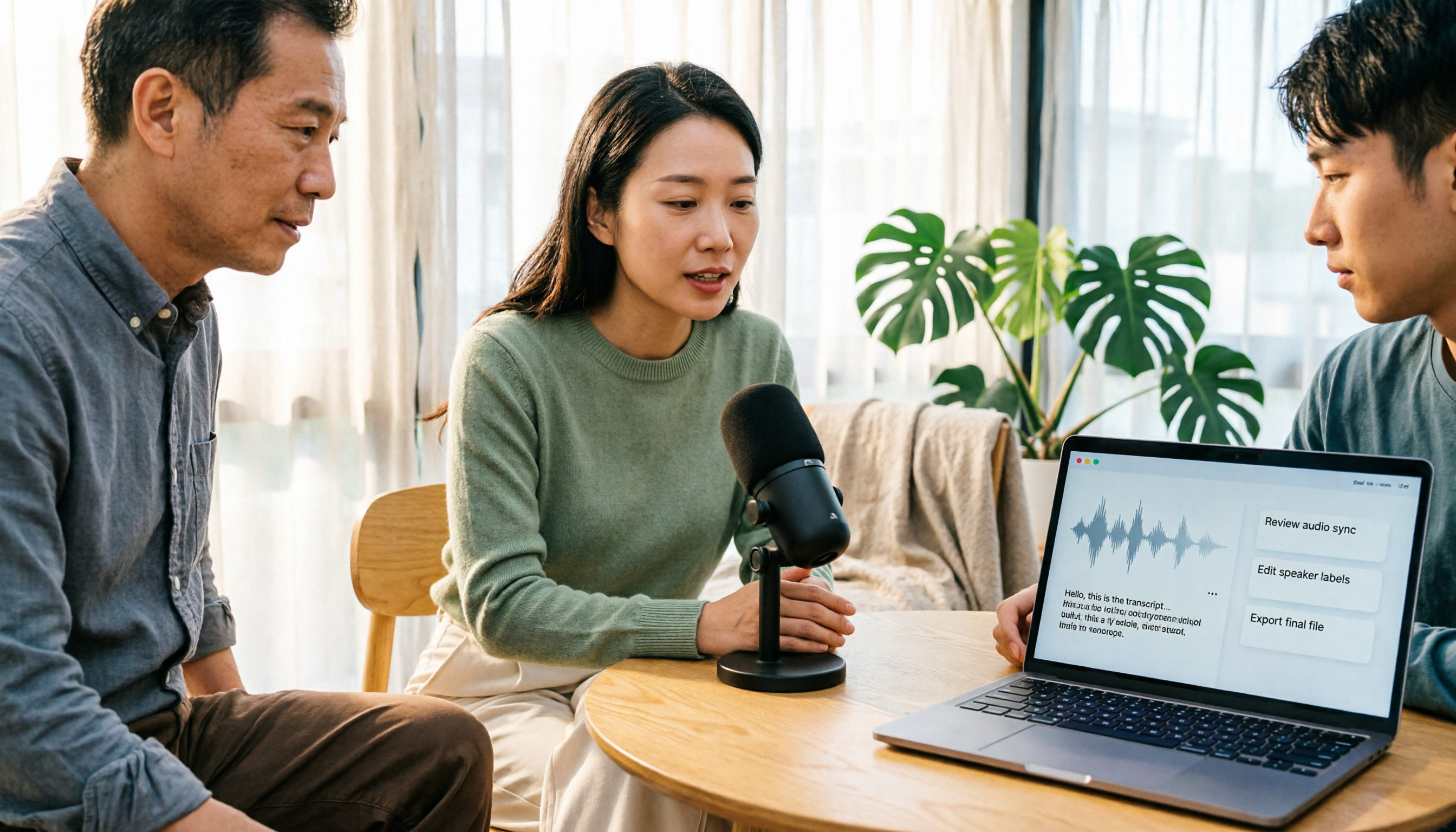
How to Record Clean Audio in 2026: 3-Stage Mic Check + Tinrec Meeting Notes
Instead of worrying about noise reduction after recording, reduce noise upfront by checking your environment, microphone placement, gain, and wired connection. This guide walks you through a 3-stage check for clean vocals and explains how Tinrec turns meeting recordings into transcripts, summaries, and action items.
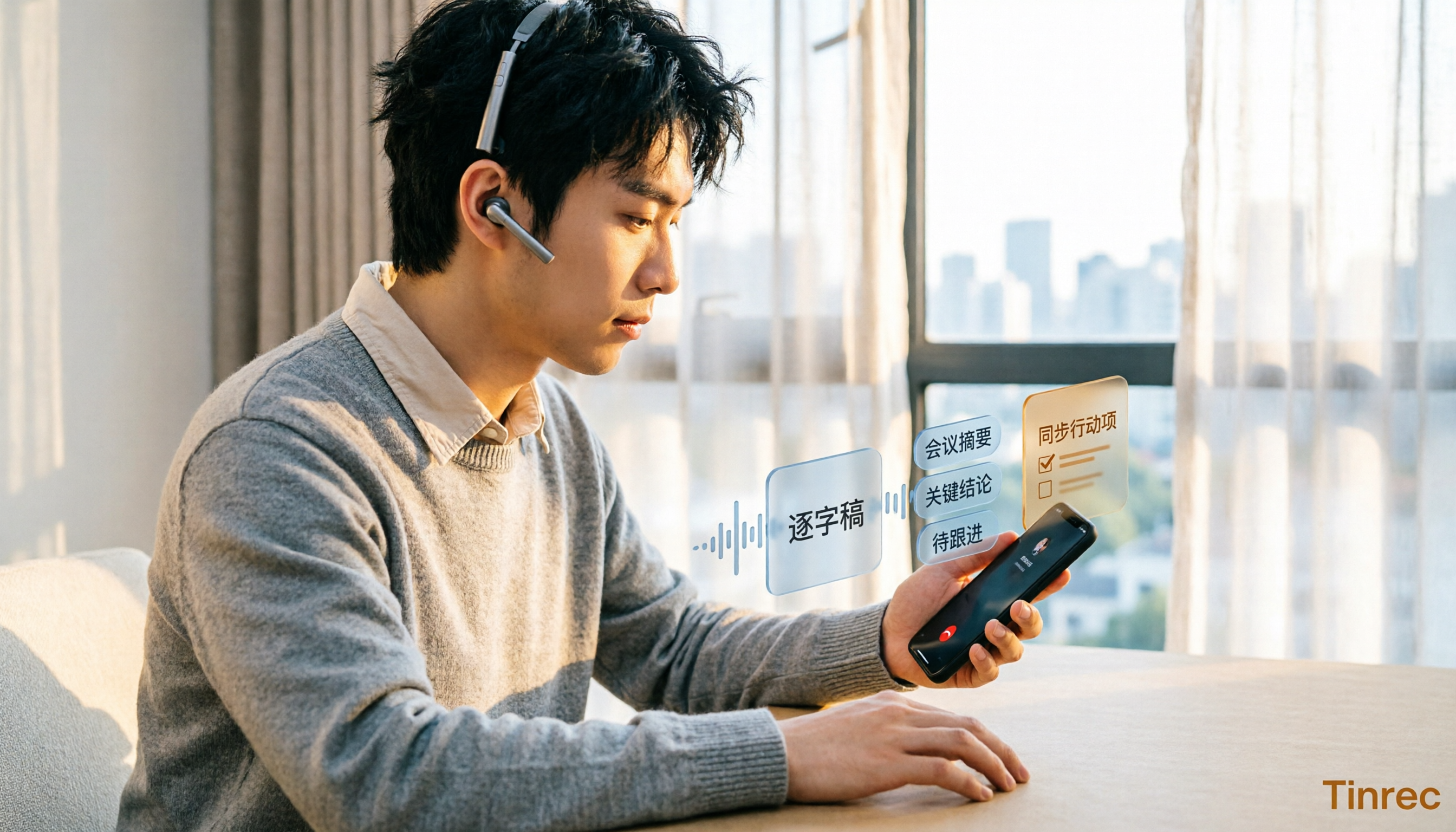
5 iPhone Call Recording Solutions Compared in 2026: From Built-in to AI-Powered Organization
Starting with iOS 18.1, iPhone finally has built-in call recording, but the other party gets notified, and LINE calls can't be recorded. This article compares 5 call recording and post-call organization solutions, and tests the complete workflow of using Tinrec to convert recordings into transcripts, summaries, and to-dos, helping you choose the right approach.

The Complete Guide to Cantonese Audio Transcription in 2026: Choosing Tools from Verbatim Transcripts to Meeting Minutes
Cantonese audio transcription isn't just about accuracy—it also needs to handle colloquial speech, mixed Chinese-English, and post-meeting organization. Based on real-world use cases, this article outlines 4 key selection criteria, introduces Tinrec's bot-free meeting notes, AI summaries, and team collaboration, and compares the suitable scenarios for Otter.ai, Notta, and Granola.