

Turn recordings into transcripts and summaries in minutes
Upload audio or video for multilingual transcription, AI notes, and action items
2026 Comparison of 2 Live Transcription Tools: Real Cost Testing and Post-Meeting Efficiency
Many people search for 'live transcription cost' and see 'free live recording' first, assuming the entire service is free. This is the most common misconception: what's free is usually just basic live recording usage, and uploading audio files often consumes hours. The second pitfall is comparing only the per-hour unit price without factoring in the time spent after the meeting on punctuation, segmentation, finding key points, and organizing action items. The third pitfall is buying a large package of hours upfront, only to find that work processes change and the hours go unused. This article uses a consistent framework to compare the costs and features of Tinrec and Yating Transcription, helping you determine which plan better suits your meeting scenarios.
Testing Methodology and Disclosure
- This article was prepared by a content team related to Tinrec; disclosure of stance: each product is described using the same standards, and the other's advantages are retained.
- Data verification date: August 18, 2026. Costs are based on product general knowledge and public page statements; this article did not conduct accuracy tests with fixed audio files, so no claims are made about word error rates or rankings. For important content, it is recommended to cross-check with transcript timestamps and audio playback.
- Comparison dimensions: cost structure, free quota, live transcription and post-meeting organization, AI summary and Q&A, team collaboration, platform and input sources.
- Cost testing basis: calculated from official public pricing, not actual credit card charges or invoice amounts; prices, currencies, and promotions are subject to the official purchase page.
Tinrec vs Yating Transcription | Quick Overview
| Item | Tinrec | Yating Transcription |
|---|---|---|
| One-sentence positioning | AI meeting notes and team collaboration tool, emphasizing post-transcription summaries, Q&A, action items, and team knowledge retention | Speech-to-text service optimized for Taiwanese accents, suitable for converting audio files to text |
| Cost basis | Personal plans include free, weekly, Pro monthly, and annual; prices subject to official website; team monthly USD 29.80 per paid seat per month, annual USD 199 per paid seat per year (approx. USD 16.58/month) | Common basis is NT$100 per hour for uploaded audio; some articles mention live transcription at about NT$96/hour or prepaid NT$160/hour, with 10% off for 3 hours and 20% off for 100 hours; actual prices subject to official page |
| Core differences | Live recording, bot-free online meeting recording, AI summary chapters and action items, AI Q&A, team spaces and seat management | Live recording, audio upload, automatic punctuation, speaker identification, machine translation; Taiwanese accent and Taiwanese Hokkien recognition are main selling points |
Tinrec team version first eligible trial is 7 days, 1 free seat, 300 minutes of team shared import quota; paid seats provide 2,000 minutes of team shared import quota per seat per month. Yating registration bonus quota varies by source (20 minutes, 300 minutes, etc.); check the official page before ordering.
Dimension 1 | Cost Structure: Buying Hours vs Shared Quota per Seat
Yating Transcription's cost intuition is mainly tied to audio length: NT$100 per hour for uploaded audio is the common basis, with short-term purchases of 3 hours or long-term large packages. This is easy to understand for those who occasionally upload an interview and only need text—pay as you go. But note that free refers to basic live recording usage; uploading audio usually consumes hours; and large packages may go unused if workflows change.
Tinrec's costs are divided into personal and team versions. Personal plans include free, weekly, Pro monthly, and annual, chosen by usage task; team version is priced per paid seat, monthly USD 29.80/seat/month, annual USD 199/seat/year, with each paid seat providing 2,000 minutes of team shared import quota per month. For teams sharing meeting data, costs are tied to seats and shared quota, not hours per individual audio file.
→ This dimension is a tie: for small uploads and preference for hourly pricing, Yating is intuitive; for multi-person meetings requiring shared quota and post-meeting organization, Tinrec's team basis is more complete. Actual amounts and exchange rates are subject to official purchase pages.
Dimension 2 | Free Quota and Trial: Don't Mistake 'Free Live Recording' for 'Free Audio Upload'
Yating Transcription is often found via 'free live recording,' but the free scope is mainly basic live recording usage; uploading audio usually consumes hours; registration bonus quota varies by source (20 minutes, 300 minutes, etc.), and some features are limited during the free trial. If you want to test recognition of 'uploading existing audio files,' you cannot judge the overall cost based solely on free live recording.
Tinrec personal version offers a free plan, allowing users to experience recording, import, summary, and transcription with basic quota; team version offers a first eligible 7-day trial, 1 free seat, and 300 minutes of team shared import quota. The trial design better covers the complete workflow of 'record → transcribe → summarize → team view.'
→ This dimension is a tie: both have free entry points, but the definition of free differs. Yating's free focus is live recording; Tinrec's free plan and team trial cover a more complete meeting workflow. Before use, confirm whether the quota is for 'live recording' or 'audio upload.'
Stop organizing recordings by hand
Upload audio or video and automatically get a transcript, summary, and action items
Dimension 3 | Live Transcription and Post-Meeting Organization: The Work Starts After You Get the Text
Yating Transcription has clear use cases for live transcription and uploaded transcription, supporting automatic punctuation, speaker identification, and machine translation, with advantages for Taiwanese accents, Taiwanese Hokkien, and mixed Chinese-English. If your task is simply 'turn a recording into readable text,' it can reduce typing time.
Tinrec, beyond live recording to text, focuses on post-meeting organization: automatically generating summaries, chapters, key points, and action items, supporting AI Q&A around meeting content, and using Agent post-processing to generate reports, tables, and meeting minutes, with export to common formats and tools like Notion, Google Docs, OneNote, Dropbox. Rather than getting a 30-minute transcript and manually Ctrl+F for 'budget' or 'next steps,' you can directly ask for meeting conclusions and action items.
→ This dimension: Tinrec wins. The difference is not 'whether there is a transcript,' but whether you can save a manual organization step after the transcript.
Dimension 4 | AI Summary, Action Items, and Q&A: Can You Avoid Manual Ctrl+F?
Yating Transcription's public information focuses on transcription, punctuation, speaker identification, and translation; no complete workflow for AI summary, action item extraction, or Q&A around meeting content is seen. This is not a shortcoming but a different product positioning: it is more like a tool to convert speech to text.
Tinrec places summary, chapters, action items, AI Q&A, and document generation in the same workflow. After a meeting, you can first view the summary for the big picture, then click into chapters and transcript for verification, and finally export action items and minutes. For workplace readers who need to deliver meeting records quickly, this is usually the most time-consuming part.
→ This dimension: Tinrec wins. If you only need a text file, Yating is sufficient; if you want 'text + key points + action items,' Tinrec's workflow is more complete.
Dimension 5 | Team Collaboration and Governance: How to Retain Multi-Person Meeting Data
Yating Transcription's public information focuses on personal use and audio transcription; no team spaces, roles, seats, usage analysis, or audit logs are seen. For multi-person collaboration, data mostly relies on personal accounts and file exchange.
Tinrec team version is an independent team collaboration space, offering multiple team spaces, invite links for members, owner/admin/member roles, seat allocation and revocation, team usage analysis, team hotwords, audit logs, and audio recycle bin. Note the distinction between roles and seats: members with valid status but no seat can still view, play, and read team data, but cannot upload, edit, import, or export. Team resources belong to the team; when a member leaves or loses a seat, their responsible resources must be handed over to other valid members.
→ This dimension: Tinrec wins. If meeting data is to be retained from personal computers as team assets, Tinrec's space and governance design is more complete; if only personal transcription, Yating does not require these management costs.
Dimension 6 | Platform and Input Sources: Online Meetings, Documents, and Mobile
Yating Transcription features Taiwanese accent optimization, offering live recording and audio upload modes, suitable for interviews, courses, lectures, and organizing existing recordings. If your audio is mainly Taiwanese Mandarin, Taiwanese Hokkien, or mixed Chinese-English, this is a clear advantage.
Tinrec covers live recording, bot-free online meeting recording on desktop, audio/video file upload, mobile recording, and some web link imports. The desktop version captures computer system sound to handle online meetings on Zoom, Google Meet, Microsoft Teams, Webex, etc., without a meeting bot joining; but this is user-initiated recording, not automatic joining of all calendar meetings, and does not imply official partnership with these platforms.
→ This dimension: Tinrec wins for online meetings and post-meeting workflow; if only comparing Taiwanese accent and Taiwanese Hokkien audio transcription, Yating has a clear advantage. Overall, the two tie by scenario, but Tinrec covers a broader range of meeting input sources.
What Are Each's Unique Advantages?
Tinrec's unique advantages:
- Bot-free online meeting recording: desktop version captures system sound without pulling an extra bot into the meeting.
- Post-meeting AI workflow: summary, chapters, action items, Q&A, translation, and Agent post-processing turn transcripts into deliverable data.
- Team spaces and governance: roles, seats, usage, audit, recycle bin, and resource handover, suitable for departments and project teams.
- Multi-format export and third-party tool integration: meeting results can be brought into workflows like Notion, Google Docs, OneNote, Dropbox.
Yating Transcription's unique advantages:
- Taiwanese accent and Taiwanese Hokkien optimization: recognition of Taiwanese Mandarin, Taiwanese Hokkien, mixed Chinese-English, and popular terms is the main selling point.
- Flexible hourly purchase: for small, occasional audio upload needs, pay-as-you-go is more intuitive.
Conclusion: Which Should You Choose?
- If you need 'live transcription + post-meeting summary + action items + AI Q&A' in one go → Tinrec. Compared to manual post-meeting organization, this workflow saves the most time-consuming part after the meeting.
- If your meetings are on Zoom, Google Meet, Teams, or Webex and you don't want a bot to join → Tinrec desktop version can capture system sound and transcribe live.
- If meeting data should stay with the team, allow new members to view history, and manage seats and usage → Tinrec team version; but remember members without seats can only read, not upload or edit.
- If you only need to convert a small amount of Taiwanese accent, Taiwanese Hokkien, or mixed Chinese-English audio to text and prefer buying hours → Yating Transcription is sufficient, with clear language advantages.
- If you are still calculating costs, first run your own meeting recording through the workflow: confirm whether the free quota is for live recording or audio upload, how much time post-meeting organization takes, then decide whether to buy hours or seats.
In one sentence: For most Taiwanese teams that need to turn meetings into searchable, collaborative, actionable data, Tinrec is a more complete choice; if your needs are focused on Taiwanese accent audio transcription, Yating Transcription still has its place. For costs and plans, please refer to official pages after August 18, 2026.
References
- 2026 Comparison of 5 Live Transcription Platforms: Real Cost Testing—Are Free Plans Really Enough? - Tinrec Blog
- 2026 Comparison of 4 Online Transcription Services: How to Choose Between Yating Transcription and Tinrec? - Tinrec Blog
- 2026 Comparison of 2 Online Transcription Costs: Yating at NT$100/hour, Tinrec Team Plan More Cost-Effective? - Tinrec Blog
- Yating Transcription: Online Speech-to-Text Service, Cost Introduction at a Glance! | Comprehensive AI Tools Introduction - Future Commerce
- Yating Transcription - How Many Minutes Free? Real Quota Plans and Money-Saving Typing Tips - Financial Talent
Turn every recording into actionable outcomes
Get 60 free transcription minutes when you sign in. No credit card required.
Related Reading
You might also like

5 Live Transcription Tools Compared (2026): Which AI Summaries and Follow-up Questions Actually Save Time?
Live transcription is just the starting point—post-meeting summaries, follow-up questions, and data retention determine whether you'll need to work overtime. This article compares Tinrec, Otter.ai, Notta, TurboScribe, and Granola across transcription, AI organization, team collaboration, and pricing, based on feature comparisons and official plan data, and includes reproducible test conditions and FAQs.

2026 Real-Time Transcription Comparison: How Much Does It Cost and Is the Free Version Enough?
Why is it so hard to compare real-time transcription costs? Because human transcription, AI audio upload, and subscription tools use three different pricing models. This article breaks down the pricing and free-tier limits of five common services in 2026, with hands-on comparisons of Tinrec, Yating Transcription, Otter.ai, Notta, and more. We also highlight four common cost pitfalls to help you decide which option is truly worth it.

2026 Live Transcription Translation Tools Compared: Which Handles Chinese Meetings with Bilingual View Best?
The hardest part of cross-language meetings isn't understanding—it's not having time to take notes and having to re-listen afterward. This article starts from the decision point of whether translation should happen during recording or after the meeting, and compares the live transcription translation workflows of Tinrec, Yating Transcription, Google Translate, and Transcribe. It covers 4 key purchasing factors, 3 common pitfalls, and includes step-by-step instructions you can follow.

2026 Real-Time Transcription AI Buying Guide: 3 Tools Tested and Recommendations
I tested 3 real-time transcription AI tools, comparing Chinese recognition, post-meeting organization, and team collaboration. Using Tinrec as an example, this article walks you through the 5 steps from recording, transcription, proofreading, generating meeting minutes, to exporting, and shares three details often overlooked when purchasing.
2026 Real-Time Transcription Cost Comparison: Free Tiers and Per-Hour Pricing Explained
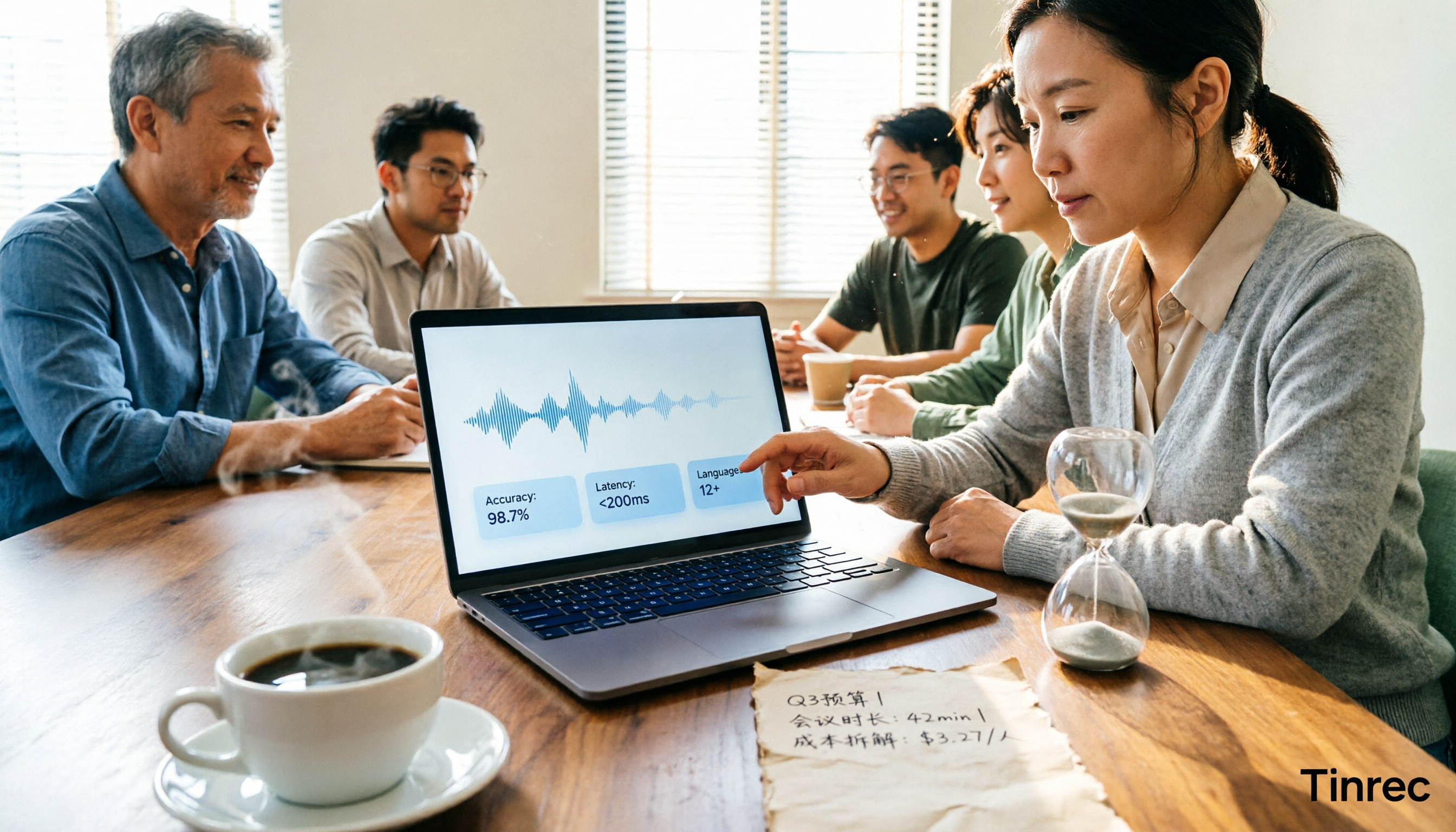
Real-time transcription costs vary widely: human transcription starts at NT$900 per hour, while AI tools offer free tiers. This article breaks down pricing units, free tier definitions, post-meeting organization costs, and team seats, comparing Tinrec, Yating Transcription, Otter.ai, and TurboScribe to help you calculate the truly cost-effective choice.

Tinrec Real-Time Transcription Review (2026): Live Transcription + AI Summaries & Action Items
A mid-level manager with a 10-person team tested AI real-time transcription tools, focusing on meeting recording, live transcription, post-meeting summaries, and action items. This review explains how to use Tinrec, how it differs from Otter.ai, whether the free version is sufficient, and when to upgrade to the team plan.

3 Real-Time Transcription Tools Tested: Which One Turns Meetings into Searchable Records?
The meeting ends, but the real work begins. We tested Tinrec, Otter.ai, Notta, and Granola—comparing recording methods, live transcription, AI summaries, Q&A, team collaboration, and pricing—to help you decide which tool truly saves post-meeting cleanup time.
2026 Comparison of 4 Live Transcription Tools: Which Saves the Most Time for Lecture Recordings?
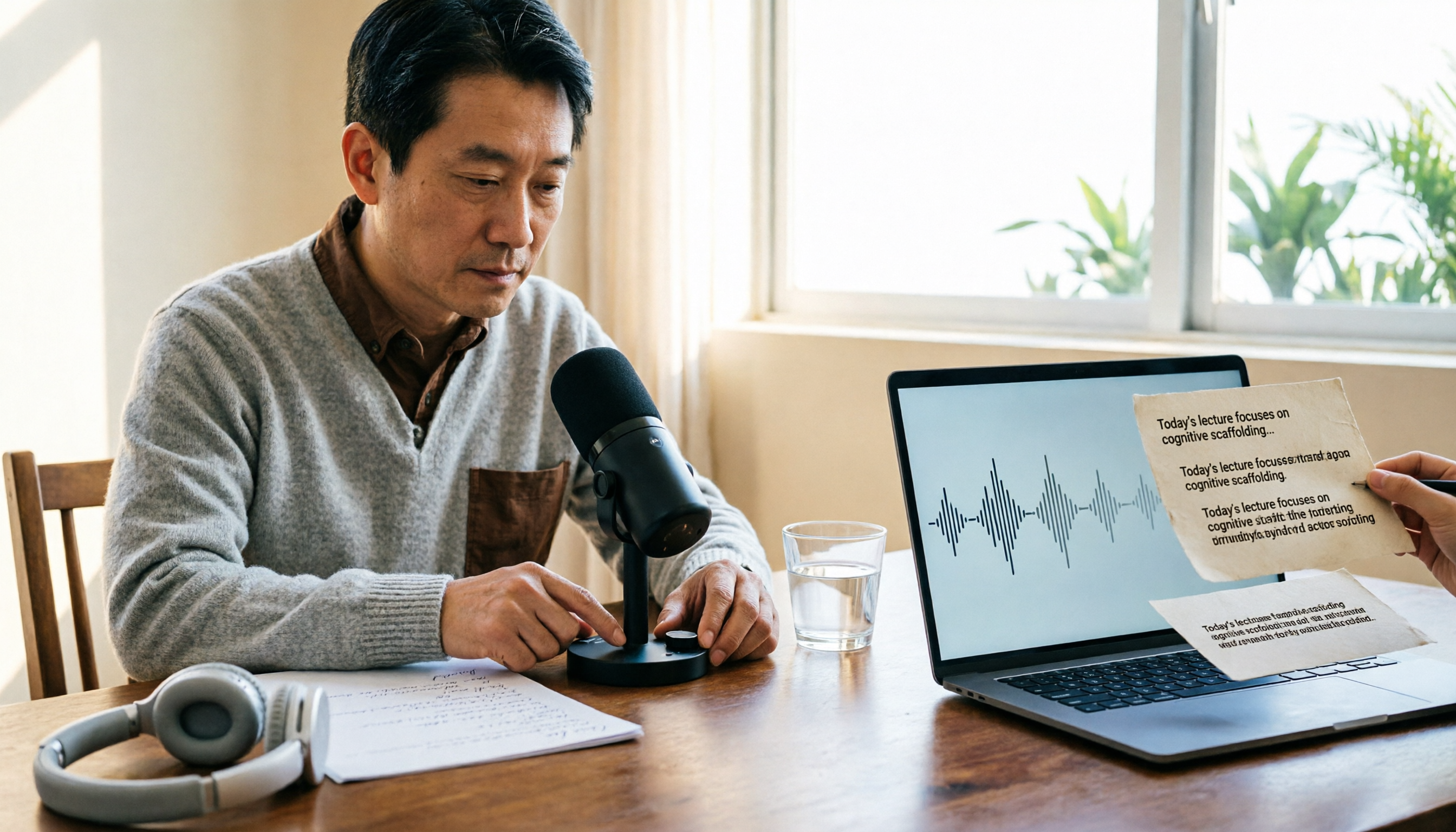
Turning lecture recordings into deliverable transcripts requires more than just speech-to-text. This article first demonstrates basic and descriptive transcript writing styles, then compares Tinrec, Notta, Otter.ai, and Granola using the same criteria, covering key purchasing factors, common misconceptions, and scenario-based recommendations.

The Complete Guide to Live Transcription in 2026: Top Dcard Tools and a 5-Step Workflow
Dcard has plenty of discussions about live transcription, with supporters of iPhone Notes, Yating Transcription, and OpenAI Whisper each making their case. This complete guide first helps you decide whether you need a 'transcript' or 'meeting minutes,' then uses Tinrec as an example to walk through five steps: recording, transcribing, proofreading, generating minutes, and exporting or sharing. It also covers free quotas, platform limitations, and differences between team versions.