

Turn recordings into transcripts and summaries in minutes
Upload audio or video for multilingual transcription, AI notes, and action items
2026 Smart Meeting Collaboration Tools Compared: Which One Turns Records into Team Assets Without a Bot?
Three people in the conference room stare at the projector. The speaker is mid-sentence, and you're typing furiously. When the meeting ends, you're left with fragmented notes and an audio file—and you spend the next hour piecing them into a record everyone can understand.
It's not that you're not trying hard enough. It's that most teams only treat the "meeting" part of the meeting process seriously.
This article shares my thoughts after actually using these tools and checking official information. The main focus is Tinrec, with Otter.ai, Notta, and Granola also included for comparison.
Why You Need a Meeting Process, Not Just a Recording
Let's start with a common scene: ten minutes before the meeting, you start thinking about what to discuss. During the meeting, everyone takes turns speaking, some interrupt, some join late. Afterward, you open the recording and listen back from minute 37.
Another situation is trickier. In a client meeting, the other party mentions three requirements, two concerns, and a promise to "reply next week." All of this is recorded, but no one will have the energy to dig it up two weeks later.
Then there's the team-level problem: meeting notes are scattered across everyone's computers, chat rooms, and personal note-taking apps. When the person in charge changes, the data disappears with them.
Choosing the right tool can solve exactly these three things: capture the audio, organize the content, and retain the data.
4 Key Things to Understand Before Choosing a Smart Meeting Collaboration Tool
1. How Meeting Audio Is Captured
There are roughly three approaches: a meeting bot joins as a participant, desktop software directly captures system audio, or you simply upload a file.
Bots are convenient, but in client meetings, some people may mind an "AI assistant" suddenly appearing on the participant list. Capturing system audio via desktop doesn't add an extra attendee, making external communication more natural.
2. What You Get Beyond the Transcript
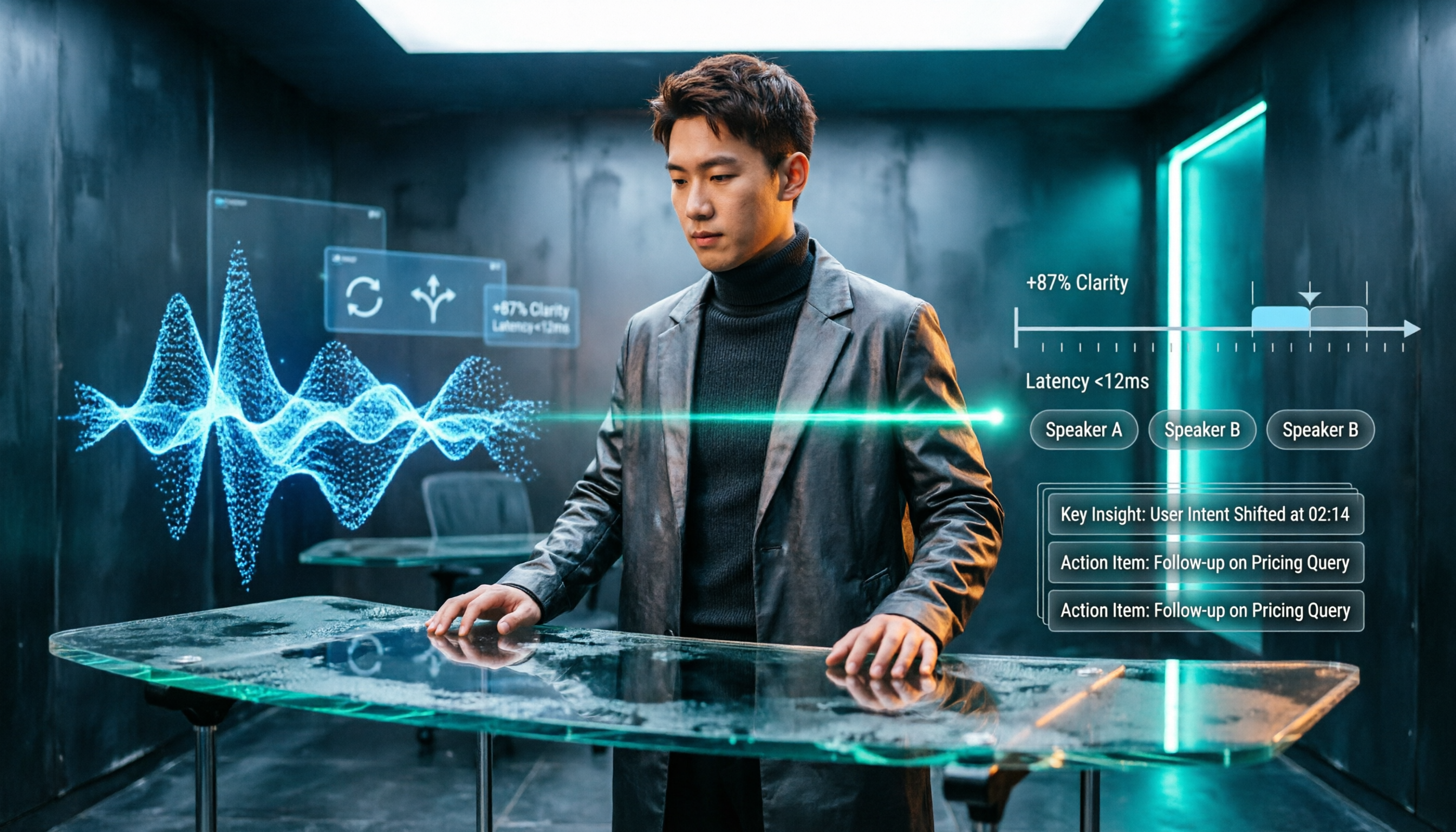
A transcript alone is like trading "listening for 60 minutes" for "reading for 60 minutes." What really saves time is summaries, chapters, action items, and AI Q&A that lets you ask questions directly about the meeting content.
3. Real-World Experience with Chinese and Mixed Chinese-English
Many tools perform well in English meetings but start dropping words when faced with Chinese, Taiwanese accents, or mixed Chinese-English product names. There's no shortcut here—you have to test with your own meeting audio.
4. Who Ultimately Holds the Data
Tools bought with personal accounts keep data in personal accounts. For long-term team use, you need to check for team spaces, member roles, seat management, and usage logs.
Note: This article is based on information published on each vendor's official pages around August 2026, plus my own usage scenario tests. It's not a lab-style timed competition.
Tinrec — Turning Meetings into Queryable Team Data
Tinrec is an AI meeting notes and collaboration tool for individuals and teams, available on iOS, Android, web, and desktop. It doesn't just convert audio to text—it organizes meetings into searchable, summarizable, queryable, and exportable data.
Bot-Free Recording That Still Captures Online Meetings
The desktop version directly captures your computer's system audio, so when handling online meetings like Zoom, Google Meet, Microsoft Teams, or Webex, you don't need to invite an extra meeting bot.
In practice: client meetings proceed as usual, no unfamiliar participant appears on screen, and the transcript is ready afterward. Note that this is "you actively open Tinrec to start recording," not automatic joining of all calendar meetings.
The Transcript Is Just the Beginning—Post-Meeting Is the Key
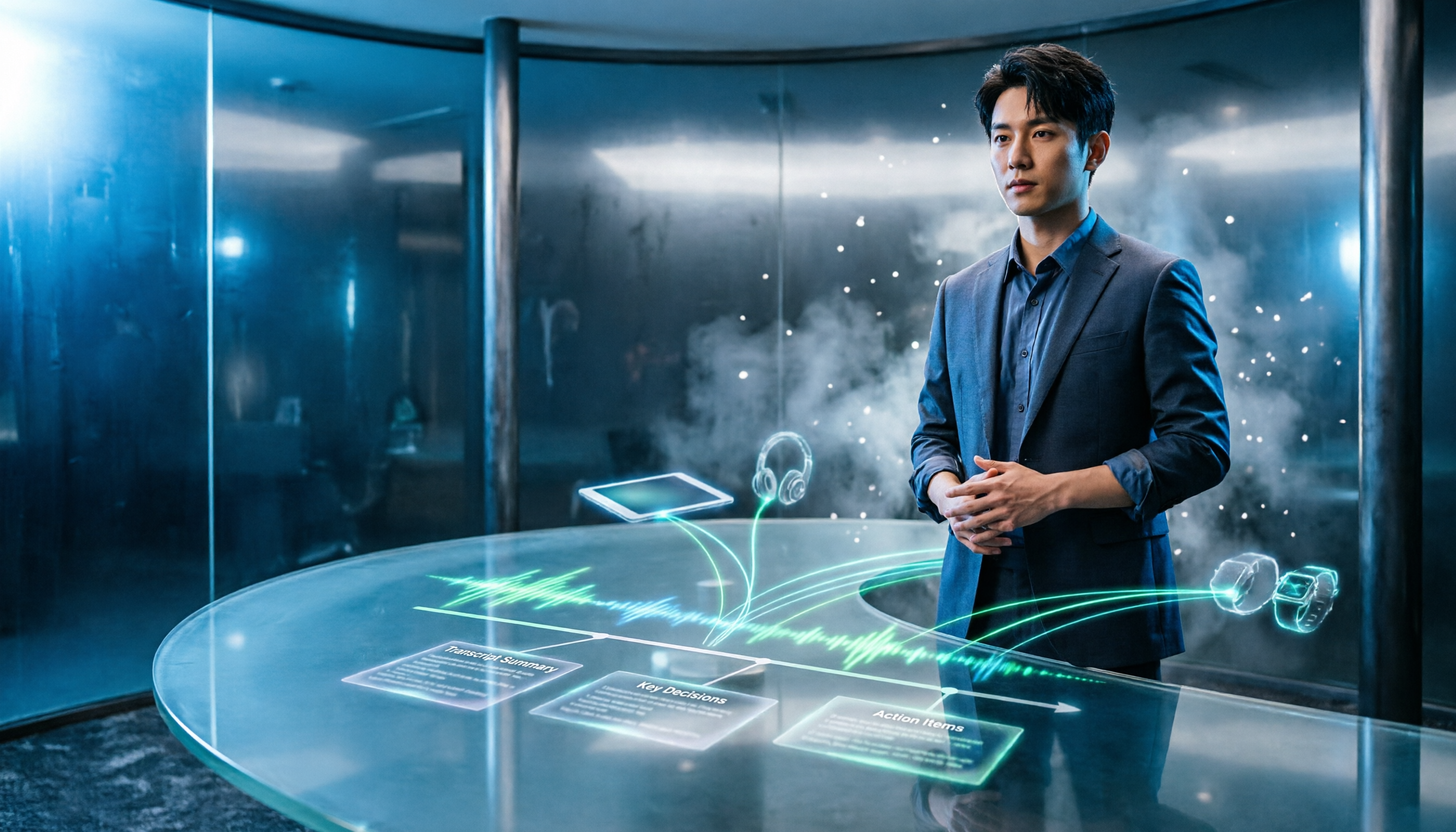
After the meeting, Tinrec automatically generates summaries, chapters, and action items. Who promised what and when it's due is listed directly, so you don't have to scan the transcript from the start.
Even better is AI Q&A. You can directly ask "What was the client's budget cap?" or "Which option did we decide on last meeting?" and it answers based on meaning, not just a bunch of keyword search results.
When you need to deliver, you can further generate reports, tables, documents, or mind maps, and export to Notion, Google Docs, OneNote, Dropbox, and other tools for further processing.
Stop organizing recordings by hand
Upload audio or video and automatically get a transcript, summary, and action items
Cross-Language Meetings and Team Knowledge Retention
During recording, you can view the original text, translation, or bilingual content in real time—practical for those with overseas clients or multinational teams. The team version also offers team hotwords, adding company-specific terms and product codes for more stable recognition.
The team version isn't "multiple people sharing one account"—it's an independent team space: meeting data belongs to the team, members can view and play back historical data; roles determine who can manage the team, and seats determine who can record, upload, edit, and export. Admins can also see usage trends, member rankings, and audit logs, and accidentally deleted audio can be recovered from the recycle bin.
Plans and Pricing
The personal version has a free tier to try, a weekly card for short-term intensive use, and Pro monthly and Pro annual cards for long-term stable use. Actual quotas and prices are subject to the official website.
The team version currently states: eligible teams can try free for 7 days with 1 free seat and 300 minutes of shared team import quota; monthly billing is USD 29.80 per paid seat per month, annual billing is USD 199 per paid seat per year (about USD 16.58 per month), with each paid seat providing 2,000 minutes of shared team import quota per month. Under an active team plan and active seats, real-time recording currently does not deduct minutes; file and web imports use the shared team quota.
Things to Note
First, the free version has usage limits, so heavy users will eventually need to pay. Second, the team version currently shares at the team level, not fine-grained file-level permissions. If your company requires "each meeting record visible only to specific people," you'll need to handle it through team segmentation for now. Third, transcription quality can be affected by recording environment, accents, and multiple people talking over each other—for important content, it's best to cross-check with audio playback.
Who It's For
Those who need Chinese meeting notes, don't want a bot in client meetings, want to use AI to find answers directly after meetings, or want to upgrade meetings from personal notes to team assets.
What Are the Alternatives to Tinrec?
Otter.ai: A mature English AI meeting assistant. Basic is free with 300 minutes per month; Pro annual is about USD 8.49 per user per month with 1,200 minutes per month. Teams with mostly English meetings will find it smooth, but Chinese meetings aren't its strong suit. Tinrec is closer to the Taiwanese usage context for Chinese and mixed Chinese-English, and real-time bilingual viewing.
Notta: Broad coverage for multilingual transcription and file import. Free is 120 minutes per month (3 minutes per session max); Pro annual is about USD 8.17 per month with 1,800 minutes per month; Business annual is about USD 16.67 per seat per month. If you mainly need bulk file transcription, it's sufficient. But bot-free capture of online meetings, post-meeting AI Q&A, and Agent post-processing are where Tinrec focuses more.
Granola: Also captures desktop audio without a bot. Basic is free; Business is about USD 14 per user per month; Enterprise is about USD 35 per user per month. Its strength is combining your handwritten notes with AI. Limitations: it doesn't support uploading pre-recorded audio files and doesn't save meeting audio. If you need to keep recordings, import existing files, do Chinese transcription, and export, Tinrec is more suitable.
Pitfall Guide: 3 Most Common Mistakes When Choosing Meeting Collaboration Tools
Pitfall 1: Thinking a transcript equals a record. No one ever reads a 60-minute transcript from start to finish. When buying a tool, look at summaries, chapters, action items, and Q&A—not "how many languages it supports."
Pitfall 2: Ignoring how meeting audio gets in. You only look at the feature list on the website, then discover the tool relies on a bot joining the meeting, which your clients don't allow. First confirm how it captures audio, then discuss everything else.
Pitfall 3: Putting team data in personal accounts. At first, everyone buys their own and records their own—it's easy. But when you need to hand over or look up a decision from three months ago, you find the data is in a departed colleague's account. If you have team needs, look into team spaces, seats, and auditing early.
Conclusion: Which One Should You Choose?
In one sentence: If you want to "have something to show right after the meeting" and your meetings are mainly in Chinese, Tinrec is currently the most hassle-free path.
- Chinese meetings, mixed Chinese-English, need bilingual transcripts → Tinrec
- Don't want a bot in client meetings → Tinrec (desktop captures system audio)
- Want to ask AI directly after meetings "What was the last decision?" → Tinrec (AI Q&A + Agent post-processing)
- Meeting data should be kept for the whole team, with seat and usage management → Tinrec Team version
- 90% of meetings are in English, zero budget → Otter.ai free version can hold you over
- Just need to convert a bunch of audio files to text → File transcription tools like Notta or TurboScribe
I recommend running a real meeting with the free version first to see how it performs with your accents, equipment, and meeting room environment. If it works for you, then consider upgrading—no need to pay upfront.
References
- 2026 Comparison of 5 Smart Meeting Collaboration Tools: How to Make Pre-Meeting Prep, In-Meeting Notes, and Post-Meeting Follow-Up as Effortless as Possible? - Tinrec Blog
- Event Recap | Zoom AI × Smart Meeting Spaces: A New Experience in Cross-Border Collaboration - Vision Technology
- Huawei Launches New Phantom Smart Real: From Immersive Experience to Intelligent Services - Business News
- Microsoft Teams Welcomes AI Meeting Assistant: Auto-Response and Notes Boost Collaboration Efficiency | Yam News
- Zoom Event Recap | Master the Latest AI Applications and Help Enterprises Take the First Step in AI Adoption - Vision Technology
Turn every recording into actionable outcomes
Get 60 free transcription minutes when you sign in. No credit card required.
Related Reading
You might also like

2026 Smart Meeting Collaboration Platforms Compared: How to Choose Between Tinrec, Notta, and Otter
In 2026, smart meeting collaboration platforms are no longer just about converting speech to text. This article examines the difference between 'meeting notes' and a 'team knowledge base,' comparing Tinrec, Notta, Otter.ai, Fireflies.ai, and Granola on meeting capture methods, post-meeting organization, team collaboration, and pricing. Using Tinrec as an example, it explains how bot-free recording, AI Q&A, and team spaces can reduce post-meeting organization time.

2026 Review: 5 AI Meeting Collaboration Platforms Compared — Chinese Transcription and Team Collaboration Insights from Dcard
Dcard has many discussions about meeting notes tools, but most people get stuck not on 'which one has the most features' but on 'which one fits my meeting style.' This article verifies Tinrec, Otter.ai, Fireflies.ai, Notta, and Granola item by item based on official data — meeting audio sources, post-meeting outputs, team capabilities, and pricing quotas — and includes test conditions you can verify yourself, helping you make a choice you won't regret in 2026.

2026 Smart Meeting Collaboration Tools Buying Guide: Free Tier Comparison of 5 Tools and Selection Advice
Is the free version enough? This article compares the free tiers, registration requirements, and key features of five smart meeting collaboration tools: Tinrec, Otter.ai, Fireflies.ai, Notta, and Granola. It highlights three common pricing traps—minutes, per-meeting length, and file count—to help you choose the right tool without spending money.
2026 Smart Meeting Collaboration Platform Buying Guide: PTT's 4 Most Discussed Tools Tested and Reviewed
Incomplete meeting notes are often not a typing speed problem but a workflow problem. This guide starts with three common misconceptions, outlines four key factors for choosing a smart meeting collaboration platform, tests and compares Tinrec, Otter.ai, Notta, and Granola in terms of positioning, limitations, and pricing, and concludes with selection advice based on use cases.

How Many Words Per Minute Is a Normal Speaking Rate in 2026? 5 Steps to Estimate and Organize Transcripts with Tinrec
A typical Chinese meeting speaking rate is about 180–220 characters per minute, daily conversation about 160–200, and English about 130–150 words per minute. This article walks you through 5 steps to estimate transcript length and explains how Tinrec turns recordings into searchable, summarizable, actionable meeting data.
5 Audio-to-Text Tools Tested and Compared in 2026: Can ChatGPT Actually Do It?
Can ChatGPT transcribe audio to text in 2026? Yes, but the 25MB file limit, lack of speaker labels, and plain text output are real pitfalls. This article compares the features, pricing, and limitations of five tools: ChatGPT, Tinrec, Notta, Otter.ai, and TurboScribe, and offers selection advice based on recording length, language, and team needs. Data verified as of August 2026.

4 Transcription Tools Compared for 2026: How Long Does Yating Take, and How Are Credits Calculated?
The question "How long does Yating take?" actually involves three different timelines: transcription processing time, how long your credits last, and how long post-meeting cleanup takes. This article verifies Yating's free credits and hourly pricing against public information, and compares Good Tape, TurboScribe, and Tinrec on meeting notes, AI summaries, and team collaboration to help you choose the right tool for your situation.

2026 AI Meeting Notes Tools Compared: Tinrec vs. Notta — Which Is Faster?
Many people think meeting notes require typing every word, but that leads to frantic scribbling during the meeting and confusion afterward. This article addresses common misconceptions and compares Tinrec and Notta on meeting capture, post-meeting organization, Chinese translation, team governance, and pricing limits to help you find a faster workflow for completing meeting notes.

3 iPhone Recording-to-Transcript Methods Tested and Compared in 2026: Getting Text Alone Isn't Enough
The built-in Voice Memos app on iPhone can already turn recordings into transcripts, but most people still have to listen to the recording again after getting the text. Starting from the most common misconception, this article breaks down the three-stage process of "capture, transcription, and organization/reuse," explains how to turn iPhone recordings into searchable, queryable, and actionable meeting materials, and summarizes 5 key points for choosing a tool plus frequently asked questions.