

Turn recordings into transcripts and summaries in minutes
Upload audio or video for multilingual transcription, AI notes, and action items
How Many Words Per Minute Is a Normal Speaking Rate in 2026? 5 Steps to Estimate and Organize Transcripts with Tinrec
Many people assume "150 words per minute" is a universal rule, so when they estimate a 60-minute meeting, they expect only 9,000 words—but actual transcripts often exceed 10,000 words. The problem isn't your math; it's that you're mixing up the speaking rates of daily conversation, meeting presentations, and formal speeches.
Here's the bottom line: a typical Chinese meeting runs about 180–220 characters per minute, daily conversation about 160–200, and English about 130–150 words per minute. Rather than memorizing a magic number, estimate with a range and then use tools to handle the downstream organization.
How Many Words Per Minute Is a Normal Speaking Rate? Look at the Context First, Don't Rely on a Single Number
Different sources give slightly different answers to "how many words per minute" because the contexts differ. Here are ranges that are more suitable for estimation:
| Context | Words per minute | Approximate words in 60 minutes |
|---|---|---|
| Chinese daily conversation | 160–200 | 9,600–12,000 |
| Chinese general meeting / news broadcast | 180–220 | 10,800–13,200 |
| Chinese formal speech (general estimate) | about 150+ | about 9,000+ |
| English conversation / meeting | 130–150 | 7,800–9,000 |
Some sources mention 240–360 words per minute, but that usually refers to extremely fast speech or a different definition and is not suitable for directly estimating meeting transcripts. In practice, a 60-minute Chinese meeting transcript is roughly 10,000 to 13,000 words; without AI summarization, manual reading and organizing could take 1–2 hours.
If you just want a quick estimate, I'd use these 5 steps:
- Identify the context: daily conversation, general meeting, or formal speech.
- Choose a speaking rate range: for Chinese meetings, start with 180–220 characters per minute.
- Multiply by time: 60 minutes gives 10,800–13,200 characters.
- Allow a buffer: spoken language includes repetitions, filler words, and interruptions, so don't use an exact number.
- Use a tool to transcribe and organize: hand the recording to Tinrec to directly produce transcripts, summaries, and action items.
Why Are People Looking for Notta Alternatives?
When you realize a single meeting is 10,000 words, many people start looking for transcription tools. Notta is a common option, strong in multi-platform transcription, file import, translation, and team plans. However, if what matters to you is "no bot joining the meeting," "can ask AI directly after the meeting," and "meeting data stays in the team space," you'll start looking for alternatives to Notta. Tinrec is a tool designed for this workflow: from recording, transcription, summarization, Q&A to team knowledge retention, all in one workflow as much as possible.
Tinrec vs Notta: What Are the Core Experience Differences?
Meeting capture method
If you don't want a bot account joining your meeting, the capture method is the first thing to consider. Tinrec desktop version directly captures computer system audio and can handle online meetings on Zoom, Google Meet, Microsoft Teams, Webex, etc., without needing an extra bot as a participant. Notta also supports meeting and file transcription, but if you want "open the desktop app and start recording," Tinrec's process is more direct.
Depth of post-meeting organization
Just getting a transcript usually means you still have to highlight key points yourself. Tinrec automatically generates summaries, chapters, and action items, and can also conduct AI Q&A around the meeting content, such as asking "What are the conclusions?" or "Who is responsible for what?" Notta also has summarization and translation capabilities; Tinrec's difference lies in connecting Q&A, action items, and Agent post-processing into a single post-meeting workflow.
Team governance approach
A team plan can't just be "multiple people sharing one account." Tinrec separates roles and seats: roles determine who can manage the team, members, and audits; seats determine who can record, upload, edit, and export. Active members without a seat can still view, play, and read team data. Notta Business also provides role permissions and usage reports; Tinrec additionally emphasizes team hotwords, audio recycle bin, and operation audit logs.
Chinese and cross-language meetings
If your meetings are primarily in Traditional Chinese, interface and terminology management will affect long-term user experience. Tinrec supports Chinese, Traditional Chinese, and multilingual meetings, with real-time translation and viewing in original, translated, or bilingual mode, and teams can maintain common hotwords. Notta's multilingual capabilities are also strong; Tinrec's advantage is putting Chinese meetings, post-meeting Q&A, and team data in one space.
Overview of Tinrec's Core Features
Real-time audio to text
Open Tinrec to record and transcribe simultaneously, seeing the text as the meeting progresses. Suitable for offline meetings, interviews, and classes; the transcript is ready as soon as you finish, no need to wait for file upload and conversion.
Stop organizing recordings by hand
Upload audio or video and automatically get a transcript, summary, and action items
Bot-free online meeting recording
The desktop version records online meetings via system audio without pulling a bot into the meeting. It's less intrusive both internally and externally, and participants won't see an extra attendee account.
AI summaries, chapters, and action items
Long meetings are automatically broken into chapters, key points organized, and action items extracted from discussions. You don't need to read a 10,000-word transcript from start to finish; just look at the summary and chapters to grasp the whole picture.
AI Q&A and real-time translation
You can continue asking questions about a single meeting or across multiple meetings, such as "What does the client care about?" or "What are the risks of this decision?" For cross-language meetings, you can switch between original, translated, or bilingual views, reducing back-and-forth translation time.
Export and Agent post-processing
Meeting results can be exported to Notion, Google Docs, OneNote, Dropbox, etc., and Agents can generate reports, tables, and meeting minutes. The point is not to keep text in the tool, but to bring it back to your original workflow.
Team space and member management
Tinrec for Teams provides an independent team space where meeting data belongs to the team. Administrators can invite members, assign seats, view usage trends, and audit operations; when a member leaves or loses a seat, their team resources can be handed over to other active members.
Practical Use Cases
Weekly project meetings
Participants don't need to scramble to take notes; after the meeting, they can directly view summaries and action items. Tinrec puts recording, transcript, summary, and action items on the same page, so when you need to check last week's decisions before the next meeting, you don't have to scroll through chat logs.
Customer interviews and requirements meetings
Customers speak quickly and information is scattered; after the meeting, you can use AI Q&A to find "budget," "decision-maker," "main objections," and then export as an interview record. For sales and customer success teams, this is much more efficient than re-listening to an hour-long recording.
Courses and lectures
A 1-hour course is about 9,000–13,000 words; reviewing with chapters and summaries is much faster than playing from the beginning. If the course mixes Chinese and English, you can also use bilingual view to confirm technical terms.
Cross-language meetings
Real-time translation lets you understand the gist during the meeting, and after the meeting, use summaries to capture key points. Team hotwords can maintain product names, project codes, and technical terms, reducing recognition gaps.
Things to Consider When Choosing an Audio-to-Text Tool
Don't just look at free minutes
Free quotas usually have limits on single-session length, file import, or team sharing. Tinrec's free version provides basic quota; team plans calculate based on team shared import minutes, and real-time recording is currently not deducted by minutes under active team plans and seats. Actual benefits are subject to the plan page.
Confirm the meeting capture method
Does it require a bot to join the meeting? Tinrec desktop uses system audio capture without a bot; but you need to actively start recording, it doesn't automatically join all calendar meetings. Clarify this first to avoid wrong expectations.
Post-meeting output is more important than transcription
Just looking at the transcript is not enough. When choosing a tool, check for summaries, chapters, action items, AI Q&A, and multi-format export. Tinrec puts these in one workflow; rather than saving a little on transcription fees, save time on post-meeting organization.
Team permissions: distinguish roles and seats
Roles govern management, seats govern usage—these are two different things. Active members in Tinrec team plans can view team data, but without a seat they cannot record, upload, edit, or export. It is currently team-level sharing, not file-level or member-level granular permissions.
Data retention and recycle bin
Whether team audio can be recovered after deletion is a very practical question. Tinrec's team audio recycle bin currently retains for 30 days; action items are not included in the recycle bin scope; team dissolution and permanent cleanup also have data lifecycles. Ask clearly before purchasing; it's cheaper than remedying later.
Don't just look at monthly fees
Tinrec team plans are priced per paid seat: annual payment USD 199 per paid seat, equivalent to about USD 16.58 per month; each paid seat provides 2,000 minutes of team shared import quota per month. The first eligible team trial is 7 days, 1 free seat, and 300 minutes of team shared import quota.
Conclusion: Is Tinrec Worth a Try?
Back to the original question: how many words per minute is a normal speaking rate? Chinese daily conversation is about 160–200 characters, general meetings about 180–220, and English about 130–150 words per minute. Rather than memorizing a number, estimate with a range: a 60-minute Chinese meeting is 10,000 to 13,000 words.
That's why you need more than just a recording tool—you need a tool that can turn transcripts into summaries, action items, and team data. Tinrec's strengths are bot-free online meeting recording, real-time transcription, AI Q&A, and team space; if you often hold meetings in Traditional Chinese and don't want to manually organize afterward, I recommend running your own meeting recording through the free quota first to see if the transcript and summary fit your workflow.
Data references: 秒聽錄音 Blog "How Many Words Per Minute Is a Normal Speaking Rate? 2025 Audio-to-Text Tool Testing and Selection Guide"; Speechify "Interactive Speech Time Calculator"; 早安樂活 "Speaking Speed Reflects Personality! Discover Your Potential Personality from Your Speaking Rate in 1 Minute"; JB 女生風格配件 "How Many Words Per Minute Is Good? Master the Art of Speaking Rate".
References
- How Many Words Per Minute Is a Normal Speaking Rate? 2025 Audio-to-Text Tool Testing and Selection Guide - 秒聽錄音Blog
- Interactive Speech Time Calculator | Speechify
- Speaking Speed Reflects Personality! Discover Your Potential Personality from Your Speaking Rate in 1 Minute, Try It and See If It's Accurate | 早安樂活
- How Many Words Per Minute Is Good? Master the Art of Speaking Rate - JB女生風格配件
- What Is a Normal Speaking Rate? How Many Words Per Minute? What About During a Speech? - Baidu Zhidao
Turn every recording into actionable outcomes
Get 60 free transcription minutes when you sign in. No credit card required.
Related Reading
You might also like

5 Audio-to-Text Tools Tested and Compared in 2026: Can ChatGPT Actually Do It?
Can ChatGPT transcribe audio to text in 2026? Yes, but the 25MB file limit, lack of speaker labels, and plain text output are real pitfalls. This article compares the features, pricing, and limitations of five tools: ChatGPT, Tinrec, Notta, Otter.ai, and TurboScribe, and offers selection advice based on recording length, language, and team needs. Data verified as of August 2026.

4 Transcription Tools Compared for 2026: How Long Does Yating Take, and How Are Credits Calculated?
The question "How long does Yating take?" actually involves three different timelines: transcription processing time, how long your credits last, and how long post-meeting cleanup takes. This article verifies Yating's free credits and hourly pricing against public information, and compares Good Tape, TurboScribe, and Tinrec on meeting notes, AI summaries, and team collaboration to help you choose the right tool for your situation.

2026 AI Meeting Notes Tools Compared: Tinrec vs. Notta — Which Is Faster?
Many people think meeting notes require typing every word, but that leads to frantic scribbling during the meeting and confusion afterward. This article addresses common misconceptions and compares Tinrec and Notta on meeting capture, post-meeting organization, Chinese translation, team governance, and pricing limits to help you find a faster workflow for completing meeting notes.

3 iPhone Recording-to-Transcript Methods Tested and Compared in 2026: Getting Text Alone Isn't Enough
The built-in Voice Memos app on iPhone can already turn recordings into transcripts, but most people still have to listen to the recording again after getting the text. Starting from the most common misconception, this article breaks down the three-stage process of "capture, transcription, and organization/reuse," explains how to turn iPhone recordings into searchable, queryable, and actionable meeting materials, and summarizes 5 key points for choosing a tool plus frequently asked questions.

What Is Speech to Text in 2026? Feature Comparison from Transcripts to Meeting Summaries
Speech to Text is more than just turning audio into text. This article explains STT principles in plain language, the 4 key factors for choosing a tool, Tinrec's meeting notes and team collaboration workflow, and compares alternatives like Granola, TurboScribe, and PLAUD to help you go from transcripts to searchable, actionable meeting data.

6 Best Audio Transcription Tools for 2026: Encryption, Deletion Policies, and Team Permissions Explained
Before you search "is Transcribe safe," understand what happens to an audio recording from upload to deletion. This guide uses four security questions to compare six transcription tools on encryption, file retention, team permissions, and pricing—so you can pick the one that fits your workflow.
How to Change Fonts in iPhone Notes (2026): 5-Step Guide
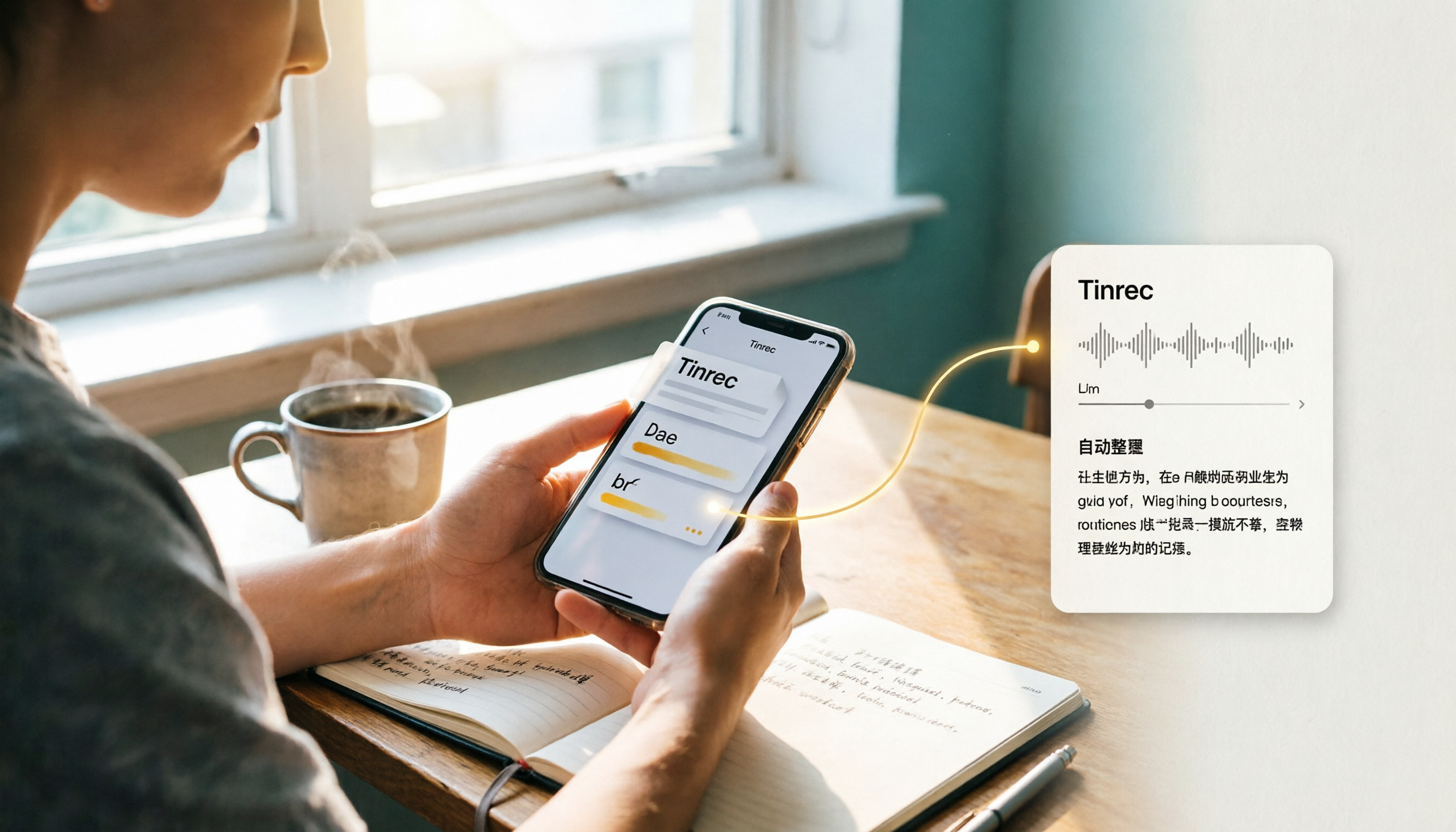
iPhone Notes doesn't let you change fonts, but bold, italic, heading styles, and iOS 18 text colors are enough. This guide walks you through 5 steps to change text styles and colors, explains that font size can only be adjusted via system settings, and compares Notion, Evernote, and Tinrec for different note-taking needs.

Best Transcription Tools of 2026: We Tested 4, and This One Is the Most Effortless for Chinese Meetings
What does "verbatim transcript" mean? This article first breaks down the three most common misconceptions and the true definition of a transcript, then compares four tools—Tinrec, Notta, Otter.ai, and Granola—from four angles: Chinese recognition, post-meeting organization, meeting recording methods, and team data ownership. It also summarizes four key pitfalls to avoid when purchasing.
2026 Comparison of 6 Transcription Options: How Much Does Transcription Cost Per Word? Rate Conversion and Use Cases
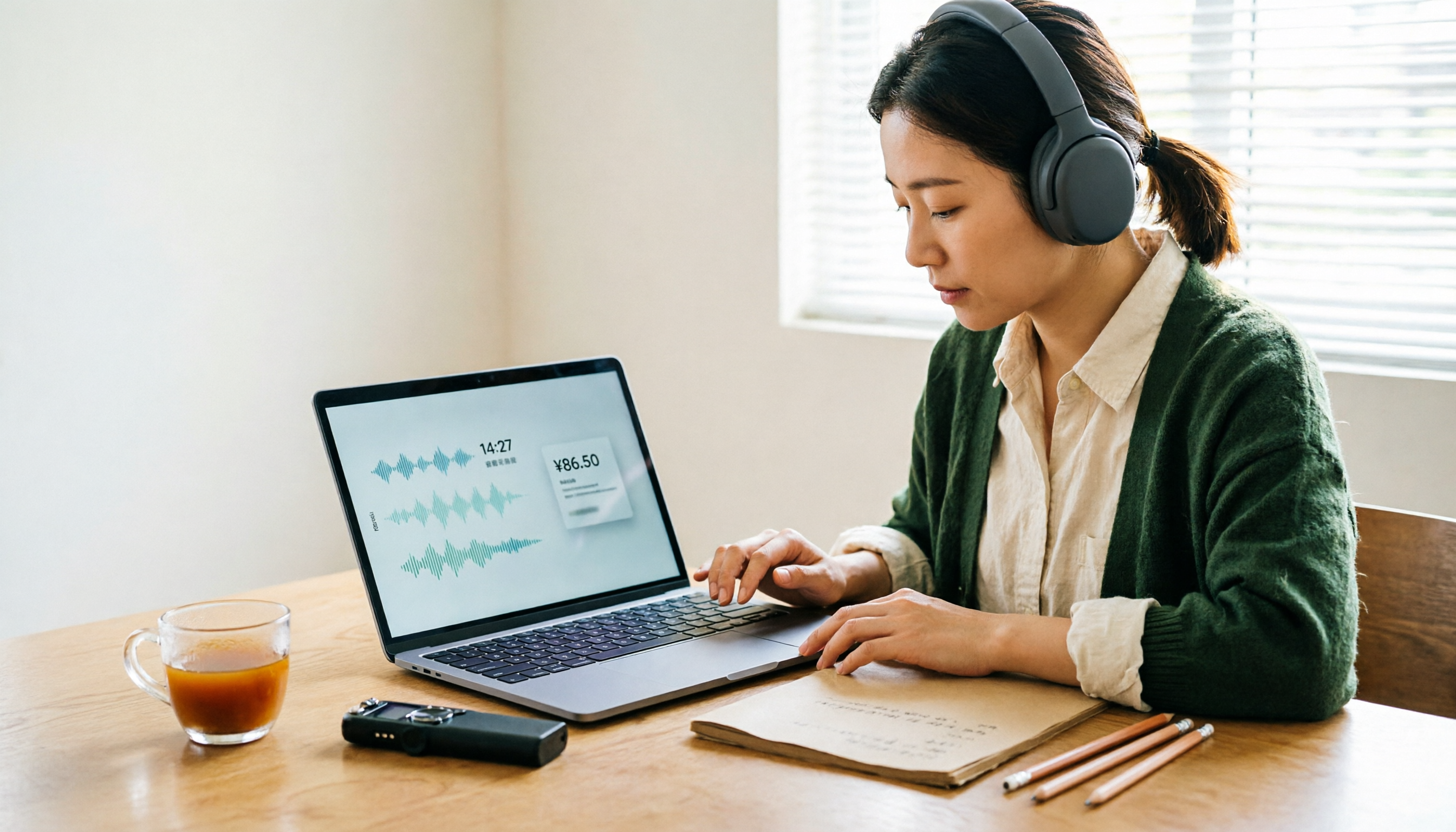
Transcription is rarely priced per word—human transcription is usually quoted per minute of audio, while AI tools use subscription minutes. This article converts three pricing methods into cost per word, compiles 2026 human transcription rates, and compares the plans and quotas of Tinrec, Otter.ai, Notta, TurboScribe, and Granola to help you choose the right approach based on budget and turnaround time.