
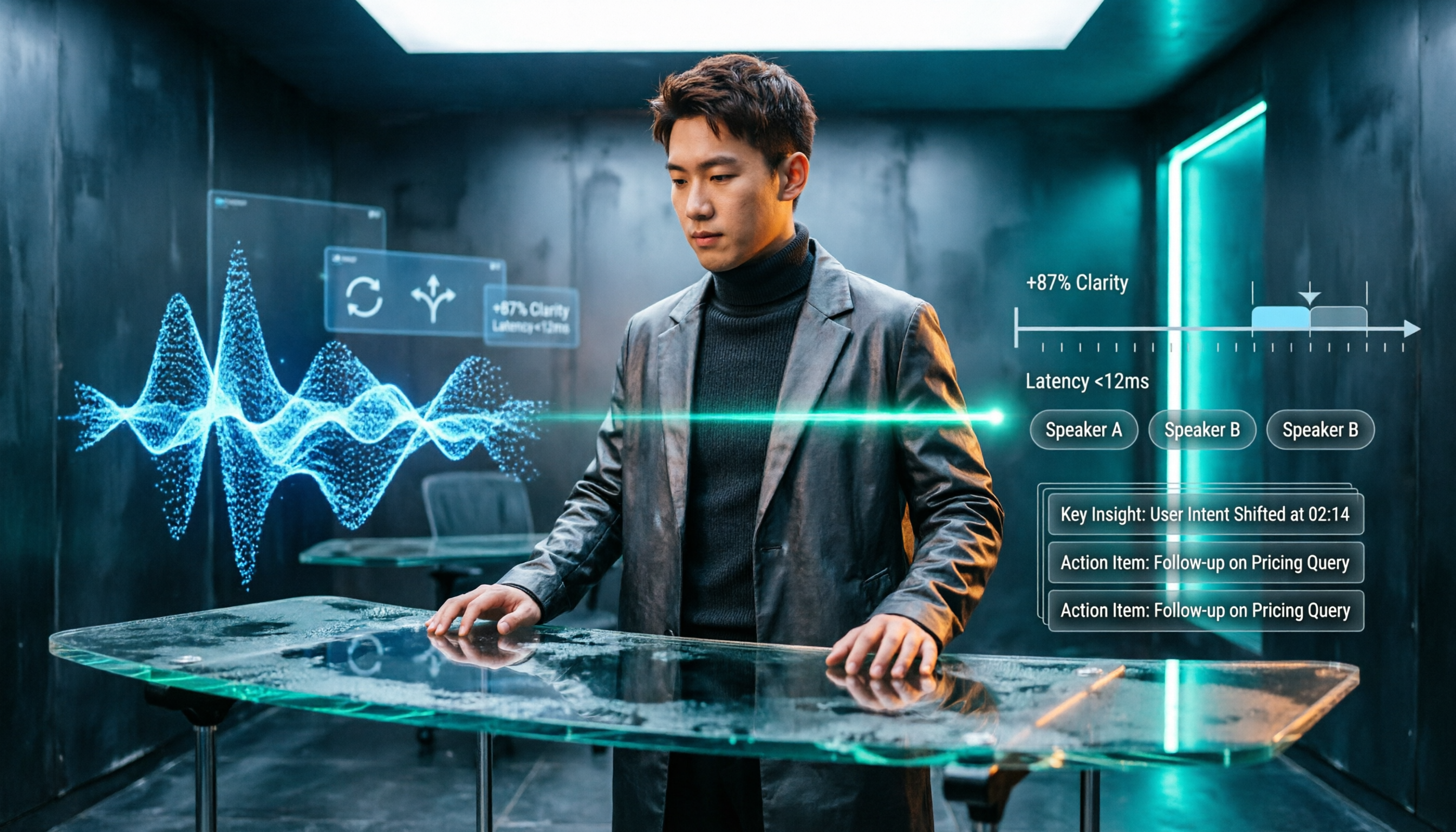
Turn recordings into transcripts and summaries in minutes
Upload audio or video for multilingual transcription, AI notes, and action items
5 Audio-to-Text Tools Tested and Compared in 2026: Can ChatGPT Actually Do It?
Most people start like this: open ChatGPT, drag in a meeting recording, and expect a transcript to appear.
In practice, you'll usually run into three issues: the file is too large to upload, the output is in Simplified Chinese, and you get a long block of plain text with no paragraphs or speaker labels.
This isn't a broken tool—it's a misunderstanding of the division of labor between general AI chat tools and dedicated transcription tools.
This article reviews five audio-to-text solutions most commonly considered by office workers in Taiwan: ChatGPT, Tinrec, Notta, Otter.ai, and TurboScribe. We compare how to upload audio, what you get after transcription, how much it costs, and the most overlooked limitations.
After reading, you should be able to determine which tool suits your recording length, language, and intended use.
(Data verified as of August 2026; prices and plans are subject to each tool's official page.)
Table of Contents
- ChatGPT: It can transcribe, but the conditions are in the details
- Tinrec: Meeting materials ready to use right after transcription
- Notta: Focused on multilingual transcription and translation
- Otter.ai: A mature choice for English business meetings
- TurboScribe: A cost-effective choice for long files and batch transcription
- Comparison of 5 tools: features, pricing, and limitations
- How to choose based on your needs
- FAQ
1. ChatGPT: It can transcribe, but the conditions are in the details
Best for: People who already have a subscription, occasionally transcribe recordings under 20 minutes, and want to ask AI to summarize or rewrite afterward.
In 2026, ChatGPT handles audio files in three common ways: real-time voice dictation (available on all plans, including free), ChatGPT Record on macOS desktop (Plus, Pro, Enterprise), and the Whisper API (you need to apply for a key and upload the audio to the transcription endpoint).
Cost: Free plan includes real-time voice dictation; Plus is about NT$640 per month according to source data, but check the official page for actual pricing.
The advantages are clear: No need to install another tool. The transcribed content stays in the same conversation, so you can directly instruct it to "summarize into 5 points" or "list action items."
The limitations are where most people get stuck:
- File size limit of 25MB. A 60-minute MP3 at 128kbps is about 57.6MB—more than twice the limit—so you must split it first.
- Output is usually a long block of plain text with no paragraphs or timestamps.
- None of the three methods can directly produce multi-speaker transcripts with speaker labels.
- You must specify the language; write "Please output in Traditional Chinese" in the prompt, or you might get Simplified Chinese or English.
- ChatGPT Record is currently macOS only.
One more point easily misled by older articles: some say "ChatGPT cannot read audio files at all," which reflects the state before 2025; conversely, some articles make the features sound too smooth, ignoring plan and device differences. Whether you can upload and how large a file you can process depends on account permissions, version, and usage limits.
Honestly, if you have weekly meeting recordings, the time spent splitting files and writing prompts may well exceed the transcription time itself.
2. Tinrec: Meeting materials ready to use right after transcription
One-line positioning: An AI meeting notes and collaboration tool that turns meetings into searchable, collaborative, and traceable data.
Best for: People who have regular online or offline meetings and client interviews every week and need to keep historical recordings for team reference.
Key feature and a specific use case: The desktop version directly captures computer system audio, handling Zoom, Google Meet, Microsoft Teams, and Webex meetings without inviting a separate meeting bot. After recording, it automatically generates transcripts, summaries, chapters, and action items, and you can continue asking questions about the meeting content. For office workers who need to write meeting minutes afterward, what's saved is actually organizing time.
Pricing (verified August 2026): Personal plans include Free, Weekly Pass, Pro Monthly, and Pro Annual; Team plan is USD 29.80 per paid seat per month, or USD 199 per paid seat per year (about USD 16.58 per month). Eligible first-time users can try 7 days with 1 free seat and 300 minutes of shared team import quota; each paid seat provides 2,000 minutes of shared import quota per month, and real-time recording under an active plan is not deducted by minute. Actual amounts and plans are subject to the official purchase page.
A substantiated advantage: The output is not just a transcript but summaries, action items, and queryable meeting data, and it can be exported to Notion, Google Docs, OneNote, and other tools for further processing.
A limitation: Its strength is meeting notes and post-meeting organization, not batch transcription of dozens of long files at once—TurboScribe is better for that. Also, Chinese transcription quality is affected by recording quality, accents, overlapping speakers, and proper nouns; the official does not promise a fixed accuracy rate.
Team plan note: Meeting data belongs to the team, and you can manage members, roles, and seats; members without a seat can still view and play data but cannot upload, edit, or export.
3. Notta: Focused on multilingual transcription and translation
One-line positioning: A cross-device AI transcription tool with language support and translation as its main selling points.
Best for: People who encounter Japanese, English, or mixed-language recordings and need subtitles and translation.
Pricing (verified August 2026, subject to official pricing page): Free: 120 minutes per month, max 3 minutes per item; Pro annual billing about USD 8.17 per month, 1,800 minutes per month; Business annual billing about USD 16.67 per seat per month, offering unlimited transcription, role permissions, and usage reports.
Stop organizing recordings by hand
Upload audio or video and automatically get a transcript, summary, and action items
Advantages: The free plan lets you try it out, broad language coverage, helpful for international meetings or foreign language courses.
Limitations: Free plan only 3 minutes per item, so you almost certainly need to pay to organize a formal meeting; the focus is on transcription and translation, not post-meeting team data retention.
4. Otter.ai: A mature choice for English business meetings
One-line positioning: A mature AI meeting assistant with long-standing meeting integration and team automation.
Best for: Teams that mainly hold English meetings and need a meeting bot, speaker identification, meeting analytics, and various integrations.
Pricing (verified August 2026, subject to official pricing page): Basic free, 300 minutes per month; Pro annual billing about USD 8.49 per user per month, including 1,200 minutes of in-app recording per month and 10 file imports; Business offers unlimited meetings and in-app recording, more imports, and management capabilities; pricing may be affected by promotions.
Advantages: Meeting platform integration, English transcripts, and post-meeting analytics are quite mature.
Limitations: Chinese meetings and Chinese team data retention are not its strong suit. Also, Otter now offers desktop capabilities, not just a meeting bot—this is often misreported in comparisons.
5. TurboScribe: A cost-effective choice for long files and batch transcription
One-line positioning: A high-value file transcription tool specializing in long audio files and batch uploads.
Best for: People with a pile of historical recordings and course audio to transcribe at once, who don't need real-time meeting recording.
Pricing (verified August 2026, subject to official pricing page): Free: 3 files per day, max 30 minutes per file; Unlimited annual billing USD 120, about USD 10 per month; paid version supports up to 10 hours or 5GB per file and 50 files per upload.
Advantages: For the same budget, the most generous file length and quantity limits.
Limitations: Geared toward file transcription, subtitles, and translation; lacks real-time meeting recording, team spaces, and post-meeting collaboration.
Comparison of 5 Audio-to-Text Tools: Features, Pricing, and Limitations
| Tool | Best for | Key features | Pricing or free quota (verified August 2026) | Main limitations |
|---|---|---|---|---|
| ChatGPT | Occasional short recordings, want AI to organize afterward | Real-time voice dictation, macOS Record, Whisper API | Free plan includes voice dictation; Plus about NT$640 per month according to source | 25MB limit, no speaker labels, mostly plain text output, must specify language |
| Tinrec | Weekly meetings, interviews, team-shared meeting data | Bot-free online meeting recording, transcripts, summaries, chapters, action items, AI Q&A, translation, multi-format export | Personal: Free/Weekly Pass/Pro Monthly/Annual; Team: USD 29.80/seat/month, USD 199/seat/year | Positioned for meeting notes and collaboration, not bulk batch file transcription |
| Notta | Multilingual meetings, subtitles, and translation | Cross-device transcription, translation, summaries, team plans | Free 120 min/month (3 min per item); Pro about USD 8.17/month | Free quota too short per item; team data retention not the focus |
| Otter.ai | English business meetings, meeting automation | Meeting notes, speaker identification, AI Chat, team management | Free 300 min/month; Pro about USD 8.49/user/month | Not strong for Chinese scenarios |
| TurboScribe | Large volumes of long audio, batch transcription | Long file transcription, subtitles, translation, batch upload | Free 3 files/day (30 min per file); Unlimited annual USD 120 | No real-time meeting recording or team collaboration |
How to Choose Based on Your Needs
- Only transcribe one recording a week, just want text quickly: ChatGPT. Reason: free plan includes voice dictation, and you can directly instruct it to organize afterward, provided the length is under 25MB.
- Weekly Chinese meetings, need to submit minutes afterward: Tinrec. Reason: bot-free recording plus summaries, action items, and AI Q&A handle the "organize after transcription" part together.
- Team needs to share historical meeting data and manage member permissions: Tinrec Team plan. Reason: team space, roles, and seats are managed separately, and data stays even when members leave.
- Often handle foreign language recordings and subtitles: Notta. Reason: comprehensive language support and translation, free plan available to try.
- Team mainly holds English meetings and needs meeting automation: Otter.ai. Reason: mature meeting integration and post-meeting analytics.
- A pile of long audio files to transcribe at once, limited budget: TurboScribe. Reason: most generous file length and batch quantity limits.
FAQ
Can ChatGPT free version transcribe audio to text?
Yes, but only "real-time voice dictation": turn on the microphone icon and speak, and text appears in the conversation in real time. To process pre-recorded audio files, you typically need macOS Record or the Whisper API, with conditions depending on plan and device.
Does ChatGPT transcription have a file size limit?
Yes, the common limit is 25MB. A one-hour MP3 at 128kbps is about 57.6MB, so you need to split or compress it first.
Why does ChatGPT output Simplified Chinese?
It doesn't assume you want Traditional Chinese. When uploading, directly write "The main language of the audio is Chinese, please output in Traditional Chinese" and include the correct spelling of names, company names, and product names; the results will be much more stable.
What if a multi-person meeting has no speaker labels?
This is a common weakness of general-purpose tools. You can ask the AI to mark "needs confirmation" where unclear and not guess, then manually proofread; if you frequently need to distinguish speakers, consider a dedicated tool with speaker identification and team organization.
Can I request action items while transcribing?
Yes. A common prompt is: first output the complete transcript without adding content you didn't hear clearly, then list 3–5 key points and action items (with owners and deadlines), and mark uncertain areas with reminders.
What should I pay attention to when transcribing recordings?
Recording and transcription involve personal data and privacy; depending on local regulations, you may need consent from participants. Also, manually verify important numbers and commitments in the output; don't treat it as the final record directly.
Conclusion
Before choosing a tool, first look at how long your recording is, what language it's in, and what you'll do with the transcript.
ChatGPT is suitable for "occasionally transcribing a segment and asking AI to organize it"; if you need to produce minutes regularly every week or even share meeting data with your team, a dedicated tool will save organizing time, not just transcription time.
We recommend trying a recording you most commonly encounter before deciding whether to pay. Data verified as of August 2026; features and prices may change, so refer to official pages for actual details.
References
- Audio to Text: Did You Choose the Right Tool? | Jun's Salon
- Can ChatGPT Transcribe Audio? 3 Methods and Real Limitations (2026)
- Recording to Text Often Fails? Throw the Audio File to ChatGPT and Get Transcripts and Action Items in One Go | Manager Today
- Can ChatGPT Transcribe Audio? 2026 Recording-to-Text Tool Review and Selection Guide - Tinrec Blog
- Latest 2026: Solutions for ChatGPT Unable to Transcribe Speech and 3 Recommended Tools | AI Transcription Service - Mr. Transcription
Turn every recording into actionable outcomes
Get 60 free transcription minutes when you sign in. No credit card required.
Related Reading
You might also like

How Many Words Per Minute Is a Normal Speaking Rate in 2026? 5 Steps to Estimate and Organize Transcripts with Tinrec
A typical Chinese meeting speaking rate is about 180–220 characters per minute, daily conversation about 160–200, and English about 130–150 words per minute. This article walks you through 5 steps to estimate transcript length and explains how Tinrec turns recordings into searchable, summarizable, actionable meeting data.

4 Transcription Tools Compared for 2026: How Long Does Yating Take, and How Are Credits Calculated?
The question "How long does Yating take?" actually involves three different timelines: transcription processing time, how long your credits last, and how long post-meeting cleanup takes. This article verifies Yating's free credits and hourly pricing against public information, and compares Good Tape, TurboScribe, and Tinrec on meeting notes, AI summaries, and team collaboration to help you choose the right tool for your situation.

2026 AI Meeting Notes Tools Compared: Tinrec vs. Notta — Which Is Faster?
Many people think meeting notes require typing every word, but that leads to frantic scribbling during the meeting and confusion afterward. This article addresses common misconceptions and compares Tinrec and Notta on meeting capture, post-meeting organization, Chinese translation, team governance, and pricing limits to help you find a faster workflow for completing meeting notes.

3 iPhone Recording-to-Transcript Methods Tested and Compared in 2026: Getting Text Alone Isn't Enough
The built-in Voice Memos app on iPhone can already turn recordings into transcripts, but most people still have to listen to the recording again after getting the text. Starting from the most common misconception, this article breaks down the three-stage process of "capture, transcription, and organization/reuse," explains how to turn iPhone recordings into searchable, queryable, and actionable meeting materials, and summarizes 5 key points for choosing a tool plus frequently asked questions.
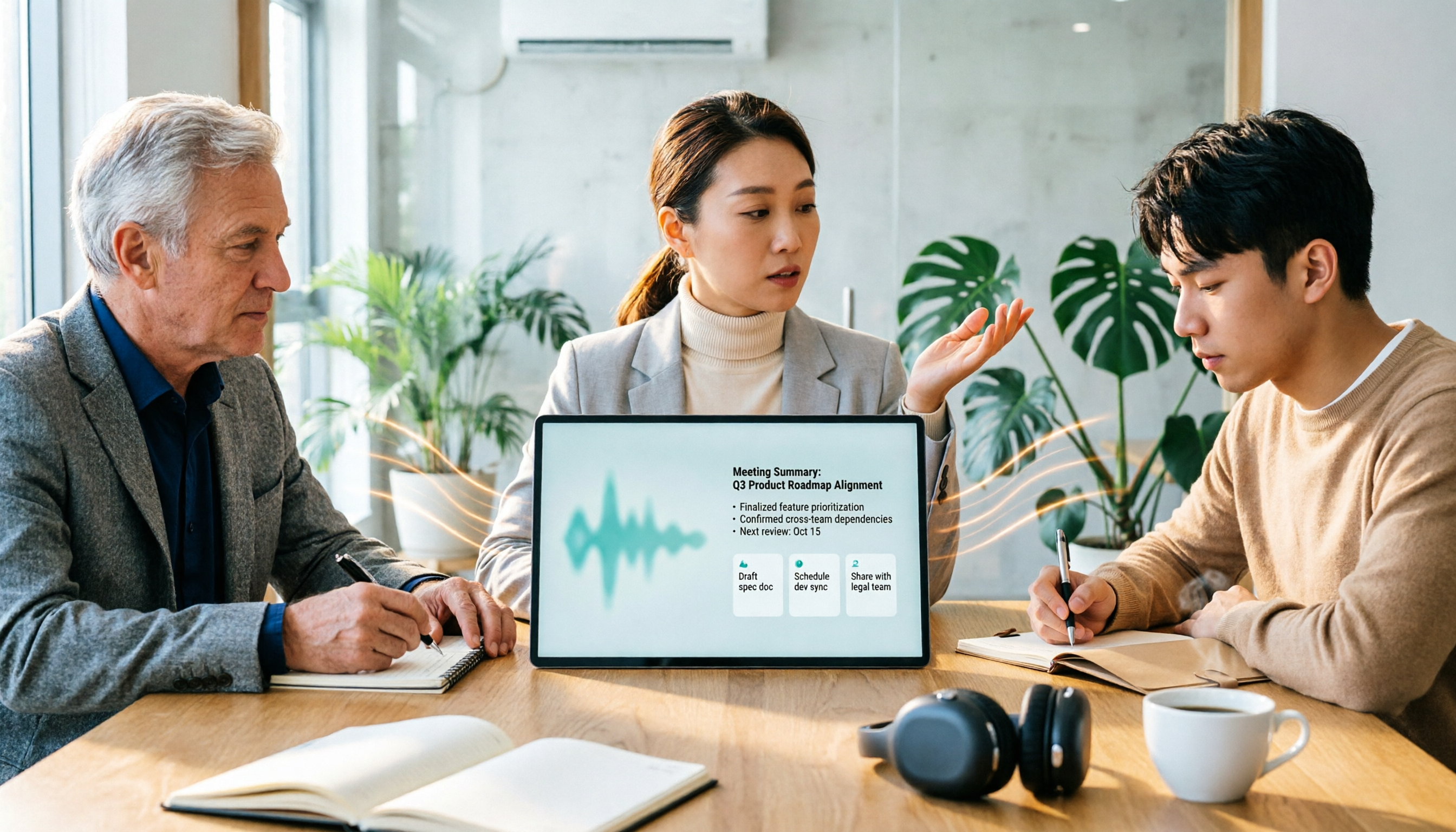
What Is Speech to Text in 2026? Feature Comparison from Transcripts to Meeting Summaries
Speech to Text is more than just turning audio into text. This article explains STT principles in plain language, the 4 key factors for choosing a tool, Tinrec's meeting notes and team collaboration workflow, and compares alternatives like Granola, TurboScribe, and PLAUD to help you go from transcripts to searchable, actionable meeting data.

6 Best Audio Transcription Tools for 2026: Encryption, Deletion Policies, and Team Permissions Explained
Before you search "is Transcribe safe," understand what happens to an audio recording from upload to deletion. This guide uses four security questions to compare six transcription tools on encryption, file retention, team permissions, and pricing—so you can pick the one that fits your workflow.
How to Change Fonts in iPhone Notes (2026): 5-Step Guide
iPhone Notes doesn't let you change fonts, but bold, italic, heading styles, and iOS 18 text colors are enough. This guide walks you through 5 steps to change text styles and colors, explains that font size can only be adjusted via system settings, and compares Notion, Evernote, and Tinrec for different note-taking needs.

Best Transcription Tools of 2026: We Tested 4, and This One Is the Most Effortless for Chinese Meetings
What does "verbatim transcript" mean? This article first breaks down the three most common misconceptions and the true definition of a transcript, then compares four tools—Tinrec, Notta, Otter.ai, and Granola—from four angles: Chinese recognition, post-meeting organization, meeting recording methods, and team data ownership. It also summarizes four key pitfalls to avoid when purchasing.
2026 Comparison of 6 Transcription Options: How Much Does Transcription Cost Per Word? Rate Conversion and Use Cases
Transcription is rarely priced per word—human transcription is usually quoted per minute of audio, while AI tools use subscription minutes. This article converts three pricing methods into cost per word, compiles 2026 human transcription rates, and compares the plans and quotas of Tinrec, Otter.ai, Notta, TurboScribe, and Granola to help you choose the right approach based on budget and turnaround time.