
Turn recordings into transcripts and summaries in minutes
Upload audio or video for multilingual transcription, AI notes, and action items
How Long Does It Take to Speak 1,000 Words in 2026? Speech Rate Formula and Recording Organization Tool Comparison
The first thing you need to decide is: are these 1,000 words meant to be "read through" or "understood by the audience"? If you're just reading from a script, you can go fast; but for formal speeches, meeting reports, or video voiceovers, the audience needs time to digest, and you need pauses, interaction, and Q&A. Rather than asking for an absolute answer, it's better to first establish a reasonable range based on the occasion, then calibrate with a practice recording.
How Long Does It Take to Speak 1,000 Words? Look at the Occasion First, Not Just the Word Count
Here's the bottom line: at a Chinese business speaking rate of 200 to 220 words per minute, 1,000 words takes about 4.5 to 5 minutes. For formal speeches or ceremonial addresses, to help the audience absorb the content, a rate of 150 to 160 words per minute is often used, so 1,000 words takes about 6.3 to 6.7 minutes; in practice, 6 to 7 minutes is a safer estimate.
If the occasion requires lots of pauses, emphasis, applause, or interaction, it could even drop to 100 words per minute, making 1,000 words take 10 minutes. Conversely, reading aloud or video voiceover can reach 300 to 400 words per minute, so 1,000 words takes about 3 to 4 minutes.
The formula is simple: time (minutes) = word count ÷ words per minute. For example, 1000 ÷ 200 = 5 minutes; 1000 ÷ 150 ≈ 6.7 minutes; 1000 ÷ 250 = 4 minutes.
| Occasion | Words per Minute | Approx. Time for 1,000 Words |
|---|---|---|
| Business meetings, project reports | 200 to 220 words | 4.5 to 5 minutes |
| Formal speeches, ceremonial addresses | 150 to 160 words | 6.3 to 6.7 minutes |
| Slow delivery with pauses and interaction | About 100 words | About 10 minutes |
| Reading aloud, video voiceover | 300 to 400 words | 3 to 4 minutes |
Keep in mind that these numbers are just a starting point. When you're actually on stage, you may slow down or speed up due to nerves, breathing, looking at your script, pauses, or audience reactions. So it's best to do a practice run with your own script, then come back and adjust the word count.
Before Estimating Time, Understand These 4 Key Factors
First, speech rate is not constant. The same 1,000 words will have three completely different rhythms for a news voiceover, a project report, and a wedding toast. Reports can be tight, toasts need space, and instructional content needs pauses for the audience to digest.
Second, pauses and interaction must be factored in. Opening pauses, page turns, video playback, answering questions, and inviting the audience to think all eat up time. If there's a Q&A after the presentation, it's recommended to set aside an additional 3 to 5 minutes; don't pack 1,000 words into exactly 5 minutes.
Third, content density affects how the audience feels. If 1,000 words are all data and technical terms, the audience needs more time to understand; if 1,000 words are stories and examples, the pace can be smoother. The same word count does not mean the same cognitive load.
Fourth, estimating by silent reading alone is inaccurate. Silent reading can be fast, but speaking involves breathing, pronunciation, tone, and body language. The most reliable method is to record your practice run and review where you spoke too fast, paused too long, or sounded unnatural.
Tinrec — Turn Practice Speeches and Meeting Content into Queryable Data
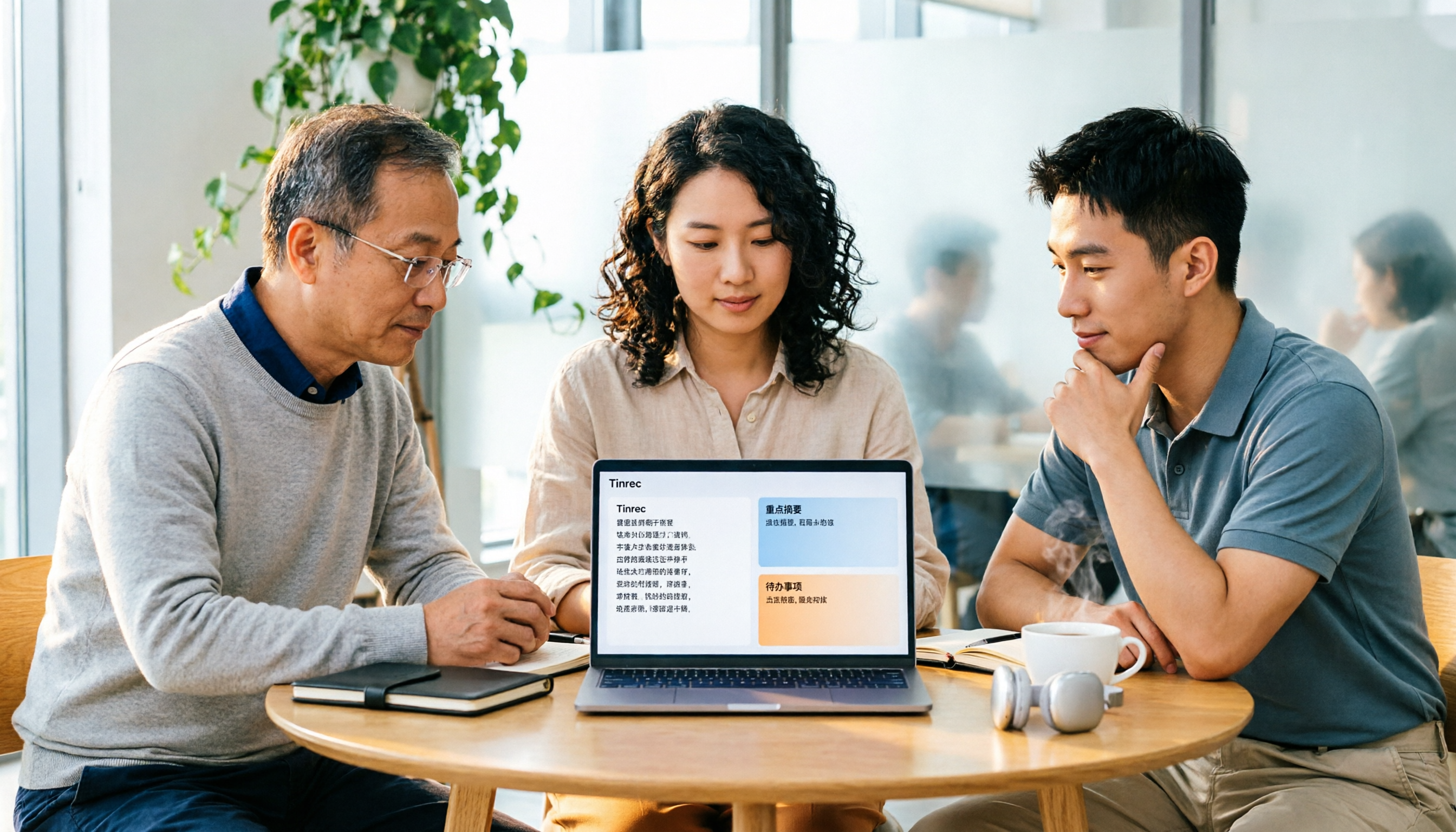
Tinrec is an AI meeting notes and collaboration tool for individuals and teams. It supports real-time recording, bot-free recording of online meetings via the desktop app, importing audio and video files, real-time translation, and automatically generates summaries, chapters, action items, and mind maps. It doesn't just convert voice to text; it organizes spoken content into data that can be searched, summarized, queried, and exported.
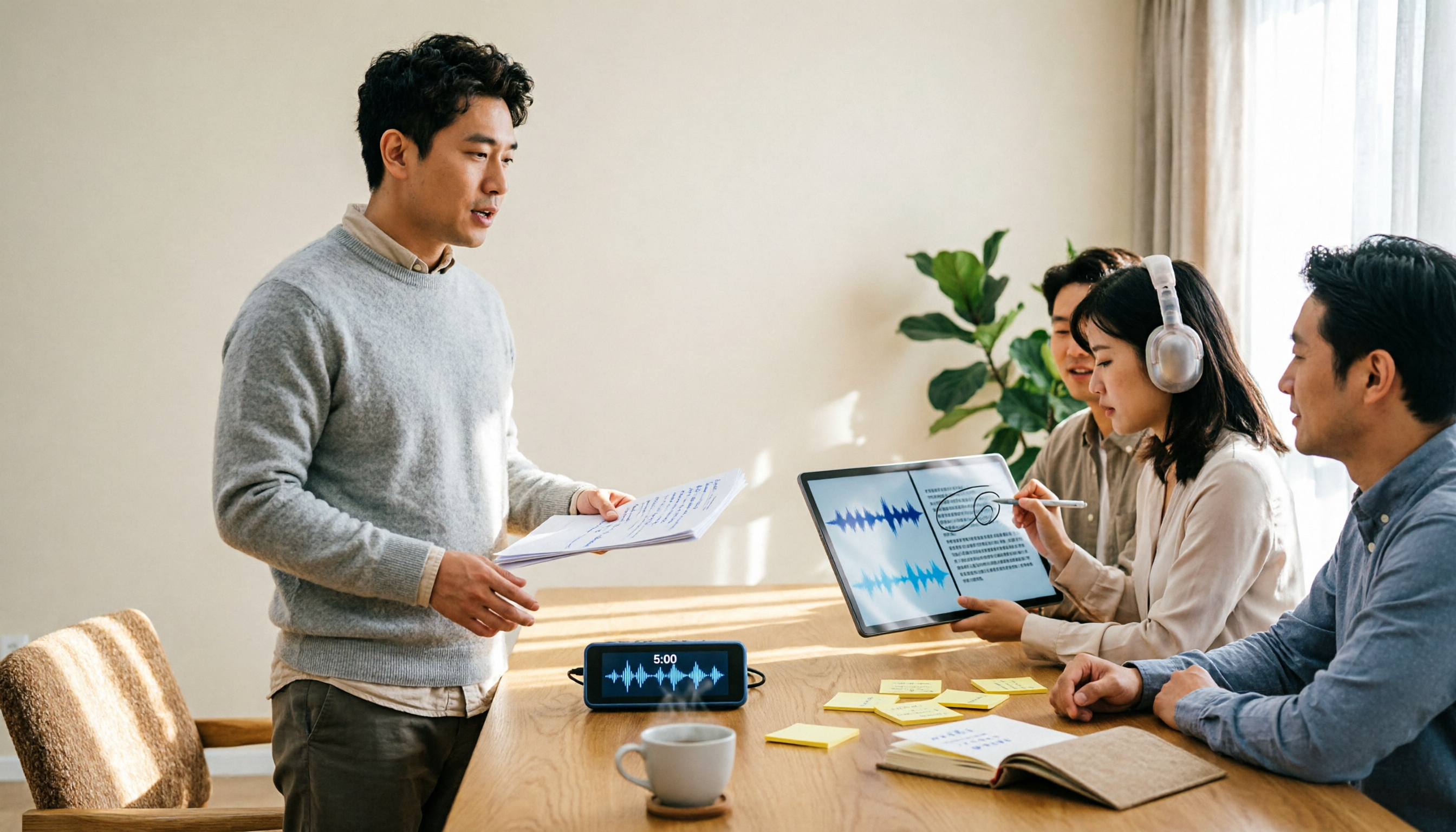
If you want to confirm "how long 1,000 words actually takes to speak," you can first record a practice run with Tinrec. After speaking, review the transcript and recording to check your speech rate and pauses; then ask the AI summary to extract key points, or query around the content with questions like "which section was too long" or "which key points weren't clear." This is closer to the real on-stage situation than just looking at a stopwatch, and it's easier to spot unnecessary sentences in your script.
Stop organizing recordings by hand
Upload audio or video and automatically get a transcript, summary, and action items
It's also great for everyday meetings. The desktop app captures computer system audio directly, so when handling online meetings on Zoom, Google Meet, Microsoft Teams, Webex, etc., you don't need to invite an extra meeting bot. After the meeting, Tinrec organizes the transcript, summary, chapters, and action items, and you can directly ask it "who mentioned the budget in the last meeting" or "what issues does the client care about" without manually scrolling through the entire transcript.
It also supports multi-format export, so you can take results to Notion, Google Docs, OneNote, Dropbox, and other tools for further processing; you can also use Agent post-processing to generate reports, tables, and documents. For those who need to turn meeting content into post-meeting deliverables, this is much more practical than a simple recording file.
For team use, the Tinrec Team Edition is a separate team space, not multiple people sharing a single personal account. Team data belongs to the team; you can create multiple team spaces, invite members, set owners and admins, assign or revoke seats, and view usage trends, member rankings, audit logs, and audio recycle bin. Active members without a seat can still view, play, and read team data, but cannot upload, edit, import, or export; this distinction between roles and seats should be clarified before purchasing.
Currently, the Team Edition offers, for first-time eligible users, a 7-day, 1 free seat, 300-minute team shared import quota; monthly billing is USD 29.80 per paid seat per month, annual billing is USD 199 per paid seat per year (about USD 16.58 per month), and paid seats provide 2,000 minutes of team shared import quota per month. Under an active team plan and active seats, real-time recording is currently not deducted by minutes; file and web imports use the team shared quota. Prices and benefits are subject to the official purchase page.
Limitations should also be clear: Tinrec's transcription and summary quality can be affected by recording quality, noise, accents, overlapping speakers, and technical terminology; we do not recommend promising a fixed accuracy rate. The free version provides a basic quota, suitable for light use; if you have many meetings every week, you should evaluate a paid plan. Also, Tinrec is not a bot that automatically joins all calendar meetings; instead, users initiate bot-free recording through the desktop app.
Overall, if you need Chinese meeting notes, bot-free online meeting recording, post-meeting AI queries, and turning meetings into team knowledge, Tinrec is closer to actual workflows than tools that only do transcription.
Besides Tinrec, What Other Recording Organization Options Are There?
Granola: A bot-free AI meeting notes tool that transcribes in real time via desktop system audio and microphone, emphasizing user handwritten notes plus AI enhancement. Basic is free, Business is USD 14 per user per month, Enterprise is USD 35 per user per month. Note that Granola does not support uploading pre-recorded audio files and does not save meeting audio; if you need to keep recordings, import existing files, and query with AI after meetings, Tinrec is more suitable.
TurboScribe: A cost-effective file transcription tool focused on long documents, batch uploads, subtitles, and translation. The free version allows 3 files per day, up to 30 minutes per file; Unlimited is USD 120 per year (about USD 10 per month), and the paid version supports up to 10 hours or 5 GB per file. If you're just processing large amounts of pre-recorded audio files, TurboScribe has its place; but if you need real-time meetings, post-meeting action items, AI Q&A, and team spaces, Tinrec better fits meeting collaboration scenarios.
Pitfall Guide: The 3 Most Common Mistakes in Estimating Speech Time
Pitfall 1: Calculating only at 250 words per minute. This rate may be reasonable for reading aloud or experienced speakers, but it's too fast for formal speeches, toasts, or occasions requiring translation. The audience can't keep up, and you'll stumble from rushing.
Pitfall 2: Forgetting pauses, interaction, and Q&A. Calculating 1,000 words as 5 minutes doesn't mean the live session only takes 5 minutes. Opening, page turns, drinking water, looking at the audience, and answering questions all take time; for important occasions, it's recommended to allow 20% to 30% buffer.
Pitfall 3: Writing without speaking. A script is meant to be spoken, not read. After writing, be sure to practice aloud, preferably recording and playing it back. You'll find that many sentences that look smooth on paper are actually awkward when spoken.
Conclusion: How Many Minutes Should You Aim for Your Occasion?
For business reports, aim for 5 minutes for 1,000 words; if there's Q&A after the presentation, allow 6 to 7 minutes. For formal speeches or toasts, aim for 6 to 7 minutes; for important occasions, allow 8 to 10 minutes. For reading aloud or video voiceover, aim for 3 to 4 minutes; if the video needs subtitle pauses and scene changes, 4 to 5 minutes is more natural.
If you need post-meeting organization, AI queries, and team-shared meeting data, you can use Tinrec to record your practice speech or meeting first, then check time and content from the transcript, summary, and action items. We recommend trying it once with your own script or a real meeting recording to confirm that the transcription and organization methods fit your workflow before deciding whether to upgrade.
(Product and pricing information is based on verification as of August 2026; actual plans and benefits are subject to the official purchase page.)
References
- How Long Does It Take to Speak 1,000 Words? Speech Rate Calculation Formula and Efficient Audio-to-Text Tool Recommendations - Tinrec Blog
- Interactive Speech Time Calculator | Speechify
- Copywriting Master: Ten Points for Writing a Speech That Won't Bore Your Audience to Yawns - TNL The News Lens
- How Long Does It Take to Read 1,000 Words? _Q&A_ Fu Wen
- Speed of English Oral Presentations - English and Translation Teaching - UDN Blog
Turn every recording into actionable outcomes
Get 60 free transcription minutes when you sign in. No credit card required.
Related Reading
You might also like

Gemini Free vs Paid in 2026: 3 Key Limits and How Tinrec Handles Meeting Notes
Gemini offers a free tier but with usage limits. This article answers whether Gemini is free, outlines paid and student plans, then compares Tinrec for meeting notes—covering bot-free recording, post-meeting organization, and team collaboration—to help you decide if the free tier is enough.

2026 Comparison of 3 Speech-to-Text Tools: Is Yating Transcription Really Free?
Yating Transcription's live recording is currently free to use, but uploading existing audio files is limited to a trial quota; once used up, you need to purchase hours. This article breaks down its free scope and the inconsistent trial quotas reported by various sources, and compares Tinrec, Otter.ai, and Notta in meeting notes, post-meeting summaries, and team collaboration to help you decide if the free version is enough and where to spend your money.
How Much Does a Transcript Cost in 2026? Price per Word + Money-Saving Tips
How much does a transcript cost per word? In Taiwan, transcription services almost never charge by the word—they charge by audio length. This article covers 2026 rates, per-word equivalents, and 4 factors that affect quotes. It also compares Tinrec, Notta, TurboScribe, and Granola, showing how to cut both cost and time with AI-generated drafts plus human proofreading.

2026 Comparison of 4 Audio Transcription Tools: The Real Limits of ChatGPT Transcription
Can ChatGPT transcribe audio files? Yes, but it's limited by paid plans, a 25MB file cap, and format restrictions. Based on real scenarios like students recording lectures and group discussions, this article tests and compares four tools—ChatGPT, Tinrec, Otter.ai, and Notta—and summarizes key buying factors, pitfalls to avoid, and recommendations for students in different majors.
2026 Audio-to-Text Tools Compared: ChatGPT Has Limits, Tinrec Better for Meeting Notes?
Can ChatGPT transcribe audio? Yes, with conditions. This article compares four audio-to-text tools—ChatGPT, Tinrec, Granola, and TurboScribe—covering the 25MB limit, plan and device differences, multi-speaker transcripts, and post-meeting organization capabilities to help you choose the right solution for Chinese meetings and team collaboration.

4 Best Transcription Tools in 2026: Yating, Tinrec Features & Free Tier Comparison
What is Yating Transcription? This article first explains its features, free quota, and pricing, then compares it with Tinrec, Otter.ai, and Notta. From recognition scenarios to post-meeting organization and team data ownership, it helps you decide which tool suits your meetings and workflow.

Tinrec vs Notta 2026: 5-Dimension Comparison — Which Audio-to-Text Tool Is Worth It for Students?
From university lectures and group discussions to final exam review, we tested and compared audio-to-text tools like Tinrec and Notta, covering five key buying factors: free quota, Chinese recognition, post-meeting summaries, AI Q&A, and team collaboration, to help students choose a truly usable transcription tool.

2026 Comparison of 5 Audio Transcription Tools: Free to Paid at a Glance
Starting from real decision points, this comparison covers Tinrec, Notta, Otter.ai, Granola, and TurboScribe's audio transcription capabilities, including live recording, file import, AI summaries and Q&A, team collaboration, and pricing plans—helping you choose the right tool instead of downloading another one.

AI Meeting Notes in 2026: Gemini Upload vs. Google Meet Built-in vs. Tinrec — Which One Is Enough?
Can Gemini take meeting notes? Yes, but it only handles transcription. This article breaks down the three most common mistakes when using Gemini for meeting notes, explains the version and language limitations of Google Meet's "Take notes for me," and demonstrates Tinrec's complete workflow — from bot-free recording and AI summaries to action item extraction and team knowledge retention — plus five key buying criteria and an FAQ.