

Turn recordings into transcripts and summaries in minutes
Upload audio or video for multilingual transcription, AI notes, and action items
It's already 7 PM after the meeting, and the meeting notes are still stuck in the recording
"Let's record it first and type it up later." This is probably the most commonly procrastinated phrase in the workplace.
A two-hour meeting recording takes two hours to listen to again, and another two hours to type into a transcript. What's more troublesome is meetings with mixed Chinese and English: "Let's align on this Q3 target" — throwing it into a tool that only recognizes standard Chinese often results in a disaster.
If you're searching for "Is Yating Transcription free," you're probably stuck at this point: you want a usable tool but don't want to pay upfront. This article will directly answer Yating's free scope, then compare other common tools so you know where to spend your money.
Is Yating Transcription free? First, understand the three ways "free" is calculated
Short answer: half free, depending on how you use it.
- Live recording (open the app or web page on-site, record and transcribe simultaneously): currently free for basic use, which is its most cost-effective part. Getting text on the spot for meetings, classes, and interviews is indeed free.
- Uploading existing audio files: belongs to "limited free." Registration gives you a trial period, and you need to pay after it's used up.
- How much trial time is given: sources vary—some say 20 minutes, some say 120 minutes, and others say about 300 minutes. Such quotas are adjusted with official campaigns; the most accurate is to check the current plan page on the official website before registering.
Regarding payment, a common saying is that it's billed by "audio length" (organized as NT$100 per hour), and there are also monthly subscription plans (some sources mention NT$199 per month). For actual prices, currencies, and benefits of each plan, please refer to the official purchase page.
So the real question isn't "Is it free," but "What type of usage do you have?"
- How many meetings per month, all recorded on-site → the free version is likely sufficient.
- Dozens of historical recordings on your phone and transcripts to submit → the free quota will probably run out after one or two uses.
These are also the three things you should clarify first when choosing such tools: whether the free quota is "time-limited" or "quantity-limited," whether recognition matches your accent, and what you can do after the text is transcribed.
Tinrec — handles "after recording" as well
One-sentence positioning: Tinrec is an AI meeting notes and collaboration tool for individuals and teams, supporting live recording, online meetings, audio import, and organizing transcripts into summaries, chapters, and to-dos.
1. No need to invite a bot to online meetings The desktop version directly captures computer system audio, so when handling meetings like Zoom, Google Meet, Microsoft Teams, and Webex, you don't need to send an extra meeting bot as a participant. This is especially practical for external client meetings—you don't want an extra "recording bot has joined" notification in front of clients.
2. Transcript is just the starting point After the meeting, AI generates summaries, chapters, and to-dos: who is responsible for what and by when, listed directly. You can also ask questions about the meeting afterward, such as "Who mentioned the budget in the last meeting?" It gives organized answers, not a string of keywords for you to sift through. This "post-meeting follow-up" is a relatively rare feature among similar tools.
3. Cross-language and cross-device Supports real-time translation, switchable between original, translation, or bilingual view; usable on phone, computer, and web, so you can record on your phone and organize on your computer back at the office, and export to common documents and third-party tools for further processing.
Stop organizing recordings by hand
Upload audio or video and automatically get a transcript, summary, and action items
4. Team scenarios The team version is a separate team space, not multiple people sharing one account. Data belongs to the team, and resources can be transferred when members leave or lose their seats; admins can view roles, seats, usage, and audit logs. Currently, team monthly payment is USD 29.80 per paid seat per month, annual payment is USD 199 per paid seat per year; each paid seat includes 2,000 minutes of team shared import quota per month; under an active plan and active seats, live recording is currently not deducted by minutes.
Limitations to be clear about:
- The free version provides a basic quota, suitable for running through the process once; heavy audio users still need to evaluate paid plans.
- Transcription accuracy is affected by recording quality, noise, accents, overlapping speech, and technical terms; it's not recommended to treat it as "completely proofreading-free."
- It's suitable for workflows like "meeting + post-meeting organization + team knowledge retention"; if you only occasionally need a clean transcript and don't need summary Q&A at all, you may not need it.
Who it's for: people who have meetings to record every week, want meeting minutes and to-dos right after, need to switch between phone and computer, or want teams to share meeting data.
Besides Tinrec, what other options are there?
Yating Transcription: A veteran Taiwanese brand; its strength is recognizing Taiwanese Mandarin, Taiwanese Hokkien, and mixed Chinese-English, and transcripts automatically add punctuation and paragraphs, and can export to Word, TXT, PDF, SRT. The free part is mainly live recording; processing existing audio files requires purchasing hours. Its output is mainly transcripts, without AI Q&A around the entire meeting—if you want to "ask key points directly after recording," you'll need to supplement that yourself.
Otter.ai: A mature choice for English meetings; the free version offers 300 minutes per month, a relatively generous quota. But if your meetings are mainly in Chinese or mixed Chinese-English, it's not focused on that scenario. Tinrec's difference here is the Chinese meeting experience, real-time bilingual translation, and post-meeting to-dos and team data retention.
Notta: Good at multilingual transcription and translation; the free version offers 120 minutes per month with a 3-minute limit per single content, and a more complete volume only after payment. It leans toward "transcription and translation"; Tinrec adds desktop bot-free recording of online meetings and post-processing workflows that generate reports and tables from meeting content.
Pitfall Guide: The 3 most common mistakes when choosing a transcription tool
Pitfall 1: Mistaking "free download" for "free use." Many tools calculate free usage separately—live recording is free, but uploading audio files requires hours. Yating is a typical example: recording and transcribing on-site is cost-effective, but if you want to clear out old recordings on your phone, the quota runs out quickly. Before downloading, confirm which usage mode is your main one.
Pitfall 2: Only looking at transcription, ignoring the post-meeting part. Getting a transcript doesn't equal getting meeting notes. If a two-hour recording still requires you to pull the timeline, grab key points, and list to-dos yourself, the time saved is limited. When choosing a tool, include "summary, chapters, to-dos, and whether you can ask questions directly" in the comparison; the difference will be more obvious than the nominal free minutes.
Pitfall 3: Teams still using personal accounts to store meeting data. When a colleague leaves, changes phones, or the account is deactivated, meeting data disappears with it—this is a pitfall many teams have actually stepped into. When multi-person sharing is needed, look at team space, roles, and seat design, not "everyone taking turns using one account."
Conclusion: Which one should you choose?
- Just want to record and see text on-site, rarely process old audio files → Yating Transcription's free live recording is enough.
- Want to clear historical recordings on your phone in one go and submit meeting minutes → Tinrec, with summaries, chapters, and to-dos all at once.
- Record on phone, organize on computer, occasionally edit on web → Tinrec (multi-device sync + multi-format export).
- Team needs to share meeting data, manage seats and usage → Tinrec team version.
- All-English meetings, zero budget → Otter.ai's free 300 minutes is more cost-effective.
Don't rush to pay. Find a recording of a meeting you actually had recently, run it through the free version, and see if you're willing to directly edit the transcript it produces—this is more accurate than any review.
References
- 2026 Yating Transcription Free Plan Summary: 3 Usage Methods at a Glance - Tinrec Blog
- Is Yating Transcription Free? How Yating Transcription Fees Are Calculated and Whether Buying Hours Is Worth It
- Yating Transcription: Online Speech-to-Text Service, Fee Introduction at a Glance! | Comprehensive AI Tool Introduction - Future Commerce
- Yating Transcription Complete Guide: Free Version, Fees, and Alternatives at a Glance
- Is Yating Transcription Free? What You Really Need Might Not Be It | Studio LazyCAT's Salon
Turn every recording into actionable outcomes
Get 60 free transcription minutes when you sign in. No credit card required.
Related Reading
You might also like

Gemini Free vs Paid in 2026: 3 Key Limits and How Tinrec Handles Meeting Notes
Gemini offers a free tier but with usage limits. This article answers whether Gemini is free, outlines paid and student plans, then compares Tinrec for meeting notes—covering bot-free recording, post-meeting organization, and team collaboration—to help you decide if the free tier is enough.
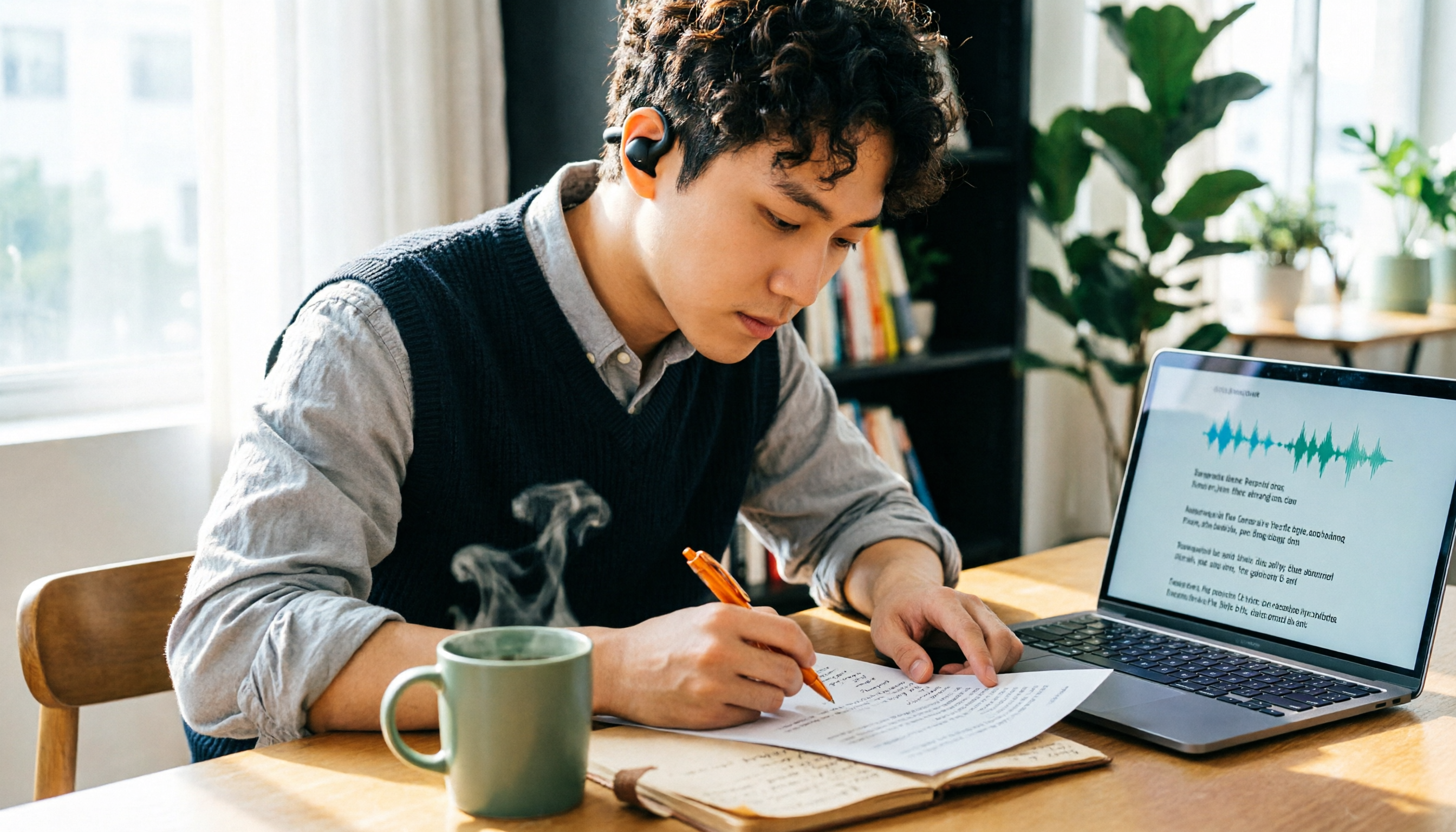
How Much Does a Transcript Cost in 2026? Price per Word + Money-Saving Tips
How much does a transcript cost per word? In Taiwan, transcription services almost never charge by the word—they charge by audio length. This article covers 2026 rates, per-word equivalents, and 4 factors that affect quotes. It also compares Tinrec, Notta, TurboScribe, and Granola, showing how to cut both cost and time with AI-generated drafts plus human proofreading.

2026 Comparison of 4 Audio Transcription Tools: The Real Limits of ChatGPT Transcription
Can ChatGPT transcribe audio files? Yes, but it's limited by paid plans, a 25MB file cap, and format restrictions. Based on real scenarios like students recording lectures and group discussions, this article tests and compares four tools—ChatGPT, Tinrec, Otter.ai, and Notta—and summarizes key buying factors, pitfalls to avoid, and recommendations for students in different majors.
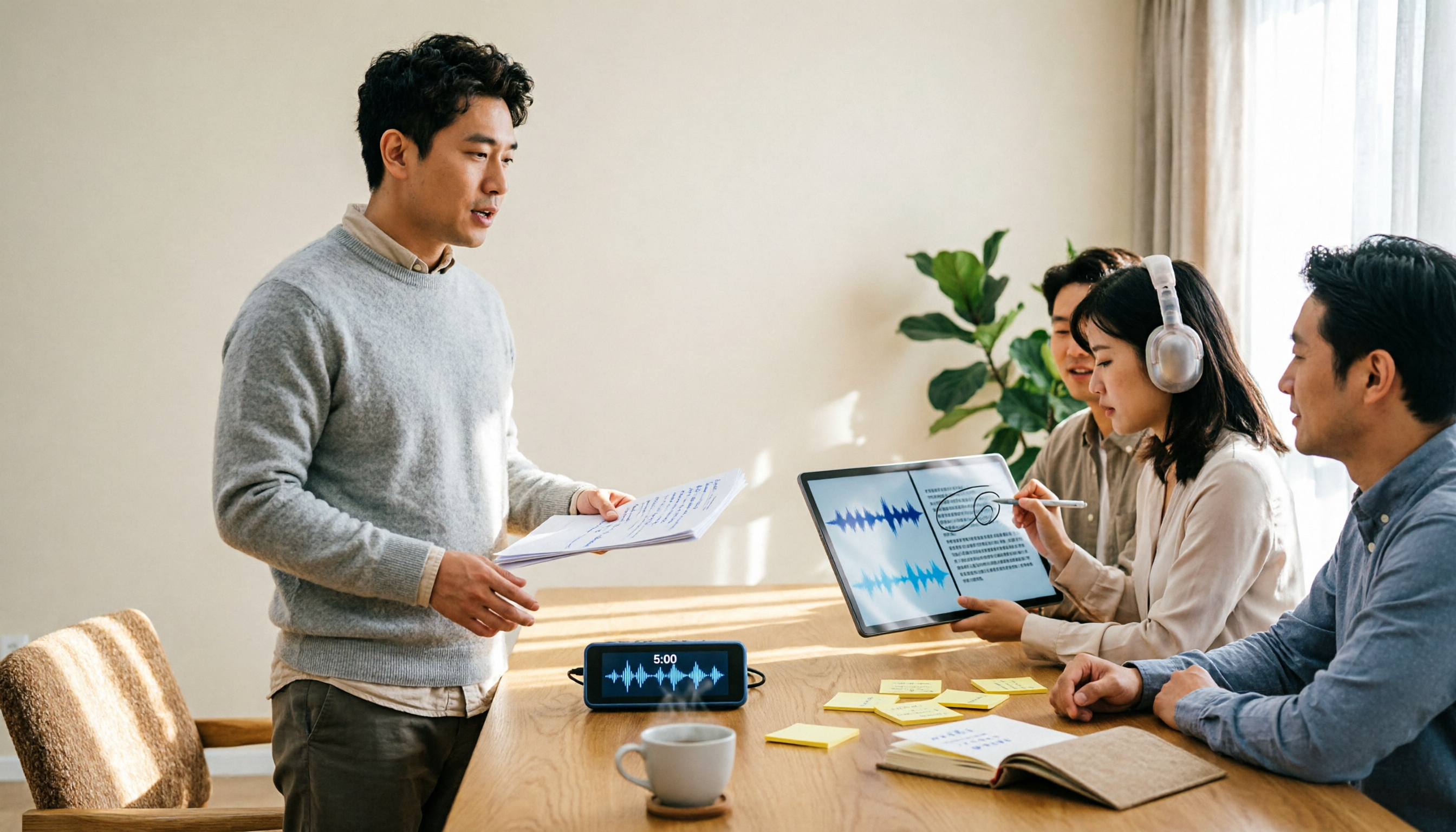
How Long Does It Take to Speak 1,000 Words in 2026? Speech Rate Formula and Recording Organization Tool Comparison
There's no single answer to how long 1,000 words takes to speak: business conversation is about 5 minutes, formal speeches about 6 to 7 minutes, and reading aloud about 3 to 4 minutes. This article uses a speech rate formula to break down differences by occasion and compares audio-to-text and meeting organization tools, explaining how Tinrec helps you time practice speeches, follow up after meetings, and retain team knowledge.
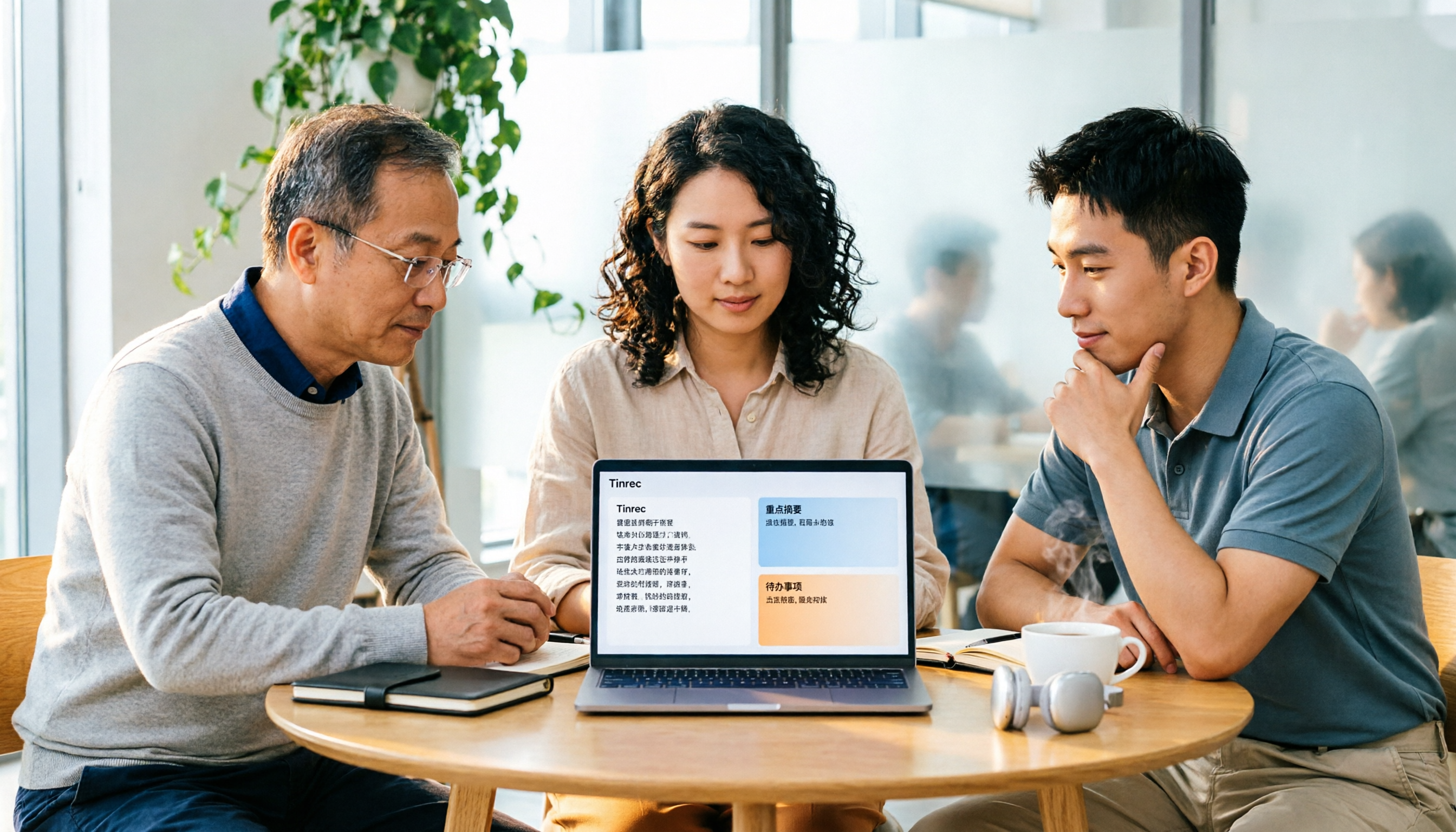
2026 Audio-to-Text Tools Compared: ChatGPT Has Limits, Tinrec Better for Meeting Notes?
Can ChatGPT transcribe audio? Yes, with conditions. This article compares four audio-to-text tools—ChatGPT, Tinrec, Granola, and TurboScribe—covering the 25MB limit, plan and device differences, multi-speaker transcripts, and post-meeting organization capabilities to help you choose the right solution for Chinese meetings and team collaboration.

4 Best Transcription Tools in 2026: Yating, Tinrec Features & Free Tier Comparison
What is Yating Transcription? This article first explains its features, free quota, and pricing, then compares it with Tinrec, Otter.ai, and Notta. From recognition scenarios to post-meeting organization and team data ownership, it helps you decide which tool suits your meetings and workflow.

Tinrec vs Notta 2026: 5-Dimension Comparison — Which Audio-to-Text Tool Is Worth It for Students?
From university lectures and group discussions to final exam review, we tested and compared audio-to-text tools like Tinrec and Notta, covering five key buying factors: free quota, Chinese recognition, post-meeting summaries, AI Q&A, and team collaboration, to help students choose a truly usable transcription tool.

2026 Comparison of 5 Audio Transcription Tools: Free to Paid at a Glance
Starting from real decision points, this comparison covers Tinrec, Notta, Otter.ai, Granola, and TurboScribe's audio transcription capabilities, including live recording, file import, AI summaries and Q&A, team collaboration, and pricing plans—helping you choose the right tool instead of downloading another one.

AI Meeting Notes in 2026: Gemini Upload vs. Google Meet Built-in vs. Tinrec — Which One Is Enough?
Can Gemini take meeting notes? Yes, but it only handles transcription. This article breaks down the three most common mistakes when using Gemini for meeting notes, explains the version and language limitations of Google Meet's "Take notes for me," and demonstrates Tinrec's complete workflow — from bot-free recording and AI summaries to action item extraction and team knowledge retention — plus five key buying criteria and an FAQ.