
Turn recordings into transcripts and summaries in minutes
Upload audio or video for multilingual transcription, AI notes, and action items
2026 Comparison of 4 Audio-to-Text Tools: Is Yating Taiwanese? Which Handles Chinese Meetings Best?
Most people's first step when choosing an audio-to-text tool is to check where the company is registered. The second step is to compare who offers more free minutes.
Neither is wrong, but the order is off. After checking nationality and comparing quotas, the real question hasn't been asked: can this tool handle how you actually speak in meetings?
Meetings in Taiwanese offices often look like this—two sentences in Chinese, three English product names in the middle, "this helped a lot" when things get heated, and finally someone adds a conclusion in Taiwanese Hokkien.
When you feed this kind of recording to a model trained only on standard English or standard Chinese, errors often occur not because it mishears words, but because it has never learned this way of speaking.
This article will first clarify the selection logic, then break down the 4 tools, including the frequently asked "Is Yating Taiwanese?" I will lay out the information I have found so far.
Before Choosing an Audio-to-Text Tool, Understand These 5 Criteria
First, does it recognize your "real way of speaking"? Not read-aloud scripts, but recordings of your meetings with mixed English, mid-sentence corrections, and two people talking at once. This almost determines 80% of the user experience.
Second, how are online meetings recorded? One way is a meeting bot joining as a "participant"; the other is desktop software directly capturing computer system audio. The former requires remembering to invite, the latter doesn't, but you need to actively start recording.
Third, what do you have after transcription? Just a transcript, or summaries, chapters, action items? This determines how much time you spend organizing after the meeting.
Fourth, can data stay within the team? Recordings from personal accounts are invisible to colleagues; when a member leaves, the data goes with them. For teams to accumulate meeting records, this is often overlooked more than recognition accuracy.
Fifth, how are free quotas calculated? Some by "monthly minutes", some by "single length", some free for real-time recording but charge for uploaded files. Different units mean you can't compare numbers directly.
Tinrec (Miaoting Recording) — The Best One to Take Over After Meetings
Tinrec (Miaoting Recording) is an AI meeting notes and collaboration tool for individuals and teams, supporting web, desktop, and mobile. Its positioning is not just "audio to text", but turning meetings into searchable, queryable, and further processable data.
No bot invitation for online meetings. The desktop version directly captures computer system audio, handling meeting audio played on platforms like Zoom, Google Meet, Microsoft Teams, and Webex without an extra bot joining the room. To be precise: this is not "automatically joining all meetings", but you open Tinrec to start recording.
Transcription is not the end, but the beginning. After the meeting, it produces transcripts, AI summaries, chapters, and key points, and extracts action items from discussions. For cross-language meetings, you can view in original, translated, or bilingual format.
The most useful feature is actually AI Q&A. After recording, you can directly ask "who mentioned the budget in the last meeting" or "what were the client's concerns about the delivery date", and it answers based on semantics rather than giving you a list of keyword search results. This is uncommon among tools in the same price range and is the biggest difference from traditional transcription services.
Output as a workflow. Transcripts, summaries, reports, and tables can all be exported and brought to Notion, Google Docs, OneNote, Dropbox, etc. for further editing.
Advantages:
- Bot-free recording of online meetings, one less error-prone step.
- Complete post-meeting processing: summaries, action items, Q&A, and export all in one place.
- Team version provides independent team space, meeting data owned by the team, with roles, seats, usage analytics, audit logs, and audio recycle bin (30-day retention).
Things to note:
- The free version has a basic quota; heavy use requires payment; personal plans include weekly card, Pro monthly, and Pro annual; actual prices and quotas are subject to the official website.
- Team version: USD 29.80 per paid seat per month, or USD 199 per paid seat per year, with 2,000 minutes of team shared import quota per seat per month; first-time eligible users can try 7 days, 1 free seat, 300 minutes shared quota.
- Don't expect 100% accuracy. Recording quality, background noise, accents, and multiple people talking over each other all affect results; important content should still be verified against timestamps.
Stop organizing recordings by hand
Upload audio or video and automatically get a transcript, summary, and action items
Who it's for: Those who frequently have online meetings, need post-meeting minutes and action items, or want to accumulate meeting records as team assets.
Is Yating Taiwanese? Let's Clarify the Facts First
This is the most delicate part of this article.
The public information I found is inconsistent: Yating's official website and introductions from several Taiwanese media point to development by a Taiwanese team; but one review article explicitly states it is "not developed by a Taiwanese team". The two sides conflict, and I cannot give a definitive conclusion in this article. It is recommended to refer to Yating's official website announcements or ask customer service.
Setting aside nationality, its capabilities are clear:
- Taiwanese accents and mixed Chinese-English are its home turf. Taiwanese Mandarin, Taiwanese Hokkien, Chinglish, and even internet slang like "幫 QQ" are within recognition scope.
- Automatically adds punctuation, smart segmentation, and speaker labeling; export supports Word, TXT, PDF, SRT, etc.
- Both web and app are available; the app is suitable for on-site recording and transcription, the web version for batch processing of existing audio files.
- Pricing according to public reports: real-time recording is free; uploaded audio files get 20 minutes free; thereafter charged by audio length, NT$100 per hour, NT$270 for 3 hours, NT$800 for 100 hours, usable within 3 years from purchase date. Actual fees subject to official announcements.
Its limitations should also be mentioned: Features are relatively simple, mainly turning speech into text. It has no AI conversational query, nor automatically generated meeting summaries and action item organization—after recording, you have to go through the transcript yourself to find key points.
So how to decide: If you want an accurate, directly editable Traditional Chinese transcript, it is a reasonable choice; if you want "a set of minutes and action items right after the meeting", it doesn't go that far.
Besides Tinrec and Yating, What Other Options Are There?
Otter.ai: A mature choice for English meetings, covering Zoom, Teams, Google Meet; Basic free 300 minutes per month, Pro annual billing about USD 8.49 per user per month, including 1,200 minutes per month. Its Chinese meeting experience is not the main focus; if 80% of your content is English, it's a good deal. But if you need bot-free desktop recording with Chinese transcripts and post-meeting Q&A, Tinrec's combination is closer to Taiwanese usage scenarios.
Notta: Strong multilingual transcription and file processing; Free 120 minutes per month, single session limit 3 minutes; Pro annual billing about USD 8.17 per month, 1,800 minutes per month. It overlaps heavily with Tinrec; the difference is Tinrec emphasizes bot-free recording of online meetings, team space, and AI Q&A post-processing. If your focus is meeting collaboration rather than simple file transcription, you can try Tinrec first.
Pitfall Guide: 4 Most Common Mistakes When Choosing Transcription Tools
Pitfall 1: Treating "company nationality" as the first filter. Nationality affects your trust, but doesn't change recognition results. What you should really test is whether it recognizes your company's terminology and speaking habits.
Pitfall 2: Only looking at free minutes, not units. "120 minutes per month" and "3 files per day, 30 minutes per file" are two completely different limits; the former worries you record too long, the latter worries you upload too many. First figure out which type of user you are.
Pitfall 3: Thinking transcription is the end. Using the tool only as "audio to text" means using only part of its capabilities. Instead of Ctrl+F to find where "budget" was mentioned, use AI to directly ask "what was the conclusion of this meeting".
Pitfall 4: Testing with read-aloud scripts, not real recordings. Testing with news scripts read aloud, every tool is accurate. What you should really test is your meeting recording from last week with echo and interruptions. Spending 15 minutes testing a segment is more useful than reading ten reviews.
Conclusion: Which One Should You Choose?
One-sentence conclusion: For transcripts, Yating works; for a complete post-meeting workflow, choose Tinrec.
- Need pure transcripts with Taiwanese accents, Taiwanese Hokkien, mixed Chinese-English → Yating
- Don't want to invite a bot to online meetings → Tinrec (desktop captures system audio)
- Want summaries and action items right after the meeting → Tinrec
- Want to use AI to ask "who said what" after recording → Tinrec (rare at this price point)
- Need team sharing of meeting data, seat and usage management → Tinrec Team
- 80% content is English, limited budget → Otter.ai
The recommended verification method is simple: take your real meeting recording, run each tool for ten minutes, compare error counts and time spent on post-meeting organization. You'll have an answer in fifteen minutes without paying first.
If you mainly handle Chinese meetings, you can start with Tinrec's free version; the quota is enough for two or three meetings to feel the workflow difference, and consider upgrading if it suits you.
References
- Yating Transcription
- Is Yating Taiwanese? 2026 Audio-to-Text Tool Roundup: Complete Comparison from Otter, Notta to Tinrec - Miaoting Recording Blog
- Yating Transcription
- Yating Transcription: Online Speech-to-Text Service, Pricing Introduction at a Glance! | Comprehensive AI Tools Introduction - Future Commerce
- Yating Transcription Introduction, Features, Pricing, Pros and Cons Review | TheAI Academy
Turn every recording into actionable outcomes
Get 60 free transcription minutes when you sign in. No credit card required.
Related Reading
You might also like

3 WeChat Voice Forwarding Alternatives Tested for 2026: Which Is Easiest for Converting to Text and Sharing?
WeChat voice messages currently have no official forwarding feature. Starting from real-world needs, this article first explains the official limitations and the reasons behind them, then compares three ways to turn voice into shareable content: WeChat's built-in voice-to-text, Notta, TurboScribe, and Tinrec's real-time recording transcription, AI summaries, and team data retention workflow, with prices, quotas, and usage limits included as-is.

2026 AI Tool Comparison: Google AI Studio Has No Chinese Interface—How to Choose a Meeting Notes Tool?
Does Google AI Studio have a Chinese interface? Most hands-on tests show the UI is still in English with no native Traditional Chinese version, but the Gemini model can accept Traditional Chinese prompts and output Chinese. This article clearly separates "interface language" from "output language," then compares Tinrec, Google AI Studio, Notta, and Otter.ai based on real meeting-notes needs, including 4 common misconceptions and selection advice.
5 iPhone Recording Methods Compared (2026): Built-in Features, Call Recording, and AI Transcription — Which to Choose?
We tested five built-in iPhone recording methods (Voice Memos, Control Center, Action Button, Back Tap, and iOS 18.1 Call Recording) and compared Tinrec, Notta, Otter.ai, and PLAUD Note on meeting transcription, AI summaries, and team collaboration. Includes key selection criteria and pitfalls to avoid.

3 Ways to Voice Type on iPhone in 2026: Built-in Dictation vs. AI Meeting Tools vs. Transcription Services
First, figure out what you need: if you're just replying to messages, iPhone's built-in Dictation is enough. If you need to organize meetings, check whether the free tier is sufficient. This article breaks down how to enable built-in Dictation, how to add punctuation by voice, and how to troubleshoot when the microphone icon disappears. It also compares the free limits of Tinrec and file-based transcription services, and provides a comparison table and FAQ to help you choose the right tool.

5 AI Audio-to-Text Tools Compared in 2026: From Free to Paid, From Transcripts to Team Collaboration
A side-by-side comparison of 5 AI audio-to-text tools in 2026, from free to paid, from transcripts to team collaboration, helping you decide how to choose an audio-to-text tool. Using Tinrec as the main example, this article explains real-time transcription, bot-free meeting recording, AI summaries, action item extraction, AI Q&A, and team spaces, and outlines 5 key points to consider when purchasing.

Tinrec vs Notta 2026: 5-Dimension Comparison for Chinese Meeting Transcripts
After a meeting, producing minutes within half an hour is often delayed by the transcript. This article compares Tinrec and Notta across five dimensions for Chinese meeting transcripts, covering bot-free recording, post-meeting organization, team seats, and pricing, with a pitfalls guide and scenario-based recommendations.
3 Ways to Use iPhone Level in 2026: Flat, Side, or Case—Which Is Most Accurate?
Is the iPhone's built-in level accurate? We tested three methods in real-life scenarios like hanging posters in a dorm and assembling shelves: using the Measure app flat on a surface, standing it against a wall for vertical checks, and the iOS 17 camera level for framing. We break down errors caused by the camera bump and four common mistakes, and tell you when to use a physical level instead.
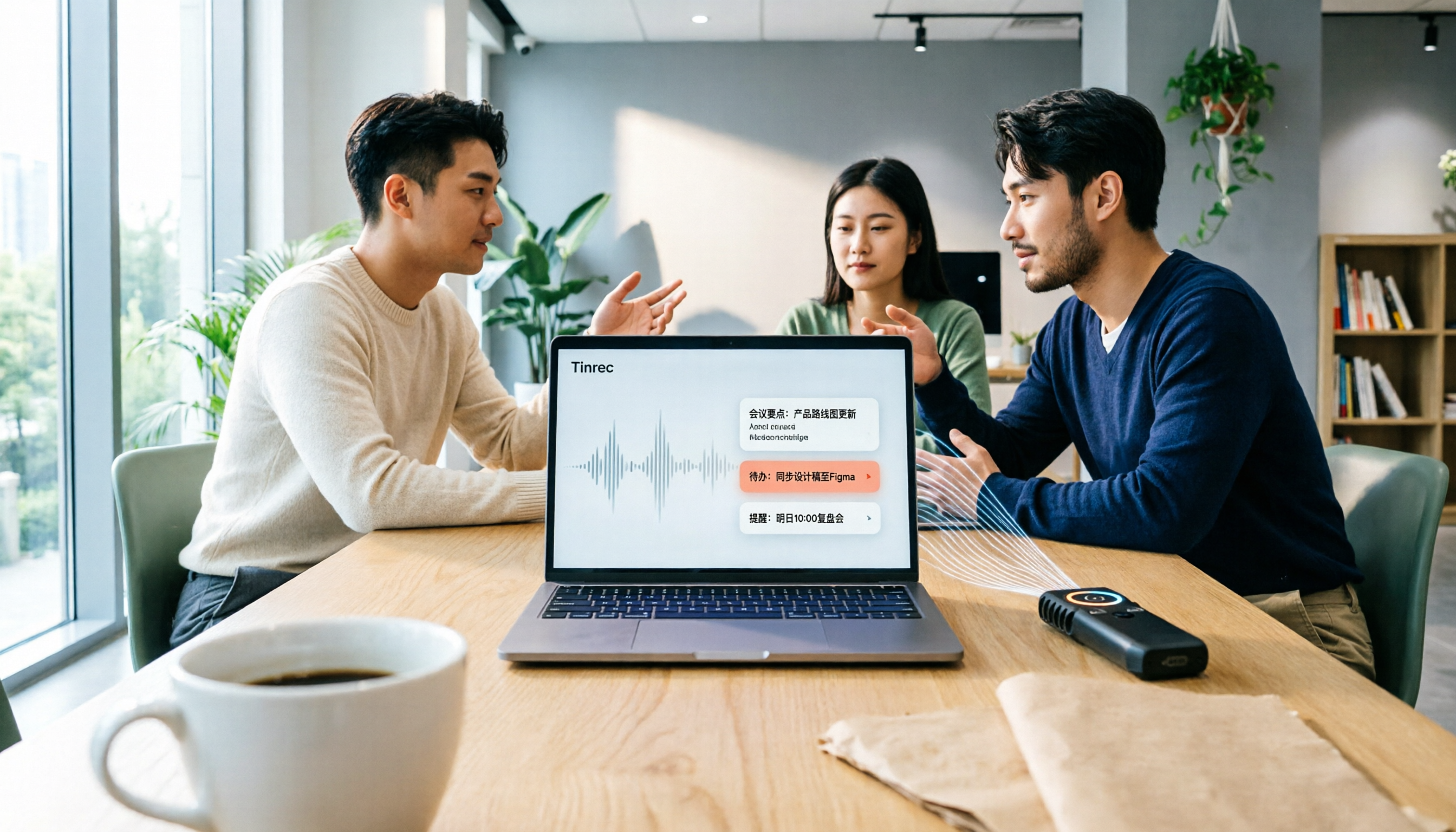
5 Best Audio Recording Software Tested for 2026: Recording Is Just the Start—Which One Turns Your Voice into Usable Data?
Recording software isn't just about audio quality—the real difference shows up after you hit stop. This article tackles common misconceptions, outlines the best use cases for 5 recording tools, and hands-on tests Tinrec's bot-free online meeting recording, AI summaries, action item extraction, and team spaces. Includes free tiers, paid plans, and pitfalls to avoid, so you can pick the right tool for your needs.

3 AI Mirror Methods Compared in 2026: How to Use the Illustrator Mirror Tool Most Accurately
When people ask "How do you mirror in AI?" they're really asking about Adobe Illustrator's Mirror tool. This article breaks down three mirroring methods: the Mirror tool with shortcut O, numeric mirroring from the Object menu, and reversible mirroring from the Effects menu. It explains when to use each, step-by-step instructions, common pitfalls, and a practical workflow for drawing symmetrical artwork.