
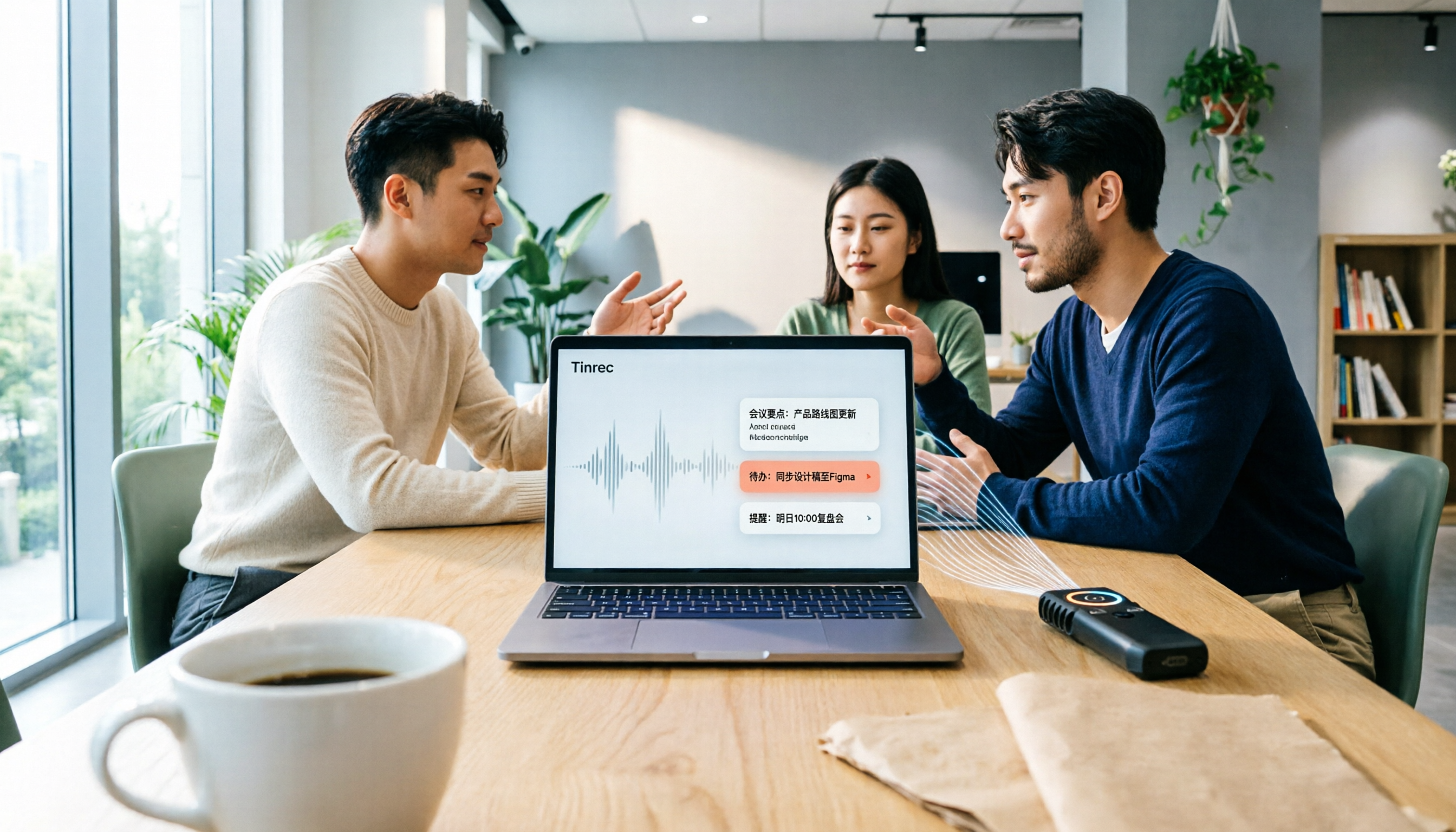
Turn recordings into transcripts and summaries in minutes
Upload audio or video for multilingual transcription, AI notes, and action items
Recording Software Isn't Just About 'Being Able to Record'—The Trouble Shows Up After You Stop
Many people's first impression of recording software is pressing the record button and saving the audio as an MP3.
But once you've actually used a few, you'll realize the real time sink is never those 30 seconds of recording—it's the hours afterward. A 40-minute client interview takes 40 minutes to re-listen to, and roughly 2 hours to transcribe while listening, often leaving your fingers sore from hitting pause.
Another common inefficient habit is dumping files on your desktop with names like 'Recording 3.' Two weeks later, when you need to find a specific discussion, you have no idea which file it's in.
So in recent years, when choosing recording software, I no longer look at 'Is the audio quality good?' but rather 'After recording, can it help me do less work?'
This article covers 5 recording tools I've personally used and that readers often ask about—from free open-source options to AI meeting tools—to help you decide based on your needs.
Before Choosing Recording Software, Think Through These 4 Things
1. Are you recording human voice or computer audio?
These are very different. Interviews and lectures involve recording a microphone; online meetings, videos, and system alerts involve recording internal computer audio. Some tools only capture microphone input and are useless for online meetings.
2. What do you plan to do with the recording afterward?
If it's just for archival reference, free tools are sufficient. If you need transcripts, summaries, or action items, you'll need to look at post-processing capabilities—this is where tools differ the most.
3. Performance with Chinese and mixed Chinese-English
Many English meeting tools are mature, but Chinese sentences often get chopped up oddly, especially with mixed Chinese-English. Rather than reading marketing copy, try it with a real meeting recording of your own.
4. How free tiers are calculated
Some limit monthly minutes, some cap single-file length, and some lock features entirely. Whether you get downgraded to read-only or completely blocked after using up your quota makes a big difference—check clearly before signing up.
Tinrec—The Most Hassle-Free Option After Testing
Tinrec is an AI meeting notes and collaboration tool for individuals and teams, available on web, desktop, and mobile.
Its biggest difference from traditional recording software is that it connects 'recording, transcription, organization, and reuse' into a single workflow.
No more inviting a bot to join your meetings. The desktop version directly captures your computer's system audio, handling online meetings on Zoom, Google Meet, Microsoft Teams, Webex, and similar platforms without requiring an extra meeting bot to join as a participant. To be clear: you actively start recording with Tinrec—it doesn't automatically join all calendar meetings.
During the meeting, the transcript appears in real time as you record. For cross-language communication, you can switch between original text, translation, or bilingual view—no need to find a separate translator afterward.
After the meeting ends is where it truly shines. The system automatically generates summaries and chapters, breaking long meetings into scannable sections, and extracts action items—who's responsible for what and what's next—listed directly for you.
Even better, you can keep asking questions after recording. You can directly ask 'Who mentioned the budget in the last meeting?' or 'What concerns did the client have about the delivery date?' and it answers based on the content, not just keyword search results. This is a relatively rare capability among tools at this price point.
Output isn't limited to transcripts. It supports multi-format export to Notion, Google Docs, OneNote, and Dropbox for further editing, and you can use Agent post-processing to generate reports, tables, and meeting minutes.
For team use, meeting data belongs to the team. The team version provides independent spaces, allowing you to create multiple teams, invite members via join links, and distinguish between owners, admins, and regular members. It's important to distinguish 'roles' from 'seats': roles determine who can manage the team and audit, while seats determine who can record, upload, edit, and export. Members without seats can still view, play, and read team data.
The team version also includes usage analytics, member leaderboards, audit logs, audio recycle bin, and team hotwords. When a member leaves, their resources can be transferred to other members, so data doesn't disappear with the individual.
Stop organizing recordings by hand
Upload audio or video and automatically get a transcript, summary, and action items
Pricing and limitations (listed honestly)
The personal version offers a free tier, weekly pass, Pro monthly, and Pro annual. The free tier provides basic quota so you can try recording, importing, summaries, and transcription. Actual prices are subject to the official purchase page.
The team version offers a 7-day trial for first-time eligible users, 1 free seat, and 300 minutes of shared team import quota; monthly billing is USD 29.80 per paid seat, annual billing is USD 199 per paid seat (about USD 16.58/month), with each paid seat providing 2,000 minutes of shared team import quota per month. Under an active plan and active seats, real-time recording currently does not deduct minutes; file and web imports use the shared team quota.
Note that transcription quality can be affected by recording quality, background noise, accents, multiple simultaneous speakers, and technical terminology. We don't recommend using a 'fixed accuracy rate' as a purchasing criterion; for important content, cross-check with transcript timestamps and audio playback.
Who it's for: People who frequently hold online meetings in Chinese or mixed Chinese-English, want to use AI to find key points right after recording, and need to turn meetings into team knowledge.
Besides Tinrec, These Options Exist
Audacity: A free, open-source veteran recording software that runs on Windows, macOS, and GNU/Linux. It can capture internal system audio, supports LADSPA, LV2, VST and other effect plugins, and offers complete editing operations like cut, copy, and delete. Suitable for those who want to adjust audio quality themselves, produce podcasts, or do audio post-production. But it's essentially an editor—no AI summaries or action item extraction, so you'll still have to organize recordings yourself.
Bandicam: A recording tool available for Windows 7/8/10/11. The Windows version saves MP3 and WAV, while the Mac version saves M4A. It supports scheduled recording, continuous recording over 24 hours, audio trimming, noise suppression, and AI speech-to-text. Suitable for those who need long continuous system audio recording. However, it's designed for single-machine recording—no team spaces, usage management, or audit mechanisms, so in multi-person collaboration, data remains scattered across individual computers.
Otter.ai: A mature English AI meeting assistant covering Zoom, Teams, and Meet, with real-time transcription, speaker identification, AI Chat, and team management. Basic free tier offers 300 minutes per month; Pro annual billing is about USD 8.49/user/month. If your meetings are almost entirely in English, it's genuinely cost-effective. But Chinese and mixed Chinese-English are not its strong suit, and it doesn't offer bot-free desktop recording as an option.
(Also, tools like Notta and TurboScribe lean toward file transcription and subtitle translation, with strengths in single long files and batch uploads; AI recording hardware like PLAUD sells the experience of a portable recording device. Different needs lead to different choices.)
Pitfall Guide: The 4 Most Common Mistakes When Choosing Recording Software
Pitfall 1: Only looking at supported formats, ignoring audio sources.
Everyone lists formats, but whether it can record 'the sound currently playing on your computer' is the key. Buying only to find it can only record microphone input means it's useless for online meetings.
Pitfall 2: Thinking a transcript means it's organized.
A transcript is just raw material. A 40-minute meeting transcript without summaries, chapters, and action items still requires you to read through it from the beginning. When choosing tools, treat 'post-processing' as a primary scoring criterion.
Pitfall 3: Not clearly understanding how free tier limits work.
Some limit total monthly minutes, some limit single-file length, and some lock exports. Rather than reading ad copy, look directly at the limitations section on the pricing page.
Pitfall 4: Sharing one account across the team.
This is the most common and troublesome approach. Data ownership is unclear, files can't be taken when someone leaves, and no one knows who changed what. For team use, choose a solution with independent spaces, roles, and seat design, and obtain participant consent before recording in accordance with local regulations.
Conclusion: Which One Should You Actually Use?
To sum up in one sentence: If you want meeting data that's 'ready to use right after recording,' Tinrec has the most complete workflow and is the most hassle-free choice among these.
- For Chinese or mixed Chinese-English online meetings without inviting a meeting bot → Tinrec, desktop version directly captures system audio
- Want to ask AI directly after recording 'Who mentioned the budget?' or 'What are the action items?' → Tinrec, supports follow-up questions about meeting content
- Need to keep meeting data within the team, even when members change → Tinrec team version, with roles, seats, usage, and audit all in one place
- Only doing audio editing and sound quality post-production → Audacity, free, open-source, and with a complete plugin ecosystem
- Need long continuous system audio recording → Bandicam, scheduling and long-duration recording are its strengths
- Meetings almost entirely in English, limited budget → Otter.ai, generous free tier
We recommend starting with the free version, running a complete workflow with one of your own real meeting recordings, and seeing whether the transcript, summary, and action items meet your expectations before deciding whether to upgrade. Tools are meant to save time, not add learning overhead.
References
- Computer Recording Software | Record System Audio and Microphone - Bandicam
- Online Voice Recorder - Record via Microphone
- 4 Best Methods for Computer Recording [2026 Best Recording Software Recommendations]
- 14 Highly Useful Free Recording Software Recommendations [2026 Latest Comprehensive Review]
- [2025 Best Recording Software] 6 Recording Programs, Free Download 🎶🎶 - EaseUS
Turn every recording into actionable outcomes
Get 60 free transcription minutes when you sign in. No credit card required.
Related Reading
You might also like

3 WeChat Voice Forwarding Alternatives Tested for 2026: Which Is Easiest for Converting to Text and Sharing?
WeChat voice messages currently have no official forwarding feature. Starting from real-world needs, this article first explains the official limitations and the reasons behind them, then compares three ways to turn voice into shareable content: WeChat's built-in voice-to-text, Notta, TurboScribe, and Tinrec's real-time recording transcription, AI summaries, and team data retention workflow, with prices, quotas, and usage limits included as-is.

2026 AI Tool Comparison: Google AI Studio Has No Chinese Interface—How to Choose a Meeting Notes Tool?
Does Google AI Studio have a Chinese interface? Most hands-on tests show the UI is still in English with no native Traditional Chinese version, but the Gemini model can accept Traditional Chinese prompts and output Chinese. This article clearly separates "interface language" from "output language," then compares Tinrec, Google AI Studio, Notta, and Otter.ai based on real meeting-notes needs, including 4 common misconceptions and selection advice.
5 iPhone Recording Methods Compared (2026): Built-in Features, Call Recording, and AI Transcription — Which to Choose?
We tested five built-in iPhone recording methods (Voice Memos, Control Center, Action Button, Back Tap, and iOS 18.1 Call Recording) and compared Tinrec, Notta, Otter.ai, and PLAUD Note on meeting transcription, AI summaries, and team collaboration. Includes key selection criteria and pitfalls to avoid.

3 Ways to Voice Type on iPhone in 2026: Built-in Dictation vs. AI Meeting Tools vs. Transcription Services
First, figure out what you need: if you're just replying to messages, iPhone's built-in Dictation is enough. If you need to organize meetings, check whether the free tier is sufficient. This article breaks down how to enable built-in Dictation, how to add punctuation by voice, and how to troubleshoot when the microphone icon disappears. It also compares the free limits of Tinrec and file-based transcription services, and provides a comparison table and FAQ to help you choose the right tool.

5 AI Audio-to-Text Tools Compared in 2026: From Free to Paid, From Transcripts to Team Collaboration
A side-by-side comparison of 5 AI audio-to-text tools in 2026, from free to paid, from transcripts to team collaboration, helping you decide how to choose an audio-to-text tool. Using Tinrec as the main example, this article explains real-time transcription, bot-free meeting recording, AI summaries, action item extraction, AI Q&A, and team spaces, and outlines 5 key points to consider when purchasing.
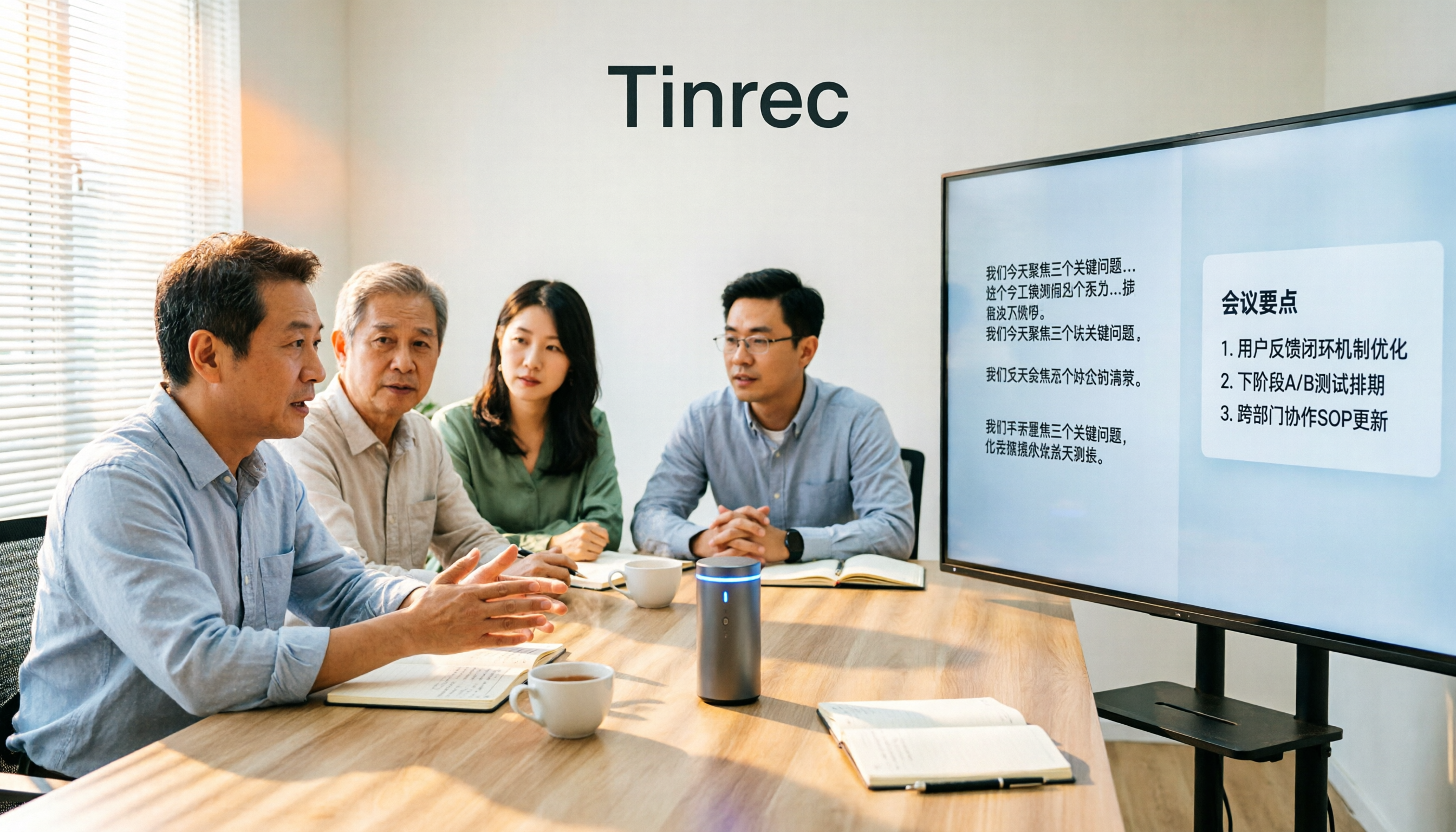
2026 Comparison of 4 Audio-to-Text Tools: Is Yating Taiwanese? Which Handles Chinese Meetings Best?
"Is Yating Taiwanese?" is one of the most common questions among Taiwanese users, but public information about the development team is inconsistent. This article first clarifies the verification results and its real strengths, then compares Yating, Tinrec, Otter.ai, and Notta in Chinese recognition, post-meeting organization, and team collaboration from actual meeting scenarios to help you choose the truly suitable one.

Tinrec vs Notta 2026: 5-Dimension Comparison for Chinese Meeting Transcripts
After a meeting, producing minutes within half an hour is often delayed by the transcript. This article compares Tinrec and Notta across five dimensions for Chinese meeting transcripts, covering bot-free recording, post-meeting organization, team seats, and pricing, with a pitfalls guide and scenario-based recommendations.
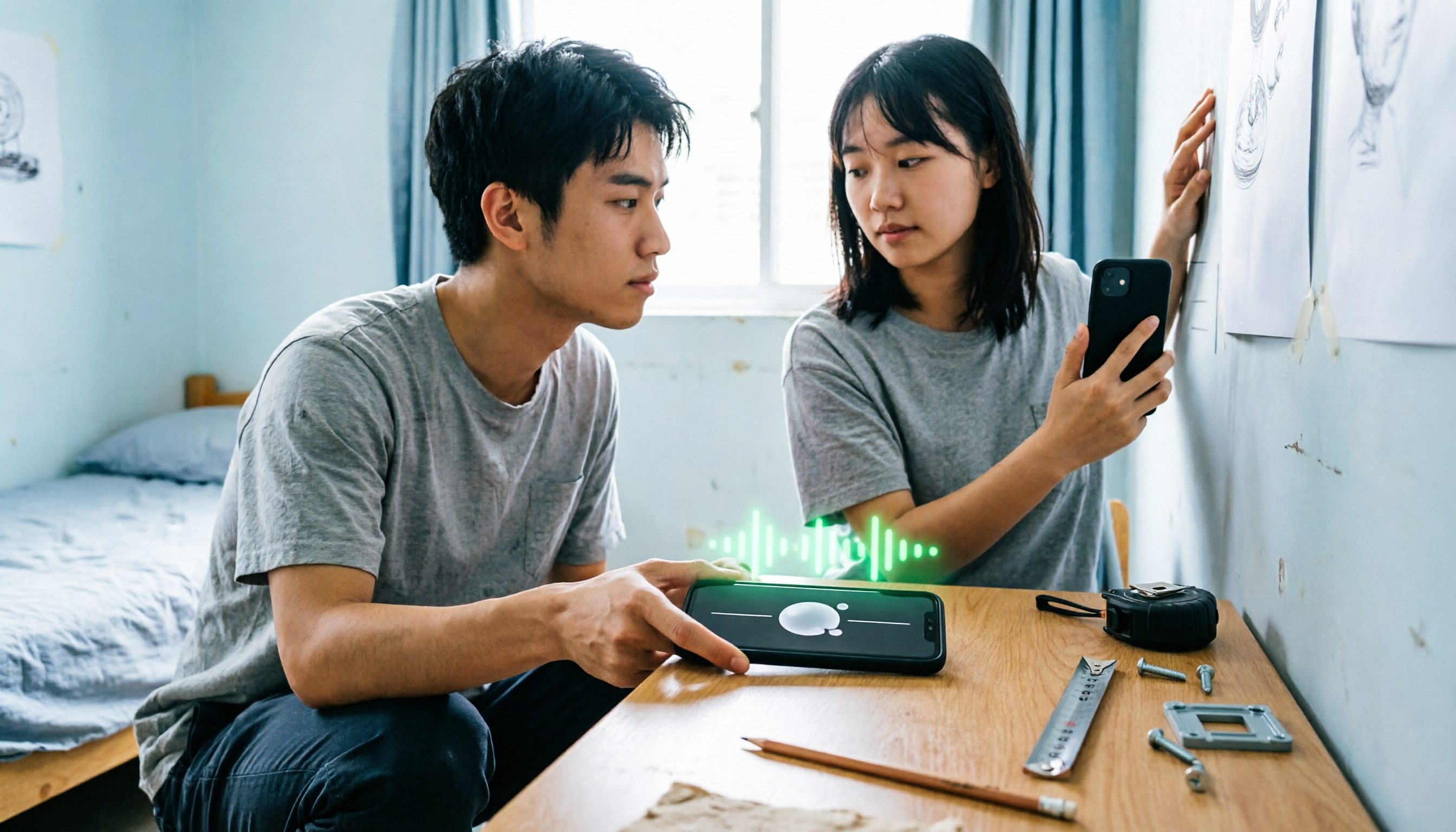
3 Ways to Use iPhone Level in 2026: Flat, Side, or Case—Which Is Most Accurate?
Is the iPhone's built-in level accurate? We tested three methods in real-life scenarios like hanging posters in a dorm and assembling shelves: using the Measure app flat on a surface, standing it against a wall for vertical checks, and the iOS 17 camera level for framing. We break down errors caused by the camera bump and four common mistakes, and tell you when to use a physical level instead.

3 AI Mirror Methods Compared in 2026: How to Use the Illustrator Mirror Tool Most Accurately
When people ask "How do you mirror in AI?" they're really asking about Adobe Illustrator's Mirror tool. This article breaks down three mirroring methods: the Mirror tool with shortcut O, numeric mirroring from the Object menu, and reversible mirroring from the Effects menu. It explains when to use each, step-by-step instructions, common pitfalls, and a practical workflow for drawing symmetrical artwork.