
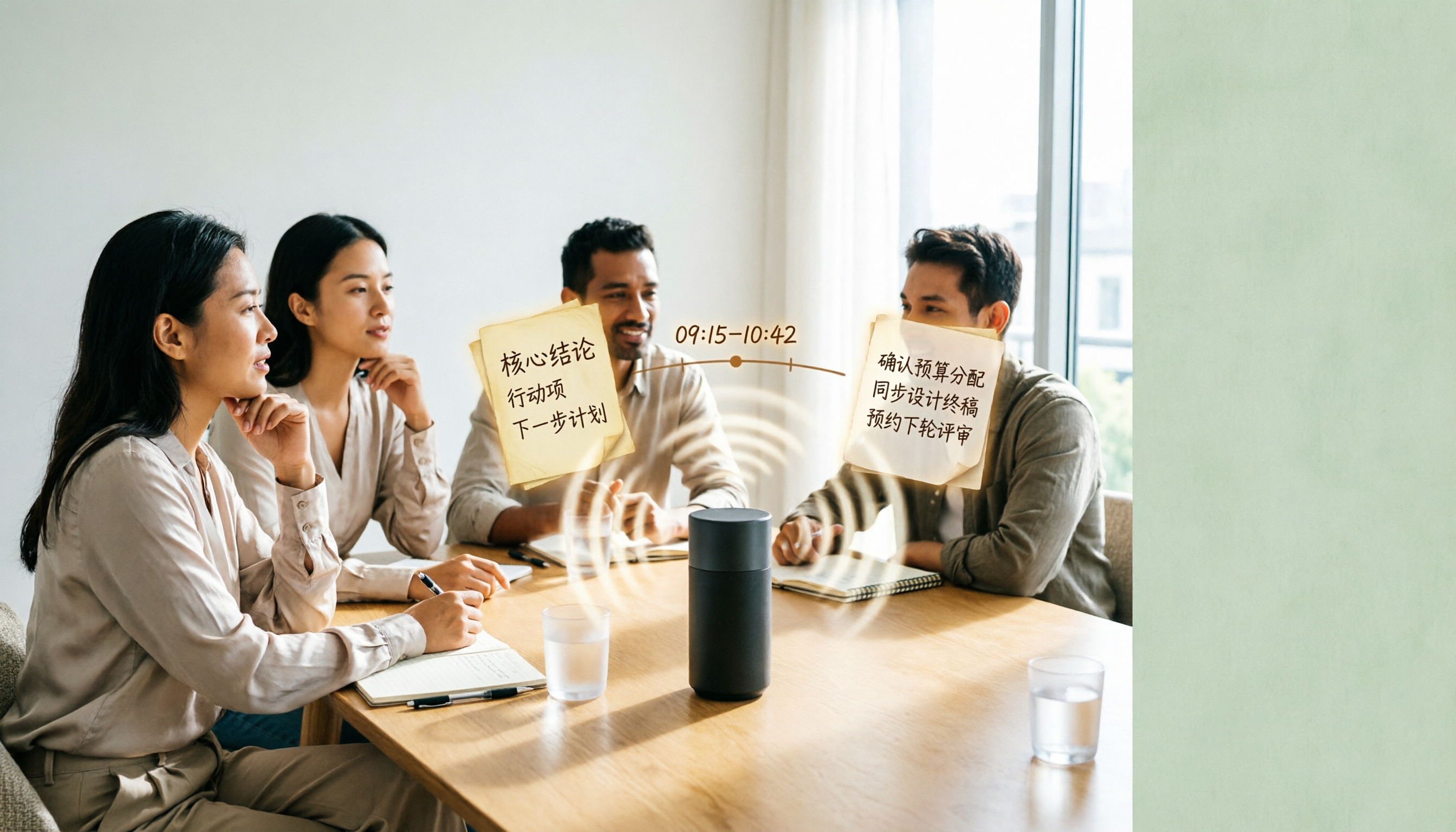
Turn recordings into transcripts and summaries in minutes
Upload audio or video for multilingual transcription, AI notes, and action items
2026 Complete Guide to AI Meeting Minutes: Automatically Generate Summaries and Action Items
Many people think "AI meeting minutes" means throwing a recording into a tool, copying out the transcript, and pasting it into Word—done. Honestly, that's the least efficient approach.
A transcript nobody wants to reopen is almost as good as no record at all. Truly valuable meeting minutes let people who weren't in the meeting understand the conclusions and let attendees know what to do next.
This article starts with common misconceptions, then discusses what AI meeting minutes can actually do for you, how to choose a tool, and the workflow I've found smooth in practice.
What Can AI Meeting Minutes Do for You?
Scenario 1: Get usable records 5 minutes after a meeting
In the past, after a two-hour meeting, you'd spend another hour replaying the recording and extracting key points. Now, as the meeting ends, AI has already organized the summary, conclusions, and action items—who's responsible for what and by when, all at a glance.
Take Tinrec as an example: after recording ends, it automatically generates a transcript, AI summary, and chapters, and can extract action items from the discussion.
Scenario 2: Meeting materials are searchable later
Most people's meeting records are scattered across chat rooms, emails, and personal computers. Three months later, when you want to look back and ask "why did we make this decision?", you often can't find it.
Tinrec's approach is to store recordings, transcripts, summaries, and action items in one database that you can search and query, so historical meetings don't become disconnected points.
Scenario 3: No more relying on human translators for cross-language meetings
Meetings with mixed Chinese and English are the most torturous for note-takers. Tinrec supports transcription for Chinese, Traditional Chinese, and multilingual meetings, and during recording you can view the original text, translation, or bilingual content.
Scenario 4: Team shares the same meeting assets
Personal tools solve "I need to see this myself," but teams need "everyone knows where the decisions are." Tinrec's team version provides an independent team space where meeting data belongs to the team, so when members change, the data doesn't leave with them.
What Are the Core Capabilities of AI Meeting Minutes?
Real-time speech-to-text, words appear as you speak
It's not about transcribing after recording. Tinrec supports real-time transcription, so during the meeting you can follow along with the text to confirm no key points are missed, and if you need to add a sentence, you don't have to replay the whole segment.
Record online meetings without a bot
Most meeting tools use a "meeting bot" that joins as a participant, adding an extra member to the screen—some clients mind that.
Tinrec's desktop version directly captures computer system audio to handle online meetings on Zoom, Google Meet, Microsoft Teams, Webex, etc., without an extra bot joining. Note that this requires you to actively open Tinrec and start recording; it doesn't automatically join every meeting on your calendar.
Summary, chapters, and action items are three different levels of organization
Many people only use AI to "condense into a paragraph," which wastes its analytical ability. Tinrec breaks long meetings into chapters, highlights key points, and extracts actionable items from the discussion.
My own habit: first look at chapters to grasp the structure, then read the summary to confirm conclusions, and finally read only the action items section. The information from an entire meeting can be absorbed in about three minutes.
AI Q&A lets you query meeting data
After transcription, you can directly ask Tinrec: "Who mentioned the budget in this meeting?" "What were the client's concerns about the delivery date?" It answers based on semantic understanding, rather than dumping keyword-matched paragraphs.
For those who need to look back at historical meetings, this feature is more practical than the transcript itself.
Export and further processing
Meeting records ultimately need to enter your workflow. Tinrec supports multiple export formats and can be taken to Notion, Google Docs, OneNote, Dropbox, etc. for continued use; when you need post-meeting reports, tables, or documents, you can generate them directly through Agent post-processing.
Team-level management capabilities
In addition to shared space, the team version includes member invitations, role and seat management, usage analytics, audit logs, audio recycle bin, and team hotwords. This will be detailed in the purchasing section later.
Practical Use Cases
Project weekly meetings and decision meetings
For regular weekly project meetings, the biggest hassle is "where did we leave off last time." After recording with Tinrec, the summary preserves the discussion context, action items indicate owners, and before next week's meeting you can just review the previous record to pick up.
Stop organizing recordings by hand
Upload audio or video and automatically get a transcript, summary, and action items
Customer interviews and requirements communication
The pain point for sales and customer success teams is too many details and too many promises. Import interview recordings into Tinrec, search keywords in the transcript, use AI Q&A to quickly confirm "how many times did the client mention the budget cap," and export organized records for archiving after the meeting.
Courses, lectures, and internal training
Replaying a two-hour class costs too much. Tinrec's chapter feature breaks the course into easily browsable segments, so you can jump directly to the part you want to review without dragging the progress bar guessing.
Team meeting data handover
What happens to meeting data when a member leaves or transfers? Tinrec's team version resources belong to the team; when a member exits, is removed, or loses their seat, their team resources can be handed over to other active members. This is worth specifically confirming when choosing a team plan.
5 Things to Consider When Choosing an AI Meeting Minutes Tool
1. How meetings are recorded
Does it send a bot to join, or capture system audio? If clients mind an extra member in the meeting, confirm the tool supports a bot-free method. Tinrec's desktop version is the latter: users actively start recording, no additional participants.
2. Are audio files retained
Some tools only keep transcripts, not audio files. This is troublesome when you need to verify original statements or handle disputes. Tinrec retains audio, and the team version has an audio recycle bin to recover accidentally deleted files before permanent cleanup begins.
3. What can be done after transcription
A tool that only gives transcripts essentially returns the organizing work to you. When choosing, check if it can produce summaries, chapters, action items, and allow queries about the content. Tinrec's completeness in this area is what I find most impressive.
4. Handling of Chinese and technical terms
Mixed Chinese-English, internal abbreviations, product codes—these are where most AI transcription makes mistakes. Tinrec supports team hotwords to maintain commonly used team terms and improve recognition of technical words. Actual results are still affected by recording quality, accents, noise, and multiple people speaking simultaneously—be prepared for that.
5. Team governance capabilities
If it's for departmental use, be sure to confirm three things: roles, seats, and data ownership. Tinrec's team version separates "roles" (who can manage the team and members) and "seats" (who can record, upload, edit, export).
Members who are active but have no seat can still view, play, and read team data, but cannot perform resource usage operations like uploading or editing. Currently, the team version focuses on team-level sharing, not file-level granular permissions—this should be clarified during procurement evaluation.
For pricing, Tinrec team monthly is USD 29.80 per paid seat per month, annual is USD 199 per paid seat per year; each paid seat provides 2,000 minutes of team shared import quota per month. Eligible teams can try 7 days, 1 free seat, 300 minutes of team shared import quota for the first time. The personal version has a free version, weekly card, Pro monthly, and Pro annual, which you can choose based on usage frequency.
FAQ
Q: Can AI-generated meeting minutes be used directly as official records?
It's not recommended. AI may miss or misunderstand details. A safer approach is to let it complete 80% of the organization, then have a human verify key numbers, names, and resolutions. Tinrec's transcript has timestamps, so you can go back to the recording when needed.
Q: Is the free version enough?
Depends on how often you have meetings. If you only occasionally organize an interview or course recording, Tinrec's free version basic quota is enough to experience the full workflow; if you have steady needs every week, the Pro plan is smoother; for short-term intensive meetings or project sprints, the weekly card is a more practical choice.
Q: Do I need to install the desktop version for online meetings?
To record meeting audio playing on your computer, you need Tinrec's desktop version to capture system audio. The mobile app is suitable for on-the-go and offline recording, while the web version is convenient for viewing and organizing existing data.
Q: How accurate is transcription for mixed Chinese-English meetings?
Tinrec supports Chinese, Traditional Chinese, and multilingual meetings, and provides real-time translation and bilingual viewing. Actual recognition results vary with recording quality, accents, noise, and technical terms. For important meetings, it's recommended to use team hotwords.
Q: What's the difference between the team version and sharing one account among multiple people?
The difference is data ownership and management capabilities. Tinrec's team version is an independent space with roles, seats, usage analytics, audit logs, and resource handover mechanisms; a shared account cannot distinguish member identities or track who did what.
Q: What legal considerations are there for meeting recording?
Recording and transcription involve local regulations and participant consent. In practice, it's recommended to inform attendees at the start of the meeting and handle data storage and sharing according to company policies.
Conclusion
The value of AI meeting minutes isn't in turning sound into text, but in turning meetings into data you can look back on, query, and act upon.
If your pain point is "I still have to spend an hour organizing after a meeting," what you lack isn't willpower—it's a smooth workflow. Tinrec's free version lets you run through the complete process once: recording, transcription, summary, action items, export—see where the difference is; when your team also needs to share meeting data, then evaluate the team version's space and governance capabilities.
Trying one real meeting is more useful than reading ten feature introductions.
References
- How to use AI for meeting minutes? How to organize meeting transcripts? | AI speech-to-transcript tutorial | 104 Career Power
- AI meeting minutes organization techniques! 6 steps to leverage Gemini Notebook and prompt templates, speech-to-text, mixed Chinese-English no problem | 104 Career Power
- Organizing meeting minutes is painful? 5 NotebookLM "AI note transformation techniques," mixed Chinese-English and technical terms accurately translated | BusinessNext
- Business Weekly - 6-step AI meeting minutes organization technique: use fixed templates to turn discussions into clear action items - Business Weekly
- AI Meeting Minutes Generator – Create meeting minutes for free
Turn every recording into actionable outcomes
Get 60 free transcription minutes when you sign in. No credit card required.
Related Reading
You might also like

5 Best Video Summarization Tools for Skill Learning in 2026: How to Choose Transcripts, Summaries, and Review Notes
Summarizing skill-learning videos isn't just about watching them. This article addresses three common misconceptions, breaks down the four stages of video summarization, and compares Tinrec, Otter.ai, Notta, TurboScribe, and Granola on video import, transcripts, summaries, follow-up questions, and export, based on official data verified in August 2026. It includes pricing, quotas, and use cases to help you choose a tool that fits your learning pace.

Xiaomi Video to Text in 2026: 3 Methods Tested + AI Meeting Notes Auto-Generation
After recording a meeting on your Xiaomi phone, the first decision isn't which button to press—it's whether you want "a block of text you can paste" or "meeting material you can still find next week." This guide, based on a mid-level manager's actual workflow, compares Xiaomi's built-in recorder transcription, app store transcription apps, and Tinrec, and outlines 4 key buying criteria and 4 common pitfalls.

4 Voice-to-Text Tools Tested: Which Is Best for iPhone Transcription in 2026?
The iPhone's built-in Voice Memos transcription is handy, but it has limitations on device models, OS versions, and language support. This article compares four voice-to-text approaches—Apple's built-in, Tinrec, Notta, and PLAUD Note—based on real-world use cases, and outlines selection criteria, tool limitations, and pitfalls to help you choose the right solution for your meeting and recording habits.

5 Best Speech-to-Text Software for Chinese Meetings in 2026: Tinrec vs Otter.ai vs Notta vs Granola
We tested 5 speech-to-text tools—Tinrec, Otter.ai, Notta, Granola, and more—focusing on Chinese meeting transcription and post-meeting organization. Compare input methods, output quality, Chinese language performance, and free tiers, plus key buying factors and 3 common pitfalls to help you find the most time-saving option.

2026 Best 4 Speech-to-Text Apps Compared: Which Saves the Most Time on Chinese Meeting Notes?
There are countless speech-to-text apps, but most people buy the wrong one not because transcription is inaccurate, but because they haven't clarified whether they need a verbatim transcript or usable post-meeting data. This article starts with 5 key purchasing criteria, compares Tinrec, Otter.ai, Notta, and TurboScribe in Chinese recognition, post-meeting organization, team collaboration, and quota design, and summarizes 3 common pitfalls to help you choose the right tool within budget.

How to Use Voice Typing Shortcuts in 2026: Win+H Dictation + Automatic Meeting Notes
On Windows, press Win+H to type with your voice; on Chromebook, press Search + D. This guide shows you how to use computer voice-to-text shortcuts, when to use them, and how to turn meeting recordings into transcripts, summaries, action items, and searchable team knowledge after pressing the keys.
2026 Podcast Summary Free Plans Compared: 4 Tools to Check Out
After listening to a podcast episode, summarizing key points often means re-listening two or three times. This article reviews four tools in 2026 that turn audio files into transcripts and summaries, including free quotas, single-file length limits, and paid pricing. It also tests Tinrec's workflow from transcription to AI follow-up questions, helping you decide which one truly fits your needs.

2026 Comparison of 4 AI Meeting Summary Tools: Which One Actually Saves Time on Chinese Meeting Minutes?
Starting from real frustrations with group project discussions and class recordings, this student-perspective hands-on test compares 4 AI meeting summary tools on Chinese recognition, summary and action item quality, online meeting recording methods, and free tier limits. It also covers 4 key points to check before buying and 3 common pitfalls.

2026 AI Meeting Notes Tools: A Complete Guide to Choosing the Right One for Auto-Generated Summaries and Action Items
The meeting ends, but the note-taking is just beginning. Based on real workplace scenarios in Taiwan, this guide covers 4 key factors for choosing an AI meeting notes tool, hands-on insights on Tinrec, and who Otter.ai, Granola, and TurboScribe are best for. It also includes 4 common pitfalls and selection advice.