

Turn recordings into transcripts and summaries in minutes
Upload audio or video for multilingual transcription, AI notes, and action items
2026 Best 4 Speech-to-Text Apps Compared: Which Saves the Most Time on Chinese Meeting Notes?
Choosing the wrong tool is usually not because transcription is inaccurate, but because you need something different
Under the term "speech-to-text," there are actually two completely different needs: one is turning sound into readable text, and the other is turning a meeting into data that can be used for decisions. The completeness of most tools on the market varies greatly between these two tasks.
We've seen too many situations like this:
- After a meeting, the transcript comes out an hour later, 20,000 words lying there, and you still have to read through it yourself to find conclusions.
- Chinese meetings mixed with "roadmap," "this case," "follow up" and other Chinese-English sentences turn into unreadable gibberish.
- Online meetings require sending a meeting bot, and clients see an unfamiliar account on the list, requiring an explanation before the meeting.
- Three colleagues each use different tools, meeting records are scattered in four places, and when someone leaves, everything disappears.
If you are in these situations, this article will break down the 4 tools from "how to choose" to "who to choose." Here's a judgment principle first: what really sets them apart is not transcription itself, but how much time you still spend organizing after transcription.
Before choosing an app, understand these 4 key points
1. How the meeting is "recorded" Currently there are three mainstream methods: a meeting bot joins the meeting, desktop captures computer system audio directly, or upload an existing audio file. The bot is the easiest, but it appears on the participant list; desktop capture doesn't add a participant, but you need to open the software yourself. There is no absolute good or bad here; it depends on whether your meeting participants care.
2. Chinese and mixed Chinese-English recognition experience Don't just look at the official accuracy rate, which is usually measured in a quiet environment. Real meetings have air conditioning noise, keyboard sounds, multiple people talking over each other, and many English technical terms. What you need to observe is: can technical terms be customized via "hotwords," is the transcript readable, and can it identify speakers?
3. What you get after transcription Tools that only provide transcripts are essentially handing the organizing work back to you. Tools with summaries, chapters, and action item extraction truly save you that hour. Going one step further, can you ask questions directly about the meeting content—"Who mentioned the budget in the last meeting?" Such questions are worlds apart between using Ctrl+F to find keywords and using semantic understanding to answer.
4. How quotas are calculated and who owns the data You need to distinguish whether "real-time recording" and "file import" share the same minutes; many tools calculate them separately. Also, if you are using it as a team, ask: is data ownership tied to individual accounts or team spaces? Will data remain after members leave?
Tinrec (秒聽錄音) — We think it's the most comprehensive choice after testing
Tinrec (秒聽錄音) is an AI meeting notes and collaboration tool for individuals and teams, covering iOS, Android, desktop, and web. Its core positioning is not "speech-to-text," but turning meetings into searchable, collaborative, and actionable data.
Our testing method was simple: we took a real internal meeting recording (mainly Chinese, mixed with English product names, about 40 minutes long, with air conditioning noise in the meeting room) and ran it through, looking at only three things: whether the transcript can be read directly, whether the summary captures conclusions, and whether action items have owners.
Bot-free recording is especially noticeable in client meetings. The desktop version directly captures computer system audio, so when handling online meetings like Zoom, Google Meet, Microsoft Teams, Webex, there's no need to invite an extra bot as a participant. Note that this does not mean "automatically join all calendar meetings"—you still need to actively open Tinrec to start recording. But for external meetings, having one less unfamiliar account on the list reduces communication costs.
Summary, chapters, and action items are a complete set. After the meeting, AI automatically generates a summary and chapter structure, and extracts action items from the discussion. What we care about most is that it retains "who is responsible for what," rather than giving you a beautiful but non-actionable summary. This is the only one of the four tools that achieves "no need for another round of manual organizing."
You can continue to ask questions after the meeting—this is the real differentiator. After recording, you can directly ask it "What were the conclusions of this meeting?" or "What were the client's concerns about pricing?" It answers based on semantics, rather than throwing a bunch of keyword search results for you to sift through. Most competitors in the same price range don't have this layer yet. The generated content can also be further made into reports, tables, and documents, or exported to Notion, Google Docs, OneNote, Dropbox for further processing.
Stop organizing recordings by hand
Upload audio or video and automatically get a transcript, summary, and action items
For team use, the difference is governance, not features. The team version is an independent team space, not multiple people sharing one account. Meeting data belongs to the team, and members have roles (owner, admin, regular member) and seats: active members without seats can still view, play, and read data, but need a seat to record, upload, edit, and export. Admins can view usage trends, member rankings, query and export audit logs, and accidentally deleted audio files can be recovered from a 30-day recycle bin. When a member leaves, their team resources need to be handed over to other active members, and data won't be taken away by individuals. Currently, team monthly payment is USD 29.80 per paid seat per month, annual payment is USD 199 per paid seat per year (about USD 16.58 per month), each paid seat provides 2,000 minutes of team shared import quota per month; under active plans and seats, real-time recording is currently not deducted by minutes, while file and web imports use the team shared quota. Eligible teams can try 7 days, 1 free seat, and 300 minutes of shared import quota for the first time. Actual prices and benefits are subject to the official purchase page.
We still need to be honest about where it falls short. The free version provides basic quota, suitable for trying out your own recording first; if you have a heavy meeting schedule every week, you'll need to upgrade to a paid plan. Also, it does not promise a fixed accuracy rate—recording quality, accents, overlapping speech, and technical terms all affect results. For important content, it's recommended to cross-check with the transcript timestamps. For highly regulated scenarios like healthcare, legal, and finance, please verify authorization and compliance conditions before evaluating.
Who it's for: People whose meetings are mainly in Chinese or mixed Chinese-English, who don't want a meeting bot in online meetings, who want to use AI to find key points and action items directly after recording, and who need to accumulate meeting data as team assets.
Besides Tinrec, what other options are there?
| Tool | Positioning | Free quota (official) | Best for |
|---|---|---|---|
| Tinrec | AI meeting notes and team collaboration | Basic quota experience | Chinese meetings, post-meeting Q&A and organization |
| Otter.ai | AI meeting assistant | 300 minutes per month | English business meetings |
| Notta | Multilingual transcription and meeting notes | 120 minutes per month, 3 minutes per session | Multilingual documents and meetings |
| TurboScribe | File transcription and subtitles | 3 files per day, 30 minutes per file | Long files, batch subtitles |
Otter.ai is a mature English meeting assistant. The free version's 300 minutes per month is quite generous, and Pro annual payment is about USD 8.49 per user per month. Its strength is in English business meeting summaries and automation, but Chinese and mixed Chinese-English organization experience is not its main focus. If you mainly record English content, it's a good deal; if you need bot-free recording plus real-time translation and bilingual comparison, Tinrec is more complete in this regard.
Notta has the highest overlap with Tinrec, offering multi-platform transcription, meeting notes, file import, translation, and team plans. Note that the free version has 120 minutes per month and a 3-minute limit per session, so you'll hit the ceiling immediately with a long meeting. Its multilingual performance is good; if your meetings are mainly in Chinese and you want to use semantic Q&A after meetings and accumulate data into a team space with seats and audit management, Tinrec's design is more complete.
TurboScribe takes the cost-effective file transcription route. The paid version supports up to 10 hours or 5 GB per file, can upload 50 files at once, and Unlimited annual payment is USD 120 (about USD 10 per month), which is advantageous for processing large amounts of long audio files. But its positioning is file transcription and subtitles, not a real-time tool for meetings; post-meeting Q&A, action item tracking, and team data accumulation are not in scope. The two can actually coexist: use TurboScribe for batch archiving, and Tinrec for daily meetings.
Pitfall Guide: The 3 most common mistakes when choosing a speech-to-text app
Pitfall 1: Only looking at the official accuracy rate. Numbers measured in a quiet recording studio will drop significantly in a meeting room with air conditioning noise, keyboard sounds, and multiple people talking over each other. The correct approach is to try it with a real recording of your own, especially testing the technical terms you use most often.
Pitfall 2: Treating "free" as something you can use forever. Many tools' free quotas hide per-session limits, such as only 3 minutes per session, which is enough for short voice memos but completely insufficient for formal meetings. When looking at plans, ask clearly: do real-time recording and file import share the same minutes?
Pitfall 3: Only using it as "transcription." If you still have to read through the transcript yourself and list action items yourself, you're only using one-third of the tool's capabilities. Designs like Tinrec that allow you to ask questions directly about meeting content save you the time of flipping through a 30-minute transcript with a single question like "What were the conclusions of this meeting?"
Pitfall 4: Using it as a team but ignoring data ownership. Letting colleagues record with their personal accounts is like putting company meeting data in personal drawers. When choosing a tool, ask first: can data be attributed to a team space, how is it handed over when members leave, and are there usage and operation logs available?
Conclusion: Which one should you choose?
To sum up in one sentence: if what you want is "no need for another round of organizing after the meeting," Tinrec is the closest to this goal among the four.
- Mainly Chinese or mixed Chinese-English meetings → Tinrec (summary, chapters, action items all in one, plus post-meeting Q&A)
- Don't want a meeting bot in online meetings → Tinrec (desktop captures system audio, handles Zoom, Meet, Teams, Webex)
- Cross-device use (record on phone, organize on computer) → Tinrec (iOS, Android, desktop, web)
- Need team sharing of meeting data → Tinrec Team (team space, roles and seats, usage analytics, audit logs, audio recycle bin)
- Only record English meetings, zero budget → Otter.ai (300 free minutes is the most generous in this group)
- A bunch of long audio files to batch transcribe subtitles → TurboScribe (10 hours per file, batch upload)
A more practical approach is to first run a free version on a recording of your own meeting from last week, and see if the transcript is readable and if the summary captures conclusions. Once these two things pass, then discuss whether to upgrade to paid; if they don't, no matter how cheap it is, it's wasting your organizing time.
References
Turn every recording into actionable outcomes
Get 60 free transcription minutes when you sign in. No credit card required.
Related Reading
You might also like

5 Best Video Summarization Tools for Skill Learning in 2026: How to Choose Transcripts, Summaries, and Review Notes
Summarizing skill-learning videos isn't just about watching them. This article addresses three common misconceptions, breaks down the four stages of video summarization, and compares Tinrec, Otter.ai, Notta, TurboScribe, and Granola on video import, transcripts, summaries, follow-up questions, and export, based on official data verified in August 2026. It includes pricing, quotas, and use cases to help you choose a tool that fits your learning pace.

Xiaomi Video to Text in 2026: 3 Methods Tested + AI Meeting Notes Auto-Generation
After recording a meeting on your Xiaomi phone, the first decision isn't which button to press—it's whether you want "a block of text you can paste" or "meeting material you can still find next week." This guide, based on a mid-level manager's actual workflow, compares Xiaomi's built-in recorder transcription, app store transcription apps, and Tinrec, and outlines 4 key buying criteria and 4 common pitfalls.

4 Voice-to-Text Tools Tested: Which Is Best for iPhone Transcription in 2026?
The iPhone's built-in Voice Memos transcription is handy, but it has limitations on device models, OS versions, and language support. This article compares four voice-to-text approaches—Apple's built-in, Tinrec, Notta, and PLAUD Note—based on real-world use cases, and outlines selection criteria, tool limitations, and pitfalls to help you choose the right solution for your meeting and recording habits.

5 Best Speech-to-Text Software for Chinese Meetings in 2026: Tinrec vs Otter.ai vs Notta vs Granola
We tested 5 speech-to-text tools—Tinrec, Otter.ai, Notta, Granola, and more—focusing on Chinese meeting transcription and post-meeting organization. Compare input methods, output quality, Chinese language performance, and free tiers, plus key buying factors and 3 common pitfalls to help you find the most time-saving option.

How to Use Voice Typing Shortcuts in 2026: Win+H Dictation + Automatic Meeting Notes
On Windows, press Win+H to type with your voice; on Chromebook, press Search + D. This guide shows you how to use computer voice-to-text shortcuts, when to use them, and how to turn meeting recordings into transcripts, summaries, action items, and searchable team knowledge after pressing the keys.
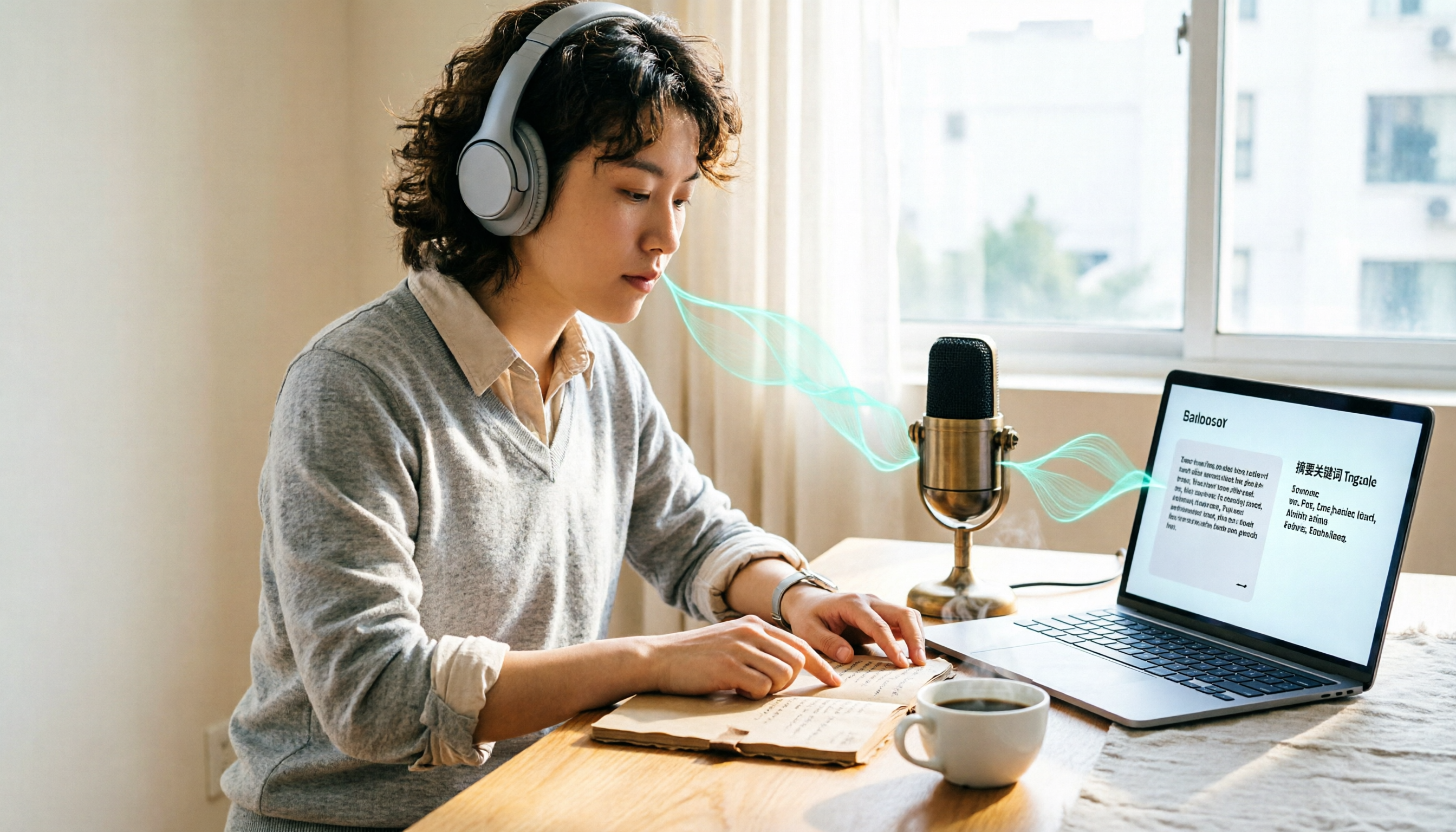
2026 Podcast Summary Free Plans Compared: 4 Tools to Check Out
After listening to a podcast episode, summarizing key points often means re-listening two or three times. This article reviews four tools in 2026 that turn audio files into transcripts and summaries, including free quotas, single-file length limits, and paid pricing. It also tests Tinrec's workflow from transcription to AI follow-up questions, helping you decide which one truly fits your needs.

2026 Comparison of 4 AI Meeting Summary Tools: Which One Actually Saves Time on Chinese Meeting Minutes?
Starting from real frustrations with group project discussions and class recordings, this student-perspective hands-on test compares 4 AI meeting summary tools on Chinese recognition, summary and action item quality, online meeting recording methods, and free tier limits. It also covers 4 key points to check before buying and 3 common pitfalls.

2026 AI Meeting Notes Tools: A Complete Guide to Choosing the Right One for Auto-Generated Summaries and Action Items
The meeting ends, but the note-taking is just beginning. Based on real workplace scenarios in Taiwan, this guide covers 4 key factors for choosing an AI meeting notes tool, hands-on insights on Tinrec, and who Otter.ai, Granola, and TurboScribe are best for. It also includes 4 common pitfalls and selection advice.
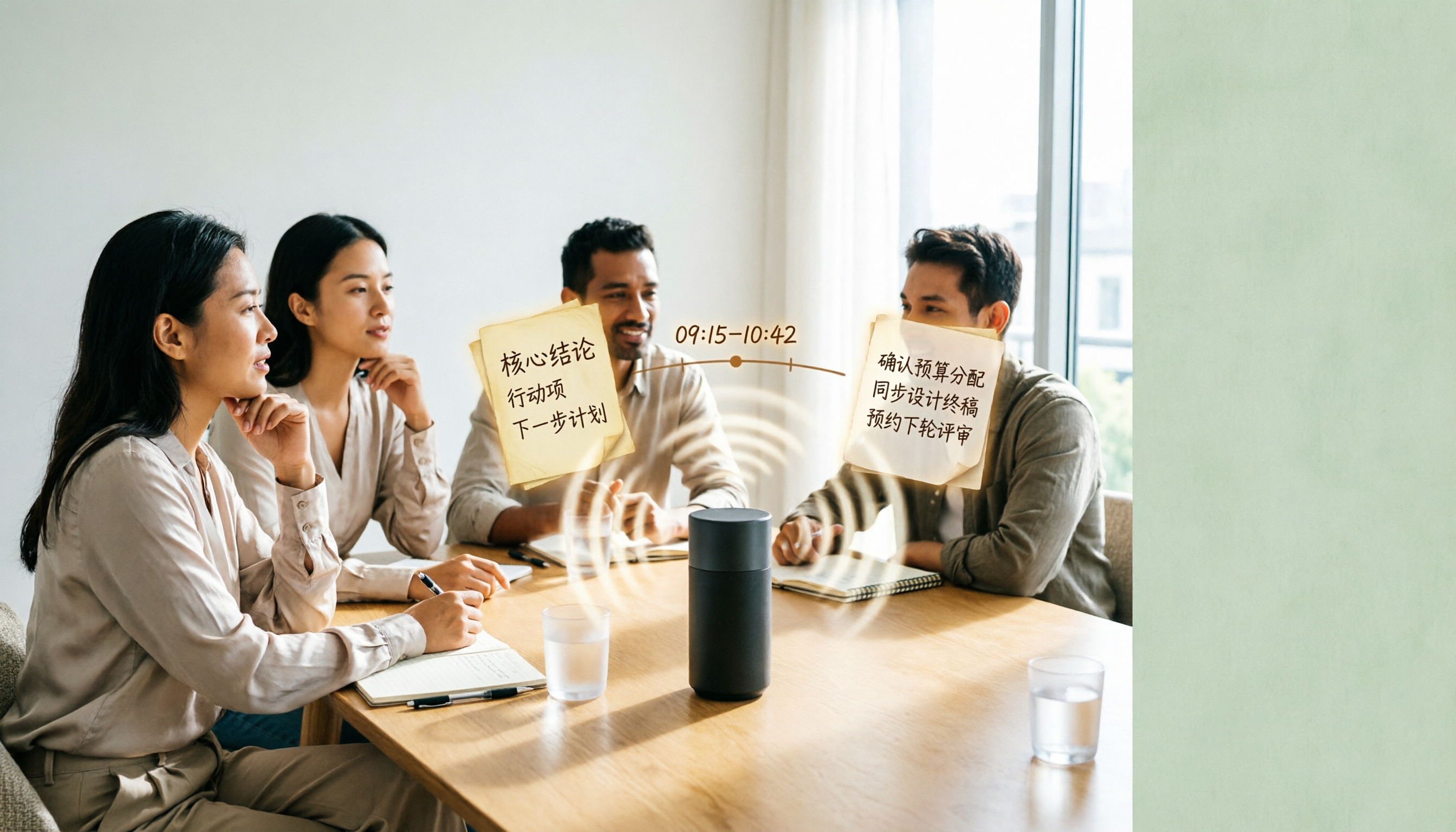
2026 Complete Guide to AI Meeting Minutes: Automatically Generate Summaries and Action Items
AI meeting minutes aren't just about feeding a transcript to AI. This guide starts with common inefficient practices, explains what AI meeting minutes can truly do, core capabilities, practical use cases, and purchasing considerations. Using Tinrec as an example, it walks you through the complete workflow from recording, transcription, summarization, action items, to team knowledge retention.