
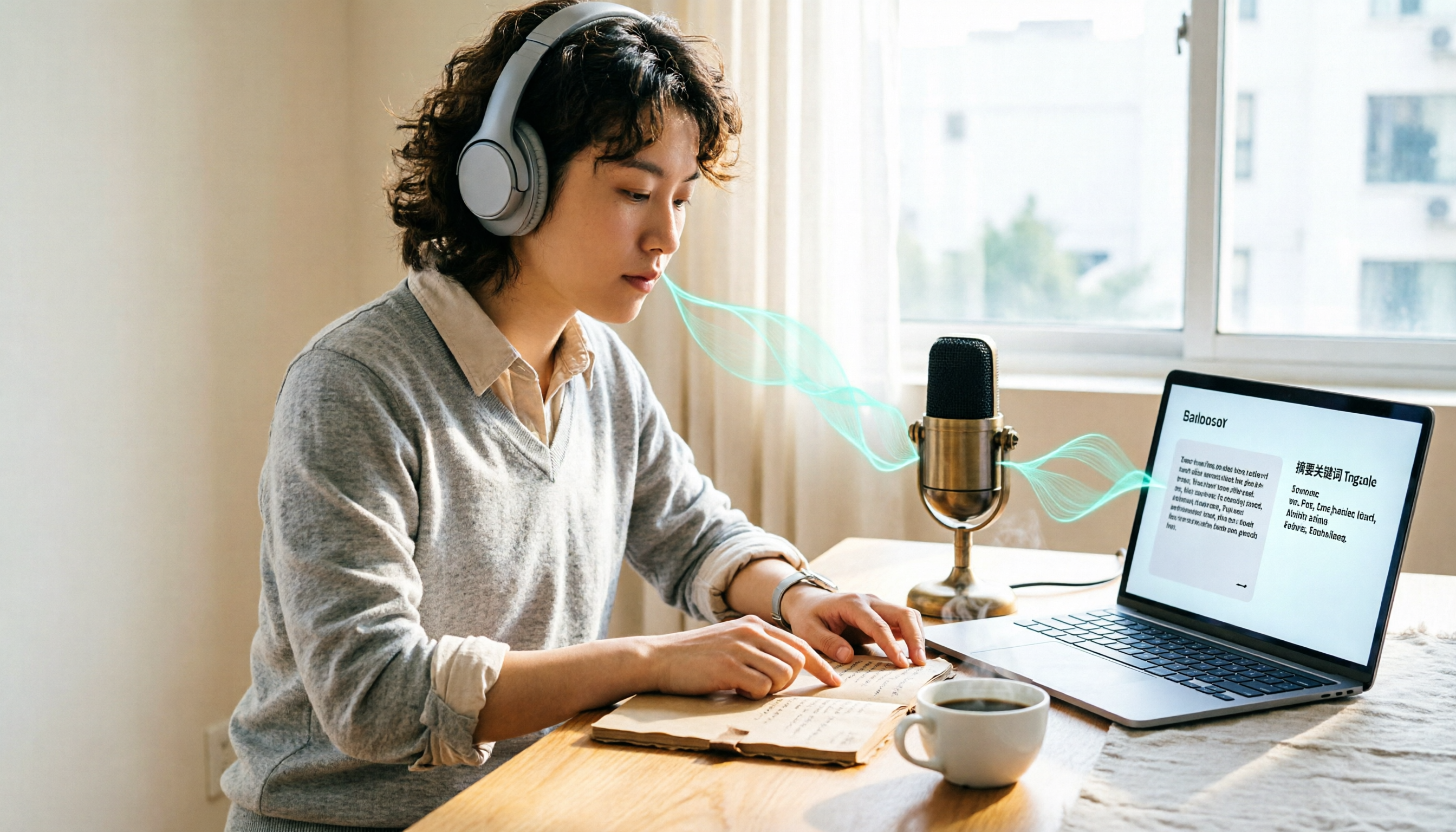
Turn recordings into transcripts and summaries in minutes
Upload audio or video for multilingual transcription, AI notes, and action items
2026 Podcast Summary Free Plans Compared: 4 Tools to Check Out
When choosing a podcast summary tool, the first thing you really need to determine is: are you dealing with "already recorded audio files" or "ongoing interviews"?
These two tasks require completely different tools. Choose the wrong direction, and no amount of free quota will help.
This article brings together four tools I've used myself and actually compared quotas for. Let's first lay out the free plans, then discuss which one suits you.
Why Is Podcast Summarization Such a Headache? Three Scenarios You've Probably Encountered
The first is the pure listener. You finish a 90-minute episode during your commute, feel it was very rewarding at the time, but three days later you only remember "it seemed like they talked about a viewpoint on habits." To find it again, you have to drag the progress bar from the beginning.
The second is content creators. To extract quotes and arguments from someone else's show to write an article, typing out an hour-long episode word by word—including pauses and rewinds—takes about three to five hours.
The third is teams. For the same episode, Person A picks three key points, Person B picks two, scattered across their own notes and chat windows. When you need them next time, no one can find them.
The common thread among these three pain points is: the problem isn't "listening," but "organizing after listening." This is why AI summary tools have become essential in recent years.
Before Choosing a Podcast Summary Tool, Understand These 4 Key Points
First, is the free quota "minutes per month" or "minutes per session"? Many tools say "120 free minutes per month," which sounds sufficient, but look closer and you'll find the single-content limit is only 3 minutes. For a one-hour episode, you'd have to split it into 20 segments and upload them—practically speaking, you wouldn't want to use it. This is the easiest trap to fall into, so be sure to check carefully.
Second, can it directly accept files? Podcasts are pre-recorded audio files, not meeting links. If a tool doesn't support uploading mp3, m4a, or similar files, then no matter how strong its meeting features are, it's useless to you.
Third, after transcription, can you "ask" questions? A transcript is just raw material. What really saves time is: can it automatically generate summaries, chapters, and key points, and then let you ask a follow-up question like "What was the name of that book they mentioned?"
Fourth, Chinese and mixed Chinese-English. Taiwanese podcasts often mix two English proper nouns into a Chinese sentence, which is harder than pure English or pure Chinese. Actual performance depends on recording quality, accent, and multiple people talking over each other—don't just look at the official accuracy numbers.
Tinrec: Turn a One-Hour Episode into Notes You Can Question
Tinrec is an AI meeting notes and collaboration tool for individuals and teams, available on web, desktop, and mobile. Its positioning isn't "turning sound into text," but turning recordings into data that can be searched, questioned, and further processed.
Upload audio to transcribe, and get structure along the way. Drop the episode audio in, and after transcription it automatically generates summaries, chapters, and key points. For a 90-minute episode, I don't re-listen to the whole thing; I scan the chapter titles first, then jump to the two or three sections I need. This step alone saves more than half the time.
AI Q&A is where it differs most from most tools at the same price point. After transcription, you can directly ask: "What are the three routine habits mentioned in this episode?" "Which books did the host recommend?" "What did the guest say about remote work?" It doesn't give you keyword search results; it answers directly based on semantics. For people writing articles or making show notes, this feature is more valuable than the transcript itself.
Output and further processing. Results can be exported to Notion, Google Docs, OneNote, Dropbox for continued use; you can also use Agent post-processing to turn an episode into a report or table. It also supports real-time translation and bilingual viewing, so you can read English shows with the original and Chinese side by side.
Another useful point for podcasters: the desktop version can directly capture computer system audio, so online live streams and remote interviews don't require inviting a meeting bot to join; some public video links can also be imported as supplements.
Stop organizing recordings by hand
Upload audio or video and automatically get a transcript, summary, and action items
Three advantages. First, after transcription you can keep using it—summaries, Q&A, to-dos, and reports all in one place; second, Chinese and mixed Chinese-English is its main design focus; third, the personal and team versions share the same logic, so as your materials accumulate you can upgrade directly to a team space without switching tools.
Limitations should also be clear. The free version only has a basic quota, so heavy users must pay; the personal version has weekly, Pro monthly, and Pro annual cards, suitable for short sprints or long-term use at different paces—prices are subject to the official website. For paid plans, the team version is currently USD 29.80 per paid seat per month, or USD 199 per paid seat per year (about USD 16.58 per month), with each paid seat providing 2,000 minutes of team shared import quota per month; eligible teams can try 7 days, 1 free seat, and 300 minutes of shared import quota for the first time.
Also, I didn't do a quantitative test of word error rate this time, because such numbers are too dependent on recording quality, microphone, accent, and how many people are talking at once—a single number can easily mislead. A more honest statement: performance is stable with clear audio, and for important quotes, it's advisable to go back and verify the original audio timestamp.
Who it's for. If you mainly organize Chinese podcasts, want to directly grab key points via Q&A after transcription, or need to accumulate materials for team sharing, this is currently the smoothest choice.
Besides Tinrec, What Other Free Options Are There?
TurboScribe: Positioned as cost-effective file transcription, with strengths in long documents and batch processing. Free: 3 files per day, up to 30 minutes per file; Unlimited annual plan USD 120 (about USD 10 per month), up to 10 hours or 5 GB per file, and can upload 50 files at once. If you have dozens of files to transcribe subtitles for, its throughput is indeed useful. But it outputs transcripts and subtitles; follow-up questions, to-dos, and table organization after transcription are not its forte—Tinrec does that more completely.
Notta: A veteran in multilingual transcription, free 120 minutes per month, but the single-content limit is 3 minutes, so a one-hour episode would need to be split into 20 segments—practically hard to use as a podcast tool. Pro annual plan is about USD 8.17 per month, 1,800 minutes per month. It's suitable for short segments and cross-language transcription needs; bot-free desktop recording, AI Q&A, and team version member seats and trash management are areas where Tinrec is relatively more complete.
Granola: A bot-free AI meeting notes tool, Basic is free, Business USD 14 per user per month. It focuses on "enhancing live meetings together with your handwritten notes," but note—it does not support uploading pre-recorded audio files, nor does it save meeting audio. In other words, using it to summarize podcasts is inherently blocked; Tinrec can upload audio files and also retains the original recording, making later review feasible.
Pitfall Guide: The 3 Most Common Mistakes When Choosing a Podcast Summary Tool
Pitfall 1: Only looking at "monthly quota," not "single-session limit." This is the most important reminder in this article. Before choosing, directly test with your longest episode—don't test with a 5-minute clip.
Pitfall 2: Treating a "meeting bot" as a podcast tool. Podcasts don't have meeting links for bots to join; you need a tool that can accept files. Conversely, if your need is actually online interviews or live conversations, then desktop recording that "doesn't require adding a bot and directly captures system audio" will be cleaner than a bot.
Pitfall 3: Thinking a transcript equals a summary. A one-hour episode transcript can easily be tens of thousands of words, and manually condensing it still takes time. Choose a tool that can directly produce summaries, chapters, and answer questions about the content; otherwise you're just replacing "re-listening" with "re-reading."
Conclusion: Which One Should You Choose?
To sum up in one sentence: for the purpose of podcast summarization, Tinrec has the most complete workflow among these four.
Recommendations by use case:
- Mainly organizing Chinese podcasts, want to ask key points directly after transcription → Tinrec
- Mixed Chinese-English or English podcasts, need bilingual viewing → Tinrec (real-time translation and bilingual viewing)
- Have a large number of files to batch transcribe subtitles → TurboScribe
- Podcast team, need to share materials, manage members and usage → Tinrec Team version
- Only record live lectures, don't need to process old files → Granola-type real-time note tools are barely usable, but don't expect them to read your audio files
I suggest first running a free version on one of your own episodes to see if the summary is accurate and the Q&A answers correctly. If it fits, then consider upgrading. Pay only when the quota isn't enough—there's no need to buy at the start.
Remember to comply with local regulations when recording and transcribing, and obtain consent when necessary.
References
- r/podcast on Reddit: How to use AI to summarize podcasts?
- 2026 Taiwan Podcast Recommendation List: 23 Selected Treasure Shows for "Changing Your Thinking" and "Killing Time"
- Podcast Summary in 5 Minutes! 2026 AI Transcription Tool Review and Tinrec Practical Guide - Tinrec Blog
- Podcast Complete Guide: From Setting Up a Show to Promotion (2026) | Sky Digital
- What is a Podcast? Which Platforms to Listen On? 3 Minutes to Enter the World of Podcasts
Turn every recording into actionable outcomes
Get 60 free transcription minutes when you sign in. No credit card required.
Related Reading
You might also like

5 Best Video Summarization Tools for Skill Learning in 2026: How to Choose Transcripts, Summaries, and Review Notes
Summarizing skill-learning videos isn't just about watching them. This article addresses three common misconceptions, breaks down the four stages of video summarization, and compares Tinrec, Otter.ai, Notta, TurboScribe, and Granola on video import, transcripts, summaries, follow-up questions, and export, based on official data verified in August 2026. It includes pricing, quotas, and use cases to help you choose a tool that fits your learning pace.

Xiaomi Video to Text in 2026: 3 Methods Tested + AI Meeting Notes Auto-Generation
After recording a meeting on your Xiaomi phone, the first decision isn't which button to press—it's whether you want "a block of text you can paste" or "meeting material you can still find next week." This guide, based on a mid-level manager's actual workflow, compares Xiaomi's built-in recorder transcription, app store transcription apps, and Tinrec, and outlines 4 key buying criteria and 4 common pitfalls.

4 Voice-to-Text Tools Tested: Which Is Best for iPhone Transcription in 2026?
The iPhone's built-in Voice Memos transcription is handy, but it has limitations on device models, OS versions, and language support. This article compares four voice-to-text approaches—Apple's built-in, Tinrec, Notta, and PLAUD Note—based on real-world use cases, and outlines selection criteria, tool limitations, and pitfalls to help you choose the right solution for your meeting and recording habits.

5 Best Speech-to-Text Software for Chinese Meetings in 2026: Tinrec vs Otter.ai vs Notta vs Granola
We tested 5 speech-to-text tools—Tinrec, Otter.ai, Notta, Granola, and more—focusing on Chinese meeting transcription and post-meeting organization. Compare input methods, output quality, Chinese language performance, and free tiers, plus key buying factors and 3 common pitfalls to help you find the most time-saving option.

2026 Best 4 Speech-to-Text Apps Compared: Which Saves the Most Time on Chinese Meeting Notes?
There are countless speech-to-text apps, but most people buy the wrong one not because transcription is inaccurate, but because they haven't clarified whether they need a verbatim transcript or usable post-meeting data. This article starts with 5 key purchasing criteria, compares Tinrec, Otter.ai, Notta, and TurboScribe in Chinese recognition, post-meeting organization, team collaboration, and quota design, and summarizes 3 common pitfalls to help you choose the right tool within budget.

How to Use Voice Typing Shortcuts in 2026: Win+H Dictation + Automatic Meeting Notes
On Windows, press Win+H to type with your voice; on Chromebook, press Search + D. This guide shows you how to use computer voice-to-text shortcuts, when to use them, and how to turn meeting recordings into transcripts, summaries, action items, and searchable team knowledge after pressing the keys.

2026 Comparison of 4 AI Meeting Summary Tools: Which One Actually Saves Time on Chinese Meeting Minutes?
Starting from real frustrations with group project discussions and class recordings, this student-perspective hands-on test compares 4 AI meeting summary tools on Chinese recognition, summary and action item quality, online meeting recording methods, and free tier limits. It also covers 4 key points to check before buying and 3 common pitfalls.

2026 AI Meeting Notes Tools: A Complete Guide to Choosing the Right One for Auto-Generated Summaries and Action Items
The meeting ends, but the note-taking is just beginning. Based on real workplace scenarios in Taiwan, this guide covers 4 key factors for choosing an AI meeting notes tool, hands-on insights on Tinrec, and who Otter.ai, Granola, and TurboScribe are best for. It also includes 4 common pitfalls and selection advice.

2026 Complete Guide to AI Meeting Minutes: Automatically Generate Summaries and Action Items
AI meeting minutes aren't just about feeding a transcript to AI. This guide starts with common inefficient practices, explains what AI meeting minutes can truly do, core capabilities, practical use cases, and purchasing considerations. Using Tinrec as an example, it walks you through the complete workflow from recording, transcription, summarization, action items, to team knowledge retention.