
Turn recordings into transcripts and summaries in minutes
Upload audio or video for multilingual transcription, AI notes, and action items
Why You've Saved 30 Tutorial Videos but Your Skills Still Haven't Improved
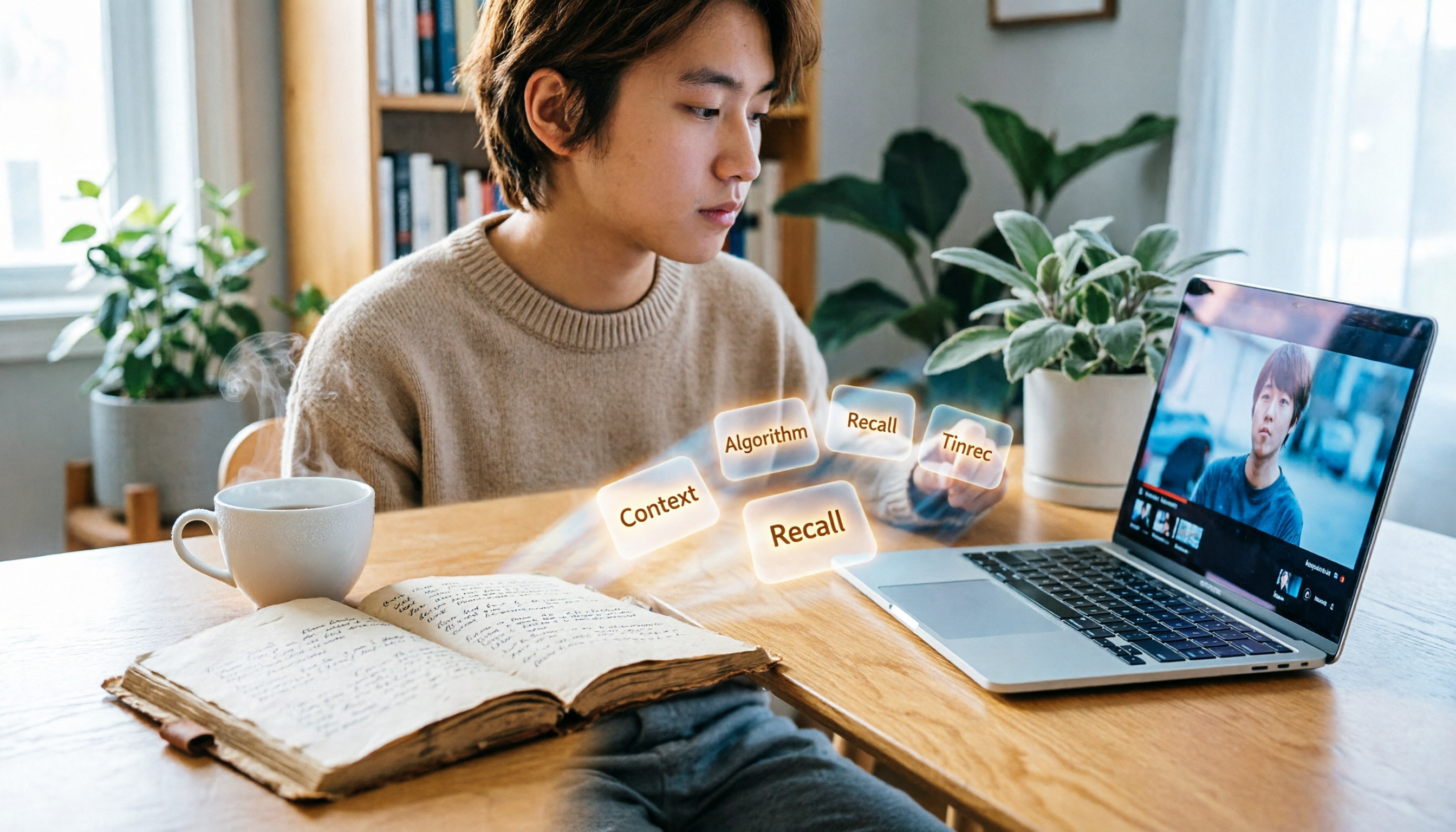
Picture a common scene: you watch an editing tutorial on your phone during your commute, then another language-learning video before bed. Your saved folder has over thirty videos, and you feel like you understand them all. But when you actually open the software on the weekend, you don't know what to do first.
The problem is usually not your memory—it's that you didn't keep anything you can look back at after watching.
The official teaching page for the computer skills certification puts it bluntly: "Please practice according to the test instructions. Do not just watch the teaching videos without reading the test instructions." Between watching and doing lies an entire gap of practice.
Another inefficient approach is to start with a full one-hour course. Self-learning consultant Chen Xiangming (Wing) recommends 5–10 minutes as the sweet spot. In the beginner stage, accumulate "Little Wins" first, so you don't give up because you can't finish or understand the content.
So this article isn't about "how to focus and finish a video." It's about "how to turn what you've watched into study material you can search, query, and review."
Before Organizing Skill-Learning Videos, Understand These 4 Key Points
1. Granularity: One video per skill point
Editing skills can be broken down into software operation, pacing, transitions, subtitles, and music. If you watch an entire course as one video, going back to find "how to set up transitions" means rewatching minute 38. Choose 5–10 minute videos with a single topic first—your notes will be much cleaner.
2. Transcript availability: Video is linear, text is searchable
This is the biggest difference. Video can only play from the start; a transcript lets you Ctrl+F for keywords. The test is simple: can the tool give you complete text with timestamps?
3. Ability to ask follow-up questions: Don't rewatch the whole video to find one sentence
Good organization isn't about "saving it"—it's about "being able to ask." If the tool supports asking questions about the content, you don't have to mentally replay what the instructor said.
4. Data retention: Export and cross-device access
Videos watched on your phone, notes made on your computer, review on your tablet—if data is stuck on a single device or format, the cost of review becomes so high you'll give up. Prioritize tools that can export to documents and be viewed across platforms.
Looking at these four points, most people's approach (watching videos plus handwritten notes) gets stuck on points 2 and 3. The next section is the solution we found most time-saving after testing.
Tinrec — Our Top Choice After Testing
Tinrec is an AI meeting notes and collaboration tool for individuals and teams. It supports audio and video file transcription, real-time recording, bot-free online meeting recording, and can process some public video links. In the context of skill learning, it solves exactly the problem of "videos not becoming data."
Turn videos into timestamped transcripts
You can upload downloaded teaching videos (MP4) or import some public video links, and Tinrec will produce a timestamped transcript. We tested with a 12-minute editing tutorial (MP4, indoor recording, with some keyboard noise). The transcript can be directly matched back to the original video timeline—to find "the part where the instructor demonstrates keyframe settings," you don't have to replay the whole thing.
AI summaries and chapters: Understand the structure first, then decide whether to watch in detail
The most time-consuming part of long videos is "not knowing where you are." Tinrec automatically generates summaries and chapters, breaking a 40-minute course into several section headings. The real value is that you can scan the chapters first and decide which 8 minutes are worth watching fully.
AI Q&A: Turn videos into a conversational handout
This is where it differs most from ordinary transcription tools. After organizing, you can directly ask: "What scenarios are the three transitions the instructor demonstrated suitable for?" It answers based on the content, rather than throwing a bunch of keyword search results at you. Pure transcription tools at the same price point currently almost all lack this feature.
Output and export: Fit notes into your existing workflow
Organized results can be exported to Notion, Google Docs, OneNote, and other tools for further processing. You can also ask the Agent to generate tables or summary reports based on the content—for example, turning an editing class into a "steps × common mistakes" comparison table.
Stop organizing recordings by hand
Upload audio or video and automatically get a transcript, summary, and action items
Three practical advantages
First, it handles video, audio, and live recordings, so you don't need to switch tools for different sources. Second, transcripts, summaries, and Q&A are connected in one flow—no manual data transfer from watching to review. Third, cross-platform use means what you record on your phone and organize on your computer can connect.
Things to note
The free version offers a basic quota, suitable for trying one or two videos first. If you regularly organize courses every week, then consider the Pro monthly or annual plan. Also, link import only supports some public content—not every video can be processed by pasting a link. And to be honest: transcription quality is affected by recording clarity, accents, and proper nouns. For important steps, it's best to double-check against the original video timeline—don't treat the transcript as the definitive answer.
Who it's for
If you're self-learning a skill with lots of teaching videos—editing, programming, design software, languages—and need to repeatedly look up specific segments, Tinrec will save you considerable time compared to "watch once plus handwritten notes."
Besides Tinrec, What Other Options Are There?
Notta
A tool with extensive multilingual transcription experience. Free version: 120 minutes per month, max 3 minutes per item; Pro annual billing is about USD 8.17/month, 1,800 minutes per month. Suitable for daily short foreign-language listening practice. However, the free version's 3-minute limit cuts off long courses, and it lacks Tinrec's bot-free desktop recording and Agent post-processing workflow.
TurboScribe
A cost-effective document transcription tool. Free: 3 files per day, 30 minutes per file; Unlimited annual plan is USD 120, paid version supports up to 10 hours or 5 GB per file, 50 uploads at once. If you want to batch-convert an entire season of courses into text, it has advantages in long files and batch processing. But it's more of a pure transcription tool—no AI Q&A or team spaces, so follow-up questions and consolidation must be done separately.
Granola
A bot-free AI meeting notes tool. Basic is free; Business is USD 14/user/month. It saves transcripts and enhances them with your handwritten notes—good for people who type key points during online classes. But it doesn't support uploading pre-recorded audio or video files, nor does it save meeting audio files—a clear limitation for those who want to organize already-downloaded teaching videos.
Pitfall Guide: The 5 Most Common Mistakes When Organizing Learning Videos
Pitfall 1: Only watching videos without doing. The teaching video page itself warns "don't just watch teaching videos." Videos give you understanding; doing turns it into skill. The purpose of organizing is to get you back to practice faster, not to collect more.
Pitfall 2: Starting with the longest video. Accumulating success with 5–10 minute short videos is far more useful than watching a two-hour masterclass in one go. Save long videos for when you already know what you're looking for.
Pitfall 3: Reading all materials before starting to practice. The 20-hour learning method advises directly: prepare reference books and teaching videos, then learn by doing—don't read all reference materials before diving in. Same with choosing tools—run one video first, don't research which tool is best beforehand.
Pitfall 4: Only saving transcripts without asking questions. The value of a transcript is only about 30%; the remaining 70% is "can you ask questions about it." Just organizing and leaving the file there is like buying a microscope and only using it as a magnifying glass. With Tinrec's AI Q&A, after organizing you can directly ask "What are the three core steps of this lesson?"—much faster than flipping through a 30-minute transcript.
Pitfall 5: Treating AI summaries as final drafts. Summaries may miss details or misunderstand proper nouns. For important operations, always cross-check against the original video timeline. This applies to any AI tool.
Conclusion: Which One Should You Choose?
"I'm self-learning a skill and need to repeatedly look up video segments" → Choose Tinrec. Transcripts, chapters, and Q&A in one flow, plus export to your existing note system.
"I want to batch-convert an entire season of courses into text" → TurboScribe is cost-effective for long files and batches; organize first, then manually move to your note tool.
"I only practice short foreign-language listening segments, budget is 0" → Notta's free version gives 120 minutes per month, enough for a while—just remember the 3-minute per-item limit.
"I take notes during online classes and don't need to import pre-recorded files" → Granola's note enhancement experience is good.
"My company wants to turn internal training videos into shared teaching materials" → Tinrec's team version lets you put transcripts and organized results into team spaces; members can view, play, and read even without a seat. Admins manage who can upload, edit, and export via roles and seats. Currently, team monthly billing is USD 29.80/paid seat/month, annual is USD 199/paid seat/year (about USD 16.58/month). Each paid seat provides 2,000 minutes of shared team import quota per month. Eligible teams get a 7-day trial, 1 free seat, and 300 minutes of shared import quota on first signup. Actual prices and benefits are subject to the official purchase page.
The recommended approach is simple: pick a teaching video you're currently learning but haven't finished, run it through the free quota first, and see if the transcript and chapters are more useful than handwritten notes. If it works well, then consider upgrading—paying upfront isn't necessary.
References
- Computer Skills Certification Teaching Videos
- 6 SOPs You Must Know for Learning Languages from Videos—It's Definitely Not Just Watching More! - Self-Learning Consultant | Chen Xiangming (Wing) | Learning Strategies / Goal Setting / Time Management / Learning Methods
- Learn a Skill in 20 Hours | Taiwan Digital Training Courses
- Video Editing Course Recommendations: The Best Learning Methods for Beginners [2026 Latest]
- Video Editing Course Recommendations! 8 Skills You Must Know Before Learning YouTube Video Editing - Hecai Blog
Turn every recording into actionable outcomes
Get 60 free transcription minutes when you sign in. No credit card required.
Related Reading
You might also like

2026 AI Meeting Notes Tools Compared: Free Tiers, Chinese Transcription, and Post-Meeting Q&A
The quality of meeting notes isn't about how clean the transcript is. This article uses the same real meeting recording to test Tinrec, Granola, Notta, and TurboScribe across transcription, summarization, action items, and team collaboration. It outlines 4 key buying factors and 5 common pitfalls, with recommendations for Chinese meetings, bot-free online recording, batch transcription of long files, and team sharing scenarios.

3 Best Free Japanese Speech-to-Text Tools in 2026: Free Tiers and Meeting Notes Comparison
A comparison of three Japanese speech-to-text tools with free options, covering free quotas, Japanese recognition scenarios, post-meeting summaries, and team usage limits. Tinrec focuses on multilingual meeting transcription, bot-free recording, AI Q&A, and team spaces; TurboScribe suits batch transcription of long audio files; MyEdit suits subtitle output. Data verified as of August 18, 2026.

2026 Comparison of 4 Audio-to-Text Tools: Which Saves the Most Time for Chinese Meetings and AI Organization?
How to choose an audio-to-text tool in 2026? This article compares Tinrec, Granola, TurboScribe, and PLAUD from the perspectives of meeting recording, post-meeting organization, team collaboration, and quota limits, helping you determine which one suits Chinese meetings and team data retention.

2026 Comparison of 4 AI Meeting Summary Tools: Which One Has the Best Chinese Summaries and Free Tier?
I used class recordings, group discussions, and interview practice to test Tinrec, Otter.ai, Notta, and Granola—four AI meeting summary tools—comparing Chinese summaries, free tiers, post-meeting Q&A, and export options to help budget-conscious students find the most practical tool.

2026 Podcast Summary Free Plans Compared: 4 Tools at a Glance
A roundup of 4 free podcast summary tools in 2026, covering transcription of recorded audio, AI summaries, Q&A, Chinese recognition, free quotas, and per-file limits, to help you decide which one turns long episodes into searchable, queryable key notes.

2026 Comparison of 4 Xiaomi Audio-to-Text Solutions: Built-in vs. AI Tools
Is Xiaomi's built-in recorder's transcription good enough? Based on real meeting scenarios, this article compares four audio-to-text solutions: Xiaomi's built-in recorder, Tinrec, Notta, and TurboScribe. It covers key buying factors, hands-on insights, and pitfalls to help you decide when to stick with the free built-in feature and when to switch to an AI meeting tool that also helps with post-meeting organization.

Xiaomi Video-to-Text Alternative in 2026: Tinrec Free Tier vs. Built-in Meeting Notes
Xiaomi's built-in recorder transcription is handy, but it falls short for online video meetings, cross-device materials, and team collaboration. This article compares Xiaomi's built-in transcription with Tinrec, covering free tier limits, post-meeting outputs, team pricing, and use cases to help you decide when to switch tools.

4 Best Audio-to-Text Apps in 2026: Which One Saves You the Most Post-Meeting Time?
How to choose an audio-to-text app? This article focuses on the decision point: 'Do you still need to listen to the recording after the meeting?' It breaks down 4 key selection criteria, tests Tinrec's bot-free online meeting recording, AI summary, and AI Q&A, and briefly reviews Notta, Granola, and Otter.ai for their suitable scenarios, plus 3 common pitfalls to avoid.

Best Free Audio-to-Text Apps in 2026: Tinrec vs Notta Free Tiers and Meeting Notes Compared
When looking for a free audio-to-text app, most people get stuck at 'it produces a transcript, but I can't finish organizing it.' This article compares Tinrec and Notta's free tiers, meeting capture methods, post-meeting outputs, and team collaboration capabilities. It outlines the conditions of free plans available in 2026, suitable use cases, and purchasing considerations, with a data verification date noted so you can test with your own recordings before deciding.