

Turn recordings into transcripts and summaries in minutes
Upload audio or video for multilingual transcription, AI notes, and action items
2026 Comparison of 4 AI Meeting Summary Tools: Which One Has the Best Chinese Summaries and Free Tier?
Last semester, during our final project, my group discussed in the library for almost two hours. Everyone was talking at once, and I was busy taking notes, but afterward all I remembered was "it seems we talked about the survey"—who was responsible, when to submit, what the conclusion was—all fuzzy. That night I opened the phone recording and listened from the beginning, but gave up after thirty minutes. That's when I seriously started looking for "AI meeting summary" tools: not just recording, but tools that could produce transcripts, summaries, action items, and decisions, and ideally let me ask follow-up questions directly in Chinese.
This article is based on my experience as a senior Information Management student, running a round of tests with class recordings, group discussions, and interview practice. I won't give you lab-grade accuracy numbers because I don't have that kind of equipment; but I will honestly say which tool is more adequate for a student budget, where it gets stuck, and what pitfalls to avoid.
Pain Point: You Need More Than a Recording App—You Need a Meeting Summary You Can Understand Right After
The first scenario is group discussion. Everyone interrupts, goes off-topic, suddenly decides to change the topic—if you take notes on paper, you'll end up with a bunch of keywords you can't even understand yourself. The second scenario is class recording. The professor speaks fast, slides flip faster than pages, and before the midterm you want to review but have to start from minute one. The third scenario is interview practice—you recorded it, but finding "the sentence the interviewee really cares about" from a forty-minute file is more tiring than writing the report.
These situations aren't because you can't take notes, but because you need an "AI meeting summary": it converts speech to transcript, then automatically organizes summaries, chapters, action items, and key points, and after the meeting you can ask it questions directly. Choosing the right tool saves you not typing time, but the time of re-listening to recordings and regretting missed conclusions.
Before Choosing an AI Meeting Summary Tool, Understand These 4 Key Points
1. Does it understand Chinese and mixed Chinese-English? In Taiwan's classrooms and group discussions, sentences like "how to deploy this framework" are common. Rather than looking at how many languages the official site claims to support, look at whether the Chinese summary it produces is readable to you.
2. Is the free tier enough to last a semester? Students have limited budgets, so the free version is important. But don't just look at minutes; also check single-session limits, file import limits, and whether summaries and follow-up questions require payment.
3. Can you ask follow-up questions after the meeting? Tools that only give transcripts are like throwing the recording at you; a good AI meeting summary should let you ask "What was the conclusion of this project?" "Who is responsible for the next interview?" "What grading criteria did the professor mention?"
4. Can you export to your report workflow? I'm used to putting organized content into Notion or Google Docs to continue writing. If the tool only lets you view but not take it away, you'll end up manually copying and pasting.
Tinrec (MiaoTing Recording) — My Top Choice That Stayed This Semester
One-sentence positioning: Tinrec is an AI meeting notes and collaboration tool for individuals and teams, supporting real-time recording, bot-free online meeting transcription, audio and video file import, real-time translation, and automatic generation of summaries, chapters, action items, and mind maps.
The first time I used it in a group discussion, my most direct feeling was "finally I don't have to type frantically while discussing." After turning on real-time recording, it transcribes while recording, and the post-meeting summary divides our discussion background, sticking points, and conclusions into paragraphs, and pulls out action items. Sentences like "email the interviewee before next Tuesday" and "Student A is responsible for the first draft of the survey" used to be drowned in chat, but now you see them right after the meeting.
The second feature I use often is bot-free online meeting recording. The desktop version directly captures computer system audio and can handle platforms like Zoom, Google Meet, Microsoft Teams, and Webex without adding a meeting bot. For students, this is more practical than "automatically join all meetings": I open Tinrec myself to start recording, so no strange account suddenly appears in the meeting list.
Stop organizing recordings by hand
Upload audio or video and automatically get a transcript, summary, and action items
The third is post-meeting AI Q&A. I can directly ask "What was the conclusion of this project?" "When did the professor say the report is due?" "Which feature is the interviewee most dissatisfied with?" It answers based on the meeting content, so I don't have to manually Ctrl+F for keywords. It also supports real-time translation and bilingual viewing, so when discussing English literature or when international students speak, you can compare the original and translation. After organizing, I also export the transcript or summary to Notion, Google Docs, OneNote, or Dropbox to continue writing the report.
If the project team needs to share data, Tinrec also has a team version: team spaces can centrally store meeting data, roles and seats are managed separately, and paid seats provide 2,000 minutes of team shared import quota per month; monthly USD 29.80 per paid seat, annual USD 199 per paid seat, actual prices according to the official website. Student groups usually just use the personal version first, and consider upgrading when many people really need to share.
Limitations to be clear about: The free version is a basic quota, actual quota according to the official website; transcription is affected by recording quality, accents, overlapping speakers, and proper nouns, so important decisions, numbers, and names should be verified against the transcript and recording; the desktop version requires you to start recording yourself, not automatically join all meetings.
Who it's for: If you often have meetings in Chinese or mixed Chinese-English, want to ask key points directly in Chinese after the meeting, need to organize across phone and computer, or want to record online meetings without a bot, Tinrec is my current smoothest choice.
Besides Tinrec, What Other AI Meeting Summary Tools Can You Consider?
The following 3 are also commonly asked about by classmates, each with more suitable scenarios. Prices are from the official pages at the time, subject to change, so check again before buying.
Otter.ai: A veteran in English meetings, Basic free 300 minutes per month, Pro annual billing about USD 8.49/user/month, 1,200 minutes per month. Great for all-English classes or English interviews. But for my Chinese project discussions, Otter's summaries feel more like an English meeting assistant; Tinrec can directly ask follow-up questions in Chinese and set team hotwords. If you're all English, Otter is still a cost-effective option.
Notta: Covers multilingual transcription and meeting notes, Free 120 minutes per month, single session up to 3 minutes; Pro annual billing about USD 8.17/month, 1,800 minutes per month. The free version's 3-minute single session is easily cut off for group discussions. Tinrec records the entire meeting and directly generates summaries, chapters, and action items, so you don't have to re-listen after the meeting.
Granola: Bot-free AI meeting notes, Basic free, Business USD 14/user/month. Its strength is generating content alongside handwritten notes, but it doesn't support uploading pre-recorded audio files and doesn't save meeting audio. If you often need to go back and listen to professor recordings, Tinrec supports audio and video file import and retains audio, making it more suitable.
Pitfall Guide: The 4 Most Common Mistakes When Choosing an AI Meeting Summary Tool
Pitfall 1: Only looking at free minutes, ignoring summaries and follow-up questions. I also initially only looked at who had more free minutes, but later realized what I wanted was "no need to re-listen after the meeting." Some tools have large free quotas, but summaries or follow-up questions require extra payment, which may not be cost-effective for students.
Pitfall 2: Taking AI summaries at face value. AI may miss hearing, misunderstand, or even organize vague discussions into seemingly reasonable conclusions. Important decisions, numbers, names, and deadlines must be verified against the transcript and recording.
Pitfall 3: Ignoring mixed Chinese-English and proper nouns. Classrooms often have English terms, abbreviations, and group codes. Team hotwords help, but you still need to proofread once, especially report names and grading criteria.
Pitfall 4: Forgetting recording consent and privacy. Before recording, inform group members and interviewees, obtain consent when necessary, and comply with local regulations. Don't take others' statements as material you can freely publish just because the tool is convenient.
Conclusion: Which One Should You Choose?
In one sentence: If, like me, your meetings are in Chinese or mixed Chinese-English, you want to ask key points directly after the meeting, and you don't want to install a meeting bot, Tinrec is the AI meeting summary tool I used most this semester.
- Chinese group discussions, class recordings, interview practice → Tinrec
- Need bot-free recording of Zoom, Meet, Teams, Webex → Tinrec desktop version
- Want to put transcripts into Notion or Google Docs for reports → Tinrec export
- All-English classes, free quota priority → Otter.ai (few exceptions)
- Only need short paragraph transcription, very low budget → Try Notta free version first (but 3 minutes per session)
- Used to handwritten notes, don't need to keep audio → Granola can be considered
My advice: First run a real group discussion with Tinrec's free version to see if summaries and follow-up questions help you; the free version is a basic quota, actual adequacy according to the official website. If you feel it saves time, then consider paying. Don't buy the most expensive plan right away; students' money should be spent on what you'll actually use.
References
- Meeting Ink - AI Meeting Notes Assistant Automatic Transcription and Summary
- Meeting Ink - 2026 AI Meeting Notes Tools Tested | 7 Speech-to-Text and Summary Speed Comparison | Meeting Ink - AI Meeting Notes Assistant Automatic Transcription and Summary
- How to Use AI for Meeting Minutes? How to Organize Meeting Transcripts? | AI Speech-to-Transcript Tutorial | 104 Job Bank
- No Time Limit! 3 Free AI Transcript Tools, Highly Recommended! AI Voice Notes Generate Meeting Records, Presentations, Mind Maps | 104 Job Bank
- Organizing Meeting Minutes Is Painful? 5 NotebookLM "AI Note Transformation Techniques", Accurate Translation Even with Mixed Chinese-English and Proper Nouns | BusinessNext
Turn every recording into actionable outcomes
Get 60 free transcription minutes when you sign in. No credit card required.
Related Reading
You might also like

2026 AI Meeting Notes Tools Compared: Free Tiers, Chinese Transcription, and Post-Meeting Q&A
The quality of meeting notes isn't about how clean the transcript is. This article uses the same real meeting recording to test Tinrec, Granola, Notta, and TurboScribe across transcription, summarization, action items, and team collaboration. It outlines 4 key buying factors and 5 common pitfalls, with recommendations for Chinese meetings, bot-free online recording, batch transcription of long files, and team sharing scenarios.

3 Best Free Japanese Speech-to-Text Tools in 2026: Free Tiers and Meeting Notes Comparison
A comparison of three Japanese speech-to-text tools with free options, covering free quotas, Japanese recognition scenarios, post-meeting summaries, and team usage limits. Tinrec focuses on multilingual meeting transcription, bot-free recording, AI Q&A, and team spaces; TurboScribe suits batch transcription of long audio files; MyEdit suits subtitle output. Data verified as of August 18, 2026.
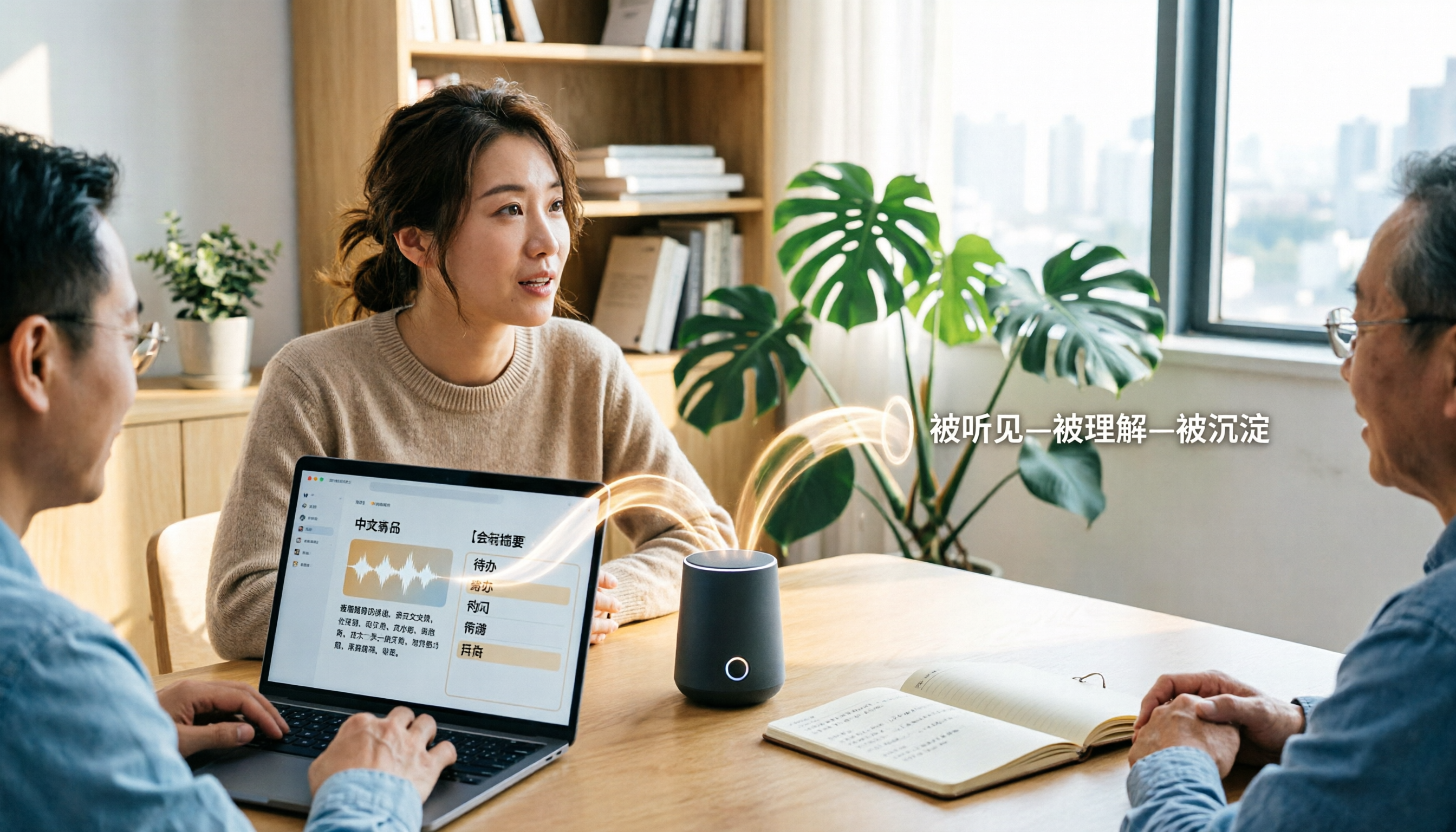
2026 Comparison of 4 Audio-to-Text Tools: Which Saves the Most Time for Chinese Meetings and AI Organization?
How to choose an audio-to-text tool in 2026? This article compares Tinrec, Granola, TurboScribe, and PLAUD from the perspectives of meeting recording, post-meeting organization, team collaboration, and quota limits, helping you determine which one suits Chinese meetings and team data retention.

2026 Podcast Summary Free Plans Compared: 4 Tools at a Glance
A roundup of 4 free podcast summary tools in 2026, covering transcription of recorded audio, AI summaries, Q&A, Chinese recognition, free quotas, and per-file limits, to help you decide which one turns long episodes into searchable, queryable key notes.

2026 Comparison of 4 Xiaomi Audio-to-Text Solutions: Built-in vs. AI Tools
Is Xiaomi's built-in recorder's transcription good enough? Based on real meeting scenarios, this article compares four audio-to-text solutions: Xiaomi's built-in recorder, Tinrec, Notta, and TurboScribe. It covers key buying factors, hands-on insights, and pitfalls to help you decide when to stick with the free built-in feature and when to switch to an AI meeting tool that also helps with post-meeting organization.

Xiaomi Video-to-Text Alternative in 2026: Tinrec Free Tier vs. Built-in Meeting Notes
Xiaomi's built-in recorder transcription is handy, but it falls short for online video meetings, cross-device materials, and team collaboration. This article compares Xiaomi's built-in transcription with Tinrec, covering free tier limits, post-meeting outputs, team pricing, and use cases to help you decide when to switch tools.

4 Best Audio-to-Text Apps in 2026: Which One Saves You the Most Post-Meeting Time?
How to choose an audio-to-text app? This article focuses on the decision point: 'Do you still need to listen to the recording after the meeting?' It breaks down 4 key selection criteria, tests Tinrec's bot-free online meeting recording, AI summary, and AI Q&A, and briefly reviews Notta, Granola, and Otter.ai for their suitable scenarios, plus 3 common pitfalls to avoid.
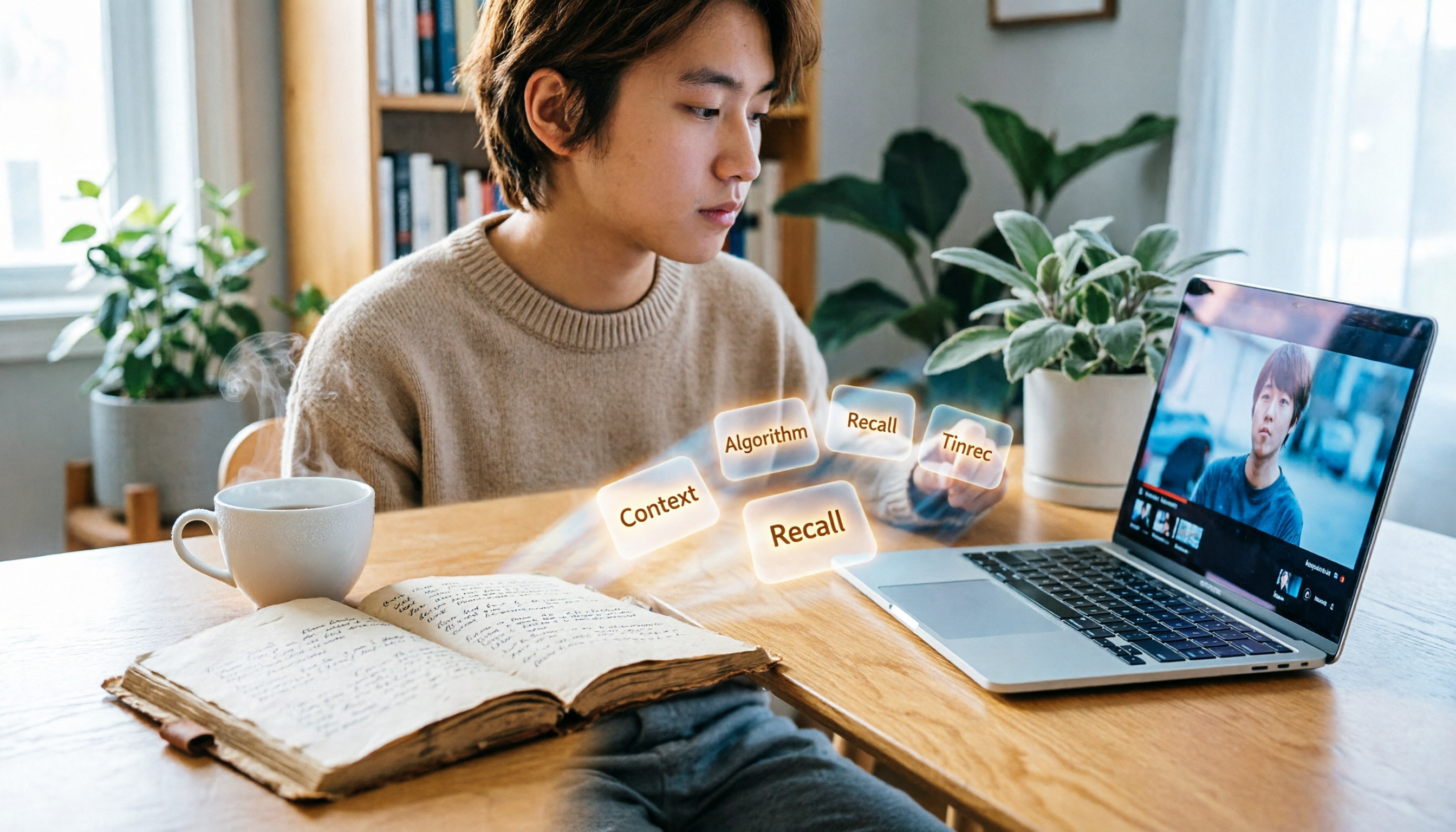
2026 Complete Guide to Summarizing Skill-Learning Videos: From Watching and Forgetting to Searchable Study Notes
Forgetting teaching videos after watching them is usually not a memory problem, but a lack of retrievable material afterward. This article starts with common pitfalls and explains four key points: choosing video length, creating transcripts, asking follow-up questions, and exporting for review. It also tests how Tinrec turns a 40-minute editing tutorial into searchable, queryable study notes, while comparing the use cases and limitations of Notta, TurboScribe, and Granola.

Best Free Audio-to-Text Apps in 2026: Tinrec vs Notta Free Tiers and Meeting Notes Compared
When looking for a free audio-to-text app, most people get stuck at 'it produces a transcript, but I can't finish organizing it.' This article compares Tinrec and Notta's free tiers, meeting capture methods, post-meeting outputs, and team collaboration capabilities. It outlines the conditions of free plans available in 2026, suitable use cases, and purchasing considerations, with a data verification date noted so you can test with your own recordings before deciding.