

Turn recordings into transcripts and summaries in minutes
Upload audio or video for multilingual transcription, AI notes, and action items
4 Best Audio-to-Text Apps in 2026: Which One Saves You the Most Post-Meeting Time?
When choosing an audio-to-text app, most people first look at 'how many languages does it support' and 'how many free minutes do I get.' But what really determines whether you'll use it long-term is just one question: After the meeting ends, do you still need to spend time listening to the entire recording from the beginning?
This article's comparison criteria revolve around that question. If a tool only gives you a transcript but no summary, no key points, and no action items, then you're just replacing 'listening to the recording' with 'reading the transcript'—the time saved is limited.
The real pain starts after the meeting ends
Scenario 1: A one-hour client meeting, with key points scattered at minute 12, minute 37, and minute 51. To write meeting notes, you have to drag the progress bar back and forth. After one round of listening, half the afternoon is gone.
Scenario 2: Participants mix Chinese and English, and product terms come with abbreviations. The transcribed Chinese paragraph is full of homophone errors, and you have to correct them sentence by sentence against the recording—more tiring than taking notes yourself.
Scenario 3: The meeting is online. Some transcription tools require adding a bot to the meeting as a participant. When clients see an unfamiliar account in the list, you have to explain it first.
These three pain points correspond to three different product capabilities: recognition quality, post-meeting processing, and how the meeting is recorded. Choose the right tool, and these three issues are solved at once; choose wrong, and you just have another app to manage.
4 Key Points to Understand Before Choosing an Audio-to-Text App
1. Recognition quality should be judged under real meeting conditions, not official numbers Many tools boast high accuracy rates, but those are usually measured in quiet environments, single language, and single speaker. Real meetings have air conditioning noise, keyboard sounds, people talking over each other, and mixed Chinese-English. The simple way to judge: run a short real recording of your own and see if it's directly readable. This article also doesn't do lab-style word error rate rankings, because such numbers have limited reference value for real scenarios.
2. Does it output a transcript, or data you can use directly? A transcript alone leaves all the organizing work to you. Tools worth considering automatically generate summaries, chapters, key points, and action items, letting you grasp a 60-minute meeting in 3 minutes.
3. How the meeting is recorded Can it directly capture computer system audio for online meetings? Does it require an extra meeting bot to join? Can it import existing audio and video files? Can you continue using it across phone and computer? These determine the actual barrier to use.
4. How the team will use this data later If meeting notes are for the whole department, you need to look at data ownership, member permissions, usage management, and export methods. Personal tools and team collaboration spaces are two different things.
Tinrec: After Testing, We Think It's the One Most Worth Trying First
Tinrec is an AI meeting notes and collaboration tool for individuals and teams, available on iOS, Android, desktop, and web. Its positioning is not 'audio-to-text' but turning meetings into data that can be searched, queried, and worked on further.
Record online meetings without a meeting bot This is its most practical point. Tinrec's desktop version directly captures computer system audio, handling meetings on Zoom, Google Meet, Microsoft Teams, Webex, etc., without needing an extra bot to join as a participant. You just open the desktop version before the meeting and start recording; the transcript is generated while the meeting is ongoing, and no unfamiliar account appears in the participant list. Note that this is not 'automatically joining all calendar meetings'—the user needs to actively start recording.
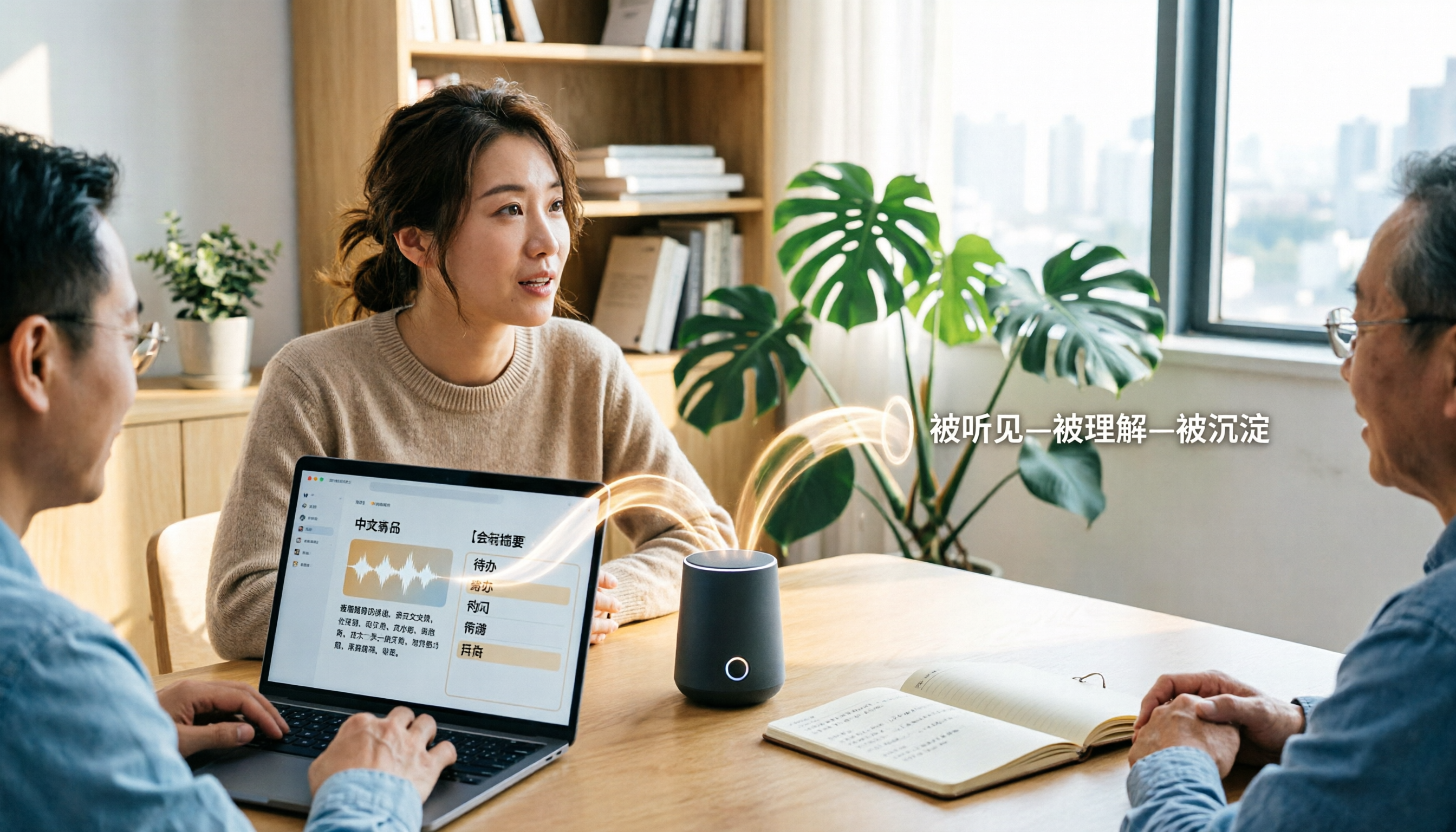
No need to re-listen after the meeting—summaries, chapters, and action items are provided directly As soon as the meeting ends, AI summaries, chapter segmentation, key points, and action items are automatically generated. Who is responsible for what and when it's due are listed directly, rather than buried in tens of minutes of transcript waiting to be dug out. For people who have three or four meetings a week, this saves real after-work time.
You can ask questions about the meeting content—this is the most obvious differentiator After recording, you can directly ask 'What were the client's concerns about the quote in the last meeting?' or 'Which solution was decided in this meeting?' It answers based on semantic understanding, not throwing a string of keywords for you to go back and search the transcript. Most transcription tools in the same price range are still stuck at the 'convert to text' step.
Mixed Chinese-English, multilingual, and export Tinrec supports transcription of Chinese, Traditional Chinese, and multilingual meetings. During recording, you can switch between original text, translation, or bilingual view, suitable for cross-language meetings. Results can be exported in common formats and brought into Notion, Google Docs, OneNote, Dropbox for further editing; you can also use Agent post-processing to generate reports, tables, or formal meeting minutes from the meeting content.
Stop organizing recordings by hand
Upload audio or video and automatically get a transcript, summary, and action items
Team use: independent space, not a shared account If an entire department is using it, Tinrec's team version provides an independent team space, and meeting data belongs to the team. Members without a seat can still view, play, and read team data; a seat is required to record, upload, edit, import, and export. Admins can assign and transfer seats, view usage trends and member rankings, manage team hotwords, and query and export audit logs; accidentally deleted audio goes to the recycle bin and is currently retained for 30 days. When a member leaves, team resources need to be handed over to other active members and will not disappear with the personal account.
Currently, the team version is USD 29.80 per paid seat per month, or USD 199 per paid seat per year (about USD 16.58 per month), with each paid seat providing 2,000 minutes of team shared import quota per month; the eligible first team trial is 7 days, 1 free seat, and 300 minutes of shared import quota. Real-time recording is currently not deducted by minutes under an active team plan and seat, while file and web imports consume shared quota. Actual prices and benefits are subject to the official purchase page.
Pros
- Bot-free recording of online meetings—no need to explain an extra account in the list for external meetings
- Automatically generates summaries, chapters, and action items after the meeting, directly saving organizing time
- Supports asking questions about meeting content, so past meetings can be revisited and reused instead of sitting in a folder
Limitations
- The free version has a basic quota; actual minutes and benefits are subject to the official website, and heavy users need to evaluate paid plans
- Its main strength is meeting workflow and post-meeting organization; if you have dozens of files to batch convert into subtitles, that's not its strongest area
- It's not recommended to view it from the angle of 'fixed accuracy rate'—transcription quality is affected by recording quality, noise, accents, overlapping speakers, and technical terms. For important content, it's still advisable to cross-check with the transcript timestamps and recording
Who it's for People who frequently have online meetings and need to quickly produce notes and action items afterward; people whose meeting content is mainly in Chinese or mixed Chinese-English; and teams who want meeting data to stay in a team space rather than scattered across personal devices.
Besides Tinrec, what other options are there?
Notta A tool with multi-platform transcription and team plans. The free version offers 120 minutes per month with a 3-minute limit per item; Pro annual billing is about USD 8.17 per month including 1,800 minutes; Business annual billing is about USD 16.67 per seat per month. Suitable for those whose main needs are file transcription, subtitles, and translation. But if you want bot-free online meeting recording, direct post-meeting Q&A, and turning meetings into team data, Tinrec's workflow is more complete.
Granola A bot-free AI meeting notes tool. Basic is free, Business is USD 14 per user per month. Its strength is combining user handwritten notes with meeting content. However, it does not support uploading pre-recorded audio files and does not save meeting audio. Tinrec retains recordings, can import existing files, and provides team space management, suitable for scenarios requiring playback for evidence later.
Otter.ai A mature English business meeting assistant. Basic is free with 300 minutes per month; Pro annual billing is about USD 8.49 per user per month including 1,200 minutes of in-app recording and 10 file imports. If your meetings are overwhelmingly in English, it remains a cost-effective choice. For Chinese and mixed Chinese-English meetings, bilingual transcript viewing, and post-meeting team data retention, Tinrec is more focused.
Pitfall Guide: 3 Most Common Mistakes When Choosing an Audio-to-Text App
Pitfall 1: Only looking at officially published accuracy rates Those numbers are usually measured under ideal conditions. Real meetings have interference, accents, and people talking over each other. The right approach is to run a real recording of your own and see if the transcript is directly readable, rather than looking at percentages on a promotional page.
Pitfall 2: Ignoring how the meeting is recorded Solutions that require a bot to join the meeting often need consent or approval in external meetings, client meetings, or regulated industries. If you frequently have such meetings, whether it can directly capture system audio is more critical than two extra lines in a feature list. Also, recording and transcription involve personal data and local regulations; obtain participant consent when necessary.
Pitfall 3: Using it only as a recorder Many people buy the tool but only use the 'audio-to-text' part, which is like using only one-third of its capabilities. After recording, directly ask 'What was the conclusion of this meeting?' or 'What are the action items?'—much faster than manually flipping through a 30-minute transcript. Rather than comparing free minutes, compare how much time the post-meeting step can save.
Conclusion: Which one should you choose?
In one sentence: If what you want is 'no need to re-listen after the meeting ends,' Tinrec currently has the most complete workflow among these options.
- Need transcripts and minutes for Chinese and mixed Chinese-English meetings → Tinrec
- Don't want a bot joining online meetings → Tinrec desktop version (captures system audio)
- Want to directly ask after the meeting 'What was that budget conclusion last time?' → Tinrec (AI Q&A)
- Team needs to share meeting data, manage seats and usage → Tinrec team version
- Meetings are almost all in English, limited budget → Otter.ai
- Main need is batch converting existing files into subtitles → Consider file-processing-focused tools like Notta
No need to pay from the start. We recommend first using Tinrec's free version for one or two real meetings, and with your own recordings, see if the transcript is directly readable and whether the summary captures key points. Upgrade if it fits—that's more accurate than reading ten comparison articles.
References
Turn every recording into actionable outcomes
Get 60 free transcription minutes when you sign in. No credit card required.
Related Reading
You might also like

2026 AI Meeting Notes Tools Compared: Free Tiers, Chinese Transcription, and Post-Meeting Q&A
The quality of meeting notes isn't about how clean the transcript is. This article uses the same real meeting recording to test Tinrec, Granola, Notta, and TurboScribe across transcription, summarization, action items, and team collaboration. It outlines 4 key buying factors and 5 common pitfalls, with recommendations for Chinese meetings, bot-free online recording, batch transcription of long files, and team sharing scenarios.

3 Best Free Japanese Speech-to-Text Tools in 2026: Free Tiers and Meeting Notes Comparison
A comparison of three Japanese speech-to-text tools with free options, covering free quotas, Japanese recognition scenarios, post-meeting summaries, and team usage limits. Tinrec focuses on multilingual meeting transcription, bot-free recording, AI Q&A, and team spaces; TurboScribe suits batch transcription of long audio files; MyEdit suits subtitle output. Data verified as of August 18, 2026.
2026 Comparison of 4 Audio-to-Text Tools: Which Saves the Most Time for Chinese Meetings and AI Organization?
How to choose an audio-to-text tool in 2026? This article compares Tinrec, Granola, TurboScribe, and PLAUD from the perspectives of meeting recording, post-meeting organization, team collaboration, and quota limits, helping you determine which one suits Chinese meetings and team data retention.

2026 Comparison of 4 AI Meeting Summary Tools: Which One Has the Best Chinese Summaries and Free Tier?
I used class recordings, group discussions, and interview practice to test Tinrec, Otter.ai, Notta, and Granola—four AI meeting summary tools—comparing Chinese summaries, free tiers, post-meeting Q&A, and export options to help budget-conscious students find the most practical tool.

2026 Podcast Summary Free Plans Compared: 4 Tools at a Glance
A roundup of 4 free podcast summary tools in 2026, covering transcription of recorded audio, AI summaries, Q&A, Chinese recognition, free quotas, and per-file limits, to help you decide which one turns long episodes into searchable, queryable key notes.

2026 Comparison of 4 Xiaomi Audio-to-Text Solutions: Built-in vs. AI Tools
Is Xiaomi's built-in recorder's transcription good enough? Based on real meeting scenarios, this article compares four audio-to-text solutions: Xiaomi's built-in recorder, Tinrec, Notta, and TurboScribe. It covers key buying factors, hands-on insights, and pitfalls to help you decide when to stick with the free built-in feature and when to switch to an AI meeting tool that also helps with post-meeting organization.

Xiaomi Video-to-Text Alternative in 2026: Tinrec Free Tier vs. Built-in Meeting Notes
Xiaomi's built-in recorder transcription is handy, but it falls short for online video meetings, cross-device materials, and team collaboration. This article compares Xiaomi's built-in transcription with Tinrec, covering free tier limits, post-meeting outputs, team pricing, and use cases to help you decide when to switch tools.

2026 Complete Guide to Summarizing Skill-Learning Videos: From Watching and Forgetting to Searchable Study Notes
Forgetting teaching videos after watching them is usually not a memory problem, but a lack of retrievable material afterward. This article starts with common pitfalls and explains four key points: choosing video length, creating transcripts, asking follow-up questions, and exporting for review. It also tests how Tinrec turns a 40-minute editing tutorial into searchable, queryable study notes, while comparing the use cases and limitations of Notta, TurboScribe, and Granola.

Best Free Audio-to-Text Apps in 2026: Tinrec vs Notta Free Tiers and Meeting Notes Compared
When looking for a free audio-to-text app, most people get stuck at 'it produces a transcript, but I can't finish organizing it.' This article compares Tinrec and Notta's free tiers, meeting capture methods, post-meeting outputs, and team collaboration capabilities. It outlines the conditions of free plans available in 2026, suitable use cases, and purchasing considerations, with a data verification date noted so you can test with your own recordings before deciding.