
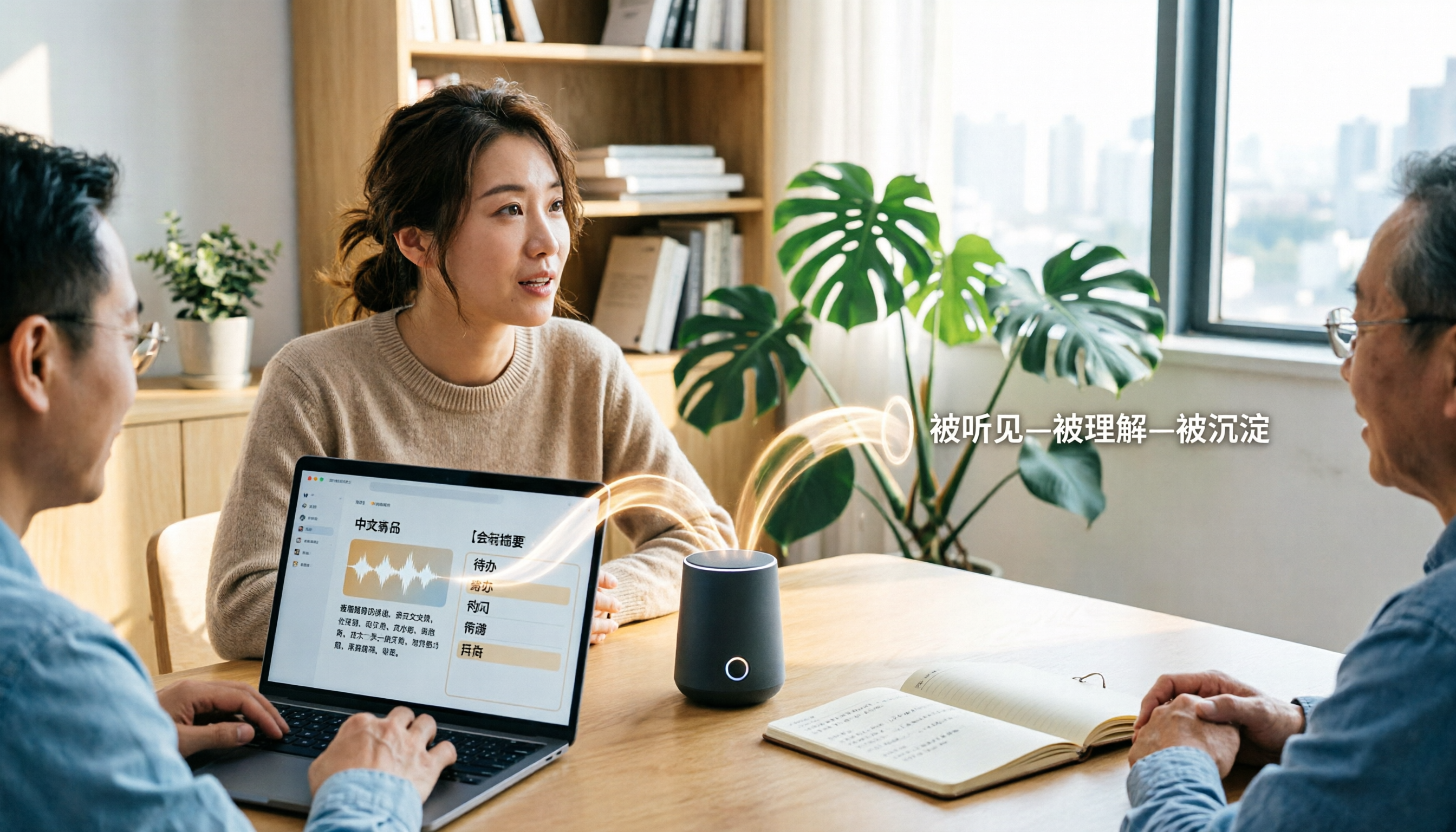
Turn recordings into transcripts and summaries in minutes
Upload audio or video for multilingual transcription, AI notes, and action items
What you really need to choose is not a tool that can "turn sound into text," but rather: after the meeting is recorded, can the data be found, queried, and handed over? In 2026, there are many such tools on the market, but the differences usually lie not in "whether there is a transcript," but in recording sources, post-meeting organization, team collaboration, and quota limits. This article does not compare lab numbers, but breaks down the actual workflow to help you decide which one is worth using.
The pain of meeting notes is not typing, but not finding the key points later
A two-hour meeting, followed by two hours of organizing—that's the smooth version. More often: three weeks later, you need to find "who said to cut the budget by 10% first," and you only remember it was roughly in the second segment, but you have to drag the progress bar again.
Cross-departmental meetings are even more troublesome. Participants take turns speaking, mixing Chinese and English, with air conditioning and keyboard noise; if the recording quality is poor, the transcript will take more time to proofread.
Customer interviews are another pain: what you need is not a long transcript, but requirements, objections, commitments, and next steps.
So, the first step in choosing a tool is not to ask "which is free," but "do I want to turn meeting content into reusable data?"
Before choosing an audio-to-text tool, understand these 4 key points
Input source: If you only have pre-recorded audio files, a document transcription tool is enough; if you want to record Zoom, Meet, Teams, or Webex without letting a bot join, you need to see if the desktop version can capture system sound. Tinrec's positioning here is clear: desktop version records without a bot and supports real-time transcription.
Post-meeting processing: If it only gives you a transcript, you still have to highlight key points yourself. Check whether it can generate summaries, chapters, to-dos, and even answer questions about the meeting content. Tinrec puts summaries, chapters, to-dos, AI Q&A, translation, and export into the same workflow.
Team and permissions: A team version is not multiple people sharing one account. You need to distinguish roles, seats, and member relationships; members who are active but have no seat can usually only view, not upload or edit. Tinrec's team version manages these three things separately.
Free quota and payment logic: Free minutes are just the entry point; you also need to look at file import, shared quota, and whether real-time recording deducts minutes. In Tinrec's team version, document and web imports consume team shared minutes; real-time recording currently does not deduct by minutes under an active plan and seat.
Tinrec — Our top choice after testing
Tinrec is an AI meeting notes and collaboration tool for individuals and teams, covering web, desktop, and mobile. Its positioning is not as narrow as "audio-to-text," but rather turning meetings into data that can be searched, summarized, queried, exported, and further processed.
The first practical point is bot-free recording of online meetings. The desktop version directly captures computer system sound, so when handling Zoom, Google Meet, Microsoft Teams, Webex, and other meetings, you don't need to invite an extra meeting bot. When using it, you actively open Tinrec to start recording; it does not automatically join all calendar meetings, nor does it imply official cooperation with these platforms. For teams that don't want an extra "recording bot" in customer meetings, this is very practical.
The second is that after the meeting, you don't just get a transcript. Tinrec generates summaries, chapters, key points, and to-dos, and also supports mind maps, real-time translation, and bilingual viewing. Even better is AI Q&A: you can directly ask "Who mentioned the budget in the last meeting?" "What was the customer's biggest objection?" It answers around the meeting content, rather than just throwing keyword search results. This is a relatively rare difference among similar tools currently.
The third is that the team version keeps data within the team, not in personal accounts. The team space can centrally store audio files, folders, to-dos, and meeting data; roles determine who can manage the team, members, audit, and settings, and seats determine who can record, upload, edit, and import/export. Members who are active but have no seat can still view, play, and read, but cannot perform resource usage operations. When a member leaves or loses a seat, team resources are handed over to other active members and are not taken away with the individual.
Stop organizing recordings by hand
Upload audio or video and automatically get a transcript, summary, and action items
Pricing and quotas should also be clarified. The personal version has a free version, weekly card, Pro monthly card, and Pro annual card; if you occasionally organize a recording, start with the free version; for short-term intensive meetings, consider the weekly card; for long-term stable use, consider Pro. The team version offers, for first-time eligible users, 7 days, 1 free seat, and 300 minutes of team shared import quota; paid seats have 2,000 minutes of shared import per month, at USD 29.80 per paid seat per month, or USD 199 per paid seat per year, equivalent to about USD 16.58 per month. Real-time recording currently does not deduct by minutes under an active team plan and active seat. Actual prices, currencies, and promotions are subject to the official purchase page.
Limitations should also be mentioned. Tinrec does not promise a fixed 98% or 99% accuracy rate; actual results are affected by recording quality, noise, accents, overlapping speech, and technical terms; for important content, it is still recommended to cross-check with transcript timestamps and recording playback. The free version is a trial quota; heavy users need to evaluate paid plans; the team version is designed by seats and shared import minutes, and not all members can edit.
If you often record Chinese or mixed Chinese-English meetings, don't want a bot to join online meetings, need to use AI to find key points and to-dos after meetings, or want to turn meetings into searchable team data, Tinrec will be closer to your needs than a simple transcription tool.
Besides Tinrec, what other options are there?
Granola: Also a bot-free AI meeting notes tool that transcribes in real time through desktop system sound and microphone, suitable for people who take notes while in meetings. Note that it does not support uploading pre-recorded audio files, nor does it save meeting audio; if you need post-meeting playback, import old recordings, use AI to query, and retain in team space, these are things Tinrec can do but Granola currently does not offer.
TurboScribe: A cost-effective document transcription tool, focusing on long documents, batch uploads, subtitles, and translation. If you have several hours of audio files and the priority is quick output, it is a good fit. But real-time meeting recording, bot-free system sound capture, post-meeting to-dos, and team collaboration are not its strengths; these are Tinrec's strengths.
PLAUD Note / NotePin: AI recording hardware, suitable for portable recording, phone call recording, and long-time recording; you are buying the device and hardware experience. You need additional hardware and budget; Tinrec requires no device purchase, works on web, desktop, and mobile, and focuses more on online meetings, post-meeting organization, and team data management.
Pitfall guide: The 4 most common mistakes when choosing an audio-to-text tool
Pitfall 1: Only looking at transcripts, not post-meeting organization. Many tools can turn audio files into text, but if you still have to highlight key points, capture to-dos, and write emails yourself, you only save half the time. Before choosing, check whether summaries, chapters, to-dos, and Q&A can be connected.
Pitfall 2: Treating "has transcription" as "can collaborate as a team." Multiple people sharing one account is not the same as a team version; roles, seats, shared quotas, audit, and data handover must be considered separately. Otherwise, when a member leaves, the data becomes an orphan with no one managing it.
Pitfall 3: Ignoring recording sources and meeting bots. Pure file transcription is cheap, but if you record online meetings every day and still have to remember to invite a bot, the process is easily broken. Desktop system sound capture, real-time transcription, and post-meeting organization are the complete solution for meeting scenarios.
Pitfall 4: Only looking at free minutes, ignoring file import and shared quotas. Free quotas are usually only enough for trial; for team versions, you also need to look at shared import minutes, number of seats, and whether real-time recording deducts minutes. Add these up to know how much you really need to spend each month.
Conclusion: Which one should you choose?
In one sentence: if what you want is "data that can be used directly after the meeting," Tinrec is the top choice in this article; if you only occasionally convert a long audio file to text, a document transcription tool may be more economical.
- Need transcription and summaries for Chinese or mixed Chinese-English meetings → Tinrec
- Want to record Zoom, Meet, Teams, Webex without letting a bot join → Tinrec
- Need AI Q&A, to-dos, export, and continued report generation after meetings → Tinrec
- Team needs to share meetings, manage seats, usage, and audit → Tinrec Team Version
- Only have a large number of pre-recorded long audio files, priority is batch output → TurboScribe
It is recommended to start with the free version or team trial and run your own meeting to confirm that transcription quality, post-meeting organization, and team processes meet expectations before deciding whether to upgrade. There is no absolute best tool, only one that suits your meeting workflow.
References
- Tested 4 best online "speech-to-text" tools, free and instant conversion of audio files to transcripts
- Audio to Text - Free Speech-to-Text Tool
- Online Speech-to-Text AI, free conversion of MP3 or audio files to text transcripts - MyEdit
- Audio to Text: Online conversion of recordings to transcripts | Canva
- Speech-to-Text Converter – Free Online | TicNote Cloud
Turn every recording into actionable outcomes
Get 60 free transcription minutes when you sign in. No credit card required.
Related Reading
You might also like

2026 AI Meeting Notes Tools Compared: Free Tiers, Chinese Transcription, and Post-Meeting Q&A
The quality of meeting notes isn't about how clean the transcript is. This article uses the same real meeting recording to test Tinrec, Granola, Notta, and TurboScribe across transcription, summarization, action items, and team collaboration. It outlines 4 key buying factors and 5 common pitfalls, with recommendations for Chinese meetings, bot-free online recording, batch transcription of long files, and team sharing scenarios.

3 Best Free Japanese Speech-to-Text Tools in 2026: Free Tiers and Meeting Notes Comparison
A comparison of three Japanese speech-to-text tools with free options, covering free quotas, Japanese recognition scenarios, post-meeting summaries, and team usage limits. Tinrec focuses on multilingual meeting transcription, bot-free recording, AI Q&A, and team spaces; TurboScribe suits batch transcription of long audio files; MyEdit suits subtitle output. Data verified as of August 18, 2026.

2026 Comparison of 4 AI Meeting Summary Tools: Which One Has the Best Chinese Summaries and Free Tier?
I used class recordings, group discussions, and interview practice to test Tinrec, Otter.ai, Notta, and Granola—four AI meeting summary tools—comparing Chinese summaries, free tiers, post-meeting Q&A, and export options to help budget-conscious students find the most practical tool.

2026 Podcast Summary Free Plans Compared: 4 Tools at a Glance
A roundup of 4 free podcast summary tools in 2026, covering transcription of recorded audio, AI summaries, Q&A, Chinese recognition, free quotas, and per-file limits, to help you decide which one turns long episodes into searchable, queryable key notes.

2026 Comparison of 4 Xiaomi Audio-to-Text Solutions: Built-in vs. AI Tools
Is Xiaomi's built-in recorder's transcription good enough? Based on real meeting scenarios, this article compares four audio-to-text solutions: Xiaomi's built-in recorder, Tinrec, Notta, and TurboScribe. It covers key buying factors, hands-on insights, and pitfalls to help you decide when to stick with the free built-in feature and when to switch to an AI meeting tool that also helps with post-meeting organization.

Xiaomi Video-to-Text Alternative in 2026: Tinrec Free Tier vs. Built-in Meeting Notes
Xiaomi's built-in recorder transcription is handy, but it falls short for online video meetings, cross-device materials, and team collaboration. This article compares Xiaomi's built-in transcription with Tinrec, covering free tier limits, post-meeting outputs, team pricing, and use cases to help you decide when to switch tools.

4 Best Audio-to-Text Apps in 2026: Which One Saves You the Most Post-Meeting Time?
How to choose an audio-to-text app? This article focuses on the decision point: 'Do you still need to listen to the recording after the meeting?' It breaks down 4 key selection criteria, tests Tinrec's bot-free online meeting recording, AI summary, and AI Q&A, and briefly reviews Notta, Granola, and Otter.ai for their suitable scenarios, plus 3 common pitfalls to avoid.

2026 Complete Guide to Summarizing Skill-Learning Videos: From Watching and Forgetting to Searchable Study Notes
Forgetting teaching videos after watching them is usually not a memory problem, but a lack of retrievable material afterward. This article starts with common pitfalls and explains four key points: choosing video length, creating transcripts, asking follow-up questions, and exporting for review. It also tests how Tinrec turns a 40-minute editing tutorial into searchable, queryable study notes, while comparing the use cases and limitations of Notta, TurboScribe, and Granola.

Best Free Audio-to-Text Apps in 2026: Tinrec vs Notta Free Tiers and Meeting Notes Compared
When looking for a free audio-to-text app, most people get stuck at 'it produces a transcript, but I can't finish organizing it.' This article compares Tinrec and Notta's free tiers, meeting capture methods, post-meeting outputs, and team collaboration capabilities. It outlines the conditions of free plans available in 2026, suitable use cases, and purchasing considerations, with a data verification date noted so you can test with your own recordings before deciding.