

Turn recordings into transcripts and summaries in minutes
Upload audio or video for multilingual transcription, AI notes, and action items
When choosing a subtitle extraction tool, most people get stuck not on the tool itself, but on the same question: do you want an SRT subtitle file that can be directly attached back to the video, or text that can be searched, queried, and rewritten into meeting notes?
These two answers will point to completely different tools. Think this through first, and you won't waste time trying things out later.
Subtitle extraction is not just "grabbing the text"—first clarify what you want to do with it
Most people first look for a subtitle extraction tool because they have a video on hand: maybe a two-hour online course, a client interview, a cross-language product introduction, or a recording of a department meeting.
You've watched the video, but the content inside can't be used. To find a certain sentence, you have to drag the timeline again; to make notes, you have to type by hand; to organize it into meeting minutes is another round of work.
There's an even trickier situation: subtitles are burned directly into the picture (hard subtitles), and there's no subtitle track to extract at all. In this case, no matter which tool you use, you have to rely on speech recognition or OCR to re-recognize, and the result will definitely have errors.
So the first judgment point is not "which tool is the strongest," but "what type is my video, and what type of output do I want."
Before choosing a subtitle extraction tool, understand these 4 key points
1. Does the video actually have a subtitle track?
Embedded subtitle tracks (soft subtitles) can be extracted directly, fast and with almost no doubt about accuracy. Burned into the picture (hard subtitles) can only be reconstructed via OCR or speech recognition, and there will definitely be typos that require manual proofreading. Confirm which type you have first so you don't use the wrong tool.
2. After extraction, do you want a file or data you can continue to use?
If you just want to attach subtitles back to the video, then SRT/ASS export is a necessary condition. But if you want meeting minutes, course notes, or interview transcripts, the real time-consuming part is not extraction, but organizing after extraction. And most tools don't handle this part.
3. Recognition performance for Chinese and mixed Chinese-English
Meetings and courses in Taiwan are rarely pure Chinese or pure English; most are mixed Chinese-English, with product names and personal names mixed in, which is much harder than news broadcasting. It's recommended to try with a real recording of your own, not just watch the demo videos on the official website.
4. Is the free quota enough for you to test real performance?
Many tools' free versions only give a few minutes, not enough to test anything. As for quotas, I'll look clearly before deciding whether to spend time.
Tinrec—the one we use most after testing
Tinrec is an AI meeting notes and collaboration tool for individuals and teams, supporting iOS, Android, desktop, and web versions.
Its biggest difference from pure subtitle tools is: the focus is on "after extraction." You import a video or recording, and the output is not just text, but data you can continue working with.
In actual use, these are the parts I use most:
Import video or recording, directly convert to transcript. Interview recordings, course videos, meeting recordings on hand are converted to timestamped transcripts after upload, which can be searched and replayed by jumping around. For two-hour long videos, this step saves the most time.
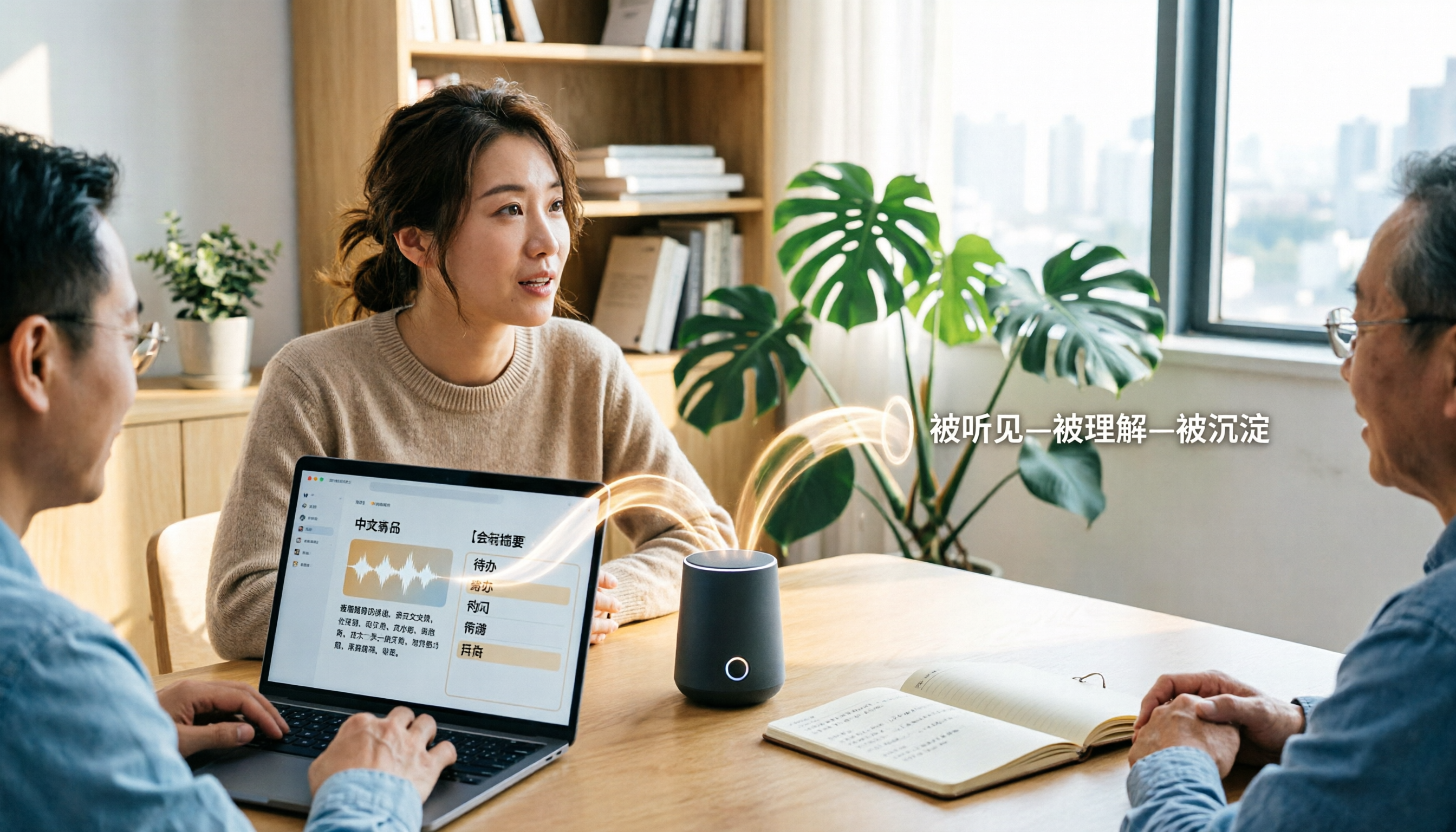
After conversion, automatically generate summaries, chapters, and to-dos. This is where it stands out from general transcription tools. A discussion is broken into several chapters, key points are listed first, and who promised to do what is captured as to-do items. I usually look at these three blocks first, then decide whether to go back to the transcript.
You can ask questions directly about the content. For example, ask it "what was the conclusion of the last discussion about the budget," and it will give an answer based on the content, rather than throwing a bunch of keyword search results for you to find yourself. After accumulating more data, this feature is especially noticeable.
Cross-language content can enable real-time translation. During recording, you can switch between original text, translation, or bilingual comparison, which is very convenient when organizing foreign language videos.
No bot needed for online meetings. The desktop version directly captures the computer's system audio, applicable to Zoom, Google Meet, Teams, and Webex, without needing to pull an extra account into the meeting room.
Stop organizing recordings by hand
Upload audio or video and automatically get a transcript, summary, and action items
In testing, I used a meeting recording with background noise and two people mixing Chinese and English. The transcript performed stably in general conversation paragraphs, but still dropped words when encountering proper nouns and when two people spoke at the same time, requiring going back to verify. This is the same for any tool, not a problem unique to Tinrec.
Summary of advantages:
- Complete post-extraction organization workflow, from transcript to summary, to-dos, and Q&A all done at once.
- Smooth for Chinese and mixed Chinese-English meeting scenarios; desktop version records online meetings without a bot.
- Can export to Notion, Google Docs, OneNote, etc., connecting back to your original workflow.
Limitations to note:
- It does not focus on SRT/ASS subtitle file export. If your ultimate goal is to attach subtitles back to the video, it can't help with that last step.
- Hard subtitles still rely on recognition; there's no shortcut.
- The free version provides a basic quota; long-term or heavy use requires payment.
For pricing, the personal version has a free version, weekly card, Pro monthly card, and Pro annual card, choose according to usage frequency; the team version offers a 7-day trial for first-time eligible users, 1 free seat, 300 minutes of team shared import quota, monthly USD 29.80 per paid seat, annual USD 199 per paid seat (about USD 16.58/month), each paid seat has 2,000 minutes of team shared import quota per month. Actual prices and benefits are subject to the official purchase page.
Who it's for: people who need to turn video or meeting content into searchable, queryable, deliverable data. If you just want a subtitle file, using it is actually a detour.
Besides Tinrec, what other options are there?
Notta: A multi-platform transcription tool with considerable overlap with Tinrec, covering meeting notes, file import, and translation. The free version offers 120 minutes per month, up to 3 minutes per item; Pro annual billing is about USD 8.17/month, 1,800 minutes per month. If you care a lot about the transcript itself and don't have high demand for automatic post-meeting organization, you can consider it. But it doesn't have Tinrec's post-processing workflow of asking questions directly around the content and then generating reports and tables.
TurboScribe: Positioned closer to cost-effective file transcription. The free version offers 3 files per day, up to 30 minutes per file; Unlimited annual is USD 120. The paid version supports up to 10 hours or 5 GB per file, and can upload 50 files at once. For processing a large number of long videos at once, it's more suitable than Tinrec. But it's a batch transcription approach, without the team space, seat management, and post-meeting collaboration layer.
FFmpeg with Subtitle Edit: A completely free old-school route. If the video has an embedded subtitle track, one command can extract the subtitles into SRT; if you need a graphical interface, Subtitle Edit is much friendlier to beginners. Hard subtitles also rely on OCR, and you have to fix errors yourself. This route is suitable for people who don't mind getting hands-on and only want files, not organization, at the cost of learning time.
Pitfall Guide: The 3 most common mistakes when choosing a subtitle extraction tool
Pitfall 1: Thinking the tool can directly extract subtitles burned into the picture. It can't. Once subtitles are burned into the picture, they are just part of the image and can only be reconstructed via OCR or speech recognition; typos will definitely exist. Know this first so you don't find out it can't meet expectations after using it.
Pitfall 2: Only looking at extraction, not what comes after. Extraction takes only a few minutes; organization takes several hours. What you should really compare is: after this text comes out, how much effort do I need to turn it into something usable. The gap between tools with summaries, chapters, to-dos, and Q&A and tools that only spit out plain text is right here.
Pitfall 3: Ignoring teams and handover. When it's just you, it doesn't matter, but once meeting data needs to be shown to colleagues, handed over, or kept as a basis for decisions, where the data is stored, who can edit it, and how data is handled after members leave become real problems. This is also why Tinrec's team version manages roles, seats, usage, and auditing separately—however, its sharing is at the team level, not per-file permission settings, so be aware of this first.
One more reminder: recording and transcription involve others' privacy; please confirm compliance with local regulations before use, and obtain consent from participants when necessary.
Conclusion: Which one should you choose?
In one sentence: first decide whether you want a "subtitle file" or "data you can continue to use," then choose the tool.
- Want SRT/ASS attached back to the video, and the video itself has a subtitle track → FFmpeg or Subtitle Edit, free and fast.
- Want to process a large number of long videos at once, batch transcription → TurboScribe.
- Already have an embedded subtitle track, only want text without organization, zero budget → Notta free version (120 minutes per month).
- Want transcripts and post-meeting organization for Chinese meetings, courses, and interviews, and also want to ask questions directly about the content → Tinrec.
- Want team sharing of meeting data, managing seats and usage → Tinrec team version.
It's recommended to first run a real video of your own with the free version. Whether it can handle your content, you'll know after one try; no need to pay from the start.
References
- Free AI subtitle extractor, simple and easy to use - Zeemo
- 4 ways to extract subtitles from video: soft-encoded/hard-encoded
- How to use a subtitle extractor: 4 useful solutions
- Subtitle extractor | Quickly separate, extract, and edit video subtitles - Filmora
- Top 10 best free video subtitle extraction tools and tutorials 2026
Turn every recording into actionable outcomes
Get 60 free transcription minutes when you sign in. No credit card required.
Related Reading
You might also like

2026 Comparison of 4 Audio Transcription Tools: Free Tiers, Chinese Recognition, and Post-Meeting Organization
Meeting recordings pile up on your phone with no time to re-listen? This article starts from real-world usage scenarios and breaks down the core capabilities that audio transcription tools should have, including real-time transcripts, bot-free online meeting recording, AI summaries, action item extraction, and AI Q&A. It also compiles 5 purchase checkpoints and differences between personal and team plans to help you determine which approach truly saves organization time.

5 Best PDF to Text Tools in 2026: OCR for Scanned Files, Output Formats, and Pricing Compared
PDF to text conversion often gets stuck when scanned files lack a text layer, formatting comes out scrambled, and file retention policies are unclear. This article breaks down four common misconceptions, then compares PDF Candy, iLovePDF, Monica, RightPDF Online, and Xodo on output formats and OCR differences. It also explains how Tinrec fits in when your source is actually a meeting recording or video.

5 Free Video-to-Text Tools Tested for 2026: Which Free Tier Is Enough?
We tested five video-to-text tools available in 2026—Tinrec, cSubtitle, VEED, Vidnoz, and Notta—and break down each one's free limits, registration requirements, how to use it, and restrictions. Includes a free-feature comparison table to help you pick the right tool for your needs.

4 iPhone Audio-to-Text Methods Tested: Built-in Is Free, But These 2 Cases Fall Short
Your iPhone can turn recordings into text, but device model, iOS version, and audio source all affect whether it works. This guide walks through four methods—Voice Memos transcripts, iMessage voice-to-text, Notes dictation, and call recording—covering steps and limitations, and explains when built-in features aren't enough and what type of tool to use instead.

2026 AI Meeting Notes Tools Compared: Free Tiers, Chinese Transcription, and Post-Meeting Q&A
The quality of meeting notes isn't about how clean the transcript is. This article uses the same real meeting recording to test Tinrec, Granola, Notta, and TurboScribe across transcription, summarization, action items, and team collaboration. It outlines 4 key buying factors and 5 common pitfalls, with recommendations for Chinese meetings, bot-free online recording, batch transcription of long files, and team sharing scenarios.

3 Best Free Japanese Speech-to-Text Tools in 2026: Free Tiers and Meeting Notes Comparison
A comparison of three Japanese speech-to-text tools with free options, covering free quotas, Japanese recognition scenarios, post-meeting summaries, and team usage limits. Tinrec focuses on multilingual meeting transcription, bot-free recording, AI Q&A, and team spaces; TurboScribe suits batch transcription of long audio files; MyEdit suits subtitle output. Data verified as of August 18, 2026.
2026 Comparison of 4 Audio-to-Text Tools: Which Saves the Most Time for Chinese Meetings and AI Organization?
How to choose an audio-to-text tool in 2026? This article compares Tinrec, Granola, TurboScribe, and PLAUD from the perspectives of meeting recording, post-meeting organization, team collaboration, and quota limits, helping you determine which one suits Chinese meetings and team data retention.

2026 Comparison of 4 AI Meeting Summary Tools: Which One Has the Best Chinese Summaries and Free Tier?
I used class recordings, group discussions, and interview practice to test Tinrec, Otter.ai, Notta, and Granola—four AI meeting summary tools—comparing Chinese summaries, free tiers, post-meeting Q&A, and export options to help budget-conscious students find the most practical tool.

2026 Podcast Summary Free Plans Compared: 4 Tools at a Glance
A roundup of 4 free podcast summary tools in 2026, covering transcription of recorded audio, AI summaries, Q&A, Chinese recognition, free quotas, and per-file limits, to help you decide which one turns long episodes into searchable, queryable key notes.