

Turn recordings into transcripts and summaries in minutes
Upload audio or video for multilingual transcription, AI notes, and action items
It's 4 PM, and a two-hour project meeting just ended. You press stop recording and look at the 87-minute audio file on your phone, thinking: "Who said that conclusion just now?"
Re-listening takes 87 minutes, and typing it out while listening would take about three hours. So you save the file to a folder and never open it again.
This is the problem that audio transcription solves.
Tinrec is an AI meeting notes and collaboration tool for individuals and teams. It supports real-time speech-to-text, bot-free online meeting recording, audio/video file import, and real-time translation, and can automatically generate summaries, chapters, action items, and mind maps. The free version provides a basic trial quota, suitable for office workers and students who want to see what "AI organizing meetings for me" feels like.
In this hands-on comparison, I looked at four common approaches on the market: built-in dictation in document software, meeting bot tools, pure file transcription tools, and tools like Tinrec that extend transcription into organization and collaboration.
What Can Audio Transcription Do for You?
Scenario 1: Get a readable record right after the meeting
In the past, a two-hour meeting required another hour of organization afterward. Now, as soon as the meeting ends, the transcript is already there.
Take Tinrec as an example: summaries, chapters, and action items are generated automatically, so you don't have to scroll back through the conversation to see who is responsible for what and when it's due.
Scenario 2: Interviews and classes—no more re-listening for three hours
Anyone doing research or client work knows the most painful part isn't recording; it's dragging the progress bar segment by segment afterward.
Tinrec keeps timestamps in the transcript, so you can click to jump to the corresponding audio position. To quote a sentence, just copy and paste—no need to listen again.
Scenario 3: Cross-language meetings—understand as you go
In meetings with foreign colleagues, the biggest fear is understanding 70% and guessing the remaining 30%.
Tinrec supports real-time translation during recording, allowing you to switch between original text, translation, or bilingual view, so you can confirm whether you understood correctly while the meeting is in progress.
Scenario 4: Turn scattered meetings into a searchable database
The most common fate of meeting notes is lying on someone's computer, unfindable once that person changes.
Tinrec's team version centralizes meeting data in a team space. New members can view past meetings, effectively leaving the team a searchable memory.
What Are the Core Capabilities of Audio Transcription?
Real-time speech-to-text
Transcribe while recording, not after. Suitable for offline meetings, interviews, and on-site notes. Text accumulates as you record, so you don't worry about missing a segment.
Tinrec's approach is to capture content in real time, so by the time the meeting ends, you already have an editable transcript.
Bot-free online meeting recording
This is where many people get stuck: to record a Zoom or Google Meet meeting, you often have to invite a bot to join, adding an unfamiliar account to the screen—a bit awkward.
Tinrec's desktop version directly captures the computer's system audio, handling meeting audio played on the computer from platforms like Zoom, Google Meet, Microsoft Teams, and Webex, without the need for an extra bot as a participant.
Note that this does not mean it automatically joins all meetings on your calendar. You need to open Tinrec yourself to start recording—remember this.
AI summaries and chapters
Honestly, no one reads a two-hour transcript from beginning to end.
Tinrec breaks long meetings into chapters, gives a summary first, and then lets you expand sections of interest. This is much more practical than "condensing the transcript into one big paragraph" because you can see the meeting's structure.
Action item extraction
The easiest things to miss in meetings are verbal commitments like "I'll send it to you by next Wednesday."
Tinrec organizes action items from the discussion and lists them separately. This is especially useful for project and client meetings, because the most common post-meeting dispute is "I thought you were going to do it."
AI Q&A
After transcription, you can ask questions directly about the meeting content.
For example, "What were the client's concerns about the quote?" or "What decisions were made in this meeting?" Tinrec answers based on semantic understanding, rather than giving you a bunch of keyword-matching results. This is the most direct feature for saving re-listening time.
Multi-format export and further processing
After the record is done, it still needs to enter your workflow.
Tinrec supports exporting results to tools like Notion, Google Docs, OneNote, and Dropbox, and can also generate reports, tables, and documents through Agent post-processing. You don't have to retype—just take the content to write your weekly report.
Practical Application Scenarios
Weekly project meetings and decision meetings
For regular weekly project meetings, what you need most is "what was decided last time" and "who does what this time." After recording with Tinrec, summaries and action items take shape directly. Reviewing them before the next meeting is much faster than scrolling through chat logs.
Stop organizing recordings by hand
Upload audio or video and automatically get a transcript, summary, and action items
Client interviews and sales conversations
When clients talk about requirements, they often include many premises and constraints. The transcript preserves their exact words, and AI Q&A lets you confirm afterward "what was the budget cap they mentioned" without relying on memory. The organized content can also be exported as material for follow-up proposals.
Courses, lectures, and research interviews
For a three-hour class, the cost of re-listening is too high. Tinrec's transcript with timestamps lets you replay key segments; when you need to quote the instructor or interviewee, just copy directly.
Content creation and material reuse
Interview recordings are themselves a material library. Turning transcripts into article paragraphs and summaries into social posts is more efficient than trying to recall what was said.
Team handover and onboarding
The team version keeps meeting data in the team space. When a member leaves or loses their seat, resources can be handed over to other members. For teams with high turnover, this is more reliable than "stored on someone's computer."
5 Things to Note When Choosing an Audio Transcription Tool
1. Chinese and mixed Chinese-English recognition performance
Don't just look at the accuracy rate in official marketing. In practice, meetings in Taiwan often mix Chinese with English terms, and this is where tools are most tested.
Tinrec covers Chinese, Traditional Chinese, and multilingual meeting scenarios, and offers a team hotword feature that lets you add company-specific terminology to improve recognition of professional vocabulary. Actual results will still be affected by recording quality, accent, noise, and overlapping speakers. It's best to try with your own recordings first.
2. How the meeting is recorded
Few people notice this, but it has the biggest impact. The meeting bot approach requires inviting an account to join the meeting; desktop system audio capture does not add an extra participant.
Tinrec takes the latter approach. If your meetings often include external clients and you don't want an unfamiliar account on the screen, this difference matters.
3. Can it help you organize after transcription?
A tool that only gives you a transcript is essentially returning the organization work to you unchanged.
What you should look at is: does it have summaries, chapters, action items, and Q&A? Tinrec turns these into a single workflow—record, transcribe, organize, export—without switching tools in between.
4. How is the quota calculated, and is the free version enough?
This is the most practical question.
Tinrec's personal version is divided into Free, Weekly Pass, Pro Monthly, and Pro Annual. If you occasionally organize a recording, start with the free version to test the waters; if you have intensive meetings or interviews in the short term, consider the Weekly Pass; only if you have steady weekly needs is Pro suitable.
The team version currently offers a 7-day trial for first-time eligible users, 1 free seat, and 300 minutes of shared team import quota. The paid plan is USD 29.80 per seat per month, or USD 199 per seat per year (approximately USD 16.58/month), with each paid seat providing 2,000 minutes of shared team import quota per month. Under an active team plan and active seat, real-time recording is currently not deducted by minutes.
Prices and promotions are subject to the official purchase page.
5. Permissions and data ownership when used by a team
If you plan to use it across the whole team, you need to distinguish three things: roles, seats, and member relationships.
In Tinrec's team version, roles determine who can manage the team and view audits; seats determine whether members can record, upload, edit, and export; active members without a seat can still view, play, and read team data.
Also know the boundaries: currently it is mainly team-level sharing, not a fine-grained file-level permission system.
Frequently Asked Questions
Q1: What's the difference between audio transcription and built-in dictation in document software?
Dictation handles "what you are saying into the microphone right now," i.e., real-time input. Audio transcription handles "audio files that have already been recorded," which can be uploaded, queued for processing, and edited afterward. They solve different problems—don't use dictation as a transcript tool.
Q2: Is the free version really enough?
It depends on how often you use it. If you only occasionally organize an interview or a meeting, the free version's basic quota is enough to judge whether the tool suits you. For those who meet every day, they will eventually need Pro's stable quota.
Q3: Which online meeting platforms are supported?
Tinrec's desktop version can handle meeting audio played on the computer from platforms like Zoom, Google Meet, Microsoft Teams, and Webex, without requiring a meeting bot to join. Note that this does not mean official partnerships with these platforms, nor does it automatically join calendar meetings.
Q4: What accuracy rate can be achieved?
I don't recommend looking at fixed numbers. Too many factors affect it: microphone quality, ambient noise, accent, overlapping speakers, terminology density. A more reliable approach is to run a test with the most difficult recording you have.
Regardless of the tool, it's advisable to verify important content against the transcript timestamps and audio playback.
Q5: What's the difference between the team version and the personal version?
Personal version data belongs to the individual account. The team version is an independent collaboration space with member invitations, role and seat management, shared quota, usage analytics, audit logs, and an audio recycle bin (currently retained for 30 days). For departments that need to accumulate meeting assets, the main difference lies in "data ownership" and "whether data remains when people leave."
Q6: Do I need to inform participants about recording?
Yes. Recording and transcription involve personal data. Please comply with local regulations and obtain participant consent when necessary. This is more important than which tool you choose.
Conclusion
The change in audio transcription in recent years isn't just "more accurate transcription"—it's that more can be done after transcription.
From transcripts, summaries, chapters, and action items to asking questions directly about the meeting and exporting reports, the manual steps eliminated in between are where time is truly saved.
If your current approach is still "record first, listen when I have time," you probably never will. Why not start with the free version, pick the meeting you least want to re-listen to, and see if the AI-organized output is usable.
If it works, then talk about upgrading.
References
- Transcribe your recordings | Microsoft Support
- Audio to Text | Free Online Recording to Transcript | Proactor AI
- Hands-on Test of 4 Best Online Speech-to-Text Tools: Free Instant Recording to Transcript
- 2026 Recommended 7 Free Audio-to-Text Word Tools: Accurately Generate Meeting Transcripts and Action Items - Tinrec Blog
- Audio to Text: Convert Recordings to Transcripts Online | Canva
Turn every recording into actionable outcomes
Get 60 free transcription minutes when you sign in. No credit card required.
Related Reading
You might also like

4 Subtitle Extraction Tools Tested and Compared in 2026: Which One Turns Video Audio into a Searchable Transcript?
How do you extract subtitles from a video? Most people get stuck not on the tool, but on not first clarifying whether they want an SRT subtitle file or text that can be searched, queried, and organized into notes. This article compares 4 approaches: FFmpeg with Subtitle Edit, TurboScribe, Notta, and Tinrec. It starts with the difference between hard subtitles and soft subtitle tracks, explains who each is suitable for, free quotas and limitations, and summarizes 3 common pitfalls.

5 Best PDF to Text Tools in 2026: OCR for Scanned Files, Output Formats, and Pricing Compared
PDF to text conversion often gets stuck when scanned files lack a text layer, formatting comes out scrambled, and file retention policies are unclear. This article breaks down four common misconceptions, then compares PDF Candy, iLovePDF, Monica, RightPDF Online, and Xodo on output formats and OCR differences. It also explains how Tinrec fits in when your source is actually a meeting recording or video.

5 Free Video-to-Text Tools Tested for 2026: Which Free Tier Is Enough?
We tested five video-to-text tools available in 2026—Tinrec, cSubtitle, VEED, Vidnoz, and Notta—and break down each one's free limits, registration requirements, how to use it, and restrictions. Includes a free-feature comparison table to help you pick the right tool for your needs.

4 iPhone Audio-to-Text Methods Tested: Built-in Is Free, But These 2 Cases Fall Short
Your iPhone can turn recordings into text, but device model, iOS version, and audio source all affect whether it works. This guide walks through four methods—Voice Memos transcripts, iMessage voice-to-text, Notes dictation, and call recording—covering steps and limitations, and explains when built-in features aren't enough and what type of tool to use instead.

2026 AI Meeting Notes Tools Compared: Free Tiers, Chinese Transcription, and Post-Meeting Q&A
The quality of meeting notes isn't about how clean the transcript is. This article uses the same real meeting recording to test Tinrec, Granola, Notta, and TurboScribe across transcription, summarization, action items, and team collaboration. It outlines 4 key buying factors and 5 common pitfalls, with recommendations for Chinese meetings, bot-free online recording, batch transcription of long files, and team sharing scenarios.

3 Best Free Japanese Speech-to-Text Tools in 2026: Free Tiers and Meeting Notes Comparison
A comparison of three Japanese speech-to-text tools with free options, covering free quotas, Japanese recognition scenarios, post-meeting summaries, and team usage limits. Tinrec focuses on multilingual meeting transcription, bot-free recording, AI Q&A, and team spaces; TurboScribe suits batch transcription of long audio files; MyEdit suits subtitle output. Data verified as of August 18, 2026.
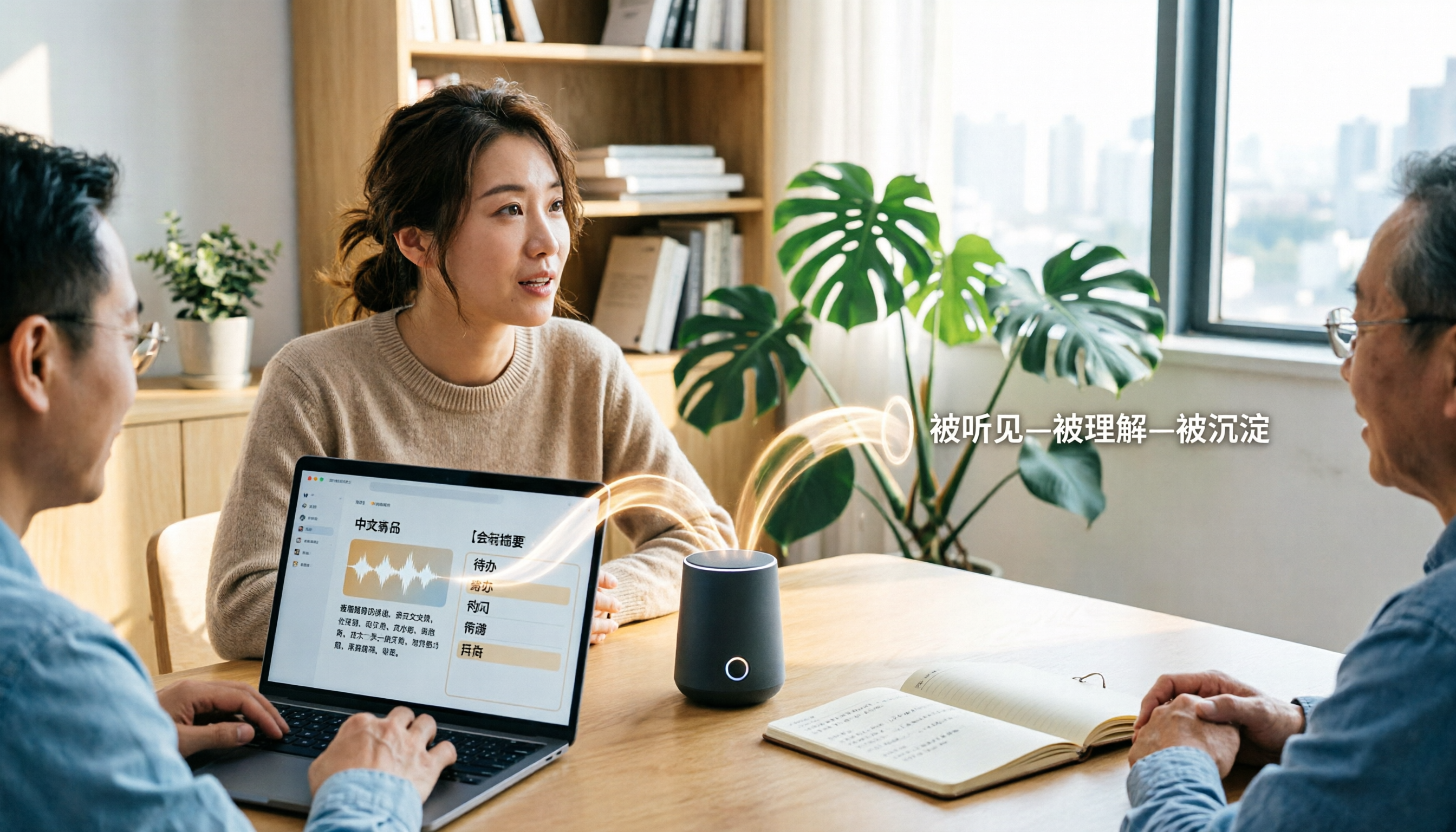
2026 Comparison of 4 Audio-to-Text Tools: Which Saves the Most Time for Chinese Meetings and AI Organization?
How to choose an audio-to-text tool in 2026? This article compares Tinrec, Granola, TurboScribe, and PLAUD from the perspectives of meeting recording, post-meeting organization, team collaboration, and quota limits, helping you determine which one suits Chinese meetings and team data retention.

2026 Comparison of 4 AI Meeting Summary Tools: Which One Has the Best Chinese Summaries and Free Tier?
I used class recordings, group discussions, and interview practice to test Tinrec, Otter.ai, Notta, and Granola—four AI meeting summary tools—comparing Chinese summaries, free tiers, post-meeting Q&A, and export options to help budget-conscious students find the most practical tool.

2026 Podcast Summary Free Plans Compared: 4 Tools at a Glance
A roundup of 4 free podcast summary tools in 2026, covering transcription of recorded audio, AI summaries, Q&A, Chinese recognition, free quotas, and per-file limits, to help you decide which one turns long episodes into searchable, queryable key notes.