
Turn recordings into transcripts and summaries in minutes
Upload audio or video for multilingual transcription, AI notes, and action items
In the era of digital offices, converting "voice" into "text" has become a core productivity need. Whether it's a multi-hour business meeting, an academic interview, or a class recording that needs quick organization, traditional manual transcription is time-consuming and often causes you to miss out on real-time thinking while focusing on note-taking. This article builds on speech-to-text technology recommended by Cyberlink to further analyze the most notable solutions of 2026, specifically for the need of "free audio to Word conversion," and recommends a more integrated AI tool.
Why Do You Need an AI Audio-to-Text Tool?
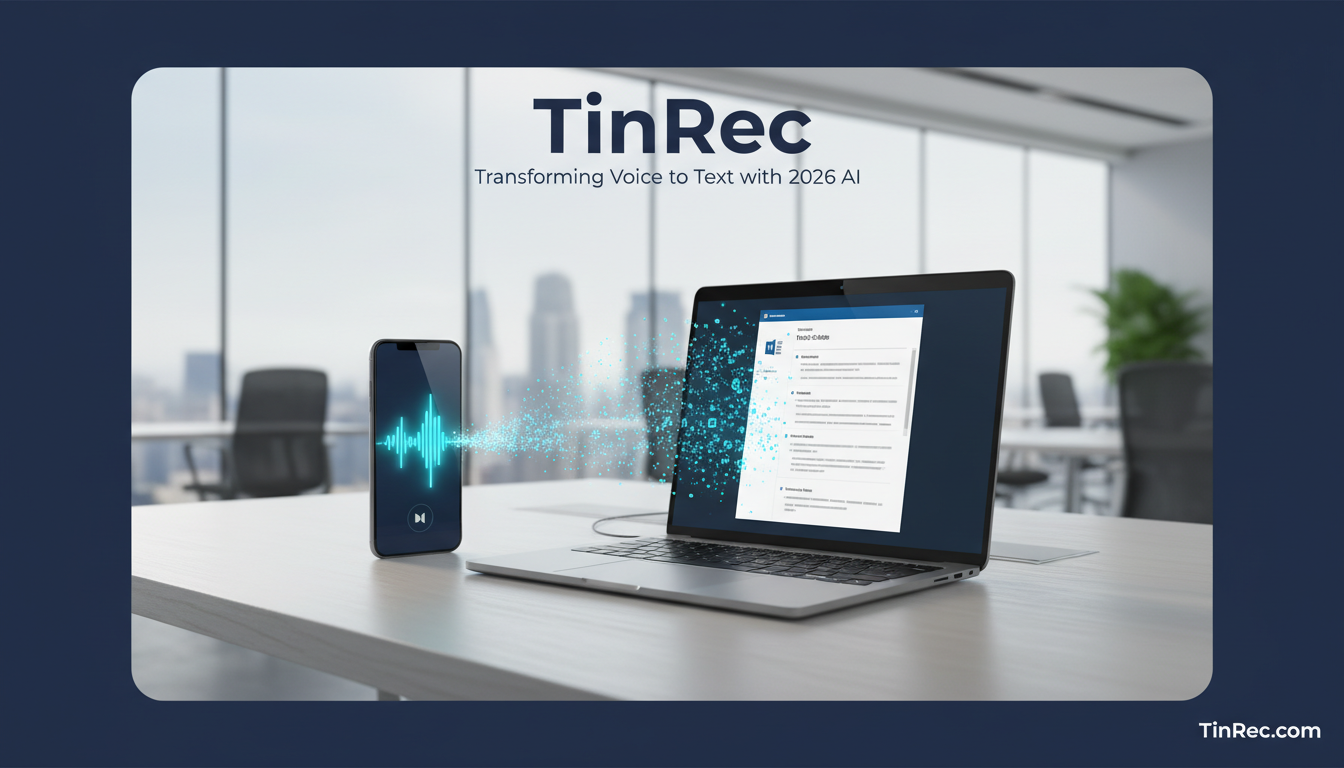
In the past, we relied on manual transcription, spending three to four hours to process a one-hour recording. Today, the maturity of AI speech recognition (ASR) has completely changed the game. The main advantages of using AI tools include:
- Extreme Efficiency: AI can process long recordings in minutes, reducing hours of work to a moment.
- Multi-format Support: It handles not only live speech but also audio formats like MP3 and WAV, with direct export to Word, TXT, or SRT subtitle files.
- Intelligent Understanding: New-generation tools don't just "transcribe" but also "understand" semantics, automatically identifying speakers and adding timestamps.
Top Audio-to-Text Tools Recommended for 2026
There are many tools on the market, such as MyEdit and Word's built-in dictation, each with its own use cases. However, if you need a versatile tool that can handle complex workflows (like call recording and meeting summaries), then TinRec (秒聽錄音) is definitely a dark horse to watch this year.
1. TinRec (秒聽錄音): Professional All-in-One AI Assistant
TinRec is more than just a transcription tool—it's like an AI meeting secretary. It solves many pain points of single-function software, such as the inability to record phone calls or lack of post-processing features.
- Core Features: TinRec supports high-quality call recording transcription, which is invaluable for lawyers, journalists, and salespeople. It also supports importing files like MP3 for transcription and YouTube subtitle generation, where you can paste a video link to get a transcript.
- Target Users: Professionals who need high accuracy and content organization.
- Website: https://tinrec.com/
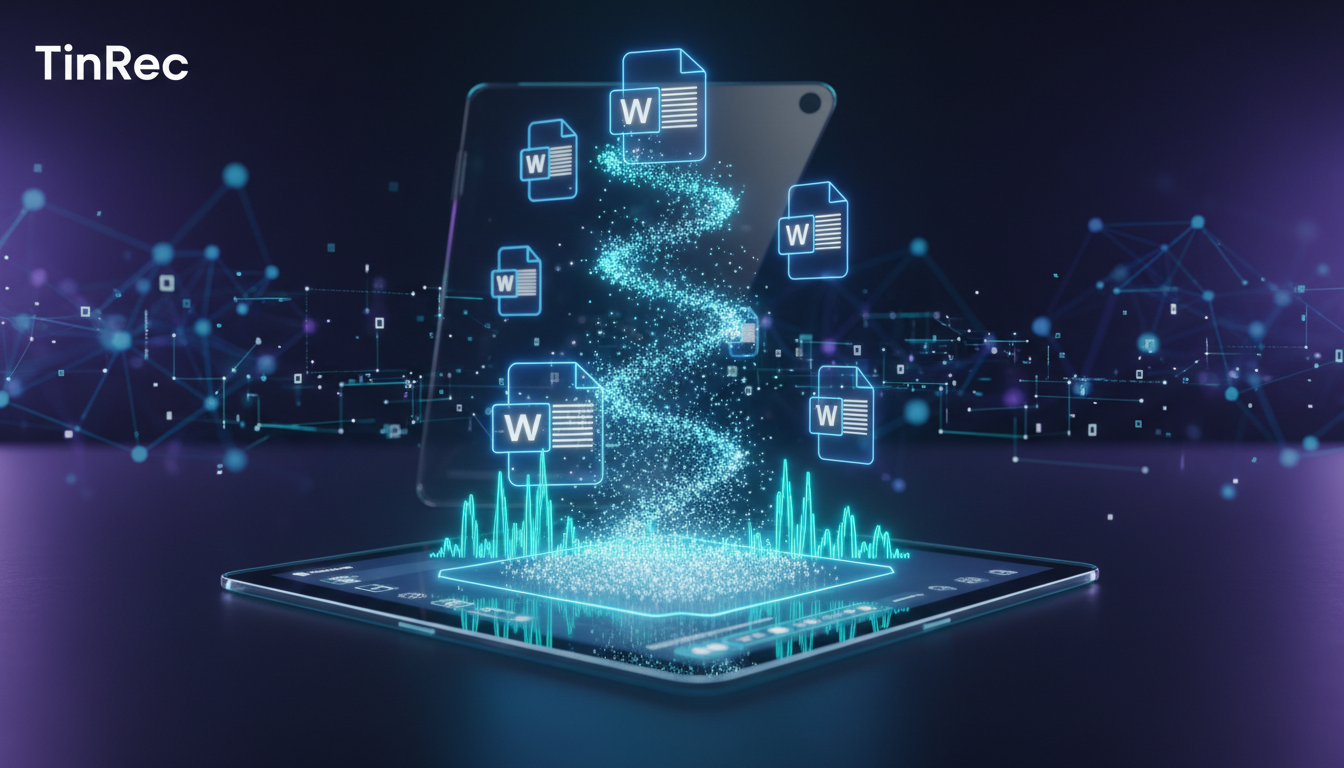
2. Microsoft Word Dictation: Basic Document Processing
For users who already subscribe to Microsoft 365, Word's built-in "Dictate" feature is the most convenient entry-level option. While it may be less stable for multi-speaker meetings or long recordings compared to dedicated software, it's sufficient for simple personal notes.
Stop organizing recordings by hand
Upload audio or video and automatically get a transcript, summary, and action items
3. Online Audio Editors (e.g., MyEdit)
These tools typically require no installation and are suitable for users who need to quickly transcribe short audio clips. They usually offer basic editing features but are weaker in AI semantic analysis and automatic summarization.
TinRec (秒聽錄音) In-Depth Review: More Than Just Transcription, Your AI Meeting Secretary
Among many free and paid tools, TinRec stands out due to its deep optimization of the "post-processing workflow." Many people find that after converting audio to text, they are left with tens of thousands of words of raw text that are still painful to organize. TinRec solves this with its powerful AI model:
Smart AI Meeting Summary
TinRec's AI meeting summary feature is the soul of the product. After the recording ends, the AI automatically analyzes the full text and extracts "Meeting Summary," "Action Items," and "Key Decisions." This means you don't need to read through the entire transcript; you can directly copy the key points into Word to generate formal meeting minutes.
Cross-Platform & Multi-Scenario Support
Whether it's live recording of an in-person meeting, two-way recording of a phone call, or a one-hour YouTube lecture video, TinRec handles it all uniformly. Especially the YouTube subtitle generation feature is a boon for learners who need to quickly absorb video knowledge, generating a text file with timestamps that greatly improves learning efficiency.
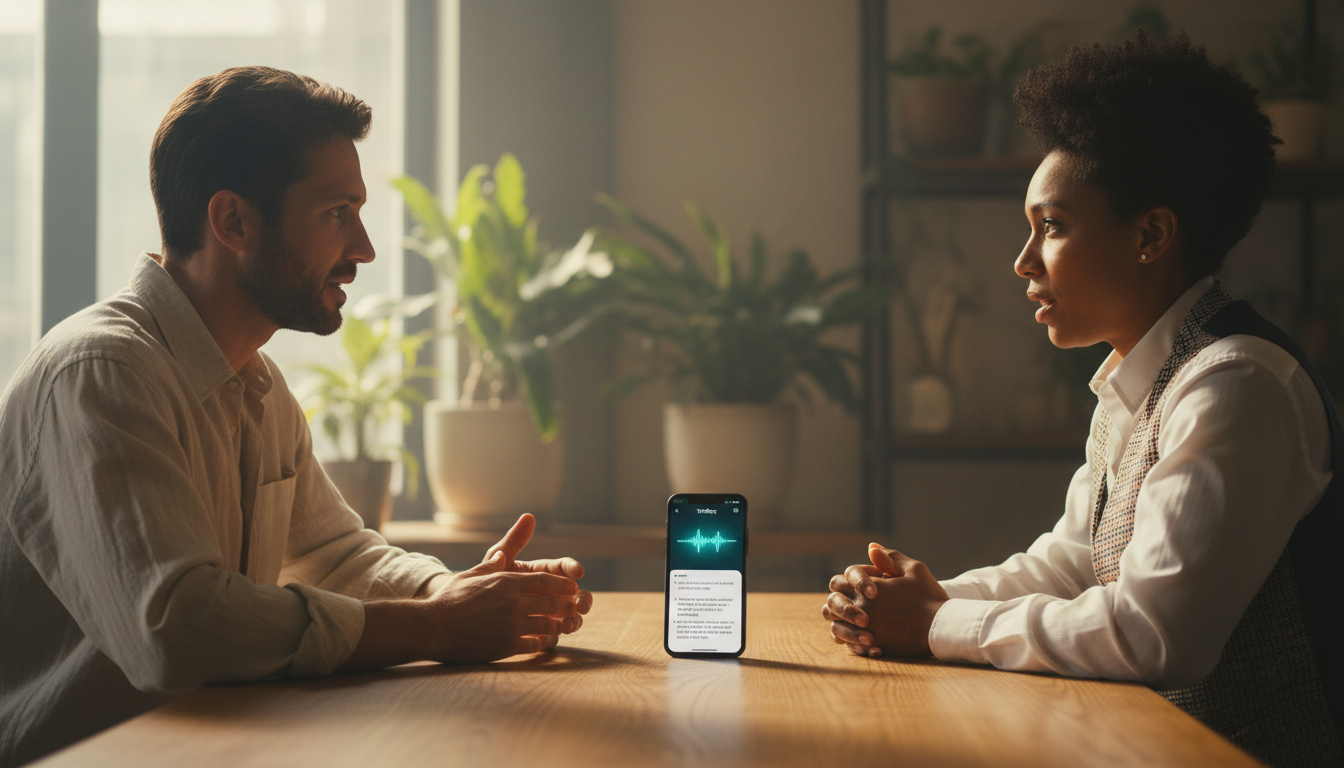
4 Key Steps to Convert Audio to Word
The process of converting audio to Word using modern AI tools is actually very simple. Using TinRec as an example, the workflow is as follows:
- Import or Record Audio: You can directly use the app to record calls or live audio, or upload existing MP3 files. For online videos, just paste the link.
- AI Smart Transcription: Select the audio language (supports multilingual recognition), and the AI engine will quickly process speech-to-text in the cloud.
- AI Organization & Editing: After transcription, use the Meeting Minutes AI feature to generate a summary. You can correct proper nouns at this stage or use the AI chat feature to ask about specific details in the recording.
- Export to Word Document: Finally, export the organized transcript or meeting summary with one click. TinRec supports multiple formats, allowing you to do final layout and save directly in Word.
How to Choose the Right Speech-to-Text Tool for You?
When choosing a tool, it is recommended to evaluate based on the following three dimensions:
- Accuracy & Language Support: Confirm whether the tool can accurately recognize your primary working language and whether it has speaker diarization.
- Feature Integration: Simple transcription may not be enough; features like AI meeting summaries and key point extraction will determine how quickly you can organize the content. This is where TinRec has the biggest advantage over traditional tools.
- Privacy & Security: Meeting records often contain confidential business information, so choosing a service provider with a good privacy policy is crucial.
In summary, while there are many free audio-to-text solutions on the market, if you are looking for a one-stop efficient experience from "recording" to "producing a Word report," TinRec (秒聽錄音)—which integrates recording, transcription, and AI analysis—is undoubtedly a highly competitive choice. Leveraging these digital tools will free you from tedious transcription work and allow you to focus on more valuable thinking and decision-making.
Turn every recording into actionable outcomes
Get 60 free transcription minutes when you sign in. No credit card required.
Related Reading
You might also like

4 AI Transcription Tools Tested for 2026: Which One Saves the Most Post-Meeting Time?
A mid-level manager's hands-on review of AI transcription tools: converting speech to text is just the first step. The real key is whether it can automatically generate summaries, action items, and build a team knowledge base. This article shares 5 criteria for choosing an AI transcription tool based on real meeting scenarios, and how Tinrec solves post-meeting follow-up pain points with bot-free recording, AI Q&A, and team spaces.
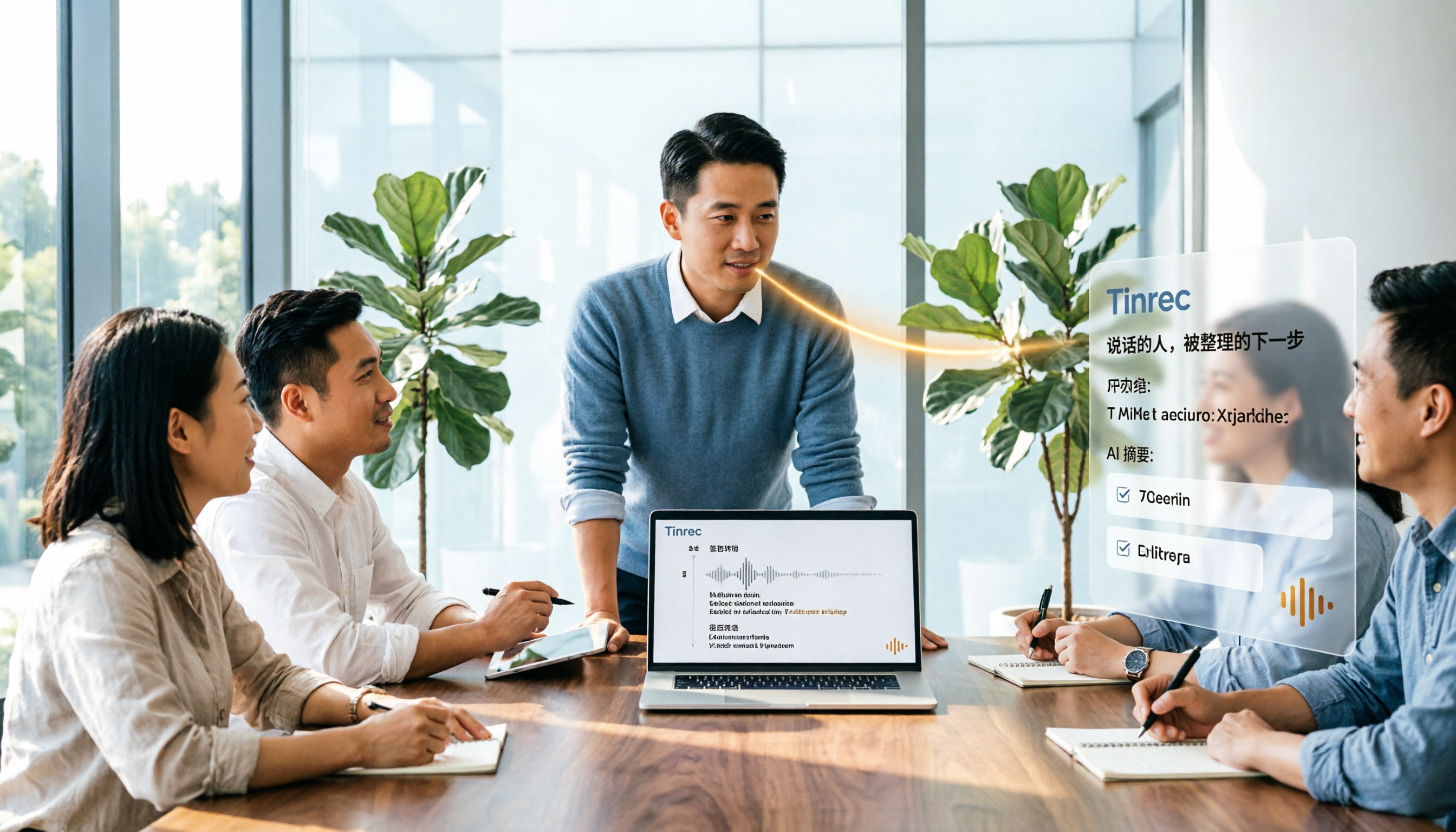
2026年4款AI会议记录工具实测对比:中文识别与AI待办谁最省时
每周开15场会的中层管理者实测4款会议记录自动化工具:从中英夹杂转写、AI摘要与待办提取,到团队空间与席位管理,说明Tinrec(秒听录音)为何在中文会议与会后整理流程胜出,并比较Otter.ai、Granola、Notta各自适合谁、限制在哪里。

Tinrec vs Granola 2026: 5-Dimension Comparison for Turning Recordings into Actionable To-Dos
Many people think that handing a recording to AI and asking for a summary will automatically produce a to-do list, but what they get is text that can't be tracked. This article focuses on 'turning recordings into trackable to-dos' and compares Tinrec and Granola across 5 dimensions: Chinese to-do recognition, recording sources, to-do output format, AI follow-up questions, and team data retention. It includes practical steps and FAQs to help you decide which workflow to use.

2026 AI Meeting Summary Tools Compared: 4 Options from Free to Paid
Compare 4 AI meeting summary tools in 2026, covering free and paid plans, Chinese transcription, bot-free recording, and team collaboration. Tinrec is the top recommendation, with Otter.ai, Notta, and Granola also reviewed for their strengths and limitations, helping professionals find the right meeting summary tool.

Tinrec vs Otter.ai in 2026: A 5-Dimension Comparison for Chinese Meeting Notes
How do you choose meeting note software in 2026? This article compares Tinrec and Otter.ai across 5 practical dimensions, outlines how Notta and Granola differ, and includes common pitfalls and tips to help you find the right AI meeting notes tool for Chinese meetings and team collaboration.

4 AI Meeting Note Tools Tested for 2026: Which Saves the Most Time for Chinese Meetings?
Still spending two hours writing meeting notes after the meeting? This article compares four AI meeting note tools, breaking down Chinese and mixed Chinese-English recognition, meeting recording methods, post-meeting summaries and action items, cross-platform export, and team member management. It also lists four key pitfalls to avoid when choosing a tool, helping you find a solution that truly saves time.

2026 Guide: Convert Audio to Transcripts — Stop Typing Manually & Auto-Generate Meeting Minutes with AI
Don't want to type transcripts by hand? This guide covers two scenarios—live meetings and pre-recorded files—and outlines 4 key buying factors. We tested Tinrec's bot-free meeting recording, AI summaries, and Q&A workflow, compared Notta, Granola, and PLAUD, and included the most common pitfalls to avoid.

4 AI Recording Tools Tested for 2026: Which Saves the Most Time on Chinese Meeting Notes?
Recorded a meeting but never have time to organize it? This hands-on comparison looks at four common approaches—built-in phone features, free online tools, AI recording hardware, and dedicated AI meeting note tools—and tests Tinrec on Chinese meeting transcription, summaries, and action items. Includes 6 buying considerations and FAQs.

2026 Medical Meeting Transcription Tools Compared: Which AI Saves You the Most Time with Chinese Transcripts and Summaries?
For professionals juggling over a dozen meetings a week and still stuck with post-meeting notes, which tool should you use? This article dives into practical decision points, covering 5 key factors for choosing a medical meeting transcription tool. We tested Tinrec's bot-free recording, AI summaries, action item extraction, and AI Q&A, and briefly review alternatives like Notta, Otter.ai, and PLAUD. We also provide a guide to avoid common pitfalls and final recommendations.