

Turn recordings into transcripts and summaries in minutes
Upload audio or video for multilingual transcription, AI notes, and action items
2026 Medical Meeting Transcription Tools Compared: Which AI Saves You the Most Time with Chinese Transcripts and Summaries?
First, ask yourself: Who will actually use this meeting record after the meeting?
I attend about 15 meetings a week, half of which are related to healthcare—quality committees, cross-departmental process meetings, and coordination meetings with external units. The most annoying part was never the meeting itself, but the aftermath: meeting records are something you only start working on after the meeting ends.
You've probably encountered these three scenarios:
- A decision was made to "complete a certain improvement metric by next quarter," but two weeks later when your supervisor asks for progress, you flip through three pages of notes and still can't find who agreed to what.
- A 90-minute committee meeting produces a 20,000-word transcript, but only six decisions and four action items are worth keeping.
- For the same recording, the project manager needs a transcript, the supervisor wants a three-line summary, and audit needs to be able to trace back—completely different needs.
So before choosing a tool, the first question isn't "which one transcribes most accurately," but rather: Do you just want to "turn speech into text," or do you want to "turn a meeting into searchable, trackable, and assignable data"? Once you clarify this, the rest becomes much simpler.
Before Organizing Medical Meeting Records, Understand These 5 Key Points
1. Recognition of Chinese and specialized terminology. Medical meetings are full of abbreviations, department names, and mixed Chinese-English terms. General models often mishear proper nouns. When choosing a tool, check if it has a hotword or glossary feature to reinforce this; otherwise, you'll be manually correcting the same words every time.
2. Coverage of meeting sources. In-person meetings should support live recording; online meetings ideally shouldn't require an extra bot to join (some meetings have external attendees, and an extra "AI participant" can be awkward); past recordings should also be importable for organization.
3. Are the post-meeting outputs sufficient? Transcripts are just raw material. You need summaries, chapters, action items, Q&A you can follow up on, and the ability to export to formats you normally use.
4. Data governance. Whose account holds the meeting data? Can it still be found after a team member leaves? Who can view and who can edit? In units requiring multi-person collaboration, this is more important than transcription speed.
5. Compliance and authorization. Notify and obtain consent before recording, de-identify sensitive content, and store according to institutional policies—no tool can do this for you, and you shouldn't expect it to skip this step.
Tinrec – The One I Kept After Testing
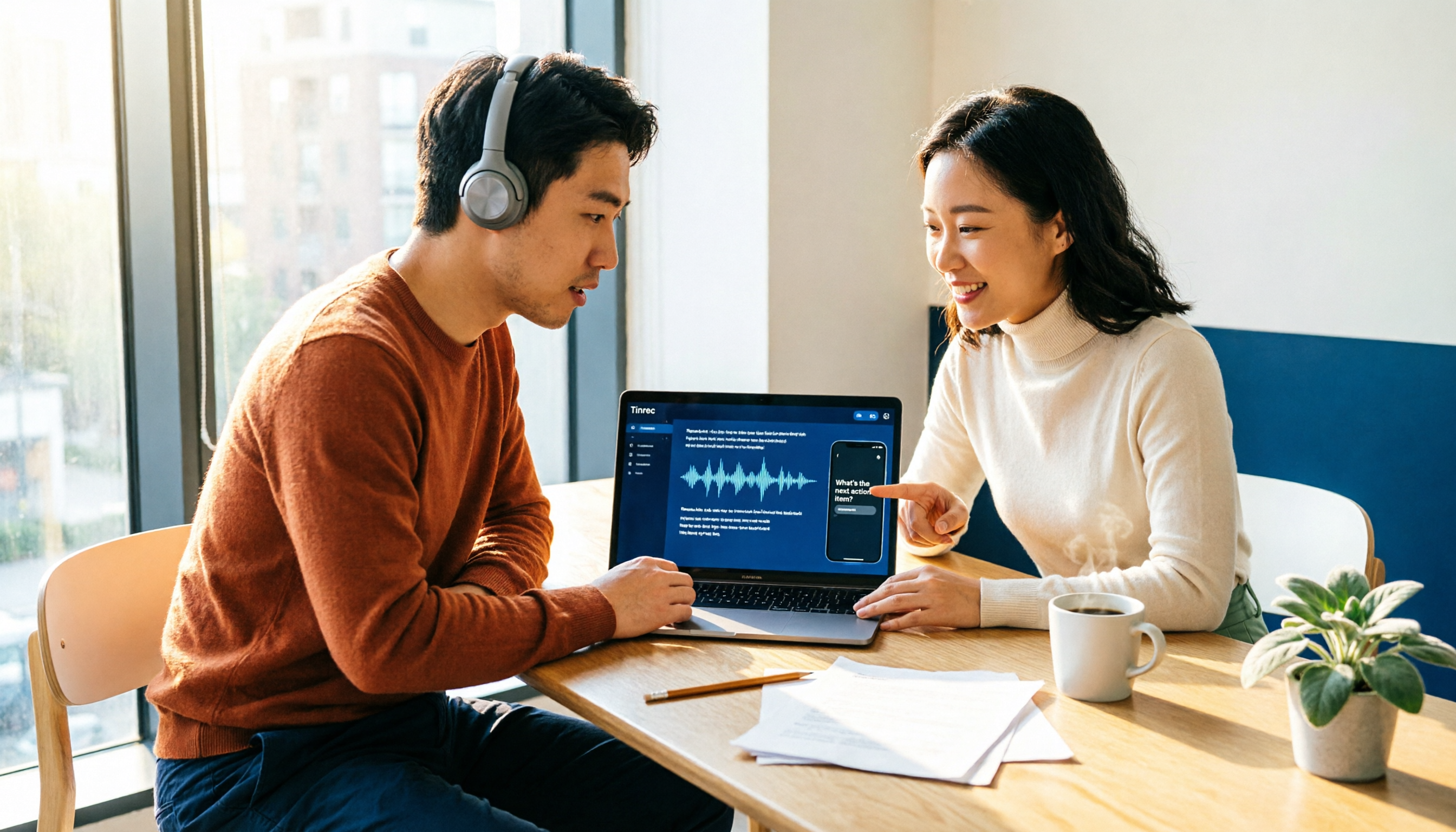
Tinrec is an AI meeting recording and collaboration tool for individuals and teams, supporting iOS, Android, and web versions, with a desktop version that can directly handle online meetings. It doesn't just convert audio to text; it organizes meetings into data you can continue working with.
Bot-free recording for online meetings. The Tinrec desktop version directly captures your computer's system audio, so when handling meetings on Zoom, Google Meet, Microsoft Teams, Webex, etc., you don't need to invite a meeting bot. For meetings with external committee members or cross-institutional guests, this is very practical: the participant list stays clean, with no sudden unknown account appearing.
Live transcription during the meeting, with summaries and action items right after. The transcript is generated in real-time during the meeting, and after it ends, AI organizes a summary, chapter highlights, and action items. Previously, I had to re-listen to a 90-minute meeting to confirm "who agreed to what"; now I just open the action item list and check.
Continue asking questions after recording. This is where it stands out from most tools at the same price: you can directly ask "What was the decision regarding process adjustments in the last meeting?" and it will provide an answer based on semantic understanding, rather than dumping a list of keyword search results. When meeting data accumulates, this feature saves the most time.
Output and post-processing. Meeting results can be exported to Notion, Google Docs, OneNote, Dropbox, etc., for further use, or directly generate reports, tables, or documents; it also supports real-time translation and original/translated/bilingual viewing, making mixed Chinese-English meetings relatively easy to handle.
Test conditions clearly stated. I ran a real meeting recording of about 40 minutes (indoor air conditioning noise, multiple overlapping speakers, mixed Chinese-English proper nouns) on the same laptop. The transcript still required manual correction of proper nouns, but what was saved was "re-listening to the entire meeting." Actual accuracy will be affected by recording quality, noise, accents, overlapping speech, and specialized terminology; no tool should be promised as having a fixed accuracy rate.
Stop organizing recordings by hand
Upload audio or video and automatically get a transcript, summary, and action items
If a team is using it, look at the team version. Medical units often have committees plus cross-departmental combinations, and meeting data scattered across personal accounts is most prone to disconnection. Tinrec's team version provides an independent team space: create and switch between multiple teams, invite members via link, set owner/admin/member roles, and manage seats and roles separately—valid members without a seat can still view, play, and read team data, but cannot upload, edit, or export; team resources belong to the team, and when a member leaves or loses their seat, they must hand over the data they are responsible for. There are also usage trends and member details, team hotwords (to reinforce specialized terminology), audit log queries and exports, and a 30-day audio recycle bin.
Pricing and benefits are subject to the official purchase page: first eligible team trial is 7 days, 1 free seat, 300 minutes of team shared import quota; team monthly payment USD 29.80 per paid seat per month, annual payment USD 199 per paid seat per year (about USD 16.58 per month); each paid seat provides 2,000 minutes of team shared import quota per month. Under an active team plan and active seats, live recording currently does not deduct minutes; only file and web imports count toward the shared quota.
Limitations are also clearly stated. The free version has a basic quota; if you have meetings daily like me, you'll need to move to a paid version; members without a seat have read-only access; currently it's team-level shared visibility, not file-level permissions; important decisions should be verified against transcript timestamps and recording playback; AI summaries should not be the sole basis. Also, Tinrec supports processing meeting audio from these platforms, but this does not imply an official partnership with the platforms.
Besides Tinrec, What Other Options Are There?
Notta. A multilingual transcription tool. Free version: 120 minutes per month, max 3 minutes per session—cumbersome for a 90-minute committee meeting. Pro annual payment is about USD 8.17 per month, with 1,800 minutes per month. Transcription and translation are adequate, but it lacks Tinrec's bot-free desktop recording, AI Q&A, and Agent post-processing. Pricing subject to official page.
Otter.ai. A mature choice for English meetings. Free version: 300 minutes per month. Pro annual payment is about USD 8.49 per user per month. If your meetings are almost entirely in English, it's cost-effective; but Chinese and mixed Chinese-English transcripts, real-time translation, and team hotwords are not its strong suit, and the flexibility of team data accumulation is not as good as Tinrec. Pricing subject to official page.
PLAUD Note/NotePin. AI recording hardware. NotePin official price USD 159, Note Pro USD 189, membership Pro about USD 99.99 per year (1,200 minutes per month). Portable recording is indeed convenient, but you need to carry an extra device, and online meetings and historical audio organization are not its strengths; Tinrec requires no extra hardware, can handle online meetings, and accumulates data into team space. Pricing subject to official page.
Pitfall Guide: The 4 Most Common Mistakes in Organizing Medical Meeting Records
Pitfall 1: Only looking at advertised accuracy numbers. Advertised accuracy is usually measured in a quiet environment. Real meeting rooms have air conditioning noise, keyboard sounds, and multiple people talking over each other. It's recommended to test the free version with your own real recording to see how well it understands your unit's proper nouns.
Pitfall 2: Throwing a meeting bot into every meeting. Meetings with external attendees or family members can easily raise concerns when an extra bot joins. Choose an approach like Tinrec's desktop version that directly captures system audio without adding an extra participant.
Pitfall 3: Thinking you're done once you have the transcript. A transcript is raw material, not a finished product. If you only use it as "audio to text," you're only using one-third of its value; summaries, action items, Q&A, and exports are where the real time savings are.
Pitfall 4: Ignoring governance and handover. If all data is stored in the project manager's personal account, it will scatter once they leave or the meeting ends. Units with multi-person collaboration should choose tools with team spaces, roles and seats, audit records, and recycle bin mechanisms.
Conclusion: Which One Should You Choose?
To sum up in one sentence: If you want "meeting data that someone can use immediately after the meeting," Tinrec is my current top choice.
- Need Chinese, mixed Chinese-English transcripts and bilingual viewing → Tinrec
- Don't want an extra bot in online meetings → Tinrec (desktop version captures system audio)
- Want to ask AI directly after recording "What was the decision this time?" → Tinrec (AI Q&A)
- Multiple people sharing meeting data, need to manage members and permissions → Tinrec Team version (team space, roles and seats, audit, recycle bin)
- Almost all-English meetings, tight budget → Otter.ai is one of the few alternatives worth considering in this article
Remember, no matter how convenient the tool is, it cannot replace process: obtain consent before recording, de-identify sensitive content, and verify important decisions against the transcript and recording—these are the user's responsibilities. It's recommended to first run a meeting of your own with Tinrec's free version, and consider upgrading only if you feel it truly saves time; no need to pay upfront.
References
- National Health Insurance Administration, Ministry of Health and Welfare, NHI Health Insurance Data Station - NHI Business Report - Meeting Agenda and Record Information
- Kaohsiung Medical University Chung-Ho Memorial Hospital Document Name: Meeting Procedures and Records and Communication Records Writing Unit: Institutional Review Board Document Number: KMUH/IRB/SOP/01.01
- Meeting Records – Taiwan Medical Association
- Meeting Transcript Audio Files - November 2022 - National Health Insurance Administration, Ministry of Health and Welfare, NHI Health Insurance Services - NHI Pharmaceuticals and Special Materials and Medical Services - NHI Special Materials - Special Materials Related Regulations and Standards - Pharmaceutical Benefit and Payment Standard Joint Drafting Meeting - Pharmaceutical Benefit and Payment Standard Joint Drafting Meeting Agenda, Records and Related Materials - Meeting Records - 2022
- Public Rights: NHI Decision Meeting Records Online Link Compilation | Taiwan Healthcare Reform Foundation
Turn every recording into actionable outcomes
Get 60 free transcription minutes when you sign in. No credit card required.
Related Reading
You might also like

4 AI Meeting Note Tools Tested for 2026: Which Saves the Most Time for Chinese Meetings?
Still spending two hours writing meeting notes after the meeting? This article compares four AI meeting note tools, breaking down Chinese and mixed Chinese-English recognition, meeting recording methods, post-meeting summaries and action items, cross-platform export, and team member management. It also lists four key pitfalls to avoid when choosing a tool, helping you find a solution that truly saves time.

2026 Guide: Convert Audio to Transcripts — Stop Typing Manually & Auto-Generate Meeting Minutes with AI
Don't want to type transcripts by hand? This guide covers two scenarios—live meetings and pre-recorded files—and outlines 4 key buying factors. We tested Tinrec's bot-free meeting recording, AI summaries, and Q&A workflow, compared Notta, Granola, and PLAUD, and included the most common pitfalls to avoid.

4 AI Recording Tools Tested for 2026: Which Saves the Most Time on Chinese Meeting Notes?
Recorded a meeting but never have time to organize it? This hands-on comparison looks at four common approaches—built-in phone features, free online tools, AI recording hardware, and dedicated AI meeting note tools—and tests Tinrec on Chinese meeting transcription, summaries, and action items. Includes 6 buying considerations and FAQs.
How to Choose an Automatic Transcription Tool in 2026: 5 Steps to Compare Yating Transcription and Tinrec
How do you choose an automatic transcription tool? Starting from the actual checklist I use when picking tools, I compare Yating Transcription and Tinrec across five dimensions, covering online meeting recording methods, post-meeting organization depth, AI Q&A, cross-platform team collaboration, and quota pricing, to help you determine which one better fits your workflow.

4 Best Audio-to-Text Apps in 2026: Which One Actually Saves You Post-Meeting Time?
A mid-level manager who attends 15 meetings a week shares hands-on experience. From online meeting recording methods and transcription performance for Chinese and mixed Chinese-English to post-meeting summaries and action item organization, this breaks down the differences among four types of audio-to-text apps and explains how Tinrec uses bot-free recording, AI summaries, action item extraction, and team spaces to turn meetings into searchable, collaborative, actionable data.

4 Interview Transcription Tools Compared in 2026: From Recording to Citable Text
After an interview, organizing the transcript often feels more exhausting than the interview itself. This article starts from 'recording to citable text' and compares 4 interview transcription tools, covering speaker labeling, AI Q&A, audio retention, and team sharing, plus common pitfalls and selection advice.

Tinrec vs Notta 2026: 5-Dimension Comparison for Chinese Meeting Transcription Tools
Starting from the decision focus of 'Do you want transcription, or usable meeting data?', this article compares Tinrec and Notta across 5 dimensions, covering selection criteria, a full breakdown of Tinrec, other options, and pitfalls to avoid, helping Chinese meeting users make a quick choice.

5 Transcription Tools Tested and Compared in 2026: Transcription Takes Too Long—Which One Actually Saves Time?
Transcription takes too long, and the problem is often not typing speed but the "listen, type, re-read" workflow. This article tests 5 transcription and AI meeting note tools, covering how to judge accuracy, post-meeting organization, audio retention and export, free quotas, and team seat licensing. It provides criteria you can follow directly and analyzes Tinrec's actual performance in bot-free recording, AI Q&A, and team knowledge retention.

2026 Comparison of 3 Audio-to-Transcript Tools: Which Offers the Best Free Tier and AI Q&A?
Just finished a meeting and realized no one took notes? Replaying the recording to type a transcript can eat up an entire afternoon. This article compares 3 audio-to-transcript tools, breaking down Chinese and mixed Chinese-English recognition, online meeting recording methods, AI summaries and Q&A, cross-platform use, and quota pricing. We also highlight 4 common pitfalls to help you choose a solution that truly saves time.