

Turn recordings into transcripts and summaries in minutes
Upload audio or video for multilingual transcription, AI notes, and action items
Tinrec vs Notta 2026: 5-Dimension Comparison for Chinese Meeting Transcription Tools
If you're looking for the 'best audio-to-text tool,' I suggest not rushing to look at tool lists. First answer a question: Do you want to turn sound into text, or turn meetings into usable data?
These two things seem similar, but if you choose the wrong direction, trouble will appear after the meeting ends.
The transcript is indeed generated, but you still have to pull the timeline yourself, find out 'who promised what' yourself, and paste the key points back into the group chat yourself. The tool only does half the job for you.
In this article, I've organized several tools I've tested myself and that readers ask about most into a selection path: first the selection criteria, then a full breakdown of Tinrec, and finally other options. If you're short on time, you can skip to the summary at the end.
After the meeting, the transcript is out—then what?
A two-hour meeting often takes at least an hour to organize afterward. That doesn't even include the time to re-listen to the recording to confirm a certain sentence.
Chinese meetings are even more challenging. Mixed Chinese-English sentences, multiple people talking over each other, air conditioning noise, and keyboard sounds are all nightmare scenarios for transcription tools.
Not to mention team collaboration. Recordings are stored on personal phones, transcripts on someone's cloud drive. When you need to find the conclusion of a meeting from three months ago, you usually can't.
If you've experienced these situations, what you actually need is not 'audio-to-text' but a process that allows meeting content to be retrieved, used, and handed over.
Before choosing an audio-to-text tool, understand these 5 key points
1. How to evaluate accuracy. Don't just look at official promotional numbers; they are usually measured in a quiet environment. Real meetings have noise, accents, and mixed Chinese-English, and the gap will widen in these areas. The practical approach is to test with your own recording to see how it performs in your scenario. Tinrec's official stance is consistent: actual results are affected by recording quality, noise, accents, and overlapping speech, and no fixed accuracy rate is promised.
2. How meetings get into the tool. There are currently two main methods: one is to send a 'meeting bot' to join online meetings as a participant; the other is to directly capture system sound on your computer. The former requires an extra account in the meeting room, the latter does not. Tinrec's desktop version uses the second method—just open it and record, no extra member appears in the meeting.
3. Is there post-processing after transcription. This is what I think is most easily overlooked. A tool that only gives transcripts means you buy a long text you need to digest yourself; a tool that provides summaries, chapters, to-dos, and even allows you to ask questions directly means you buy saved time.
4. Cross-platform and file import. Recording on your phone today and organizing on your computer tomorrow is many people's daily routine. If the tool doesn't support cross-device use or can't import existing audio or video files, then past recordings will just continue to lie there.
5. Is this for personal or team use. Personal use only cares about quota and usability; team use requires additional attention to data ownership, member roles, seats, and usage management. This makes the biggest difference when people change or leave.
Tinrec (Miao Ting Lu Yin)—Our top pick after testing
Tinrec (Miao Ting Lu Yin) is an AI meeting notes and collaboration tool for individuals and teams, supporting iOS, Android, desktop, and web versions. It not only turns sound into text but also organizes meetings into searchable, queryable, and further processable data.
Let me start with the most impressive part. During online meetings, I don't need to invite any bot into the meeting room. Just open the desktop version, and it directly captures the computer's system sound, generating a transcript while the meeting is ongoing—Zoom, Google Meet, Microsoft Teams, Webex, and similar meeting sounds played on the computer can all be handled. For offline meetings or interviews, you can directly record in real-time using your phone or desktop.
After the meeting ends is where it truly stands out. The system automatically generates summaries, chapter highlights, and to-dos, listing who is responsible for what and when it's due. For cross-language meetings, real-time translation can be enabled, viewing content in original, translated, or bilingual format.
Next is my most-used feature: AI Q&A. You don't need to read through the transcript yourself; you can directly ask it 'What was the conclusion about the budget in this meeting?' and it will organize an answer based on semantics, rather than throwing a bunch of keyword search results at you. You can ask about the same meeting or even multiple meetings together. This 'ask after transcription' experience is not common among tools in a similar price range.
Stop organizing recordings by hand
Upload audio or video and automatically get a transcript, summary, and action items
When you need to submit a report, you can use Agent post-processing to turn meeting content into reports, tables, or documents, then export to Notion, Google Docs, OneNote, Dropbox, etc., for further editing. Existing audio and video files can also be uploaded for transcription, so past meetings won't be wasted.
The team version turns this process into a team asset. Meeting data is stored uniformly in the team space, and new members can review past meetings after joining; administrators can manage member roles, assign seats, view usage trends, and audit logs; deleted audio goes to the recycle bin first and can be restored within 30 days; team hotwords make recognition of product names and proper nouns closer to your speaking habits.
In terms of pricing, the team version currently offers monthly payment at USD 29.80 per paid seat per month, annual payment at USD 199 per paid seat per year (about USD 16.58 per month). Eligible teams get a 7-day trial for the first time, including 1 free seat and 300 minutes of team shared import quota; each paid seat provides 2,000 minutes of team shared import quota per month, and under an active plan and active seats, real-time recording currently does not deduct minutes. The personal version starts with a free version, and also offers weekly cards, Pro monthly cards, and annual cards. Actual prices and plan details are subject to the official website purchase page.
Limitations should also be clear. First, AI is not omnipotent; for important information, it's still recommended to cross-check with the transcript timestamps and recording. Second, if your need is 'batch transcription of dozens of long files at once,' this is not Tinrec's strong suit; it focuses more on real-time meeting recording and post-meeting organization. Third, remember to comply with local regulations before recording, and obtain consent from participants when necessary.
Who is it for? If you frequently hold Chinese meetings, need to organize mixed Chinese-English content, want summaries and to-dos right after the meeting, and want data to stay with the team rather than in someone's account—Tinrec is currently the first stop I recommend trying.
Besides Tinrec, what other options are there?
Notta. It has broad coverage of multilingual transcription and file import, and also offers team plans, making it the competitor with the highest overlap with Tinrec. The free version offers 120 minutes per month, with a maximum of 3 minutes per single content; Pro annual payment is about USD 8.17 per month (1,800 minutes per month), Business annual payment is about USD 16.67 per seat per month. Its transcription itself is fine; the difference is after the meeting: Tinrec does a more complete job on 'usable' aspects like AI Q&A, Agent post-processing, team seats and auditing, and audio recycle bin.
Otter.ai. A veteran choice for English business meetings. Basic is free with 300 minutes per month; Pro annual payment is about USD 8.49 per user per month. If almost all your recordings are English meetings, it will be more cost-effective than Tinrec. Conversely, for Chinese and mixed Chinese-English content, and for workflows that require exporting to Notion, Google Docs for further processing, and turning data into team assets, Tinrec is still more convenient.
Granola. Also a bot-free desktop meeting note tool, focusing on 'your notes + AI enhancement.' Basic is free, Business is USD 14 per user per month. Note that it does not support uploading pre-recorded audio files, nor does it save meeting audio files. If you need to keep recordings for replay, import old recordings, or need Chinese real-time translation and team space, Tinrec will better meet your needs.
Pitfall guide: 4 most common mistakes when choosing an audio-to-text tool
Pitfall 1: Only looking at advertised accuracy. Numbers measured in a quiet recording studio are not the same as your open office. Testing with your own meeting recordings is the most accurate way to judge.
Pitfall 2: Thinking 'having a transcript' equals 'organized.' A transcript is just raw material. What really saves time is summaries, chapters, to-dos, and queryable Q&A. When choosing a tool, look clearly at 'what I get after the meeting.'
Pitfall 3: Ignoring team data ownership. Personal accounts are really convenient, but when colleagues leave or projects change hands, is the data still there? Team space, roles, and seat design usually go unnoticed but make a big difference when problems arise.
Pitfall 4: Forgetting how quotas are calculated. Some plans have quotas for in-app recording and separate for file import; others have team shared quotas. Before buying, confirm whether your usage pattern is more real-time recording or more file uploads.
Summary: Which one should you choose?
To sum up in one sentence: For core needs of Chinese meetings, post-meeting organization, and team collaboration, Tinrec is currently my top choice.
- Don't want an extra bot in online meetings → Tinrec (desktop version directly captures system sound)
- Want to use AI to ask key points and automatically generate to-dos after recording → Tinrec (AI Q&A + to-do extraction)
- Need Chinese, mixed Chinese-English, and real-time translation → Tinrec (multilingual + bilingual comparison)
- Want to turn meetings into team-queryable assets → Tinrec (team space, seats, usage, auditing, recycle bin)
- Almost only record English meetings, budget priority → Otter.ai (in this case it's actually more cost-effective)
My suggestion is to first use the free version for one or two real meetings to feel the difference in transcription quality and post-meeting organization, then decide whether to upgrade. Whether a tool is good or not, testing with your own recordings is the most accurate.
References
- Tested 4 best 'speech-to-text' online tools, free and instant transcription of audio files
- [AI Voice Notes] 5 highly recommended AI transcription tools! Generate transcripts and meeting notes highlights, free vs subscription, pros and cons review | 104 Workplace
- SoundType AI ultra-accurate transcription, speech-to-text, AI dictation - Google Play app
- Online AI speech, video, audio file auto-transcription - free trial - cSubtitle
- Want to transcribe audio files for free? 5 must-recommend 'transcription' tools to help you get it done quickly
Turn every recording into actionable outcomes
Get 60 free transcription minutes when you sign in. No credit card required.
Related Reading
You might also like

4 Best Audio-to-Text Apps in 2026: Which One Actually Saves You Post-Meeting Time?
A mid-level manager who attends 15 meetings a week shares hands-on experience. From online meeting recording methods and transcription performance for Chinese and mixed Chinese-English to post-meeting summaries and action item organization, this breaks down the differences among four types of audio-to-text apps and explains how Tinrec uses bot-free recording, AI summaries, action item extraction, and team spaces to turn meetings into searchable, collaborative, actionable data.

4 Interview Transcription Tools Compared in 2026: From Recording to Citable Text
After an interview, organizing the transcript often feels more exhausting than the interview itself. This article starts from 'recording to citable text' and compares 4 interview transcription tools, covering speaker labeling, AI Q&A, audio retention, and team sharing, plus common pitfalls and selection advice.

5 Transcription Tools Tested and Compared in 2026: Transcription Takes Too Long—Which One Actually Saves Time?
Transcription takes too long, and the problem is often not typing speed but the "listen, type, re-read" workflow. This article tests 5 transcription and AI meeting note tools, covering how to judge accuracy, post-meeting organization, audio retention and export, free quotas, and team seat licensing. It provides criteria you can follow directly and analyzes Tinrec's actual performance in bot-free recording, AI Q&A, and team knowledge retention.

2026 Comparison of 3 Audio-to-Transcript Tools: Which Offers the Best Free Tier and AI Q&A?
Just finished a meeting and realized no one took notes? Replaying the recording to type a transcript can eat up an entire afternoon. This article compares 3 audio-to-transcript tools, breaking down Chinese and mixed Chinese-English recognition, online meeting recording methods, AI summaries and Q&A, cross-platform use, and quota pricing. We also highlight 4 common pitfalls to help you choose a solution that truly saves time.
Tinrec vs Notta 2026: 5-Dimension Comparison — Which Writes Meeting Minutes Faster?
Struggling to finish meeting minutes? The problem is usually the process, not your writing. This article compares Tinrec and Notta across 5 dimensions: audio capture method, Chinese and mixed Chinese-English recognition, recording retention, post-meeting outputs, and team sharing. It explains how to use tools to get transcripts, summaries, and action items done in one go, with a pitfalls guide and selection advice.

3 Legal Meeting Transcription Methods Tested in 2026: How Tinrec Helps You Avoid Common Pitfalls
Transcribing legal meeting recordings isn't as simple as dropping audio into a tool. This article explores common pitfalls and explains how Tinrec turns pre-trial meetings, client interviews, and internal discussions into searchable, queryable, and actionable transcripts and meeting materials. It also covers 5 key factors to consider when choosing a transcription tool.

4 Customer Interview Transcription Tools Tested in 2026: Which One Actually Saves You Cleanup Time?
Tired of spending hours on customer interview transcripts? We tested 4 tools, covering selection criteria, an in-depth look at Tinrec, and pitfalls to avoid, to help you find a transcription solution that truly saves you cleanup time.

2026 M4A to Text: 5 Tools Tested + AI Summaries and Action Items in One Go
M4A is the most common audio recording format, but converting it to text is just the first step. This article starts with common pitfalls, breaks down 5 key factors for choosing an M4A-to-text tool, tests how Tinrec turns an M4A file into a transcript, summary, action items, and queryable meeting data, and briefly reviews TurboScribe, Notta, and Granola for their use cases and things to watch out for.
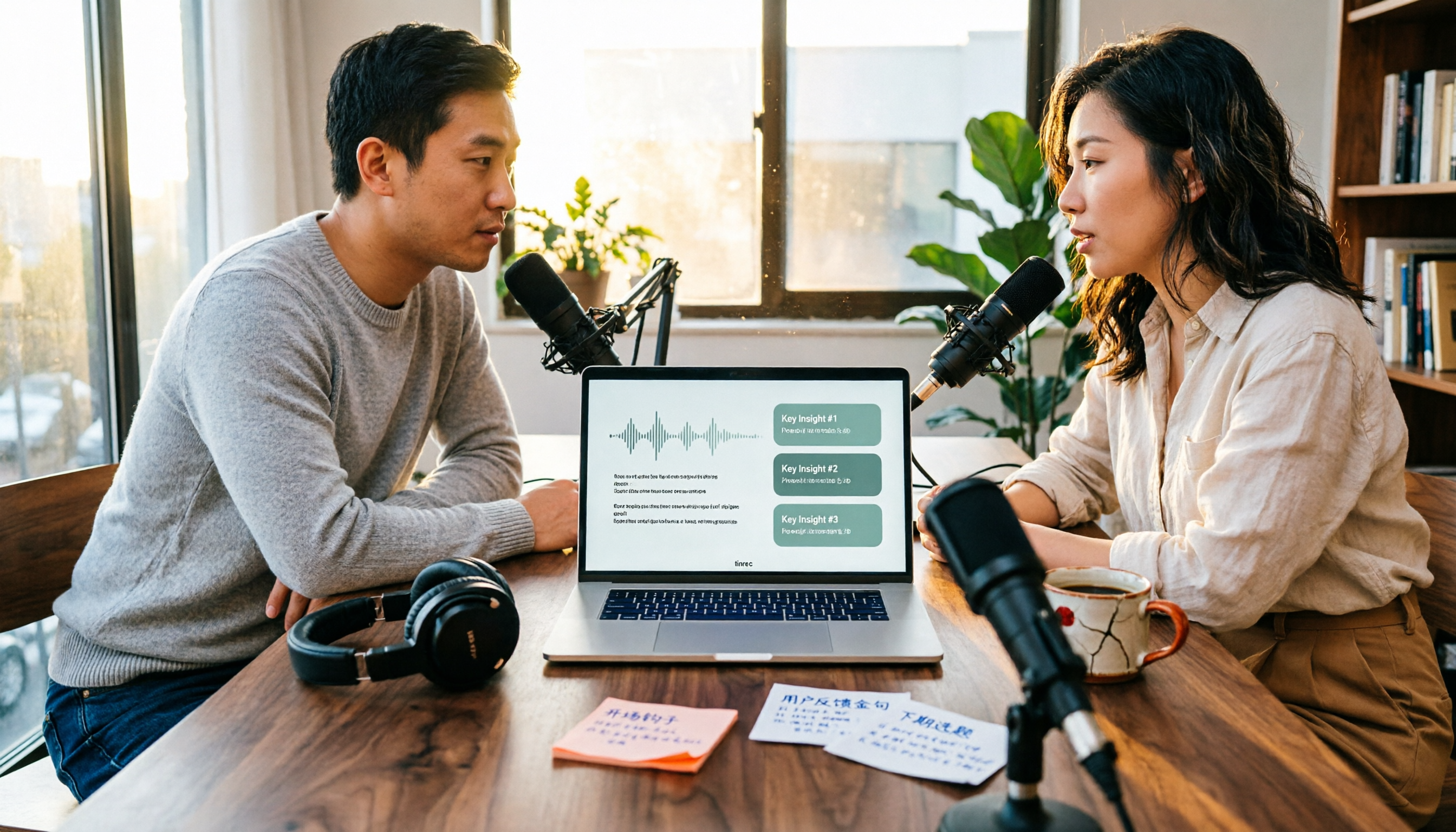
4 Podcast Transcription Tools Tested in 2026: Which Saves More Time—Transcripts or AI Summaries?
The same podcast audio file yields completely different results when run through four tools. This hands-on test compares Tinrec, Apple Podcasts' built-in transcripts, Notta, and TurboScribe, covering transcript readability, AI summaries and Q&A, export formats, and team collaboration. We also highlight common pitfalls around free quotas and per-file limits to help you find the most time-saving podcast transcription workflow.