

Turn recordings into transcripts and summaries in minutes
Upload audio or video for multilingual transcription, AI notes, and action items
3 Legal Meeting Transcription Methods Tested in 2026: How Tinrec Helps You Avoid Common Pitfalls
When many people handle legal meeting recordings, their first thought is "just find a tool to turn the recording into a transcript." This is a common pitfall. Legal meetings aren't casual chats—they contain client statements, legal code references, timelines, liability assignments, and may even mix Chinese and English. If all you get is a plain text file with no paragraphs, no timestamps, and no search function, you've essentially swapped "re-listening" for "re-reading," and the organization cost hasn't really gone down.
Another inefficient approach is typing while listening. A two-hour meeting could take three or four hours to transcribe, and if you miss a key promise, you have to search from the beginning. A more reasonable approach is to choose an AI meeting notes tool that can handle "recording → transcript → summary → Q&A → export → team collaboration." Take Tinrec, for example: it turns meetings into searchable, collaborative, actionable team data, especially suited for legal-related meetings that require repeated verification and handoffs.
What Can Legal Meeting Transcription Do for You?
Scenario 1: Quickly produce transcripts and summaries after client interviews When lawyers or legal counsel interview clients, they often listen and take notes simultaneously, then re-listen afterward to confirm. Tinrec supports real-time recording to text and can also upload existing audio files. After the meeting, AI generates a transcript, summary, and chapters, letting you grasp the big picture first and then verify details.
Scenario 2: List action items directly after internal case discussions Case discussions often produce action items like "who will pull the data" or "reply to the client by what date." Tinrec can extract to-dos from discussions, turning verbal conclusions into concrete lists and reducing post-meeting follow-up omissions.
Scenario 3: View original and translated text in real time during cross-language meetings If English clauses or foreign clients appear in a meeting, Tinrec supports real-time translation, allowing you to view the original, translation, or bilingual content simultaneously, reducing back-and-forth confirmation time.
Scenario 4: No need to re-listen to all recordings during team handoffs Legal cases often involve multiple collaborators. Tinrec's team version provides a team space where meeting data is stored for the team. New members can view historical transcripts and summaries without listening to every recording from the start.
What Are the Core Capabilities of Legal Meeting Transcription?
Real-time transcription: Transcribe while recording, not after Tinrec supports real-time recording to text, suitable for in-person meetings, interviews, and on-site notes. You can check for missed key points while the meeting is ongoing, rather than discovering recording issues afterward.
Bot-free online meeting recording: No extra participant needed Tinrec's desktop version captures computer system audio to record online meetings, without inviting a meeting bot. For legal meetings where the participant list matters, this approach is relatively intuitive and can handle meeting audio played on platforms like Zoom, Google Meet, Microsoft Teams, and Webex.
Audio and video file transcription: Organize historical recordings If you already have audio or video files, Tinrec supports upload transcription, ideal for organizing old case meetings, interview backups, and course recordings.
AI summaries, chapters, and to-dos: Turn long meetings into structured content Tinrec automatically generates summaries, chapters, and key points, and extracts to-dos from discussions. For legal meetings, this means you can review conclusions and action items first, then decide which part of the transcript to dive into.
AI Q&A: Ask for details directly from the meeting After transcription, you can ask Tinrec directly: "Who mentioned the payment deadline in the meeting?" "What opinions did the client have about jurisdiction?" It answers based on meeting content, saving time searching with keywords.
Multi-format export and post-processing: Integrate into existing workflows Tinrec supports exporting results to common formats and third-party tools, and can also generate reports, tables, and documents through Agent post-processing. Instead of copying and pasting transcripts everywhere, let the tool organize them into deliverable data.
Team space and governance: Meeting data doesn't leave with people Tinrec's team version provides a team space to manage members, roles, and seats, and view usage analytics and audit logs. It also has a team hotwords feature to maintain common legal terminology and improve recognition of professional vocabulary.
Stop organizing recordings by hand
Upload audio or video and automatically get a transcript, summary, and action items
Practical Application Scenarios
Client interviews at law firms Client interviews often involve sensitive information and extensive factual statements. With Tinrec, you can start real-time transcription, then use AI summaries to grasp key points, and use the transcript to verify client statements. If the firm has the team version, data can be stored in the team space for the handling team to view together.
Cross-departmental meetings for corporate legal Contract review and risk assessment meetings often involve multiple departments. Tinrec can record online meetings and generate summaries and to-dos, separating "legal reminders" from "business follow-up actions," and export them directly to relevant personnel after the meeting.
Legal research and expert interviews When researchers conduct expert interviews, they need to preserve original statements and timelines. Tinrec's transcripts and timestamps assist with citation and verification; AI Q&A quickly finds specific viewpoints mentioned by a particular interviewee.
Courses, lectures, and internal training Recordings of legal courses or internal training can also be transcribed and summarized with Tinrec. Team hotwords can include frequently appearing regulation names or internal codes, making transcription results closer to practical terminology.
5 Things to Consider When Choosing a Legal Meeting Transcription Tool
Professional terminology recognition: Test with real recordings first Legal meetings often contain abbreviations, legal code numbers, and mixed Chinese-English. When choosing a tool, don't just look at marketing—test it with your own recordings. Tinrec offers a team hotwords feature to maintain commonly used team terminology, which helps with professional vocabulary recognition.
Post-meeting organization: Transcript is just the starting point If a tool only gives you plain text, you still have to segment, extract key points, and list to-dos yourself. In addition to transcripts, Tinrec can generate summaries, chapters, to-dos, and mind maps, and supports AI Q&A, making meeting content easier to use.
Chinese and multilingual support: Pay attention to mixed Chinese-English scenarios Legal documents and meetings often mix Chinese and English. Tinrec covers Chinese, Traditional Chinese, and multilingual meeting scenarios, and supports real-time translation and bilingual viewing. Actual results will still be affected by recording quality, accents, noise, and overlapping speech.
Team data ownership: It's not just about sharing an account Legal teams need to distinguish "who can manage" from "who can use." Tinrec's team version differentiates roles and seats: roles determine management permissions, seats determine whether one can record, upload, edit, and export. Members without a seat can still view, play, and read team data. This design is clearer than sharing one set of credentials among multiple people.
Compliance and authorization: Tool capabilities are not legal advice Recording and transcription may involve local laws and participant consent. Tinrec provides management capabilities like team spaces, audit logs, and audio recycle bins, but highly compliant scenarios should still be evaluated according to your own regulations. Before use, confirm that necessary consent has been obtained and properly safeguard meeting data.
Frequently Asked Questions
Is legal meeting transcription accurate? Tinrec provides high-quality transcription under clear audio and common scenarios, but accuracy can be affected by recording quality, accents, noise, overlapping speech, and professional terminology. For important content, it's recommended to verify with transcript timestamps and recording playback.
Is Tinrec's free version enough? The personal version offers a free tier with basic quota, suitable for occasional transcription of a recording. If you have meetings every week, consider the Pro monthly or annual plan; for short-term intensive use, check the weekly plan.
Can Tinrec record Zoom, Google Meet, or Teams? It can handle meeting audio played on these platforms on a computer. Tinrec's desktop version records by capturing system audio, without a meeting bot joining. You need to actively start recording; it doesn't automatically join all calendar meetings.
What's the difference between the team version and personal version? Personal version data is managed under an individual account. The team version provides an independent team space where meeting data belongs to the team, and adds capabilities like members, roles, seats, shared benefits, usage analytics, audit logs, and audio recycle bin. The team version offers a 7-day trial for first-time eligible users, 1 free seat, and 300 minutes of team shared import quota; paid seats provide 2,000 minutes of team shared import quota per month.
Will meeting data disappear after a member leaves? Team resources belong to the team and won't be taken away by individuals. When a member exits, is removed, or loses their seat, their responsible team resources can be handed over to other valid members. Deleted team audio goes to the recycle bin, currently retained for 30 days, and can be restored before permanent deletion.
Can it be used in highly compliant legal scenarios? Tinrec provides team spaces, role seats, audit logs, and data management capabilities, but highly compliant scenarios in healthcare, legal, and finance involve their own regulations. It's recommended to first confirm internal compliance requirements and authorization processes; tool features should not be directly regarded as a guarantee of legal compliance.
Conclusion
The point of legal meeting transcription has never been just "turning sound into text," but making meeting content searchable, queryable, and transferable. Instead of spending time re-listening and manually organizing, use Tinrec to put transcripts, summaries, to-dos, and team data in one workflow. If you have interviews, meetings, or case discussions every week, start with Tinrec's free version to experience AI meeting notes organization firsthand.
References
- Online AI speech, video, audio file auto-transcription - Free trial - cSubtitle
- How to use AI for meeting minutes? How to organize meeting transcripts? | AI speech-to-transcript tutorial | 104 Workplace
- Get meeting minutes done! How to do AI speech-to-transcript? Gemini Notebook, Gemini, EchoScript operation analysis | 104 Workplace
- From recording to text: Gemini helps you get transcripts done - Lawyer Zhang Qinghao's blog
- Yating Transcript
Turn every recording into actionable outcomes
Get 60 free transcription minutes when you sign in. No credit card required.
Related Reading
You might also like

4 Best Audio-to-Text Apps in 2026: Which One Actually Saves You Post-Meeting Time?
A mid-level manager who attends 15 meetings a week shares hands-on experience. From online meeting recording methods and transcription performance for Chinese and mixed Chinese-English to post-meeting summaries and action item organization, this breaks down the differences among four types of audio-to-text apps and explains how Tinrec uses bot-free recording, AI summaries, action item extraction, and team spaces to turn meetings into searchable, collaborative, actionable data.

4 Interview Transcription Tools Compared in 2026: From Recording to Citable Text
After an interview, organizing the transcript often feels more exhausting than the interview itself. This article starts from 'recording to citable text' and compares 4 interview transcription tools, covering speaker labeling, AI Q&A, audio retention, and team sharing, plus common pitfalls and selection advice.

Tinrec vs Notta 2026: 5-Dimension Comparison for Chinese Meeting Transcription Tools
Starting from the decision focus of 'Do you want transcription, or usable meeting data?', this article compares Tinrec and Notta across 5 dimensions, covering selection criteria, a full breakdown of Tinrec, other options, and pitfalls to avoid, helping Chinese meeting users make a quick choice.

5 Transcription Tools Tested and Compared in 2026: Transcription Takes Too Long—Which One Actually Saves Time?
Transcription takes too long, and the problem is often not typing speed but the "listen, type, re-read" workflow. This article tests 5 transcription and AI meeting note tools, covering how to judge accuracy, post-meeting organization, audio retention and export, free quotas, and team seat licensing. It provides criteria you can follow directly and analyzes Tinrec's actual performance in bot-free recording, AI Q&A, and team knowledge retention.

2026 Comparison of 3 Audio-to-Transcript Tools: Which Offers the Best Free Tier and AI Q&A?
Just finished a meeting and realized no one took notes? Replaying the recording to type a transcript can eat up an entire afternoon. This article compares 3 audio-to-transcript tools, breaking down Chinese and mixed Chinese-English recognition, online meeting recording methods, AI summaries and Q&A, cross-platform use, and quota pricing. We also highlight 4 common pitfalls to help you choose a solution that truly saves time.
Tinrec vs Notta 2026: 5-Dimension Comparison — Which Writes Meeting Minutes Faster?
Struggling to finish meeting minutes? The problem is usually the process, not your writing. This article compares Tinrec and Notta across 5 dimensions: audio capture method, Chinese and mixed Chinese-English recognition, recording retention, post-meeting outputs, and team sharing. It explains how to use tools to get transcripts, summaries, and action items done in one go, with a pitfalls guide and selection advice.

4 Customer Interview Transcription Tools Tested in 2026: Which One Actually Saves You Cleanup Time?
Tired of spending hours on customer interview transcripts? We tested 4 tools, covering selection criteria, an in-depth look at Tinrec, and pitfalls to avoid, to help you find a transcription solution that truly saves you cleanup time.

2026 M4A to Text: 5 Tools Tested + AI Summaries and Action Items in One Go
M4A is the most common audio recording format, but converting it to text is just the first step. This article starts with common pitfalls, breaks down 5 key factors for choosing an M4A-to-text tool, tests how Tinrec turns an M4A file into a transcript, summary, action items, and queryable meeting data, and briefly reviews TurboScribe, Notta, and Granola for their use cases and things to watch out for.
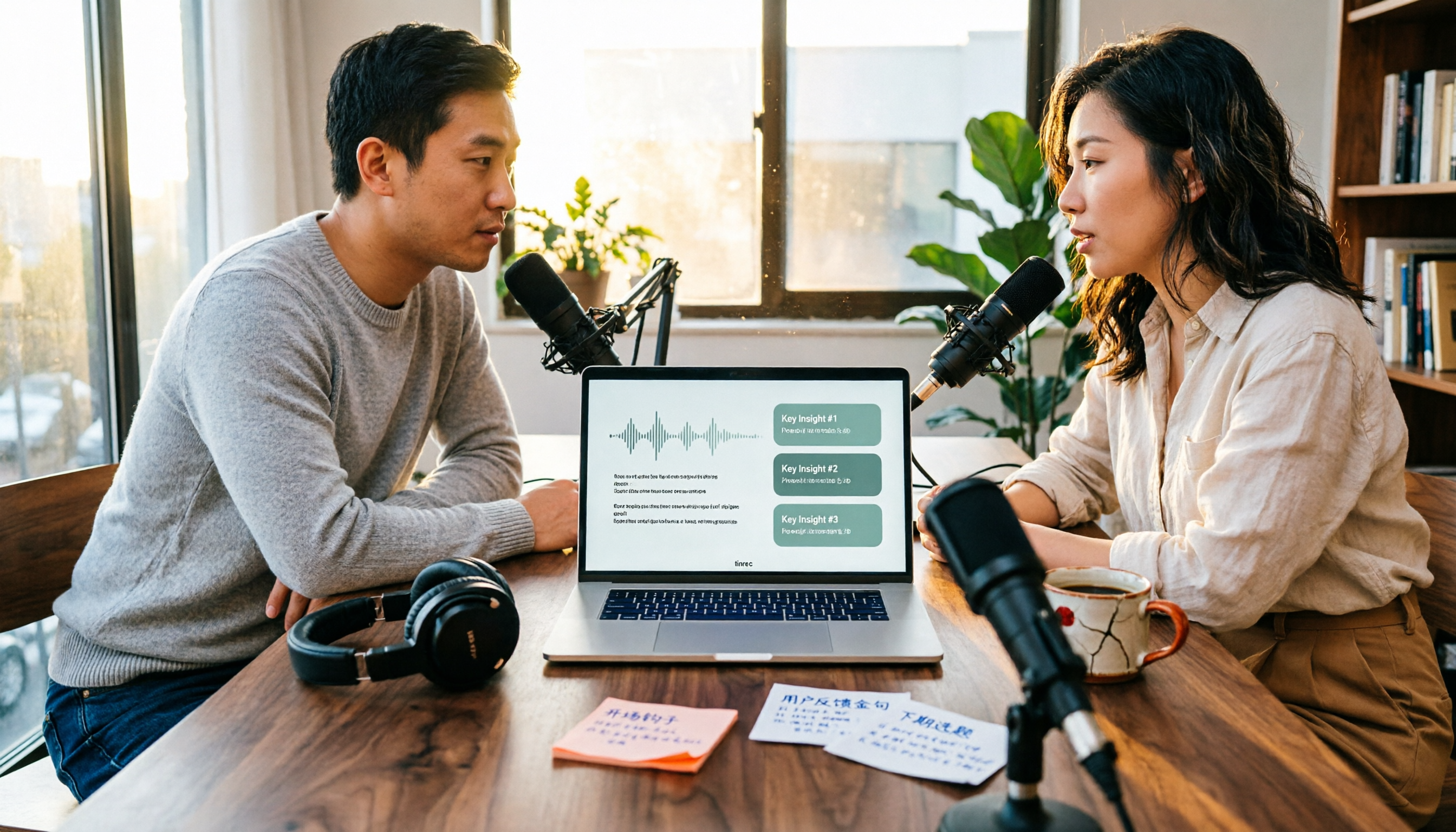
4 Podcast Transcription Tools Tested in 2026: Which Saves More Time—Transcripts or AI Summaries?
The same podcast audio file yields completely different results when run through four tools. This hands-on test compares Tinrec, Apple Podcasts' built-in transcripts, Notta, and TurboScribe, covering transcript readability, AI summaries and Q&A, export formats, and team collaboration. We also highlight common pitfalls around free quotas and per-file limits to help you find the most time-saving podcast transcription workflow.