

Turn recordings into transcripts and summaries in minutes
Upload audio or video for multilingual transcription, AI notes, and action items
4 Interview Transcription Tools Compared in 2026: From Recording to Citable Text
The night after the interview is the real hell
Last month I finished my third user interview of the month, and a 58-minute recording was sitting in my folder. I thought, 'I'll generate the transcript tonight.' But by 11 p.m., I was still rewinding the same segment over and over—the interviewee paused mid-sentence and then added something, and I couldn't tell which sentence was their real answer.
What's worse was the time before. I hired someone to transcribe it, paid the money, and got the transcript back, but the quote I wanted to use didn't match the tone in the recording. In the end, I had to go back and verify it sentence by sentence. This is the reality of research interview transcripts: they're not just 'nice to have' documents—they need to be text you can code line by line, mark who said what, and directly quote in a paper or report.
If you've also faced these three situations—the interviewee talks too much and you don't know where to start, they talk too little and you only get a few words, or in a group interview you can't tell who said what—then this article is for you. Below, I'll walk through the 'recording to citable text' process using four tools my team has tested.
Before choosing an interview transcription tool, understand these 4 key points
1. Accuracy: Don't just look at the numbers the company advertises. What really affects performance is your recording conditions: air conditioning noise, keyboard sounds, the interviewee's accent, and whether people overlap. The practical approach is to test with your own 5-minute interview clip—that's more reliable than any claim.
2. Can it distinguish who said what? For a transcript to be citable, speaker labeling is essential. If the text is all mixed together without punctuation or paragraphs—a 'wall of text'—you'll spend more time organizing it than if you had typed it yourself.
3. Can you use it directly after transcription? Most people just treat the tool as 'audio to text.' But if it can answer questions about the content, such as 'What was the interviewee's reaction to the price?', you save not just typing time but the time spent searching through the entire transcript.
4. Will the audio file be kept, and where is the data stored? The biggest fear in research interviews is needing to verify tone when quoting. If the tool doesn't keep the audio, your quote has no basis. For team research, also consider: is the data stored in individual accounts or in a team space?
Compliance reminder: Before recording and transcribing interviews, make sure you have the interviewee's consent and comply with local regulations.
Tinrec — the one I ultimately kept
In one sentence: Tinrec is an AI meeting notes and collaboration tool for individuals and teams, covering iOS, Android, and web, with a desktop version for handling online meetings on your computer.
I initially switched because my interview formats were too varied. Some were online (Zoom, Google Meet, Microsoft Teams, Webex), and some were in person. Tinrec's desktop version directly captures system audio without adding a meeting bot to the room, so the interviewee doesn't see an unfamiliar account—this actually makes a difference in the interview atmosphere. For offline sessions, I use the mobile app or real-time recording to transcribe as I record.
What really saved me time was 'after transcription.' After an interview, besides the transcript, it automatically generates a summary, chapters, key points, and action items. When I need to quote, the transcript supports search and review. Even more useful is the AI Q&A: I can directly ask 'What competitors did the interviewee mention?' or 'What was their reaction to the price?' It answers based on semantic understanding, rather than throwing a bunch of keyword matches at me. For someone who needs to code line by line and repeatedly go through the text, this step saves an entire evening. The organized content can also be exported to Notion, Google Docs, OneNote, Dropbox for further work, or directly use the Agent for post-processing to generate reports, tables, and documents.
A few details that are particularly useful in research scenarios: audio files are retained, so you can verify tone before quoting; accidentally deleted recordings can be recovered from the trash within 30 days; team hotwords let you pre-train professional terminology in your research field, reducing the chance of mishearing proper nouns. It also supports real-time translation and bilingual viewing, so when you have an interviewee who mixes Chinese and English, you don't need to open another window for comparison.
Stop organizing recordings by hand
Upload audio or video and automatically get a transcript, summary, and action items
If you're running a research team, the team version is the key: it's an independent team space, not multiple people sharing one account. Transcripts, folders, and action items are saved by the team, and when a member leaves, their resources can be transferred to other active members. Management distinguishes between 'roles' and 'seats'—roles determine who can manage members and settings, seats determine who can record, upload, edit, and export; active members without a seat can still view, play, and read team data. Admins can also see usage trends, member rankings, and audit logs. Currently, the team free trial is 7 days, 1 free seat, and 300 minutes of shared team import quota; after payment, each seat provides 2,000 minutes of shared team import quota per month. Team monthly payment is USD 29.80 per paid seat per month, annual payment is USD 199 per paid seat per year (about USD 16.58 per month). Under an active plan, real-time recording is currently not deducted by minutes. Prices and benefits are subject to the official purchase page.
I'll also be upfront about limitations: Tinrec does not promise a fixed accuracy rate; actual performance is affected by recording quality, noise, accents, overlapping speech, and technical terminology. Currently, it's team-level sharing with role/seat control, not file-level granular permissions, and members without a seat can only read, not edit. Also, the free version has only basic quota. If your interview volume is consistently large, you should pay—don't waste time organizing to save money.
Who it's for: Those who mainly conduct interviews in Chinese, need transcripts that can be directly quoted, want to use AI to follow up on key points after recording, or need an entire research team to share the same data.
Besides Tinrec, what other options are there?
Notta: It offers multi-platform transcription, file import, translation, and team plans, with the highest overlap with Tinrec. But the free version is 120 minutes per month, with a maximum of 3 minutes per single item—a 58-minute interview would need to be split into several parts. If you care about bot-free desktop recording, team space, and integrated AI Q&A, Tinrec is smoother.
TurboScribe: A cost-effective choice for file transcription. After payment, a single file can be up to 10 hours or 5 GB, and you can upload 50 files at once (annual payment USD 120, about USD 10 per month). It's a great deal when you have a batch of historical audio files to process at once. But it focuses on file transcription and lacks real-time meetings, post-meeting Q&A, and action items; Tinrec can turn transcripts into data you can continue to query.
Granola: A bot-free AI meeting notes tool. Basic is free, Business is USD 14 per user per month. Its strength is combining handwritten notes with AI. But it doesn't support uploading pre-recorded audio files and doesn't save meeting audio—a major drawback for research interviews that require verifying tone and quoting line by line. Tinrec retains recordings, can import existing audio files, and supports Chinese and team management.
Pitfall guide: The 4 most common mistakes in interview transcription
Pitfall 1: Planting landmines during the interview. If you rush to speak or talk over the interviewee, that part of the transcript is basically ruined. Start by listing main questions and follow-up questions, let the other person finish, and don't rush to express your own opinion—be curious about the interviewee, not yourself.
Pitfall 2: Only looking at advertised accuracy. Real interview settings have air conditioning noise, paper rustling, accents, and overlapping speech, so performance will definitely be worse than lab conditions. Test with your own recordings, don't just look at ads.
Pitfall 3: Treating the tool as just a typewriter. If you just transcribe and leave it, you're only using one-third of its capabilities. The real time-saver is the step after transcription: directly ask it 'What concerns did the interviewee have about this feature?'—much faster than manual Ctrl+F.
Pitfall 4: Leaving data in personal accounts. When a graduate student changes advisors or a team member leaves, the data gets cut off—this is more common in the real world than you think. Use a team space from the start and confirm the ownership and permission rules for recordings and transcripts.
Conclusion: Which one should you choose?
- Mainly Chinese interviews, transcripts need to be quoted line by line → Tinrec
- Want to ask key points directly after recording, don't want to manually go through the transcript → Tinrec (AI Q&A is its differentiator)
- Research team needs to share transcripts and recordings, and manage permissions and usage → Tinrec Team
- Have a batch of historical audio files to transcribe at once → TurboScribe (the only exception in this article)
- Only need bot-free English meeting notes, no need to keep audio → Granola is worth considering
My advice is not to rush to pay. Open Tinrec's free version, run a round with your own interview recording, and confirm whether it holds up under your accent, your venue, and your technical terminology. Research teams can directly use the 7-day trial (1 free seat, 300 minutes shared import quota) to run a real interview, and if the process feels smooth, then discuss upgrading. Tools are meant to save time, not add work.
References
- How to do interview transcripts? Complete guide to converting interview recordings to text | Subanana
- Key points for interview transcript research
- Qualitative research interviews are so hard 😖—Academic guy's interview tips and transcript generation tool sharing | Duge Academic Guy's Salon
- Appendix 3 Interview Transcript
- How to do interview transcripts in 2026? 5-step complete guide from recording to analyzable text - Tinrec Blog
Turn every recording into actionable outcomes
Get 60 free transcription minutes when you sign in. No credit card required.
Related Reading
You might also like

4 Best Audio-to-Text Apps in 2026: Which One Actually Saves You Post-Meeting Time?
A mid-level manager who attends 15 meetings a week shares hands-on experience. From online meeting recording methods and transcription performance for Chinese and mixed Chinese-English to post-meeting summaries and action item organization, this breaks down the differences among four types of audio-to-text apps and explains how Tinrec uses bot-free recording, AI summaries, action item extraction, and team spaces to turn meetings into searchable, collaborative, actionable data.

Tinrec vs Notta 2026: 5-Dimension Comparison for Chinese Meeting Transcription Tools
Starting from the decision focus of 'Do you want transcription, or usable meeting data?', this article compares Tinrec and Notta across 5 dimensions, covering selection criteria, a full breakdown of Tinrec, other options, and pitfalls to avoid, helping Chinese meeting users make a quick choice.

5 Transcription Tools Tested and Compared in 2026: Transcription Takes Too Long—Which One Actually Saves Time?
Transcription takes too long, and the problem is often not typing speed but the "listen, type, re-read" workflow. This article tests 5 transcription and AI meeting note tools, covering how to judge accuracy, post-meeting organization, audio retention and export, free quotas, and team seat licensing. It provides criteria you can follow directly and analyzes Tinrec's actual performance in bot-free recording, AI Q&A, and team knowledge retention.

2026 Comparison of 3 Audio-to-Transcript Tools: Which Offers the Best Free Tier and AI Q&A?
Just finished a meeting and realized no one took notes? Replaying the recording to type a transcript can eat up an entire afternoon. This article compares 3 audio-to-transcript tools, breaking down Chinese and mixed Chinese-English recognition, online meeting recording methods, AI summaries and Q&A, cross-platform use, and quota pricing. We also highlight 4 common pitfalls to help you choose a solution that truly saves time.
Tinrec vs Notta 2026: 5-Dimension Comparison — Which Writes Meeting Minutes Faster?
Struggling to finish meeting minutes? The problem is usually the process, not your writing. This article compares Tinrec and Notta across 5 dimensions: audio capture method, Chinese and mixed Chinese-English recognition, recording retention, post-meeting outputs, and team sharing. It explains how to use tools to get transcripts, summaries, and action items done in one go, with a pitfalls guide and selection advice.

3 Legal Meeting Transcription Methods Tested in 2026: How Tinrec Helps You Avoid Common Pitfalls
Transcribing legal meeting recordings isn't as simple as dropping audio into a tool. This article explores common pitfalls and explains how Tinrec turns pre-trial meetings, client interviews, and internal discussions into searchable, queryable, and actionable transcripts and meeting materials. It also covers 5 key factors to consider when choosing a transcription tool.

4 Customer Interview Transcription Tools Tested in 2026: Which One Actually Saves You Cleanup Time?
Tired of spending hours on customer interview transcripts? We tested 4 tools, covering selection criteria, an in-depth look at Tinrec, and pitfalls to avoid, to help you find a transcription solution that truly saves you cleanup time.

2026 M4A to Text: 5 Tools Tested + AI Summaries and Action Items in One Go
M4A is the most common audio recording format, but converting it to text is just the first step. This article starts with common pitfalls, breaks down 5 key factors for choosing an M4A-to-text tool, tests how Tinrec turns an M4A file into a transcript, summary, action items, and queryable meeting data, and briefly reviews TurboScribe, Notta, and Granola for their use cases and things to watch out for.
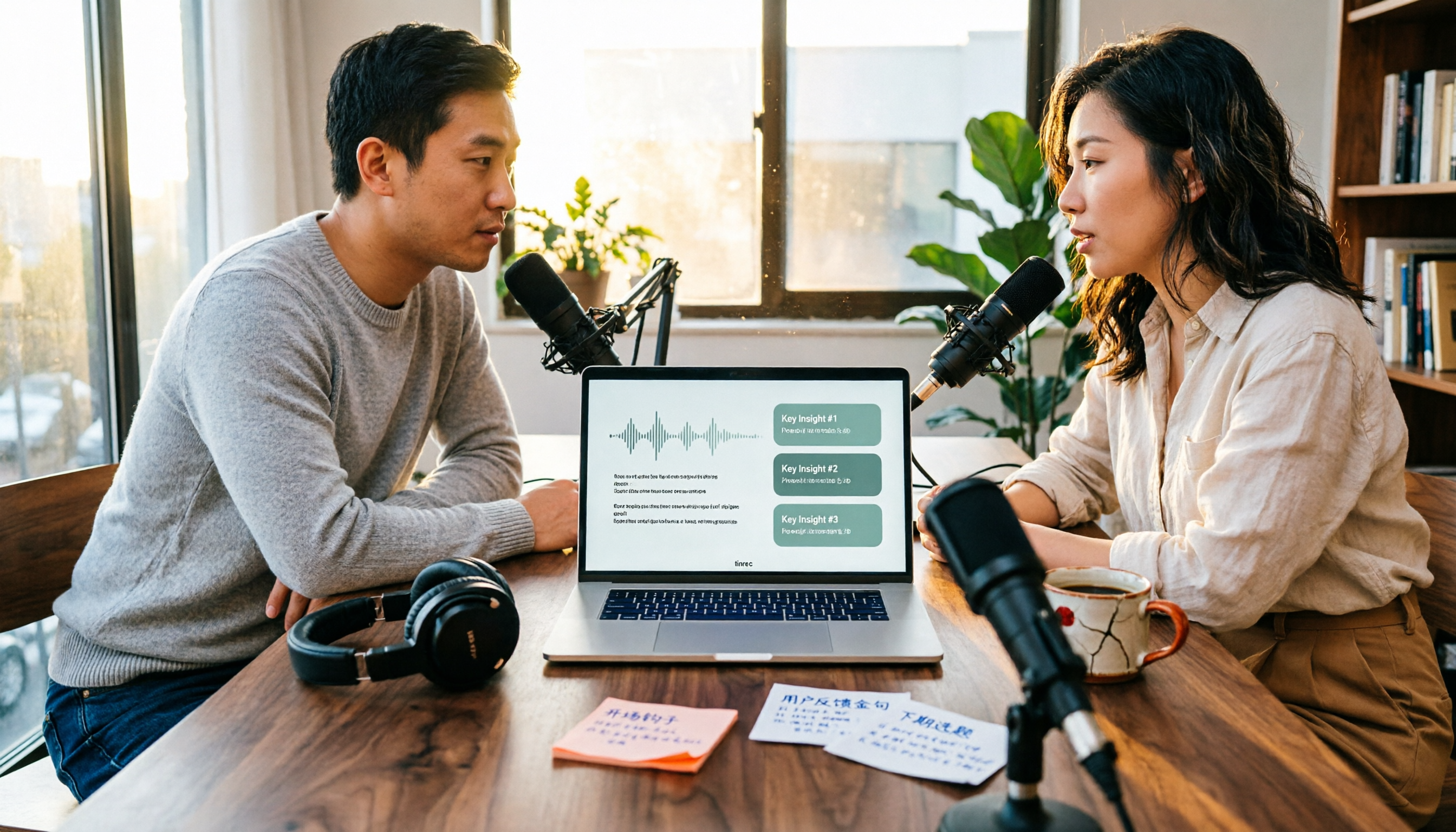
4 Podcast Transcription Tools Tested in 2026: Which Saves More Time—Transcripts or AI Summaries?
The same podcast audio file yields completely different results when run through four tools. This hands-on test compares Tinrec, Apple Podcasts' built-in transcripts, Notta, and TurboScribe, covering transcript readability, AI summaries and Q&A, export formats, and team collaboration. We also highlight common pitfalls around free quotas and per-file limits to help you find the most time-saving podcast transcription workflow.