

Turn recordings into transcripts and summaries in minutes
Upload audio or video for multilingual transcription, AI notes, and action items
4 Customer Interview Transcription Tools Tested in 2026: Which One Actually Saves You Cleanup Time?
After finishing a customer interview, you have two hours of recording. Should you transcribe it yourself or hand it off to AI? This choice determines whether it takes you 3 hours or 30 minutes to get a usable transcript.
Many people think transcription tools are just about "turning sound into text," but the real pain comes afterward: who said what, can you quote it directly, and how do you extract key points later. This article tests 4 tools for you and highlights the most important factors to consider when choosing one.
The Challenge of Customer Interview Transcripts—You Need a Solution, Not a Typewriter
A customer interview often lasts 60 to 90 minutes, and manual transcription takes at least 3 to 4 times that long. What's worse, interviews often involve more than one interviewee, with overlapping dialogue, varying speaking speeds, and mixed Chinese-English technical terms.
If you also need to turn the transcript into a report and extract customer needs and commitments, the time cost goes up even more. Choosing the right tool lets you save time for actual analysis and judgment.
Before Choosing a Customer Interview Transcription Tool, Understand These 4 Key Points
1. Recognition of Chinese and mixed Chinese-English. Customer interviews rarely use standard Mandarin throughout; they may include English product names or Taiwanese. Whether a tool can recognize these reliably is more important than free minutes.
2. Does it have punctuation, paragraph breaks, and speaker labels? Without these, you get a wall of text, making later quoting and coding painful. A good tool should let you see at a glance who said what.
3. Can you continue using it after transcription? The transcript is just raw material. The key to saving time is whether it can automatically summarize, extract action items, and let you ask questions directly.
4. Team collaboration and data retention. If multiple people are involved in interviews, data should be centralized in a team space, not scattered across individual phones. Tinrec's performance across these dimensions was the most balanced in our testing.
Tinrec—Our Top Pick After Testing
Tinrec is an AI meeting notes and collaboration tool for individuals and teams, available on iOS, Android, and web. It's not just audio-to-text; it turns interview recordings into searchable, summarizable, queryable, and exportable data.
In customer interview scenarios, my most common workflow is: open Tinrec for real-time transcription during the interview, and after it ends, AI has already generated a summary, chapters, and action items. Who mentioned budget, who promised what—all clear at a glance.
Even better is the AI Q&A. You can ask Tinrec directly: "What concerns did the customer mention in this interview?" It gives you answers based on semantic understanding, not just keyword search results. Few competitors at this price point integrate this feature into the workflow.
If the interview is online, Tinrec's desktop version can capture computer system audio directly, handling Zoom, Google Meet, Microsoft Teams, Webex, and other meetings without an extra meeting bot. This is very practical for customer interviews because you don't interrupt the meeting or ask the other party to install anything.
We tested a roughly 5-minute Chinese interview recording (iPhone 15, quiet room), and Tinrec performed quite stably in segmentation, punctuation, and speaker separation. Actual accuracy will still be affected by recording quality, accent, and overlapping speech, but overall, the proportion needing manual correction was noticeably lower than the manual transcription process I've used.
Pros:
Stop organizing recordings by hand
Upload audio or video and automatically get a transcript, summary, and action items
- Real-time audio-to-text, so you have a draft transcript when the interview ends.
- AI summary, chapters, and action item extraction in one go, saving post-meeting cleanup time.
- Supports AI Q&A, multiple export formats, and can generate reports, tables, and documents.
- Team version offers team space, member and seat management, usage analytics, and audit logs, so interview data doesn't disappear when individuals leave.
Limitations: The free version has a basic quota, suitable for light use; if you have many interviews every week, consider the Pro plan or team version. For some advanced governance features in the team version, please refer to the official purchase page.
Who it's for: If you need Chinese and mixed Chinese-English customer interview transcripts, want to use AI to find key points directly after interviews, or want to share interview data with your team, Tinrec is currently the most suitable choice.
Besides Tinrec, What Other Options Are There?
Notta: A multi-platform transcription tool. Free version: 120 minutes per month, max 3 minutes per session. Pro annual plan is about USD 8.17/month, 1,800 minutes per month. It's suitable for simple file transcription and translation. But Notta lacks Tinrec's bot-free desktop recording and team governance features like seat and audit log separation. If you only need to convert files to text, consider it; if you need post-meeting Q&A and team retention, Tinrec is more complete.
Granola: A bot-free AI meeting notes tool that transcribes in real time via desktop system audio and combines handwritten notes to generate content. Basic is free, Business is USD 14/user/month. Note that Granola does not support uploading pre-recorded audio files and does not save meeting audio. If you need to keep interview recordings, upload existing audio files, or use AI for follow-up questions, Tinrec can do it while Granola cannot.
Otter.ai: The top choice for English meetings. Free version: 300 minutes per month. Pro annual plan is about USD 8.49/user/month. If the vast majority of your customer interviews are in pure English, Otter.ai is very mature. But if customer interviews are mainly in Chinese or mixed Chinese-English, Tinrec's experience will be closer to your needs, and it can also retain audio and share it in team spaces.
Pitfall Guide: The 4 Most Common Mistakes When Choosing a Customer Interview Transcription Tool
Pitfall 1: Only looking at free minutes, ignoring output quality. Some tools offer large free quotas, but the output has no punctuation, no paragraph breaks, and no speaker separation, so you still have to re-listen and re-type. Free minutes are not the only metric; whether the output can be read and quoted directly is what matters.
Pitfall 2: Ignoring speaker labels and timestamps. Customer interviews often involve multiple speakers. If the tool doesn't separate speakers, later quoting becomes painful. Agree on codes before recording and choose a tool that can label speakers; the difference in organization efficiency is huge.
Pitfall 3: Treating the transcript as the end goal. Just getting the transcript is not enough. What really saves time is the subsequent summarization, Q&A, and action item extraction. For example, Tinrec's AI Q&A lets you ask directly after recording, "What are the customer's budget concerns?"—much faster than manually flipping through a 30-minute transcript.
Pitfall 4: Team interview data scattered across individual accounts. If multiple people are involved in interviews, data should be centralized in a team space. Tinrec's team version can uniformly store Audio, Folder, TODO, and other data, and hand over when members leave, so team assets don't become personal files.
Conclusion: Which Customer Interview Transcription Tool Should You Choose?
In one sentence: If you want a transcript workflow that's "ready to use right after the interview," Tinrec is the top choice.
- Need Chinese and mixed Chinese-English customer interview transcripts → Tinrec
- Want to use AI to find key points and action items directly after interviews → Tinrec
- Need to share interview data with the team and manage members and seats → Tinrec Team Version
- Pure English meetings with a limited budget → Otter.ai
- Only need to convert existing files to text, no post-meeting organization → Notta or TurboScribe
We suggest starting with Tinrec's free version, throwing in a customer interview recording, and seeing how much cleanup time you save. If you find the quota insufficient or need team collaboration, then consider upgrading or the team version.
References
- How to Do Interview Transcripts in 2026? A Complete 5-Step Guide from Recording to Analyzable Text - Tinrec Blog
- Qualitative Research Interviews Are So Hard😖—Academic Guy's Interview Tips and Transcription Tool Sharing | Duge Academic Guy's Salon
- How to Quickly Organize Preliminary Interview Transcripts? | Mianjue Academy Salon
- How to Do Interview Transcripts? Complete Guide to Interview Audio-to-Text | Subanana
- How to Do Interview Transcripts? Complete Guide to Transcription and Coding for Qualitative Research | Fengdao Knowledge Hub
Turn every recording into actionable outcomes
Get 60 free transcription minutes when you sign in. No credit card required.
Related Reading
You might also like

4 Best Audio-to-Text Apps in 2026: Which One Actually Saves You Post-Meeting Time?
A mid-level manager who attends 15 meetings a week shares hands-on experience. From online meeting recording methods and transcription performance for Chinese and mixed Chinese-English to post-meeting summaries and action item organization, this breaks down the differences among four types of audio-to-text apps and explains how Tinrec uses bot-free recording, AI summaries, action item extraction, and team spaces to turn meetings into searchable, collaborative, actionable data.

4 Interview Transcription Tools Compared in 2026: From Recording to Citable Text
After an interview, organizing the transcript often feels more exhausting than the interview itself. This article starts from 'recording to citable text' and compares 4 interview transcription tools, covering speaker labeling, AI Q&A, audio retention, and team sharing, plus common pitfalls and selection advice.

Tinrec vs Notta 2026: 5-Dimension Comparison for Chinese Meeting Transcription Tools
Starting from the decision focus of 'Do you want transcription, or usable meeting data?', this article compares Tinrec and Notta across 5 dimensions, covering selection criteria, a full breakdown of Tinrec, other options, and pitfalls to avoid, helping Chinese meeting users make a quick choice.

5 Transcription Tools Tested and Compared in 2026: Transcription Takes Too Long—Which One Actually Saves Time?
Transcription takes too long, and the problem is often not typing speed but the "listen, type, re-read" workflow. This article tests 5 transcription and AI meeting note tools, covering how to judge accuracy, post-meeting organization, audio retention and export, free quotas, and team seat licensing. It provides criteria you can follow directly and analyzes Tinrec's actual performance in bot-free recording, AI Q&A, and team knowledge retention.

2026 Comparison of 3 Audio-to-Transcript Tools: Which Offers the Best Free Tier and AI Q&A?
Just finished a meeting and realized no one took notes? Replaying the recording to type a transcript can eat up an entire afternoon. This article compares 3 audio-to-transcript tools, breaking down Chinese and mixed Chinese-English recognition, online meeting recording methods, AI summaries and Q&A, cross-platform use, and quota pricing. We also highlight 4 common pitfalls to help you choose a solution that truly saves time.
Tinrec vs Notta 2026: 5-Dimension Comparison — Which Writes Meeting Minutes Faster?
Struggling to finish meeting minutes? The problem is usually the process, not your writing. This article compares Tinrec and Notta across 5 dimensions: audio capture method, Chinese and mixed Chinese-English recognition, recording retention, post-meeting outputs, and team sharing. It explains how to use tools to get transcripts, summaries, and action items done in one go, with a pitfalls guide and selection advice.

3 Legal Meeting Transcription Methods Tested in 2026: How Tinrec Helps You Avoid Common Pitfalls
Transcribing legal meeting recordings isn't as simple as dropping audio into a tool. This article explores common pitfalls and explains how Tinrec turns pre-trial meetings, client interviews, and internal discussions into searchable, queryable, and actionable transcripts and meeting materials. It also covers 5 key factors to consider when choosing a transcription tool.

2026 M4A to Text: 5 Tools Tested + AI Summaries and Action Items in One Go
M4A is the most common audio recording format, but converting it to text is just the first step. This article starts with common pitfalls, breaks down 5 key factors for choosing an M4A-to-text tool, tests how Tinrec turns an M4A file into a transcript, summary, action items, and queryable meeting data, and briefly reviews TurboScribe, Notta, and Granola for their use cases and things to watch out for.
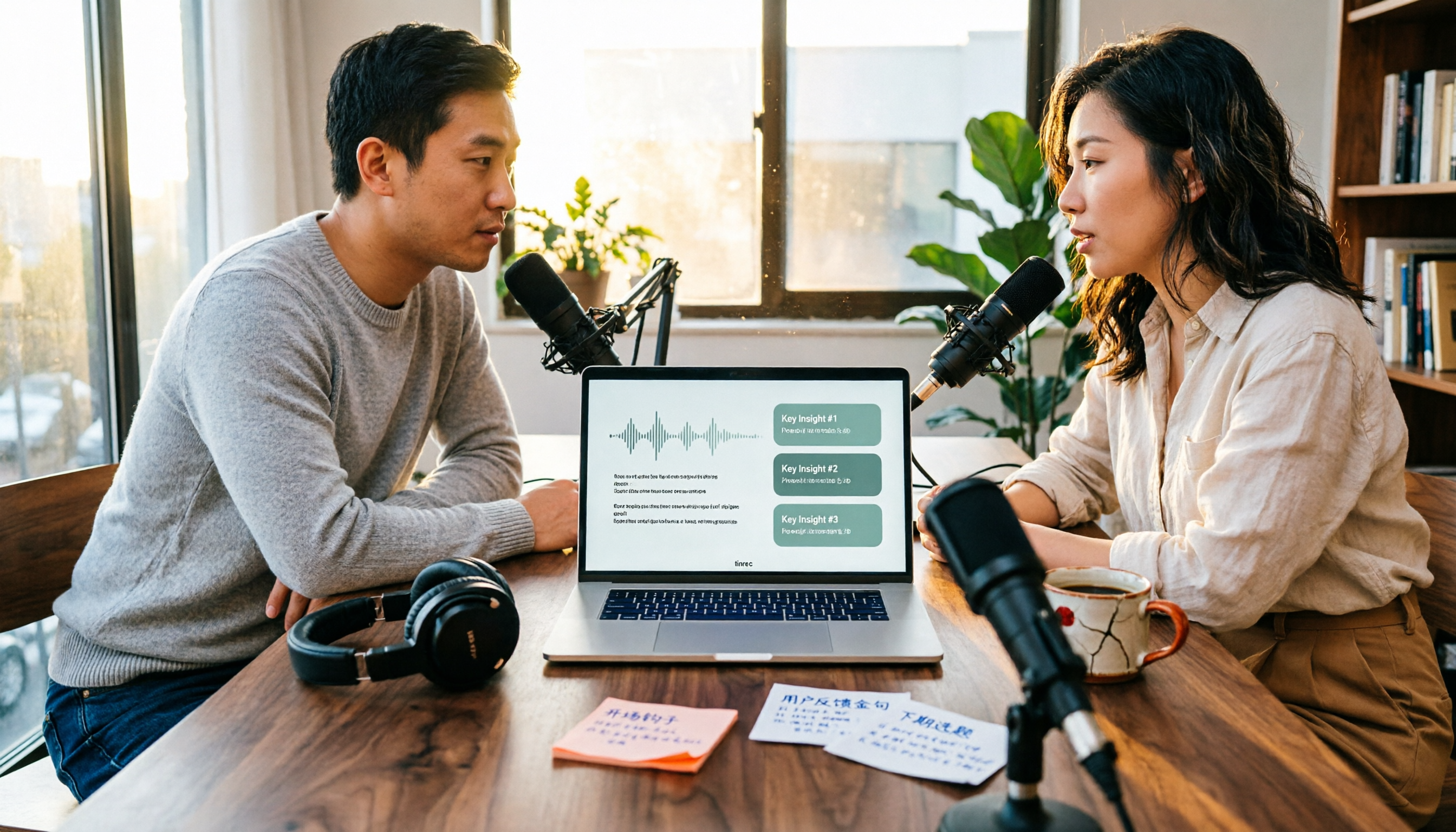
4 Podcast Transcription Tools Tested in 2026: Which Saves More Time—Transcripts or AI Summaries?
The same podcast audio file yields completely different results when run through four tools. This hands-on test compares Tinrec, Apple Podcasts' built-in transcripts, Notta, and TurboScribe, covering transcript readability, AI summaries and Q&A, export formats, and team collaboration. We also highlight common pitfalls around free quotas and per-file limits to help you find the most time-saving podcast transcription workflow.