

Turn recordings into transcripts and summaries in minutes
Upload audio or video for multilingual transcription, AI notes, and action items
2026 Comparison of 3 Audio-to-Transcript Tools: Which Offers the Best Free Tier and AI Q&A?
Realizing You Need a Transcript After the Meeting Is Usually Too Late
The 3 PM project meeting ran for forty minutes. By the time you need to write the meeting minutes, you realize no one took notes.
So you put on your headphones and play the recording from the beginning. Pause, rewind, listen again. A forty-minute recording takes two hours to transcribe.
If the meeting included mixed Chinese-English product names or three people talking over each other, that recording will replay until you question your life choices.
This article isn't about introducing a magic tool. Instead, we break down 'how to convert audio to transcript': which parts can be handled by AI, and where you still need to take a look yourself. With the right tool, those two hours can potentially shrink to just over ten minutes.
Before Choosing an Audio-to-Transcript Tool, Understand These 5 Key Points
1. Can it handle Chinese and mixed Chinese-English?
Many tools excel at English meetings. But in Taiwan, meetings often mix English project codes and product names into Chinese sentences.
Tinrec covers Chinese, Traditional Chinese, and multilingual meeting scenarios. It also lets you add company-specific terminology using team hotwords. Actual recognition accuracy can still be affected by recording quality, accents, background noise, and overlapping speakers—we'll discuss this later.
2. How exactly do you 'record' an online meeting?
This is the most easily overlooked point. A common approach is to send a meeting bot to join as a participant.
Tinrec's desktop version takes a different path: it directly captures your computer's system audio, handling Zoom, Google Meet, Microsoft Teams, Webex, and other online meetings without an extra bot appearing in the participant list.
3. After generating the transcript, what else do you need to do?
The transcript is just the starting point. The real time sink comes afterward: extracting summaries, finding conclusions, and organizing action items.
So the question is: besides converting speech to text, can this tool automatically generate summaries and chapters, extract action items, and even let you ask questions directly about the meeting content afterward?
4. Cross-platform and where data is stored
Recording on your phone today and organizing on your computer tomorrow is a common routine. If a tool only works on a single platform, you'll be miserable.
Another issue is data ownership: are recordings and transcripts kept in a personal account, or can they be placed in a team space for the whole group to share?
5. How quotas are calculated and costs evaluated
Some tools count real-time recording and file import under the same quota, while others separate them.
Before deciding, figure out which type you mainly use and what plan you'll need to upgrade to after the free quota runs out, so you don't miscalculate your budget.
Tinrec — Our Top Pick After Testing
Tinrec is an AI meeting notes and collaboration tool for individuals and teams, available on mobile app, desktop, and web. Its positioning goes beyond just converting audio to text; it turns meetings into searchable, summarizable, queryable, and exportable data.
Record online meetings without a bot
When you start a Zoom or Google Meet call, open Tinrec's desktop version. It directly captures your computer's system audio without sending a bot to join the meeting. No extra account appears in the participant list, the meeting proceeds as usual, and the transcript is generated in sync. To be clear, this is not 'automatically joining all meetings on your calendar'—you actively open the desktop version to start recording.
Use AI to find key points right after recording
After the meeting, Tinrec automatically generates summaries, chapters, and action items—who is responsible for what and what's next, listed directly. Even better is the AI Q&A: you can ask it 'What was the conclusion about the budget in this meeting?' and it will answer based on semantics, rather than dumping a list of keyword search results. Among products in the same price range, this kind of Q&A capability is not common.
Take your data with you, or keep it in the team
Transcripts, summaries, and action items can be exported to Notion, Google Docs, OneNote, Dropbox, and other tools for further processing. You can also use Agent to generate reports, tables, and documents. For a whole team, the team version provides an independent team space: meeting data belongs to the team, new members can see historical meetings, and admins can manage members, roles, and seats, as well as view usage and audit logs.
Three main advantages
Stop organizing recordings by hand
Upload audio or video and automatically get a transcript, summary, and action items
Chinese and multilingual scenarios are its strengths, with support for real-time translation, allowing you to view original text, translation, or bilingual side-by-side. Post-meeting outputs are also comprehensive: summaries, chapters, action items, mind maps, all the way to reports and tables. Team data accumulates in the team space, so when a member leaves, it won't be taken away wholesale and can be handed over to other members.
Limitations to note
The free version offers a basic quota, suitable for occasionally organizing one or two recordings. If you have regular weekly meetings, you'll need to upgrade. The personal version offers a weekly card and a Pro plan, so choose based on your usage frequency. Also, recognition accuracy is affected by recording quality; there's a difference between a quiet meeting room and a site with air conditioning noise and multiple people talking over each other. For important content, it's recommended to cross-check with timecode playback.
Team version pricing
The team monthly plan is USD 29.80 per paid seat per month, and the annual plan is USD 199 per paid seat per year (about USD 16.58 per month). Each paid seat provides 2,000 minutes of shared team import quota per month. Under an active team plan and seats, real-time recording currently does not deduct minutes; only file and web imports consume the shared quota. Eligible teams can also try 7 days, 1 free seat, and 300 minutes of shared import quota. Prices, currencies, and promotions are subject to the official purchase page.
Who it's for
If you need transcripts for Chinese or mixed Chinese-English meetings, don't want a bot joining your online meetings, want to use AI to find key points right after recording, or want to turn meeting content into a team asset, you can give it a try.
Besides Tinrec, What Other Options Are There?
Notta
It also focuses on multi-platform transcription, meeting notes, file import, and translation. The free version offers 120 minutes per month, with a maximum of 3 minutes per single item. The Pro annual plan is about USD 8.17 per month, with 1,800 minutes per month. If you mainly convert files to text, it's sufficient. However, Tinrec's emphasis on bot-free desktop recording, AI conversational queries, and Agent post-meeting outputs are not particularly highlighted by Notta. Prices are subject to the official page.
Granola
A bot-free AI meeting notes tool. Basic is free, Business is USD 14 per person per month. Like Tinrec, it doesn't send a bot into meetings. The difference is that Granola doesn't support uploading existing audio files and doesn't save meeting audio. If you already have a bunch of pre-recorded audio files to organize, or need to go back and check the original recording, Tinrec is more suitable.
TurboScribe
A cost-effective file transcription tool. The free version allows 3 files per day, with a maximum of 30 minutes per file. Unlimited is USD 120 per year. It does have advantages over Tinrec for long files and batch processing, but lacks real-time meeting transcription, AI Q&A, and team space. Suitable for those who simply need subtitles or bulk document transcription.
Pitfall Guide: 4 Most Common Mistakes When Choosing an Audio-to-Transcript Tool
Pitfall 1: Only looking at advertised accuracy numbers
Real meetings have air conditioning noise, keyboard sounds, and multiple people talking over each other. Official numbers will be discounted. It's better to test with your own recordings using the free quota than to look at ads.
Pitfall 2: Thinking the transcript is the end
The transcript is just raw material. Summaries, action items, and follow-up Q&A are where the real time savings are. Using the tool only as a typewriter means you're only using part of its capabilities.
Pitfall 3: Ignoring how online meetings are recorded
If your team doesn't like an extra bot account in the meeting list, first confirm which recording method the tool supports. Tinrec's desktop version captures system audio and doesn't require a bot to join—this is one of its biggest differences from other meeting assistants.
Pitfall 4: Not understanding how quotas are deducted
Some tools count real-time recording and file import under the same quota. Tinrec's team version currently does not deduct minutes for real-time recording; only file and web imports count toward the shared import minutes. Figure this out first to avoid miscalculating your budget.
Also, a reminder: recording and transcription involve others' privacy and local regulations. It's best to inform participants and get consent before recording.
Conclusion: Which One Should You Choose?
Simply put, if you need to handle Chinese or mixed Chinese-English meetings and don't want a bot joining your online meetings, Tinrec is currently the smoothest choice.
- Need transcripts for Chinese, multilingual, and mixed Chinese-English → Tinrec
- Don't want an extra bot account in meetings → Tinrec (desktop version captures system audio)
- Want to ask AI 'What was the conclusion?' right after recording → Tinrec (AI conversational queries)
- Need to continue using on phone, computer, and web → Tinrec
- Want the whole team to share meeting data, manage seats and usage → Tinrec team version
- Only need to record English meetings, zero budget → Otter.ai (free version offers 300 minutes per month, an exceptional option for English scenarios)
We suggest starting with Tinrec's free version, using the basic quota to organize one or two of your own recordings, and see how it performs in your meeting environment. If it feels smooth, then decide whether to upgrade based on usage frequency. When you need multiple people to share, evaluate the team version—no need to pay from the start.
References
- Online AI speech, video, audio file auto-transcription - Free trial - cSubtitle
- Yating Transcript
- Google AI Studio Transcript Tutorial: Free AI Audio-to-Text Tips - Mr. Mad
- No time limit! 3 free AI transcript tools, highly recommended! AI voice notes generate meeting minutes, presentations, mind maps | 104 Workplace
- Asking the Threads experts: any recommended AI tools to transcribe audio files?
Turn every recording into actionable outcomes
Get 60 free transcription minutes when you sign in. No credit card required.
Related Reading
You might also like

4 Best Audio-to-Text Apps in 2026: Which One Actually Saves You Post-Meeting Time?
A mid-level manager who attends 15 meetings a week shares hands-on experience. From online meeting recording methods and transcription performance for Chinese and mixed Chinese-English to post-meeting summaries and action item organization, this breaks down the differences among four types of audio-to-text apps and explains how Tinrec uses bot-free recording, AI summaries, action item extraction, and team spaces to turn meetings into searchable, collaborative, actionable data.

4 Interview Transcription Tools Compared in 2026: From Recording to Citable Text
After an interview, organizing the transcript often feels more exhausting than the interview itself. This article starts from 'recording to citable text' and compares 4 interview transcription tools, covering speaker labeling, AI Q&A, audio retention, and team sharing, plus common pitfalls and selection advice.

Tinrec vs Notta 2026: 5-Dimension Comparison for Chinese Meeting Transcription Tools
Starting from the decision focus of 'Do you want transcription, or usable meeting data?', this article compares Tinrec and Notta across 5 dimensions, covering selection criteria, a full breakdown of Tinrec, other options, and pitfalls to avoid, helping Chinese meeting users make a quick choice.

5 Transcription Tools Tested and Compared in 2026: Transcription Takes Too Long—Which One Actually Saves Time?
Transcription takes too long, and the problem is often not typing speed but the "listen, type, re-read" workflow. This article tests 5 transcription and AI meeting note tools, covering how to judge accuracy, post-meeting organization, audio retention and export, free quotas, and team seat licensing. It provides criteria you can follow directly and analyzes Tinrec's actual performance in bot-free recording, AI Q&A, and team knowledge retention.
Tinrec vs Notta 2026: 5-Dimension Comparison — Which Writes Meeting Minutes Faster?
Struggling to finish meeting minutes? The problem is usually the process, not your writing. This article compares Tinrec and Notta across 5 dimensions: audio capture method, Chinese and mixed Chinese-English recognition, recording retention, post-meeting outputs, and team sharing. It explains how to use tools to get transcripts, summaries, and action items done in one go, with a pitfalls guide and selection advice.

3 Legal Meeting Transcription Methods Tested in 2026: How Tinrec Helps You Avoid Common Pitfalls
Transcribing legal meeting recordings isn't as simple as dropping audio into a tool. This article explores common pitfalls and explains how Tinrec turns pre-trial meetings, client interviews, and internal discussions into searchable, queryable, and actionable transcripts and meeting materials. It also covers 5 key factors to consider when choosing a transcription tool.

4 Customer Interview Transcription Tools Tested in 2026: Which One Actually Saves You Cleanup Time?
Tired of spending hours on customer interview transcripts? We tested 4 tools, covering selection criteria, an in-depth look at Tinrec, and pitfalls to avoid, to help you find a transcription solution that truly saves you cleanup time.

2026 M4A to Text: 5 Tools Tested + AI Summaries and Action Items in One Go
M4A is the most common audio recording format, but converting it to text is just the first step. This article starts with common pitfalls, breaks down 5 key factors for choosing an M4A-to-text tool, tests how Tinrec turns an M4A file into a transcript, summary, action items, and queryable meeting data, and briefly reviews TurboScribe, Notta, and Granola for their use cases and things to watch out for.
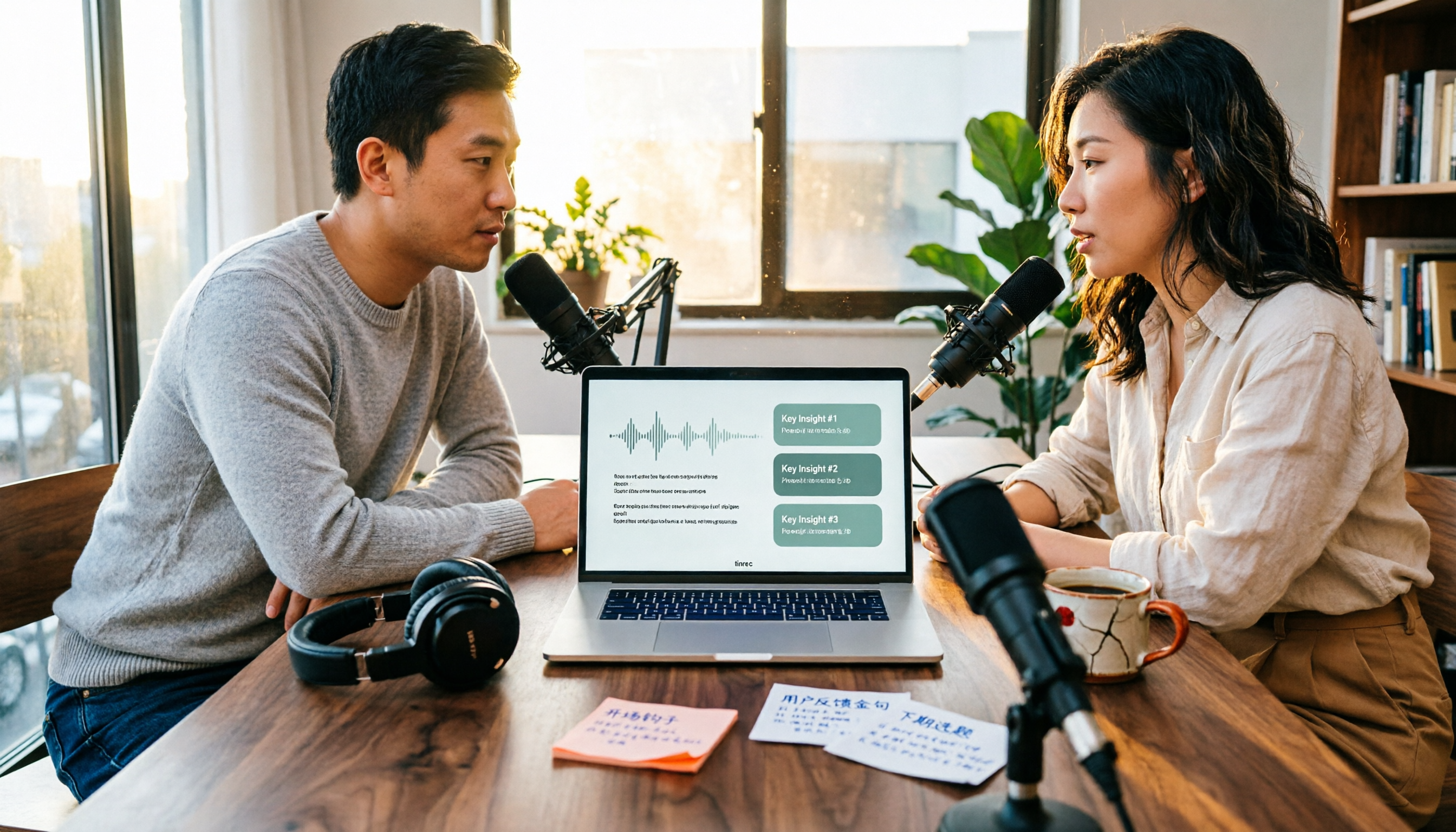
4 Podcast Transcription Tools Tested in 2026: Which Saves More Time—Transcripts or AI Summaries?
The same podcast audio file yields completely different results when run through four tools. This hands-on test compares Tinrec, Apple Podcasts' built-in transcripts, Notta, and TurboScribe, covering transcript readability, AI summaries and Q&A, export formats, and team collaboration. We also highlight common pitfalls around free quotas and per-file limits to help you find the most time-saving podcast transcription workflow.