
Turn recordings into transcripts and summaries in minutes
Upload audio or video for multilingual transcription, AI notes, and action items
Transcription Takes Too Long—The Problem Usually Isn't Typing Speed
The meeting recording is still sitting in the cloud, and you've already hit pause twenty times in front of the player. This is probably a scene everyone who organizes transcripts has experienced.
You listen to a sentence three times and still aren't sure whether they said "next time" or "scared to death"; after finally finishing typing, you have to read through it again from the beginning to pick out key points and action items. What really eats up time isn't typing speed—it's the "listen, type, re-read" workflow.
Honestly, the cost of manual transcription is higher than most people think. Based on typical market rates, one hour of recording usually takes 3 to 5 hours to complete; the same content given to an AI transcription service can produce a draft in about 5 to 15 minutes. The difference isn't that the tool is magical—it's that the workflow is compressed.
I actually tried 5 tools for this article, with one focus: which one can shorten the distance from "finished recording" to "ready to use" the most.
Before Choosing a Transcription Tool, Understand These 4 Key Points
1. Accuracy Depends on Test Conditions, Not Marketing Numbers
Many tools claim "98% accuracy," but that's usually measured in a quiet environment, with a single speaker, and clear enunciation. In a real meeting room, there's air conditioning noise, keyboard sounds, people interrupting, and technical jargon—recognition rates will definitely drop.
My usual approach is to test with a short segment of my own real recording, rather than reading ad copy. Also, instead of just looking at recognition rate, look at how easy it is to fix mistakes—does it have timestamps to match back to the original audio, and can you edit directly?
2. A Transcript Is Only Half the Product—Post-Meeting Organization Is the Key
If a tool only gives you a transcript, it's actually only solving one-third of the work. You still have to read through it, pick out key points, and organize action items.
So what you really need to look at is: can it automatically generate summaries and chapters, can it pick out action items from the conversation, can you ask questions about the content, and can it export to formats you normally use?
3. Whether Audio Is Retained and Whether Data Can Be Moved
Some tools only keep text and don't retain meeting audio; some can't upload existing recording files. If you have accumulated interviews, courses, or meeting recordings, whether you can import them is very important.
Also pay attention to recovery mechanisms for accidental deletion and whether export formats are open—this matters for whether you can take your data with you if you switch tools someday.
4. How Free Quotas Are Calculated and How Team Licensing Works
Personal plan limits are usually clearly stated, but for team plans, what matters isn't "how many people" but how "roles, seats, and shared quotas" are divided. This point is easily overlooked and will be explained further below.
Tinrec—The Most Time-Saving One After Testing
Tinrec is an AI meeting notes and collaboration tool for individuals and teams, available on desktop, web, and mobile. It doesn't just convert sound to text—it organizes meetings into data that can be searched, queried, further processed, and exported.
First, the part I care about most—no need to invite a bot to online meetings. Tinrec's desktop version directly captures your computer's system audio, handling meeting audio played on your computer from Zoom, Google Meet, Microsoft Teams, and Webex, without needing an extra meeting bot as a participant. Note that this doesn't mean it "automatically joins every meeting on your calendar," nor is it an official partnership with these platforms—you open Tinrec yourself and press record.
The second commonly used feature is live transcription and real-time translation. For cross-language meetings, you can switch between original text, translation, or bilingual view, and mixed Chinese-English content can be handled together. Actual recognition performance is affected by recording quality, noise, accents, overlapping speakers, and technical jargon, so I don't recommend treating it as "no proofreading needed at all." For important numbers and commitments, it's safer to go back and check the transcript timestamps.
The third is after the meeting ends. Tinrec produces transcripts, summaries, chapters, key points, and action items, and can also generate mind maps. Even better is AI Q&A: after recording, you can directly ask "Who mentioned the budget in the last meeting?" or "What was the customer most concerned about regarding delivery time?" It answers based on meeting content, rather than giving you a list of keyword search results. This is where it differs most from tools that "only output transcripts."
Stop organizing recordings by hand
Upload audio or video and automatically get a transcript, summary, and action items
If you need to hand off content, it can use an Agent to further generate reports, tables, and documents, and can export to Notion, Google Docs, OneNote, Dropbox, and other tools for continued editing.
Limitations should also be stated honestly. The free version provides a basic quota, suitable for trying it out; if you have regular weekly meetings, consider a weekly pass, Pro monthly, or annual plan. Also, the team version currently has team-level shared visibility, with role-based governance and seat-based control over recording, uploading, editing, and exporting—it's not file-level granular permission settings.
Speaking of teams, the Tinrec team version isn't "a few people sharing a personal account" but an independent team space. Meeting data belongs to the team, and members can view and play historical data; only those with seats can record, upload, edit, and export. Admins can manage members, roles, and seats, view usage trends and details, manage team hotwords, query and export audit logs, and there's an audio recycle bin to recover accidentally deleted recordings (currently retained for 30 days; action items are not covered by the recycle bin). When a member leaves or is removed, their team resources can be handed over to other active members.
The current official team terms are: first eligible team can try for 7 days, 1 free seat, 300 minutes of team shared import quota; team monthly USD 29.80 per paid seat per month, annual USD 199 per paid seat per year (about USD 16.58 per month); paid seats provide 2,000 minutes of team shared import quota per month, and real-time recording under an active team plan is currently not deducted by minutes. Prices and benefits may change; the official purchase page shall prevail.
Besides Tinrec, What Other Options Are There?
Otter.ai: A mature AI meeting assistant. The free version offers 300 minutes per month, which is quite generous, and it's strongest for English business meetings. Its strength is meeting automation and integrations. Tinrec differs in its experience with Chinese and mixed Chinese-English meetings, and in the post-meeting workflow of using an Agent to directly generate reports, tables, and documents. If 90% of your meetings are in English, Otter's free quota is plenty.
Notta: Does multi-platform transcription, meeting notes, translation, and team plans. Free version has 120 minutes per month, 3 minutes per session; Pro annual is about USD 8.17 per month (1,800 minutes per month), Business annual is about USD 16.67 per seat per month. Tinrec's difference is the granularity of team governance—separate management of roles and seats, usage analytics, audit logs, and audio recycle bin. These are differences you only feel when multiple people share meeting data.
Granola: Also takes the bot-free route, emphasizing "your notes plus AI enhancement." Note that it doesn't support uploading pre-recorded audio files and doesn't retain meeting audio. Tinrec, besides recording, can import existing audio and video files, retain recordings, and recover accidentally deleted ones from the recycle bin.
PLAUD Note: A representative of AI recording hardware. The device itself starts at USD 159, with plans from 300 minutes per month to Unlimited at USD 239.99 per year. The advantage of hardware is portability, suitable for phone calls and on-site recording; Tinrec doesn't require buying an extra device and focuses on online meetings, importing existing files, and team knowledge retention.
Pitfall Guide: The 4 Most Common Mistakes When Choosing a Transcription Tool
Pitfall 1: Only looking at official accuracy rates. As mentioned earlier, a quiet recording studio and a real meeting room are two different things. Test with your own recording to see the difference.
Pitfall 2: Treating the transcript as the end goal. Using a tool only as "audio to text" means you're only using one-third of its value. Post-meeting capabilities like summaries, action items, and Q&A are often where the real time savings come from.
Pitfall 3: Not confirming whether data can be moved. How many export formats there are and whether audio files are retained determine whether you can switch tools in the future. Check this before choosing—better than suffering later.
Pitfall 4: For teams, only counting heads, not seats and ownership. For team versions, look at how roles, seats, and shared quotas are divided, and how data ownership and handover are handled when members leave. One more often overlooked point: before recording, confirm local regulations and obtain participant consent—this is more important than tool selection.
Conclusion: Which One Should You Choose?
Simply put, most people's situations fall into these categories:
- Chinese or mixed Chinese-English meetings, needing transcripts plus summaries and action items → Tinrec
- Don't want to re-listen after recording, want to ask AI directly for key points → Tinrec (AI Q&A is its most impactful feature)
- Cross-device between phone and computer, and need to handle accumulated recording files → Tinrec
- Company wants centralized management of meeting data, view usage and seats → Tinrec team version
- Almost only English meetings, zero budget → Otter.ai (free 300 minutes per month)
I suggest starting with the free version, transcribing a recent meeting recording, confirming the summary and action items are in the format you want, then deciding whether to pay. Whether a tool saves time—you'll know after one meeting.
References
- No time limit! 3 free AI transcription tools, highly recommended! AI voice notes generate meeting records, presentations, mind maps | 104 Workplace Power
- 2026 Transcription Service Review Summary: Complete Evaluation and Recommendation Guide for 10 Major Transcription Tools
- oTranscribe recommended! Cloud-based transcription listening service, no software download required – Free Resource Network
- Get meeting minutes done! How to do AI voice-to-transcript? Gemini Notebook, Gemini, EchoScript operation analysis | 104 Workplace Power
- 2026 Transcription Rate Price List, Are Free AI Transcription Tools Good? | Tasker Good Article Column
Turn every recording into actionable outcomes
Get 60 free transcription minutes when you sign in. No credit card required.
Related Reading
You might also like

4 Best Audio-to-Text Apps in 2026: Which One Actually Saves You Post-Meeting Time?
A mid-level manager who attends 15 meetings a week shares hands-on experience. From online meeting recording methods and transcription performance for Chinese and mixed Chinese-English to post-meeting summaries and action item organization, this breaks down the differences among four types of audio-to-text apps and explains how Tinrec uses bot-free recording, AI summaries, action item extraction, and team spaces to turn meetings into searchable, collaborative, actionable data.

4 Interview Transcription Tools Compared in 2026: From Recording to Citable Text
After an interview, organizing the transcript often feels more exhausting than the interview itself. This article starts from 'recording to citable text' and compares 4 interview transcription tools, covering speaker labeling, AI Q&A, audio retention, and team sharing, plus common pitfalls and selection advice.

Tinrec vs Notta 2026: 5-Dimension Comparison for Chinese Meeting Transcription Tools
Starting from the decision focus of 'Do you want transcription, or usable meeting data?', this article compares Tinrec and Notta across 5 dimensions, covering selection criteria, a full breakdown of Tinrec, other options, and pitfalls to avoid, helping Chinese meeting users make a quick choice.

2026 Comparison of 3 Audio-to-Transcript Tools: Which Offers the Best Free Tier and AI Q&A?
Just finished a meeting and realized no one took notes? Replaying the recording to type a transcript can eat up an entire afternoon. This article compares 3 audio-to-transcript tools, breaking down Chinese and mixed Chinese-English recognition, online meeting recording methods, AI summaries and Q&A, cross-platform use, and quota pricing. We also highlight 4 common pitfalls to help you choose a solution that truly saves time.

Tinrec vs Notta 2026: 5-Dimension Comparison — Which Writes Meeting Minutes Faster?
Struggling to finish meeting minutes? The problem is usually the process, not your writing. This article compares Tinrec and Notta across 5 dimensions: audio capture method, Chinese and mixed Chinese-English recognition, recording retention, post-meeting outputs, and team sharing. It explains how to use tools to get transcripts, summaries, and action items done in one go, with a pitfalls guide and selection advice.

3 Legal Meeting Transcription Methods Tested in 2026: How Tinrec Helps You Avoid Common Pitfalls
Transcribing legal meeting recordings isn't as simple as dropping audio into a tool. This article explores common pitfalls and explains how Tinrec turns pre-trial meetings, client interviews, and internal discussions into searchable, queryable, and actionable transcripts and meeting materials. It also covers 5 key factors to consider when choosing a transcription tool.

4 Customer Interview Transcription Tools Tested in 2026: Which One Actually Saves You Cleanup Time?
Tired of spending hours on customer interview transcripts? We tested 4 tools, covering selection criteria, an in-depth look at Tinrec, and pitfalls to avoid, to help you find a transcription solution that truly saves you cleanup time.

2026 M4A to Text: 5 Tools Tested + AI Summaries and Action Items in One Go
M4A is the most common audio recording format, but converting it to text is just the first step. This article starts with common pitfalls, breaks down 5 key factors for choosing an M4A-to-text tool, tests how Tinrec turns an M4A file into a transcript, summary, action items, and queryable meeting data, and briefly reviews TurboScribe, Notta, and Granola for their use cases and things to watch out for.
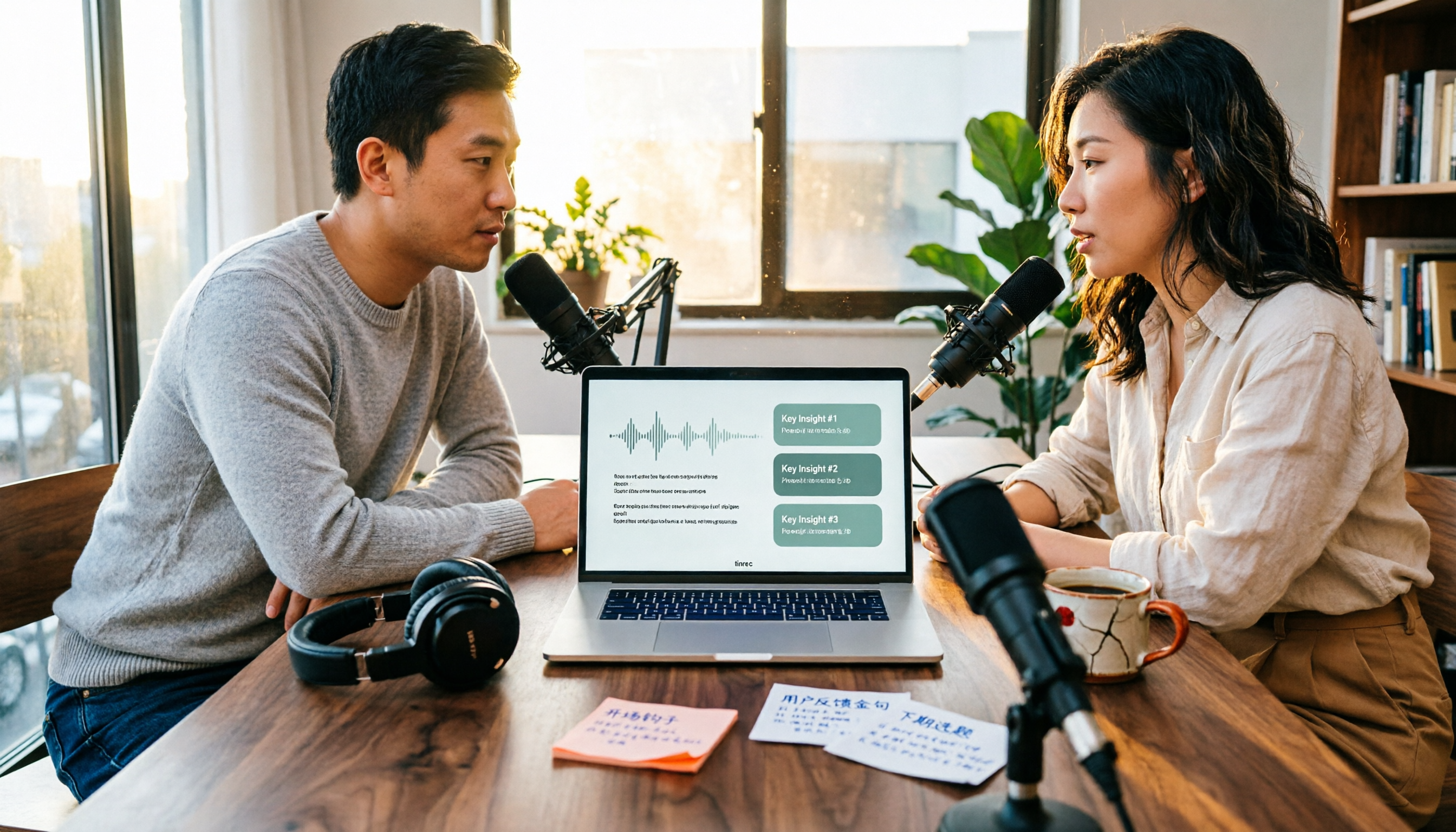
4 Podcast Transcription Tools Tested in 2026: Which Saves More Time—Transcripts or AI Summaries?
The same podcast audio file yields completely different results when run through four tools. This hands-on test compares Tinrec, Apple Podcasts' built-in transcripts, Notta, and TurboScribe, covering transcript readability, AI summaries and Q&A, export formats, and team collaboration. We also highlight common pitfalls around free quotas and per-file limits to help you find the most time-saving podcast transcription workflow.